 By Alex Tapio
 Finoya alternatives
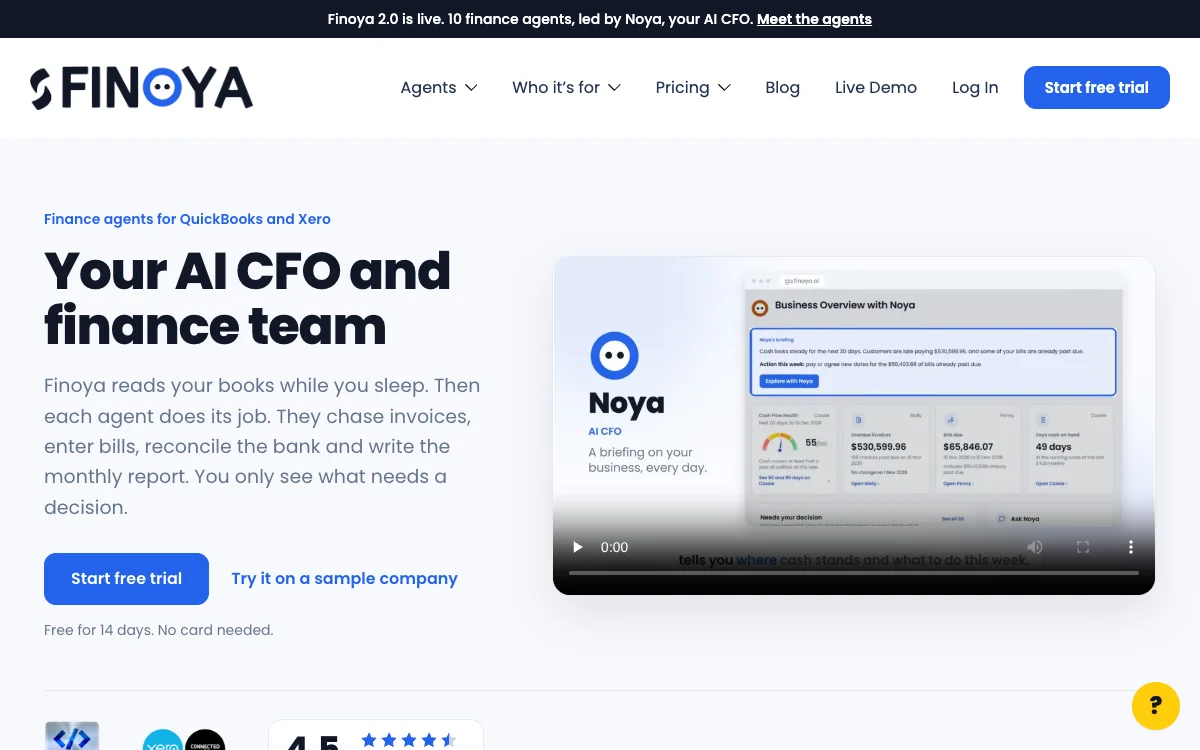
People look for Finoya alternatives for a few reasons. Some want a person in the loop: Finoya describes software agents, and we found no review team or human CFO in our sources. Others need more planning depth than a 12-month cash projection, such as a three-statement forecast for a lender or an investor. And Finoya describes no Excel model output, so anyone who needs a file to send or keep has to look elsewhere.
What is Finoya?
Finoya is a set of AI finance agents for small businesses on QuickBooks or Xero. Ten named agents, led by Noya, which Finoya calls your AI CFO, cover cash, monthly reports, accounts receivable, accounts payable, bank reconciliation, anomalies, expenses, budgets and valuation. Finoya says it reads your books overnight, then each agent does its job: it chases invoices, enters bills, reconciles the bank and writes the monthly report, so you only see what needs a decision. Its site names small business owners, accountants and bookkeepers, and fractional CFOs as users.
Finoya at a glance
Finoya publishes its prices. Basic costs $30 a month for 5 agents, and Ideal costs $50 a month for all 10. Paying yearly gives 2 months free, and there is a 14-day free trial; the homepage says no card is needed. You can also try it on a sample company before you connect your books. What you get is the agent team, a daily briefing from Noya and a 12-month cash projection with sliders. Finoya says every figure is worked out in code from your books, and the AI only writes the words around them.
Quick picks
Finoya is the first row. The alternatives range from AI bookkeeping with human review to AI CFO software and spreadsheet tools, so the type column matters most here. Finoya is one of the cheapest options on the page, and the price column shows how quickly cost rises once people are involved. The Excel columns show which tools leave you with a file.
| Tool | Best for | Type of tool | Price (entry plan) | Works in | Free option | Builds the model for you | Excel file you keep | AI edits your file | Templates library |
|---|---|---|---|---|---|---|---|---|---|
| Small businesses on QuickBooks, Xero | AI finance agents | $30 or $50/mo | Web app, QuickBooks, Xero | Yes: 14-day trial | Yes: 12-month cash projection | No: No Excel output described | No: Agents work in books | Not stated: Not stated |
 | Done-for-you books with review | AI bookkeeping service | From $549/mo | QuickBooks Online, NetSuite | No: None listed | Yes: AI CFO forecasts | Not stated: Export not re-verified | No: AI CFO answers questions | Not stated: Not stated |
FC FCFO.ai | AI close with human approval | AI finance platform | Not public | Web app, QuickBooks | No: None listed | Not stated: Forecasting module listed | No: Platform, not spreadsheets | No: Drafts go for approval | Not stated: Not stated |
 | An Excel model for lenders | Ready models + AI | $20/mo or $120/yr | Web app, Excel file | Yes: 30 models + free samples | Yes: Fina chat builds it | Yes: .xlsx, formulas visible | Yes: Fina chat edits it | Yes: 500+ models |
 | AI model from live actuals | AI CFO software | From $375/mo, yearly | Web app, Slack | Yes: 14-day trial | Yes: Ari builds the model | Not stated: Not confirmed | No: Builds in its app | No: Built from your actuals |
 | Fractional CFOs with own models | AI workspace | From $39/mo, yearly | Web app | Not stated: Free try, terms not stated | No: Uses your models | No: Insights in its workspace | No: Works in its workspace | Not stated: Not stated |
 | QuickBooks data live in spreadsheets | Spreadsheet sync | Demo only | Excel, Google Sheets | Yes: Free templates | No: You build it | Yes: Live in Excel, Sheets | No: AI pulls reports | Yes: 100+ reporting templates |
yes · no · not stated in the vendor's sources. Hover a mark for details. From each vendor's own site; prices change, so check before you buy.
1.Zeni
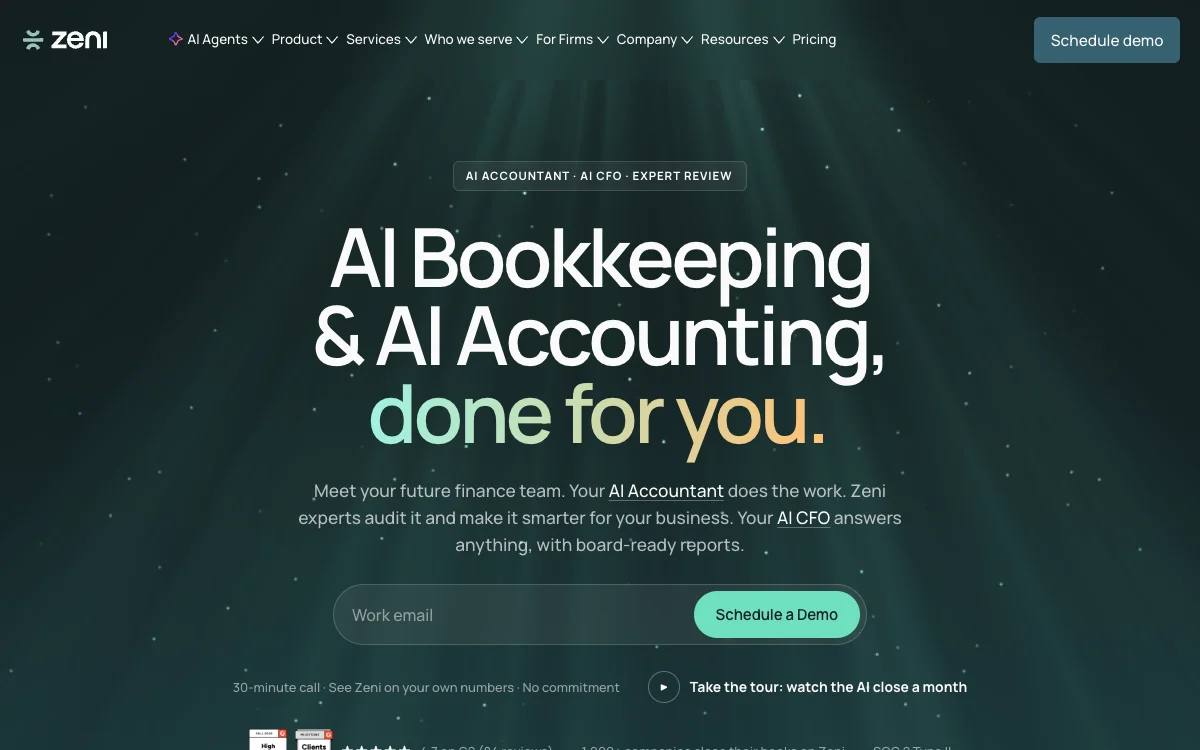
Zeni is an AI bookkeeping and finance service on QuickBooks Online or NetSuite. An AI accountant does the bookkeeping, Zeni's finance team reviews it, and an AI CFO answers questions and produces reports, with a human fractional CFO available as an add-on.
Zeni's own line is that your AI accountant does the work and Zeni experts audit it. Bookkeeping and the monthly close run on your QuickBooks Online or NetSuite file, and the AI CFO answers questions from the closed books with board-ready reports, flux analysis and forecasts. The human fractional CFO plans add modelling, budgeting, fundraising and board preparation. Zeni states SOC 2 Type II and says more than 1,000 companies close their books on it.
It suits growing businesses and startups that want the books done for them, with a person checking the work, rather than software they run themselves. The fractional CFO add-on matters most for a company heading into a fundraise or a board meeting.
That human layer is the main gap between Zeni and Finoya. Finoya's agents do the work and you approve the decisions; Zeni puts a review team behind the AI. The price reflects it. AI Bookkeeping starts at $549 a month on Starter and $799 on Growth, or $494 and $719 a month billed annually. CFO Lite costs $1,599 a month, a higher tier $2,990 and the top tier from $4,990. Even Starter costs more than ten times Finoya's Ideal plan. No free plan or trial is listed, and the first step is a 30-minute demo call.
- Price
- AI Bookkeeping from $549 a month, or $494 billed annually. Fractional CFO from $1,599 a month.
- Free option
- None listed.
Pros
- A finance team reviews the AI's work
- Human fractional CFO add-on
- States SOC 2 Type II
Cons
- Starts at $549 a month
- No free plan or trial listed
Pick it if you want the books done for you and checked by people.
2.FCFCFO.ai
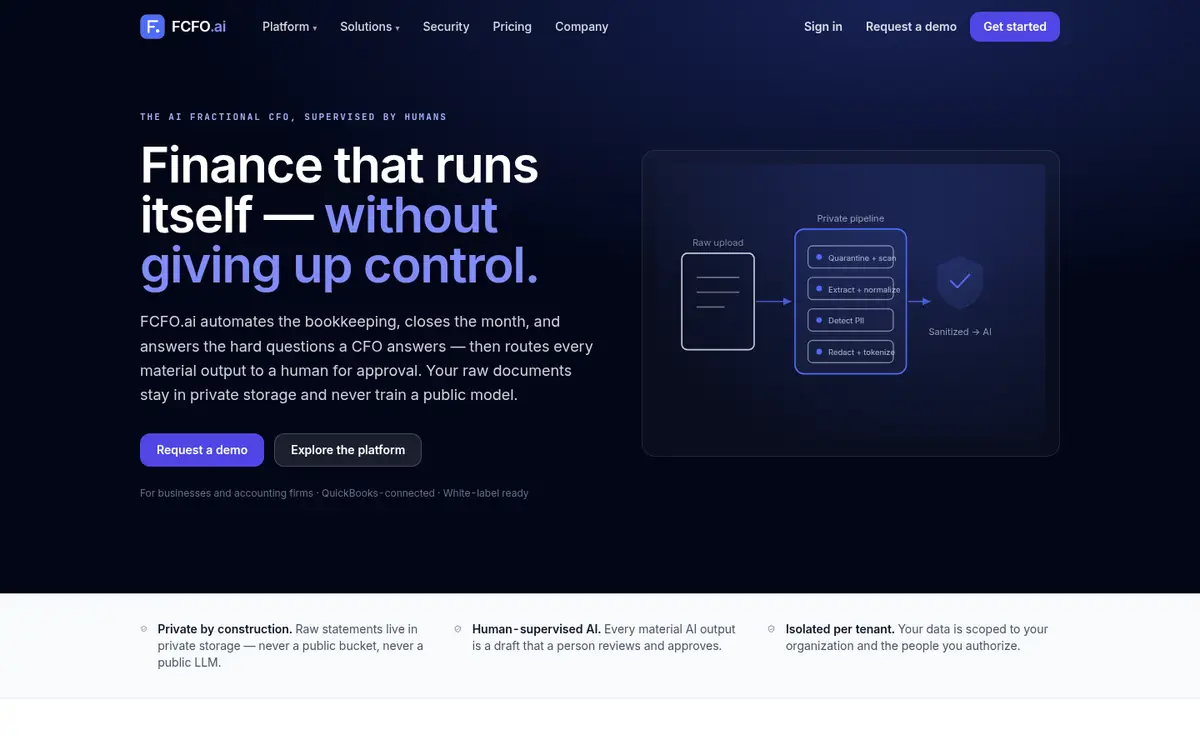
FCFO.ai is a platform that automates bookkeeping and the monthly close, answers CFO-style questions and routes material AI output to a person for approval. It sells to businesses that want a full finance function without hiring one, and to accounting firms and fractional CFO practices through a white-label edition.
The platform connects to QuickBooks. It handles bookkeeping and month-end close, drafts answers to the questions a CFO would answer, and sends every material output to a human who reviews and approves it. Forecasting and planning are listed as a module. The homepage also says raw documents stay in private storage and never train a public model. The white-label edition lets a firm set the logo, colours, domain, email identity and AI policy for each client tenant.
It fits a business that likes the AI CFO idea but wants a sign-off step built in, and firms that want to offer that service under their own brand. The deliverable is the platform itself; FCFO.ai says it is not a folder of spreadsheets.
Compared with Finoya, FCFO.ai puts more weight on control: approval of material outputs, separate tenants and white-labelling. Finoya wins on openness. It shows its prices and a sample company to try, while FCFO.ai shows no public price and starts with a demo request. We could not see who runs FCFO.ai, and it lists no customers or reviews, so treat it as an early product. Its own site says its figures describe the platform's design and controls, not a performance guarantee.
- Price
- No public price. Demo first.
- Free option
- None listed.
Pros
- Human approval of material AI output
- White-label edition for firms
- Documents kept in private storage
Cons
- No public price
- No customers or reviews shown
Pick it if you want AI bookkeeping and close with a human sign-off step.
3.Finamodel

Finamodel is a library of ready Excel financial models with an AI assistant called Fina. It does not touch your books: it gives you a model file for planning, raising money or valuing the business.
You pick a model, such as a three-statement model, a cash flow model or a startup financial model, and tell Fina about the business. Fina builds, edits, explains and fixes the model for that case, so you can test a hire, a price change or a loan before you commit. Version history lets you restore any earlier file. You download a normal .xlsx file with every formula visible; it works without Finamodel and opens in Excel, Google Sheets and Numbers.
Typical users are small business owners who need a forecast for a bank or an investor, and bookkeepers or fractional CFOs who build those forecasts for clients. Read-only links to QuickBooks, Google Sheets, Google Drive and 42 other apps can bring in your figures, and a voice walkthrough of a model helps someone who did not build it. You can try one of 30 free models with live formulas, or a free sample of any other model without formulas, sent by email link. The library is free to browse, so you can check that a model fits before you pay.
Next to Finoya, Finamodel does none of the daily finance work. It does not reconcile the bank, chase invoices, enter bills or write a monthly report, and it has no daily briefing. It is also not an Excel add-in: you work in the Finamodel app, then download the file. Support is by email. Where it helps is the step after the books are clean, when you need a longer forecast, a valuation or a lender model in a file you can send. Finoya's cash projection and valuation agent give a quick read; Finamodel gives you the full workbook.
How it works
- Pick a ready model, such as a DCF or a 3-statement model, from a library of more than 500.
- Ask Fina chat to change, explain or fix it for your case and your numbers.
- Download a real .xlsx file. Every formula is visible, and it works without Finamodel. It opens in Excel, Google Sheets and Numbers.
- Price
- Models plan: $20 a month or $120 a year. All Templates: $30 a month or $144 a year. You can cancel at any time.
- Free option
- 30 free models with live formulas, and a free sample of every other model, with values but no formulas. Both are sent by email link, one model email per email address per day. The library is free to browse.
Better than Finoya at
- A real .xlsx file you can send to a lender
- Three-statement and longer forecasts
- Fina chat changes the model for your case
Worse than Finoya at
- No bookkeeping, reconciliation or invoice chasing
- No daily briefing from your live books
- Support is by email only
Models that fit: 3 Statement Model, Cash Flow Model, Startup Financial Model.
Pick it if you need a forecast or valuation model as a file, beyond what your books show.
4.cfo.ai
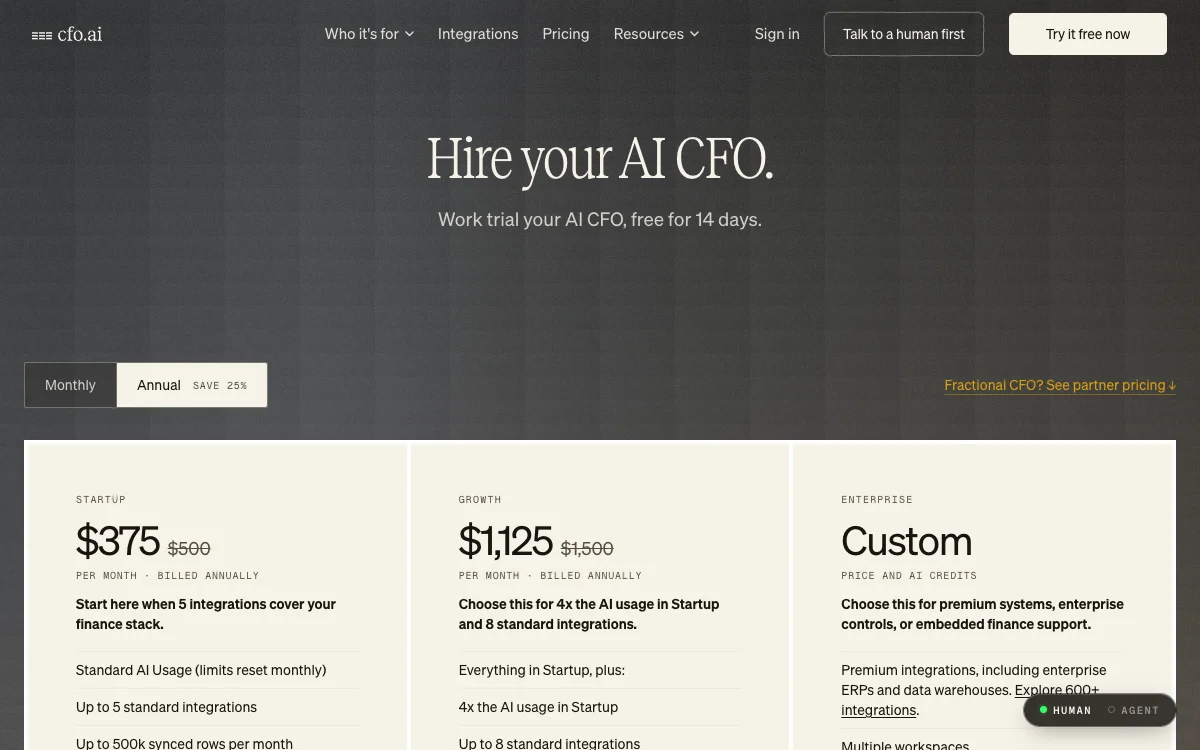
cfo.ai, formerly Runway FP&A, sells Ari, an AI CFO that builds and maintains a company financial model from chat. It is aimed at founders and CEOs, chiefs of staff and finance teams, plus fractional CFO practices on a per-client partner rate.
You connect QuickBooks, Xero, Stripe, Salesforce, Rippling, Google Sheets, Google Drive or CSV files, ask a question, and Ari builds the model from your actuals and shows what changes. Every figure traces back to its formula inputs and source rows, so a wrong number leads you to the input behind it. If you already have an Excel or Sheets model, Ari can import it and build a tie-out page between the workbook and the new model. Scenarios, visual what-if blocks, board-deck drafts and scheduled triggers sit on top, and every write is logged and can be undone.
It suits a founder or finance lead who wants a living model without building one, and who runs several systems beyond the books. Many older sources still use the Runway name.
Against Finoya, cfo.ai is a step up in modelling and in price. Finoya projects cash 12 months ahead from your books; Ari builds a full company model across your systems. Startup costs $375 a month billed annually, or $500 monthly, and Growth costs $1,125 a month billed annually, or $1,500 monthly. Enterprise is custom, and the partner rate starts at $262.50 per client per month. Both offer a 14-day free trial. cfo.ai's sources describe no invoice chasing or bill entry, which Finoya's agents handle.
- Price
- Startup $375 a month billed annually ($500 monthly). Growth $1,125 a month billed annually.
- Free option
- A 14-day free work trial.
Pros
- Builds a full model from live actuals
- Every figure traces to its source rows
- Imports an existing Excel model
Cons
- Starts at $375 a month billed annually
- No bookkeeping tasks described
Pick it if you want an AI CFO that builds a full company model from your systems.
5.Knolli
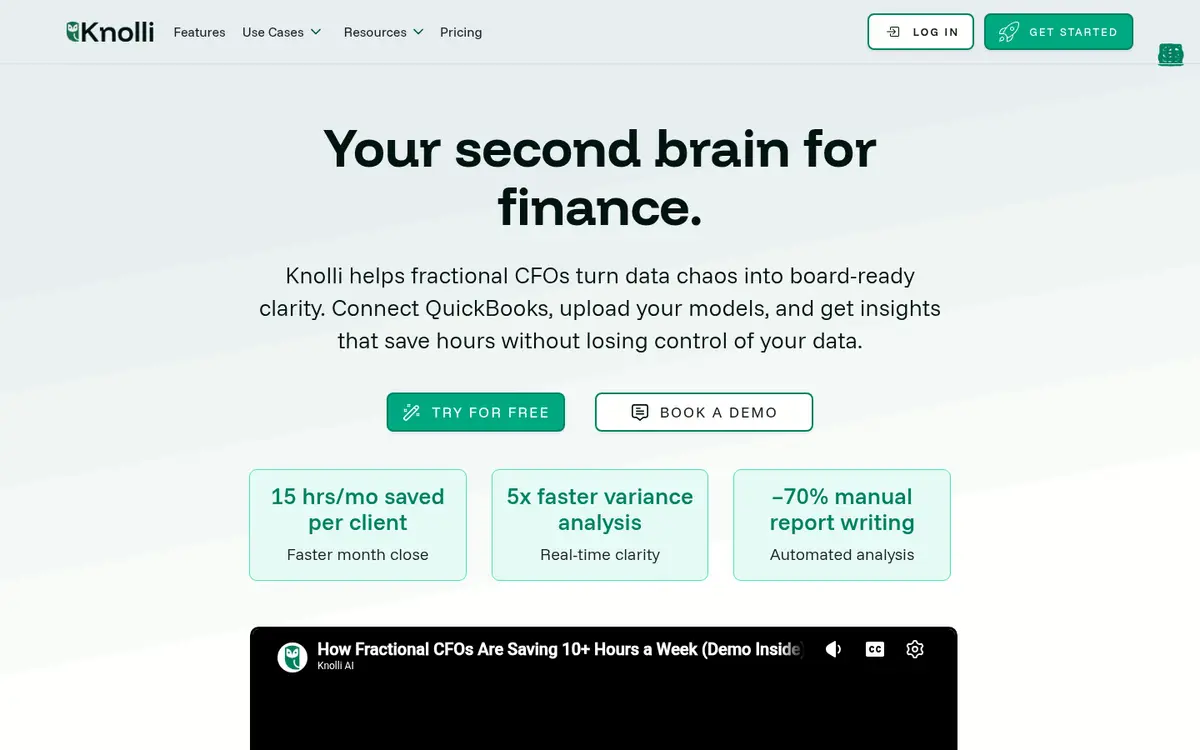
Knolli offers an AI workspace for fractional CFOs. You connect QuickBooks or Xero, or upload your existing models, then run copilots for cash-flow forecasts, budgets, scenarios, variance analysis and investor narratives.
The copilots adjust assumptions without rebuilding spreadsheets, Knolli says, and produce insights and narratives you can take into a board or client meeting. Because it works with models you upload, a CFO can keep a structure they already trust and add AI on top. White-label and private-cloud options are available. The page claims hours saved per client and faster variance analysis; those are the vendor's own figures.
Its fit is the fractional CFO who already has models and wants faster monthly analysis and write-ups across clients. Knolli is part of a wider general AI-copilot business, and the fractional CFO workspace is one use case among several. Named testimonials come from advisory firms, and the investor-readiness narratives help when a client is preparing to raise money.
Next to Finoya, Knolli is a tool for the adviser rather than the business owner. Finoya's agents do bookkeeping tasks such as reconciliation and bills; Knolli analyses the numbers and writes the story. Prices are published: Starter $49, Growth $199 and Business $499 a month, or $39, $159 and $399 a month billed annually, with custom Enterprise pricing. That puts Starter close to Finoya's Ideal plan, but a business owner would normally reach Knolli through an adviser who uses it. The output stays in Knolli's workspace as insights and narratives, not an Excel file, and we found testimonials but no review scores.
- Price
- Starter $49, Growth $199, Business $499 a month; $39, $159 and $399 billed annually.
- Free option
- A Try for free button; terms not stated.
Pros
- Works with models you upload
- Published monthly and annual prices
- White-label and private-cloud options
Cons
- Output stays in its workspace
- No bookkeeping tasks
Pick it if you are a fractional CFO who wants AI analysis on your own models.
6.LiveFlow
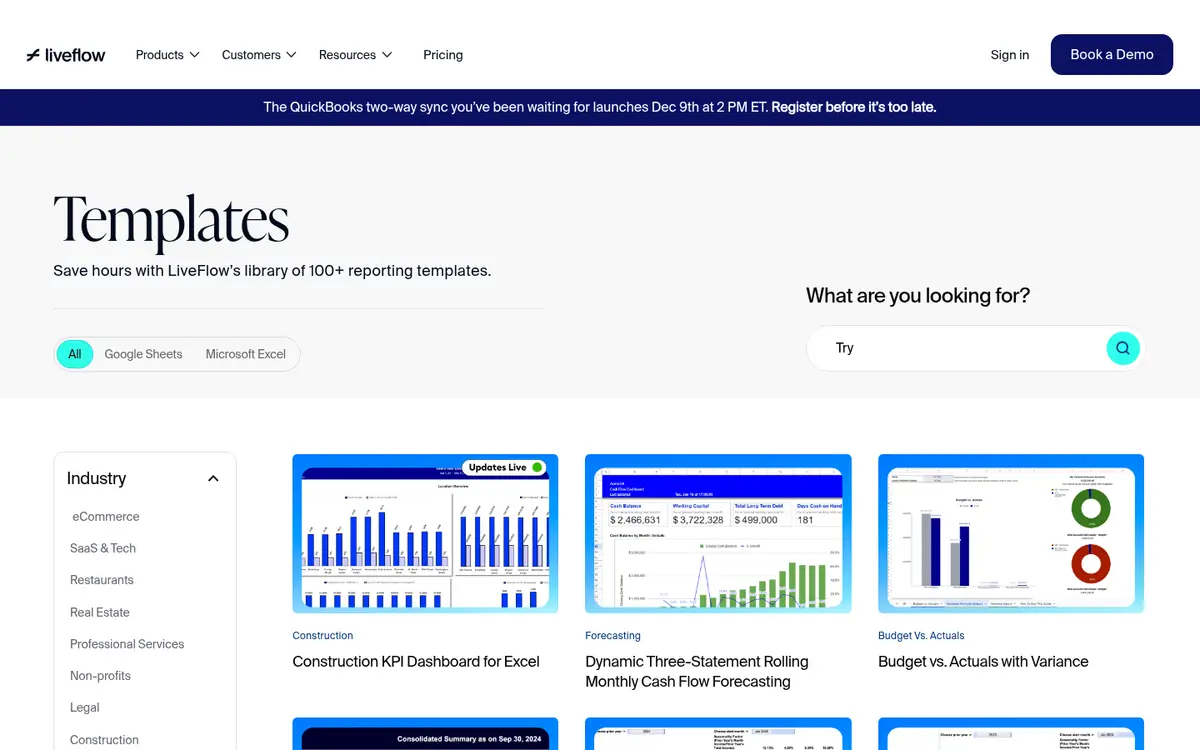
LiveFlow syncs QuickBooks Online data live into Excel and Google Sheets, with Xero support named on product pages. It adds consolidation, budgeting and a library of reporting templates, and it is built for accounting firms and in-house multi-entity finance teams.
You connect your QuickBooks files once, and reports refresh inside the spreadsheet you already use. New general ledger accounts flow into your models automatically. Consolidation handles account mapping, multiple currencies and department roll-ups, and FinanceIQ adds departmental budgeting. On the AI side, you can use your own AI agent to pull any QuickBooks report live into Excel or Google Sheets, and its connector for AI assistants shows the source and refresh time on every figure.
LiveFlow suits firms managing many client QuickBooks files, and owners or controllers who think in spreadsheets and want the numbers there without copying. Its free template library, including a three-statement rolling cash-flow forecast and budget vs actuals, is useful even before you buy.
The trade against Finoya is clear. Finoya does the work for you: agents chase invoices, enter bills and write the report. LiveFlow does none of that; it moves live data into spreadsheets where you, or your accountant, do the analysis. In return you keep full control of the file. For a small business without an accountant, that means more work, not less. LiveFlow shows no public price, says pricing is tailored to what you need and asks for a demo, while Finoya lists $30 and $50 plans. It also depends on a QuickBooks or Xero data source.
- Price
- No public price. Demo first.
- Free option
- A free library of Excel and Google Sheets reporting templates.
Pros
- Live QuickBooks data in Excel and Sheets
- Multi-entity consolidation
- Free reporting templates
Cons
- No public price
- Does no bookkeeping work for you
Pick it if you want your QuickBooks numbers live in your own spreadsheets.
Who should pick what
Finoya is cheap and does real work in your books, so an alternative should earn its higher price or fill a gap Finoya leaves. Decide first whether you want a person checking the work, a deeper model, or your numbers in a spreadsheet you control.
- AI bookkeeping with a review team, and a CFO when you need one: Zeni.
- AI finance with a human approval step, or a full model built from live actuals: FCFO.ai or cfo.ai.
- Fractional CFO analysis, or QuickBooks data live in spreadsheets: Knolli or LiveFlow.
- A ready Excel model that AI fits to your business: Finamodel.
Finoya's 14-day trial and sample company make it easy to test, so compare any alternative against it on your own books. If cost is the main worry, many small businesses can stay on Finoya and add a model file only when a lender or investor asks for one.
Frequently asked
How much does Finoya cost?+
Basic costs $30 a month for 5 agents, and Ideal costs $50 a month for all 10 agents. Paying yearly gives 2 months free. We checked these prices on 20 Nov 2026.
Is there a free version of Finoya?+
There is no free plan, but there is a 14-day free trial, and the homepage says no card is needed. You can also try Finoya on a sample company before you connect your books.
What are the main Finoya alternatives?+
For AI bookkeeping with human review: Zeni and FCFO.ai. For an AI-built company model: cfo.ai. For fractional CFOs: Knolli. For QuickBooks data in spreadsheets: LiveFlow. For a ready Excel model that AI changes for your case: Finamodel.
Does Finoya's AI calculate the numbers?+
Finoya says no. Every figure comes from your books and is worked out in code, and the AI model only writes the words around those figures.
Does Finoya work with QuickBooks and Xero?+
Yes. Finoya's agents are built for businesses on QuickBooks or Xero.
Finoya vs Finamodel: which should I pick?+
Pick Finoya if you want AI agents to handle cash, bills, invoices and monthly reports in your books. Pick Finamodel if you need a forecast or valuation model as an Excel file, at $20 a month or $120 a year.
Sources for Finoya (1), last checked 20 Nov 2026+
- finoya.ai · Homepage: agents, pricing, trust line · 20 Nov 2026
Each alternative's own page lists its sources.


