Budgeting Financial Model Templates
Free budgeting and corporate FP&A model templates in Excel - budget vs. actuals variance analysis, capex planning, payroll forecasting, and EBITDA bridges. Built for corporate finance teams, controllers, and FP&A leaders.
10 free Excel templates in Budgeting - free download with email signup.
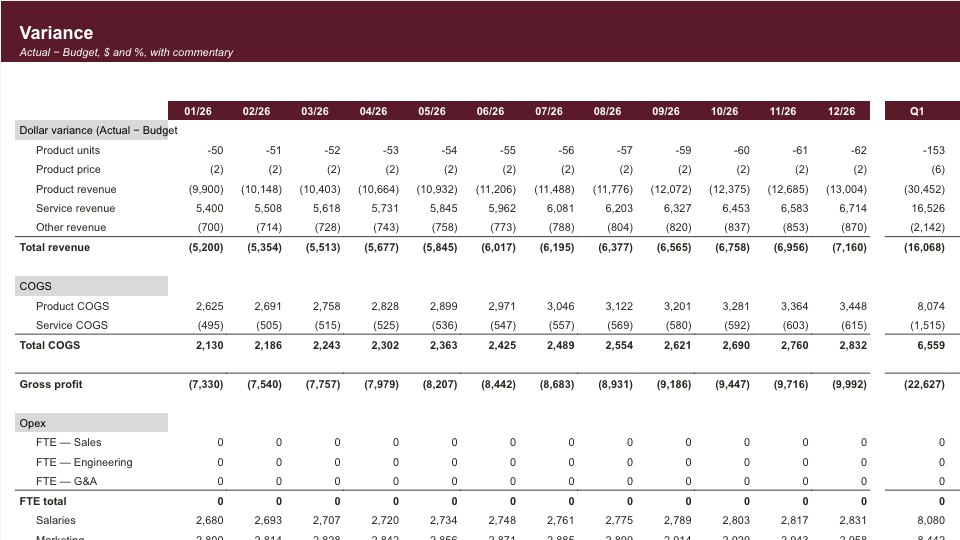
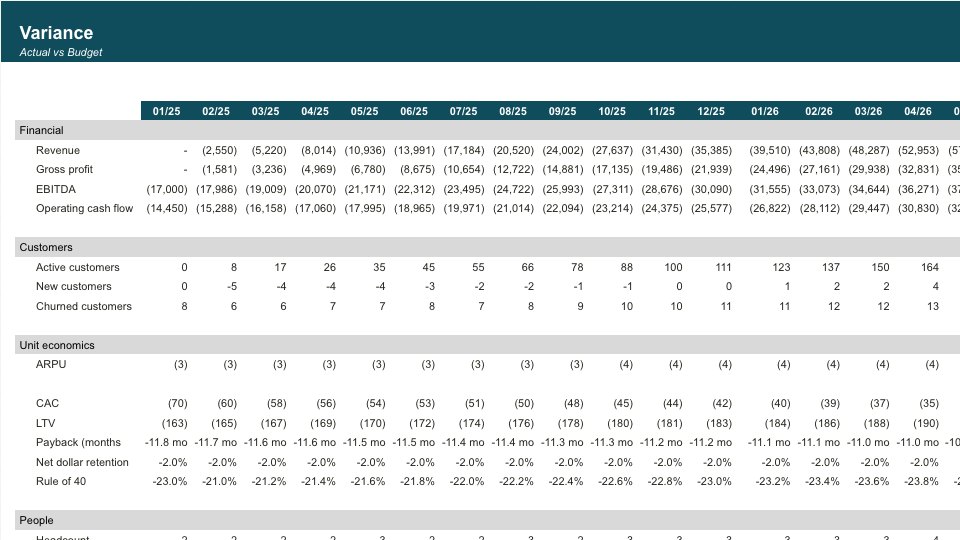
Budget vs Actuals Tracker
12-month operating P&L variance tracker with YTD summary.
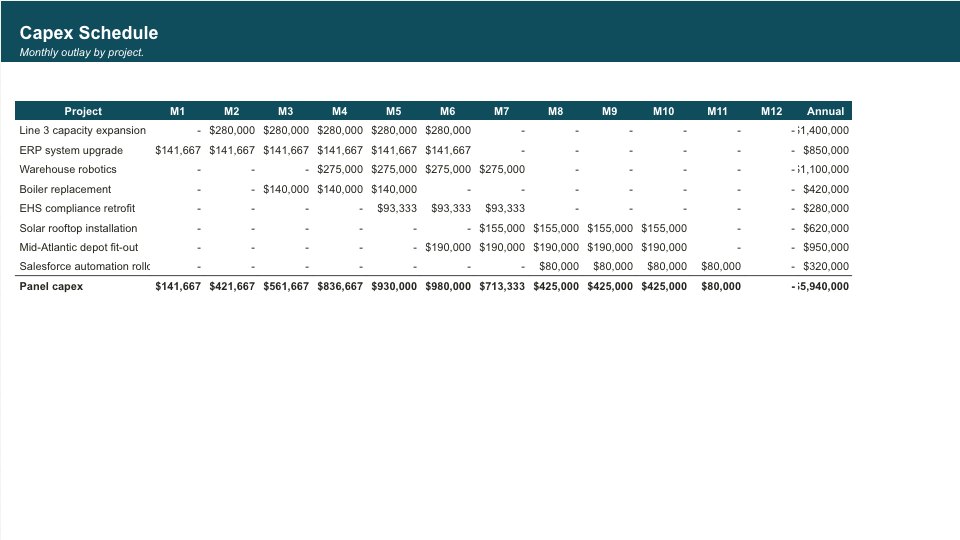
Capex Planning
12-month capex portfolio plan with NPV economics, budget envelope tracking, and traffic-light approval status.
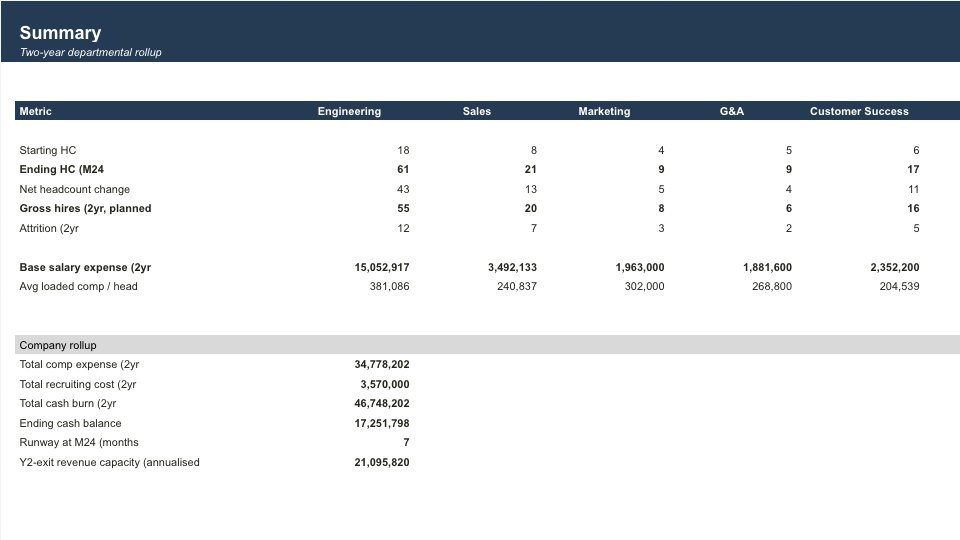
Hiring Model
12-month headcount, comp expense, and sales-productivity forecast across five departments.
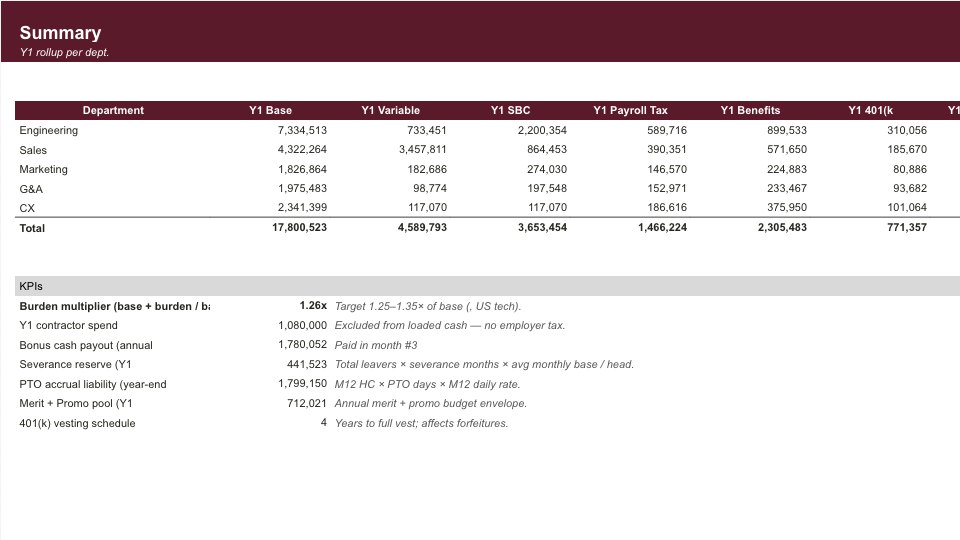
Payroll Forecast
12-month fully-loaded payroll forecast across five departments.
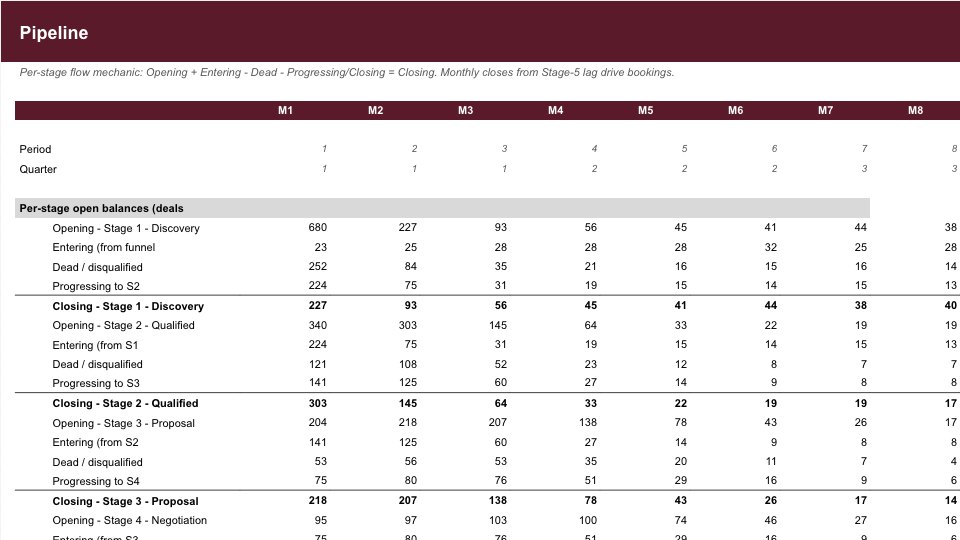
Revenue Pipeline
Weighted pipeline forecast with stage probabilities and slip analysis.
Board Reporting Pack
24-month KPI dashboard with month-on-month and year-on-year deltas.
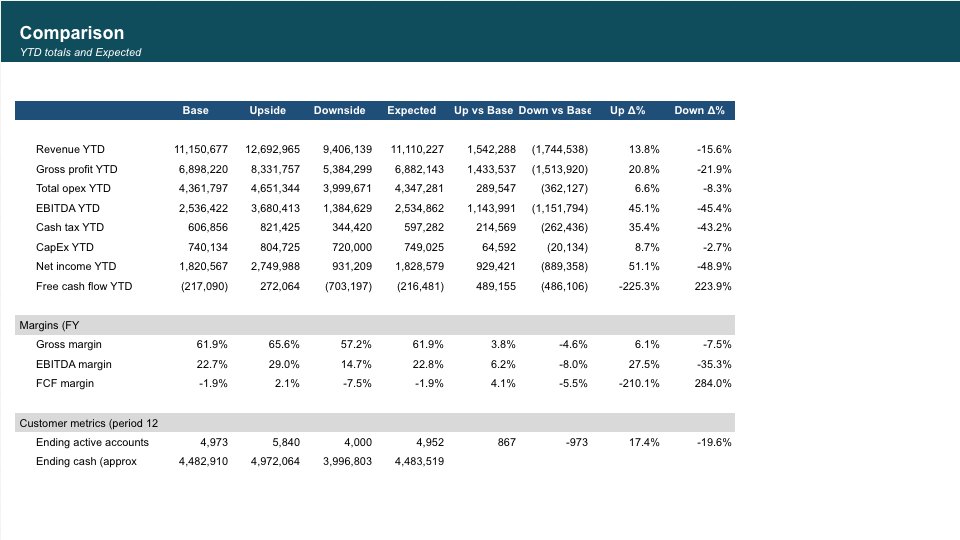
Scenario Planning
Base / Upside / Downside driver scenarios with side-by-side 12-month P&L.
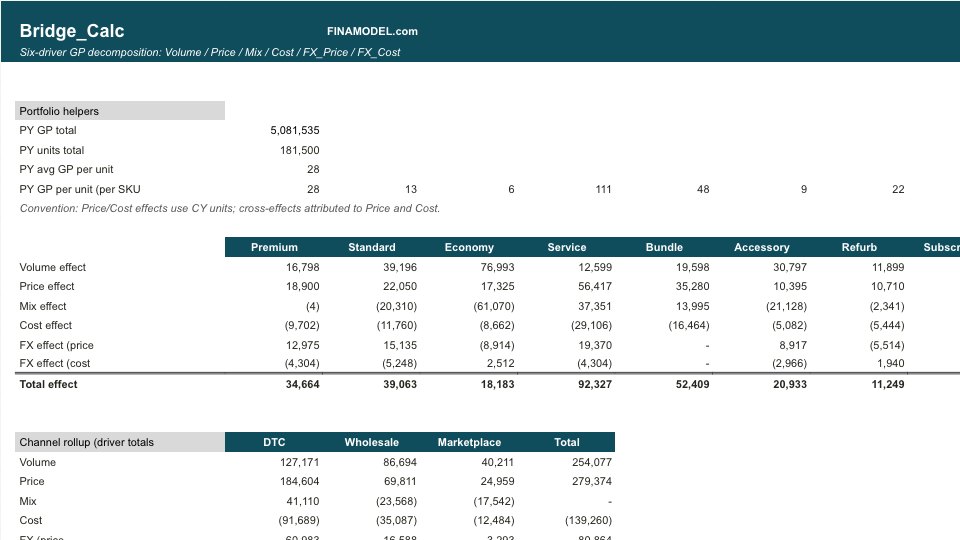
Gross Margin Bridge
PY to CY gross profit walk across Volume, Price, Mix, Cost, FX for a 5-SKU portfolio.
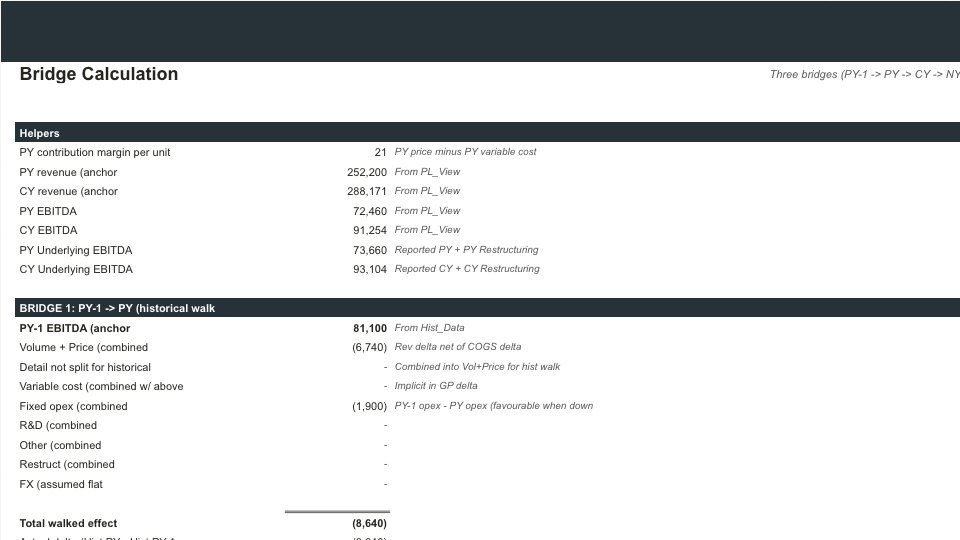
EBITDA Bridge
Year-over-year EBITDA bridge decomposing variance across volume, price, variable costs, FX, and opex drivers.
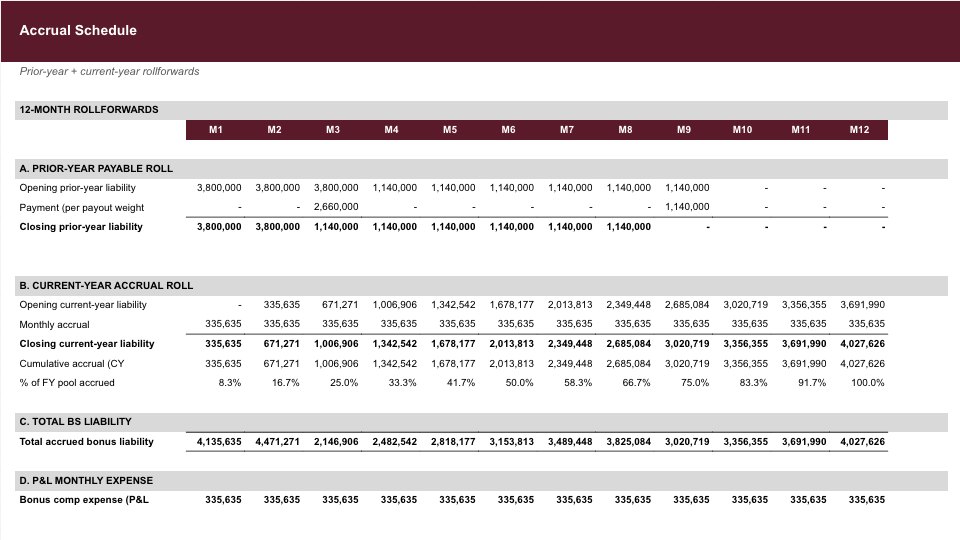
Bonus Accrual
Plan your annual bonus pool by department and track the monthly expense and payout.
Frequently asked
Are these templates really free to download?+
Yes. Every template is a free Excel download with live formulas after email signup. No credit card or paywall is required. Click any template, enter your email, download the .xlsx file, and open it in Excel, Google Sheets, or LibreOffice.
What tools are included for budget variance analysis?+
The templates include monthly budget vs. actuals trackers with dollar and percentage variances, rolling 12-month forecasts, and EBITDA bridges explaining operating discrepancies.
Can I customize the headcount and salary assumptions?+
Yes. The hiring and payroll models let you forecast headcount by department, start dates, salary bands, benefits loading, and bonus accruals with dynamic monthly timing.
Can I edit the models after downloading?+
Yes. The free downloads are unlocked Excel workbooks with live formulas, no macros, and no password protection. You can change assumptions, add rows, relabel line items, and adapt the structure.
Have more financial modelling questions? Contact us