Excel forecasts your finance team can actually maintain
Budgeting, forecasting, and scenario templates for FP&A teams. Keep your forecast flexible without turning spreadsheets into a bloated mess.
Used by professionals from






Financial Models for FP&A Teams
Select and download any template to begin customizing your projections.
Budget vs Actuals Tracker
12-month operating P&L variance tracker with YTD summary.
3 Statement Model
Integrated income statement, balance sheet, and cash flow forecasts.
Cashflow Model
Detailed monthly and annual cash flow projections with sweep and liquidity mechanics.
Working Capital Model
Model cash conversion cycle with DSO, DIO, and DPO to forecast working capital needs.
Hiring Model
12-month headcount, comp expense, and sales-productivity forecast across five departments.
Payroll Forecast
12-month fully-loaded payroll forecast across five departments.
Scenario Planning
Base / Upside / Downside driver scenarios with side-by-side 12-month P&L.
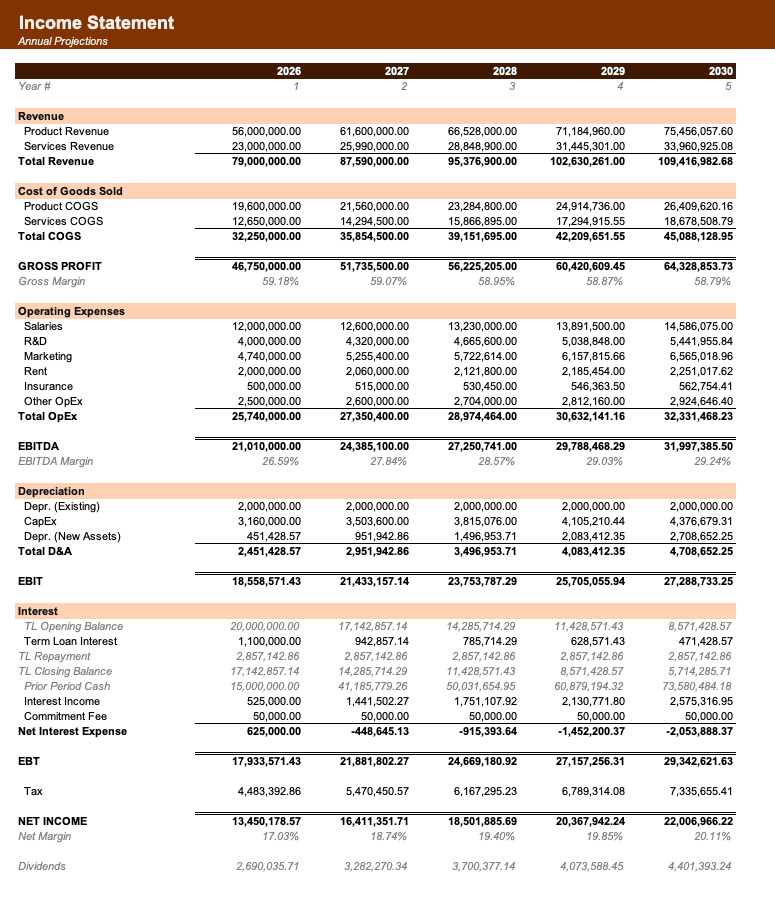
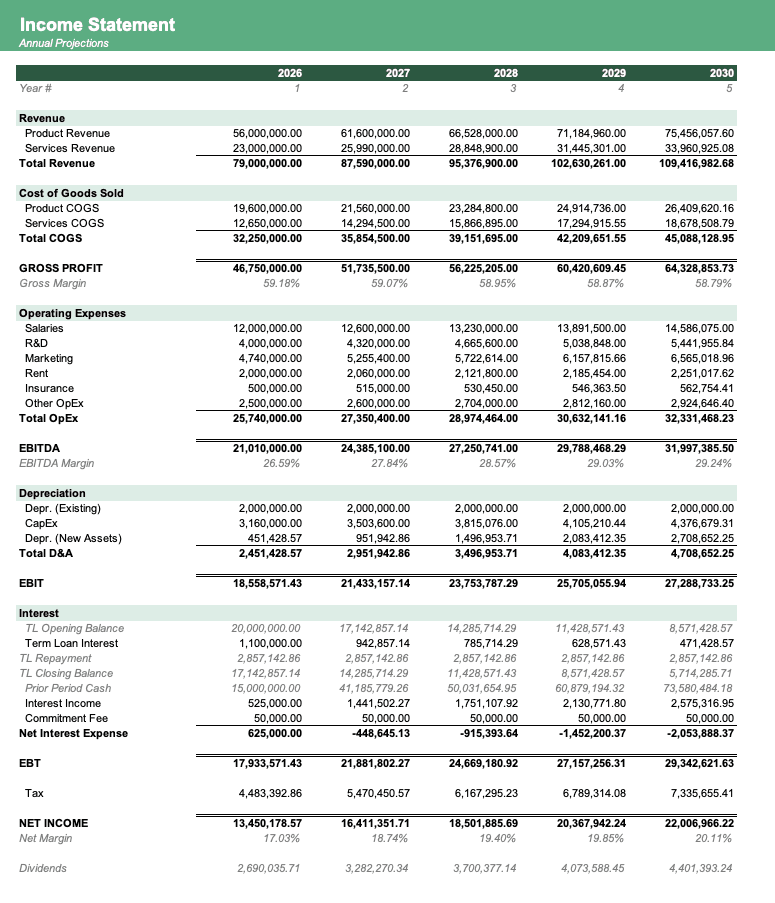
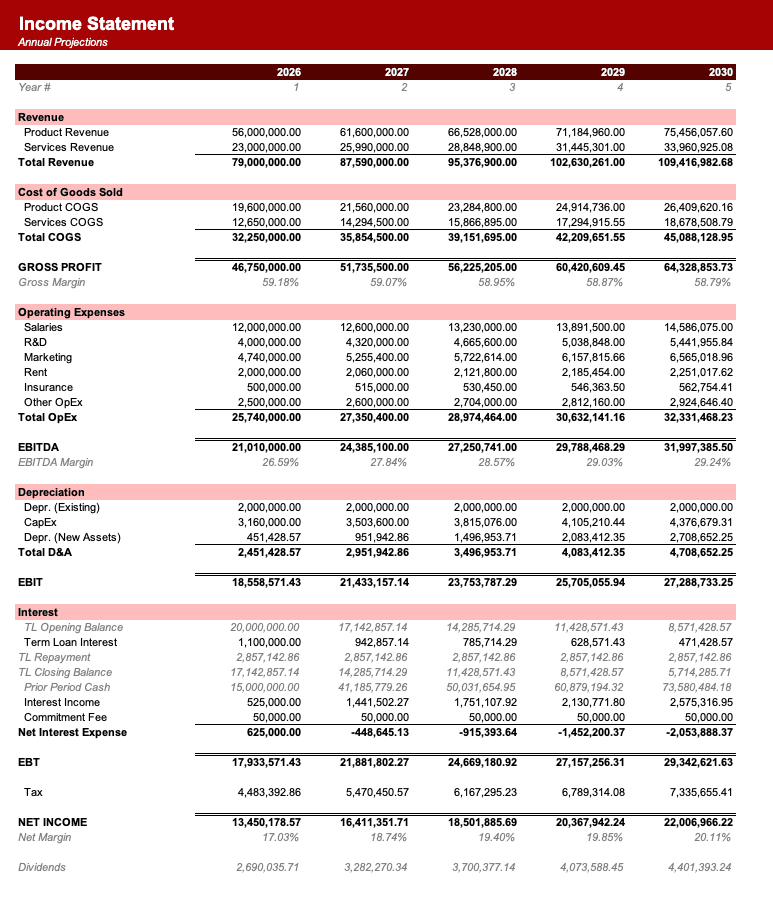
Free budgeting and forecasting templates for FP&A teams
Excel forecasts your finance team can actually maintain. Build budgets, forecasts, cash flow models, and scenarios without adopting heavy FP&A software or letting Excel become unmaintainable.
Every free download is a fully editable .xlsx model with live formulas, built to the same visual standard and compatible with Microsoft Excel, Google Sheets, and Apple Numbers.
Pick up a budget vs actuals model, 3-statement model, cash flow forecast, working-capital model, hiring model, payroll forecast, revenue waterfall, or scenario planning model built for lean finance teams.
Calculate your time savings
See how many hours your team can reclaim by using pre-made templates and automating Excel. Time spent actually closing deals rather than troubleshooting your model.
How many employees are using Excel every week?
Based on 5 hours/week in Excel, 30 min/day saved, and $100/hour rate.
Frequently asked questions
How do these templates prevent formula bloat in corporate forecasts?+
We structure the sheets strictly using modular, linear formulas and isolated assumptions tables. There are no circular references, and we avoid complex nested IF statements to ensure the model remains maintainable and auditable.
Are the budgets and actuals structured for easy variance analysis?+
Yes. The budget-vs-actuals tracker uses clean database-style mapping, making it straightforward to drop in monthly ledger actuals and run dynamic variance reports by department or account.
Can we integrate department-level hiring plans?+
Yes. The hiring and payroll templates align headcount with start dates, tax burdens, and benefit assumptions, which flow directly into the corporate operating model's SG&A forecasting line.
Do you support rolling 12-month forecasts?+
Yes. The 3 Statement and budget templates are built with flexible monthly timeline headers, making it easy to roll the active month forward and lock in historical actuals.
Have more financial modelling questions? Contact us

Created by ex-finance professionals
Hey, I’m Alex and I created Finamodel.
Over my years in the finance industry I kept building the same models over and over again. Same structure, same assumptions, different logo. So I started building frameworks to turn them into clean, reusable templates.
Every model here is one I’d actually use for a client, and I personally vet each one before it goes up.
I’m not an expert in every industry, but I’ve built enough models to know what belongs in one. And when something is completely foreign to me, I reach out to my network for experts to work on our models with us.
Having a template library on hand cuts a first build from hours to minutes.
Need help finding your model? You’ll find me in the Finamodel app!


