Learn financial modelling from real Excel models
Real Excel models, templates, and case studies for learning financial modelling. Build confidence before your next finance interview or modelling test.
Used by professionals from






Financial Models for Students and Finance Learners
Select and download any model to study formulas, layouts, and structures.
3 Statement Model
Integrated income statement, balance sheet, and cash flow forecasts.
DCF Model
Discounted cash flow valuation model with explicit forecast, terminal value, and WACC.
Leveraged Buyout Model
Complete LBO analysis with debt financing structures, sponsor returns, and sensitivity to exit scenarios.
Comparable Companies Analysis
Pull trading multiples from peer companies and calculate implied valuation ranges.
Startup Financial Model
All-in-one 60-month plan for early-stage startups: revenue, headcount, P&L, cash and runway, with two funding rounds.
SaaS MRR/ARR Forecast Model
Subscription forecast with logo motion, MRR build, ARR, NRR/GRR, and CAC payback for SaaS businesses.
Budget vs Actuals Tracker
12-month operating P&L variance tracker with YTD summary.
Exit Waterfall Model
Waterfall analysis for M&A, IPO, or sale with proceeds distributed to shareholders and securities holders.
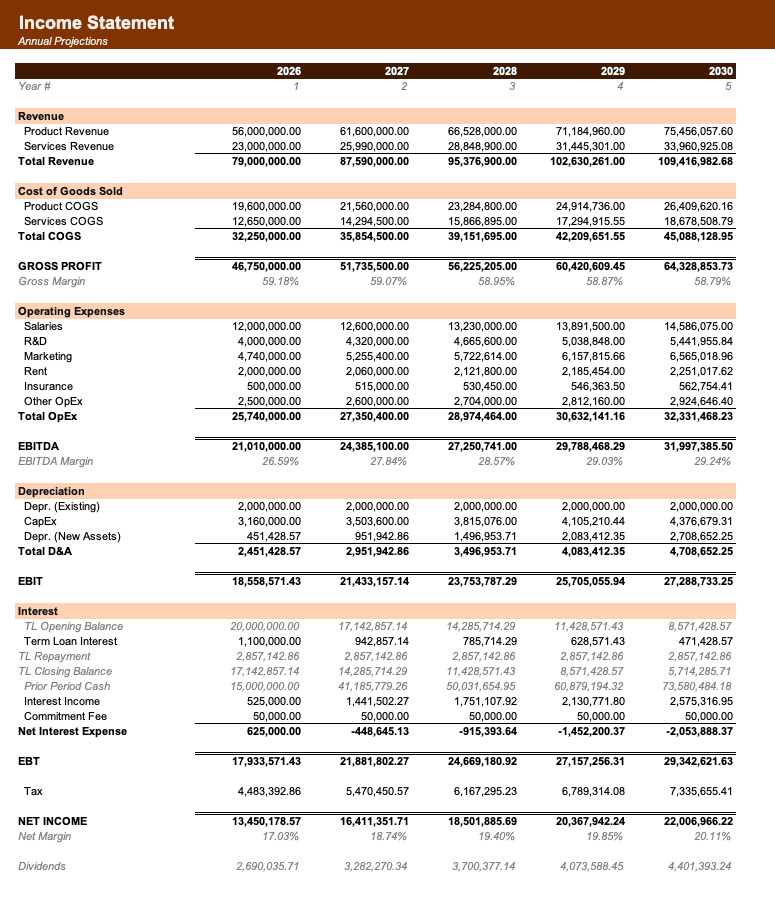
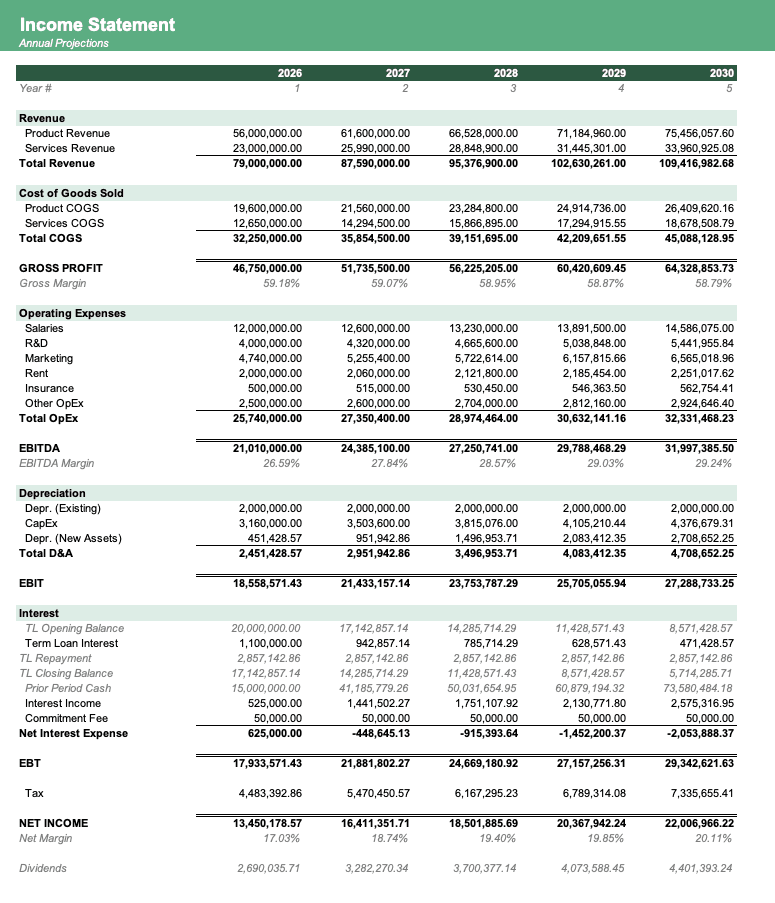
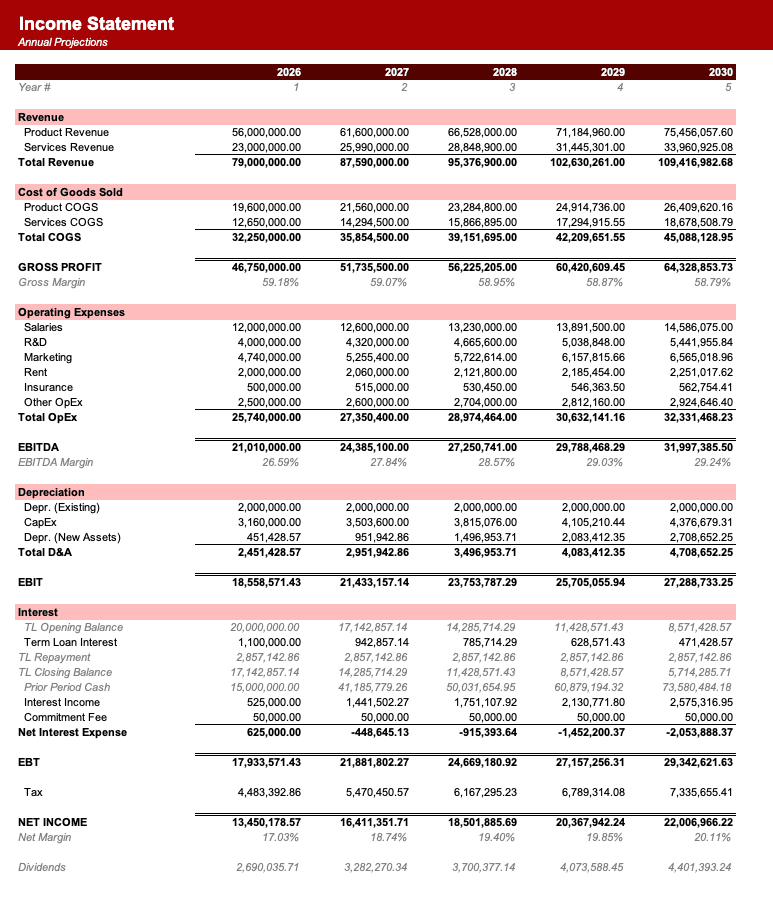
Free financial models to learn from, built for students
Learn financial modelling from real Excel models you can study, rebuild, download, and adapt. Most courses stay abstract and most templates go unexplained - here the model is both the product and the teaching object.
Every free download is a fully editable .xlsx model with live formulas, built to the same visual standard and compatible with Microsoft Excel, Google Sheets, and Apple Numbers.
Study a 3-statement model, DCF, comparable company analysis, LBO, startup financial model, SaaS ARR forecast, budget vs actuals, real estate pro forma, or paper LBO, and rebuild it until it clicks.
Calculate your time savings
See how many hours your team can reclaim by using pre-made templates and automating Excel. Time spent actually closing deals rather than troubleshooting your model.
How many employees are using Excel every week?
Based on 5 hours/week in Excel, 30 min/day saved, and $100/hour rate.
Frequently asked questions
Why should I learn financial modelling using Excel files instead of software?+
In investment banking, private equity, and corporate finance, Excel remains the absolute standard. Interview case studies and daily work are done entirely in spreadsheets. Learning from open, fully unlocked Excel models teaches you the actual formulas, formatting standards, and structural mechanics used in the industry.
How do I use these templates to prepare for modeling tests or interviews?+
The best way to prepare is to download a model (like the 3-Statement or LBO model), study how the sheets link, delete the formulas in the forecast periods, and try to rebuild the model from scratch. Repeat this until you understand how the numbers flow automatically.
What formatting conventions do these templates follow?+
Every model in our library adheres to industry-standard formatting: blue text for hardcoded inputs and assumptions, black text for formulas, and green text for references to other sheets. Maintaining this visual hygiene makes your models easy for senior team members or examiners to review.
Are these templates compatible with Google Sheets?+
Yes. All our templates are standard `.xlsx` files designed for Microsoft Excel. You can also open them in Google Sheets and Apple Numbers, although some formulas or formatting may vary between spreadsheet applications.
What is the difference between a template and a source-backed model?+
A template is a reusable generic starting point with example numbers. A source-backed model is anchored in a real-world situation - such as actual public company filings or real startup data. Learning from both gives you both structural theory and real-world practical experience.
Have more financial modelling questions? Contact us

Created by ex-finance professionals
Hey, I’m Alex and I created Finamodel.
Over my years in the finance industry I kept building the same models over and over again. Same structure, same assumptions, different logo. So I started building frameworks to turn them into clean, reusable templates.
Every model here is one I’d actually use for a client, and I personally vet each one before it goes up.
I’m not an expert in every industry, but I’ve built enough models to know what belongs in one. And when something is completely foreign to me, I reach out to my network for experts to work on our models with us.
Having a template library on hand cuts a first build from hours to minutes.
Need help finding your model? You’ll find me in the Finamodel app!


