Business Cashbook Tracker
Accounting & Audit Financial Model (Excel Download)
Keep a clean record of every receipt and payment across your bank and cash accounts. The cashbook keeps running balances, codes each entry and locks the period with a signed close.



professionals from Deloitte






About this model
A business cashbook for a small company that records cash as it moves. The shipped case is a fictional design studio with an operating bank account, a reserve account and petty cash over three months.
Each entry has a date, an entry ID, an account, a counterparty, a code and a receipt or payment. The cashbook keeps a running balance for each account and totals receipts and payments by account, month and code. Transfers between accounts carry a transfer ID, must appear twice and net to zero, and are kept out of external cash totals.
On the shipped case total cash rises from $36,350 to $64,027 after 47 entries, and every review check is zero. The close review flags missing documents and exceptions, and a controller sign-off sheet records the cutoff and evidence. A signed entry review compares live entries with the signed snapshot by ID and shows any added, removed, changed or duplicate entries.
What every model includes
Live formulas, no hardcoded values
Outputs are driven by live formulas, so the workbook updates from its assumptions instead of relying on hardcoded results.
All assumptions in one tab
Inputs are clearly marked in the Assumptions tab and separated from calculations, making it clear what to change and what to leave intact.
Statements always balancing
For integrated-statement models, the balance sheet, cash flow, and supporting schedules tie through properly.
Distinct schedules for clarity
Debt, working capital, taxes, and cash flow can get messy quickly. We group calculations in clear schedules, not across disconnected tabs.
No hidden macros or external links
There are no unexplained external workbook links or macros to undermine auditability or portability.
Changes flow through the model
Update a key driver and see the impact carry through the forecast, financing, and return outputs. We never use hardcoded numbers in formulas.
What's inside the Business Cashbook Tracker
- Cashbook with date, entry ID, account, counterparty, code and transfer ID
- Running balance for each account
- Account balances from opening to closing
- Monthly receipts, payments and external net cash
- Totals by code for sales, costs, capex and owner capital
- Paired transfers kept out of external cash totals
- Checks for duplicate IDs, invalid accounts or codes and unmatched transfers
- Close review with missing documents and a close decision
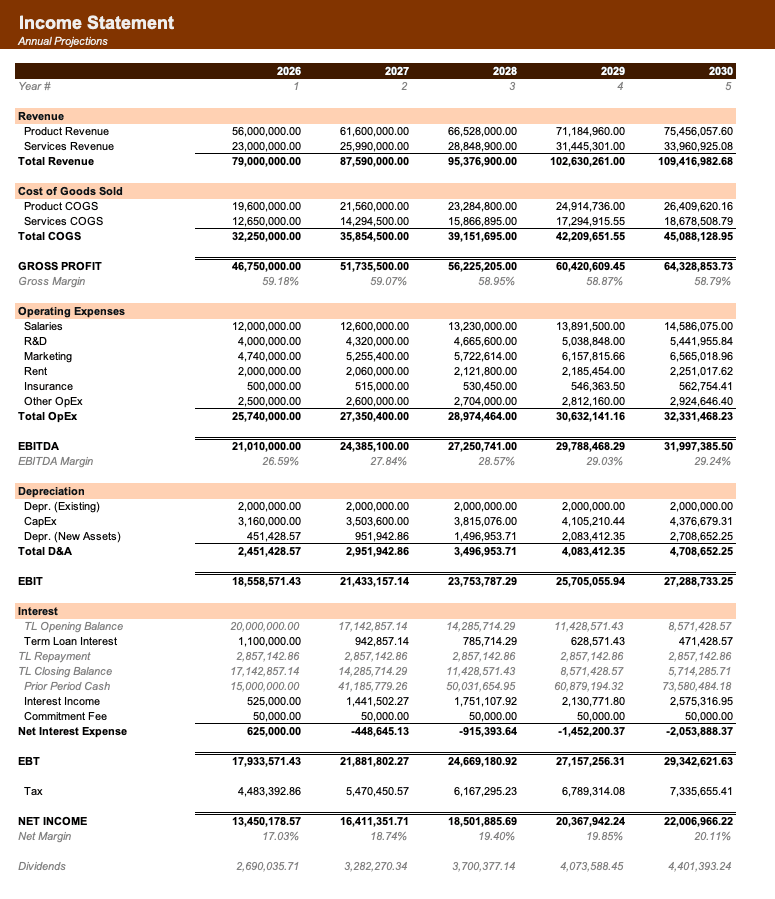
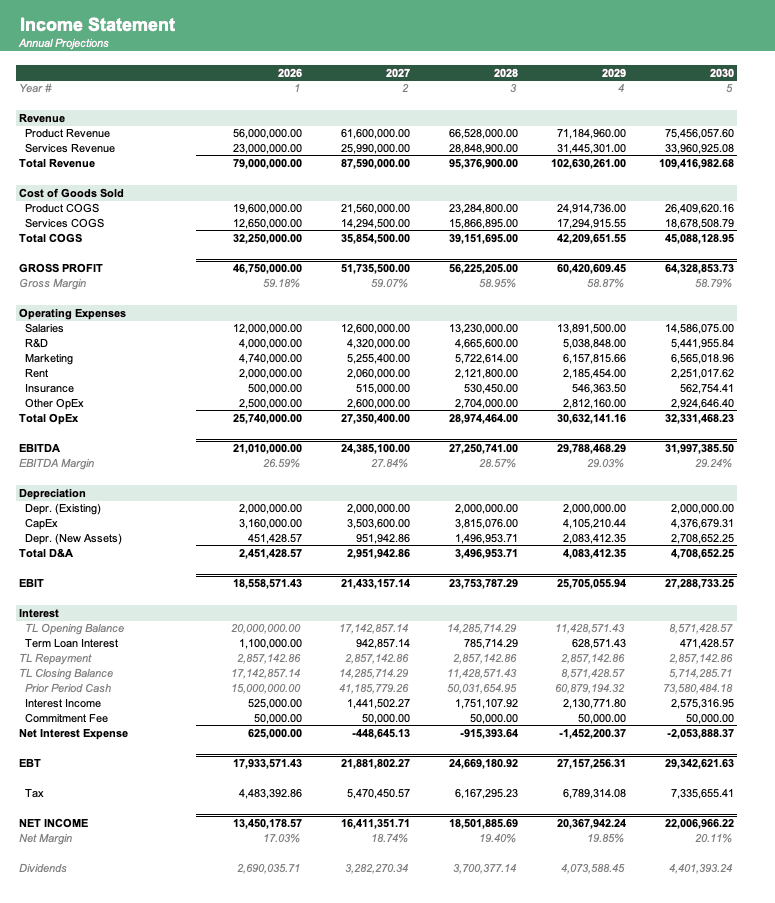
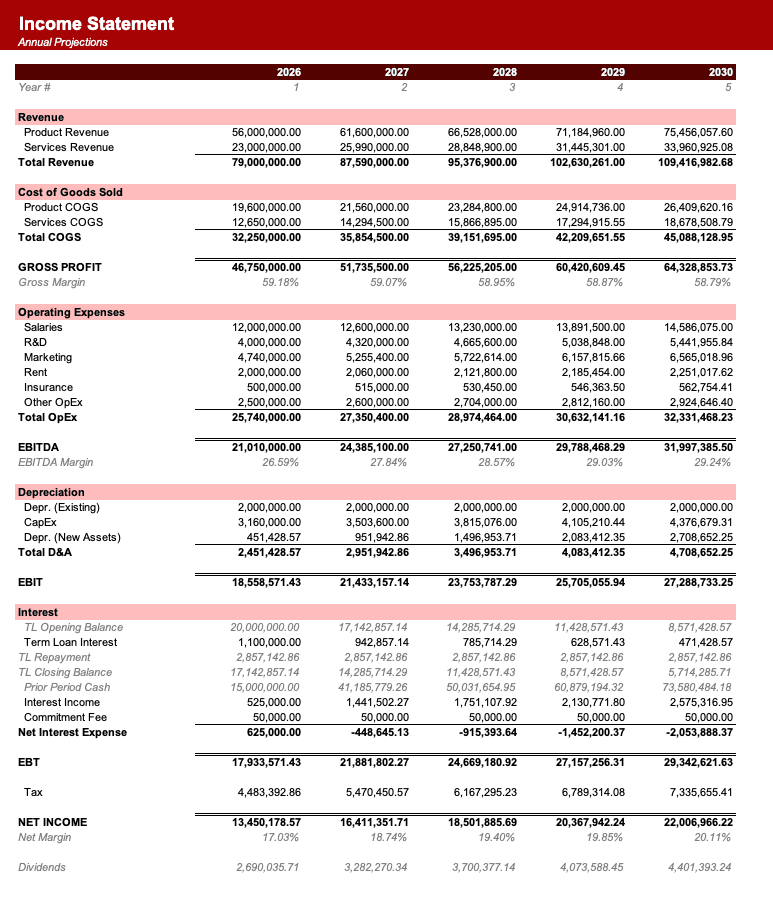
Formatted to IB standards
Named theme colors repaint the whole workbook in one click, on top of an investment-banking structure with clear input, output, and cross-sheet reference styling - brand-ready, institutional-grade, and fully auditable.

Created by ex-finance professionals
Hey, I’m Alex and I created Finamodel.
Over my years in the finance industry I kept building the same models over and over again. Same structure, same assumptions, different logo. So I started building frameworks to turn them into clean, reusable templates.
Every model here is one I’d actually use for a client, and I personally vet each one before it goes up.
I’m not an expert in every industry, but I’ve built enough models to know what belongs in one. And when something is completely foreign to me, I reach out to my network for experts to work on our models with us.
Having a template library on hand cuts a first build from hours to minutes.
Frequently asked
What is a business cashbook?+
A business cashbook is a dated list of all money received and paid across your bank and cash accounts. It shows the balance of each account after every entry and the totals for each period.
How are transfers between accounts handled?+
Each transfer has an ID and appears twice, once out of one account and once into another. The two legs must net to zero. Transfers change account balances but are kept out of external receipts and payments.
What does the signed entry review do?+
It keeps a snapshot of every entry signed at cutoff. Live entries are compared with the snapshot by ID, so any added, removed, changed or duplicate entry is flagged before the period is used.
What is not included?+
It is a gross cash ledger. It does not handle VAT or sales tax, accrual accounting or bank statement reconciliation. Sales are cash collections, not accrued revenue.
How do I add new entries?+
Add new entries in date order in the prepared rows. Copy the calculated columns down and extend the totals if you need more rows. Set your own accounts, opening balances and codes first.
Have more financial modelling questions? Contact us
Related templates
Bank Reconciliation
Match the bank statement to the cashbook, bridge both to adjusted cash and follow open timing items into next month.
Petty Cash Imprest Reconciliation
Reconcile an imprest petty cash fund: log vouchers and refills, count cash by denomination and follow up any shortage.
Cashflow Model
Detailed monthly and annual cash flow projections with sweep and liquidity mechanics.
Beneish M-Score Earnings Manipulation Diagnostic
Calculate the Beneish M-Score from three years of financials, see which ratios drive it and track follow-up questions.