Failed Trade Buy-In and Compensation Calculator
Capital Markets Financial Model (Excel Download)
Work out what a failing seller owes you when securities are not delivered on time. The calculator splits each fail into tranches and builds the signed claim for price, fees, delay and distributions.



professionals from Deloitte






About this model
A calculator for failed securities deliveries on the buyer side. It tracks how each failed delivery is resolved and works out the compensation claim against the failing seller. The fictional case covers four failed trades from a securities firm, as of late October, under a fictional bilateral agreement.
Each fail is split into tranches: late delivery, replacement buy-in, cash close-out or still open. Each tranche has its own units, price, date and fees. The claim adds a signed price difference, fees charged once, delay interest on an Actual/360 basis and distributions with a record date in the fail period. Price improvements pass back to the seller with no floor at zero.
On the shipped case 2,600 failed units resolve as 1,800 received, 500 cash-closed and 300 still open. Approved claims total about 3,377 and actual net cash paid is about 58,984. Claims on different trades are never netted. An options sheet compares ways to resolve the open tranche.
What every model includes
Live formulas, no hardcoded values
Outputs are driven by live formulas, so the workbook updates from its assumptions instead of relying on hardcoded results.
All assumptions in one tab
Inputs are clearly marked in the Assumptions tab and separated from calculations, making it clear what to change and what to leave intact.
Statements always balancing
For integrated-statement models, the balance sheet, cash flow, and supporting schedules tie through properly.
Distinct schedules for clarity
Debt, working capital, taxes, and cash flow can get messy quickly. We group calculations in clear schedules, not across disconnected tabs.
No hidden macros or external links
There are no unexplained external workbook links or macros to undermine auditability or portability.
Changes flow through the model
Update a key driver and see the impact carry through the forecast, financing, and return outputs. We never use hardcoded numbers in formulas.
What's inside the Failed Trade Buy-In and Compensation Calculator
- Original failed deliveries with due date, units, price and distribution per unit
- Resolution tranches for late delivery, buy-in, cash close-out and open units
- Price compensation as a signed transfer with no floor at zero
- Fee compensation charged once
- Delay interest on contract notional at an Actual/360 basis
- Missed distribution claims for record dates in the fail period
- Cash evidence register for purchase cash and compensation received
- Signed claim statement by seller with outstanding balance
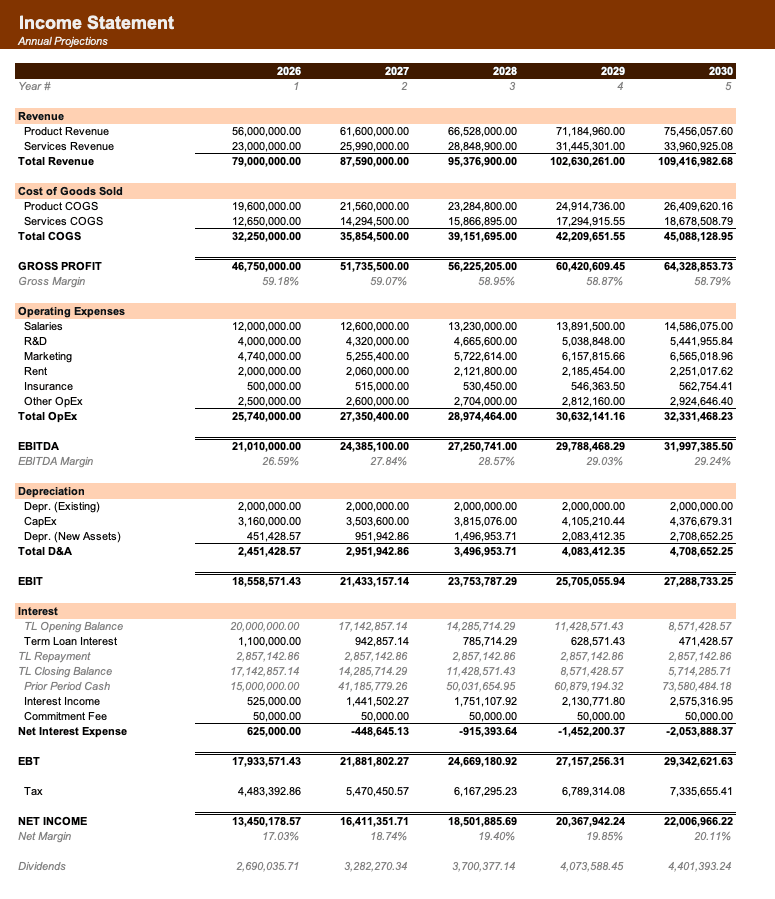
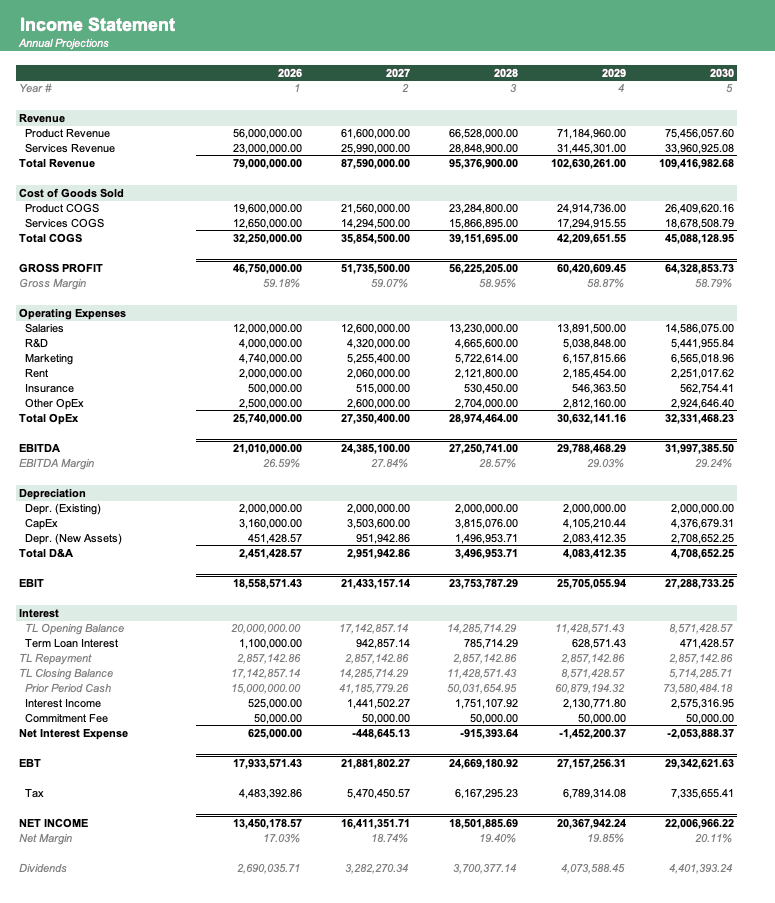
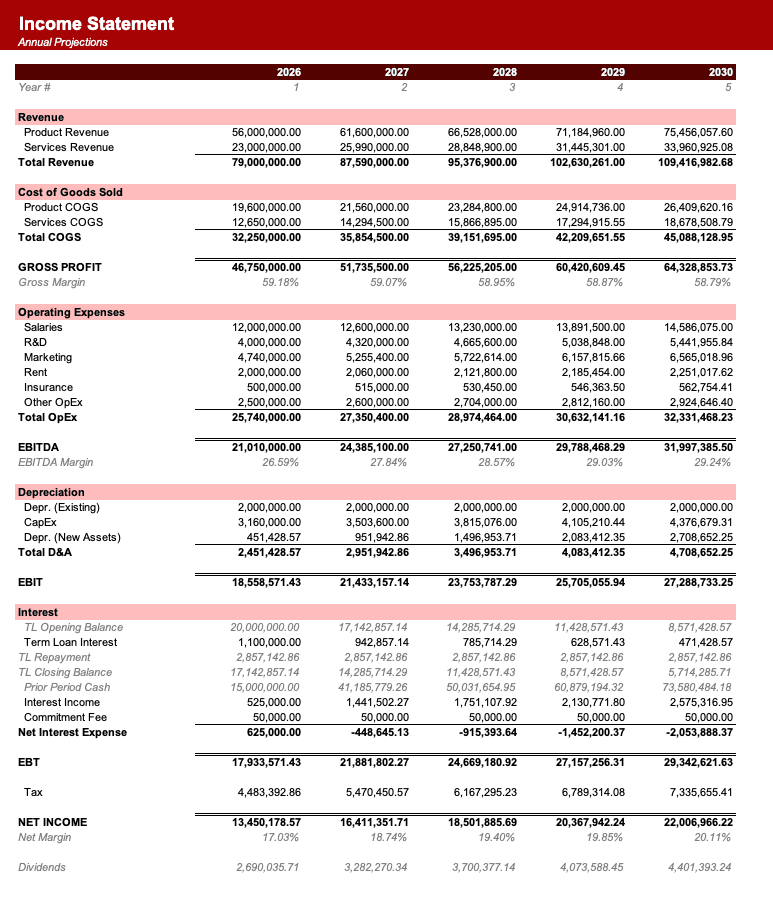
Formatted to IB standards
Named theme colors repaint the whole workbook in one click, on top of an investment-banking structure with clear input, output, and cross-sheet reference styling - brand-ready, institutional-grade, and fully auditable.

Created by ex-finance professionals
Hey, I’m Alex and I created Finamodel.
Over my years in the finance industry I kept building the same models over and over again. Same structure, same assumptions, different logo. So I started building frameworks to turn them into clean, reusable templates.
Every model here is one I’d actually use for a client, and I personally vet each one before it goes up.
I’m not an expert in every industry, but I’ve built enough models to know what belongs in one. And when something is completely foreign to me, I reach out to my network for experts to work on our models with us.
Having a template library on hand cuts a first build from hours to minutes.
Frequently asked
What is a buy-in on a failed trade?+
When a seller fails to deliver securities on time, the buyer can buy them from another source. This is a buy-in. The failing seller then owes the buyer any extra cost and other agreed compensation.
What does the compensation claim include?+
It includes the signed price difference, fees, delay interest and any distributions the buyer missed. Delay interest uses contract notional, actual days and a 360-day basis in the shipped policy.
What happens if the buy-in price is lower?+
The price difference is a signed transfer. If the buyer pays less than the contract price, the gain goes back to the seller. There is no floor at zero.
Is this based on a regulatory buy-in regime?+
No. The policy is a fictional bilateral agreement in USD only, with no tax or FX. Change the policy sheet to match your own contract or market rules.
How are open fails shown?+
Open units stay visible with an estimated accrual that is not a final claim. The options sheet compares buying in now, buying in later and a cash close-out. Scenario values do not feed the actual ledgers.
Have more financial modelling questions? Contact us
Related templates
Trade Confirmation Matching Exception Register
Match counterparty trade confirmations to approved orders, log term breaks and release only cleared trades for settlement.
Customer Deduction and Short-Payment Claim
Review customer short payments line by line, accept valid deductions as credits and recover the rest with a due-date queue.
Transaction Cost Analysis (TCA) Model
Measure implementation shortfall by order and broker: delay, execution, fees and missed-trade cost against decision price.
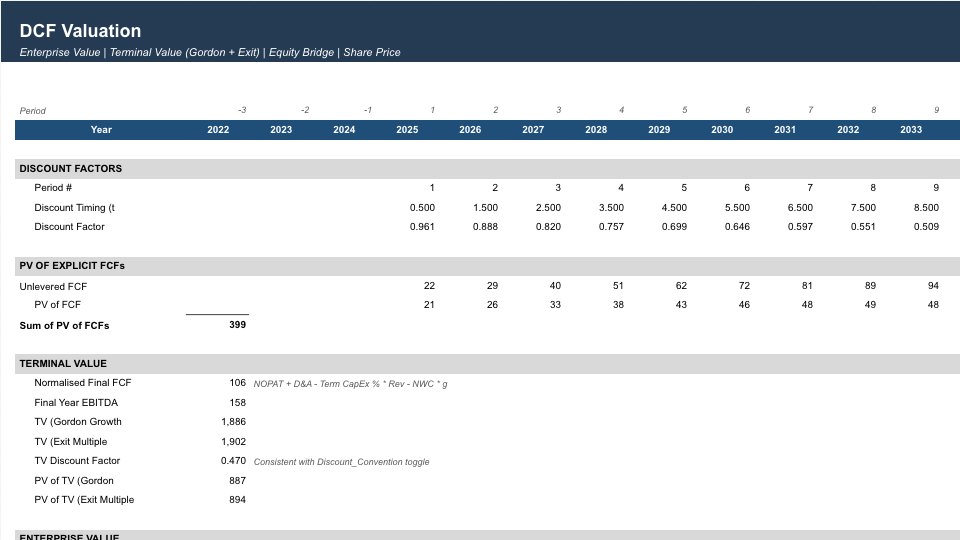
DCF Model
Discounted cash flow valuation model with explicit forecast, terminal value, and WACC.