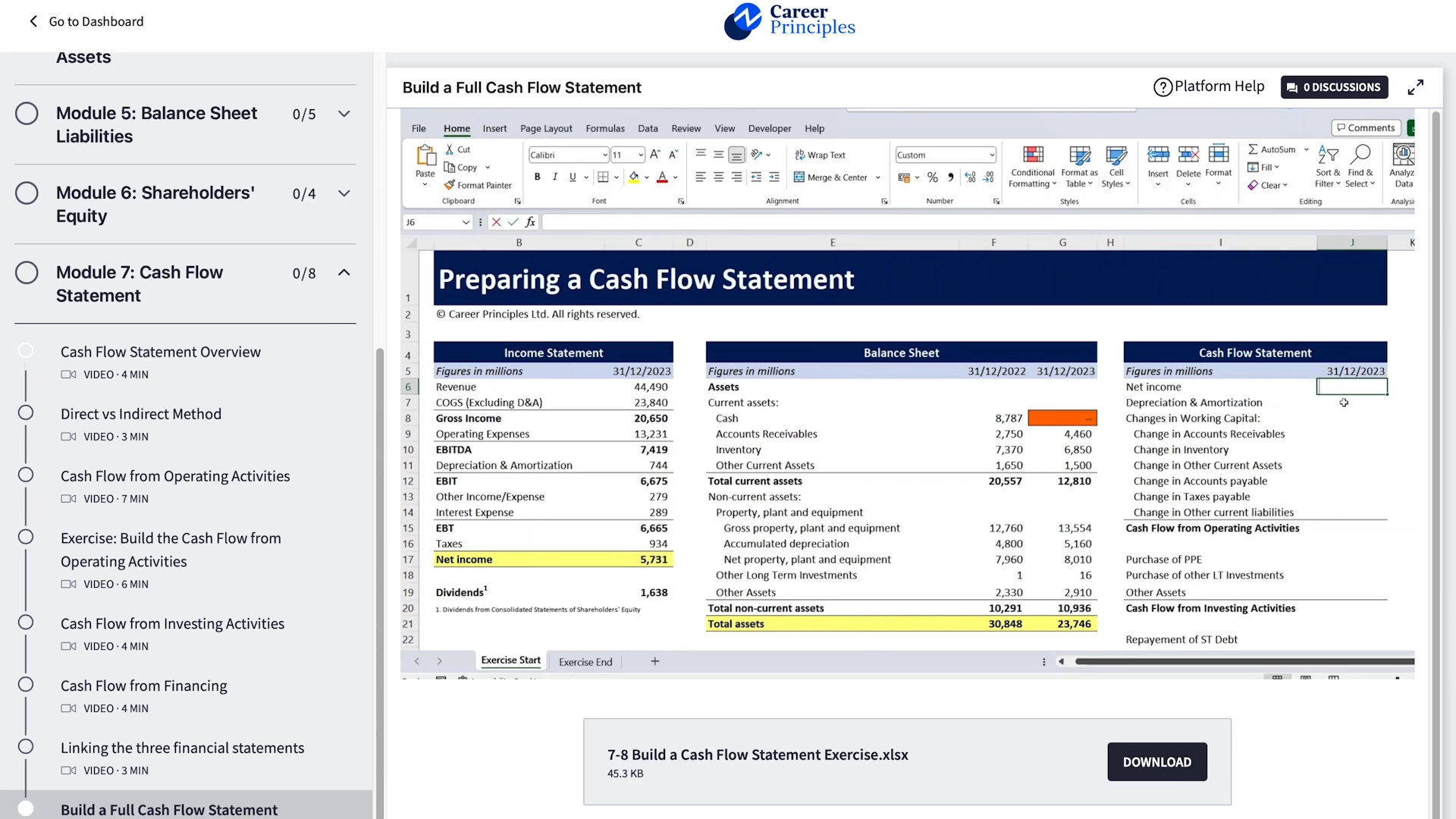
Financial Model Change Log Template
Corporate Finance Financial Model (Excel Download)
Keep a record of every change to a financial model and who signed it off. Log the version, date, author, sheet and range, what changed and why, and the value of a key output before and after; the workbook calculates the impact, marks each change signed off only when a reviewer and a valid sign-off date are entered, and rolls the log up into a version register that shows which versions are ready to release.



professionals from Deloitte






About this model
A change log and version register for any Excel financial model. Each row records one change: the version it belongs to, the date, the author, the sheet and range, the change type and reason, a one-line description, and the value of a key output before and after. The log calculates the impact and its percentage against the value before, and gives each change a status: Signed off when a reviewer and a sign-off date on or after the change date are entered, Date error when the sign-off is dated before the change, and Awaiting review otherwise, with the days taken to sign off. The version register rolls the log up by version ID with the first and last change date, the number of changes, the formula and structure changes, items awaiting review and failing checks, and a release status that reads Ready to release only when nothing is open. Five data quality checks catch rows with missing fields, sign-offs dated before the change, versions used in the log but missing from the register, sign-offs given while a check is failing, and details entered without a version ID. The shipped example logs fourteen changes to a three-statement model across six versions: twelve are signed off, an 85.7% sign-off rate with an average of 1.3 days to sign-off, and two changes in v1.5 are still awaiting review, so v1.5 stays open while the five earlier versions are ready to release.
What every model includes
Live formulas, no hardcoded values
Outputs are driven by live formulas, so the workbook updates from its assumptions instead of relying on hardcoded results.
All assumptions in one tab
Inputs are clearly marked in the Assumptions tab and separated from calculations, making it clear what to change and what to leave intact.
Statements always balancing
For integrated-statement models, the balance sheet, cash flow, and supporting schedules tie through properly.
Distinct schedules for clarity
Debt, working capital, taxes, and cash flow can get messy quickly. We group calculations in clear schedules, not across disconnected tabs.
No hidden macros or external links
There are no unexplained external workbook links or macros to undermine auditability or portability.
Changes flow through the model
Update a key driver and see the impact carry through the forecast, financing, and return outputs. We never use hardcoded numbers in formulas.
What's inside the Financial Model Change Log Template
- Change log for 200 changes: version ID, date, author, sheet, range, change type, description, reason and output affected
- Value before and after for the affected output, with the impact and impact % calculated
- Checks after change, reviewer and sign-off date, with a status of Signed off, Awaiting review or Date error
- Days from change to sign-off for every signed-off change
- Drop-down lists for change type, reason and check status, editable on their own sheet
- Version register: first and last change date, number of changes, formula and structure changes, items awaiting review, failing checks and release status
- Dashboard with the latest version, total changes, sign-off rate, average days to sign-off and versions ready to release
- Charts of changes by type, by reason and per version
Formatted to IB standards
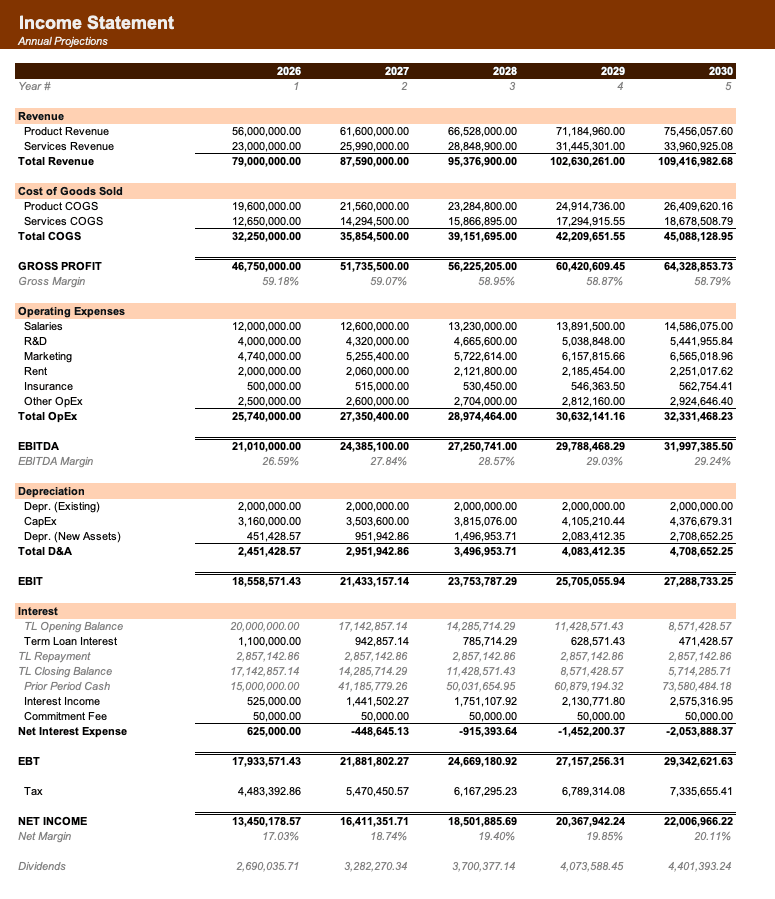
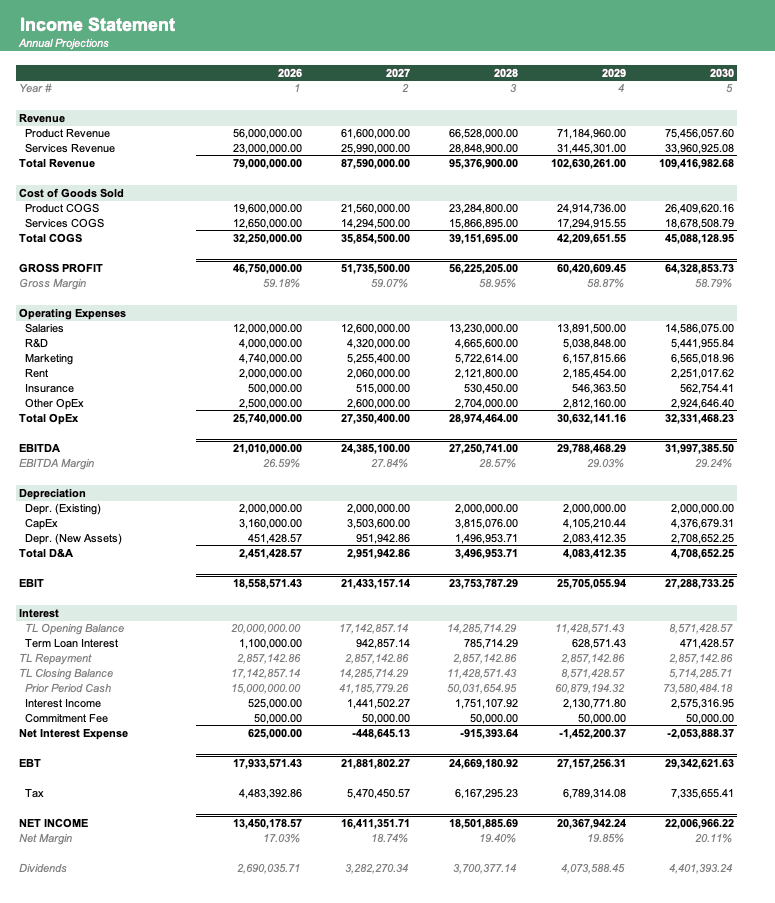
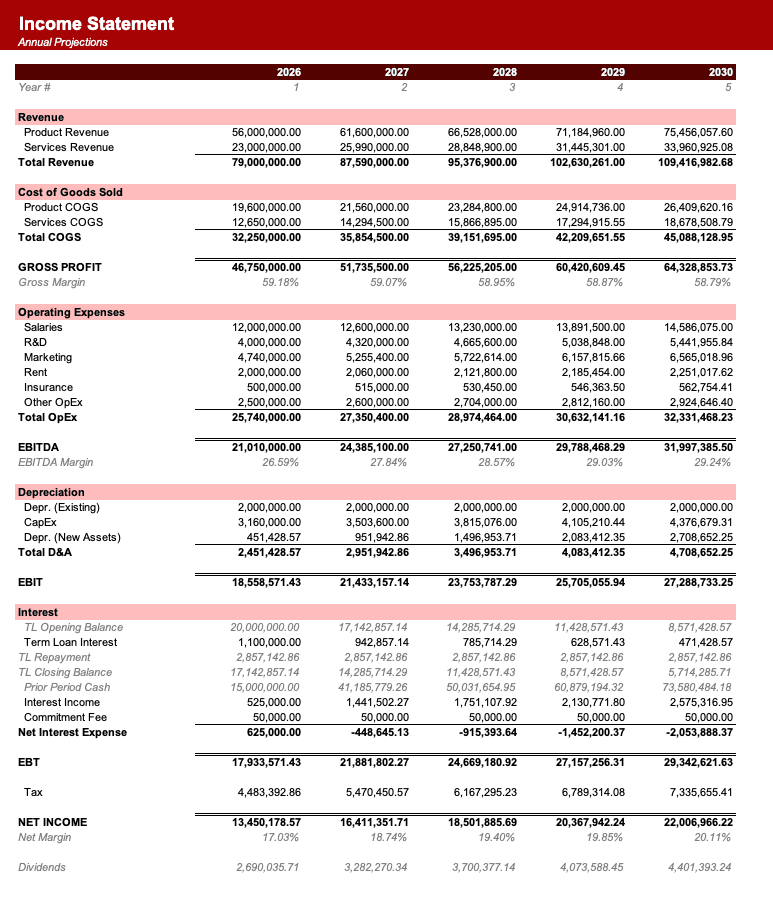
Named theme colors repaint the whole workbook in one click, on top of an investment-banking structure with clear input, output, and cross-sheet reference styling - brand-ready, institutional-grade, and fully auditable.

Created by ex-finance professionals
Hey, I’m Alex and I created Finamodel.
Over my years in the finance industry I kept building the same models over and over again. Same structure, same assumptions, different logo. So I started building frameworks to turn them into clean, reusable templates.
Every model here is one I’d actually use for a client, and I personally vet each one before it goes up.
I’m not an expert in every industry, but I’ve built enough models to know what belongs in one. And when something is completely foreign to me, I reach out to my network for experts to work on our models with us.
Having a template library on hand cuts a first build from hours to minutes.
Frequently asked
What columns should a financial model change log have?+
At minimum a version ID, date, author, sheet and range, a description of the change, the reason, the impact on a key output and the reviewer. This template adds a change type, the output affected, its value before and after, the status of the model checks after the change and a sign-off date, so the impact and the sign-off status can be calculated.
When does a change count as signed off?+
Only when a reviewer and a sign-off date are both entered and the sign-off date is on or after the change date. A sign-off dated before the change shows as a Date error and fails a data quality check. Anything else is Awaiting review and keeps its version open in the register.
How does the version register work?+
List each version ID with a release note. The register counts the changes logged against each version, the formula and structure changes, the items awaiting review and any failing checks, and shows the first and last change date. A version is Ready to release when it has changes, none awaiting review and no failing checks.
Should I log input changes?+
Log inputs that are part of a release, such as a new budget, a refreshed actuals month or a signed term sheet. Do not log every scenario test. Always log formula and structure changes: they are the ones reviewers miss, which is why the dashboard counts them separately.
Can I add the change log to my existing model?+
Yes. Copy the Change_Log, Version_Register, Lists and Checks sheets into your workbook, or keep the change log as a separate file next to the model. Delete the example rows and start logging; the formulas cover 200 rows.
Have more financial modelling questions? Contact us
Related templates
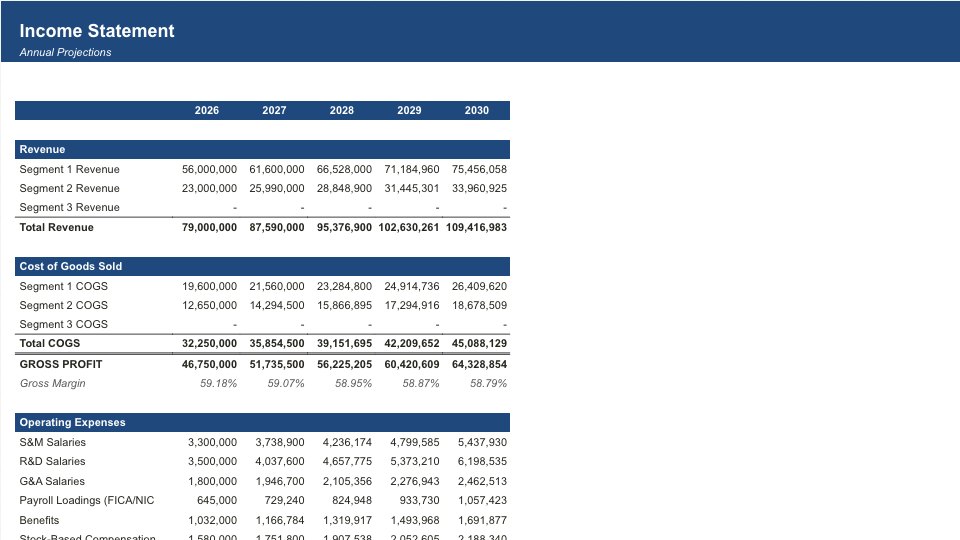
3 Statement Model
Integrated income statement, balance sheet, and cash flow forecasts.
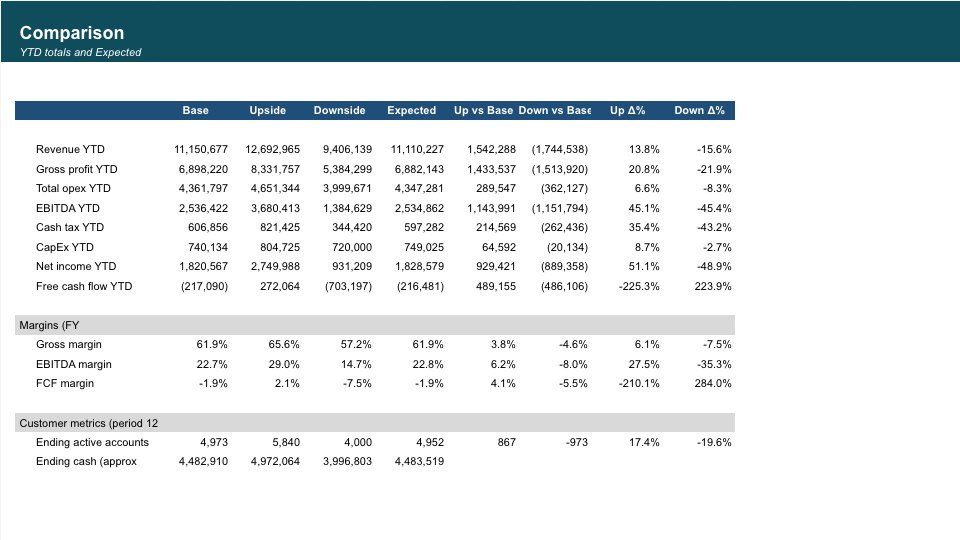
Scenario Planning
Base / Upside / Downside driver scenarios with side-by-side 12-month P&L.
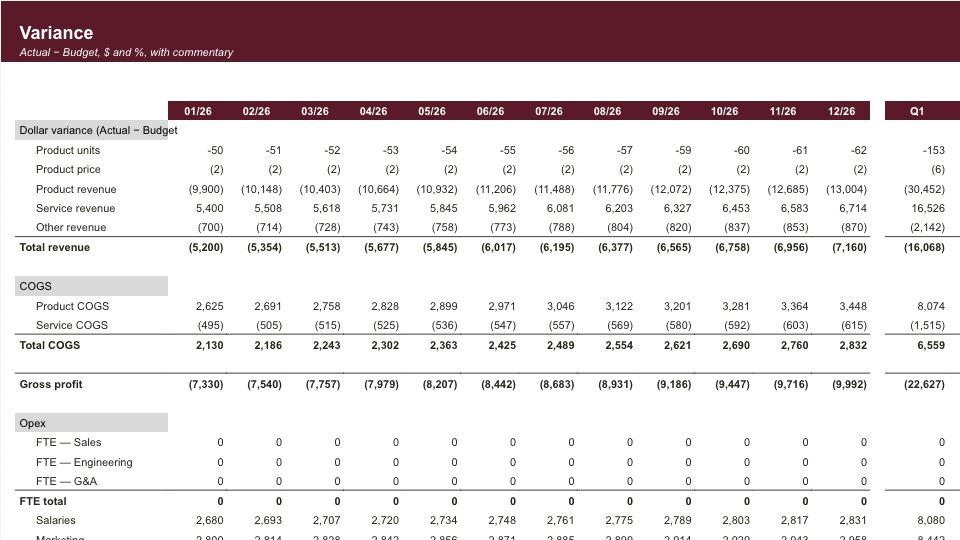
Budget vs Actuals Tracker
12-month operating P&L variance tracker with YTD summary.
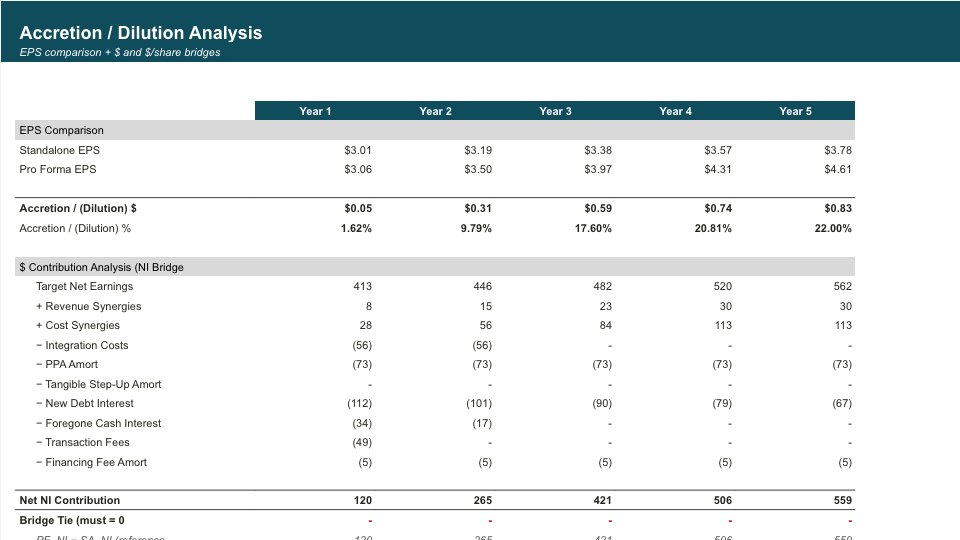
M&A Modeling & Valuation
Comprehensive M&A valuation with DCF, comparable companies, and precedent transactions analysis.