Manual Journal Voucher and Approval Tracker
Accounting & Audit Financial Model (Excel Download)
Prepare a manual journal with evidence for every line. The voucher checks balance, dates and approval before posting, then compares each line with the posted ledger export.



professionals from Deloitte






About this model
A manual journal voucher for month-end accounting. It holds one journal with its lines, support documents, account list and approval details. The shipped case is a fictional components maker that records workshop refit costs across repair expense, equipment, recoverable tax and creditor accounts.
You enter the independent evidence on the Support sheet and allocate it by voucher line and account on the Accounting rationale sheet. Each journal line must name a primary evidence item that is one of its own allocations. The voucher checks that debits equal credits, that the posting date falls in the period and that the approver is not the preparer.
On the shipped case the voucher balances at 38,000 USD of debits and credits, the support ties to the journal and the status is ready to post. After posting, the Posted comparison sheet matches the ledger export line by line. It counts missing, extra and duplicate posted lines and any account, amount, date or reference mismatch. Here all five lines are confirmed posted.
What every model includes
Live formulas, no hardcoded values
Outputs are driven by live formulas, so the workbook updates from its assumptions instead of relying on hardcoded results.
All assumptions in one tab
Inputs are clearly marked in the Assumptions tab and separated from calculations, making it clear what to change and what to leave intact.
Statements always balancing
For integrated-statement models, the balance sheet, cash flow, and supporting schedules tie through properly.
Distinct schedules for clarity
Debt, working capital, taxes, and cash flow can get messy quickly. We group calculations in clear schedules, not across disconnected tabs.
No hidden macros or external links
There are no unexplained external workbook links or macros to undermine auditability or portability.
Changes flow through the model
Update a key driver and see the impact carry through the forecast, financing, and return outputs. We never use hardcoded numbers in formulas.
What's inside the Manual Journal Voucher and Approval Tracker
- Voucher header with period, preparer, approver and posting reference
- Journal lines with account, debit, credit, department and primary evidence
- Debit and credit balance check
- Posting date control against the period
- Segregation check for a separate approver
- Posting gate that shows when the voucher is ready to post
- Support register with net, tax and gross amounts and reviewer
- Evidence allocation by voucher line and permitted account
Formatted to IB standards
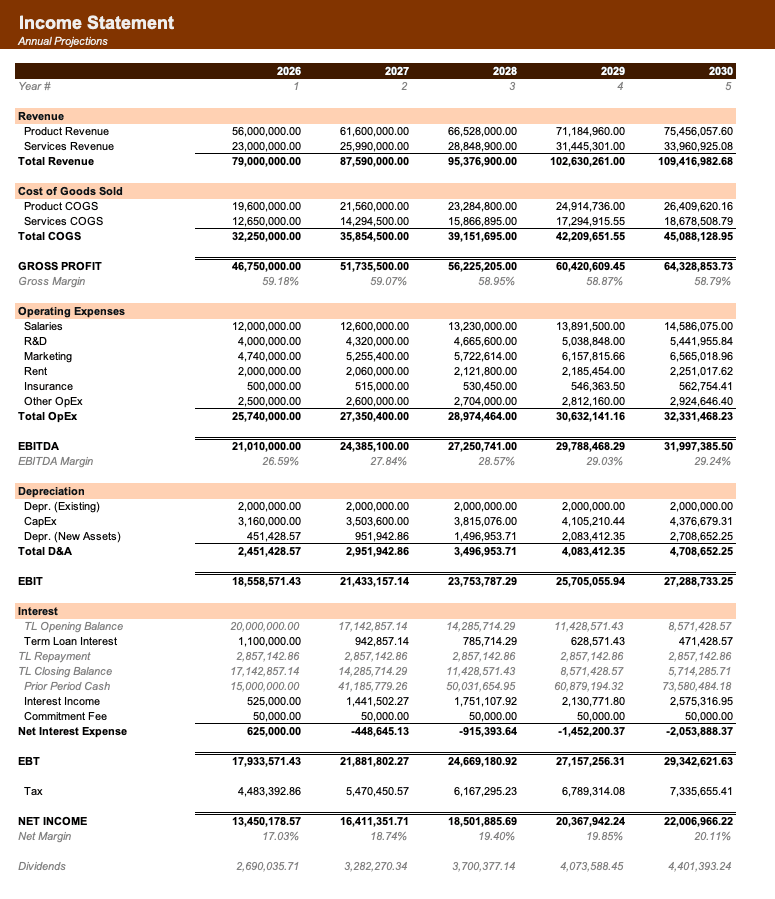
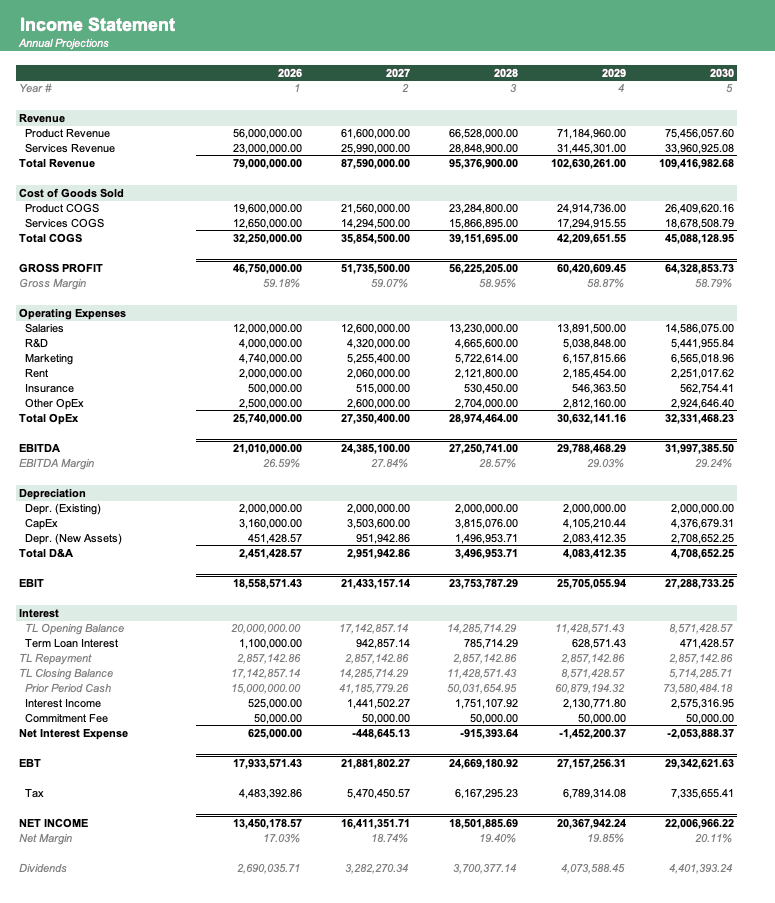
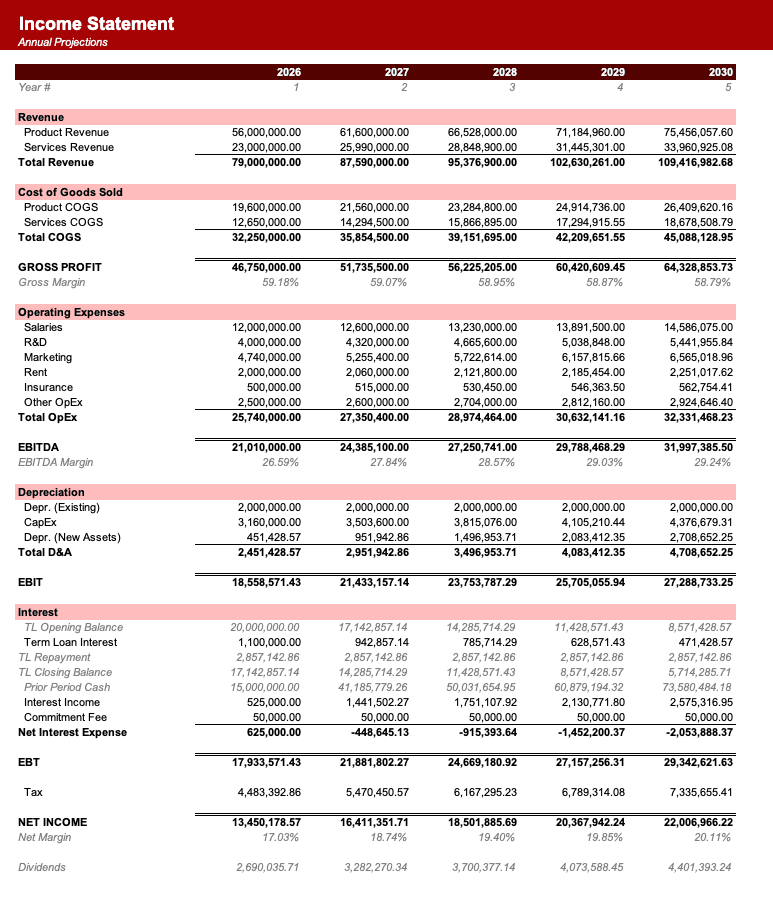
Named theme colors repaint the whole workbook in one click, on top of an investment-banking structure with clear input, output, and cross-sheet reference styling - brand-ready, institutional-grade, and fully auditable.

Created by ex-finance professionals
Hey, I’m Alex and I created Finamodel.
Over my years in the finance industry I kept building the same models over and over again. Same structure, same assumptions, different logo. So I started building frameworks to turn them into clean, reusable templates.
Every model here is one I’d actually use for a client, and I personally vet each one before it goes up.
I’m not an expert in every industry, but I’ve built enough models to know what belongs in one. And when something is completely foreign to me, I reach out to my network for experts to work on our models with us.
Having a template library on hand cuts a first build from hours to minutes.
Frequently asked
What is a manual journal voucher?+
A manual journal voucher is the record behind a journal entry that is keyed by hand. It lists the accounts, debits and credits, the reason for the entry and the supporting documents. It also records who prepared it and who approved it.
How does the voucher decide it is ready to post?+
Debits must equal credits, the posting date must fall in the period and the approver must be a different person from the preparer. The support must be verified and tie to the journal. When all of these pass, the posting gate shows ready to post.
Why compare the voucher with the posted ledger?+
An approved voucher does not prove the entry reached the ledger correctly. The comparison matches each posted line on account, amounts, dates and reference. It counts missing, extra and duplicate lines, so you can confirm the entry before you close.
What does the workbook not do?+
It does not post to your ledger or pull the export for you. You paste the ledger lines into the comparison sheet. It also holds one voucher at a time.
How do I use it for my own journal?+
Replace the blue input cells with your voucher details, support documents and accounts. If you need more lines or evidence rows, extend the bounded ranges and the formulas that depend on them together.
Have more financial modelling questions? Contact us
Related templates
Recurring Journal Register
Schedule standing journals, track approval, posting and reversal for each period and flag gaps against the ledger.
Accrued Expenses
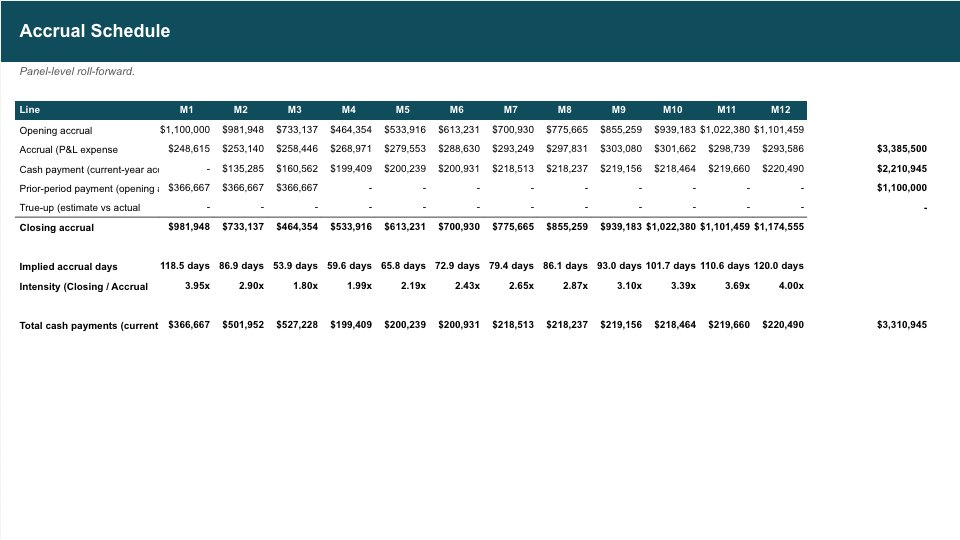
12-month accrued-liability roll-forward with reversal timing across an accrual panel.
Balance Sheet Reconciliation and Substantiation Workbook
Reconcile each balance sheet account to independent support, log reconciling items and track clearing actions.
Beneish M-Score Earnings Manipulation Diagnostic
Calculate the Beneish M-Score from three years of financials, see which ratios drive it and track follow-up questions.