Nonprofit Grant Budget Tracker
Public Finance Financial Model (Excel Download)
Track each grant's budget against actual spending and keep award cash ring-fenced. See your unrestricted cash runway, the first month of any shortfall and who must act.



professionals from Deloitte






About this model
A grant budget and funding tracker for nonprofits. The shipped case is a fictional learning charity with three restricted awards, six months of paid vouchers and a six-month forecast. Award conditions are illustrative, not legal or accounting rules.
Each award has a limit, opening cash, an end date and an admin cap of 10%. Vouchers are tested for period, allowed category and the cumulative admin cap, and any ineligible cost moves to unrestricted funding. Award cash rolls forward from receipts and eligible spending, kept apart for each award. Restriction releases come from approved reports and never change bank cash. Unrestricted cash rolls from donations and core costs.
On the shipped case unrestricted cash is USD 59,000 at June with a monthly burn of USD 12,000, so runway is about 4.9 months and the first deficit falls in November. One award needs USD 14,500 from August because a tranche arrives late. The total timing funding need is USD 27,500, each with an owner. A contingency sheet tests a delayed tranche, an accelerated receipt and a committed core gift.
What every model includes
Live formulas, no hardcoded values
Outputs are driven by live formulas, so the workbook updates from its assumptions instead of relying on hardcoded results.
All assumptions in one tab
Inputs are clearly marked in the Assumptions tab and separated from calculations, making it clear what to change and what to leave intact.
Statements always balancing
For integrated-statement models, the balance sheet, cash flow, and supporting schedules tie through properly.
Distinct schedules for clarity
Debt, working capital, taxes, and cash flow can get messy quickly. We group calculations in clear schedules, not across disconnected tabs.
No hidden macros or external links
There are no unexplained external workbook links or macros to undermine auditability or portability.
Changes flow through the model
Update a key driver and see the impact carry through the forecast, financing, and return outputs. We never use hardcoded numbers in formulas.
What's inside the Nonprofit Grant Budget Tracker
- Award register with limit, opening cash, dates and admin cap
- Grant budget by award and category with allowed flags
- Paid voucher register with eligibility test
- Cumulative admin cap and prohibited category checks
- Budget versus actual and budget left by award
- Grant cash receipts split into actual and forecast tranches
- Restriction releases from approved reports, kept apart from cash
- Ring-fenced monthly cash roll for each award
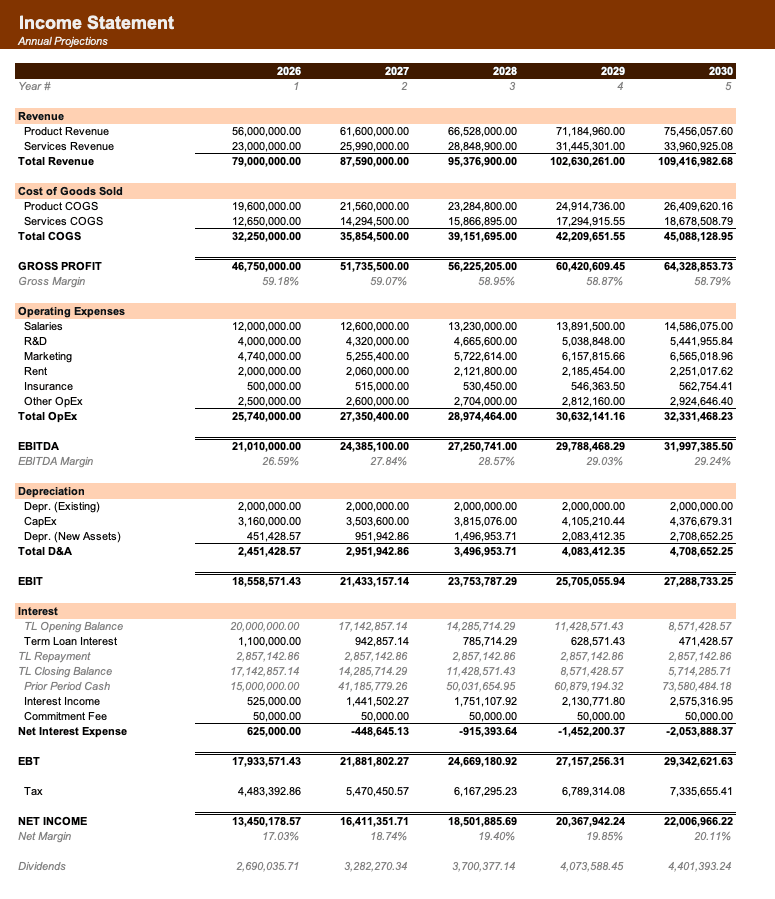
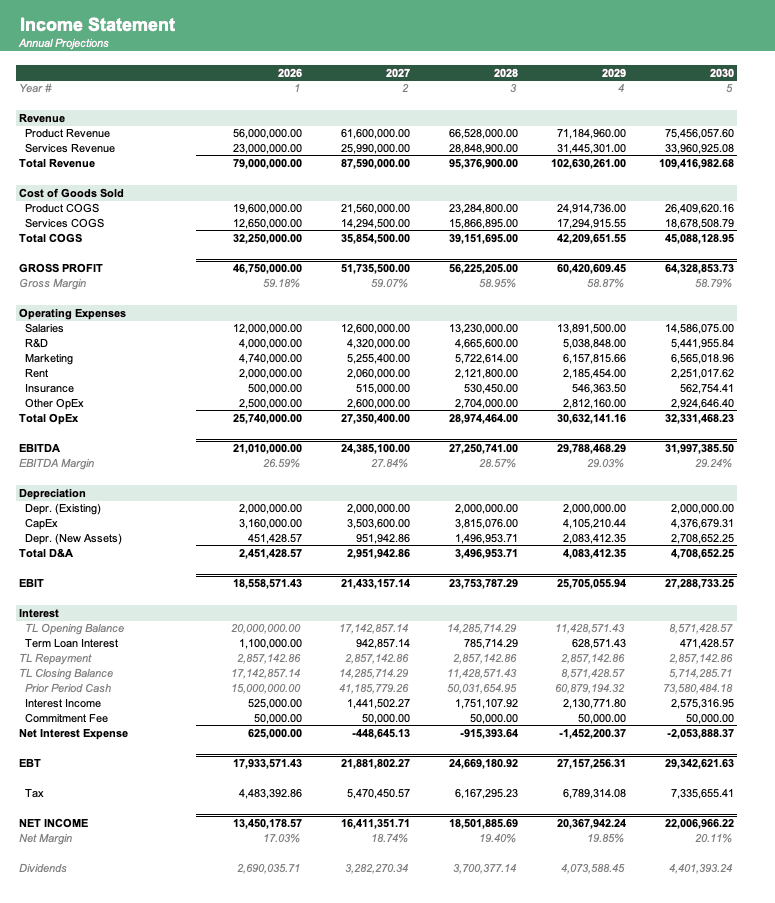
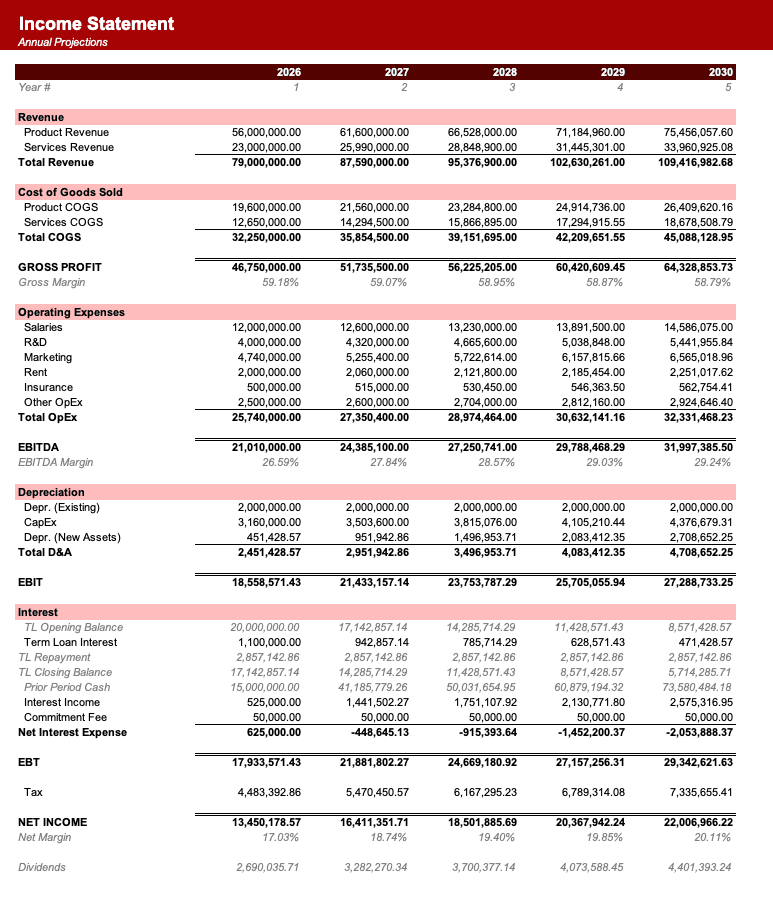
Formatted to IB standards
Named theme colors repaint the whole workbook in one click, on top of an investment-banking structure with clear input, output, and cross-sheet reference styling - brand-ready, institutional-grade, and fully auditable.

Created by ex-finance professionals
Hey, I’m Alex and I created Finamodel.
Over my years in the finance industry I kept building the same models over and over again. Same structure, same assumptions, different logo. So I started building frameworks to turn them into clean, reusable templates.
Every model here is one I’d actually use for a client, and I personally vet each one before it goes up.
I’m not an expert in every industry, but I’ve built enough models to know what belongs in one. And when something is completely foreign to me, I reach out to my network for experts to work on our models with us.
Having a template library on hand cuts a first build from hours to minutes.
Frequently asked
What is grant budget tracking?+
Grant budget tracking compares what a funder agreed to pay for with what the organization actually spends. It checks that costs fall in allowed categories and periods, and shows how much of each award is left.
Why keep award cash separate?+
Restricted grants can only be used for their stated purpose. The tracker keeps a separate cash roll for each award, so a surplus in one cannot hide a shortfall in another or in core costs.
What is a restriction release?+
A release records that a funder has approved eligible spending against an award. It reduces the unreleased award balance but does not change bank cash.
What is not included?+
The award conditions are illustrative and do not reflect any specific nonprofit accounting, tax or legal rules. The tracker shows financing needs but does not assume any loan or donor commitment.
How do I use it for my grants?+
Enter your awards, budgets, vouchers, receipts and releases with matching IDs. Set the as-of date and your unrestricted cash and donations. Keep the forecast to six months and extend ranges when you add rows.
Have more financial modelling questions? Contact us
Related templates
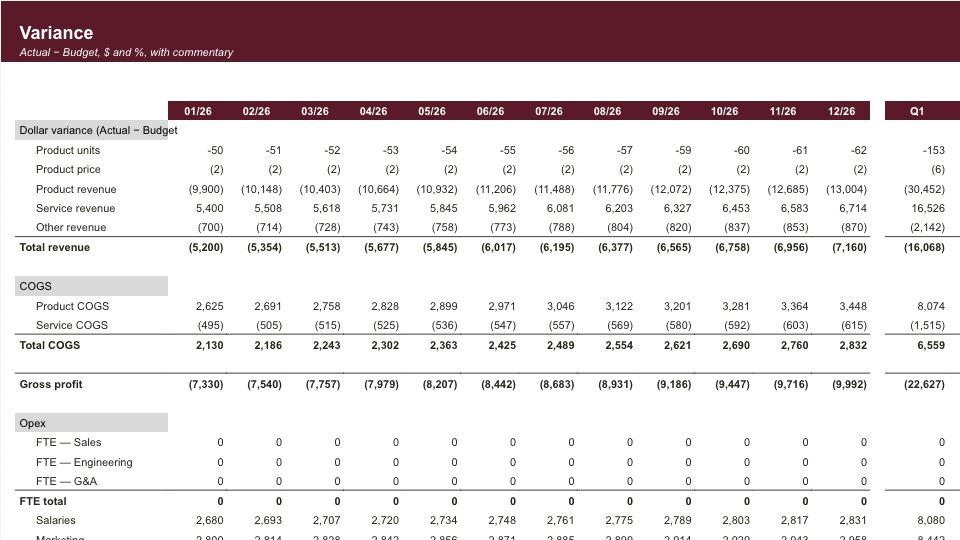
Budget vs Actuals Tracker
12-month operating P&L variance tracker with YTD summary.
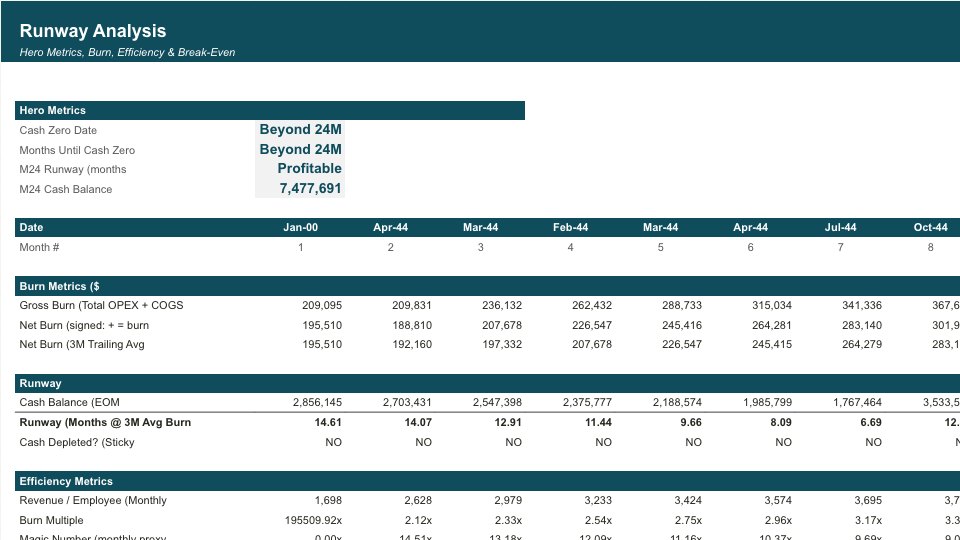
Startup Cash Runway Model
Monthly cash flow projection for seed and early-stage companies showing burn rate, months of runway, and funding milestones.
Grant Allowable Cost Decision Matrix
Test each grant cost against award terms, caps and evidence, and decide what is ready to claim, held or rejected.
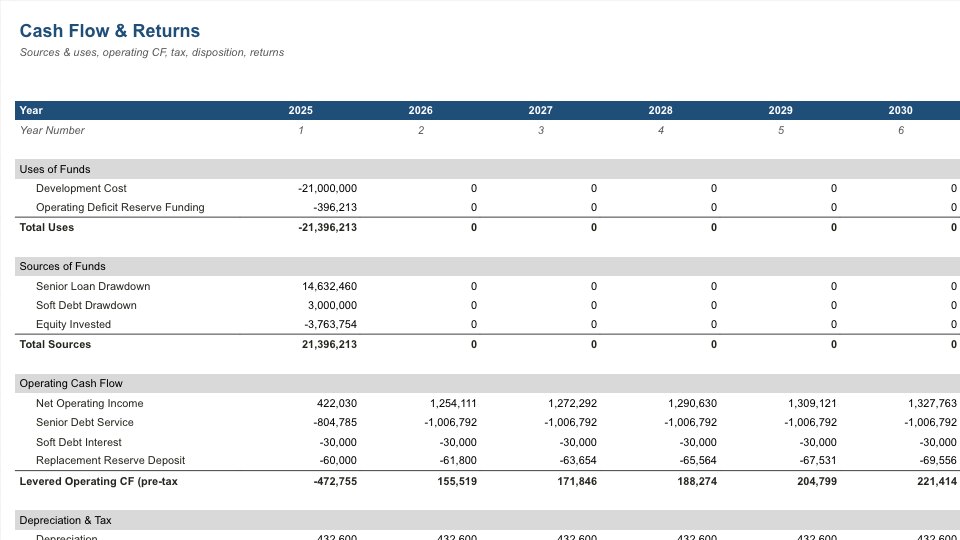
Public Housing Authority Operating Model
Unit mix, rent roll, operating expenses, and asset replacement reserve for public housing portfolios.