Payment Run Authorization Tracker
Treasury & Cash Financial Model (Excel Download)
Control each supplier payment run from selection to bank settlement. The register holds risky invoices, records who approved what, and shows any gap between bank cash and the approved amount.



professionals from Deloitte






About this model
A payment run register for an AP preparer, a treasury approver and a bank reconciliation accountant. It controls which supplier invoices are paid, records the approval and checks the bank result. The shipped case is a fictional USD run with ten candidate invoices and four suppliers.
Each candidate must be approved, due, selected, unpaid, unique and paid to a verified beneficiary, or it is held with a reason. The approval snapshot records the exact invoices, accounts and amounts signed off by a preparer and a different approver. Bank records are then matched to the original instructions, including rejected, wrong-account and correcting items. A short payment needs a separate approved top-up, not a repeat transfer.
On the shipped case two invoices worth $14,750 are approved, but the bank paid $14,800: one invoice is $250 short and $300 went to an unknown account. The next transfer stays at zero until the top-up is approved. The run can close only when bank cash, invoices and source controls tie.
What every model includes
Live formulas, no hardcoded values
Outputs are driven by live formulas, so the workbook updates from its assumptions instead of relying on hardcoded results.
All assumptions in one tab
Inputs are clearly marked in the Assumptions tab and separated from calculations, making it clear what to change and what to leave intact.
Statements always balancing
For integrated-statement models, the balance sheet, cash flow, and supporting schedules tie through properly.
Distinct schedules for clarity
Debt, working capital, taxes, and cash flow can get messy quickly. We group calculations in clear schedules, not across disconnected tabs.
No hidden macros or external links
There are no unexplained external workbook links or macros to undermine auditability or portability.
Changes flow through the model
Update a key driver and see the impact carry through the forecast, financing, and return outputs. We never use hardcoded numbers in formulas.
What's inside the Payment Run Authorization Tracker
- Candidate invoice list with due date, amount, status and account
- Hold reasons for approval, due date, selection, payment status, duplicates and amounts
- Beneficiary verification by independent callback
- Authorization cap and approved invoice ceiling
- Approval snapshot with separate preparer and approver
- Instruction history with partial closure and separate top-ups
- Bank execution reconciliation including rejected and unknown items
- Next transfer amount that blocks repeat payments
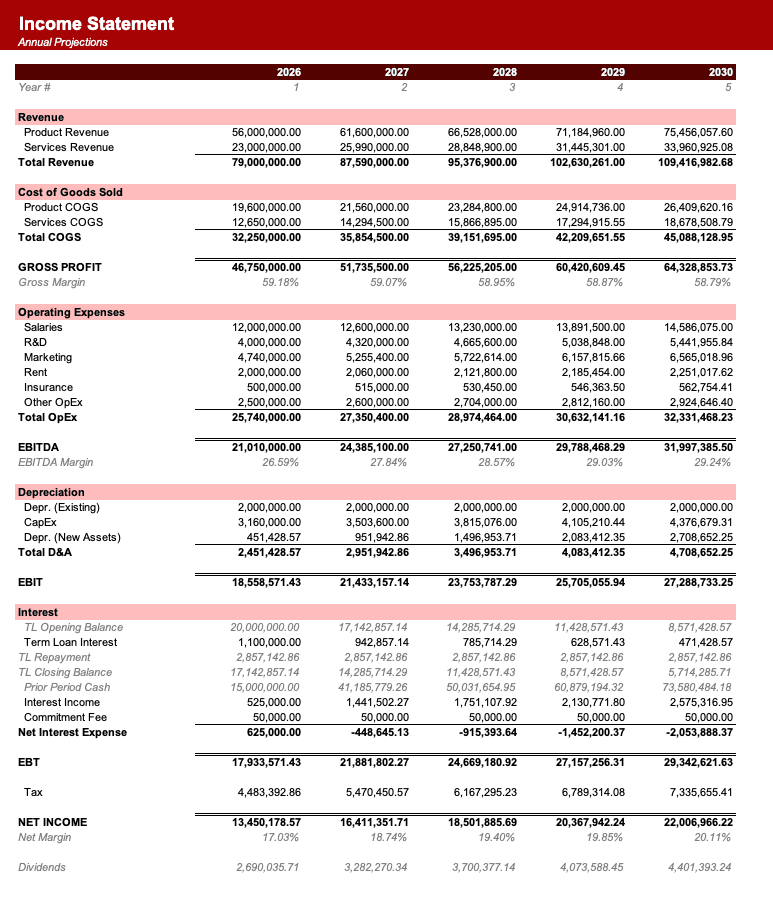
Formatted to IB standards
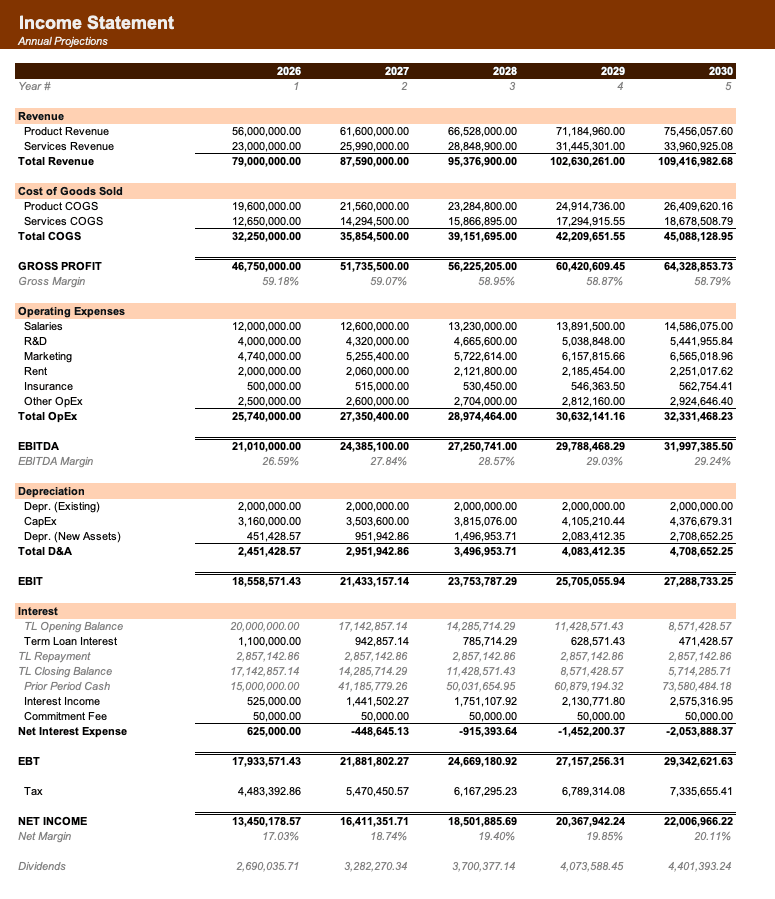
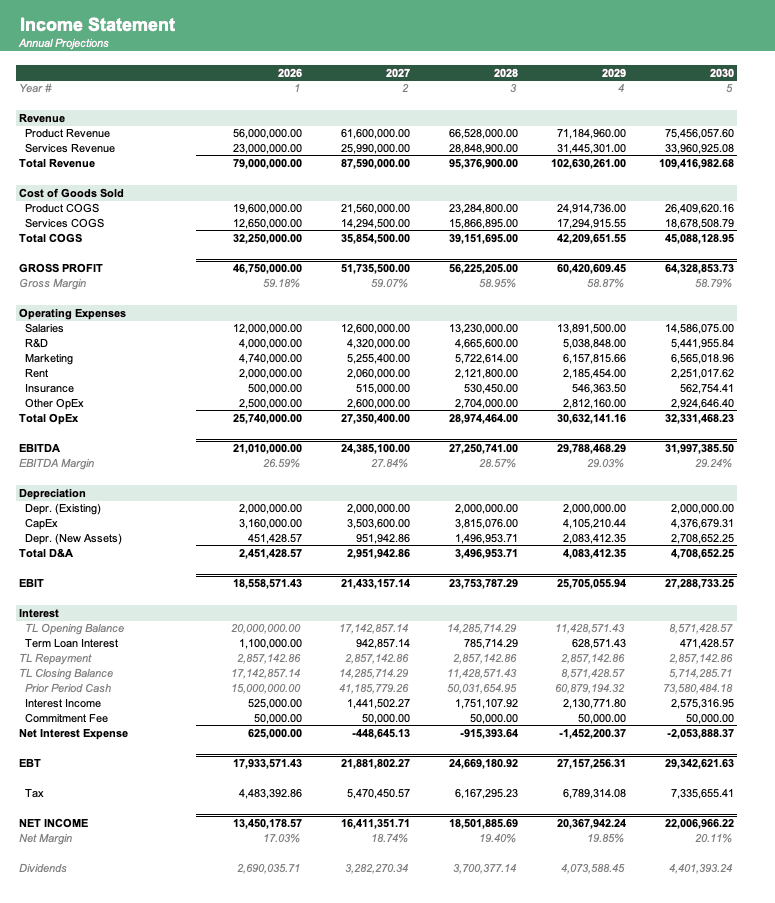
Named theme colors repaint the whole workbook in one click, on top of an investment-banking structure with clear input, output, and cross-sheet reference styling - brand-ready, institutional-grade, and fully auditable.

Created by ex-finance professionals
Hey, I’m Alex and I created Finamodel.
Over my years in the finance industry I kept building the same models over and over again. Same structure, same assumptions, different logo. So I started building frameworks to turn them into clean, reusable templates.
Every model here is one I’d actually use for a client, and I personally vet each one before it goes up.
I’m not an expert in every industry, but I’ve built enough models to know what belongs in one. And when something is completely foreign to me, I reach out to my network for experts to work on our models with us.
Having a template library on hand cuts a first build from hours to minutes.
Frequently asked
What is a payment run authorization register?+
It is a control record for a batch of supplier payments. It shows which invoices are eligible, who approved the batch, what was sent to the bank and whether the bank result matches. It helps prevent wrong, duplicate or unapproved payments.
Why are some invoices held?+
An invoice is held if it is not approved, not yet due, not selected, already paid, duplicated, has a missing or invalid amount, or pays to an unverified account. Credit notes stay outside the bank run for separate AP review.
How is a short payment fixed?+
The original instruction is closed as partial. The remaining amount needs a separate top-up instruction with its own approval. The register never lets you transfer the full invoice ceiling again.
Is this a bank upload or signature system?+
No. It is an operational register. Approvals are editable records that you must replace with real authorized evidence. It does not send payments or convert currencies.
How do I add more payments?+
Rows are reserved for extra bank records, approval snapshots and instructions. Beyond those rows, extend all ranges, controls and validations together, and keep stable IDs.
Have more financial modelling questions? Contact us
Related templates
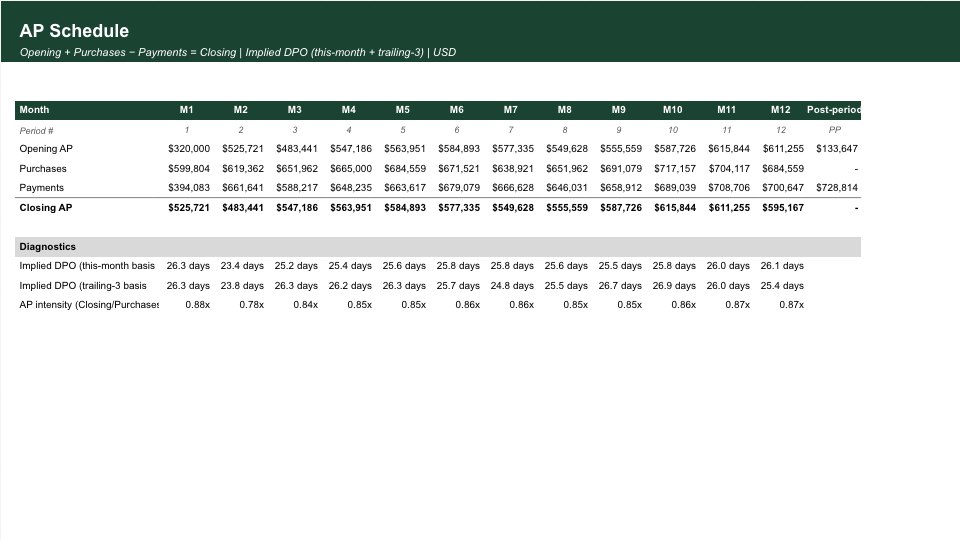
AP Forecast
12-month accounts-payable timing forecast with vendor terms and DPO.
Three-Way Invoice Matching Workpaper
Match supplier invoices to purchase orders and goods receipts, hold exceptions and control payment release.
Duplicate Supplier and Invoice Detection Workpaper
Find duplicate supplier records and duplicate invoices before payment, hold them for review and release only proven items.
Portfolio Hedge Sizing Calculator
Size delta, beta and duration hedges in whole lots, check residual risk and margin budget, and build trade tickets.