Personal Income Tax Planning Calculator
Personal Finance Financial Model (Excel Download)
Estimate a household's annual income tax and plan the quarterly payments. The model applies progressive bands, picks the larger deduction and shows what extra income or deductions change.



professionals from Deloitte






About this model
A personal income tax planning calculator for one household and one tax year. It adds up income from several sources, takes off adjustments and applies the larger of the standard or itemized deduction. The tax rules are fictional and fully editable, so you enter the bands, rates, deductions and credits for your own jurisdiction.
The tax build applies each progressive band, floors taxable income at zero and caps credits at the tax before credits. A payments sheet spreads the remaining liability over four quarterly installments and shows the catch-up due if earlier payments fell short. Three saved cases compare a base year, retirement funding and an income rise.
The Summary shows annual liability, withholding, estimated payments and the balance still to pay. A deduction review shows the tax saved per extra dollar of deduction, and the live planning sheet tests extra income and extra deductions together. Checks confirm the bands are continuous and the payment plan adds up.
What every model includes
Live formulas, no hardcoded values
Outputs are driven by live formulas, so the workbook updates from its assumptions instead of relying on hardcoded results.
All assumptions in one tab
Inputs are clearly marked in the Assumptions tab and separated from calculations, making it clear what to change and what to leave intact.
Statements always balancing
For integrated-statement models, the balance sheet, cash flow, and supporting schedules tie through properly.
Distinct schedules for clarity
Debt, working capital, taxes, and cash flow can get messy quickly. We group calculations in clear schedules, not across disconnected tabs.
No hidden macros or external links
There are no unexplained external workbook links or macros to undermine auditability or portability.
Changes flow through the model
Update a key driver and see the impact carry through the forecast, financing, and return outputs. We never use hardcoded numbers in formulas.
What's inside the Personal Income Tax Planning Calculator
- Income from five sources with adjustments to reach adjusted income
- Standard or itemized deduction, with the larger one applied
- Editable progressive tax bands and rates
- Nonrefundable credits capped at the tax before credits
- Annual liability, withholding and remaining balance
- Quarterly estimated payments with cumulative catch-up
- Three saved cases: base, retirement funding and income rise
- Deduction review with the tax saved per dollar of deduction
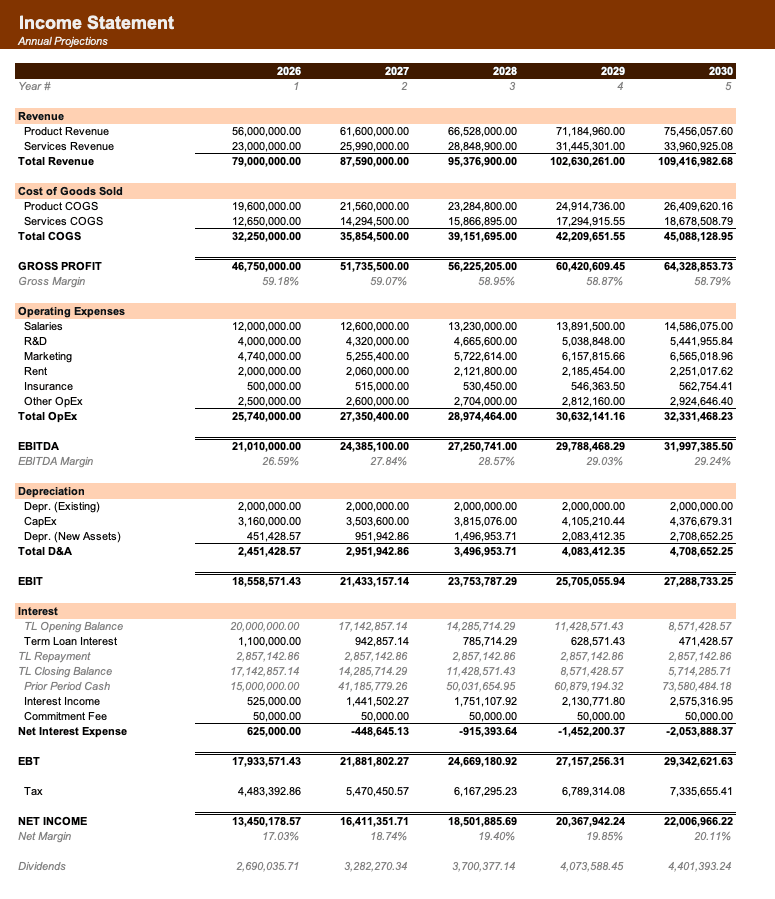
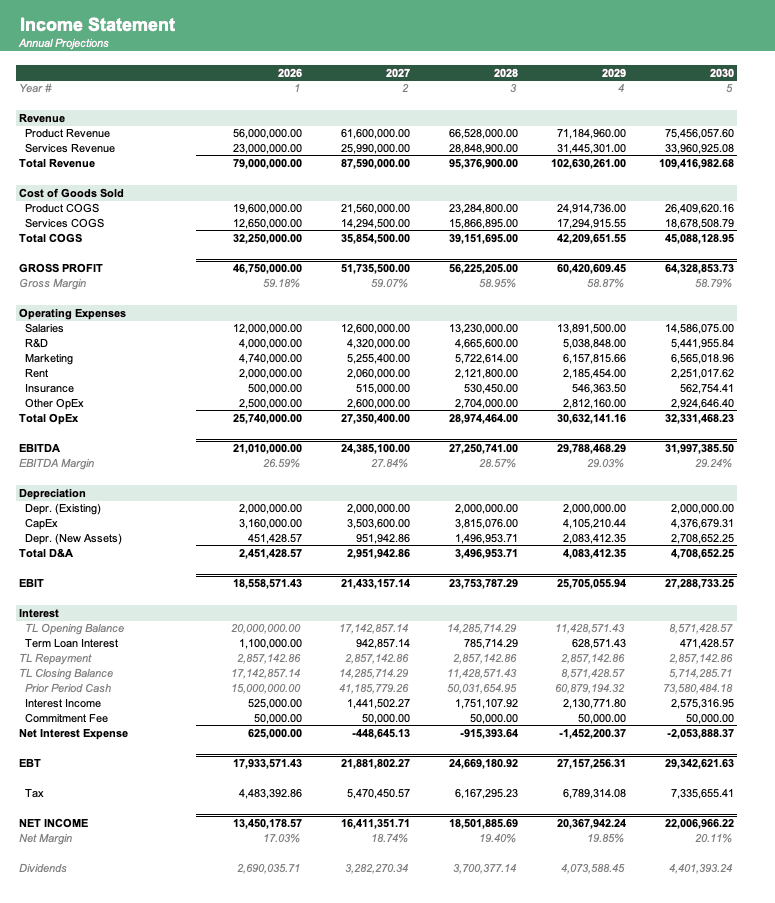
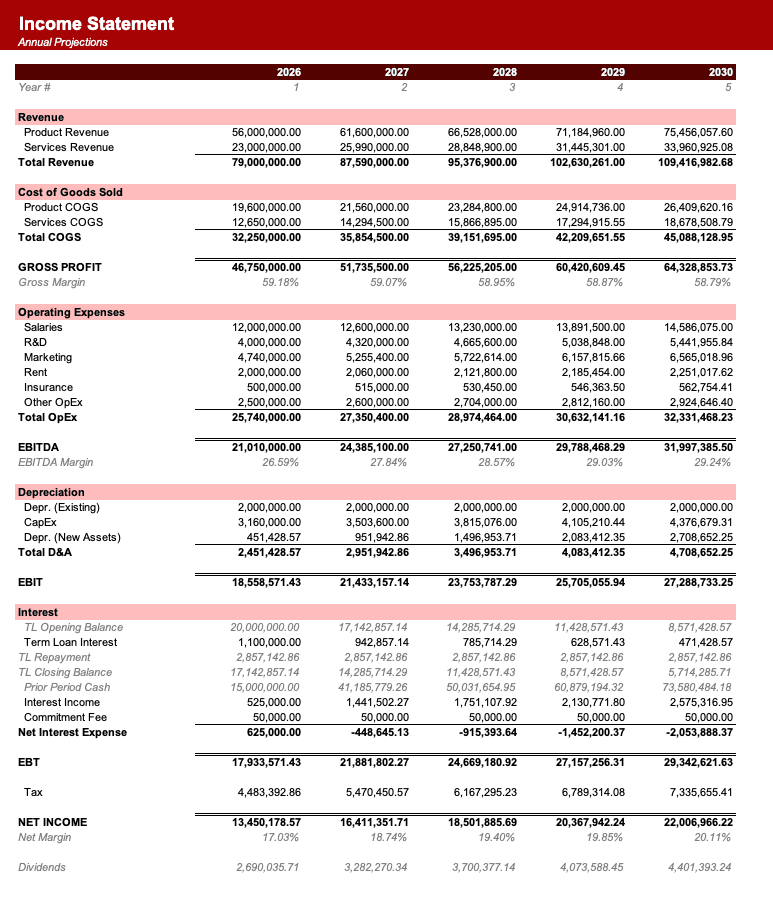
Formatted to IB standards
Named theme colors repaint the whole workbook in one click, on top of an investment-banking structure with clear input, output, and cross-sheet reference styling - brand-ready, institutional-grade, and fully auditable.

Created by ex-finance professionals
Hey, I’m Alex and I created Finamodel.
Over my years in the finance industry I kept building the same models over and over again. Same structure, same assumptions, different logo. So I started building frameworks to turn them into clean, reusable templates.
Every model here is one I’d actually use for a client, and I personally vet each one before it goes up.
I’m not an expert in every industry, but I’ve built enough models to know what belongs in one. And when something is completely foreign to me, I reach out to my network for experts to work on our models with us.
Having a template library on hand cuts a first build from hours to minutes.
Frequently asked
Which country's tax rules does it use?+
None. The shipped rules are for a fictional jurisdiction so that the model makes no compliance claim. You enter the tax bands, rates, standard deduction and credits that apply to you. Check them with a tax professional before you rely on the result.
How does progressive tax work in the model?+
Taxable income is split across the bands. Each slice is taxed at its band rate, and the slices are added. The last band must be wide enough to cover all taxable income, and a check confirms this.
How are quarterly estimated payments calculated?+
The model takes the liability left after withholding and spreads it over four installments using the plan fractions you enter. If an earlier installment was short, the next one shows the catch-up needed to stay on plan.
What is not included?+
The model covers ordinary income only. It does not calculate penalties, safe harbor rules, special rates for capital gains or dividends, payroll or social taxes, regional taxes or tax treaties.
Have more financial modelling questions? Contact us
Related templates
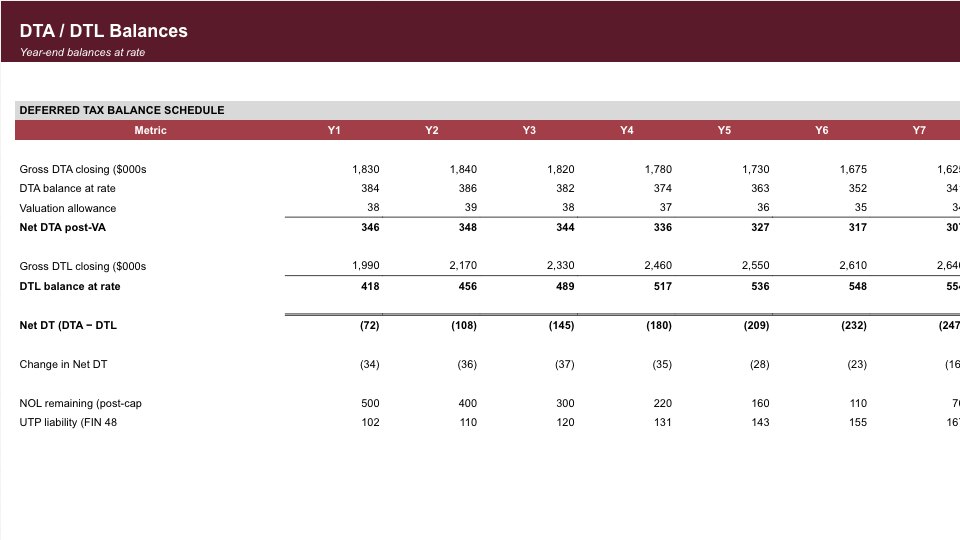
Deferred Tax
5-year deferred-tax roll-forward with DTA/DTL split, valuation allowance, and effective tax rate walk.
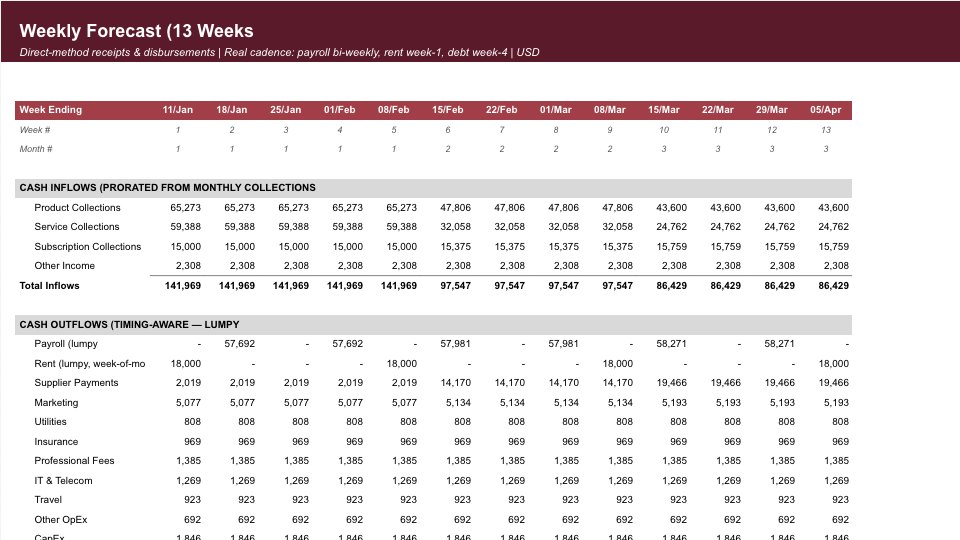
Cashflow Model
Detailed monthly and annual cash flow projections with sweep and liquidity mechanics.
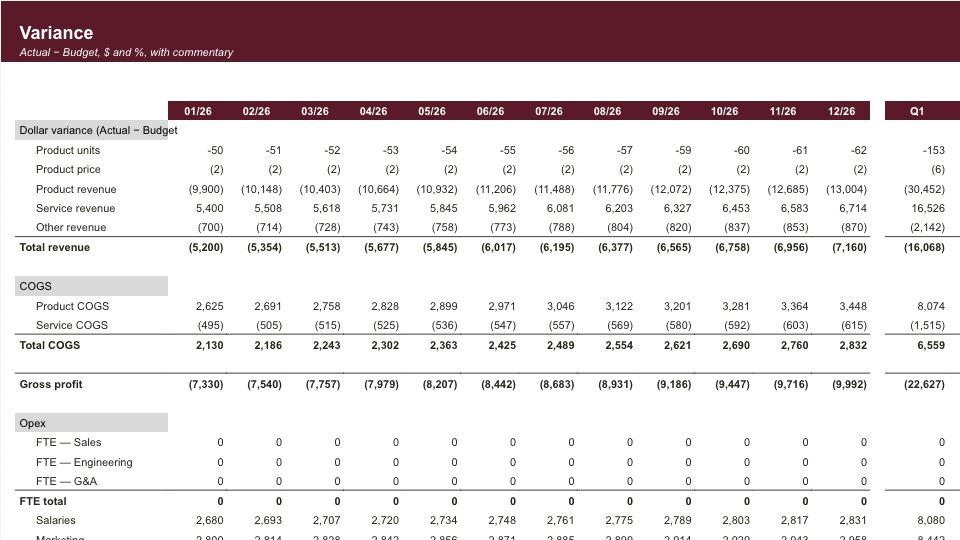
Budget vs Actuals Tracker
12-month operating P&L variance tracker with YTD summary.
Retirement Income and Withdrawal Planner
Find sustainable retirement spending from savings, pensions and a target bequest, and test an early market loss.