Prepaid Expenses
Corporate Finance Financial Model (Free Excel Download)
Amortise prepaid costs across the periods they benefit, reconcile opening balances and additions, and forecast the expense and asset balances used in reporting.



professionals from Deloitte
Used by professionals from






About this model
A prepaid-expenses model translates a monthly prepayment plan into a 12-month projection of the prepaid-asset balance and the expense recognition as each prepayment amortises. This template lays the full mechanic on six sheets: an Assumptions sheet with a panel of eight prepaid categories (rent, utilities, travel, marketing, professional fees, maintenance, insurance, software licenses), each with an amortisation period in months and a 12-month prepayment plan, plus opening prepaid balance, the four period cutoffs that group categories into period buckets (1 mo / 1-3 mo / 3-6 mo / >6 mo), and the average-period and prepaid-intensity traffic-light thresholds; a Prepaid Master sheet that pulls each category's period and annual payments, computes its % of panel and period contribution, and labels its period bucket; an Amortisation Schedule sheet with a 12x12 matrix that routes each month's prepayments to the months they are recognised as expense via straight-line amortisation, with a post-period column for amortisation whose recognition lands beyond the 12-month window; a Prepaid Schedule sheet that rolls opening prepaid, new payments, amortisation, and closing prepaid through 12 months with implied months-of-cover each month; and a Dashboard sheet with weighted-average period, peak prepaid balance, prepaid intensity at peak, closing prepaid at M12, annual payments and amortisation, and the amortisation period distribution by bucket.
The amortisation routing uses a SUMPRODUCT against the category period range, so a single edit to a category's period or to a bucket cutoff reshapes the entire amortisation matrix and the prepaid balance path. Weighted period is computed properly - each category's share of total annual payments is multiplied by its period months and summed - so big-dollar categories dominate the headline number the way they would in a real income-statement forecast. The model maintains the prepaid identity (opening + payments - amortisation = closing) at every month, and the post-period spill column ensures column sums tie to the underlying prepayments.
CFOs, FP&A teams, controllers, and treasury managers use this template for expense recognition timing (drive the operating-expense side of a 3-statement model off the Prepaid Schedule amortisation row), working-capital sizing (read prepaid intensity at peak to size short-term assets carried by the business between cash payment and expense recognition), and year-end close diagnostics (flex one category's period in Assumptions and quantify the income-statement impact on weighted period and peak prepaid before changes hit the books). The straight-line model is intentionally caveman-simple - real prepayments occasionally have non-linear benefit curves - so the trade-off is interpretability and one-edit responsiveness over the false precision of a usage-weighted amortisation schedule.
What every model includes
Live formulas, no hardcoded values
Outputs are driven by live formulas, so the workbook updates from its assumptions instead of relying on hardcoded results.
All assumptions in one tab
Inputs are clearly marked in the Assumptions tab and separated from calculations, making it clear what to change and what to leave intact.
Statements always balancing
For integrated-statement models, the balance sheet, cash flow, and supporting schedules tie through properly.
Distinct schedules for clarity
Debt, working capital, taxes, and cash flow can get messy quickly. We group calculations in clear schedules, not across disconnected tabs.
No hidden macros or external links
There are no unexplained external workbook links or macros to undermine auditability or portability.
Changes flow through the model
Update a key driver and see the impact carry through the forecast, financing, and return outputs. We never use hardcoded numbers in formulas.
What's inside the Prepaid Expenses
- Prepaid panel with amortisation period (months) and 12-month prepayments plan per category
- Prepaid Master with annual payments, % of panel, weighted-period contribution, and period bucket
- 12x12 amortisation matrix routing each month's prepayments to the months they are recognised as expense
- Post-period spill column capturing amortisation deferred past M12
- 12-month prepaid-asset roll-forward: opening, new payments, amortisation, closing, months-of-cover
- Weighted-average amortisation period across the panel weighted by annual payments
- Peak prepaid balance, the month it occurs, and prepaid intensity (closing / monthly amortisation) at peak
- Dashboard with average-period and prepaid-intensity traffic-light status against user-set thresholds
Prepaid Expenses Model: How the Template Works
This prepaid expenses model template gives a structured way to track prepaid assets from invoice through amortisation. It builds a 24-month roll-forward from contract-level detail, showing how cash outflows and expense recognition diverge.
The template includes a sub-ledger, amortisation matrix, journal entries, reconciliation, dashboard, and validation checks. This guide explains the key mechanics for evaluating the template.
Operating Drivers: Contract Data and Assumptions
The model is driven by a contract-level sub-ledger on the Contracts sheet, where each record represents an invoice or contract line. For each line, you enter the vendor, GL account, service start and end dates, payment date, total paid amount, and payment frequency.
- A capitalisation threshold on the Assumptions sheet automatically sets a flag to determine whether the item is treated as a prepaid asset or expensed immediately. The Assumptions sheet also holds bucket cutoffs, model start date, status thresholds, and an opening-contracts list with remaining balances and remaining months.
- This design means the model can be updated by editing contract rows, and all downstream schedules will reflect the changes, provided the workbook is set to recalculate.
Calculation Flow: From Payments to Amortisation
The core calculation is an amortisation matrix that allocates each capitalised contract's total paid amount across months based on the portion of service days falling in each month. The formula uses the contract's service start and end dates to compute the overlap with each month and divides by total service days.
- This creates a date-driven, first-month-prorated expense pattern. Opening contracts from the Assumptions sheet amortise their remaining balance evenly over the remaining months.
- The matrix sums to a panel-level monthly amortisation figure that feeds the Prepaid Schedule, which also includes a cash-outflow row based on payment dates, separate from expense recognition. The roll-forward identity is closing balance equals opening plus new capitalisations minus amortisation.
Outputs: Schedules, Journal Entries, and Dashboard
The model produces several outputs. The Prepaid Schedule shows a 24-month roll-forward with opening, new capitalisations, amortisation expense, closing balance, and months-of-cover.
- It also splits the closing balance at month 12 into current and non-current portions. A Journal_Entries sheet lists capitalisation and amortisation entries, with an auto-reverse preview for amounts spilling beyond month 24.
- The GL_Tieout compares the sub-ledger closing balance by GL account to a trial-balance input, flagging differences. A Dashboard summarises key metrics such as weighted-average period, peak prepaid balance, balance trend, and bucket distribution.
The Checks sheet runs four identity tests to help ensure internal consistency.
Practical Use: Validation and Common Pitfalls
The Checks sheet provides four validation identities with a tolerance input to avoid floating-point issues. These check that the amortisation matrix plus spill equals capitalised total, that column sums reconcile to capitalised plus opening amounts, that the roll-forward holds at month 24, and that the weighted-average period ties to category data.
- The model is designed to surface common errors, such as reversed service dates, payment dates beyond the 24-month horizon, or capitalisation thresholds that misclassify contracts. It also highlights annual contracts that extend past month 24, showing the residual amount that would be written off.
- This structure helps a controller identify and correct data issues before relying on the outputs.
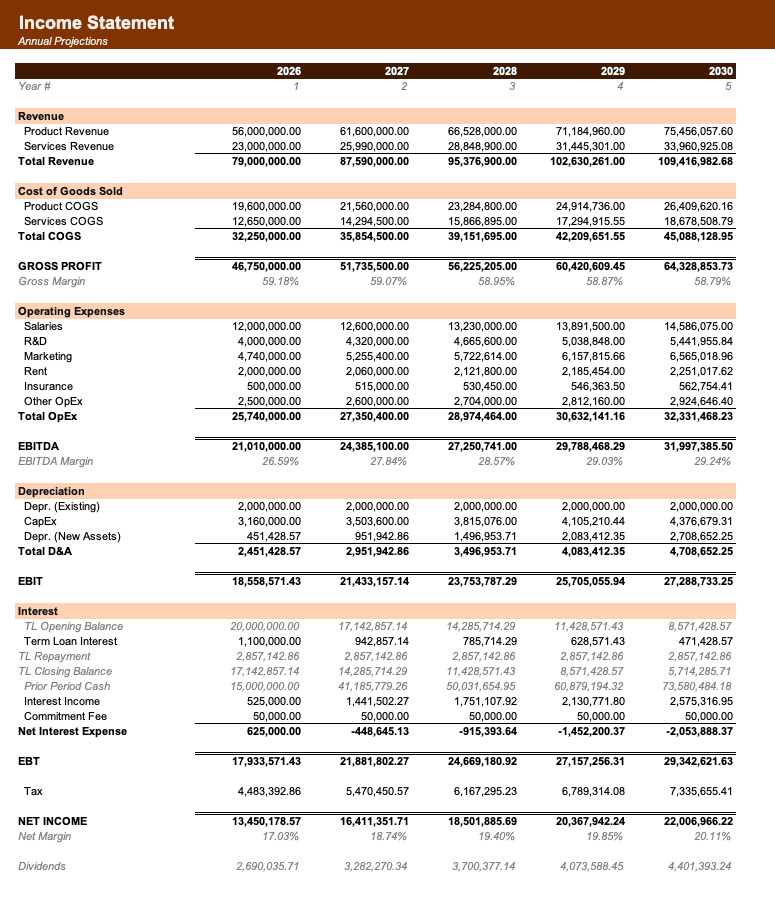
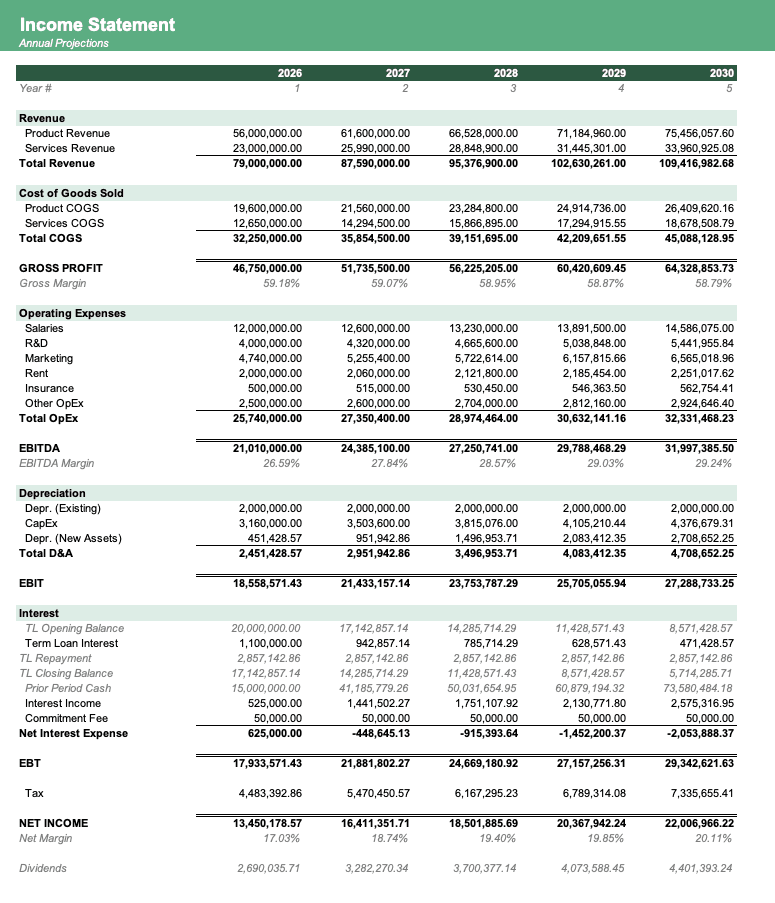
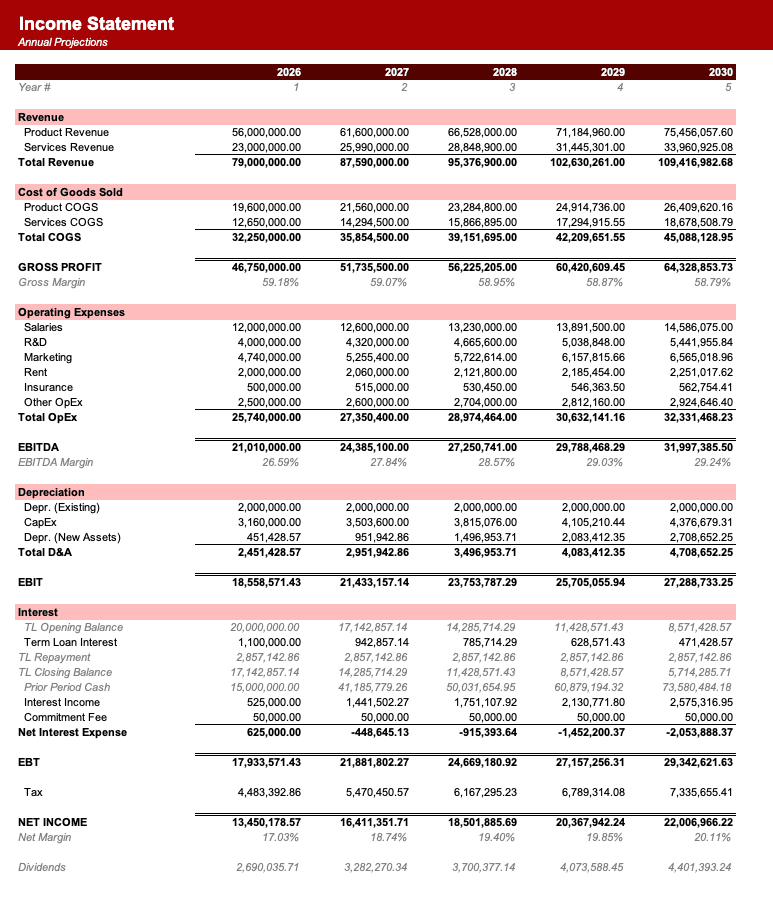
Formatted to IB standards
Named theme colors repaint the whole workbook in one click, on top of an investment-banking structure with clear input, output, and cross-sheet reference styling - brand-ready, institutional-grade, and fully auditable.

Created by ex-finance professionals
Hey, I’m Alex and I created Finamodel.
Over my years in the finance industry I kept building the same models over and over again. Same structure, same assumptions, different logo. So I started building frameworks to turn them into clean, reusable templates.
Every model here is one I’d actually use for a client, and I personally vet each one before it goes up.
I’m not an expert in every industry, but I’ve built enough models to know what belongs in one. And when something is completely foreign to me, I reach out to my network for experts to work on our models with us.
Having a template library on hand cuts a first build from hours to minutes.
Need help finding your model? You’ll find me in the Finamodel app!
Frequently asked
What is a prepaid-expenses model?+
A prepaid-expenses model tracks the timing gap between when cash is paid for a service or asset (the prepayment) and when the expense is actually recognised on the income statement (over the benefit period). It rolls the prepaid-asset balance forward month by month from opening + new payments - amortisation, and it projects the expense-recognition side directly.
How is amortisation computed here?+
Straight-line: a prepayment of X in month r over period P months recognises X/P expense in each of the P months starting in month r. The model uses a SUMPRODUCT against the category period range so each cell of the 12x12 matrix sums all category contributions for that (payment_month, expense_month) pair in one formula.
Why does the dashboard show amortisation deferred past M12?+
Categories with longer amortisation periods (like annual insurance or software licenses with a 12-month period) can have prepayments in the last few months of the forecast whose recognition lands beyond the 12-month window. The amortisation matrix has a post-period column that captures this spill so the totals tie and you can see how much expense recognition rolls over into the next year.
How is weighted period computed here?+
Weighted period is the sum of each category's share of total annual payments multiplied by that category's amortisation period in months. So categories with bigger annual amounts get more weight, and the headline period reflects the panel's actual expense-timing centre of gravity rather than a flat average across categories.
Can I add more prepaid categories?+
Yes. Extend the category block on Assumptions, add the corresponding row on Prepaid Master, and extend the Periods_By_Cat and Pay_M1..Pay_M12 named ranges to cover the new rows. The amortisation matrix and Prepaid Schedule will pick up the additions automatically through the named ranges.
Have more financial modelling questions? Contact us
Related templates
Accrued Expenses
12-month accrued-liability roll-forward with reversal timing across an accrual panel.
Working Capital Model
Model cash conversion cycle with DSO, DIO, and DPO to forecast working capital needs.
3 Statement Model
Integrated income statement, balance sheet, and cash flow forecasts.
M&A Modeling & Valuation
Comprehensive M&A valuation with DCF, comparable companies, and precedent transactions analysis.


