Transaction Signing and Closing Checklist
Private Equity Financial Model (Excel Download)
Track every task needed to sign and close a deal, and the obligations that follow. Each stage is ready only when its tasks, documents and waivers are complete and evidenced.



professionals from Deloitte






About this model
A closing checklist for an acquisition. It tracks tasks across signing, closing and post-close, with the evidence for each. The shipped case is a fictional acquisition with signing on 23 October 2026 and a target closing date of 30 October 2026.
Each task has a stage, owner, due date, status, predecessor and evidence document. The document register shows version, custodian, signed date and location. Waivers record the approver, evidence and any residual obligation. A stage is ready only when every task is complete or validly waived. The closing forecast estimates the close from open prerequisites, and post-close deadlines start from the actual closing date.
On the shipped case, signing is ready. Closing is on hold with three open items: regulatory clearance to mark complete, an insurance waiver not yet approved and the closing certificate. The forecast close is 1 November, two days late. Post-close deadlines wait for the actual closing evidence.
What every model includes
Live formulas, no hardcoded values
Outputs are driven by live formulas, so the workbook updates from its assumptions instead of relying on hardcoded results.
All assumptions in one tab
Inputs are clearly marked in the Assumptions tab and separated from calculations, making it clear what to change and what to leave intact.
Statements always balancing
For integrated-statement models, the balance sheet, cash flow, and supporting schedules tie through properly.
Distinct schedules for clarity
Debt, working capital, taxes, and cash flow can get messy quickly. We group calculations in clear schedules, not across disconnected tabs.
No hidden macros or external links
There are no unexplained external workbook links or macros to undermine auditability or portability.
Changes flow through the model
Update a key driver and see the impact carry through the forecast, financing, and return outputs. We never use hardcoded numbers in formulas.
What's inside the Transaction Signing and Closing Checklist
- Task list by stage: signing, closing and post-close
- Owner, due date, status and predecessor for each task
- Predecessor checks for unknown, self and forward links
- Document evidence register with version, custodian and location
- Waivers with authorized approver and residual obligation
- Stage readiness with outstanding and incomplete counts
- Blocker review with required action for each task
- Closing forecast with estimated close and slip days
Formatted to IB standards
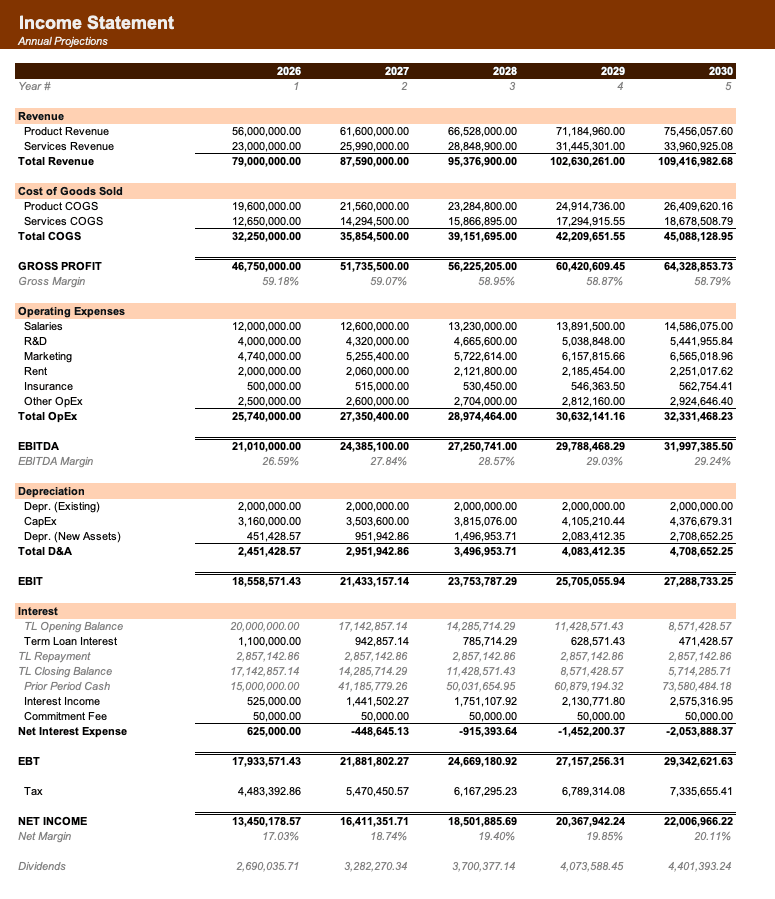
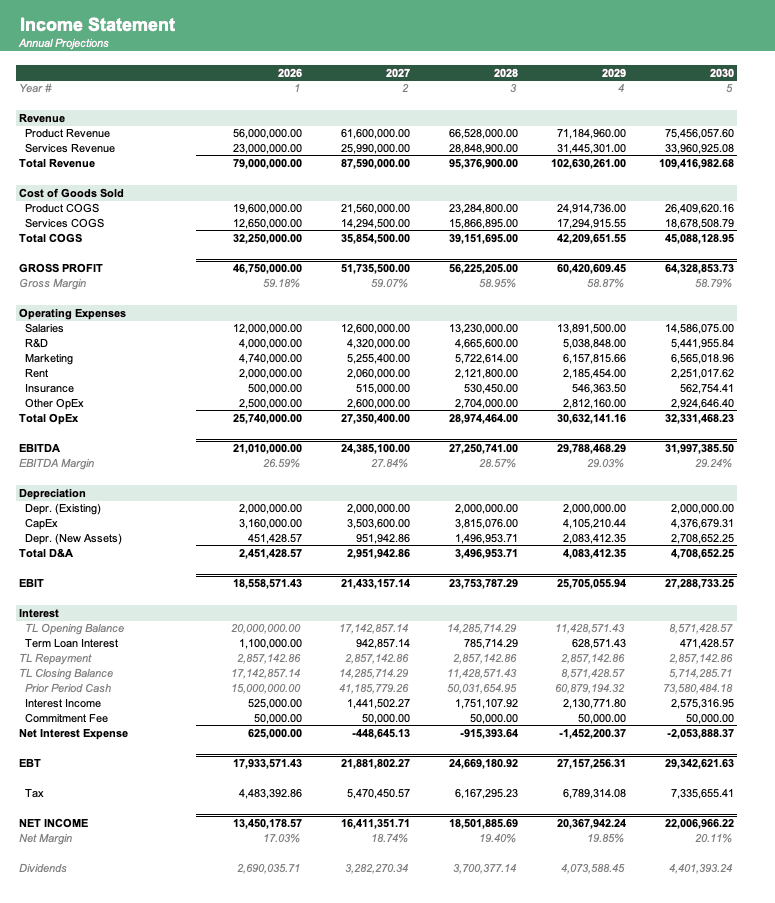
Named theme colors repaint the whole workbook in one click, on top of an investment-banking structure with clear input, output, and cross-sheet reference styling - brand-ready, institutional-grade, and fully auditable.

Created by ex-finance professionals
Hey, I’m Alex and I created Finamodel.
Over my years in the finance industry I kept building the same models over and over again. Same structure, same assumptions, different logo. So I started building frameworks to turn them into clean, reusable templates.
Every model here is one I’d actually use for a client, and I personally vet each one before it goes up.
I’m not an expert in every industry, but I’ve built enough models to know what belongs in one. And when something is completely foreign to me, I reach out to my network for experts to work on our models with us.
Having a template library on hand cuts a first build from hours to minutes.
Frequently asked
What is a closing checklist?+
A closing checklist lists every task, document and condition needed to sign and complete a deal. It shows who owns each item and whether it is done, so the deal team can see what still blocks closing.
How does a waiver work here?+
A waived task counts as done only if the waiver is approved by an authorized person with evidence. Any residual obligation, such as getting a consent after closing, moves to the post-close handover.
How is the closing date forecast?+
You enter a forecast date for each open prerequisite. The workbook checks the dates against predecessors and takes the latest as the earliest likely close. Missing or inconsistent dates hold the estimate.
Is this legal advice?+
No. It is an illustrative tracker with fictional data. It does not confirm legal compliance for any deal.
Can I add tasks?+
Yes. Add tasks with unique IDs, a valid stage and owner, and predecessors that point only to earlier tasks. Extend the source, calculation and summary ranges together.
Have more financial modelling questions? Contact us
Related templates
Transaction Funds Flow and Closing Statement
Build the deal funds flow from sources to payees, verify each wire instruction and reconcile actual bank movements on closing day.
Financing Conditions Precedent Tracker
Track loan conditions precedent, evidence and waivers for each draw, and show if a draw is ready to fund.
Transaction Data Room Index and Access Register
Index data room documents by version and control bidder access against NDA status, clearance and actual platform grants.
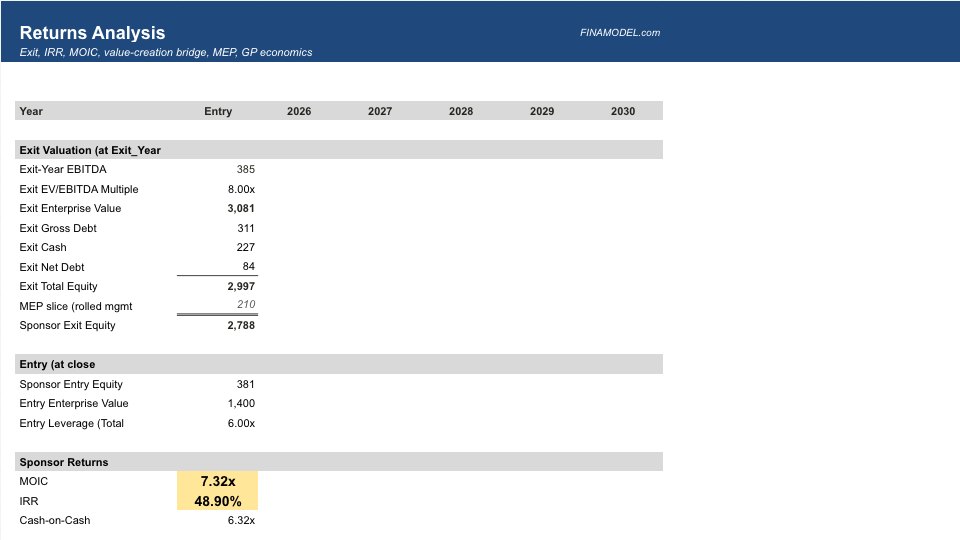
Leveraged Buyout Model
Complete LBO analysis with debt financing structures, sponsor returns, and sensitivity to exit scenarios.