 By Alex Tapio
 Clockwork alternatives
People look for Clockwork alternatives for three reasons. Price: business plans start at $719 a month and firm plans at $1,499 a month on annual billing. Ownership: the model lives in Clockwork's web app, and Excel and Google Sheets are inputs, not the deliverable. Fit: some firms want per-client pricing that scales down for small clients, some teams want their data live in spreadsheets, and some owners only need one model in a file they keep.
What is Clockwork?
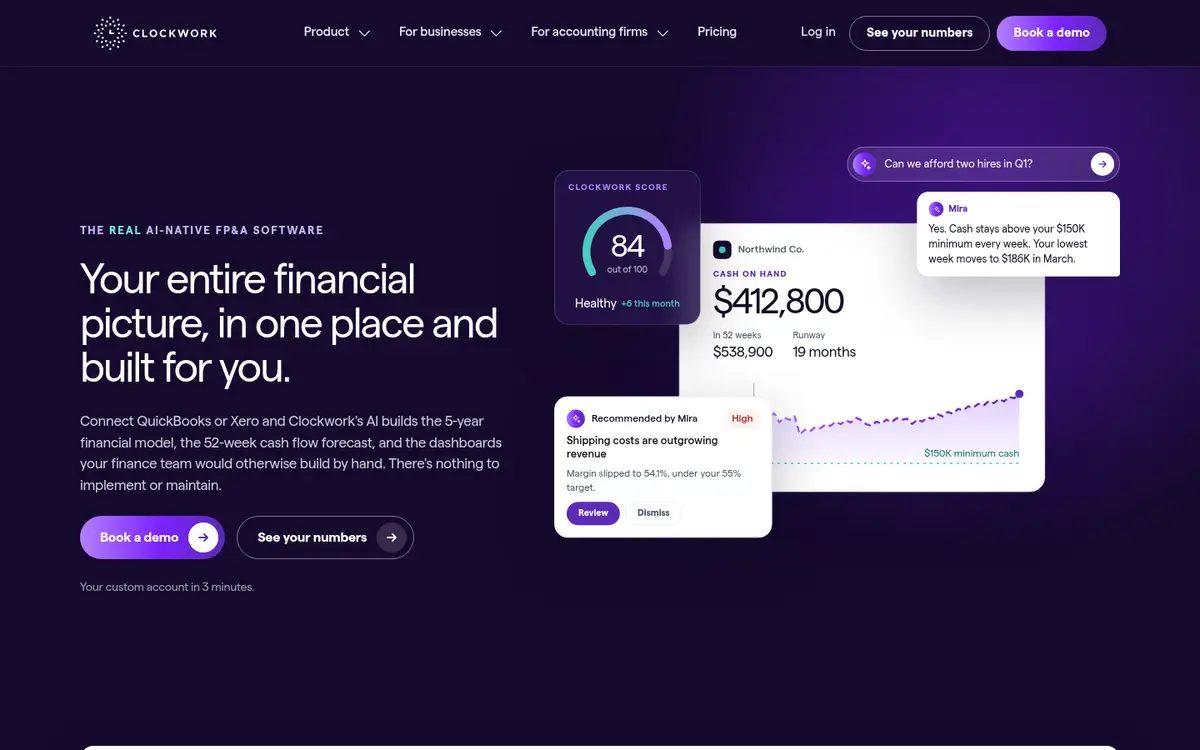
Clockwork is AI-native FP&A software. You connect QuickBooks or Xero, or upload a spreadsheet, and its AI builds a 5-year three-statement model, a 52-week cash flow forecast and dashboards. Mira, its AI insights feature, answers questions against the model. Clockwork sells to businesses and to accounting, CPA and fractional CFO firms doing advisory work, which get a client portal and unlimited users. It calls itself an official Thomson Reuters FP&A partner and says it has more than 1,000 users.
Clockwork at a glance
Clockwork's business plans start at $719 a month. Firm plans start at $1,499 a month with unlimited users, billed annually, which is 25% less than paying monthly; Firm Scale is $2,999 a month and Growth $5,999 a month on annual billing. Every plan comes with a 14-day free trial. Firms also get a 90-day client guarantee: sign your next advisory client, or Clockwork is free until you do.
Quick picks
Clockwork is the first row, for reference. This group mixes practice platforms for advisory firms, FP&A apps, Excel add-ins and AI agents, so read "Best for" first. Then look at the "Excel" column: some tools keep your model in their app, others put live data or a model into a spreadsheet you own. Prices are the lowest published plan.
| Tool | Best for | Type of tool | Price (entry plan) | Works in | Free option | Builds the model for you | Excel file you keep | AI edits your file | Templates library |
|---|---|---|---|---|---|---|---|---|---|
| AI-built model from your books | AI FP&A web app | From $719/mo (business) | Web app | Yes: 14-day free trial | Yes: AI builds 3-statement model | No: Excel is an input | No: Builds in its app | Not stated: Not stated |
 | Per-client pricing for CFO practices | Practice platform | From $49 per client/mo | Web, Excel, Google Sheets | Yes: 14-day trial | Yes: 3-statement and 13-week forecast | Yes: Two-way Excel sync | Yes: Sherpa changes the model | Not stated: Not stated |
 | Driver-based FP&A for firms | FP&A web app | From $50/mo (firms) | Web app | No: Demo, no trial mentioned | No: You set the drivers | No: Model lives in web app | No: AI baseline forecasts only | Yes: Industry templates |
 | QuickBooks models inside Excel | Excel add-in | $150 or $300/mo, 3 companies | Excel, QuickBooks Online | Yes: First Excel model free | Yes: One-click 3-statement model | Yes: Excel files you own | No: No AI noted | Yes: 10+ dashboards |
 | One model in a file | Ready models + AI | $20/mo or $120/yr | Web app, Excel file | Yes: 30 models + free samples | Yes: Fina chat builds it | Yes: .xlsx, formulas visible | Yes: Fina chat edits it | Yes: 500+ models |
 | Live QuickBooks data in spreadsheets | Excel and Sheets add-in | Not public, demo only | Excel, Google Sheets | Yes: Free template library | No: You build on templates | Yes: Live Excel and Sheets | No: AI pulls reports, no edits | Yes: 100+ reporting templates |
 | Low-cost AI agents for owners | AI finance agents | $30 or $50 a month | Web, QuickBooks, Xero | Yes: 14-day free trial | No: Cash projection only | No: No Excel model described | No: Agents work on books | No: No templates noted |
yes · no · not stated in the vendor's sources. Hover a mark for details. From each vendor's own site; prices change, so check before you buy.
1.Alpyne
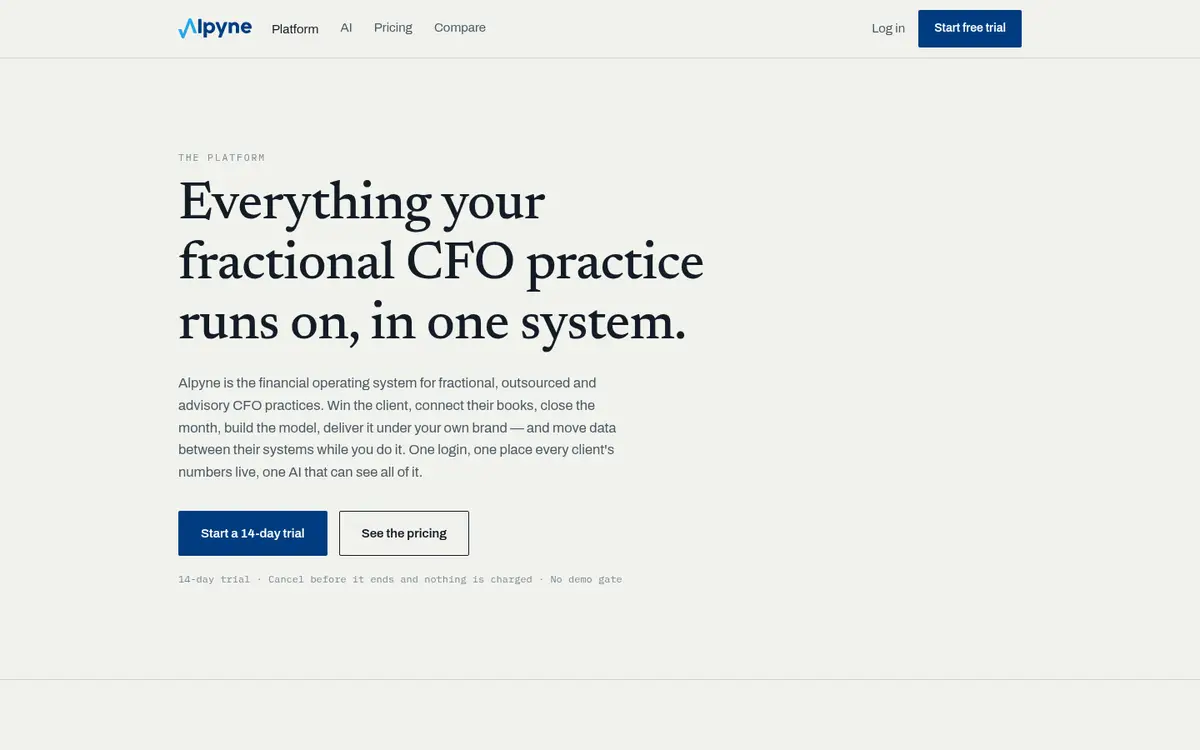
Alpyne is a finance operating system for fractional, outsourced and advisory CFO practices that run many clients. It connects client books, closes the month, builds three-statement models and rolling 13-week cash forecasts, and delivers white-labelled reports through a client portal.
A practice connects each client's books, runs the close in Alpyne and then builds the model and cash forecast. From the Advisory plan up, a two-way sync pushes the numbers into Excel and Google Sheets; Alpyne's own line is that it feeds those tools rather than replacing them. Sherpa, the AI analyst, answers questions about the model and can change it. Claude or ChatGPT can also work on the same data through a server connection.
It fits fractional CFOs, controllers and bookkeeping firms moving into advisory, especially with many small clients. A single in-house company can use the Inside plan at $399 a month.
The pricing model is the big difference from Clockwork. Alpyne charges per client: $49 for Reporting, $99 for Advisory and $199 for Full-stack per client per month, with 10% off at 5 clients, 20% at 10 and a further 15% for annual billing. A Practice add-on costs $99 a month and is included at 15 clients or more. A firm with a few clients pays far less than Clockwork's $1,499 a month firm plan, though Clockwork includes unlimited users and a 90-day client guarantee. Alpyne also gives you live spreadsheets, where Clockwork treats Excel as an input. On the other side, the site states that Alpyne is not SOC 2 certified, and we found no review scores or user counts.
- Price
- $49, $99 or $199 per client a month, with volume and annual discounts. Inside plan $399 a month.
- Free option
- A 14-day trial, with no demo needed.
Pros
- Per-client pricing that starts low
- Two-way sync to Excel and Google Sheets
- Sherpa AI can change the model
Cons
- Not SOC 2 certified, by its own statement
- No review scores or user counts found
Pick it if you run a CFO practice with many small clients and want the numbers in spreadsheets.
2.Jirav
Jirav is driver-based FP&A software for budgeting, three-statement forecasting, reporting and dashboards. It sells to accounting and CFO advisory firms, which resell it to clients, and directly to small and midsize businesses.
You set drivers, and Jirav produces three-statement forecasts from 1 to 7 years out, with annual and departmental budgets, budget versus actuals, cash and working-capital forecasting, auto-rolling forecasts and workforce planning. It connects to QuickBooks Online, Xero and Sage Intacct, and lists Excel and Google Sheets among its integrations. Auto Forecast AI creates baseline forecasts. Industry templates and white labelling help firms roll it out to clients.
It suits advisory firms that want a full FP&A stack under their own brand, and growing companies that need departmental budgets and workforce planning rather than a single model. Firms that sell monthly reporting first and planning later can move clients up from one plan to the next.
For firms, Jirav is much cheaper than Clockwork to start: Controller Essentials starts at $50 a month with 2 plans and a 1-year forecast, and CFO Enterprise at $150 a month with 5 active scenarios and a 7-year forecast. For businesses buying direct, Starter is $10,000 a year and Pro $15,000 a year, close to Clockwork's business price over a year. The real difference is how the model gets built. Clockwork's AI builds it from your books; in Jirav you set the drivers yourself, and AI only supplies baseline forecasts. Both keep the model in a web app. Jirav is sold through demos, and no free trial is mentioned.
- Price
- Firms: from $50 or $150 a month. Businesses: Starter $10,000 a year, Pro $15,000 a year.
- Free option
- No free trial is mentioned; the pages lead to a demo.
Pros
- Low entry price for firms
- Forecasts up to 7 years with scenarios
- White labelling and industry templates
Cons
- You set the drivers; AI only baselines
- No free trial mentioned
Pick it if you are an advisory firm that wants white-label FP&A at a low starting price.
3.ModelWiz
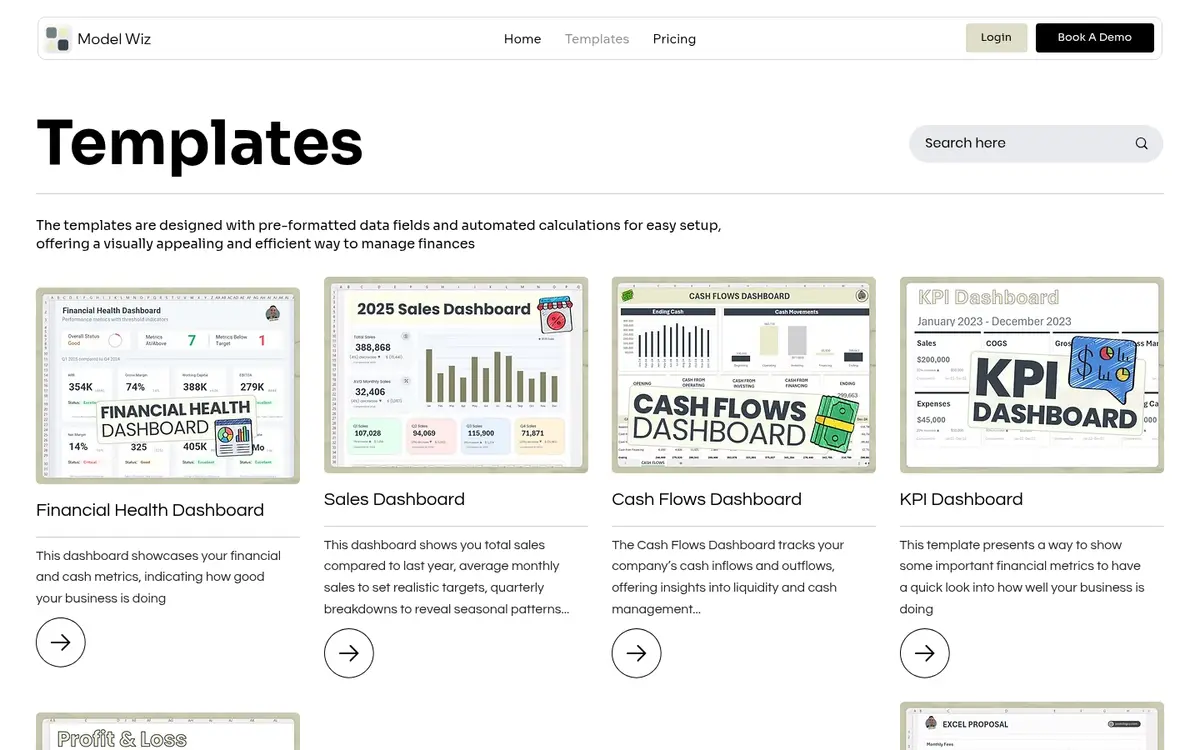
ModelWiz is an Excel add-in that builds financial models and dashboards from QuickBooks Online data and refreshes them with a one-click Roll Forward. It is built for CFOs, finance leaders, accounting and fractional CFO firms, and CEOs.
You install the add-in, connect QuickBooks Online and generate a three-statement model with projections in one click. More than ten dashboards cover financial health, sales, cash flows, KPIs, hiring, SaaS metrics and budget versus actuals. Roll Forward adds new accounts while keeping your custom formulas and projections. Red cells flag discrepancies, and a PDF export takes one click. ModelWiz says setup takes 5 to 10 minutes.
It fits QuickBooks Online users who want to stay in Excel, and fractional CFOs who want a model per client without a new web app. ModelWiz says its downloaded templates are Excel files you completely own.
Against Clockwork, ModelWiz wins on the file. Clockwork keeps the model in its app; ModelWiz builds it in your workbook. It is also cheaper: its FAQ lists a Dashboard Plan at $150 a month and a Forecast Plan at $300 a month, each for 3 companies, billed monthly with no annual contract, and unlimited users per company. The pricing page itself asks you to book a demo, so confirm the price. The limits are real: it works only with QuickBooks Online, with Xero and NetSuite on the roadmap, you cannot bring your own templates yet, dashboards show fixed metrics, and there is no AI. Clockwork's Mira answers questions; ModelWiz does not.
- Price
- Dashboard Plan $150 a month, Forecast Plan $300 a month, each for 3 companies (FAQ).
- Free option
- Build your first Excel model free.
Pros
- Model in your own Excel file
- Far cheaper than Clockwork
- Roll Forward keeps your formulas
Cons
- QuickBooks Online only
- No AI features
Pick it if you use QuickBooks Online and want the model in Excel, not a web app.
4.Finamodel

Finamodel is a library of ready Excel financial models with an AI assistant called Fina. Clockwork's AI builds a model inside its app; Finamodel gives you the model as an Excel file you keep.
You pick a model, such as a 3-statement, cash flow or startup financial model, and tell Fina chat about your business. Fina builds, edits, explains and fixes the model for your case. Read-only links to QuickBooks, Google Sheets, Google Drive and 42 other apps can bring in your figures. Version history lets you restore any earlier file. Then you download a real .xlsx file with every formula visible. It works without Finamodel and opens in Excel, Google Sheets and Numbers.
It suits owners and finance leads who need one model for a budget, a bank or an investor, and advisers who want a file they can hand to a client. A voice walkthrough explains the model to someone who did not build it. 30 full models and a sample of every other model are free, and the library is free to browse. The Models plan costs $20 a month or $120 a year, with a 14-day money-back guarantee on the first paid plan.
Finamodel does not replace what Clockwork does every month. It does not rebuild your model and dashboards from the books on its own, and it has no client portal, no insights feed like Mira and no unlimited-user firm plan. It is not an Excel add-in either: you work in the Finamodel app, then download. Support is by email, and there is no demo. If you want a model that stays current with your books with no effort, Clockwork fits better. If you want a model you own, at a low price, that you can open years from now, Finamodel fits better.
How it works
- Pick a ready model, such as a DCF or a 3-statement model, from a library of more than 500.
- Ask Fina chat to change, explain or fix it for your case and your numbers.
- Download a real .xlsx file. Every formula is visible, and it works without Finamodel. It opens in Excel, Google Sheets and Numbers.
- Price
- Models plan: $20 a month or $120 a year. All Templates: $30 a month or $144 a year. You can cancel at any time.
- Free option
- 30 free models with live formulas, and a free sample of every other model, with values but no formulas. Both are sent by email link, one model email per email address per day. The library is free to browse.
Better than Clockwork at
- An Excel file you keep, every formula visible
- A far lower monthly price
- Self-serve, with no demo
Worse than Clockwork at
- No automatic rebuild from your books
- No client portal or firm plan
- No live cash forecast dashboard
Models that fit: 3 Statement Model, Cash Flow Model, Startup Financial Model.
Pick it if you want one model you own in Excel, not a monthly FP&A platform.
5.LiveFlow
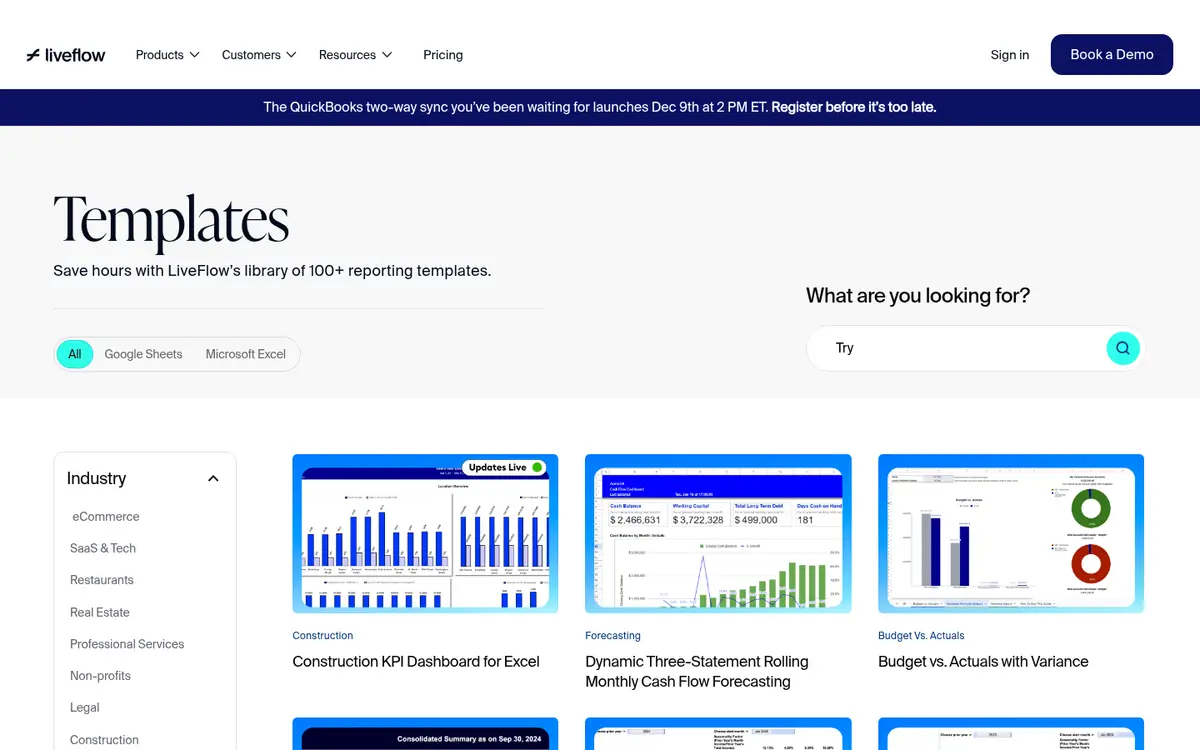
LiveFlow syncs QuickBooks Online data, and Xero per its product pages, live into Excel and Google Sheets. It adds multi-entity consolidation, departmental budgeting and a library of more than 100 reporting templates.
Once connected, your accounting data refreshes on its own inside the spreadsheet, and new general ledger accounts flow into existing models. Consolidation handles account mapping, multiple currencies and department roll-ups, and FinanceIQ covers departmental budgeting. An AI connector lets your own AI agent pull any QuickBooks report live into Excel or Google Sheets, with the source and refresh time on every figure.
It suits accounting firms with client advisory and outsourced accounting practices that report on many QuickBooks files, and in-house teams with several entities to consolidate each month. Teams that already have Excel models they trust can keep them and simply point them at live data.
LiveFlow is the opposite of Clockwork in one way: the spreadsheet is the product. Clockwork's AI builds the model for you in its app; with LiveFlow you build or adapt the model in Excel or Sheets, and LiveFlow keeps the data fresh. The free templates, such as a three-statement rolling cash flow forecast and a budget versus actual report, give you a starting point. LiveFlow has no public price and asks for a demo, so you cannot compare it with Clockwork's $719 a month without a call. It also depends on a QuickBooks or Xero source. Pick it if your team already lives in spreadsheets and wants live data rather than a new app.
- Price
- Not public. Pricing is tailored, by demo.
- Free option
- A free library of Excel and Google Sheets templates.
Pros
- Live accounting data in your spreadsheets
- Multi-entity consolidation
- Free reporting templates
Cons
- No public price
- You build the model yourself
Pick it if your team works in spreadsheets and wants QuickBooks data live inside them.
6.Finoya
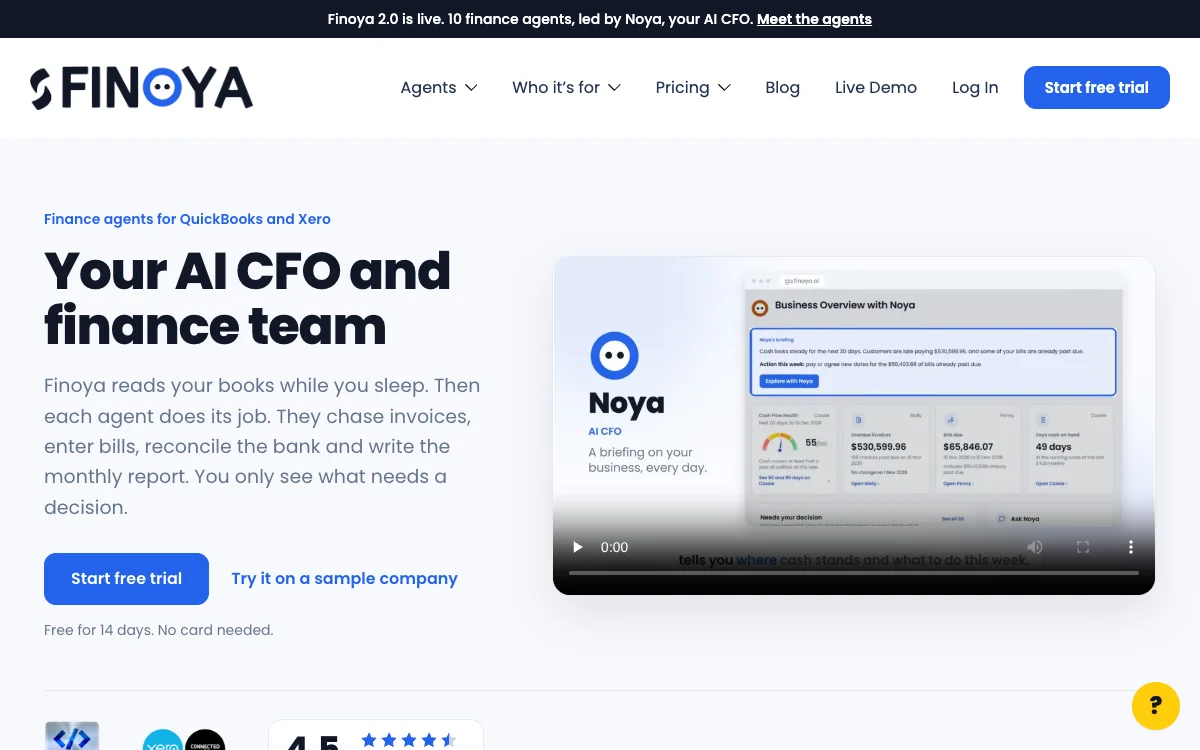
Finoya offers ten AI finance agents, led by Noya, "your AI CFO", for businesses on QuickBooks and Xero. The agents cover cash, monthly reports, receivables, payables, reconciliation, anomalies, expenses, budgets and valuation.
Finoya reads your books, and each agent handles its own area, from receivables and payables to the monthly report. A 12-month cash projection comes with sliders to test changes. Finoya says every figure comes from your books and is worked out in code, and the AI model only writes the words around those figures. Accountants, bookkeepers and fractional CFOs are also named in its site navigation.
Small business owners are the target: people who want a light AI finance team at a low monthly price, and who care more about cash and reports than about a detailed model. The low price also makes it easy for a bookkeeper to suggest it to a client.
On price, Finoya costs a small fraction of Clockwork: Basic is $30 a month for 5 agents and Ideal $50 a month for all 10, with a 14-day free trial and 2 months free on yearly billing. Clockwork starts at $719 a month for businesses. What you give up is the model. Clockwork builds a 5-year three-statement model and a 52-week cash forecast; Finoya gives you a 12-month cash projection, and our sources describe no Excel model output. Its page for fractional CFOs returned an error when it was checked. Pick Finoya to run day-to-day finance cheaply, and look elsewhere if you need a full model for a bank or an investor.
- Price
- Basic $30 a month (5 agents), Ideal $50 a month (10 agents). 2 months free yearly.
- Free option
- A 14-day free trial.
Pros
- Very low published prices
- Figures worked out in code, not by the AI
- Ten agents for daily finance work
Cons
- No three-statement model or Excel output
- 12-month cash projection only
Pick it if you own a small business and want AI help with cash and reports for little money.
Who should pick what
Clockwork builds and maintains a model for you from your books, at a high monthly price. The alternatives trade some of that for a lower price, a model in Excel, or a smaller scope. Start with who you are: an advisory firm with many clients, a growing company, or an owner who needs one model.
- Advisory firms with many clients: Alpyne for per-client pricing, or Jirav for white-label FP&A.
- QuickBooks data in Excel: ModelWiz for one-click models, LiveFlow for live sync and templates.
- Day-to-day AI finance help on a small budget: Finoya.
- One model in an Excel file you keep, changed by AI: Finamodel.
Most tools here offer a free trial or free templates, so test with your own books before you commit: Clockwork, Alpyne and Finoya all give 14 days. If you are a firm, set Clockwork's 90-day client guarantee against Alpyne's per-client cost for your real client count.
Frequently asked
How much does Clockwork cost?+
Business plans start at $719 a month. Firm plans start at $1,499 a month with unlimited users, billed annually, which is 25% less than monthly billing. Firm Scale is $2,999 a month and Growth $5,999 a month on annual billing.
Is there a free version of Clockwork?+
There is no free plan, but every plan has a 14-day free trial. Firms also get a 90-day client guarantee: if they do not sign an advisory client, Clockwork is free until they do.
Can I get my Clockwork model in Excel?+
Our sources describe Excel and Google Sheets as inputs to Clockwork, not as the deliverable. The model, the 52-week cash forecast and the dashboards live in Clockwork's web app.
What is Mira in Clockwork?+
Mira is Clockwork's AI insights feature. It lets you ask questions against the model that Clockwork built from your books.
What are the main Clockwork alternatives?+
For advisory firms: Alpyne and Jirav. For QuickBooks data in Excel: ModelWiz and LiveFlow. For low-cost AI finance agents: Finoya. For one model in an Excel file that AI changes for you: Finamodel.
Clockwork vs Finamodel: which should I pick?+
Pick Clockwork for a model and cash forecast built and kept current from your books. Pick Finamodel for a ready model that Fina chat changes for your case, as an Excel file you keep. Finamodel's Models plan is $20 a month or $120 a year.
Sources for Clockwork (3), last checked 20 Nov 2026+
- clockwork.ai · Homepage: product, FAQ, prices · 20 Nov 2026
- clockwork.ai · Accounting partners page: guarantee, traction · 20 Nov 2026
- clockwork.ai · Pricing page · 20 Nov 2026
Each alternative's own page lists its sources.


