 By Alex Tapio
 Fiscal.ai alternatives
People look for Fiscal.ai alternatives for a few reasons. Its pricing page shows no dollar amounts, so you cannot judge the cost before a trial or a sales call. Its pages describe a research Terminal and a data feed, not an Excel workflow, so analysts who model in Excel need something that reaches their workbook. Some investors want a terminal with published prices and a free plan, and firms may want institutional data that also covers deals and credit. Others want a model to work in rather than more data.
What is Fiscal.ai?
Fiscal.ai is a financial data company for investors and investing platforms. It sells three products built on one dataset: a stock research Terminal in the browser, a Data Feed API, and MCP connectors that bring the data into AI tools. Its pipeline gathers filings and investor relations material, extracts the data and has human analysts verify it. Fiscal.ai says data is available minutes after filing and is fully auditable to source, and it holds SOC 2 Type II. According to its homepage, the API powers the data behind institutions and investing platforms.
Fiscal.ai at a glance
Fiscal.ai's pricing page lists three cards, Terminal, MCP and API, but no dollar amounts showed when we checked on 22 Nov 2026. Terminal and MCP include a 7-day free trial on sign-up, and the menu offers Contact Sales. What you get is the research Terminal over company data, the Data Feed API for institutions and platforms, and MCP connectors for your AI tools, all from the same verified dataset.

Quick picks
Fiscal.ai is the first row, then each alternative in the order below. The group covers research terminals for individuals, data built for Excel models, an institutional platform, an AI assistant and a model library. The price column separates them most: some publish low monthly prices and free plans, and others sell only through sales.
| Tool | Best for | Type of tool | Price (entry plan) | Works in | Free option | Builds the model for you | Excel file you keep | AI edits your file | Templates library |
|---|---|---|---|---|---|---|---|---|---|
| Verified filings data, three ways | Data terminal + API | Prices not shown | Web, API, MCP | Yes: 7-day trial | No: You build it | Not stated: Not stated | No: No Excel AI stated | Not stated: Not stated |
 | Advisors and independent investors | Market data terminal | Free, or from $39/mo | Web, mobile, PDF reports | Yes: Free plan | No: Not a model builder | No: No Excel workflow noted | No: Beta AI query tool | Not stated: Not stated |
 | Low-cost stock valuation | Stock research terminal | Free, or from $24.95/mo | Web app | Yes: Free plan | No: You set assumptions | No: No Excel export shown | No: No AI noted | Yes: Prebuilt valuation templates |
 | Filings data inside Excel | Filings data + AI | Free tier, paid via sales | Excel, API, MCP, warehouses | Yes: 3 Data Sheets | Yes: Scout, from historicals | Yes: Excel add-in, Data Sheets | Yes: Scout builds and updates | Yes: Industry templates via API |
 | A ready Excel valuation model | Ready models + AI | $20/mo or $120/yr | Web app, Excel file | Yes: 30 models + free samples | Yes: Fina chat builds it | Yes: .xlsx, formulas visible | Yes: Fina chat edits it | Yes: 500+ models |
SC S&P Capital IQ Pro | Institutional data and models | Institutional data platform | Demo only | Web, Excel, PowerPoint | No: None listed | Yes: ChatIQ builds models | Yes: Refreshable Excel formulas | Yes: ChatIQ Spreadsheets | Yes: Hundreds of models |
 | AI over licensed data | AI assistant + add-ins | From $17/mo, yearly | Excel, PowerPoint, Word, Outlook | No: Excel add-in needs paid plan | Yes: From a description | Yes: Works in your workbook | Yes: Builds and fixes models | No: Fills templates you bring |
yes · no · not stated in the vendor's sources. Hover a mark for details. From each vendor's own site; prices change, so check before you buy.
1.Koyfin
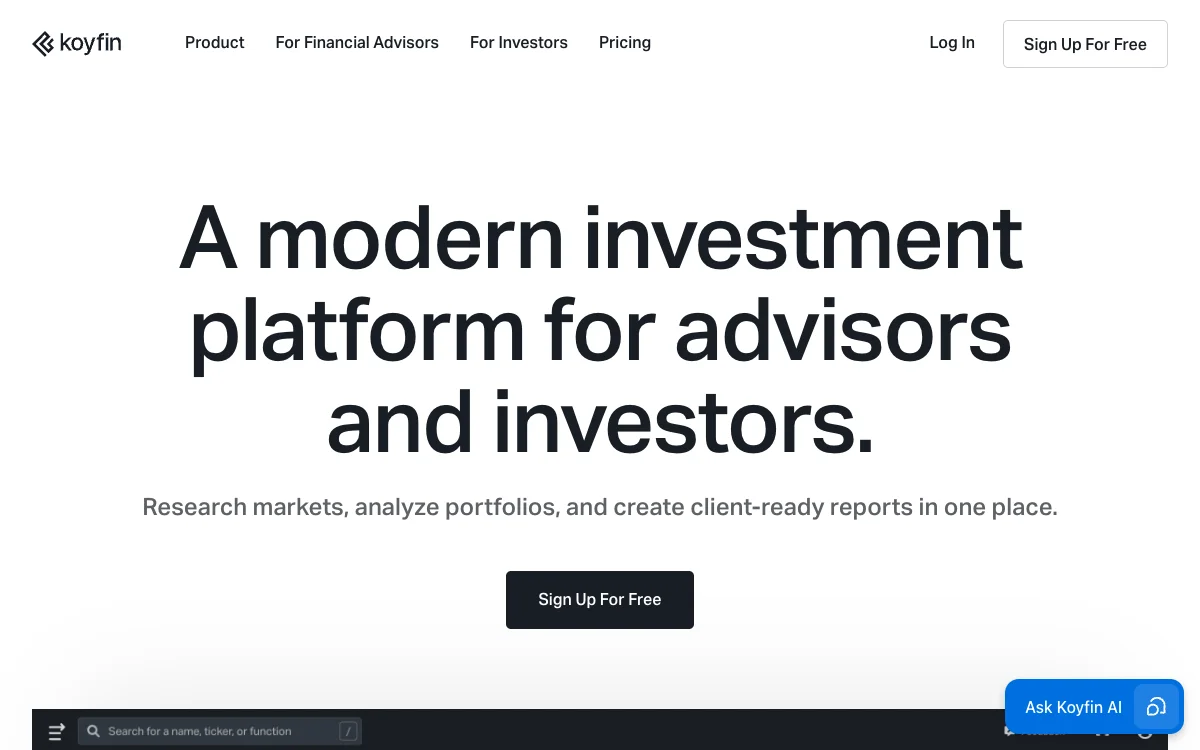
Koyfin is a browser-based market data and research terminal for financial advisors and independent investors. It combines dashboards, charting, a screener, transcripts, portfolio analytics and client report generation.
You build dashboards and watchlists, chart securities, and follow macro and yield dashboards. Coverage spans several asset classes, not only stocks. The global equity screener covers more than 100,000 securities with over 5,900 filter criteria, and earnings transcripts are searchable. Advisors run model portfolios with attribution, sync with Orion, and produce client proposals and reports, including bulk export. The equity research pages promise 30 years of historical statements. Compare Matrix, a beta tool that Koyfin calls LLM-enabled, answers natural-language data questions.
Registered investment advisors and independent investors are the main users, followed by research teams, asset-manager sales teams and students. Students get pricing through their school, and advisor firms under $100M in assets get 50% off Advisor Pro for the first year. The free plan lets you test the screener and dashboards before you pay.
Next to Fiscal.ai, Koyfin's advantage is clear pricing and a free plan: Plus is $39 a month, Premium $79, Advisor Core $209 and Advisor Pro $299, as shown with the annual billing option selected, and Teams is through sales. It also covers advisor reporting, which Fiscal.ai does not describe. What it lacks is Fiscal.ai's API and MCP delivery, and its own AI is limited to a beta tool; the homepage links out to prompts for ChatGPT, Claude and Gemini. Neither its homepage nor its blog mentions an Excel modelling workflow.
- Price
- Free plan. Plus $39, Premium $79, Advisor Core $209 and Advisor Pro $299 a month, shown with annual billing.
- Free option
- A free plan.
Pros
- Free plan and published prices
- Screener with 5,900+ filters
- Client reports for advisors
Cons
- Native AI only in beta
- No Excel modelling workflow noted
Pick it if you want a priced research terminal with a free plan.
2.TIKR
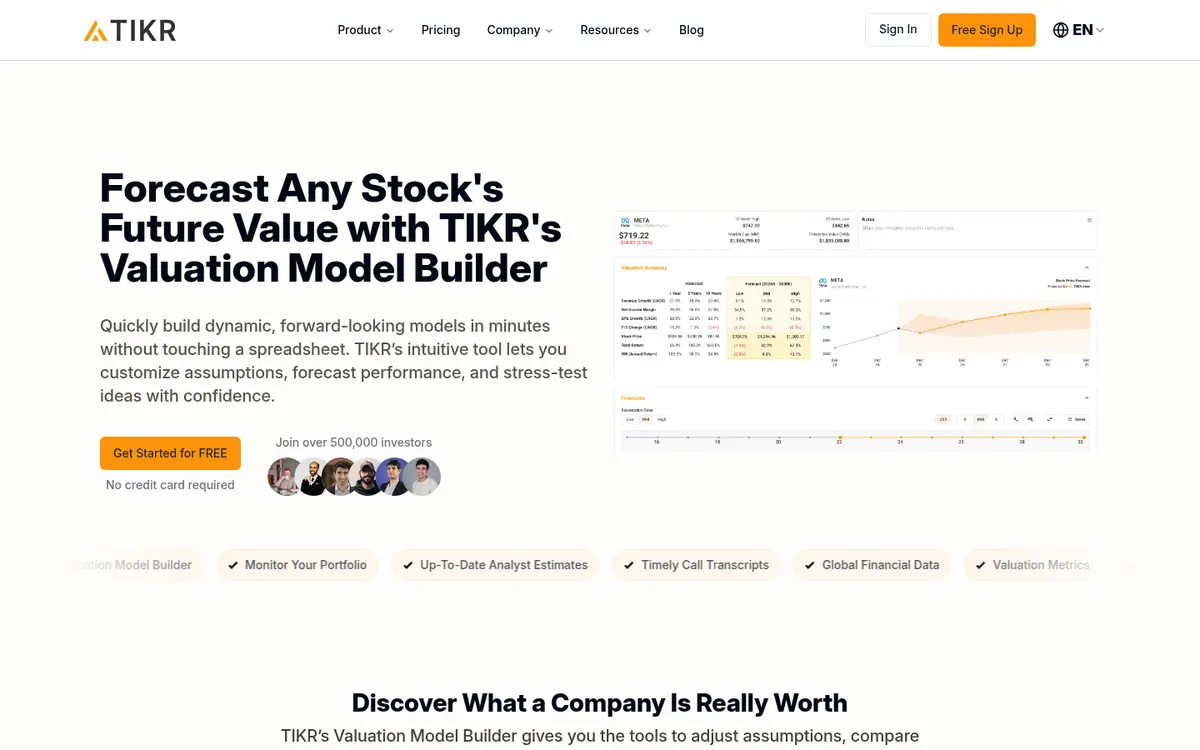
TIKR is a stock research terminal for self-directed investors, with a free plan. It offers a screener of more than 100,000 global stocks, up to 30 years of financials from S&P Capital IQ, and a Custom Valuation Builder.
The typical session is one workflow: screen for ideas, open a company's financials, read the latest call transcript and build a valuation. The builder shows bull, base and bear cases side by side, starting from a prebuilt template or a blank one, and lets you adjust assumptions, forecast performance and stress-test the result. TIKR also follows superinvestor and insider portfolios and shows analyst estimates.
It is aimed squarely at individual investors, and says more than 500,000 have joined. Paid plans have a 14-day money-back guarantee, so the risk of trying one is low. Students and part-time investors who want to practise valuation without a terminal budget fit well.
TIKR competes with Fiscal.ai's Terminal for the individual investor, and wins on price clarity: Free, then Plus at $24.95, Pro at $54.95 and Ultimate at $119.95 a month on monthly billing. It goes further on valuation, with a model builder built in, but those models stay inside TIKR, without a spreadsheet, and the pricing page shows no Excel export. It has no API or MCP for your own tools, and no AI on the pages we read. If you only want to research and value stocks for yourself, that gap may not matter. Fiscal.ai stresses human verification of its data; TIKR relies on S&P Capital IQ.
- Price
- Free plan. Plus $24.95, Pro $54.95 and Ultimate $119.95 a month, billed monthly.
- Free option
- A free plan, plus a 14-day money-back guarantee on paid plans.
Pros
- Free plan and low monthly prices
- Valuation builder with three cases
- Up to 30 years of financials
Cons
- Models stay inside TIKR
- No API, MCP or AI noted
Pick it if you value stocks for yourself and want a low, published price.
3.Daloopa
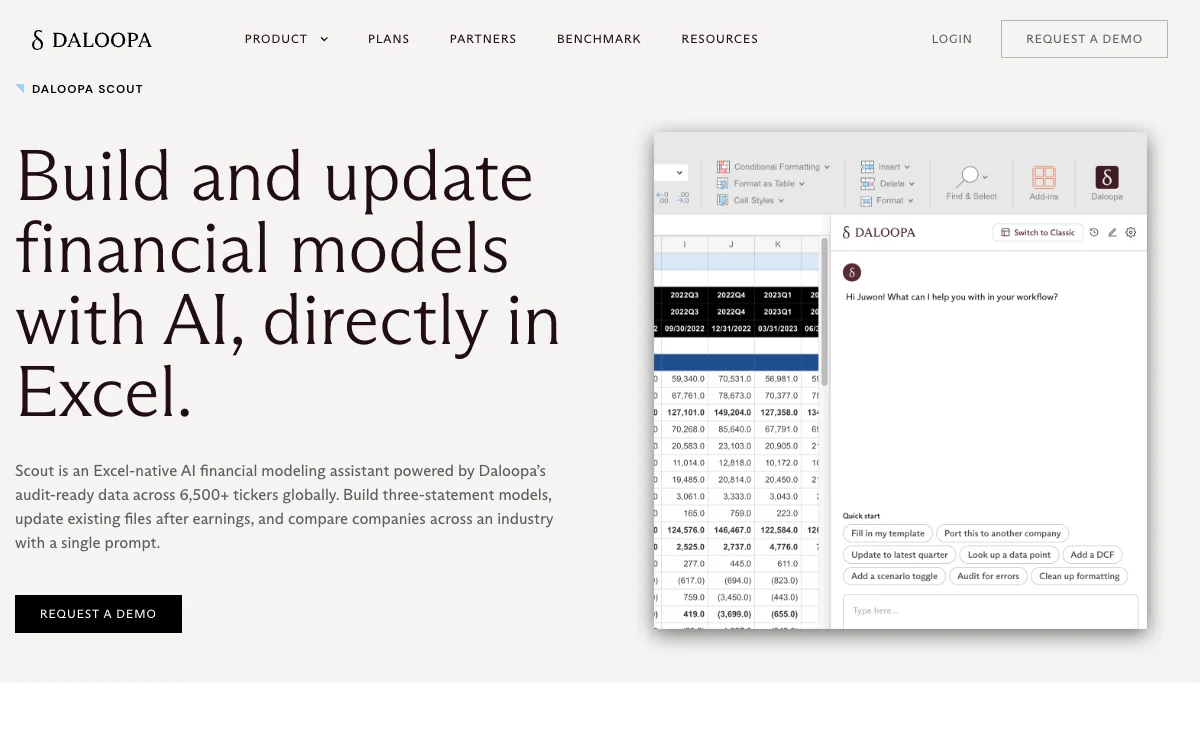
Daloopa is a source-linked dataset of fundamentals extracted from company filings, built for public-equity analysts. It reaches your work through an Excel add-in, Data Sheets, an API, an MCP server and cloud warehouses, and its Scout assistant builds models in Excel.
The Excel add-in links your existing models to Daloopa and updates them during earnings with one click, with tools to retrofit, inspect and stitch cells. Every number links back to the filing it came from. Scout, included in the Core and Premium plans, builds three-statement models from Daloopa historicals, adds new actuals in the right period while leaving earlier ones untouched and highlights changed cells. It also builds peer comparison models. The MCP server, with skills and a prompt library, lets any AI model query the dataset.
Its customers are analysts and portfolio managers at hedge funds, mutual funds and banks, plus developers and AI platforms. Daloopa claims more than 185 of the largest such firms, coverage of 6,500+ tickers and 14 years of history.
Daloopa is the closest match to Fiscal.ai: both extract filings data, link it to source and offer an API and MCP. The difference is Excel. Daloopa is built to keep your Excel models current, while Fiscal.ai centres on its web Terminal. Daloopa's free plan gives 3 Data Sheets and limited MCP, which lets you test the data without a trial clock. Core, Premium and the Fundamentals API are priced through sales, and Scout only works with Daloopa data, without web access. Daloopa says its data saves an average of 2 hours per ticker when updating models during earnings season, a vendor claim worth testing.
- Price
- Free plan. Core, Premium and the API through sales, with no public price.
- Free option
- Up to 3 Data Sheet downloads and limited MCP access.
Pros
- Excel add-in updates models after earnings
- Scout builds models from filings data
- Free plan with 3 Data Sheets
Cons
- Paid plans show no price
- Scout uses only Daloopa data
Pick it if you model public companies in Excel and want the data to update itself.
4.Finamodel

Finamodel is a library of ready Excel financial models with an AI assistant called Fina. Fiscal.ai gives you data to research a company; Finamodel gives you the Excel model to value it.
You choose a model from the library, which is free to browse: a DCF, a three-statement model or a stock screening model, for example. You give Fina the company, its figures and your assumptions, and Fina builds, edits, explains and fixes the model. Ask it to change the terminal growth rate or add a bear case, and the valuation updates through the formulas. You download a real .xlsx file with every formula visible; it works without Finamodel and opens in Excel, Google Sheets and Numbers. Version history lets you restore any earlier file.
This suits individual investors, students and analysts who already have data from a terminal like Fiscal.ai and need a model to put it in. It also suits small-company owners who need a model for their own business, which a stock terminal does not cover. A voice walkthrough explains how a model works, and read-only links to Google Sheets, Google Drive, QuickBooks and 42 other apps let Fina use figures you keep there. Prices are published, and you can try one of 30 free models with live formulas, or a free sample of any other model without formulas, sent by email link.
Finamodel is not a data provider. It has no filings data, no analyst verification, no API and no connectors that feed data to AI tools, so you bring the historical figures yourself. Because the file is plain Excel, you can paste data from any source into it, and every formula that uses it stays visible. It is not an Excel add-in either: you work in the Finamodel app and download the file. Support is by email. The two can sit side by side, with Fiscal.ai for research and a Finamodel workbook for the valuation you keep.
How it works
- Pick a ready model, such as a DCF or a 3-statement model, from a library of more than 500.
- Ask Fina chat to change, explain or fix it for your case and your numbers.
- Download a real .xlsx file. Every formula is visible, and it works without Finamodel. It opens in Excel, Google Sheets and Numbers.
- Price
- Models plan: $20 a month or $120 a year. All Templates: $30 a month or $144 a year. You can cancel at any time.
- Free option
- 30 free models with live formulas, and a free sample of every other model, with values but no formulas. Both are sent by email link, one model email per email address per day. The library is free to browse.
Better than Fiscal.ai at
- A ready Excel valuation model
- Formulas visible in a file you keep
- Published prices and a free model
Worse than Fiscal.ai at
- No financial data of its own
- No API for your own tools
- Not an Excel add-in
Models that fit: DCF Model, Fundamental Stock Screener Excel Model, 3 Statement Model.
Pick it if you have the data and need an Excel model to value the company.
5.SCS&P Capital IQ Pro

S&P Capital IQ Pro is S&P Global Market Intelligence's institutional platform for company, transaction, credit and fixed-income data. It includes valuation tools and the ChatIQ AI assistants.
Data reaches Excel through refreshable Capital IQ Pro formulas. ChatIQ Spreadsheets, announced on 6 Oct 2026, is an AI assistant that builds, reviews and analyses models with those formulas, and ChatIQ Presentations, in Labs, makes slides from the data. The October update also brought a new DCF analysis, customisable total enterprise value and point-in-time trading comparables. For credit teams there are redesigned RatingsDirect profiles and a Credit Memo Builder. An AI Data Portal gives MCP access to S&P datasets.
It is built for financial professionals at institutions. A library of hundreds of ready-to-use models and templates, and support analysts who help build your own, make it a full research environment rather than a data feed. AI Portfolio Insights is in beta.
Capital IQ Pro is where a firm goes when Fiscal.ai's company data is not enough: it adds transactions, credit and fixed income, Excel formulas and a support team. Like Fiscal.ai, it now offers MCP access to its data. It is also much heavier to buy. There is no public price and no free trial listed, while Fiscal.ai offers 7 days free on the Terminal and MCP. For an individual investor, it is more than needed. TIKR, earlier in this list, uses S&P Capital IQ data at a far lower price, with much less depth. If your work includes deals or credit, ask S&P for a demo on your own coverage.
- Price
- No public price. Sold through sales.
- Free option
- None listed.
Pros
- Company, deal and credit data together
- Refreshable Excel formulas and ChatIQ
- Hundreds of ready models
Cons
- No public price
- No free trial listed
Pick it if your firm needs deal, credit and company data in Excel.
6.Claude
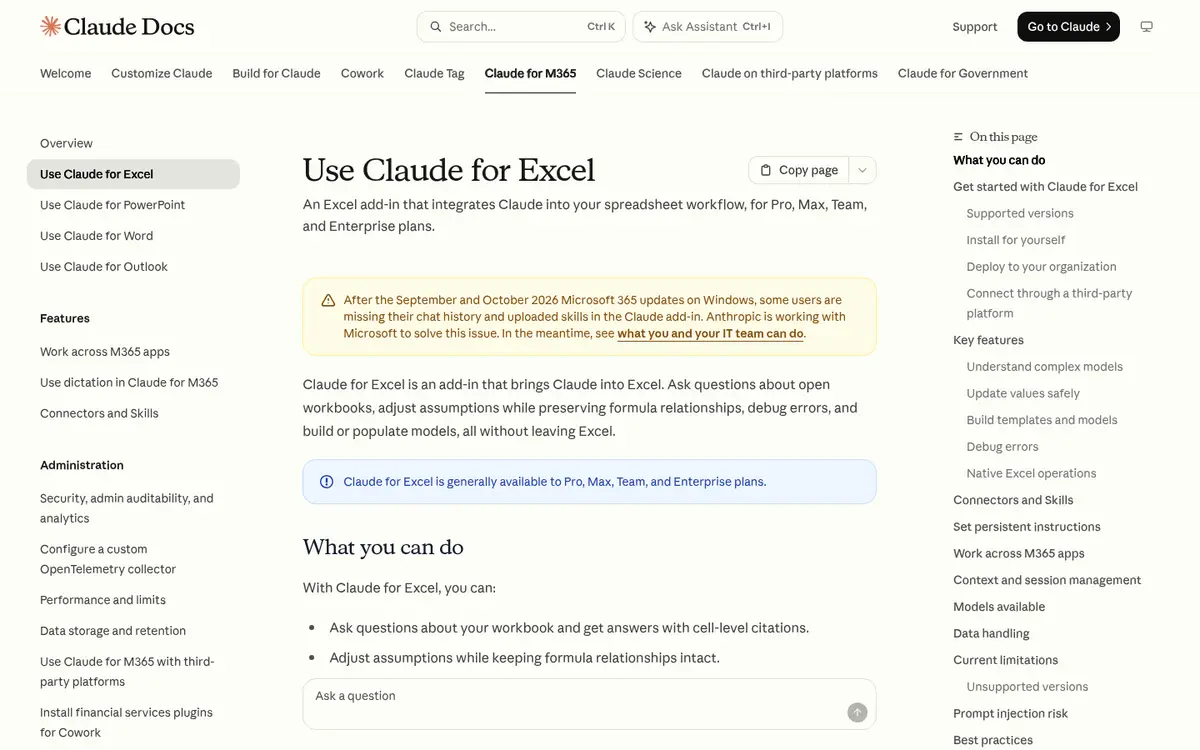
Claude is Anthropic's AI assistant, with add-ins for Excel, PowerPoint, Word and Outlook. For research work, its connectors bring licensed financial data into Claude.
Claude for Excel answers questions about a workbook with cell-level citations, updates assumptions while keeping formulas, and builds models from a description, such as a three-statement model from a trial balance. Finance skills cover comps, DCFs, earnings analyses and initiating coverage, and since May 2026 agent templates include a pitch builder and a valuation reviewer. Connectors include S&P Global, LSEG, FactSet, Morningstar, PitchBook, Moody's and Daloopa. With a connector set up, you can ask Claude about a company and then work the answer into an Excel model.
Its finance pages target investment and commercial bankers, asset and wealth managers, insurers and fintechs. Named users include Citadel, BNY, Carlyle and Citi, and Team and Enterprise data is not used for training by default. The add-in does not support data tables or macros, and Anthropic's docs say client deliverables need human review.
Fiscal.ai's MCP connectors exist to feed data into AI tools like Claude, so the two can work together. As an alternative, Claude replaces the research step with an assistant that reads licensed data from other vendors and works on the spreadsheet itself. Claude for Excel needs a paid plan: Pro is $17 a month billed yearly or $20 monthly, Max $100 a month, and Team seats $20 a month billed yearly. It is a general assistant, not a dataset, so it does not verify filings data the way Fiscal.ai says its analysts do.
- Price
- Needs a paid plan: Pro $17 a month billed yearly or $20 monthly; Max $100 a month.
- Free option
- A free Claude plan exists, but Claude for Excel needs a paid plan.
Pros
- Connectors to FactSet, LSEG, S&P Global and Daloopa
- Builds models in Excel with cited cells
- Works across the Office apps
Cons
- Excel add-in needs a paid plan
- Not a verified dataset itself
Pick it if you want an AI assistant that reads licensed data and works in Excel.
Who should pick what
Fiscal.ai is a data source, so start with how you want to use the data. In a browser terminal, compare research terminals on price. In Excel, pick a tool that reaches your workbook. In an AI assistant, check which data it can read. And if the data is not the problem, you may need a model instead.
- A research terminal with published prices and a free plan: Koyfin or TIKR.
- Filings data that updates your Excel models: Daloopa.
- Institutional data, or an AI assistant with licensed data: S&P Capital IQ Pro or Claude.
- A ready Excel model to value a company: Finamodel.
Fiscal.ai's 7-day trial is the quickest way to judge its data, so use it on companies you already know well and compare the numbers with the filings yourself. Since its prices were not shown when we checked, ask for a quote before the trial ends, and set it against the published prices of the alternatives.
Frequently asked
How much does Fiscal.ai cost?+
Fiscal.ai's pricing page lists Terminal, MCP and API plans, but no dollar amounts showed when we checked on 22 Nov 2026. Contact its sales team for a quote.
Is there a free version of Fiscal.ai?+
Fiscal.ai offers a 7-day free trial on the Terminal and MCP plans when you sign up. We did not see a free plan. Among the alternatives, Koyfin and TIKR have free plans, Daloopa has a free plan with 3 Data Sheets, and Finamodel gives 30 free models with live formulas and a free sample of every other model.
What are the main Fiscal.ai alternatives?+
For research terminals with published prices: Koyfin and TIKR. For filings data in Excel: Daloopa. For institutional data: S&P Capital IQ Pro. For an AI assistant with licensed data: Claude. For a ready Excel model that AI changes for your case: Finamodel.
Fiscal.ai vs Finamodel: which should I pick?+
Pick Fiscal.ai if you need verified company data in a terminal, an API or your AI tools. Pick Finamodel if you need a ready Excel model that Fina changes for your case, at $20 a month or $120 a year.
Does Fiscal.ai work with Excel?+
Its pages describe a web Terminal, a Data Feed API and MCP connectors. We found no Excel add-in on its pages. If you need filings data inside Excel, Daloopa's add-in and S&P Capital IQ Pro's formulas are built for that.
How does Fiscal.ai check its data?+
Fiscal.ai says its pipeline gathers filings and investor relations material, extracts the data and has human analysts verify it. It describes the data as available minutes after filing and fully auditable to source, and it holds SOC 2 Type II.


