 By Alex Tapio
 Claude alternatives
People look for Claude alternatives for a few reasons. Claude for Excel is not on the free plan, so you pay before you can try it in a workbook. It does not support data tables or macros, and Anthropic's own docs say final client deliverables need human review. It is a general assistant: it builds from a prompt or fills a template you bring, so you still start from a blank sheet or your own file. And many firms already pay for Microsoft 365 Copilot or Google Workspace, and would rather use the assistant they have.
What is Claude?
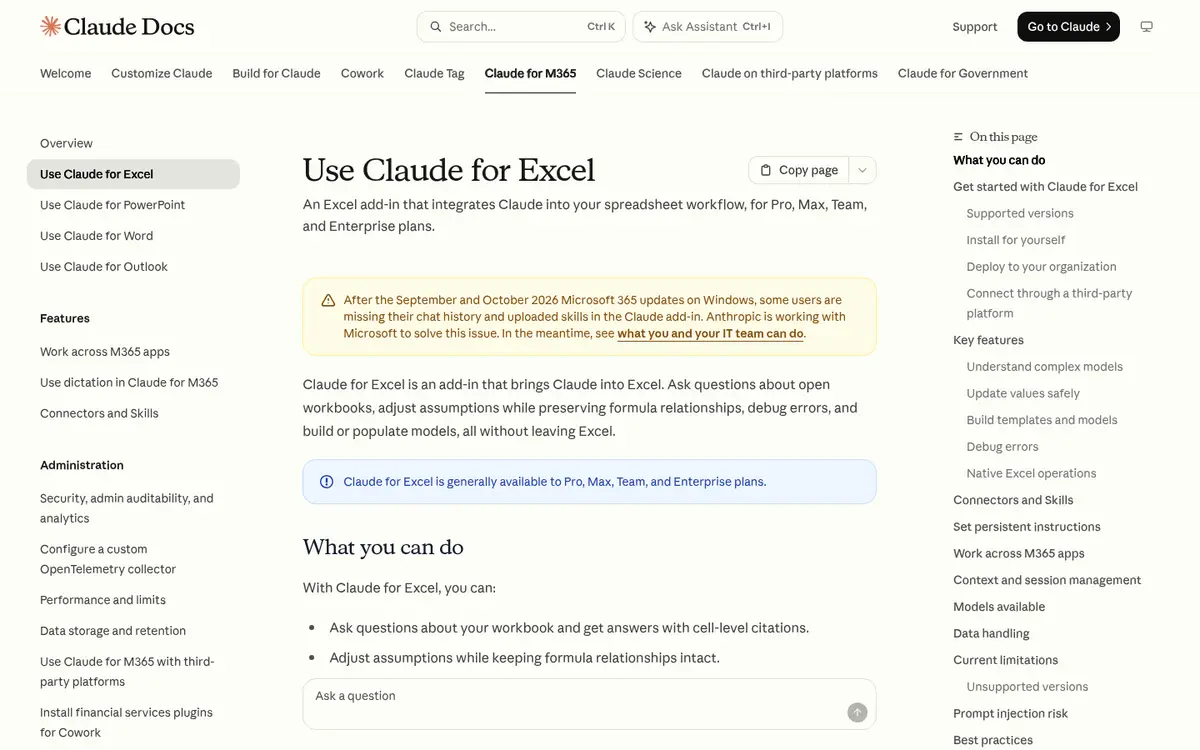
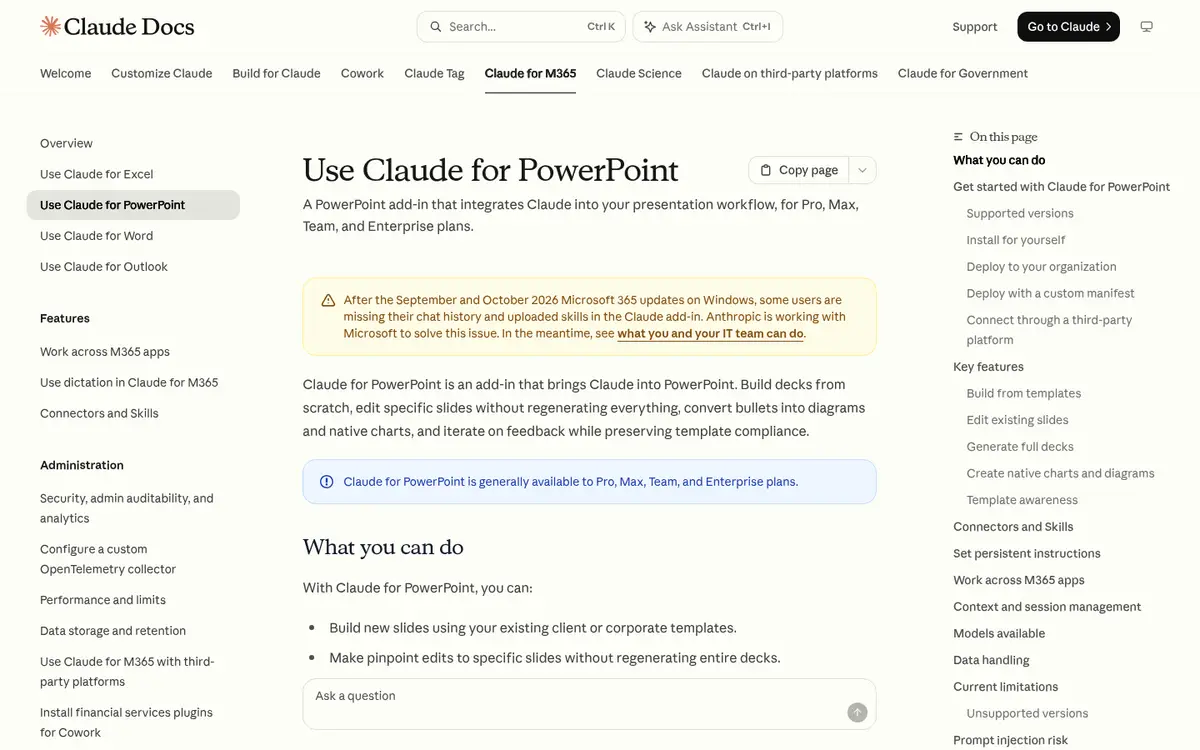
Claude is Anthropic's general AI assistant. For finance work, the parts that matter are its add-ins: Claude for Excel reads, explains and builds workbooks, and Claude for PowerPoint builds decks on a corporate template. Word and Outlook add-ins share the same context. Anthropic adds finance skills for comps, DCFs, due-diligence data packs and earnings analyses, plus licensed data connectors such as S&P Global, LSEG, FactSet, Morningstar and Daloopa. Individuals use the Pro and Max plans, and firms buy Team or Enterprise seats. Anthropic's financial services pages target bankers, asset and wealth managers, insurers and fintechs, and name Citadel, BNY, Carlyle and Citi as users.
Claude at a glance
Claude for Excel has no price of its own; it comes with a paid Claude plan. Pro costs $17 a month billed yearly, which is $200 up front, or $20 monthly. Max is $100 a month and Ultra $200 a month. Team seats cost $20 a month billed yearly or $25 monthly. Enterprise is $20 a seat a month billed yearly, with a 20-seat minimum plus usage at API rates. The free plan cannot use the Excel add-in. We read these prices on 10 Nov 2026.
Quick picks
Claude is the first row, then the alternatives in the order below. Every tool in this group uses AI, so the AI column barely separates them. Look instead at where each one runs (Excel, Google Sheets or a web app), whether there is a free way in, and whether the price is published. Some cells say "Not checked" because we did not check those prices for this page.
| Tool | Best for | Type of tool | Price (entry plan) | Works in | Free option | Builds the model for you | Excel file you keep | AI edits your file | Templates library |
|---|---|---|---|---|---|---|---|---|---|
| AI help in Excel and PowerPoint | AI assistant + add-ins | From $17/mo, yearly | Excel, PowerPoint, Word, Outlook | No: Excel add-in needs paid plan | Yes: From a description | Yes: Works in your workbook | Yes: Builds and fixes models | No: Fills templates you bring |
 | Firms on Microsoft 365 Copilot | Built into Excel | Not checked | Excel, PowerPoint, Word | Not stated: Not stated | Yes: Agent Mode, finance skills | Yes: Your own workbook | Yes: Finance skills with @ | Not stated: Not stated |
 | Trying AI in Excel free | AI assistant + add-ins | Not checked | Excel, Google Sheets, PowerPoint | Yes: Free plan, limited use | Yes: From a description | Yes: Live models in workbook | Yes: Builds, updates, explains | Not stated: Not stated |
 | Analysts building models daily | AI agent | Free, or $100/mo | Excel, web, desktop | Yes: 20 credits a week | Yes: Builds full models | Yes: Your own workbook | Yes: Builds and edits | Not stated: Not stated |
 | A ready model, not a prompt | Ready models + AI | $20/mo or $120/yr | Web app, Excel file | Yes: 30 models + free samples | Yes: Fina chat builds it | Yes: .xlsx, formulas visible | Yes: Fina chat edits it | Yes: 500+ models |
 | Model review and audit | AI add-in suite | From $40/mo | Excel, PowerPoint, Word, web | Yes: Free trial, 3 reviews | Yes: In plain English | Yes: Excel add-in | Yes: Builds, formats, audits | Not stated: Not stated |
 | Teams on Google Workspace | AI in Workspace apps | Not checked | Sheets, Slides, Docs | Yes: Free for education | Not stated: Shown in a demo | No: Google Sheets, not Excel | Yes: Fixes formulas in Sheets | Not stated: Not stated |
yes · no · not stated in the vendor's sources. Hover a mark for details. From each vendor's own site; prices change, so check before you buy.
1.Microsoft Copilot
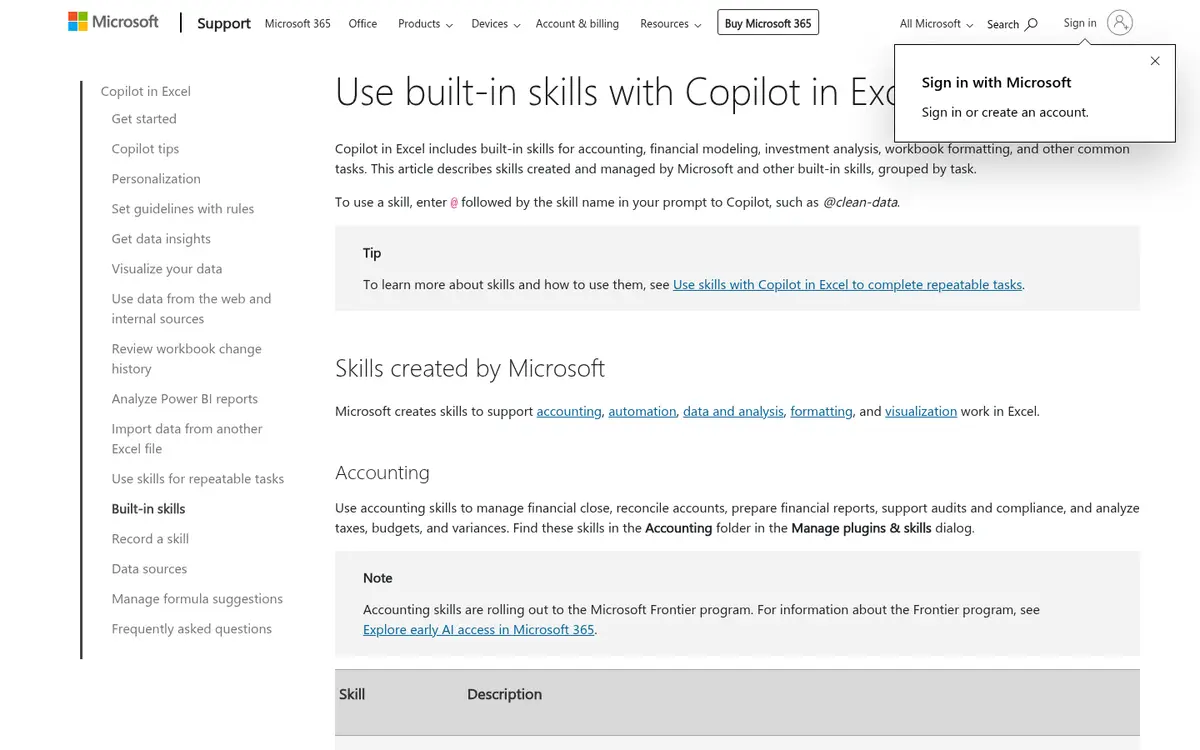
Copilot in Excel is Microsoft's AI assistant, built into Microsoft 365. It ships named finance skills that you call with @, such as three-statement completion, LBO, merger, comps, model check, returns and unit economics.
Agent Mode in Excel plans its steps, acts in the workbook and checks the result. It creates workbooks, fixes formulas, builds charts and PivotTables, and can search the web with citations. It became generally available on Windows on 27 Jan 2026, after Excel for the web in December 2025. The model check skill looks for circular references, broken formulas, hardcoded overrides, balance sheet gaps and cash flow mismatches. Copilot also explains a workbook's change history and can reverse selected edits.
The obvious buyer is a firm that already pays for Microsoft 365 Copilot, since there is no new vendor to approve. Microsoft 365 Personal, Family and Premium also qualify, with AI credits on Personal and Family. At general availability Agent Mode was not yet available in the EU or UK, so check your region. Firms can record their own skills, and partner plugins include QuickBooks, Xero and Zoho Books.
Compared with Claude, Copilot is closer to home but thinner on finance data. Microsoft names no comps or precedents data feed, while Claude connects to S&P Global, FactSet, LSEG and others. Agent Mode even lets you pick Anthropic's Claude Opus 4.5 or OpenAI's GPT 5.2 as the model behind it. Accounting skills such as reconciliation and close are still in the Frontier early-access program. We did not check Copilot's price for this page, so ask Microsoft or your IT team what your plan includes.
- Price
- Part of Microsoft 365 Copilot and some consumer plans. We did not check the price.
- Free option
- None listed.
Pros
- Already inside Excel for Microsoft 365 firms
- Model check finds circular references and broken formulas
- Can reverse selected workbook edits
Cons
- No finance data feed named
- Not in the EU or UK at launch
Pick it if your firm already pays for Microsoft 365 Copilot.
2.ChatGPT
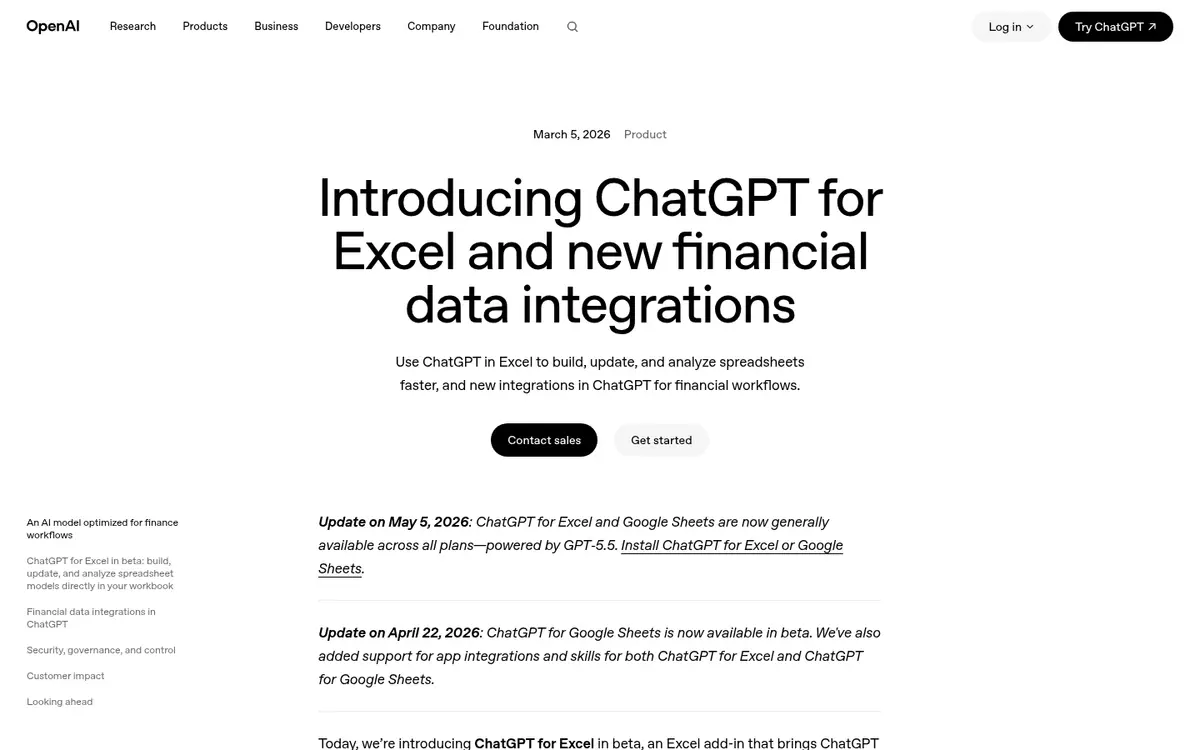
ChatGPT is OpenAI's general AI assistant. Its ChatGPT for Excel and Google Sheets add-in builds, updates and explains spreadsheets, and a separate ChatGPT for PowerPoint add-in creates and edits decks.
The Excel add-in runs in a sidebar and writes live models straight into the workbook. It can explain why an output changed, trace and fix errors, show how assumptions flow, and run scenarios and sensitivity tables. Default skills cover financial modeling and corporate-finance formatting, and Apps connect it to data sources your company approves. OpenAI announced it on 5 Mar 2026 and made it generally available on 5 May 2026, after a Google Sheets beta in April. Codex in the ChatGPT desktop app can also drive an open Excel workbook.
It suits people who want to try an AI assistant in a spreadsheet before paying. Free and Go plans can use it with limited usage, and Business, Enterprise, Edu and K-12 plans use plan credits. Teams that work in Google Sheets as well as Excel get one assistant for both. The PowerPoint add-in is also on every plan, though OpenAI's help article admits limits on template adherence and some advanced chart edits.
The free entry is where ChatGPT beats Claude, whose Excel add-in needs a paid plan. Claude is stronger on finance data: OpenAI names no specific financial data vendors, while Claude connects to S&P Global, LSEG, FactSet and Morningstar. Claude also has Word and Outlook add-ins that share context with Excel. We did not check ChatGPT's plan prices for this page; the paid plans are named Go, Plus, Pro, Business and Enterprise.
- Price
- Free plan, then Go, Plus, Pro, Business and Enterprise. We did not check the prices.
- Free option
- Yes. ChatGPT for Excel works on the Free plan, with limited usage.
Pros
- Excel add-in on the free plan
- Works in Excel and Google Sheets
- Runs scenarios and sensitivity tables
Cons
- No financial data vendors named
- PowerPoint add-in has template limits
Pick it if you want AI in Excel or Google Sheets without paying first.
3.Shortcut
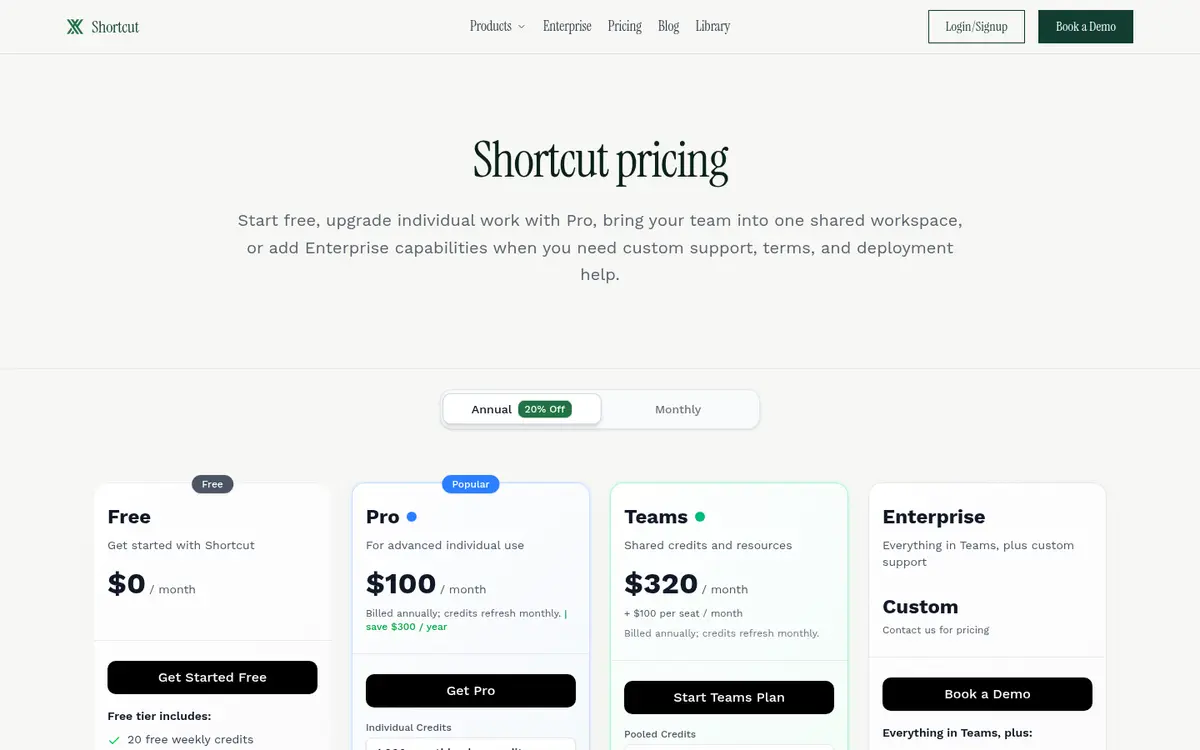
Shortcut, from Fundamental Research Labs, is an AI agent built only for Excel financial models. It runs as an Excel add-in, a web app, a Windows desktop agent and a command-line tool.
You describe the model, and the agent writes it into your workbook. Shortcut's own case study cites a full LBO with more than 400 linked formulas, built in 45 minutes. Before it makes structural changes, it shows you the code to approve. It traces outputs back to source files, includes a model audit skill, saves reusable skills in its Skill Factory and runs workflows on a schedule. You can choose a third-party AI model or Shortcut's own model, Pivot.
Its users are analysts at hedge funds, private equity firms, banks, asset managers and FP&A teams who build models every day. Enterprise buyers get on-premises hosting, bring-your-own-key encryption, single sign-on and customer-owned storage. It also publishes live web dashboards, which helps when the reader will not open Excel.
Where Shortcut beats Claude is focus and a free start: the free plan gives 20 credits a week, so you can test it in Excel without a paid plan. In Shortcut's own July 2026 benchmark of 20 finance tasks, it scored 76% against 66% for Claude for Excel, but Shortcut ran the test itself. Claude covers more ground, with PowerPoint, Word and Outlook add-ins and licensed data connectors. Cost is the other gap: Shortcut Pro is $100 a month billed yearly, or $1,200 a year, against $200 a year for Claude Pro. Teams is $320 a month plus $100 a seat.
- Price
- Free plan. Pro $100 a month billed yearly. Teams $320 a month plus $100 a seat.
- Free option
- A free plan with 20 credits a week.
Pros
- Built only for Excel financial models
- Shows code before structural changes
- Free plan with weekly credits
Cons
- Pro costs $1,200 a year
- Accuracy claims rest on its own benchmark
Pick it if you build models all day and want a finance-only agent in Excel.
4.Finamodel

Finamodel is a library of ready Excel financial models with an AI assistant called Fina. Where Claude starts from your prompt or your own template, Finamodel starts from a finished model that Fina then changes for you.
In practice you pick a model, such as a DCF, a three-statement model or an LBO, and tell Fina about your company or deal. Fina builds, edits, explains and fixes the model for that case, then you download a real .xlsx file. You might ask it to add a second product line and a bank loan; the linked formulas then carry the change through the statements. Every formula is visible, and the file works without Finamodel in Excel, Google Sheets and Numbers. Version history lets you restore any earlier file if an edit goes the wrong way.
That suits people who want a known structure rather than a model designed from scratch by a prompt: founders, small-business owners, students and analysts who need a working file this week. Read-only links to QuickBooks, Google Sheets, Google Drive and 42 other apps can bring in your own figures. A voice walkthrough of a model helps you explain it to a partner or lender. You can try one of 30 free models with live formulas, or a free sample of any other model without formulas, sent by email link.
Claude does much more than Finamodel. It writes, researches, works across the Office apps and connects to licensed market data. Finamodel does one job: Excel financial models. It is not an Excel add-in either; you work in the Finamodel app, then download the file. Support is by email. What it adds is the starting point: a library of ready models, so you do not have to describe every tab and formula before you get something useful. Some Claude users will want both, starting from a Finamodel workbook and editing it later in Excel.
How it works
- Pick a ready model, such as a DCF or a 3-statement model, from a library of more than 500.
- Ask Fina chat to change, explain or fix it for your case and your numbers.
- Download a real .xlsx file. Every formula is visible, and it works without Finamodel. It opens in Excel, Google Sheets and Numbers.
- Price
- Models plan: $20 a month or $120 a year. All Templates: $30 a month or $144 a year. You can cancel at any time.
- Free option
- 30 free models with live formulas, and a free sample of every other model, with values but no formulas. Both are sent by email link, one model email per email address per day. The library is free to browse.
Better than Claude at
- A ready model to start from
- 30 full models free, plus samples of the rest
- Opens in Excel, Google Sheets and Numbers
Worse than Claude at
- No licensed market data connectors
- Not an Excel add-in
- Only financial models, not general AI work
Models that fit: DCF Model, 3 Statement Model, LBO Model.
Pick it if you want a ready Excel model changed for your case, not a blank sheet and a prompt.
5.Tracelight
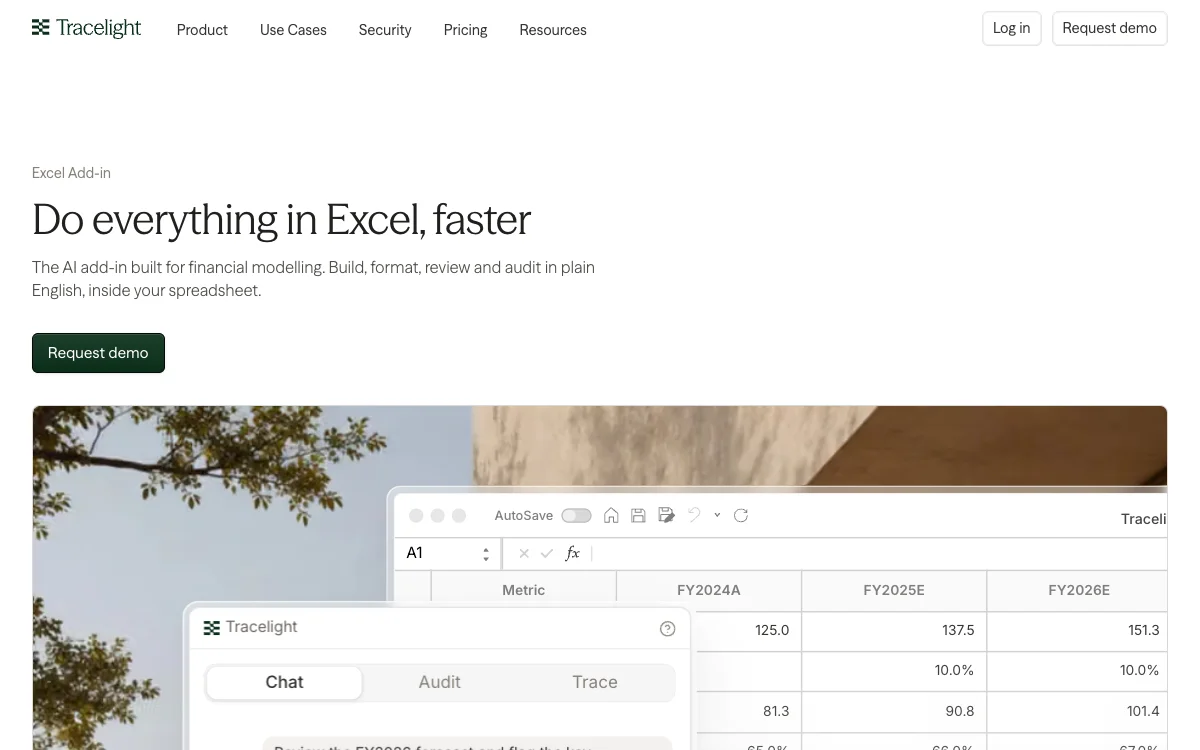
Tracelight is an AI platform for consulting and finance work. Its Excel add-in has Chat, Audit and Trace tabs, and PowerPoint and Word add-ins build decks and documents from the workbook.
In Excel you ask in plain English, and it builds, formats, reviews or audits the model. It follows a firm's formatting playbook and reusable skills and workflows. Edits are checked in Tracelight's own spreadsheet engine before they reach your workbook, and a Review product looks for formula issues. Values pulled from a PDF carry a comment that links to the source location. The web platform adds a project space for each deal, with version control, a spreadsheet compare view and connectors to Capital IQ, FactSet, PitchBook and SharePoint.
Consultancies and finance firms doing due diligence, M&A, valuations, private equity and corporate development are the target. Its use-case pages cover operating models, DCFs, LBOs, merger models, quality of earnings and databooks. Decks built from the workbook stay linked as the model changes, which saves rework late in a deal. Workbooks can also become interactive browser apps.
Next to Claude, Tracelight is narrower and more focused on checking work. Claude is a general assistant that also writes, researches and handles email, while Tracelight is built around models and the decks that come from them. Prices are published: a Starter free trial with 3 Model Review runs, Pro at $40 a month, Max at $200 a month, and Enterprise through sales. Pro costs twice as much as Claude Pro billed monthly. These prices are from 10 Nov 2026.
- Price
- Free trial. Pro $40 a month. Max $200 a month. Enterprise through sales.
- Free option
- A Starter free trial with 3 Model Review runs.
Pros
- Audit and Trace tabs inside Excel
- Decks stay linked to the model
- Published self-serve prices
Cons
- Pro costs twice Claude Pro monthly
- Narrower than a general assistant
Pick it if your team spends as much time checking models as building them.
6.Gemini
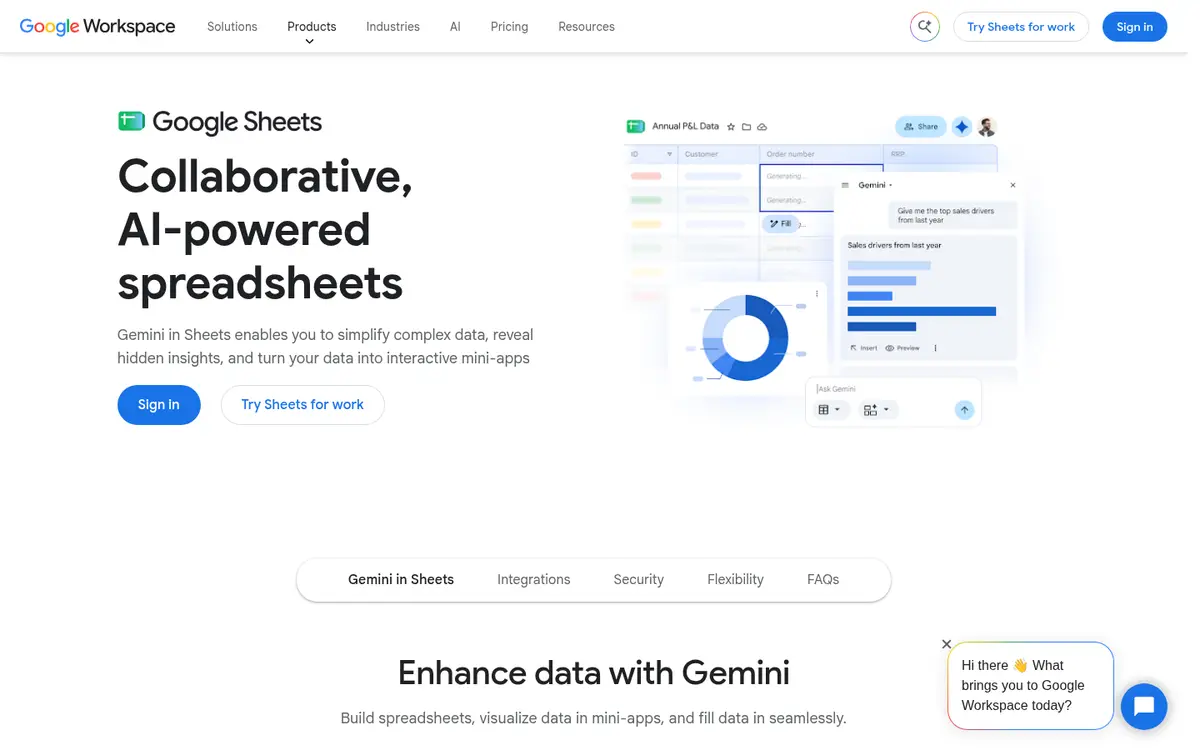
Gemini is Google's AI assistant. It runs as the Gemini app and inside Google Workspace apps such as Sheets, Slides and Docs.
In Sheets, Gemini works from a side panel: it analyses data, makes charts, fills columns with Fill with Gemini and runs Connected Sheets over BigQuery. When a formula fails, Google says Gemini explains the error in plain language and fixes it. In a 12 Nov 2026 demo of Gemini 4 Hydrogen, Google showed Sheets turning financial data into interactive models that adjust to forecasting scenarios. In Slides, Gemini drafts on-brand decks from a prompt and reference files, proposes an outline first, and the slides stay fully editable.
It suits teams that already run on Google Workspace, where Gemini is part of the Business and Enterprise Standard and Plus plans. Individuals get it through Google AI Pro or AI Ultra, and schools can use Gemini for Education at no cost. Google has also announced Workspace integrations for regulated financial institutions. Because it lives in Sheets, a whole team can work in the same file at once.
The gap with Claude is Excel. Gemini works in Google Sheets, so if your models, clients or bank expect .xlsx files with Excel formulas, Claude for Excel fits better. Claude also offers named finance skills and licensed data connectors; Gemini's finance features are spread across the app, Sheets and Slides rather than one modelling product. We did not check Google's plan prices for this page. If your firm is already on Workspace, try Gemini in Sheets on a real model before you add a Claude seat.
- Price
- Part of Google Workspace and Google AI Pro or Ultra plans. We did not check the prices.
- Free option
- Gemini for Education is free for schools.
Pros
- Built into Sheets, Slides and Docs
- Explains and fixes formula errors
- Decks from your own reference files
Cons
- Works in Google Sheets, not Excel
- Not one modelling product
Pick it if your team works in Google Workspace.
Who should pick what
Start with where you work. If your firm is on Microsoft 365 or Google Workspace, the assistant you already pay for may be enough. If you build models all day, a finance-only agent may suit you better than a general one. If you want a finished model to edit, start from a library.
- An assistant already inside your office suite: Microsoft Copilot or Gemini.
- AI in Excel or Google Sheets on a free plan: ChatGPT.
- A finance-only agent for heavy model building or review: Shortcut or Tracelight.
- A ready Excel model that AI changes for your case: Finamodel.
Whichever tool you pick, test it on a model you know well, so you can spot a wrong number. Anthropic's advice for Claude applies to every tool here: have a person review anything that goes to a client. Also check whether your plan lets the vendor train on your data; Anthropic says Team and Enterprise data is not used for training by default.
Frequently asked
How much does Claude cost?+
Claude for Excel comes with a paid Claude plan. Pro is $17 a month billed yearly or $20 monthly, Max is $100 a month, and Team seats are $20 a month billed yearly or $25 monthly. We read these prices on 10 Nov 2026.
Is there a free version of Claude?+
Yes. Claude has a free plan that makes designs, decks and documents in the Claude apps, but Claude for Excel needs Pro, Max, Team or Enterprise. Among the alternatives, ChatGPT for Excel works on a free plan, Shortcut has a free plan, and Finamodel gives 30 free models with live formulas and a free sample of every other model.
What are the main Claude alternatives?+
For AI inside your office suite: Microsoft Copilot and Gemini. For AI in Excel on a free plan: ChatGPT. For finance-only agents: Shortcut and Tracelight. For a ready Excel model that AI changes for your case: Finamodel.
Claude vs Finamodel: which should I pick?+
Pick Claude if you want a general AI assistant across the Office apps, with licensed market data. Pick Finamodel if you want a ready Excel model that Fina changes for your case, at $20 a month or $120 a year.
What can't Claude for Excel do?+
Anthropic's docs say Claude for Excel does not support data tables or macros (VBA). They also say not to use it for final client deliverables without human review.
Claude for Excel or Copilot in Excel?+
Both work inside Excel. Copilot comes with Microsoft 365 Copilot and has named finance skills such as LBO, comps and model check. Claude needs a paid Claude plan and adds licensed data connectors such as S&P Global, FactSet and LSEG. In Shortcut's own benchmark, Claude for Excel scored 66% and Copilot 59%, but Shortcut ran the test.
Sources for Claude (6), last checked 15 Nov 2026+
- claude.com · Claude plan prices · 10 Nov 2026
- claude.com · Claude for Excel docs: features, limits · 15 Nov 2026
- claude.com · Claude for PowerPoint docs · 8 Nov 2026
- claude.com · Financial services audience · 10 Nov 2026
- anthropic.com · Excel add-in, connectors and finance skills announcement · 10 Nov 2026
- support.claude.com · Release notes: outputs on all plans incl. Free · 8 Nov 2026
Each alternative's own page lists its sources.


