 By Alex Tapio
 Kepler alternatives
People look for Kepler alternatives for a few reasons. Kepler shows no price and offers only Request Demo, so the cost is unknown until a sales call. Its finance product sits inside a broader enterprise platform that also serves law and manufacturing, and some buyers want a finance-only vendor. It publishes no changelog, which makes recent changes hard to follow. And some teams need source-linked data or a ready model more than a research assistant.
What is Kepler?
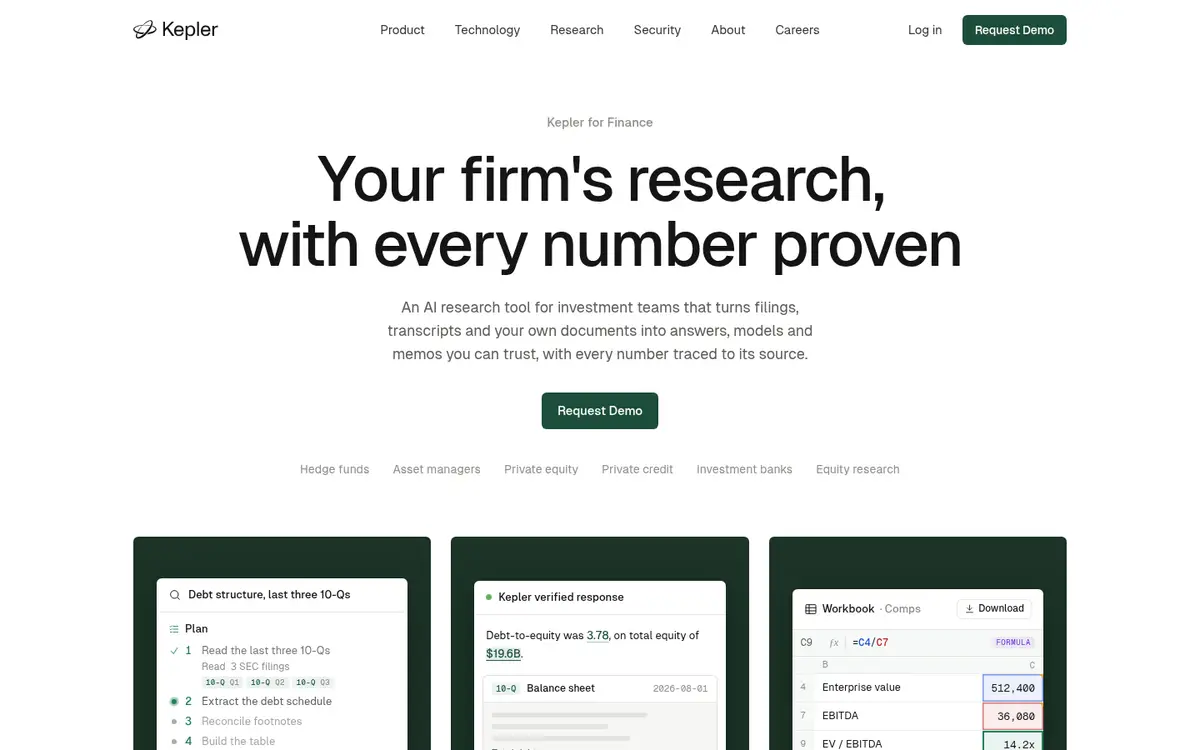
Kepler is an AI research tool for investment teams at hedge funds, asset managers, private equity and credit firms, investment banks and equity research desks. You ask a question in plain words, and it reads SEC and international filings, transcripts, news, market data and your own documents. It returns answers, Excel models and memos, with every number traced to its source. Kepler sums up its method as: the model writes the words, and code writes the numbers. It states SOC 2 Type II.
Kepler at a glance
Kepler publishes no price and no trial; the finance page offers Request Demo only. What you get is natural-language research over filings and transcripts, three-statement models and comps with cited cells and visible formulas, and add-ins for Excel and PowerPoint. It drafts IC memos, pitch-book pages and earnings updates in the firm's templates, and saves firm-level definitions such as adjusted EBITDA. Its free material is public S-1 research notes with downloadable Excel workbooks. Visible multi-step plans show what the AI will do before it runs, and it flags places where two sources disagree.
Quick picks
Kepler is the first row. This group mixes research tools, a data provider and model builders, so read the "Type" column first. The "Excel file you keep" column then shows whether you get a working workbook. Most price cells say "Demo only": only Compound and Finamodel list a price, and Daloopa lists a free tier.
| Tool | Best for | Type of tool | Price (entry plan) | Works in | Free option | Builds the model for you | Excel file you keep | AI edits your file | Templates library |
|---|---|---|---|---|---|---|---|---|---|
| Cited research and models | AI research tool | Demo only | Web, Excel, PowerPoint | Yes: Sample S-1 workbooks | Yes: 3-statement models, comps | Yes: Cited cells, visible formulas | Yes: Builds models on request | Not stated: Not stated |
 | Diligence across many documents | AI research | Demo only | Web, Excel, PowerPoint, Word | No: None listed | Yes: Max builds models | Yes: Cited models | Yes: Max builds models | Not stated: Not stated |
 | Buy-side models from filings | AI agent workspace | Plus $60/mo | Web; Office file output | Yes: $0 starting plan | Yes: 3-statement, DCF, LBO | Yes: .xlsx, live formulas | Yes: Agents build models | Not stated: Not stated |
 | Updating your own equity models | Source-linked data | Free tier; paid via sales | Excel add-in, API | Yes: 3 Data Sheet downloads | No: Updates your model | Yes: Links your own model | Yes: Scout agent, paid tiers | Yes: Industry model templates |
 | A ready model, your numbers | Ready models + AI | $20/mo or $120/yr | Web app, Excel file | Yes: 30 models + free samples | Yes: Fina chat builds it | Yes: .xlsx, formulas visible | Yes: Fina chat edits it | Yes: 500+ models |
 | Firmwide AI at banks and funds | AI platform | Demo only | Web, Excel add-in | No: None listed | Yes: From one prompt | Yes: Excel output | Yes: Agents build models | Not stated: Not stated |
 | Sourced deal models and memos | AI deal materials | Demo only | Web; Excel, PowerPoint output | No: None listed | Yes: Model, deck and memo | Yes: Live-formula Excel | Yes: Builds from filings | Not stated: Not stated |
yes · no · not stated in the vendor's sources. Hover a mark for details. From each vendor's own site; prices change, so check before you buy.
1.Hebbia
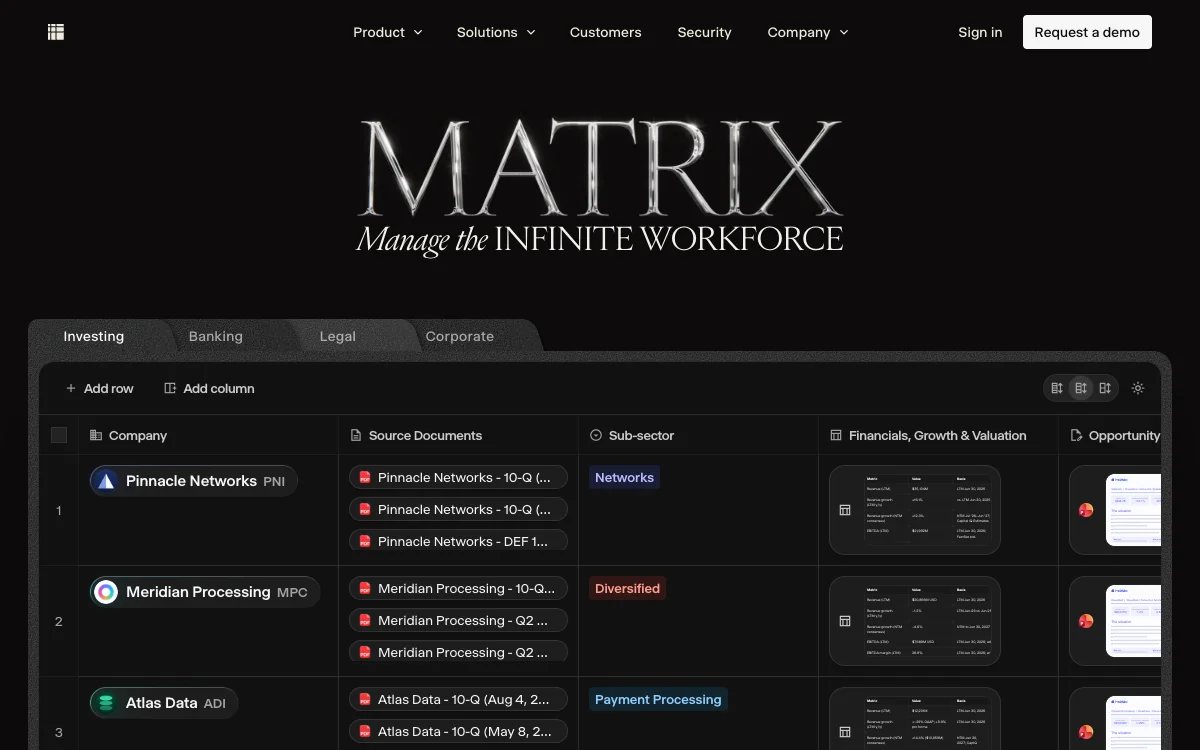
Hebbia is an AI research and diligence platform used by investors, bankers, lawyers, consultants and large companies. Matrix runs cited analysis across documents and companies, and Max is an agent that turns the work into spreadsheets, decks, Word documents, dashboards and reports.
In Matrix you build a grid: companies down the side, questions across the top, and a cited answer in each cell. Max then builds models with a citation in every cell, in the firm's style. It can pull Capital IQ data to build a three-statement model from scratch, a feature added in June 2026, and refill a comps or LBO shell for a new target, added in July 2026. Excel, Word and PowerPoint add-ins, scheduled agents and memory let it work next to the team.
Investing use cases include CIM and data-room screening, expert call synthesis, IC memo prep and financial modeling. Data sources include filings, FactSet, Capital IQ, PitchBook, Preqin, Datasite and Intralinks, which makes it useful for private-market teams as much as public-market ones.
Hebbia is the nearest like-for-like option to Kepler: both put citations first, and both build models as part of research. Hebbia reaches further into private markets and data rooms, while Kepler's public sample notes focus on listed-company filings. Both are demo-only. Hebbia's pricing page did not load in November 2026, so ask for a quote early. It posts near-daily changelog entries, which Kepler does not publish at all.
- Price
- No public price. Demo first.
- Free option
- None listed.
Pros
- Matrix grid with a cited answer per cell
- Data from FactSet, Capital IQ, PitchBook and Preqin
- Frequent public changelog
Cons
- No public price
- Pricing page did not load when checked
Pick it if you research private companies and data rooms as well as filings.
2.Compound
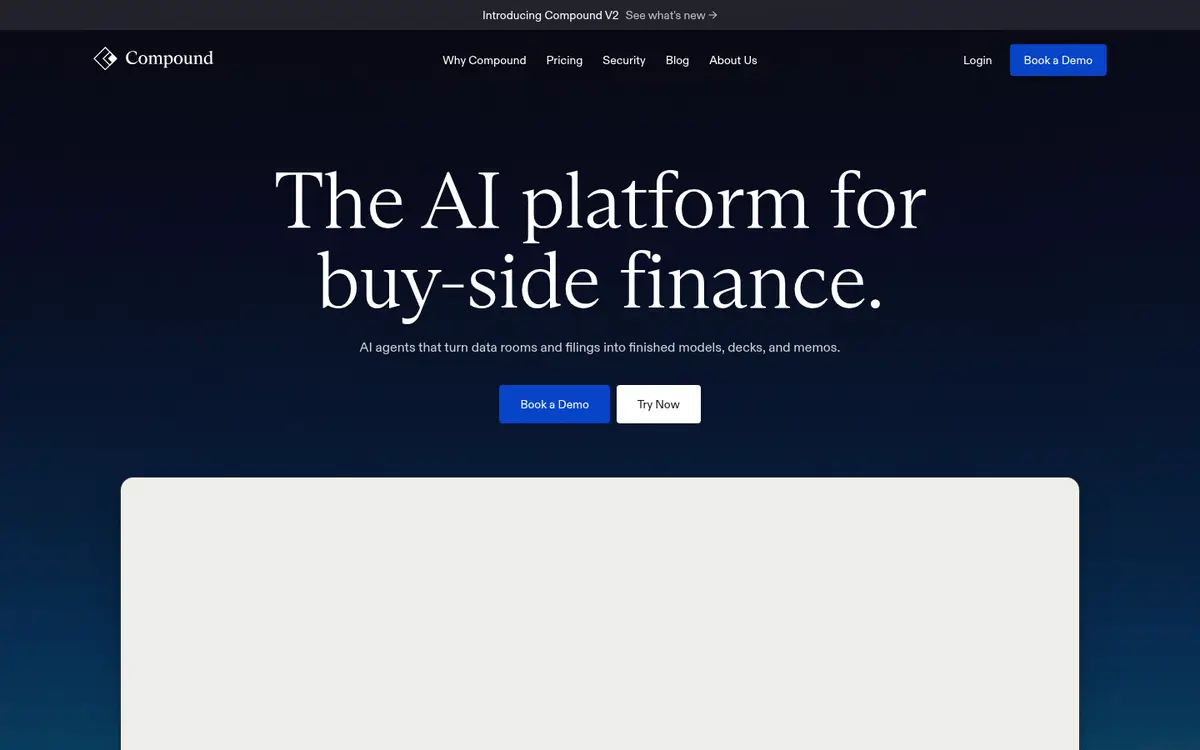
Compound is a cloud workspace of AI agents for buy-side teams in private equity, venture capital, growth equity, real estate and hedge funds. Its agents turn data rooms and filings into finished models, decks and memos, using Compound's own Excel, PowerPoint and Word engines.
SEC filings, financials, transcripts, prices and rates and macro data are built in, so you can ask for a model of a listed company without bringing data. The agent builds a three-statement, DCF or LBO model as an Excel workbook with live formulas. Citations run from a deck number to a model cell to the filing passage, and stay as cell notes in the download. Compound says it recalculates models and reads them cell by cell to catch pasted values and broken formulas.
Investors who want Kepler-style sourcing, plus the deck and memo from the same run, get the most from it. Background tasks run in parallel, team agents have their own email addresses, and since 16 Nov 2026 Claude, ChatGPT, Cursor and Microsoft 365 Copilot can send work to Compound agents.
Where Compound beats Kepler is price visibility: Plus is $60 a month and Pro starts at $150 a month, with Teams and Enterprise through a demo. A $0 plan lets you start without a sales call; it was listed as a free plan with 10K credits a month on 10 Nov 2026 and as a 14-day free trial on 22 Nov 2026. Where it falls short is coverage: filings outside the SEC and private-company datasets are not built in, while Kepler reads international filings.
- Price
- Plus $60 a month, Pro from $150 a month. Teams and Enterprise through a demo.
- Free option
- A $0 starting plan. Its pricing page showed a 14-day free trial on 22 Nov 2026.
Pros
- Public prices and a $0 starting plan
- SEC data built in
- Citations kept as cell notes in the .xlsx
Cons
- No non-SEC filings built in
- Quality claims rest on its own PE Bench
Pick it if you want sourced buy-side models and a price you can see.
3.Daloopa
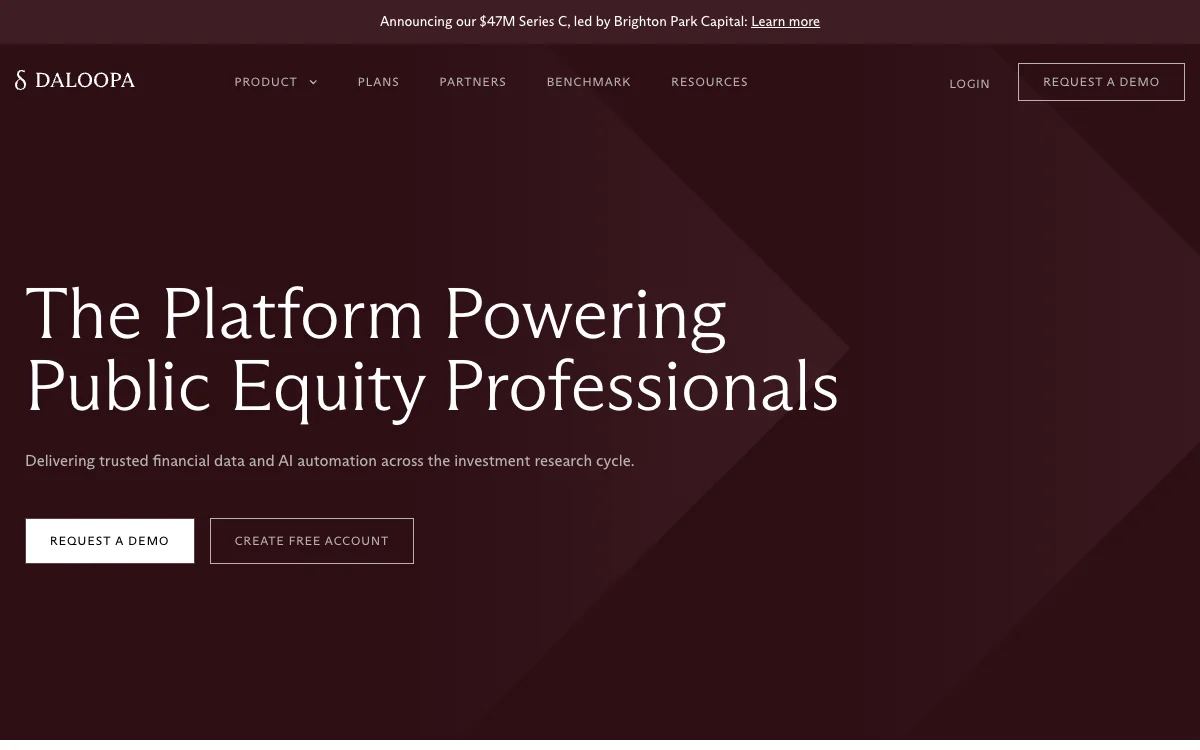
Daloopa Core is a source-linked fundamental dataset extracted from company filings. Analysts and portfolio managers at hedge funds, mutual funds and banks get it through an Excel add-in, downloadable Data Sheets, an API, MCP and cloud warehouses.
The Excel add-in links your existing model to Daloopa and updates it with one click during earnings season. Retrofit, inspect-cell and stitching tools help connect an older model to the data, and full-history Data Sheets can be downloaded. Every number links back to the document it came from. Daloopa claims coverage of more than 6,500 global tickers and says it saves an average of 2 hours per ticker on earnings updates.
Public-equity analysts who already have their own models, and want the inputs sourced and refreshed fast, are its core users. The Scout AI Excel agent comes with the Core and Premium tiers, and an MCP server with skills and a prompt library lets any AI model query the dataset. Its homepage says more than 185 hedge funds, mutual funds and bulge bracket banks use it.
Daloopa covers a different part of the job than Kepler. Kepler answers questions and builds the model; Daloopa supplies the sourced numbers and keeps your own model current. Many teams could use the data under a research tool rather than instead of it. Daloopa is easier to try: a free plan gives up to 3 Data Sheet downloads and MCP access with monthly limits. Core, Premium and the API show no price, and API v2 sunsets on 1 Jan 2027.
- Price
- Core, Premium and the API through sales. No price shown.
- Free option
- A free plan: up to 3 Data Sheet downloads and MCP with monthly limits.
Pros
- Every number linked to its source document
- One-click model updates in earnings season
- Free plan to try
Cons
- Paid tiers show no price
- Updates your model; does not research for you
Pick it if you keep your own models and want sourced data to update them.
4.Finamodel

Finamodel is a library of ready Excel financial models with an AI assistant called Fina. Kepler researches a company and builds a model from its filings; Finamodel gives you a finished model that Fina fits to your numbers.
You open a model, such as a 3-statement model or a comparable company analysis, in Fina chat. You give it your figures and ask for changes: a different forecast, an added scenario, or an explanation of a formula. Fina builds, edits, explains and fixes the model, and version history restores any earlier file. You download a real .xlsx file with every formula visible, which works without Finamodel and opens in Excel, Google Sheets and Numbers.
You can get one of 30 free models with live formulas, or a free sample of any other model without formulas, sent by email link, so you can check the structure before you pay. The Models plan is $20 a month or $120 a year, with no demo and a 14-day money-back guarantee on the first paid plan. Read-only links reach QuickBooks, Google Sheets, Google Drive and 42 other apps, and Fina can give a voice walkthrough of a model.
Next to Kepler, Finamodel does not do research. It does not read filings, transcripts or news, and it does not cite a source for each number, because the inputs are yours. It has no Excel or PowerPoint add-in, no firm definitions and no memo drafting, and support is by email. If your work is answering questions about public companies, Kepler or Hebbia fits better. If you already have the numbers and need a working model to put them in, Finamodel is quicker to start.
How it works
- Pick a ready model, such as a DCF or a 3-statement model, from a library of more than 500.
- Ask Fina chat to change, explain or fix it for your case and your numbers.
- Download a real .xlsx file. Every formula is visible, and it works without Finamodel. It opens in Excel, Google Sheets and Numbers.
- Price
- Models plan: $20 a month or $120 a year. All Templates: $30 a month or $144 a year. You can cancel at any time.
- Free option
- 30 free models with live formulas, and a free sample of every other model, with values but no formulas. Both are sent by email link, one model email per email address per day. The library is free to browse.
Better than Kepler at
- Listed price and no demo
- A ready model structure to start from
- One free model to check first
Worse than Kepler at
- Does not research filings or cite sources
- Not an Excel add-in
- Support is by email
Models that fit: 3 Statement Model, Comparable Company Analysis, DCF Model.
Pick it if you have the numbers and need a working model to put them in.
5.Rogo
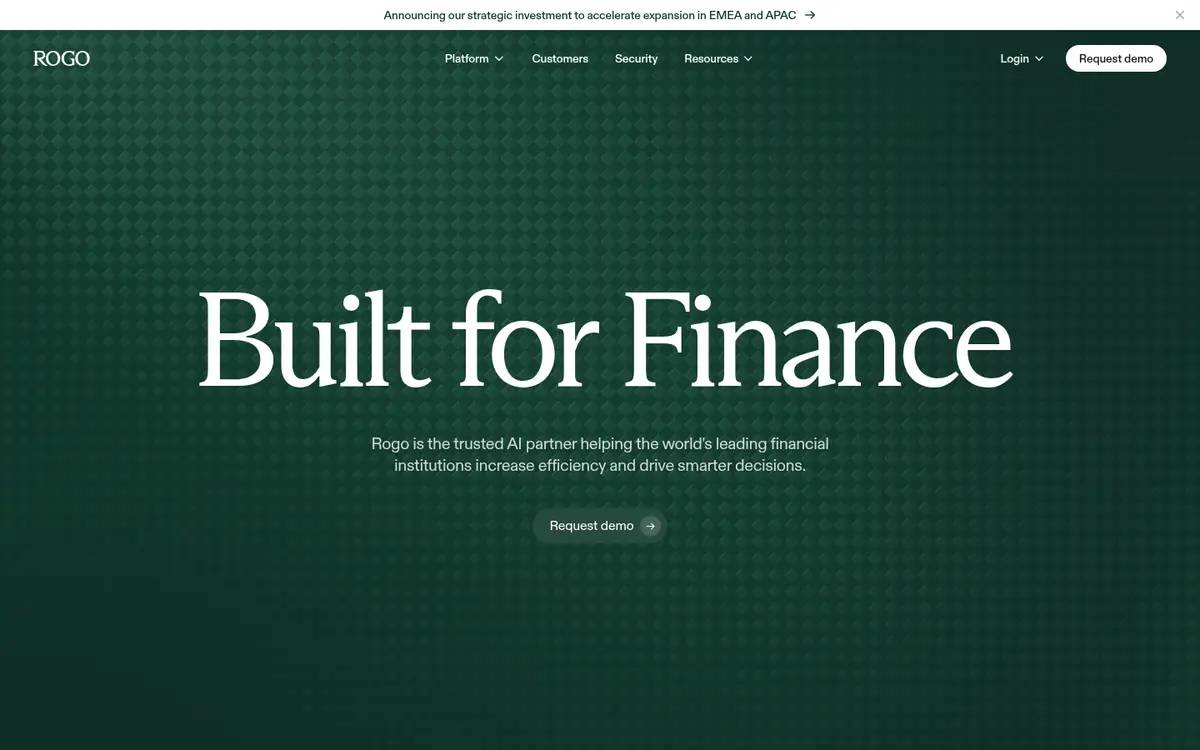
Rogo is an enterprise AI platform for banks, private equity, private credit and public-markets investors. Its agents run end-to-end workflows from a single prompt and return Excel models, decks, Word documents and research, with each answer citing its source.
For banking and research work, agents refresh public comps, build DCFs and LBOs, analyse CIMs and build PIBs. Proactive agents can start on their own when news, data-room files or earnings arrive. Felix, the agent in Rogo's Excel add-in, populates financials, links and audits tabs and stress-tests assumptions from a side panel. Answers cite the filing, model or document they came from, and Watchtower picks a model for each task by quality, cost and latency.
Rogo says more than 450 institutions and 60,000 bankers and investors use it, with Baird and Truist Securities among named customers. A firm that wants research and deal agents rolled out across teams, with former bankers and investors embedded during setup, is its buyer.
Rogo and Kepler both put citations at the centre, and both sell through a demo with no public price. Rogo is broader: hundreds of agents, a firm memory, project spaces, a notetaker and 52 integrations, including Capital IQ, FactSet, LSEG and Daloopa. Kepler is narrower and more focused on research with traced numbers. Rogo also publishes its security stance: SOC 2 Type II, ISO 27001 and ISO 42001, and no training on private customer data.
- Price
- No public price. Demo first.
- Free option
- None listed.
Pros
- Hundreds of agents for research and deals
- 52 integrations, including Daloopa
- Embedded rollout support
Cons
- No public price
- No free trial
Pick it if your firm wants a broad research and deal platform, not one tool.
6.Key Figures
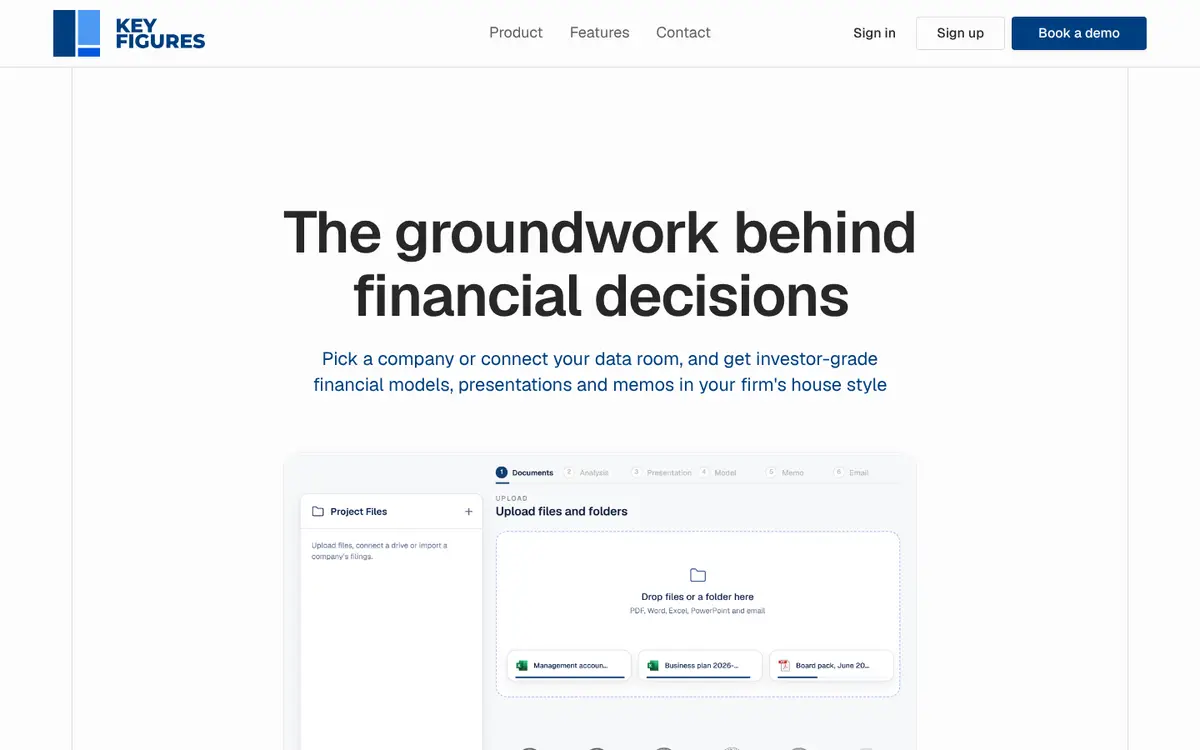
Key Figures, a Munich startup, builds deal materials for financial institutions. Its pipeline turns filings or a data room into a live-formula Excel model, an editable PowerPoint deck and a one-page memo.
You pick a listed company or connect a data room. Key Figures pulls listed-company filings and UK Companies House accounts automatically, then builds three statements, forecasts, valuation or buyout returns, including DCF, trading comps and precedent transactions. Every figure click-links to the exact source paragraph. Before delivery, automated checks confirm that the balance sheet balances, cash ties and retained earnings roll forward. When a new 10-Q or new guidance lands, the model updates incrementally.
Advisers, buyers and lenders who need a sourced model and deck for a specific company, plus lender credit paper or draft data-room Q&A answers, are the target users. Every model follows one house structure, which makes review easier. Because it starts from your own files, it also works for private targets where there is no public filing to research.
Key Figures shares Kepler's main promise, a source behind every number, and also delivers a deck and memo. Kepler is a research tool you can question; Key Figures is a pipeline that produces a set of deal materials. Both are demo-led with no public price. Key Figures has a single-page site with no changelog, and SOC 2 Type 2 and SSO were marked coming soon, while Kepler states SOC 2 Type II today.
- Price
- No public price. Demo through the contact page.
- Free option
- None listed.
Pros
- Model, deck and memo from one pipeline
- Each figure linked to the source paragraph
- Balance and cash checks before delivery
Cons
- No public price
- SOC 2 and SSO marked coming soon
Pick it if you need a sourced model and deck for one company or deal.
Who should pick what
Kepler users want numbers they can trust. The question is where those numbers come from. If you want AI to research and cite, pick a research tool. If you want sourced data for your own models, pick a data provider. If you have the inputs already, a ready model may be all you need.
- Cited research across filings and documents: Kepler or Hebbia.
- Sourced buy-side models with a public price: Compound. Sourced models, decks and memos for a deal: Key Figures.
- Source-linked data to update your own models: Daloopa. A broad research and deal platform: Rogo.
- A ready Excel model for your own numbers: Finamodel.
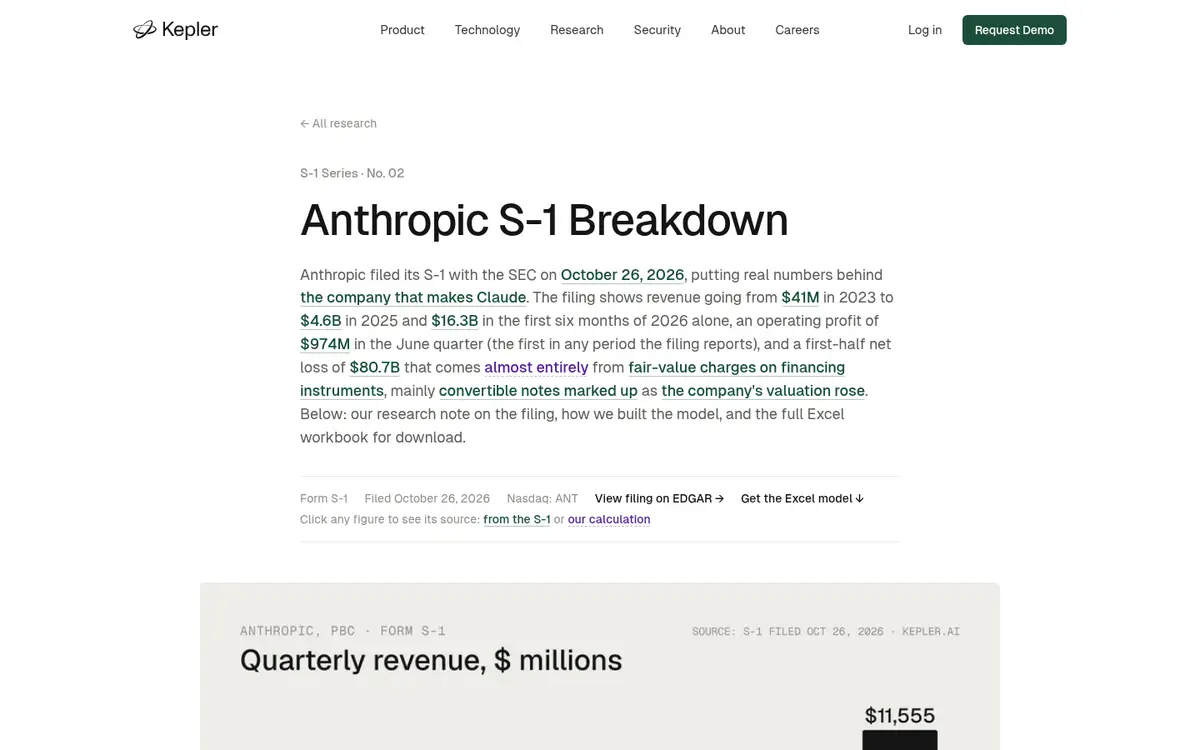
Test any tool on a company you already know well. Click through ten citations and check that each one lands on the right page and line. Download the workbook and confirm the formulas work outside the vendor's app. Kepler's public S-1 note and Daloopa's free Data Sheets let you run part of that test before any demo.
Frequently asked
How much does Kepler cost?+
Kepler shows no public price. Its finance page offers Request Demo only. We last checked its pricing on 10 Nov 2026.
Is there a free version of Kepler?+
No free plan or trial is listed. Kepler does publish free research notes, such as its Anthropic S-1 breakdown from October 2026, with a downloadable, source-linked Excel workbook.
What are the main Kepler alternatives?+
For cited research: Hebbia and Rogo. For sourced models and deal materials: Compound and Key Figures. For source-linked data in your own models: Daloopa. For a ready Excel model that AI changes for your case: Finamodel.
Kepler vs Finamodel: which should I pick?+
Pick Kepler if your team researches public companies and wants every number traced to a filing. Pick Finamodel if you have the numbers and need a working model now, at $20 a month or $120 a year.
Does Kepler cite its sources?+
Yes. Kepler says every cell in a generated workbook is cited to the filing, page and line item. It shows multi-step plans, click-through citations and flags where sources disagree.
Is Kepler secure?+
Kepler states SOC 2 Type II. Ask any vendor whether it trains AI on your data and where your data is processed.
Sources for Kepler (4), last checked 15 Nov 2026+
- kepler.ai · Homepage positioning · 10 Nov 2026
- kepler.ai · Finance product page and Request Demo · 10 Nov 2026
- kepler.ai · Public S-1 note with Excel workbook · 10 Nov 2026
- kepler.ai · Model-output quotes · 15 Nov 2026
Each alternative's own page lists its sources.


