 By Alex Tapio
 Reach Reporting alternatives
People look for Reach Reporting alternatives for three main reasons. Only the starting price is public, $149 a month, and the tiers above it are not itemised, so a growing firm cannot see its future bill. The AI is thin: one named feature, while newer tools put AI at the centre of the close or the analysis. And Reach is a reporting system. Firms that need a model file for a client, or software that runs the close, look elsewhere.
What is Reach Reporting?
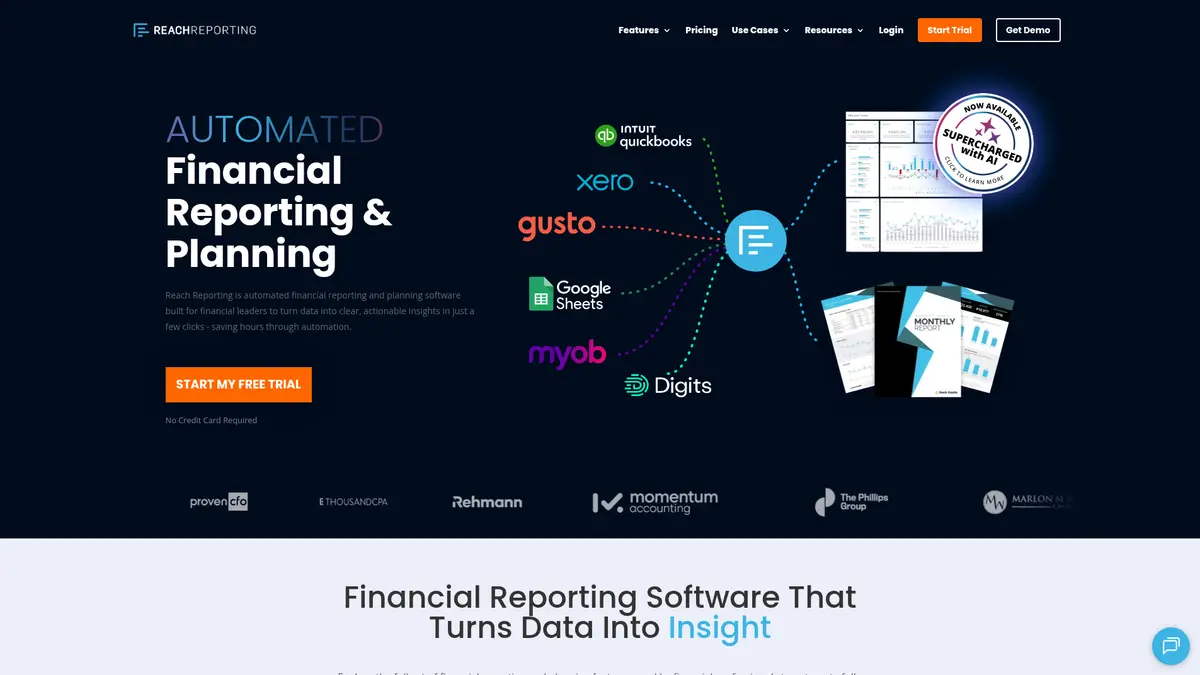
Reach Reporting is financial reporting and planning software built for accounting firms and CAS teams. It combines financial statements, dashboards, three-way budgeting and forecasting, consolidation and a client portal. It connects to QuickBooks Online, Xero, Digits, MYOB, Google Sheets and Excel, and adds a feature called Automated AI Analytics. Its users are accounting leaders, advisors and CFOs, and its case studies come from firms such as Summit Virtual CFO by Anders, ProvenCFO, Momentum Accounting and KynLi Consulting.
Reach Reporting at a glance
Reach Reporting prices by the number of data connections, starting at $149 a month. The higher tiers are not listed. A 30-day free trial is available. The product is a web app with financial statements, dashboards, three-way budgets and forecasts, consolidation and a client portal; our sources do not say whether any feature needs a higher tier. A firm with many clients, each with its own data connection, should ask for a written quote before the trial ends.
Quick picks
Reach Reporting is the first row. Most tools here also serve accounting firms, so the useful columns are price, where the work lives and how much the AI does. Some tools live in a web app, others in Excel or Google Sheets. Two publish no price at all, so the price column also tells you which vendors you must call first.
| Tool | Best for | Type of tool | Price (entry plan) | Works in | Free option | Builds the model for you | Excel file you keep | AI edits your file | Templates library |
|---|---|---|---|---|---|---|---|---|---|
| Client reporting for CAS teams | Reporting web app | From $149/mo | Web app | Yes: 30-day free trial | Not stated: Not stated | Not stated: Not stated | No: One AI analytics feature | Not stated: Not stated |
 | Reporting with AI-drafted commentary | Reporting suite | Not published | Not stated | Not stated: Not stated | Not stated: Not stated | Not stated: Formats not documented | No: AI drafts commentary | Not stated: Not stated |
 | Driver-based planning, firm wholesale | FP&A web app | Firms from $50/mo | Web app | Not stated: Not stated | Yes: Auto Forecast baseline | Not stated: Excel integration listed | No: AI baseline forecasts | Yes: Industry templates |
 | Live QuickBooks data in spreadsheets | Excel and Sheets add-in | Demo only | Excel, Google Sheets | Yes: Free reporting templates | No: You build the reports | Yes: Works in your workbook | No: AI pulls reports | Yes: 100+ reporting templates |
 | Planning models as Excel files | Ready models + AI | $20/mo or $120/yr | Web app, Excel file | Yes: 30 models + free samples | Yes: Fina chat builds it | Yes: .xlsx, formulas visible | Yes: Fina chat edits it | Yes: 500+ models |
 | Close, models and reports per client | Practice platform | From $49 per client/mo | Web, Excel, Google Sheets | Yes: 14-day trial | Yes: 3-statement, 13-week cash | Yes: Two-way Excel sync | Yes: Sherpa changes the model | Not stated: Not stated |
 | Client dashboards with AI analyst | White-label dashboards | $47/client/mo at 10 clients | Web app | Not stated: Not stated | Yes: AI builds the dashboard | No: Dashboard portal | No: Client AI analyst | Not stated: Not stated |
yes · no · not stated in the vendor's sources. Hover a mark for details. From each vendor's own site; prices change, so check before you buy.
1.Spotlight Reporting
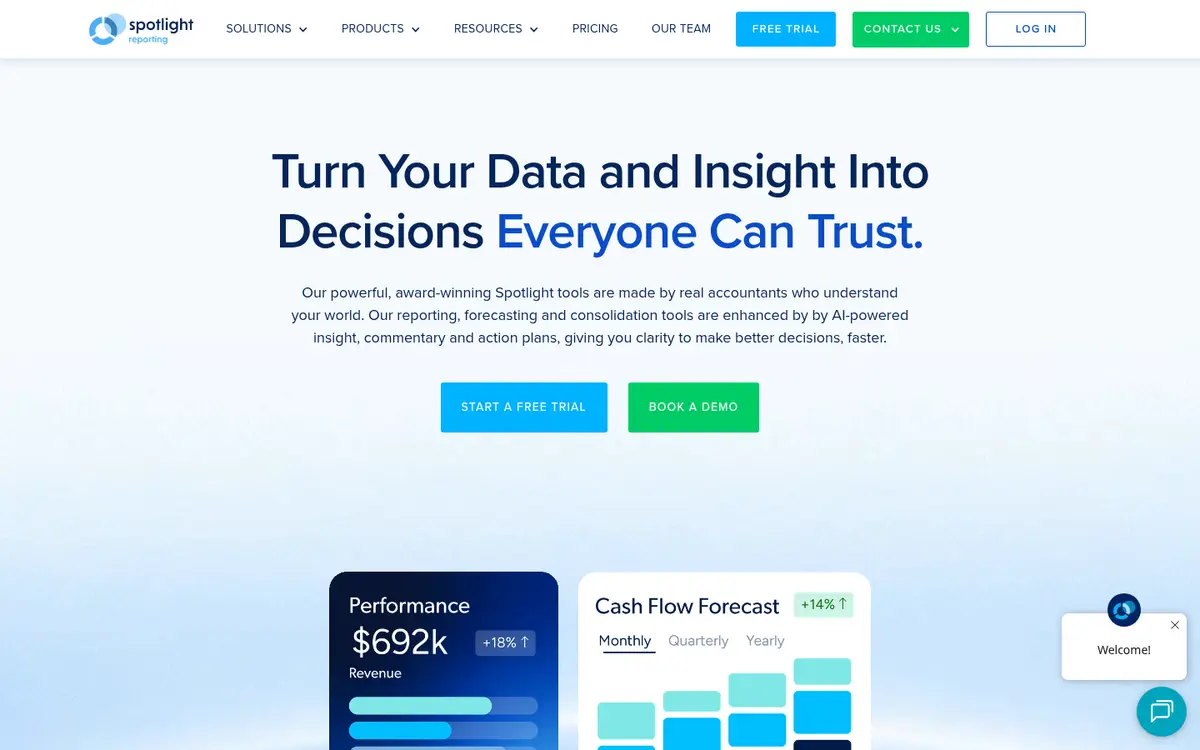
Spotlight Reporting makes reporting, three-way forecasting and consolidation tools for accountants and advisory firms, and also serves in-house finance teams and franchises. Its Spotlight AI drafts highlights, recommendations and action plans.
An accountant uses Spotlight to produce client reports and dashboards, then builds budgets, three-way forecasts and scenarios in Spotlight Forecasting, which the company calls an all-in-one budget creator, three-way forecasting and scenario builder. Consolidation covers groups of entities. Spotlight AI then suggests and drafts the commentary, highlights, recommendations and action plans, for the advisor to check before the report goes out.
Spotlight reports large use: more than 100,000 businesses and more than 600,000 dashboards created, with testimonials that include RSM Australia. It is the closest like-for-like product to Reach in this list. The weak spot is transparency. No prices appear on the homepage, and when we checked, the pricing page asked visitors to identify themselves before it showed anything. Our sources also do not document export formats such as Excel or PDF, so check how a client would receive a report outside the app.
Spotlight's clearest edge over Reach is AI. Reach names one feature, Automated AI Analytics; Spotlight's AI writes the narrative an advisor would otherwise type each month. Both cover reports, three-way forecasts and consolidation, so a switch would mostly be about that commentary and about scale. Reach is easier to price, with a public starting figure and a 30-day trial, while Spotlight needs a conversation first. Ask both for a quote at the same client count before you decide.
- Price
- Not published; pricing is gated behind a sign-up step.
- Free option
- Not stated in our sources; the homepage shows a free trial button.
Pros
- AI drafts highlights, recommendations and action plans
- Reports, forecasts and consolidation in one suite
- Large stated user base
Cons
- No public prices
- Export formats not documented
Pick it if you like Reach's scope but want AI to draft the monthly commentary.
Spotlight Reporting alternatives · Visit spotlightreporting.com
2.Jirav
Jirav is driver-based FP&A software for budgeting, three-statement forecasting, reporting and dashboards. It sells wholesale to accounting and CFO advisory firms that resell planning to clients, and directly to small, midsize and VC-funded companies.
A firm sets up each client with driver-based models that forecast the three statements from 1 to 7 years out. Annual and departmental budgets track against actuals, and cash and working capital forecasts roll forward on their own. Workforce planning, industry templates and white labelling are part of the offer. Data comes from QuickBooks Online, Xero and Sage Intacct, and the pricing page lists Google Sheets and Excel integrations. Auto Forecast uses AI to set a baseline forecast.
The wholesale plans are built for firms. Controller Essentials starts at $50 a month, with 2 plans and a 1-year forecast. CFO Enterprise starts at $150 a month, with 5 active scenarios and a 7-year forecast. Both start with a demo request, and we did not find direct pricing for businesses. Low wholesale entry prices leave a firm room to resell planning at a margin, which is the point of the model.
Against Reach Reporting, Jirav is the deeper planning tool. Driver-based forecasts up to 7 years, workforce planning and rolling forecasts go beyond Reach's three-way budgets, and its entry price is lower. Reach is stronger on reporting breadth, with consolidation, wider data connections such as Digits and MYOB, and a 30-day free trial that Jirav does not mention. Jirav's AI is also limited, to baseline forecasts, so neither tool is a strong pick if AI is your reason to switch.
- Price
- Firm plans: Controller Essentials from $50 a month, CFO Enterprise from $150 a month.
- Free option
- No free trial mentioned in our sources.
Pros
- Driver-based forecasts up to 7 years
- Wholesale plans and white labelling for firms
- Industry templates
Cons
- Demo needed; no direct business pricing found
- AI limited to baseline forecasts
Pick it if planning and forecasting matter more to your clients than report design.
3.LiveFlow
LiveFlow syncs QuickBooks Online data live into Excel and Google Sheets, and its product pages also name Xero. It adds multi-entity consolidation, departmental budgeting and a library of reporting templates, for accounting firms and in-house finance teams.
Instead of a separate reporting app, LiveFlow works inside the spreadsheets your team already uses. Once a QuickBooks file is connected, reports refresh on their own, and new general ledger accounts flow into your models through a dynamic chart of accounts. Consolidation handles account mapping, multiple currencies and department roll-ups, and FinanceIQ covers departmental budgets. A connector lets your own AI agent pull any QuickBooks report into Excel or Sheets, with the source and refresh time on every figure.
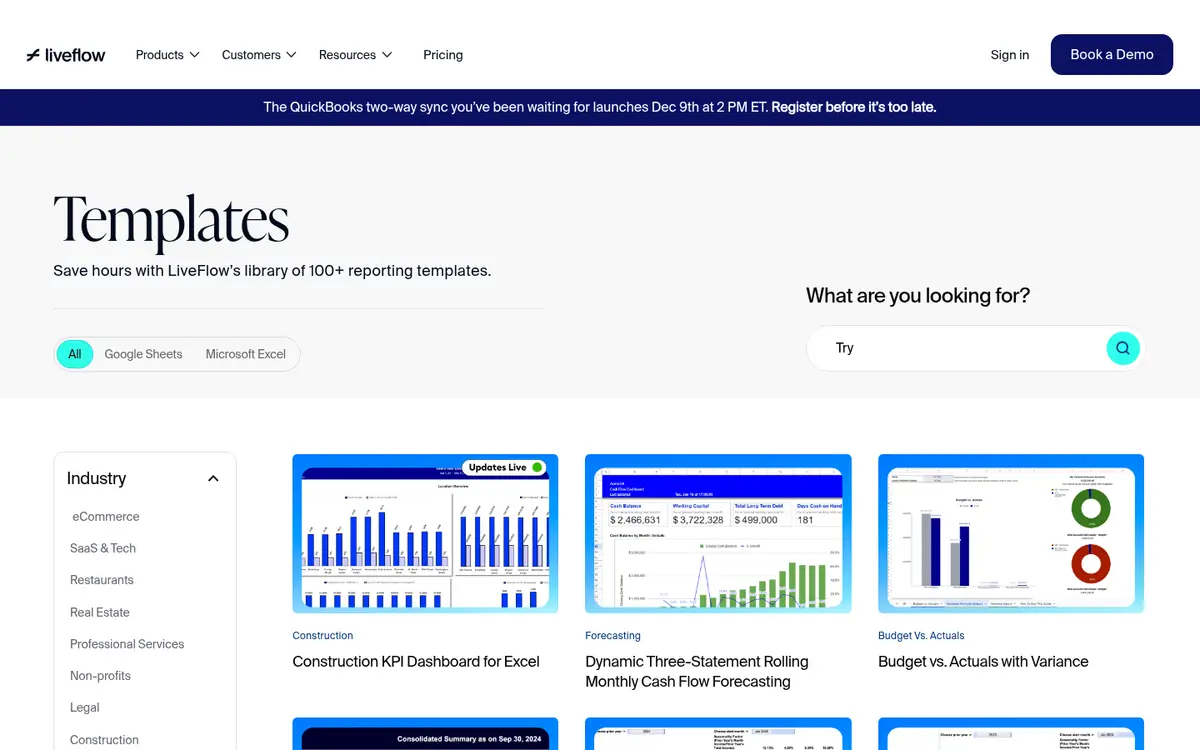
It fits CAS and outsourced accounting practices that manage many client QuickBooks files and prefer to build reports in spreadsheets. The library of more than 100 reporting templates is free, including a three-statement rolling cash flow forecast and a budget vs actual report. LiveFlow shows no price: pricing is tailored and starts with a demo. It depends on a QuickBooks or Xero data source.
Reach gives you finished reports in its own app; LiveFlow gives you live data in your own workbooks. For a team that likes Excel, that means full control of layout and formulas. The trade-off is work: you build and maintain the reports yourself, where Reach provides statements, dashboards, forecasts and a client portal ready to use. Reach also publishes a starting price and offers a 30-day trial, while LiveFlow asks for a demo before you see any number.
- Price
- Not published; tailored pricing after a demo.
- Free option
- Free Excel and Google Sheets reporting templates.
Pros
- Live QuickBooks data inside Excel and Sheets
- Free library of 100+ reporting templates
- Multi-entity consolidation
Cons
- No public price; demo required
- Needs QuickBooks or Xero as a source
Pick it if your team wants live accounting data inside its own spreadsheets.
4.Finamodel

Finamodel is a library of ready Excel financial models with an AI assistant called Fina. It is not reporting software. It gives a firm planning models, such as a 3-statement model or a budget vs actuals tracker, that Fina changes for each client.
You choose a model, open it in Fina chat and describe the client's business. Fina builds, edits, explains and fixes the model, and version history restores any earlier file. Read-only links to QuickBooks, Google Sheets, Google Drive and 42 other apps can bring in the client's figures. The download is a normal .xlsx file with every formula visible. It works without Finamodel and opens in Excel, Google Sheets and Numbers.
It suits a CAS team or advisor who is asked for a model that sits outside the monthly report: a budget for a bank, a consolidation for a group, a 3-statement forecast for an investor. A voice walkthrough of a model helps the client follow it. The library is free to browse, and 30 full models and a sample of every other model are free. Paid plans are self-serve, with no demo and a 14-day money-back guarantee on the first paid plan.
Compared with Reach, Finamodel does not produce recurring client reports, dashboards or a portal, and it is not built to refresh a set of reports each month. Support is by email, and you need to know which model you want. What it adds is a model the client can keep and inspect, which Reach does not describe as an output. Firms that run Reach for monthly reporting can use Finamodel for one-off planning work, and firms not ready for a reporting platform can start with a file. Because every formula is visible, a bank or investor can follow how each number in the model is built.
How it works
- Pick a ready model, such as a DCF or a 3-statement model, from a library of more than 500.
- Ask Fina chat to change, explain or fix it for your case and your numbers.
- Download a real .xlsx file. Every formula is visible, and it works without Finamodel. It opens in Excel, Google Sheets and Numbers.
- Price
- Models plan: $20 a month or $120 a year. All Templates: $30 a month or $144 a year. You can cancel at any time.
- Free option
- 30 free models with live formulas, and a free sample of every other model, with values but no formulas. Both are sent by email link, one model email per email address per day. The library is free to browse.
Better than Reach Reporting at
- An Excel model the client keeps
- Self-serve, with monthly billing
- Fina chat edits the model for each client
Worse than Reach Reporting at
- No recurring client reports, dashboards or portal
- Not built for monthly reporting at scale
- Support is by email only
Models that fit: 3 Statement Model, Budget vs Actuals Tracker, Group Consolidation and Eliminations Excel Model.
Pick it if a client needs a planning model in Excel, not another report.
5.Alpyne
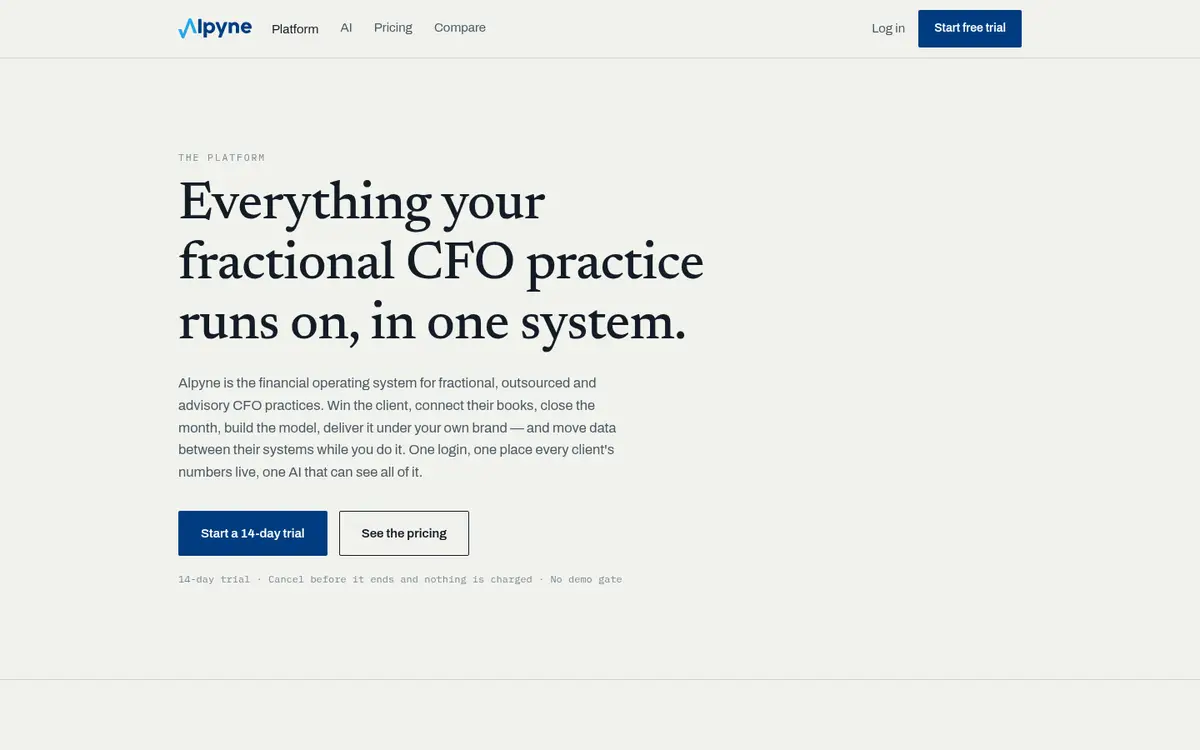
Alpyne is a finance operating system for multi-client fractional, outsourced and advisory CFO practices, and for accounting and bookkeeping firms moving into advisory. It closes the month, builds three-statement models and 13-week cash forecasts, and delivers white-labelled reports and a client portal.
A firm connects each client's books, runs the monthly close in Alpyne, and keeps a three-statement model and rolling 13-week cash forecast current. Reports go out under the firm's brand. Sherpa, the AI analyst, answers questions and can change the model, and Claude or ChatGPT can reach the same data through a server connection. From the Advisory plan up, two-way sync keeps Excel and Google Sheets in step with the model.
Per-client prices are public: Reporting $49, Advisory $99 and Full-stack $199 a month. Discounts start at 10% for 5 clients and 20% for 10, with 15% more for annual billing. The Practice add-on costs $99 a month and is included from 15 clients. Alpyne also has an Inside plan at $399 a month for a single in-house company, and a 14-day trial.
For a CAS team on Reach, Alpyne adds two things: the close itself, and an AI that works on the model. It also prices per client, which makes the bill easy to forecast as the firm grows, unlike Reach's unlisted tiers. Reach has the longer customer list, with named case studies, and a wider set of data connections. Alpyne's site states it is not SOC 2 certified, and we found no reviews, so check both points against your clients' requirements.
- Price
- Reporting $49, Advisory $99, Full-stack $199 per client per month, with volume and annual discounts.
- Free option
- A 14-day trial.
Pros
- Close, model and reports in one system
- AI that can change the model
- Per-client prices and a 14-day trial
Cons
- Not SOC 2 certified, by its own statement
- No reviews or customer names stated
Pick it if you want the close, models and reports in one per-client platform.
6.Pineapple Analyst
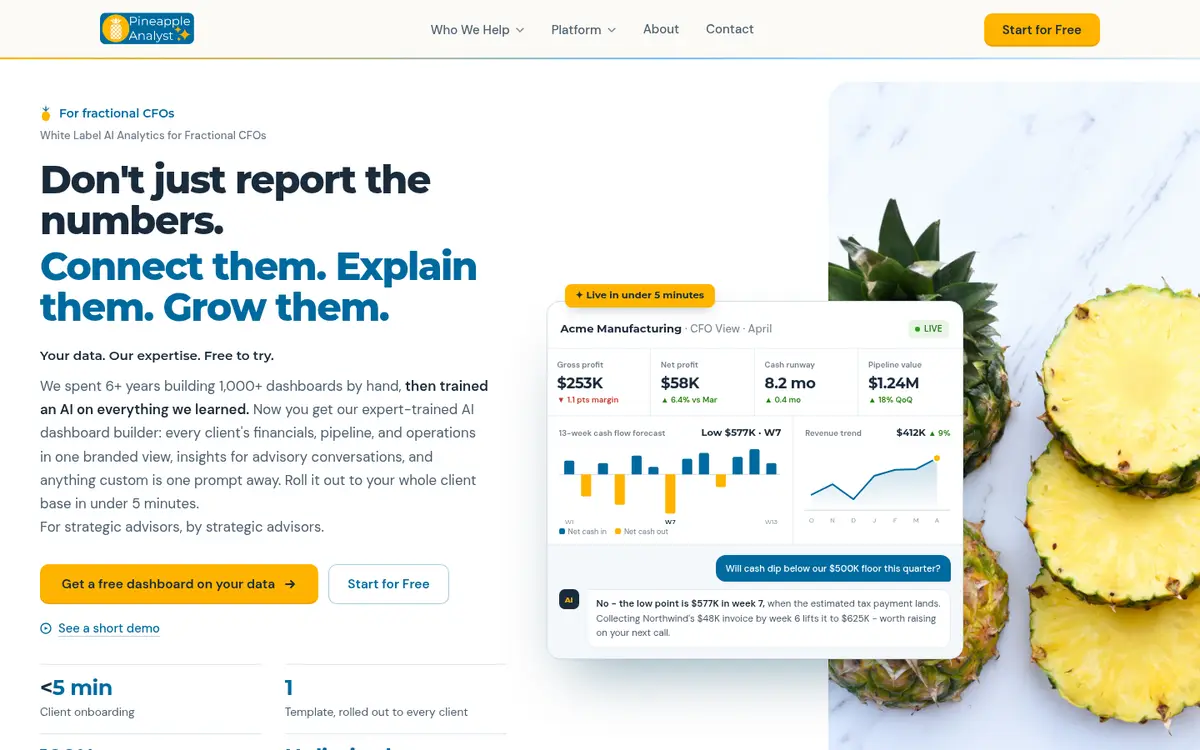
Pineapple Analyst is white-label AI analytics for fractional CFOs and strategic advisors. It builds a branded dashboard per client from QuickBooks and other sources, and adds an AI analyst that clients can question in plain English.
An AI dashboard builder, which Pineapple says draws on its earlier work building dashboards by hand, creates each client's view. The dashboard brings financials, pipeline and operations together under the advisor's brand. Clients then ask the AI analyst about their numbers directly, so routine questions get an answer without a meeting. Unlimited users on advisor plans mean everyone at the client who needs the view can have it, at no extra cost per seat.
Advisor plans are priced per client with volume discounts. At 10 clients, Launch costs $47 and Grow $77 per client per month; we did not confirm the one-client price. The 1,000+ dashboards figure on its site refers to that earlier services work, not to software customers, and there are no software reviews or customer counts in our sources.
Pineapple Analyst is narrower than Reach, and the two can sit side by side. It does not describe budgets, three-way forecasts or consolidation, and it is newer as software. What it adds is AI that talks to the client, and a dashboard that shows pipeline and operations next to the financials. If your clients mostly ask what happened and why, Pineapple may answer faster than a monthly report does. For 10 clients, Launch costs about $470 a month; compare that with a Reach quote for the same number of data connections.
- Price
- Per client: at 10 clients, Launch $47 and Grow $77 per client per month.
- Free option
- Not stated in our sources; its page shows Start for Free buttons.
Pros
- Client-facing AI analyst
- Branded dashboards with pipeline and operations
- Unlimited users on advisor plans
Cons
- No budgets, forecasts or consolidation described
- Only 10-client prices on file
Pick it if you want clients to query their own numbers through a branded dashboard.
Who should pick what
Reach Reporting is a broad reporting and planning tool for accounting firms. Most people who leave it want one part done better: AI commentary, deeper planning, work in spreadsheets, or the close. Pick by that part, then check the price at your number of clients or data connections.
- Reach's scope with AI-drafted commentary: Spotlight Reporting. Deeper driver-based planning: Jirav.
- Live QuickBooks data in your own spreadsheets: LiveFlow.
- Close, models and reports per client: Alpyne. Client dashboards with an AI analyst: Pineapple Analyst.
- A ready planning model in Excel, changed by AI for a client: Finamodel.
Before you switch, ask Reach for the tier your firm would need, since only the $149 starting price is public. Then compare quotes on the same basis. Spotlight, Jirav and LiveFlow need a sales call; Alpyne and Pineapple Analyst publish per-client prices. Run a month of real client reporting on the new tool before you move everyone.
Frequently asked
How much does Reach Reporting cost?+
Pricing is based on the number of data connections and starts at $149 a month. The higher tiers are not itemised on its site.
Is there a free version of Reach Reporting?+
Reach offers a 30-day free trial. We found no free plan.
What are the main Reach Reporting alternatives?+
For reporting with AI commentary: Spotlight Reporting. For planning: Jirav. For live data in spreadsheets: LiveFlow. For a practice platform: Alpyne. For client dashboards: Pineapple Analyst. For a ready Excel model that AI changes for a client: Finamodel.
Does Reach Reporting use AI?+
It has one named AI feature, Automated AI Analytics. Our sources describe nothing more, so its AI is lighter than tools such as Spotlight Reporting, Alpyne or Pineapple Analyst.
What does Reach Reporting connect to?+
QuickBooks Online, Xero, Digits, MYOB, Google Sheets and Excel.
Reach Reporting vs Finamodel: which should I pick?+
Pick Reach Reporting for recurring client reports, dashboards and three-way forecasts in one app. Pick Finamodel when a client needs a planning model as an Excel file they keep. Finamodel's Models plan is $20 a month or $120 a year; Reach starts at $149 a month.
Sources for Reach Reporting (3), last checked 20 Nov 2026+
- reachreporting.com · Accounting firm page quote · 10 Nov 2026
- reachreporting.com · Pricing quote · 10 Nov 2026
- reachreporting.com · Homepage: features, integrations, trial · 20 Nov 2026
Each alternative's own page lists its sources.


