 By Alex Tapio
 Spotlight Reporting alternatives
People look for Spotlight Reporting alternatives for three main reasons. Prices are not public: the pricing page asked visitors to say who they are before it showed anything, so you cannot compare costs up front. The AI writes commentary on reports, and some firms want AI that does more of the work, such as a forecast built straight from the books. And we found no statement of which file formats its reports export to, so a firm that needs an Excel file the client can keep has to ask first.
What is Spotlight Reporting?
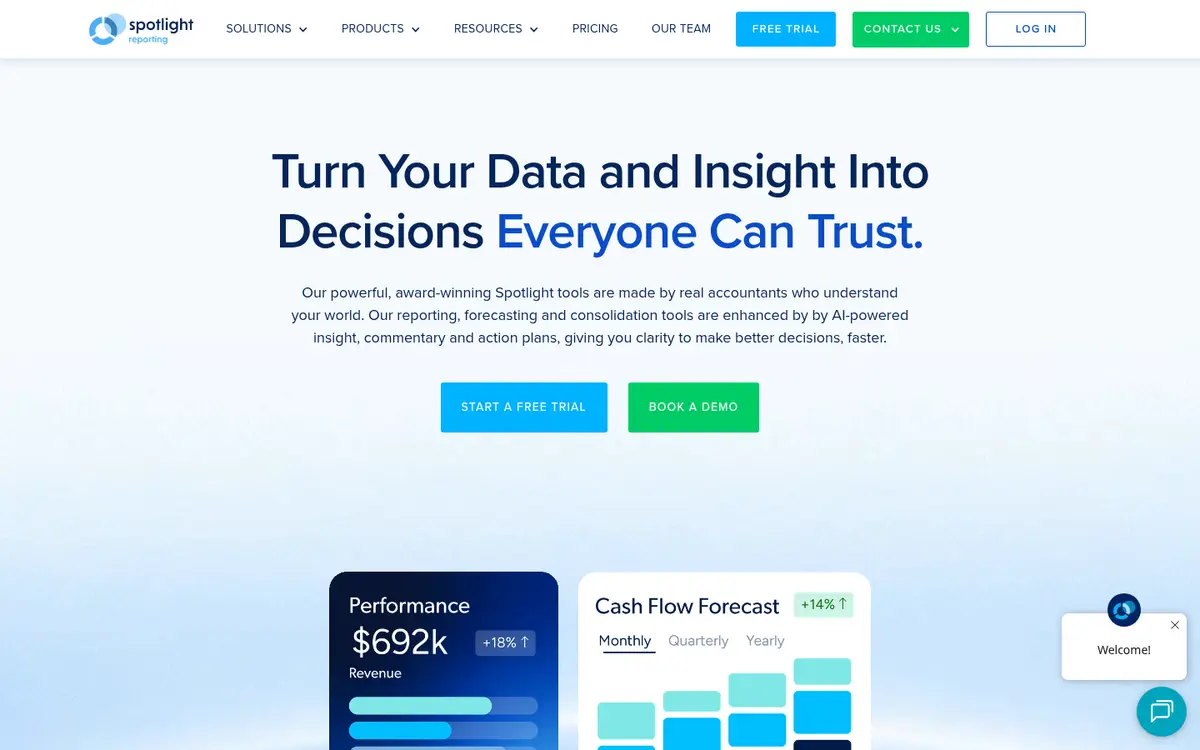
Spotlight Reporting sells reporting, forecasting and consolidation tools made for accountants. Spotlight Forecasting is described as an all-in-one budget creator, three-way forecasting tool and scenario builder, and the reporting side produces dashboards for each client. Spotlight AI suggests, coaches and drafts highlights, recommendations and action plans to go with the reports. The main users are accountants and advisory firms that report to business clients, plus in-house finance teams and franchises. Spotlight says more than 100,000 businesses trust it and more than 600,000 dashboards have been created, and RSM Australia appears among its testimonials.
Spotlight Reporting at a glance
Spotlight Reporting shows no prices. On 10 Nov 2026 the pricing page asked visitors to identify themselves before it showed plans, and on 20 Nov 2026 the homepage had no price either. The homepage has a free trial button next to Book a demo, but we have no trial terms on file. What you get is reporting and dashboards, three-way forecasting with budgets and scenarios, consolidation for groups of companies, and Spotlight AI for commentary and action plans.
Quick picks
Spotlight Reporting is the first row. The tools below are reporting and planning software for accountants and fractional CFOs, plus one model library. Most of them work from connected books inside a web app, so the Excel column is the one that separates them: only a few give you a file you keep. Check the price column too, because several charge per client or per firm.
| Tool | Best for | Type of tool | Price (entry plan) | Works in | Free option | Builds the model for you | Excel file you keep | AI edits your file | Templates library |
|---|---|---|---|---|---|---|---|---|---|
| Accountants reporting to clients | Reporting + forecasting | Not public | Web app | Not stated: Trial terms not stated | No: You build the forecast | Not stated: Export formats not stated | No: AI drafts commentary | Not stated: Not stated |
 | CAS teams with many sources | Reporting software | From $149/mo | Web app | Yes: 30-day trial | No: You set it up | Not stated: Export not stated | No: AI analytics only | Not stated: Not stated |
 | Firms reselling FP&A | FP&A software | From $50/mo for firms | Web app | No: None listed | No: You set the drivers | Not stated: Excel integration, export unstated | No: AI baseline forecasts | Yes: Industry templates |
 | AI-built forecast from the books | AI FP&A software | From $719/mo | Web app | Yes: 14-day trial | Yes: AI builds 3-statement model | No: Model stays in app | No: Builds in its app | No: Built from your books |
 | A model file you keep | Ready models + AI | $20/mo or $120/yr | Web app, Excel file | Yes: 30 models + free samples | Yes: Fina chat builds it | Yes: .xlsx, formulas visible | Yes: Fina chat edits it | Yes: 500+ models |
 | Multi-client fractional CFO practices | Practice software | From $49/client/mo | Web app, Excel, Sheets | Yes: 14-day trial | Yes: Builds 3-statement models | Yes: Two-way Excel sync | Yes: Sherpa changes the model | Not stated: Not stated |
 | Branded client dashboards with AI | White-label analytics | From $47/client/mo | Web app | Not stated: Free start, terms not stated | Yes: AI builds dashboards | No: Dashboards, not files | No: AI answers questions | Not stated: Not stated |
yes · no · not stated in the vendor's sources. Hover a mark for details. From each vendor's own site; prices change, so check before you buy.
1.Reach Reporting
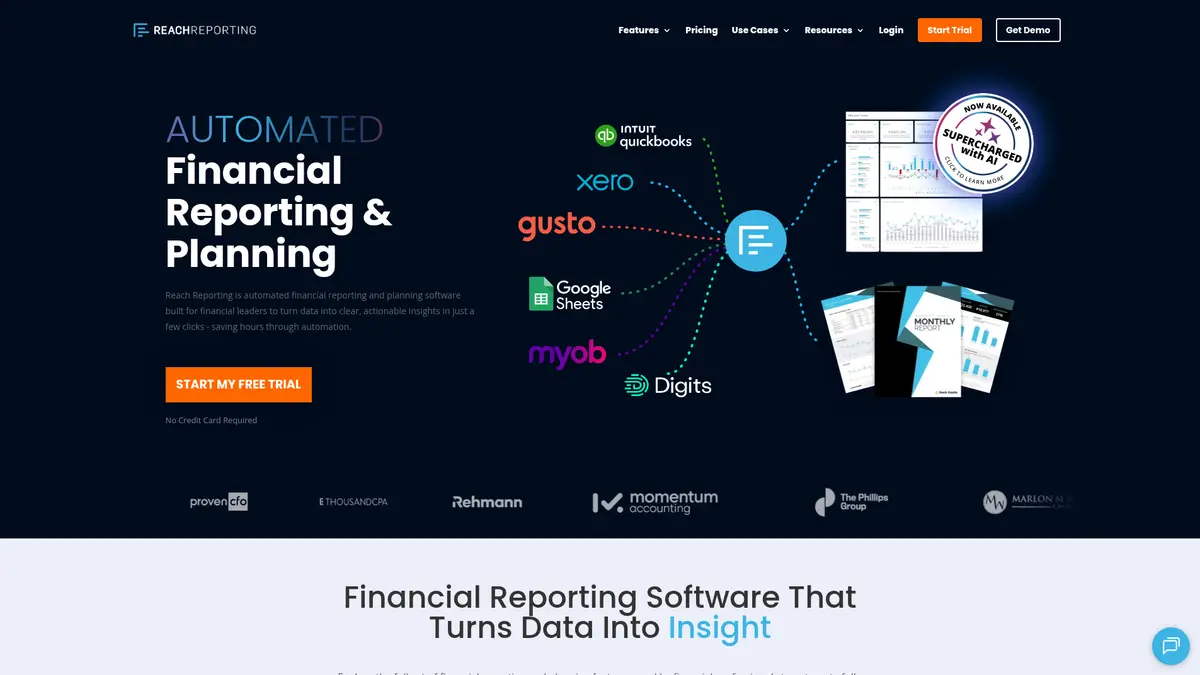
Reach Reporting is financial reporting and planning software built for accounting firms and CAS teams. It combines financial statements, dashboards, budgeting, forecasting, consolidation and a client portal, and it is aimed at accounting leaders, advisors and CFOs.
Day to day, you connect a client's books and Reach turns them into statements, dashboards and a monthly report pack. It connects to QuickBooks Online, Xero, Digits, MYOB, Google Sheets and Excel, so one client can draw on more than one source. Budgeting and forecasting are three-way, covering profit and loss, balance sheet and cash, and consolidation handles groups of entities. Clients see their numbers in the portal instead of a file sent by email. AI appears as one named feature, Automated AI Analytics.
It suits firms that report to many clients and want one setup per client, then the same pack each month. Its case studies come from advisory practices such as Summit Virtual CFO by Anders, ProvenCFO, Momentum Accounting and KynLi Consulting, which are the kind of firms that also shortlist Spotlight.
The clearest difference from Spotlight Reporting is price. Reach says pricing is based on the number of data connections, starting at $149 a month, and it offers a 30-day free trial. The tiers above the starting price are not itemised, so a firm with many clients still needs a quote. On AI, Reach is thinner than Spotlight: we found one analytics feature, while Spotlight AI drafts highlights, recommendations and action plans. Both deliver reports in a web app rather than a model file.
- Price
- From $149 a month, based on the number of data connections. Higher tiers not itemised.
- Free option
- A 30-day free trial.
Pros
- A stated starting price
- Connects QuickBooks, Xero, MYOB, Digits and spreadsheets
- Client portal and consolidation
Cons
- Only one named AI feature
- Tiers above the starting price not shown
Pick it if you want Spotlight-style client reporting with a stated starting price.
2.Jirav
Jirav is driver-based FP&A software for budgeting, three-statement forecasting, reporting and dashboards. It sells to accounting and CFO advisory firms that resell planning to their clients, and directly to small, midsize and VC-funded companies.
In Jirav you build driver-based three-statement models from one to seven years out, set annual and departmental budgets, and track budget against actuals. Cash and working-capital forecasts, auto-rolling forecasts and workforce planning sit in the same app. It connects to QuickBooks Online, Xero and Sage Intacct, and the pricing page lists accounting, workforce, Google Sheets and Excel integrations. Auto Forecast AI produces a baseline forecast to start from.
Jirav fits advisory firms that want a full planning stack to sell under their own name. White labeling and ready industry templates help a firm roll the same setup out to many clients, so each new client starts from a known structure. Businesses can also buy it directly, but we did not capture that price.
Next to Spotlight, Jirav publishes its firm prices. Controller Essentials starts at $50 a month, with 2 plans and a one-year forecast, and CFO Enterprise starts at $150 a month, with 5 active scenarios and a seven-year forecast. Those are wholesale prices for accounting firms, and the buttons still lead to a demo request. The two products overlap closely, since both cover budgets, three-way forecasts and reporting for accountants. Jirav goes further on driver-based planning and workforce plans, while Spotlight goes further on AI commentary, which Jirav does not describe. Jirav lists no free plan or trial in our sources.
- Price
- Accounting firms: Controller Essentials from $50 a month, CFO Enterprise from $150 a month. Demo first.
- Free option
- None listed.
Pros
- Published wholesale prices for firms
- Driver-based models up to seven years
- White labeling and industry templates
Cons
- No free plan or trial listed
- Direct business price not captured
Pick it if your firm wants to resell driver-based planning under its own brand.
3.Clockwork
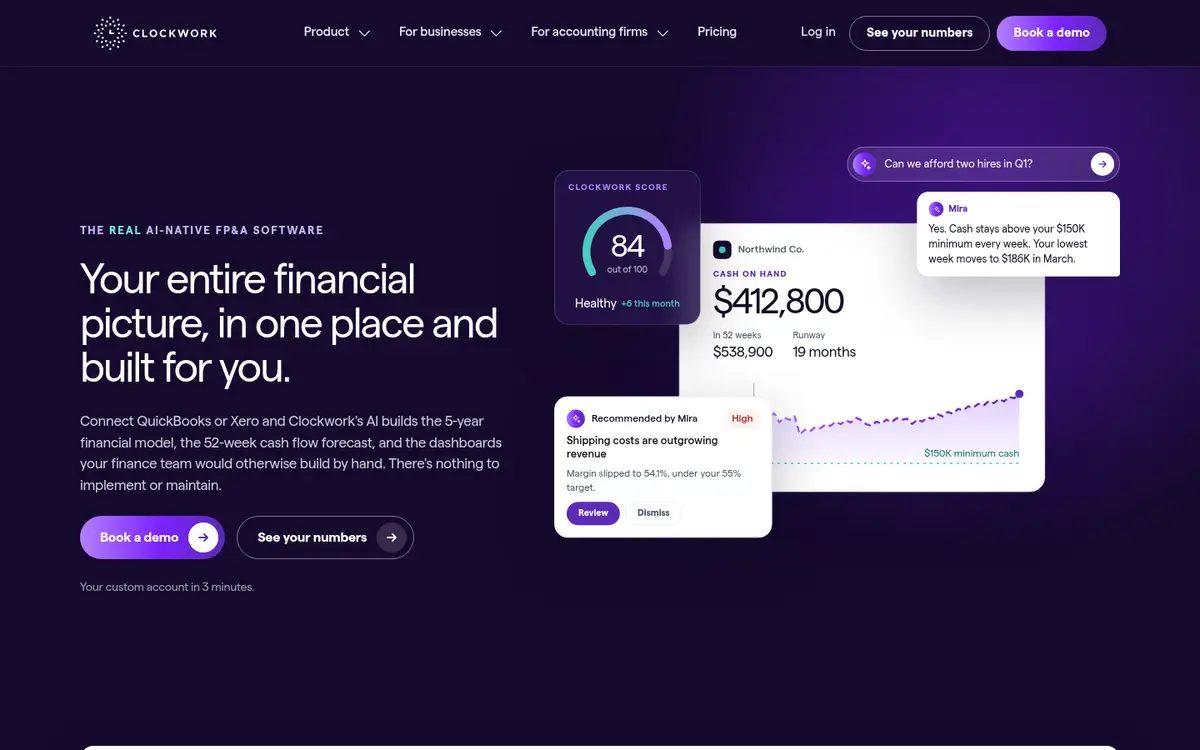
Clockwork is AI-native FP&A software. You connect QuickBooks or Xero, and its AI builds a five-year three-statement model, a 52-week cash flow forecast and dashboards. It sells to businesses and to accounting, CPA and fractional CFO firms.
Setup is short because there is little to build by hand; the homepage says a custom account takes three minutes. Excel and Google Sheets files can also serve as inputs. Once the model exists, Mira, its AI insights feature, answers questions against it, such as whether cash stays above a set minimum, and flags issues for review. Advisory firms get a client portal, and firm plans include unlimited users.
It fits firms that sell advisory work and want a forecast on day one for each new client, instead of building it. Clockwork backs that pitch with a guarantee for firms: sign your next advisory client, or Clockwork is free until you do. It also says it is an official Thomson Reuters FP&A partner with more than 1,000 users.
Compared with Spotlight, Clockwork's AI does more of the work: it builds the model, while Spotlight AI drafts commentary on reports. Prices are public but high. Business plans start at $719 a month and firm plans at $1,499 a month, billed annually, which is 25% less than paying monthly. Firm Scale costs $2,999 a month and Growth $5,999 a month on annual billing, and there is a 14-day free trial. The trade-off is the file. The model lives in Clockwork's web app, and Excel and Google Sheets are inputs, not the deliverable.
- Price
- Businesses from $719 a month; firms from $1,499 a month with unlimited users, billed annually.
- Free option
- A 14-day free trial, plus a 90-day client guarantee for firms.
Pros
- AI builds the model from the books
- 52-week cash forecast
- Unlimited users on firm plans
Cons
- High entry price
- The model stays in the web app
Pick it if you want AI to build each client's forecast from the books.
4.Finamodel

Finamodel is a library of ready Excel financial models with an AI assistant called Fina. It is not reporting software: it gives you a model file to work in, rather than a dashboard that refreshes from the books.
In practice you pick a model, such as a three-statement model, a cash flow model or a budget vs actuals tracker, and ask Fina to fit it to a client: change the assumptions, add a scenario, or explain how a figure is calculated. Fina builds, edits, explains and fixes the model for that case. Version history lets you restore any earlier file. You download a normal .xlsx file with every formula visible, which works without Finamodel and opens in Excel, Google Sheets and Numbers.
It suits an accountant or advisor who needs a one-off forecast, a valuation or a model for a lender, and wants a file the client can keep. Read-only links to QuickBooks, Google Sheets, Google Drive and 42 other apps can bring in the figures. A voice walkthrough of a model helps a client who did not build it follow the logic. You can try one of 30 free models with live formulas, or a free sample of any other model without formulas, sent by email link. The prices are published.
Next to Spotlight, Finamodel is missing the parts that run a reporting practice. There is no monthly report pack, no client dashboard, no consolidation and no AI commentary on actuals, and support is by email. It is not an Excel add-in either: you work in the Finamodel app, then download. You also need to know which model you want. A firm that sends the same pack to fifty clients each month should stay with Spotlight or one of the reporting tools above. Finamodel fits beside them, for the model work that a monthly report does not cover.
How it works
- Pick a ready model, such as a DCF or a 3-statement model, from a library of more than 500.
- Ask Fina chat to change, explain or fix it for your case and your numbers.
- Download a real .xlsx file. Every formula is visible, and it works without Finamodel. It opens in Excel, Google Sheets and Numbers.
- Price
- Models plan: $20 a month or $120 a year. All Templates: $30 a month or $144 a year. You can cancel at any time.
- Free option
- 30 free models with live formulas, and a free sample of every other model, with values but no formulas. Both are sent by email link, one model email per email address per day. The library is free to browse.
Better than Spotlight Reporting at
- A real .xlsx file the client keeps
- Published prices and a free model to try
- Fina chat changes the model for your case
Worse than Spotlight Reporting at
- No monthly reports, dashboards or consolidation
- No AI commentary on actuals
- Support is by email only
Models that fit: 3 Statement Model, Cash Flow Model, Budget vs Actuals Tracker.
Pick it if you need a forecast or valuation model as a file, not a monthly report.
5.Alpyne
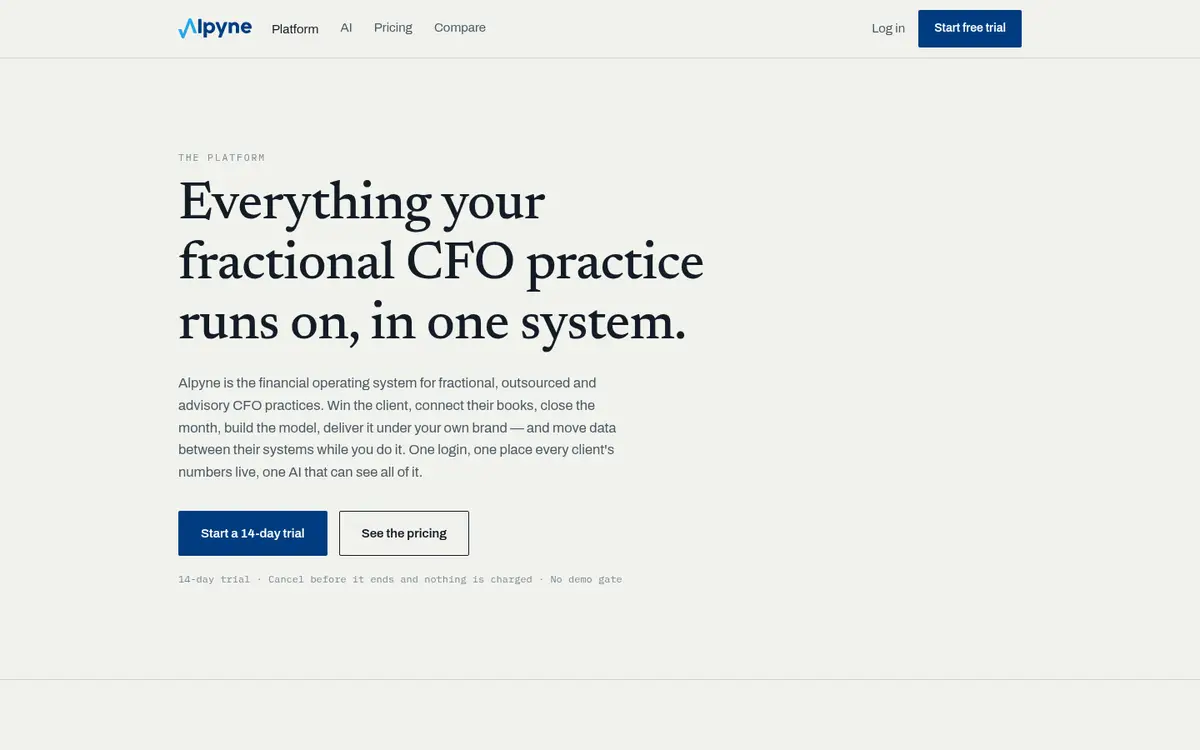
Alpyne is a finance operating system for fractional, outsourced and advisory CFO practices that run many clients. It closes the month, builds three-statement models and 13-week cash forecasts, and delivers white-labelled reports.
A practice connects each client's books in Alpyne, closes the month, then builds the model and the rolling 13-week cash forecast. Reports and a client portal carry the firm's own brand. From the Advisory plan up, a two-way sync feeds Excel and Google Sheets; Alpyne says it does not replace those tools, it feeds them. Sherpa, its AI analyst, queries and changes the model, and Claude or ChatGPT can work on the same data through a server connection.
The main users are fractional CFOs and controllers with several clients, and bookkeeping or accounting firms moving into advisory. Pricing is per client, so cost grows with the size of the practice. An Inside plan at $399 a month covers a single in-house company.
Against Spotlight, Alpyne wins on clear prices and on Excel. Plans are Reporting at $49, Advisory at $99 and Full-stack at $199 per client per month, with 10% off at 5 clients, 20% off at 10, and a further 15% off for annual billing. A Practice add-on costs $99 a month and is included from 15 clients. The 14-day trial needs no demo. Spotlight states large usage figures, while Alpyne states no reviews or customer counts on the pages we read. Alpyne also says it is not SOC 2 certified, which some firms will need to weigh, and the live model and portal still sit in Alpyne.
- Price
- Reporting $49, Advisory $99, Full-stack $199 per client per month. Inside plan $399 a month.
- Free option
- A 14-day trial.
Pros
- Published per-client prices
- Two-way sync with Excel and Google Sheets
- White-labelled reports and portal
Cons
- Not SOC 2 certified, by its own statement
- No reviews or customer counts stated
Pick it if you run a multi-client CFO practice and want the model in Excel too.
6.Pineapple Analyst
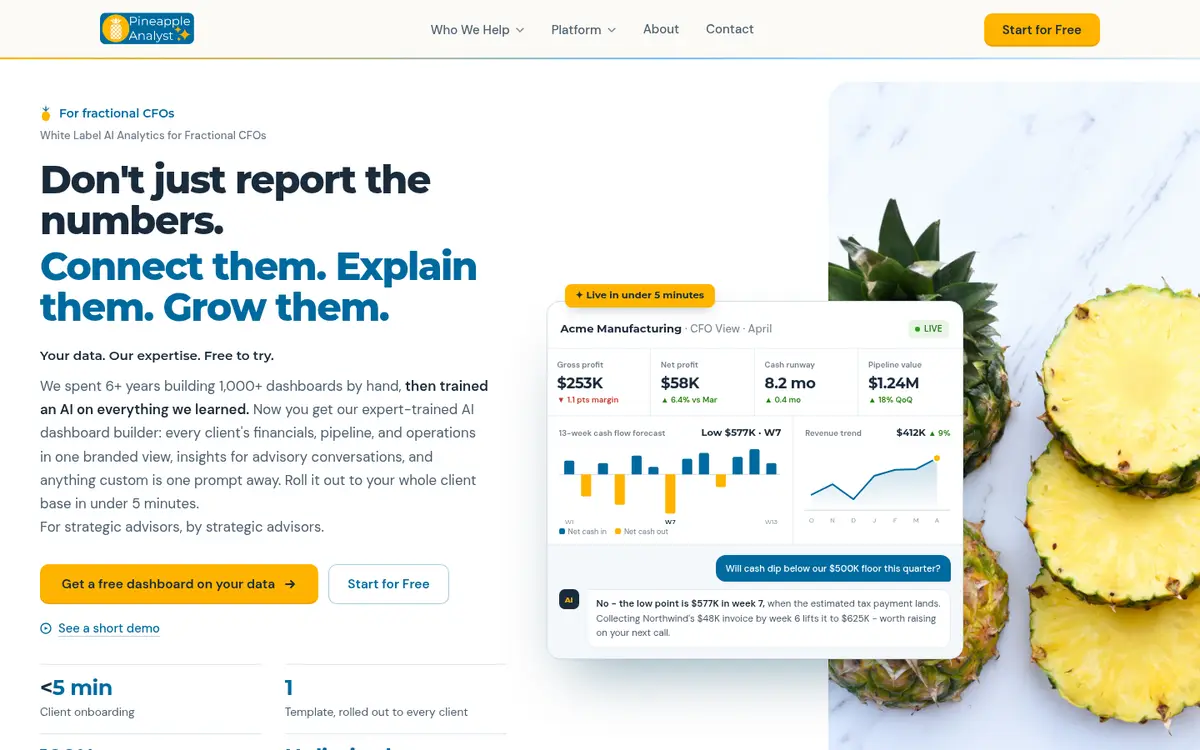
Pineapple Analyst is white-label AI analytics for fractional CFOs and strategic advisors. It builds a branded client dashboard from QuickBooks and other sources, and gives each client an AI analyst to question in plain English.
The advisor connects a client's QuickBooks and other data, and the expert-trained AI dashboard builder puts financials, pipeline and operations in one branded view. The client then asks questions, such as whether cash will dip below a floor this quarter, and the AI analyst answers from the numbers. The homepage says one template rolls out to every client and that onboarding takes under five minutes.
Advisors get the most from it when clients want to see their numbers between monthly meetings and ask questions without booking a call each time. Advisor plans include unlimited users. The company says it built more than 1,000 dashboards by hand before it trained the AI, but that figure refers to its earlier services work, not software customers.
Pineapple Analyst is narrower than Spotlight Reporting: dashboards and a client-facing AI, without the three-way forecasting and consolidation Spotlight sells. Its prices are clearer. Advisor plans are priced per client with volume discounts, and at 10 clients Launch is $47 and Grow is $77 per client per month. We did not confirm the price for a single client. The homepage invites you to start for free and get a free dashboard on your data, but we have no terms for that offer. Like Spotlight, it delivers a web view rather than a model file.
- Price
- Per client with volume discounts. At 10 clients: Launch $47, Grow $77 per client per month.
- Free option
- A free start offer on the homepage; terms not stated.
Pros
- White-label dashboards for each client
- Client-facing AI analyst
- Unlimited users on advisor plans
Cons
- No forecasting or consolidation module described
- Single-client price not confirmed
Pick it if your clients want a branded dashboard they can question themselves.
Who should pick what
Start with the job. If you send monthly reports to many clients, compare reporting tools on price per client and on how much they automate. If you want the forecast built for you, look at the AI planning tools. If you need one model file for one client, a model library is faster than any of them.
- Monthly client reporting at a stated starting price: Reach Reporting.
- Driver-based planning to resell, or a forecast built from the books by AI: Jirav or Clockwork.
- A multi-client CFO practice, or branded dashboards with AI for clients: Alpyne or Pineapple Analyst.
- A ready Excel model that AI changes for one client: Finamodel.
Spotlight does not publish prices, so ask for a quote before you switch; the gap may be smaller than you expect. Most tools here offer a trial, so run each one on a real client's books for a month. Check what you can export at the end, because a report inside a portal is harder to keep than a file.
Frequently asked
How much does Spotlight Reporting cost?+
Spotlight Reporting publishes no prices. On 10 Nov 2026 its pricing page asked visitors to identify themselves first, and on 20 Nov 2026 the homepage showed no price. Ask Spotlight for a quote.
Is there a free version of Spotlight Reporting?+
We found no free plan. The homepage shows a Start a free trial button, but we have no trial terms on file. Among the alternatives, Reach Reporting has a 30-day free trial, Clockwork and Alpyne have 14-day trials, and Finamodel gives 30 free models with live formulas and a free sample of every other model.
What are the main Spotlight Reporting alternatives?+
For client reporting: Reach Reporting and Pineapple Analyst. For planning and forecasts: Jirav and Clockwork. For multi-client CFO practices: Alpyne. For a ready Excel model that AI changes for your case: Finamodel.
What does Spotlight AI do?+
Spotlight describes Spotlight AI as a business analyst at your side. It suggests, coaches and drafts highlights, recommendations and action plans for your reports. It writes commentary; it does not build the forecast for you.
Spotlight Reporting vs Finamodel: which should I pick?+
Pick Spotlight Reporting if your firm sends reports, forecasts and dashboards to many clients. Pick Finamodel if you need one Excel model you can keep, at $20 a month or $120 a year.
Sources for Spotlight Reporting (2), last checked 20 Nov 2026+
- spotlightreporting.com · Forecasting product quote · 10 Nov 2026
- spotlightreporting.com · Homepage: Spotlight AI, traction · 20 Nov 2026
Each alternative's own page lists its sources.


