Budget and Forecast Submission Tracker
Budgeting Financial Model (Excel Download)
Collect budget, capex and cash submissions from each cost center in one controlled workbook. Only current, approved and locked versions enter the plan, and open items stay tracked.



professionals from Deloitte






About this model
A budget submission workbook for FP&A controllers. It collects three months of operating budgets, capex requests and direct cash receipts and payments from six submissions across two entities of a fictional services company.
Each plan line is quantity times rate and joins a version register by submission ID and version. Only current, approved and locked versions enter the approved consolidation. Superseded, unknown or duplicate versions are excluded but stay visible. Treasury cash uses direct cash lines only, so opex and capex are not counted twice. A treasury sheet tests a receipt delay against a cash floor.
On the shipped case approved ending cash is $785,500 and cash including pending items is $393,820. Pending payments of $391,680 await owner approval. Delaying January's $175,000 receipt shows a $28,000 shortfall against a $150,000 floor.
What every model includes
Live formulas, no hardcoded values
Outputs are driven by live formulas, so the workbook updates from its assumptions instead of relying on hardcoded results.
All assumptions in one tab
Inputs are clearly marked in the Assumptions tab and separated from calculations, making it clear what to change and what to leave intact.
Statements always balancing
For integrated-statement models, the balance sheet, cash flow, and supporting schedules tie through properly.
Distinct schedules for clarity
Debt, working capital, taxes, and cash flow can get messy quickly. We group calculations in clear schedules, not across disconnected tabs.
No hidden macros or external links
There are no unexplained external workbook links or macros to undermine auditability or portability.
Changes flow through the model
Update a key driver and see the impact carry through the forecast, financing, and return outputs. We never use hardcoded numbers in formulas.
What's inside the Budget and Forecast Submission Tracker
- Plan lines for operating budget, capex and cash
- Quantity times rate inputs by month
- Version register with owner, approval and current flag
- Approved consolidation of current, approved and locked versions
- Superseded, unknown and duplicate versions excluded
- Current versus approved bridge by category
- Outstanding items with owner, due date and status
- Controls for duplicate IDs and unlocked approvals
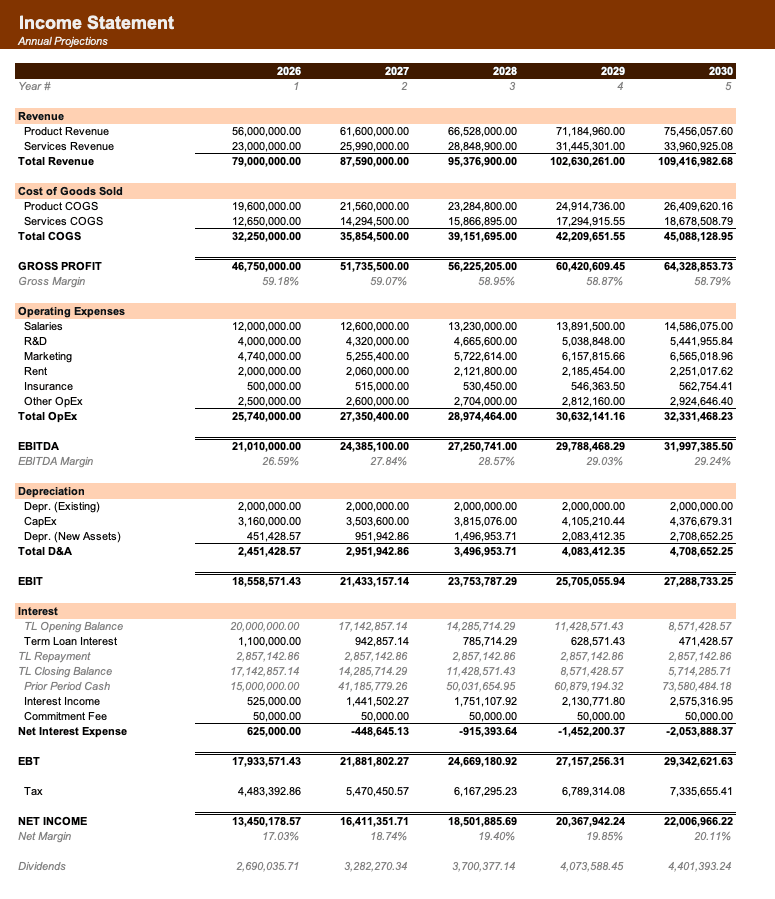
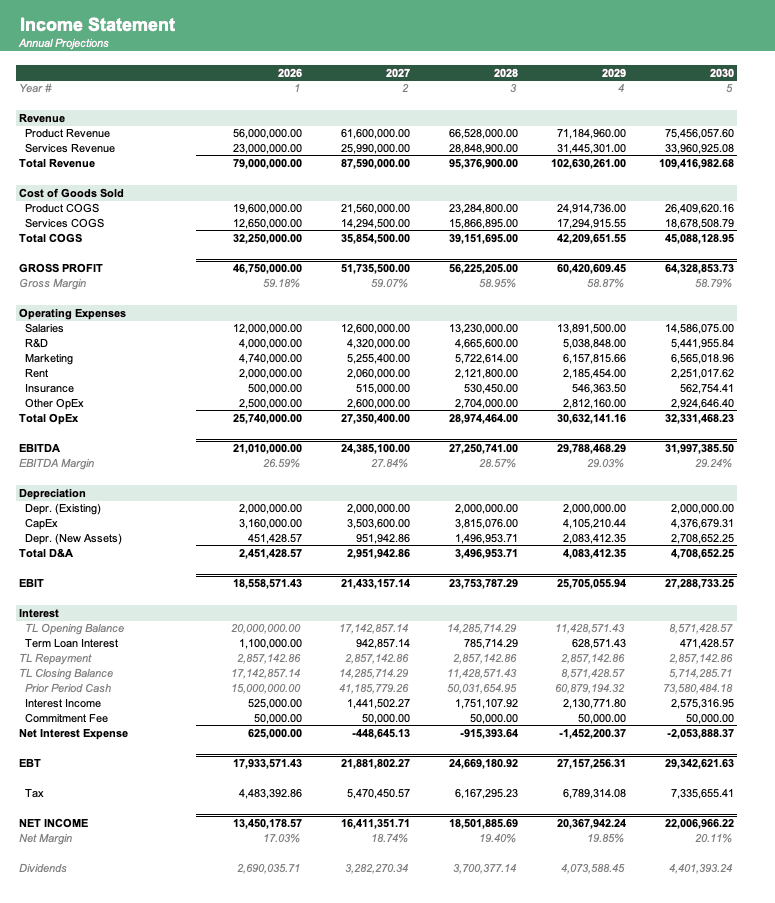
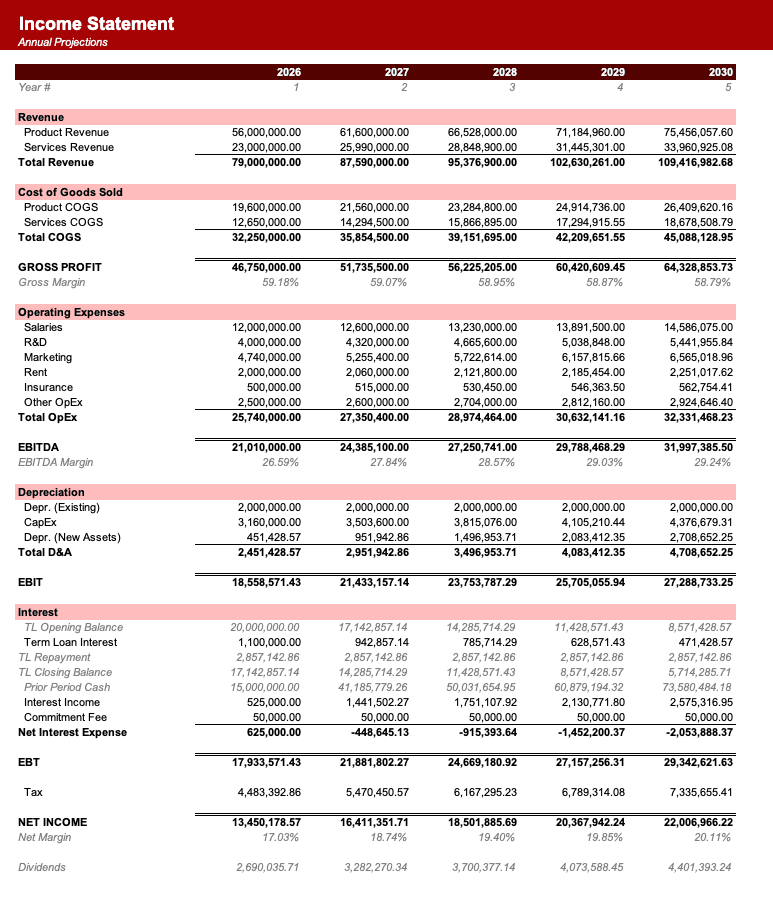
Formatted to IB standards
Named theme colors repaint the whole workbook in one click, on top of an investment-banking structure with clear input, output, and cross-sheet reference styling - brand-ready, institutional-grade, and fully auditable.

Created by ex-finance professionals
Hey, I’m Alex and I created Finamodel.
Over my years in the finance industry I kept building the same models over and over again. Same structure, same assumptions, different logo. So I started building frameworks to turn them into clean, reusable templates.
Every model here is one I’d actually use for a client, and I personally vet each one before it goes up.
I’m not an expert in every industry, but I’ve built enough models to know what belongs in one. And when something is completely foreign to me, I reach out to my network for experts to work on our models with us.
Having a template library on hand cuts a first build from hours to minutes.
Frequently asked
What is a budget submission workbook?+
It is the tool finance uses to collect budget inputs from cost center owners. Each owner submits their numbers, finance tracks versions and approvals, and then consolidates the approved plan.
Which submissions enter the approved plan?+
Only versions that are current, approved and locked. Superseded, pending, unknown or duplicate versions stay visible but are excluded from the approved totals.
How do I revise an approved submission?+
The controller unprotects the workbook, adds a new version, marks the old one superseded and gets renewed approval before locking. The old version stays visible but no longer counts.
Does it forecast cash from the budget?+
No. Cash comes only from direct cash receipt and payment lines. This avoids counting opex and capex twice. The treasury sheet then tests timing against a cash floor.
How do I add more cost centers?+
Add the submission to the Register and its lines to Plan Lines, then extend the formula ranges. Do not add rows outside the controlled ranges.
Have more financial modelling questions? Contact us
Related templates
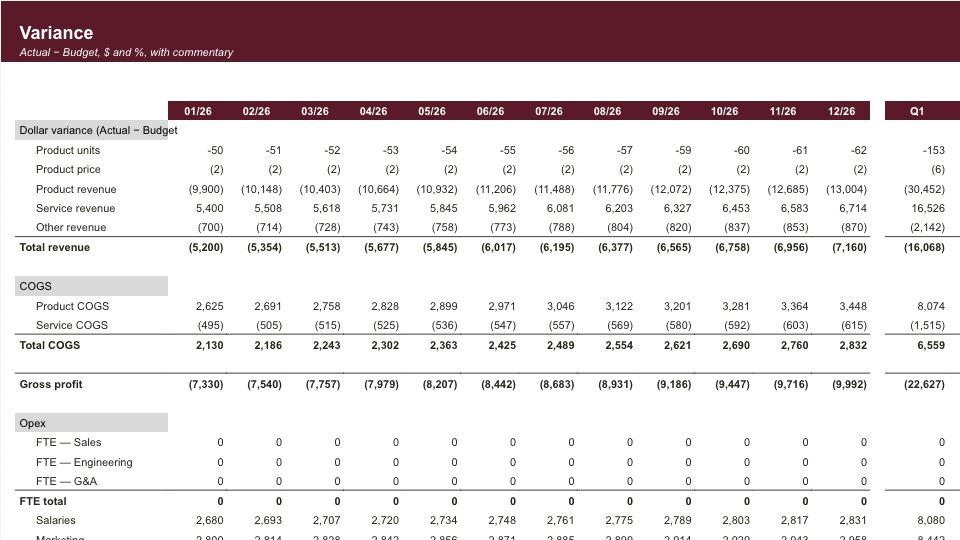
Budget vs Actuals Tracker
12-month operating P&L variance tracker with YTD summary.
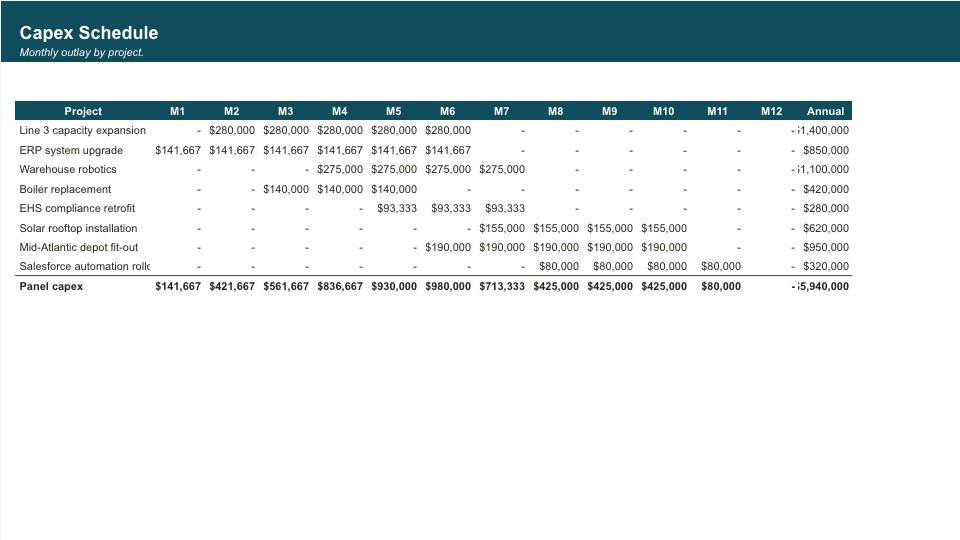
Capex Planning
12-month capex portfolio plan with NPV economics, budget envelope tracking, and traffic-light approval status.
Budget Assumptions and Change Approval Log
Track planning assumptions by owner, source and version, and approve each change before it enters the budget.
Capital Project Portfolio Optimizer
Pick the set of capital projects with the highest NPV within yearly capex, staff and risk limits, with exclusive and dependent projects.