Employee Cash Advance and Acquittal Tracker
Operating Businesses Financial Model (Excel Download)
Track an employee travel advance from request to final settlement. The workbook matches spending to receipts and shows whether the employee owes money back or the company owes a top-up.



professionals from Deloitte






About this model
An accountable cash advance workbook for employees, managers, finance and cashiers. It covers the advance request and approval, the spending report after the trip and the final settlement. The shipped case is one fictional four-day supplier site visit with a $1,500 advance in USD.
The request sets the approved limit with separate manager and finance approval, and the actual bank payment is recorded on its own. After the trip each expense is matched to its receipt, date, amount, cost code and business share. Personal spending and lines with missing receipts are not acquitted. Unspent returns, final repayments and top-ups are separate cash events, each with its own reference.
On the shipped case $1,125 of spending is supported and $250 of unspent cash was returned, so the employee still owes $125. This is $40 personal spending, an $80 missing receipt and $5 of unspent cash. The repayment is overdue, and the advance settles only when an actual repayment with a unique receipt is recorded.
What every model includes
Live formulas, no hardcoded values
Outputs are driven by live formulas, so the workbook updates from its assumptions instead of relying on hardcoded results.
All assumptions in one tab
Inputs are clearly marked in the Assumptions tab and separated from calculations, making it clear what to change and what to leave intact.
Statements always balancing
For integrated-statement models, the balance sheet, cash flow, and supporting schedules tie through properly.
Distinct schedules for clarity
Debt, working capital, taxes, and cash flow can get messy quickly. We group calculations in clear schedules, not across disconnected tabs.
No hidden macros or external links
There are no unexplained external workbook links or macros to undermine auditability or portability.
Changes flow through the model
Update a key driver and see the impact carry through the forecast, financing, and return outputs. We never use hardcoded numbers in formulas.
What's inside the Employee Cash Advance and Acquittal Tracker
- Advance request with category estimate and approved limit
- Separate manager and finance approval of the initial advance
- Expense acquittal with receipt, date, amount, cost code and share
- Exclusion of personal spending and missing receipts
- Receipt evidence register with one receipt per item
- Cash ledger for advance, unspent return, final repayment and top-up
- Signed acquittal versions with approved line snapshots
- Collect now and pay top-up now amounts
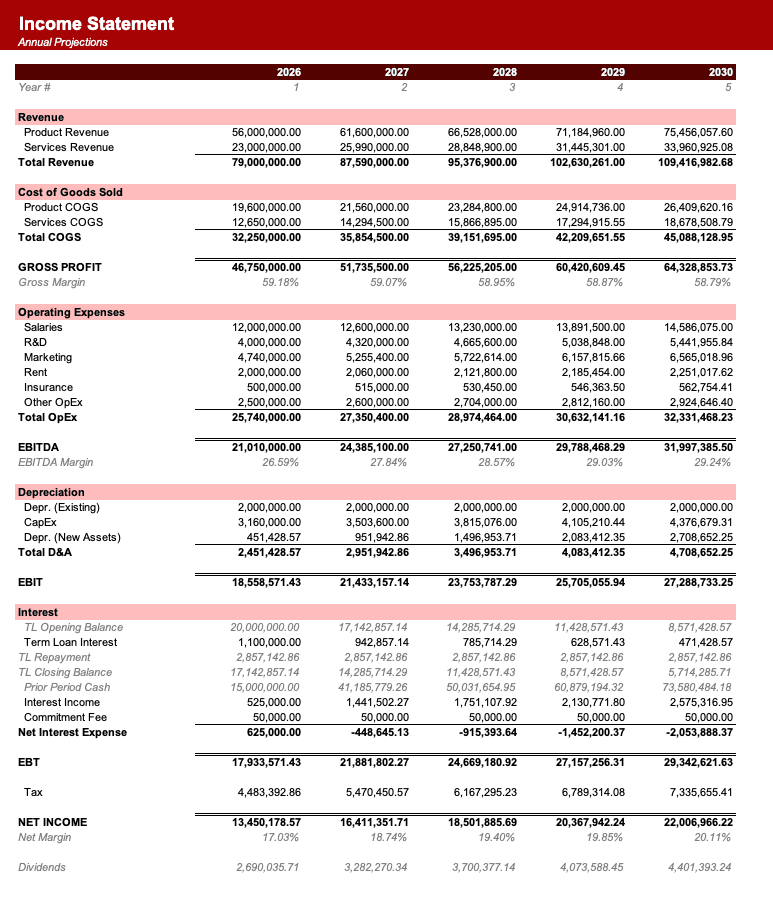
Formatted to IB standards
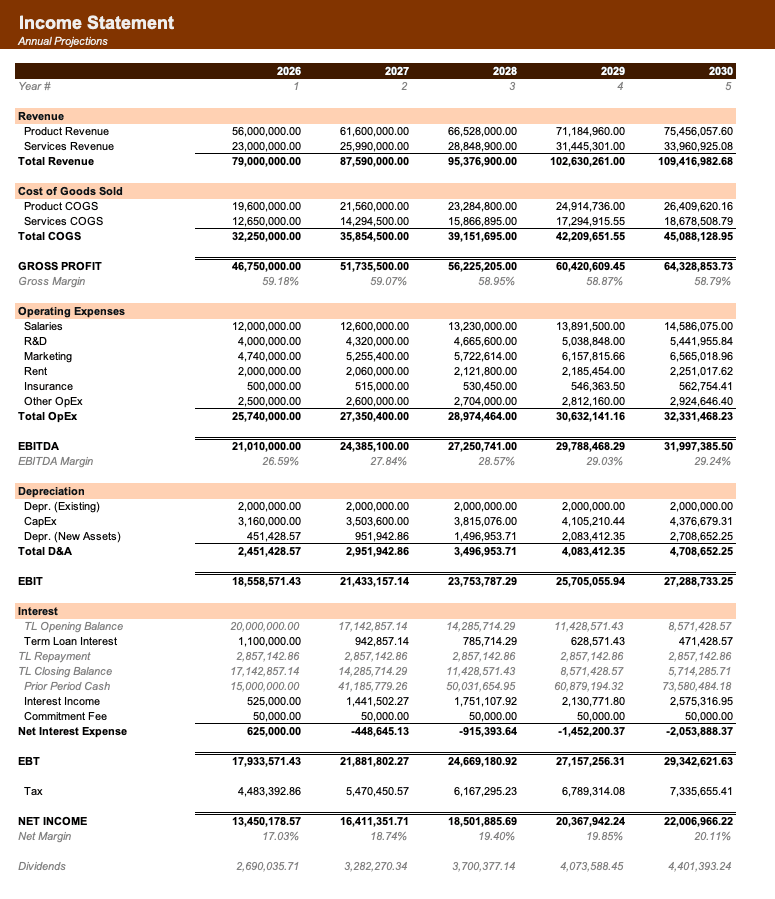
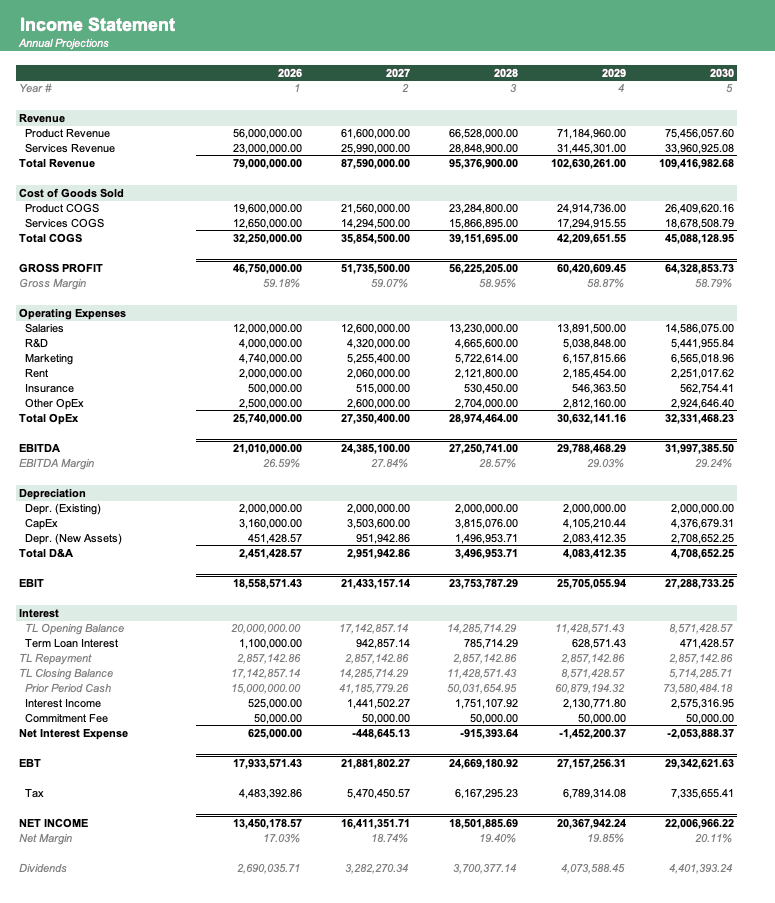
Named theme colors repaint the whole workbook in one click, on top of an investment-banking structure with clear input, output, and cross-sheet reference styling - brand-ready, institutional-grade, and fully auditable.

Created by ex-finance professionals
Hey, I’m Alex and I created Finamodel.
Over my years in the finance industry I kept building the same models over and over again. Same structure, same assumptions, different logo. So I started building frameworks to turn them into clean, reusable templates.
Every model here is one I’d actually use for a client, and I personally vet each one before it goes up.
I’m not an expert in every industry, but I’ve built enough models to know what belongs in one. And when something is completely foreign to me, I reach out to my network for experts to work on our models with us.
Having a template library on hand cuts a first build from hours to minutes.
Frequently asked
What is a cash advance acquittal?+
An acquittal is the report an employee gives after spending a cash advance. It lists each expense with a receipt, so finance can see how the advance was used and whether any money must be returned or topped up.
How is the final balance worked out?+
The actual advance paid less supported business spending and any unspent cash already returned gives the balance. A positive balance is collected from the employee. A negative balance is a top-up paid to the employee.
What if only part of the advance was paid?+
Settlement uses the actual cash paid, not the approved limit. Unused approval is cancelled as a separate step with no cash effect, and it is never counted as a return.
Does the workbook make or collect payments?+
No. It shows the amount to collect or pay and records the actual bank or cashier events you enter. There is no live banking or automatic payment.
Can I use it for other trips?+
Yes. Enter the new request, approvals, expenses and receipts with stable IDs. Refresh the independent counts and amounts on Source control from your real records.
Have more financial modelling questions? Contact us
Related templates
Employee Expense Reimbursement Claim
Check an employee expense claim line by line against receipts and policy, net any advance and show the amount payable now.
Petty Cash Imprest Reconciliation
Reconcile an imprest petty cash fund: log vouchers and refills, count cash by denomination and follow up any shortage.
Per Diem Entitlement Calculation
Calculate daily travel allowances by destination and trip day, deduct supplied meals and hold unapproved or incomplete trips.
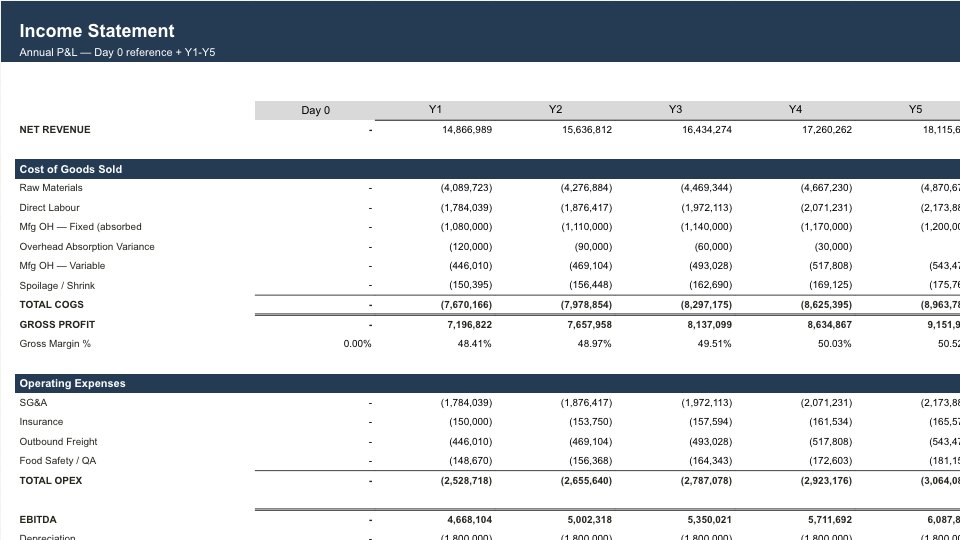
Food Manufacturing Model
Operating model for food production and processing businesses with ingredient sourcing, production scheduling, and margin analysis.