Final Pay Settlement Calculator
Operating Businesses Financial Model (Excel Download)
Work out what each leaver is owed, from salary to the last day through leave payout and severance, less approved deductions. Then check the final payment against it before release.



professionals from Deloitte






About this model
A final pay calculator for payroll controllers and HR reviewers. It covers three fictional leavers at a services company, each with entered contract terms, leave balances and approved deductions.
Salary to exit is monthly salary times payable days over the month. Leave payout is approved days times the daily leave rate. Severance is entered months times the contract base. Approved deductions give net entitlement. Bank payments are linked by employee, and a payment review stages any next payment apart from posted cash.
On the shipped case the selected leaver is owed $17,350 net: $4,000 salary, $1,600 leave and $12,400 severance less $650 deductions. It is fully paid. A second leaver stays pending with no release, and checks flag excess leave or salary days.
What every model includes
Live formulas, no hardcoded values
Outputs are driven by live formulas, so the workbook updates from its assumptions instead of relying on hardcoded results.
All assumptions in one tab
Inputs are clearly marked in the Assumptions tab and separated from calculations, making it clear what to change and what to leave intact.
Statements always balancing
For integrated-statement models, the balance sheet, cash flow, and supporting schedules tie through properly.
Distinct schedules for clarity
Debt, working capital, taxes, and cash flow can get messy quickly. We group calculations in clear schedules, not across disconnected tabs.
No hidden macros or external links
There are no unexplained external workbook links or macros to undermine auditability or portability.
Changes flow through the model
Update a key driver and see the impact carry through the forecast, financing, and return outputs. We never use hardcoded numbers in formulas.
What's inside the Final Pay Settlement Calculator
- Leaver statement for one selected employee
- Salary prorated to the leaving date
- Leave payout from approved days and daily rate
- Severance from entered months and contract base
- Approved deductions with evidence and consent
- Entered contract terms with start and leaving dates
- Leave roll to exit with HR authorization
- Payment reconciliation by employee and reference
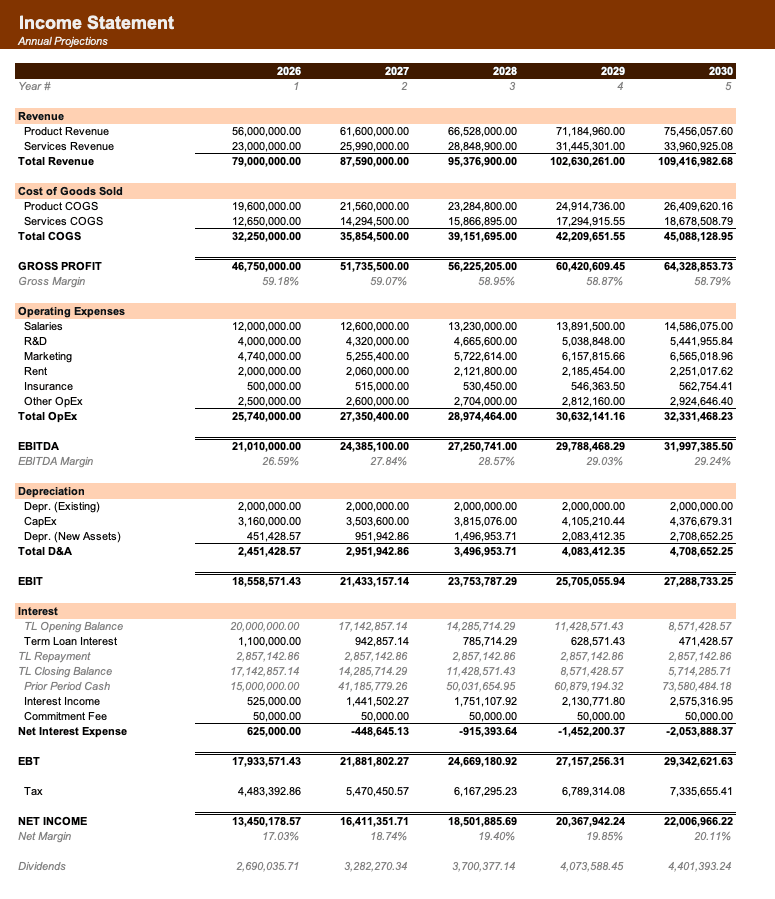
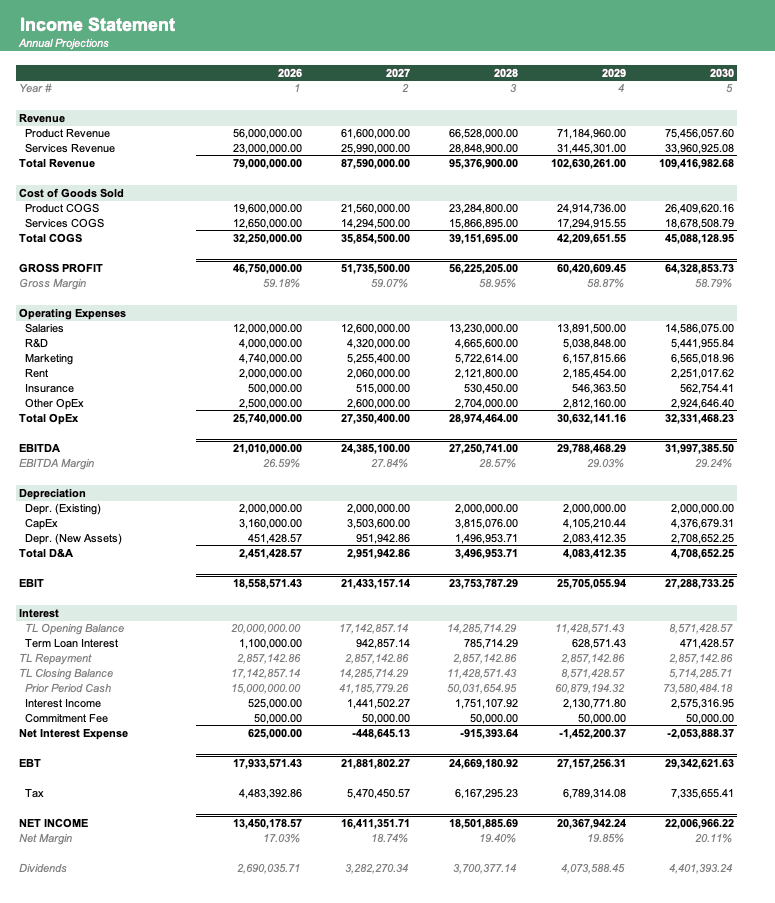
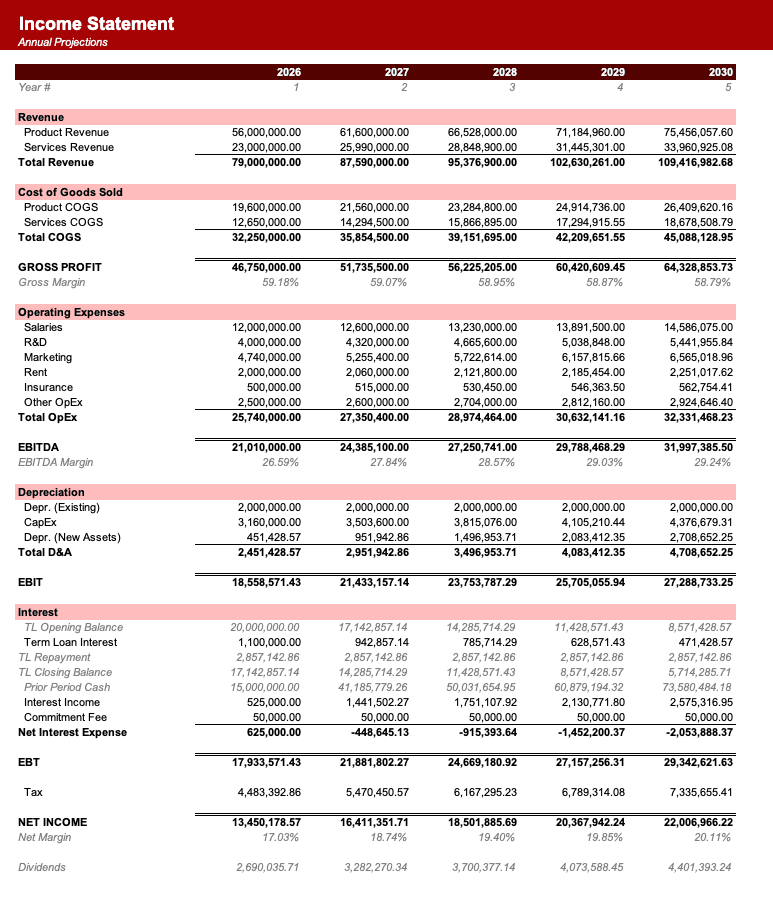
Formatted to IB standards
Named theme colors repaint the whole workbook in one click, on top of an investment-banking structure with clear input, output, and cross-sheet reference styling - brand-ready, institutional-grade, and fully auditable.

Created by ex-finance professionals
Hey, I’m Alex and I created Finamodel.
Over my years in the finance industry I kept building the same models over and over again. Same structure, same assumptions, different logo. So I started building frameworks to turn them into clean, reusable templates.
Every model here is one I’d actually use for a client, and I personally vet each one before it goes up.
I’m not an expert in every industry, but I’ve built enough models to know what belongs in one. And when something is completely foreign to me, I reach out to my network for experts to work on our models with us.
Having a template library on hand cuts a first build from hours to minutes.
Frequently asked
What is a final pay settlement?+
It is the last payment to an employee who leaves. It normally covers salary to the leaving date, unused leave, any severance, and less approved deductions such as salary advances.
How is salary to the leaving date worked out?+
Monthly salary is multiplied by payable days and divided by the days in the month. Changing the leaving date changes the prorated salary.
What happens if the leaver is not yet approved?+
The calculated entitlement stays visible, but the authorized release is zero. Payment can only be staged after approval with a date and evidence.
Are the severance and leave rules legal advice?+
No. Severance months, leave rates and pay divisors are entered contract rules. Check local employment law and enter the terms that apply.
How do I add a new leaver?+
Add the employee to Contracts, Leave, Deductions and Payments with the same ID. Extend the Settlement row, then select the ID on the Leaver statement.
Have more financial modelling questions? Contact us
Related templates
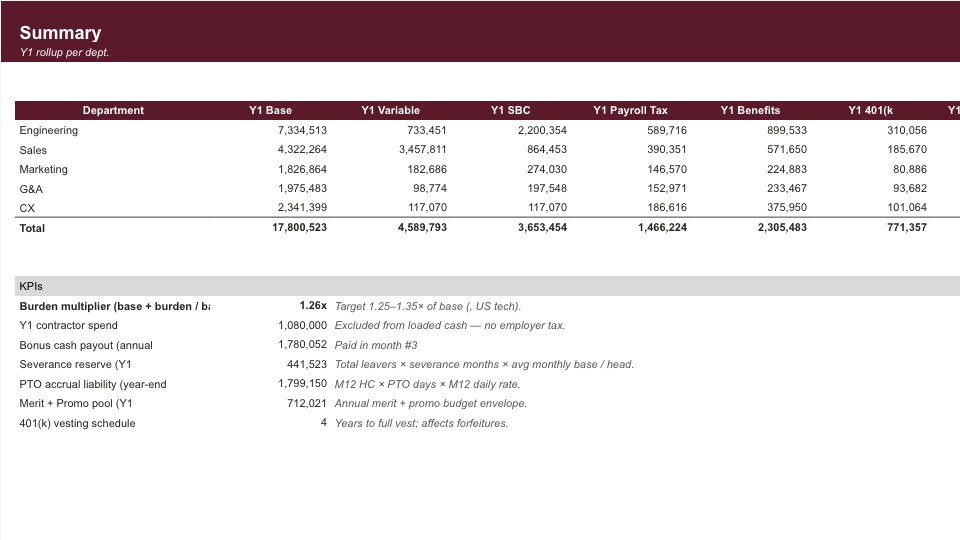
Payroll Forecast
12-month fully-loaded payroll forecast across five departments.
Leave Entitlement and Liability Reconciliation
Roll forward employee leave balances, value the leave provision and reconcile it to HR, payroll and the ledger.
Gross-to-Net Payroll and Payslip Pack
Run gross-to-net payroll with linked payslips, a balanced payroll journal and a two-step bank release control.
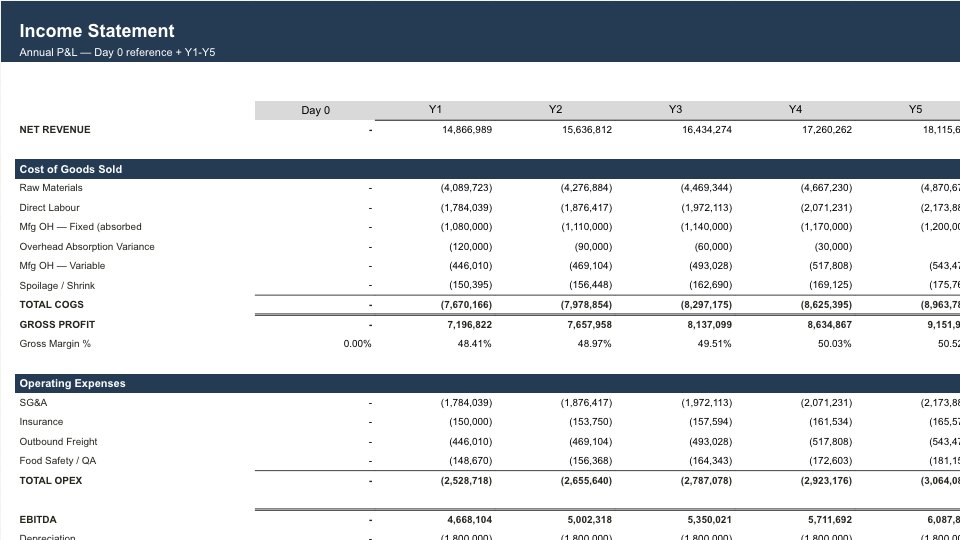
Food Manufacturing Model
Operating model for food production and processing businesses with ingredient sourcing, production scheduling, and margin analysis.