Insurance Policy Bordereau Tracker
Insurance Financial Model (Excel Download)
Prepare a clean policy and premium bordereau for each reinsurer or capacity partner. The workbook ties exposure and premium to agreed controls and sends each recipient only their own policies.



professionals from Deloitte






About this model
A bordereau workbook for a commercial property insurer. It prepares the policy, exposure and premium report sent to each agreed counterparty, such as a reinsurer. The fictional case has nine policies placed with three counterparties for the period from January to the end of September.
Policies come from a register with dates, location, occupancy and insured value. Premium comes from a signed ledger of written premium, endorsements and cancellations within the period. Exposure counts only policies in force at the as-of date. Each counterparty's placement share gives the reported premium and limit, and totals are tied to agreed control figures.
On the shipped case the three counterparties have gross premium of USD 121,000 and active exposure of USD 11.2 million, with no gaps to control. A cancelled policy keeps its period premium with zero exposure. Each dispatch needs one exact approved recipient, and an empty or invalid choice never shows another recipient's data.
What every model includes
Live formulas, no hardcoded values
Outputs are driven by live formulas, so the workbook updates from its assumptions instead of relying on hardcoded results.
All assumptions in one tab
Inputs are clearly marked in the Assumptions tab and separated from calculations, making it clear what to change and what to leave intact.
Statements always balancing
For integrated-statement models, the balance sheet, cash flow, and supporting schedules tie through properly.
Distinct schedules for clarity
Debt, working capital, taxes, and cash flow can get messy quickly. We group calculations in clear schedules, not across disconnected tabs.
No hidden macros or external links
There are no unexplained external workbook links or macros to undermine auditability or portability.
Changes flow through the model
Update a key driver and see the impact carry through the forecast, financing, and return outputs. We never use hardcoded numbers in formulas.
What's inside the Insurance Policy Bordereau Tracker
- Policy register with insured, location, territory, occupancy and dates
- Signed premium ledger for written, endorsement and cancellation entries
- Period filter on premium transactions
- In-force status and active exposure at the as-of date
- Placement share by counterparty for reported premium and limit
- Counterparty control totals for exposure and gross premium
- Portfolio summary with gaps to control
- Dispatch control with version, cutoff, approver and release evidence
Formatted to IB standards
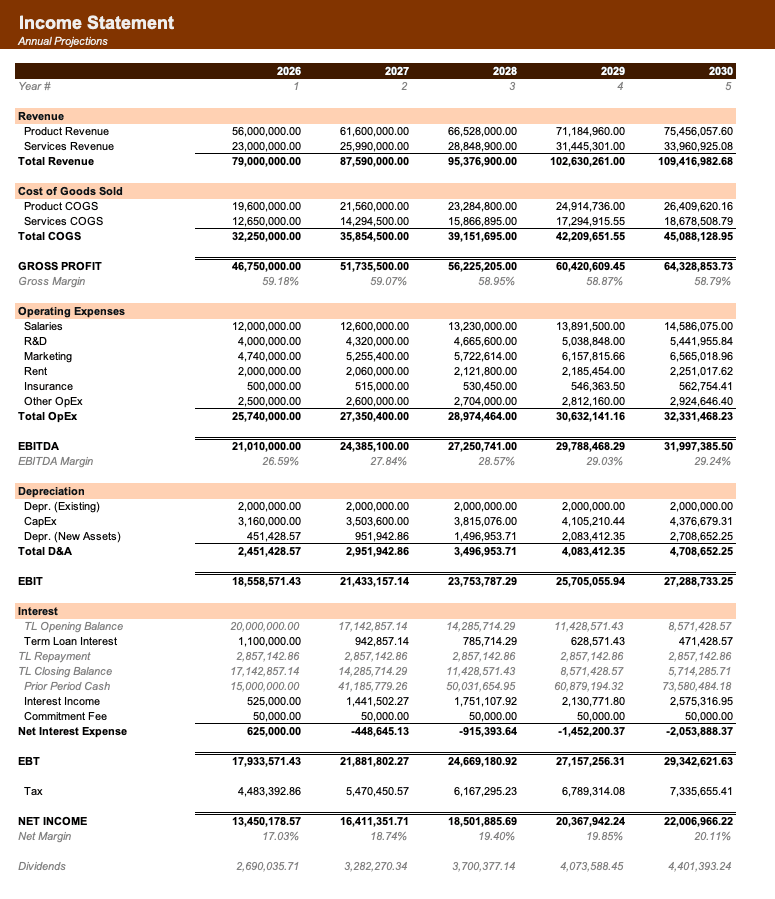
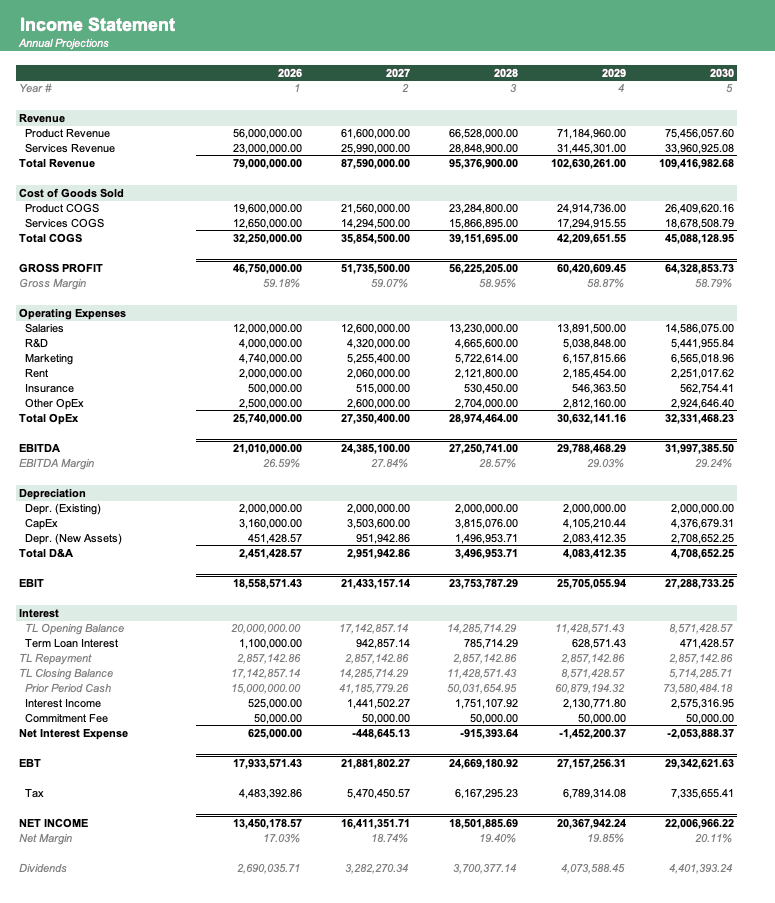
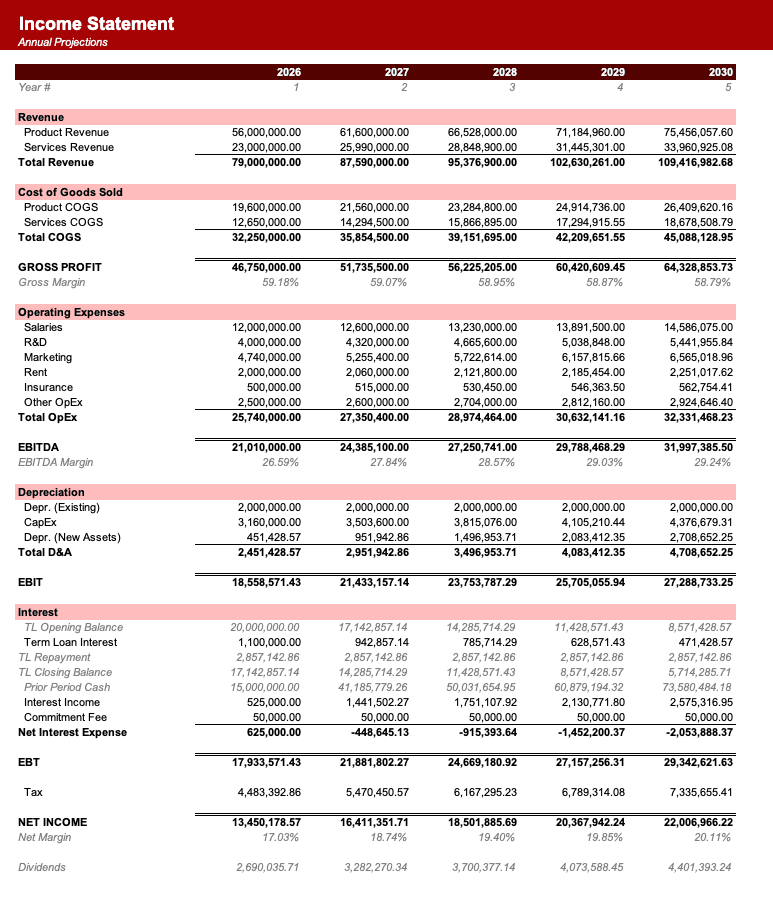
Named theme colors repaint the whole workbook in one click, on top of an investment-banking structure with clear input, output, and cross-sheet reference styling - brand-ready, institutional-grade, and fully auditable.

Created by ex-finance professionals
Hey, I’m Alex and I created Finamodel.
Over my years in the finance industry I kept building the same models over and over again. Same structure, same assumptions, different logo. So I started building frameworks to turn them into clean, reusable templates.
Every model here is one I’d actually use for a client, and I personally vet each one before it goes up.
I’m not an expert in every industry, but I’ve built enough models to know what belongs in one. And when something is completely foreign to me, I reach out to my network for experts to work on our models with us.
Having a template library on hand cuts a first build from hours to minutes.
Frequently asked
What is an insurance bordereau?+
A bordereau is a regular report listing the policies, premiums and exposures that an insurer or agent shares with a reinsurer or capacity provider. It lets the counterparty see what risks it is backing and what premium it is owed.
How is reported premium calculated?+
Gross premium for each policy comes from the signed ledger within the period. It is multiplied by the counterparty's placement share to give the reported premium. Limits are reported the same way.
How are cancelled policies shown?+
A cancelled policy keeps the premium booked in the period, including the cancellation credit. Its active exposure is zero after the cancellation date.
How is data kept private between recipients?+
The extract needs one exact, approved recipient. If the selection is empty, invalid or duplicated, no rows are shown and no valid dispatch is claimed.
Can I add more policies or counterparties?+
Yes. Add rows to the policy, premium and counterparty sheets, and extend the formulas, validations and controls together.
Have more financial modelling questions? Contact us
Related templates
Reinsurance Company Underwriting Model
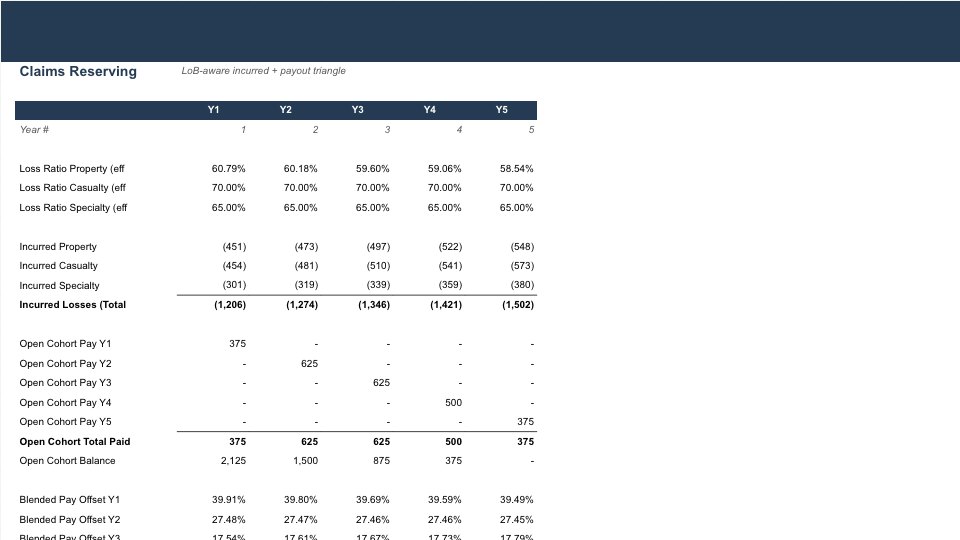
Reinsurance premium income, claims reserves, underwriting margin, and ROE for reinsurance portfolios.
Broker Premium Receivable Statement Reconciliation
Reconcile broker statements to the insurer ledger, apply broker cash to documents and track open premium balances.
Business Insurance Policy and Renewal Register
Track business insurance policies, limits and premiums, flag cover gaps and manage renewals and quotes.
Life Insurance Valuation Model
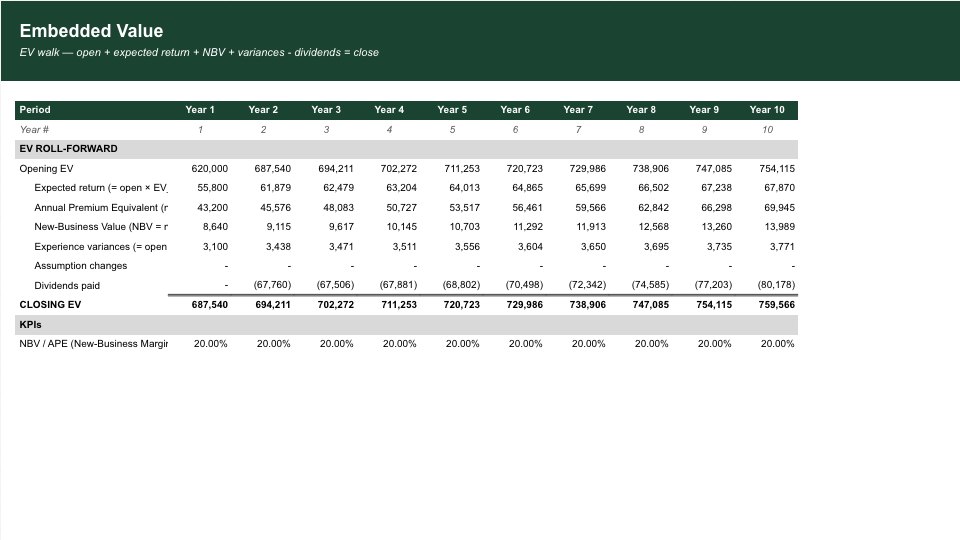
Valuation model for life insurance products and in-force book value using mortality assumptions and surrender rates.