Mortgage Refinance Break-Even Calculator
Personal Finance Financial Model (Excel Download)
Find out if refinancing your mortgage or loan pays off and when. The calculator compares payments, fees and balances at exit and shows the highest rate a quote can have.



professionals from Deloitte






About this model
A refinance break-even calculator for a mortgage or personal loan. It compares the loan you have with a replacement quote over the time you expect to keep it. The shipped case is a fictional household fixed-rate mortgage.
Both loans are amortized month by month. Fees paid in cash count at the start, and fees added to the new loan raise its balance. Each month the payment saving is discounted, and at the exit date the two remaining balances and any exit fees are compared. The break-even month is the first month where the net present value saving is positive.
On the shipped case the monthly payment falls from $2,215 to $1,868, a saving of $346. Break-even comes in month 18, and over a 72-month hold the present value saving is $16,880, so the decision is to refinance. A quote limits sheet shows the highest APR that still pays off and checks the payment ceiling and cash at closing.
What every model includes
Live formulas, no hardcoded values
Outputs are driven by live formulas, so the workbook updates from its assumptions instead of relying on hardcoded results.
All assumptions in one tab
Inputs are clearly marked in the Assumptions tab and separated from calculations, making it clear what to change and what to leave intact.
Statements always balancing
For integrated-statement models, the balance sheet, cash flow, and supporting schedules tie through properly.
Distinct schedules for clarity
Debt, working capital, taxes, and cash flow can get messy quickly. We group calculations in clear schedules, not across disconnected tabs.
No hidden macros or external links
There are no unexplained external workbook links or macros to undermine auditability or portability.
Changes flow through the model
Update a key driver and see the impact carry through the forecast, financing, and return outputs. We never use hardcoded numbers in formulas.
What's inside the Mortgage Refinance Break-Even Calculator
- Existing and replacement monthly payments
- Cash closing fees and fees added to the new loan
- Side-by-side monthly amortization of both loans
- Remaining term used for the existing loan, not the original term
- Present value of payment savings at a chosen discount rate
- Exit balances and exit fees at the holding date
- First break-even month and net present value saving
- Saving by holding period from one to thirty years
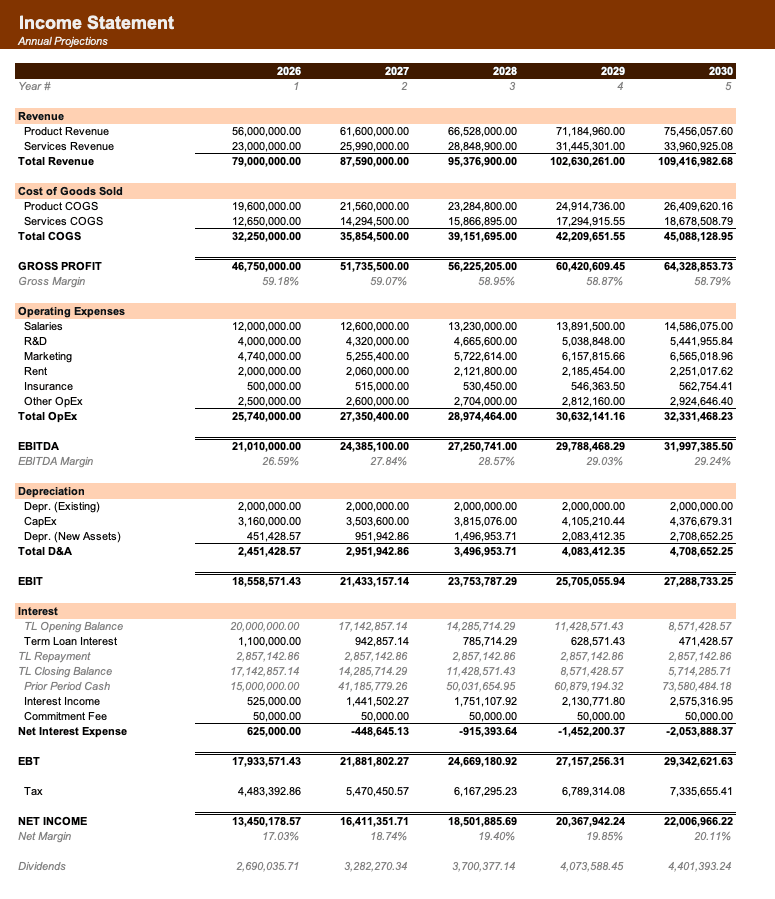
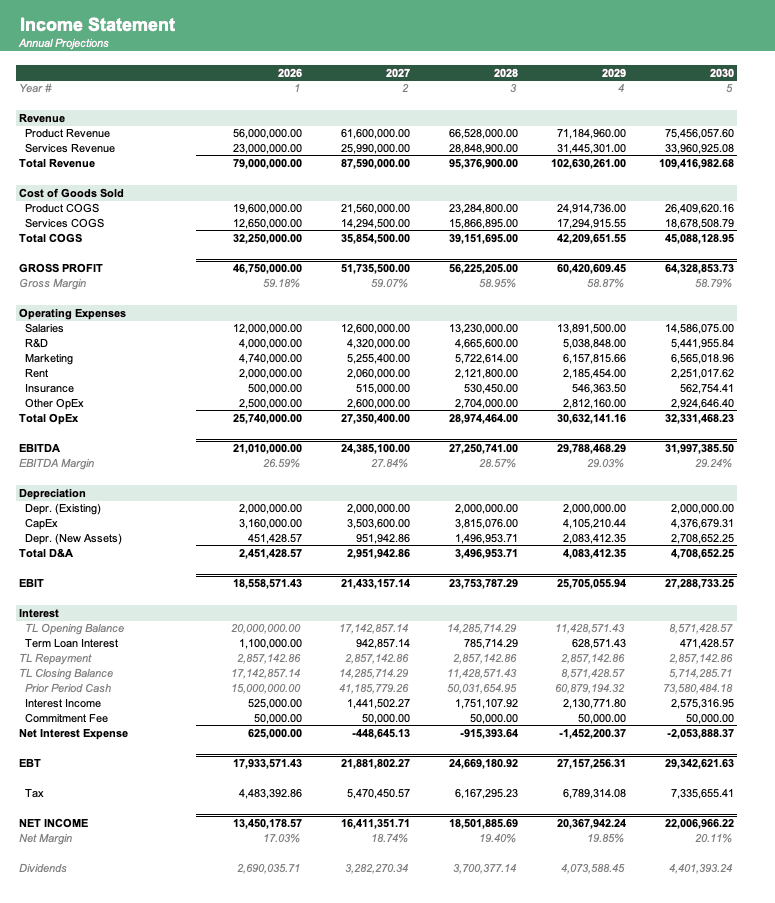
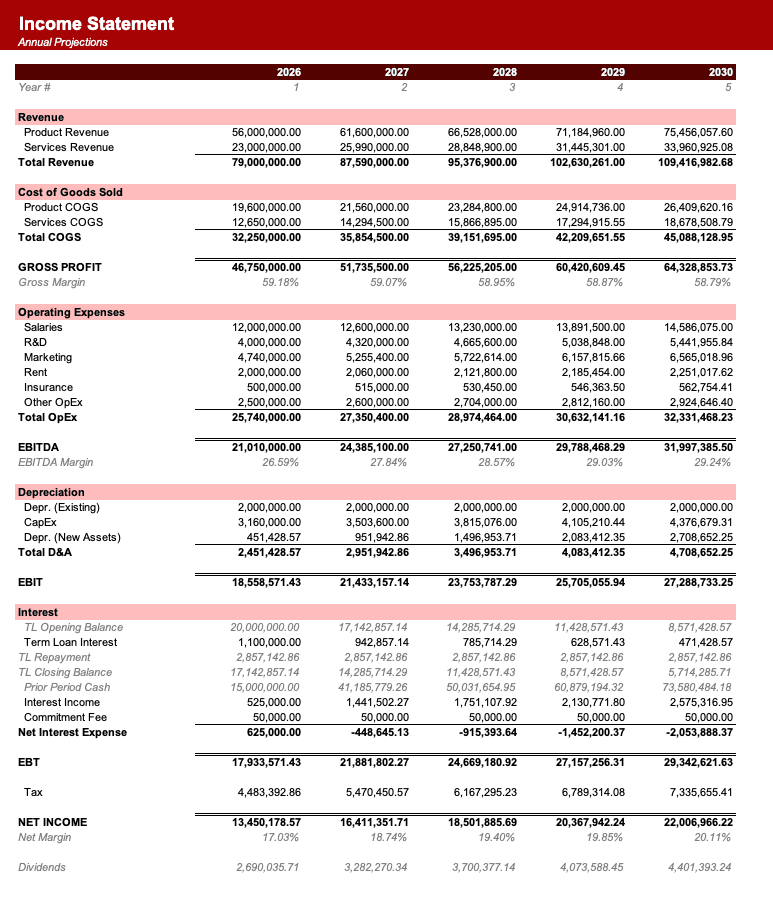
Formatted to IB standards
Named theme colors repaint the whole workbook in one click, on top of an investment-banking structure with clear input, output, and cross-sheet reference styling - brand-ready, institutional-grade, and fully auditable.

Created by ex-finance professionals
Hey, I’m Alex and I created Finamodel.
Over my years in the finance industry I kept building the same models over and over again. Same structure, same assumptions, different logo. So I started building frameworks to turn them into clean, reusable templates.
Every model here is one I’d actually use for a client, and I personally vet each one before it goes up.
I’m not an expert in every industry, but I’ve built enough models to know what belongs in one. And when something is completely foreign to me, I reach out to my network for experts to work on our models with us.
Having a template library on hand cuts a first build from hours to minutes.
Frequently asked
What is a refinance break-even point?+
It is the month when the savings from a new loan have paid back the cost of switching. If you keep the loan longer than that, the refinance saves money. If you sell or repay earlier, it costs you.
Why compare balances at exit and not only payments?+
A new loan can have a lower payment but a higher balance, for example when fees are added or the term is longer. The calculator compares both remaining balances at your exit date, so a lower payment alone does not look better than it is.
Why is the saving discounted?+
Money saved later is worth less than money paid now. The calculator discounts each month's saving at your chosen rate, so upfront fees and future savings are compared on the same basis.
What does it not cover?+
It compares debt costs only. It does not assume any change in home value and does not reflect current lending terms. A positive saving does not pay the cash you need at closing, so check that separately.
Can I use it for a personal loan?+
Yes. Enter the current balance, APR and remaining months, then the new quote and its fees. The same logic applies to any fixed-rate, fully amortizing loan.
Have more financial modelling questions? Contact us
Related templates
Loan Payoff and Settlement Quote
Calculate the payoff amount for a loan on a set date: principal, daily accrued interest, fees and rebates.
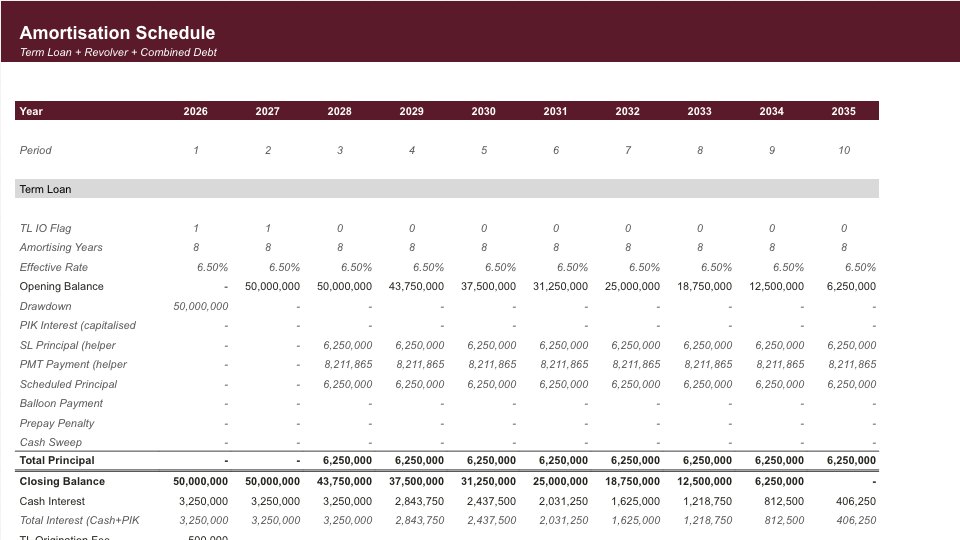
Bank Loan Analysis Model
Commercial bank loan origination and portfolio underwriting.
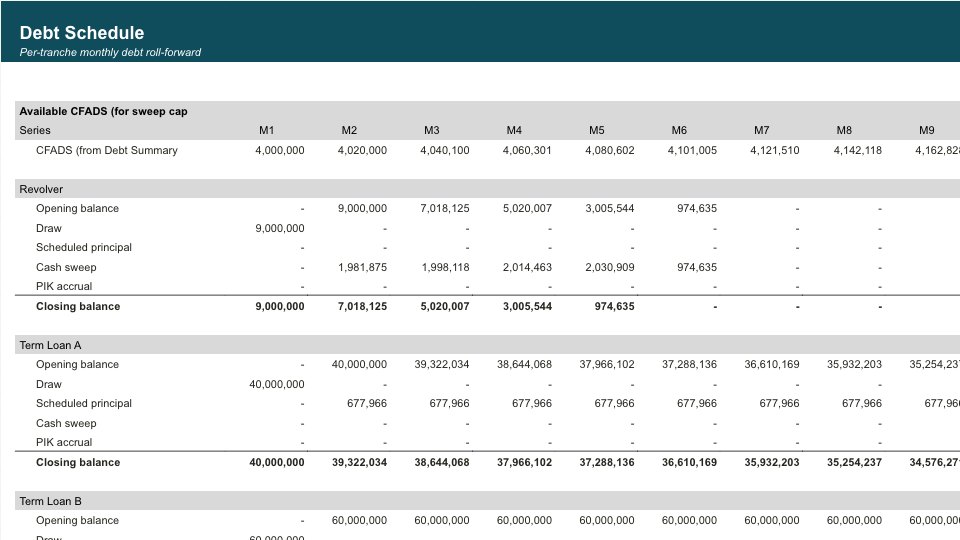
Debt Schedule
60-month multi-tranche corporate debt register with cash and PIK interest, scheduled and sweep principal, and TTM covenant tests.
Personal Income Tax Planning Calculator
Estimate annual income tax with progressive bands, compare deductions and plan quarterly estimated payments.