 By Alex Tapio
 Clik.ai alternatives
People look for Clik.ai alternatives for three main reasons. There is no public price, and the site leads with a demo, so it is hard to judge the cost or try it alone. Clik.ai covers commercial real estate only, which does not suit a team that also models companies or funds. And some buyers want something else from AI: a general agent that builds any Excel model, or a full valuation engine rather than an input tool.
What is Clik.ai?
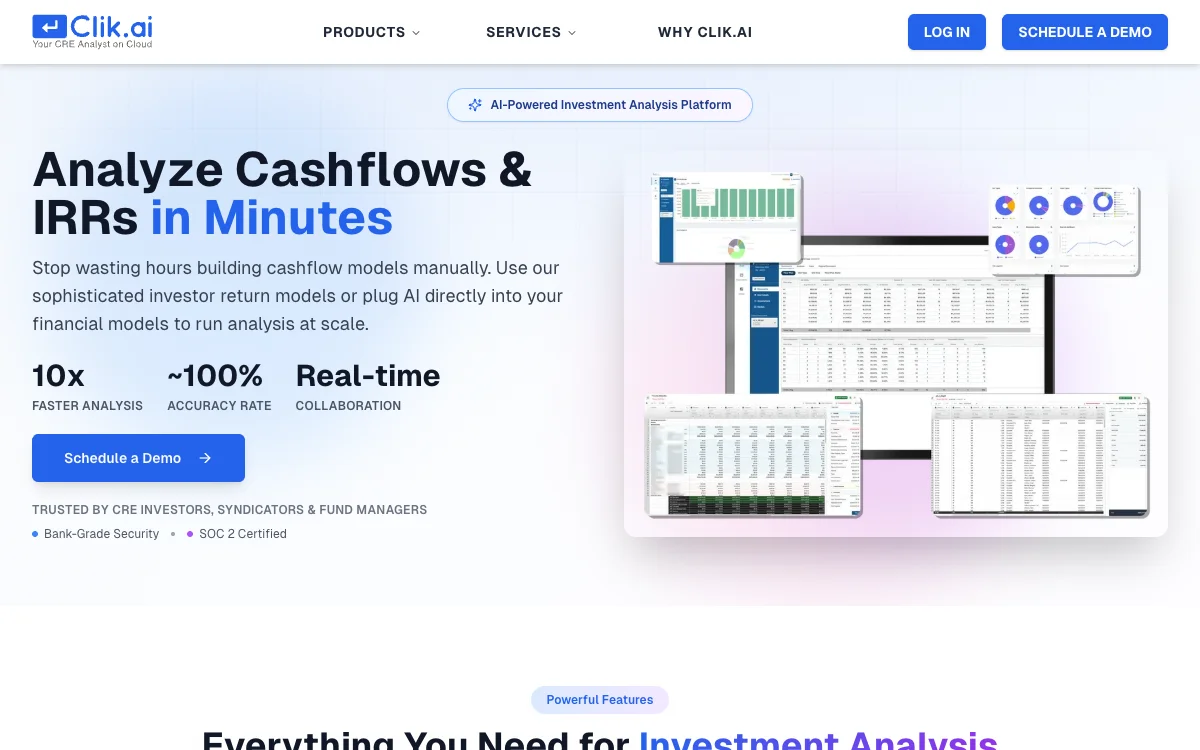
Clik.ai sells AI software and services for commercial real estate underwriting. Its AI spreads T12s, rent rolls and operating statements into production-ready financial models, with support for Fannie Mae and Freddie Mac workbooks, loan onboarding, lease abstraction and servicing. Its InvestAssist platform runs investor return models with waterfalls and LP/GP splits, and its CRE experts build bespoke Excel models for specific deal structures. Its users are CRE lenders at agencies, banks and private credit funds, servicers, and investors, syndicators and fund managers.
Clik.ai at a glance
Clik.ai showed no public pricing on its official site on 19 Nov 2026; access is demo-led. The InvestAssist page says no credit card is required. What you get depends on the product: AI spreading and loan workflows for lenders, InvestAssist for investors with return models, rent-roll parsing, a deal dashboard and a comps tool, or a custom Excel model built for your deal structure. No price is shown for the custom work either.
Quick picks
Clik.ai is the first row, for reference. The group includes real estate software, general AI agents for Excel and Excel model libraries. For an AI underwriting tool, the two key columns are whether AI builds or edits the model, and whether you keep an Excel file. Several vendors here publish no price.
| Tool | Best for | Type of tool | Price (entry plan) | Works in | Free option | Builds the model for you | Excel file you keep | AI edits your file | Templates library |
|---|---|---|---|---|---|---|---|---|---|
| Lenders spreading T12s, rent rolls | AI software + services | Demo only | Web app, Excel | Not stated: No card for InvestAssist | Yes: Spreads into models | Yes: Excel models | Yes: AI spreads statements | Not stated: Not stated |
 | Document-heavy firm workflows | AI agent platform | Custom annual agreement | Web, Excel, API | No: None listed | Yes: Model builder agent | Yes: Your firm's templates | Yes: Populates your template | No: Uses your templates |
 | Lease-by-lease web proformas | Web software + courses | $129/mo or $1,290/yr | Web app, Excel, PDF | Yes: 7-day trial | No: You enter it | Yes: Excel report export | No: No AI noted | Yes: Free templates |
 | Institutional valuation and portfolios | Platform software | Sales only | Browser, ARGUS platform | No: None listed | No: You enter it | No: Lives on the platform | Yes: ARGUS Assist agents | Not stated: Not stated |
 | Ready models, self-serve | Ready models + AI | $20/mo or $120/yr | Web app, Excel file | Yes: 30 models + free samples | Yes: Fina chat builds it | Yes: .xlsx, formulas visible | Yes: Fina chat edits it | Yes: 500+ models |
 | Full models built by AI | AI agent | Free, or $100/mo | Excel, web, desktop | Yes: 20 credits a week | Yes: Builds full models | Yes: Your own workbook | Yes: Builds and edits | Not stated: Not stated |
 | Free real estate Excel models | Model library + courses | Pay what you're able | Excel, Google Sheets | Yes: Every model, $0 option | No: You fill it in | Yes: Excel, some Sheets | No: AI Skills, separate assistant | Yes: 90+ models |
yes · no · not stated in the vendor's sources. Hover a mark for details. From each vendor's own site; prices change, so check before you buy.
1.V7
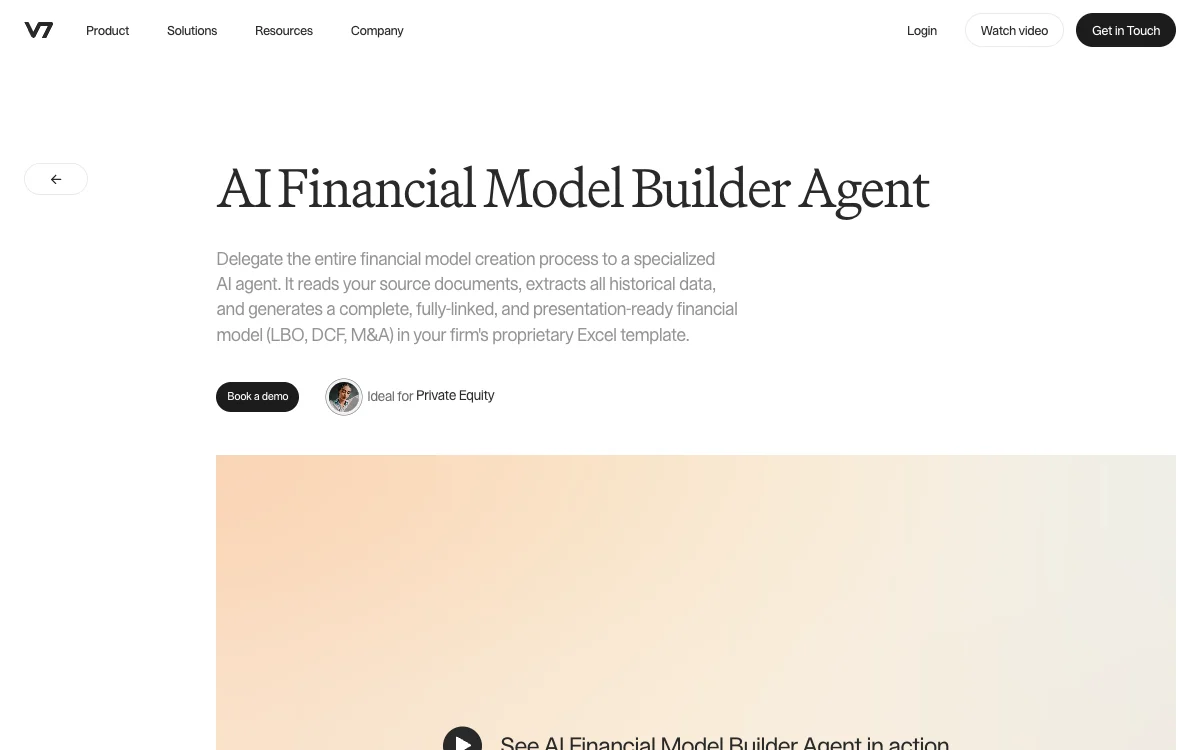
V7 Go is an enterprise AI agent platform for document-heavy work across private markets, insurance and real estate. Its Financial Model Builder Agent reads deal documents and populates your firm's own Excel templates.
The model builder reads CIMs, management presentations, financial statements and data-room files, extracts the historical data and fills an LBO, DCF or M&A model in your template. Every number it enters is visually linked to its source document, so a reviewer can check where it came from. V7 claims more than 280 prebuilt agents, for CIM screening, IC memos, DDQs, portfolio monitoring and underwriting, plus custom agents. It connects to PitchBook and Affinity, and offers SOC 2 Type II and private deployment.
It is aimed at deal teams, underwriters, analysts and reviewers at private-markets, insurance and real estate firms. A firm that already has its own underwriting templates gets the most from it.
Against Clik.ai, V7 is the broader platform. It handles many document tasks beyond underwriting and fills any template you give it, with a source link on every number. Clik.ai is the narrower specialist: agency workbooks, rent rolls, T12s and servicing are its core, and it builds custom CRE models for you. Both are sales-led; V7 has no public price list and uses a custom annual agreement scoped by call. Financial modeling is one use case among many at V7, and its model builder page names private equity, banking and corporate development rather than real estate lending.
- Price
- No public price list. Custom annual agreement scoped by call.
- Free option
- No free plan or trial listed.
Pros
- Fills your firm's own Excel templates
- Each number linked to its source document
- Many agents beyond modeling
Cons
- No public price
- No agency lending workflows listed
Pick it if you want AI to read deal documents and fill your own templates.
2.PropertyMetrics
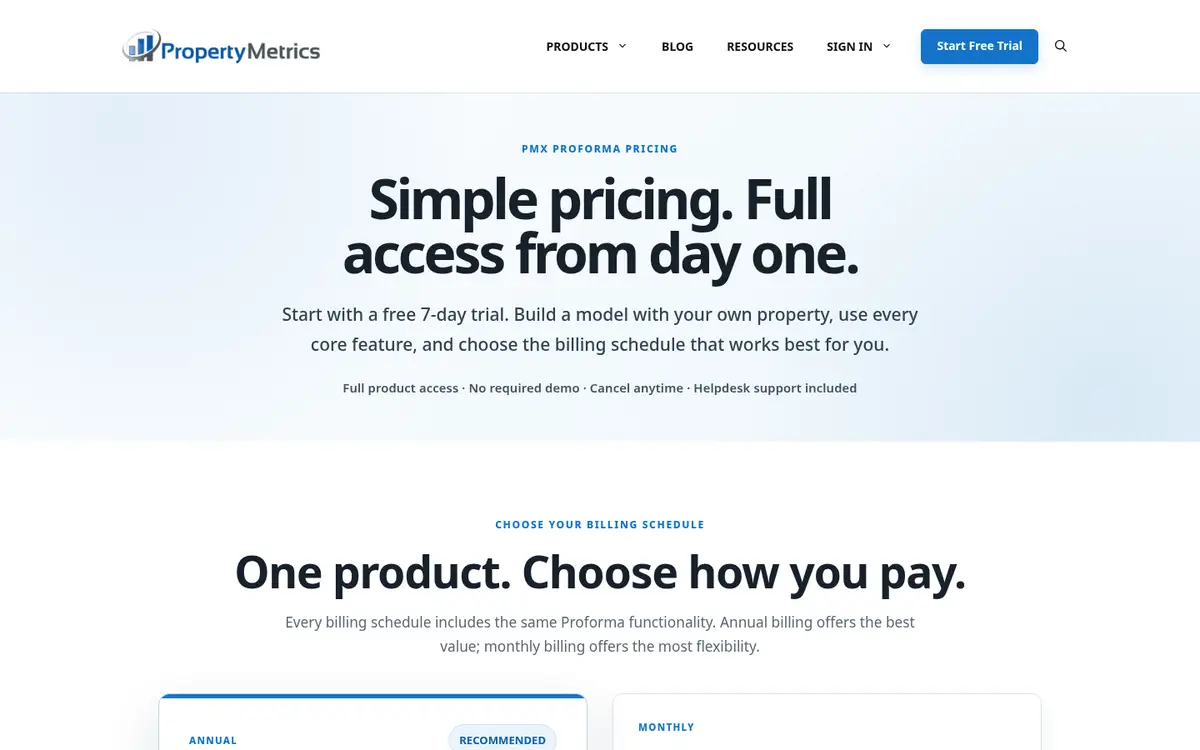
PropertyMetrics sells PMX Proforma, web software for commercial real estate analysis and valuation, plus courses with unlocked Excel models. It is built for appraisers, investors, developers, lenders and brokers.
You model leases one by one, with rent steps, recoveries, TI and leasing commissions, renewals and downtime. PMX Proforma also handles development costs and loan draws, debt sizing by DSCR and debt yield, DCF and sensitivity analysis, and partnership waterfalls with prefs, IRR hurdles and LP/GP splits. Colleagues can co-edit, a free read-only link lets a borrower or investor view the model, and you export branded PDF and Excel reports.
It works for small lenders, brokers and investors who want a consistent engine for every property and are happy to enter the data themselves. It covers multifamily, office, retail, industrial and self-storage. PropertyMetrics also sells 9 courses with fully unlocked Excel models, which help a junior analyst learn how the numbers behind each property connect.
Next to Clik.ai, PropertyMetrics is the opposite trade. It has a public price, $129 a month, $359 a quarter or $1,290 a year, and you can start a 7-day trial without a demo. But there are no AI features in our files, so you type rent rolls and statements in yourself, which is exactly the work Clik.ai automates. For a lender with high deal volume, that matters. For a small team doing a few deals a month, a known price and full control may matter more.
- Price
- $129 a month, $359 a quarter or $1,290 a year.
- Free option
- A free 7-day trial with no demo, plus free guides, templates and calculators.
Pros
- Public price and no demo needed
- Debt sizing by DSCR and debt yield
- Co-editing and read-only share links
Cons
- No AI spreading; you enter the data
- The model lives in the web app
Pick it if you want lease-by-lease software with a public price and no demo.
3.ARGUS Enterprise
ARGUS Enterprise, from Altus Group, is lease-by-lease software for commercial property valuation and cash flow forecasting, sold as part of the ARGUS Intelligence Platform. It is built for investors, asset and portfolio managers and valuation professionals at institutional firms.
It models cash flows for all lease types and values property by DCF and by hardcore, term and reversion, initial yield and capital value methods. Debt modeling, budgeting and reforecasting with budget-to-actuals, and scenario and sensitivity analysis are built in, with more than 40 standard reports. ARGUS Assist adds conversational AI agents that query, update and analyse ARGUS models, while all outputs come from the ARGUS calculation engine. Altus also sells ARGUS EstateMaster for development feasibility.
The platform suits institutional owners and managers who value many assets and report on a portfolio. Asset Manager and Portfolio Manager come in the same subscription. For a firm that already values its holdings in ARGUS, a separate input tool such as Clik.ai can sit in front of it rather than replace it.
Compared with Clik.ai, ARGUS is the engine, not the input tool. Clik.ai gets statements and rent rolls into a model; ARGUS values the property and the portfolio once the data is in. Both are sold through sales with no public price: ARGUS uses a tiered, asset-based subscription. ARGUS is moving from Citrix to the browser, with Citrix hosting ending in early January 2027. Lenders who mainly spread loan packages may find ARGUS more than they need.
- Price
- No public price. Tiered, asset-based subscription through Altus Group sales.
- Free option
- No free trial listed for ARGUS Enterprise.
Pros
- Institutional valuation methods
- Asset and portfolio management in one platform
- ARGUS Assist AI on the ARGUS engine
Cons
- No public price
- Citrix to browser move until early 2027
Pick it if you value institutional portfolios and need the full engine.
4.Finamodel

Finamodel is a library of ready Excel financial models with an AI assistant called Fina. It is self-serve, with listed prices and no demo, and it covers more than commercial real estate.
In practice you open a ready model, such as a multifamily, real estate or preferred equity waterfall model, and describe your deal in plain words. Fina builds, edits, explains and fixes the model for that case, and version history lets you restore any earlier file. You download a normal .xlsx file with every formula visible. It works without Finamodel and opens in Excel, Google Sheets and Numbers.
It suits investors, syndicators and smaller lenders who want a working underwriting model today without a sales process, and teams that also need models outside real estate, such as a DCF or a fund model. Fina can give a voice walkthrough of a model. Read-only links to QuickBooks, Google Sheets, Google Drive and 42 other apps can bring in figures you already keep. 30 full models and a sample of every other model are free, sent by email link, so you can test a model on a live deal before you pay. Paid plans are monthly or yearly, and you can cancel at any time. Because the file is plain Excel, your credit committee or investors can open it in the spreadsheet program they already use.
Next to Clik.ai, Finamodel does less of the input work. It does not spread T12s or rent rolls from PDFs, it has no agency workbook support or servicing workflows, and it does not build bespoke models with a team of CRE experts. Support is by email. If you are a lender with a steady flow of loan packages, Clik.ai is aimed at that job. If you want a ready model that AI fits to your deal, at a listed price, Finamodel is quicker to start.
How it works
- Pick a ready model, such as a DCF or a 3-statement model, from a library of more than 500.
- Ask Fina chat to change, explain or fix it for your case and your numbers.
- Download a real .xlsx file. Every formula is visible, and it works without Finamodel. It opens in Excel, Google Sheets and Numbers.
- Price
- Models plan: $20 a month or $120 a year. All Templates: $30 a month or $144 a year. You can cancel at any time.
- Free option
- 30 free models with live formulas, and a free sample of every other model, with values but no formulas. Both are sent by email link, one model email per email address per day. The library is free to browse.
Better than Clik.ai at
- Listed prices and self-serve sign-up
- Models outside real estate in the same plan
- Version history to restore any earlier file
Worse than Clik.ai at
- No AI spreading of T12s or rent rolls
- No agency workbooks or servicing workflows
- No custom models built by CRE experts
Models that fit: Multifamily Residential Model, Real Estate Model, Preferred Equity Waterfall Model.
Pick it if you want a ready underwriting model now, without a demo.
5.Shortcut

Shortcut, from Fundamental Research Labs, is an AI agent that builds and edits full Excel financial models. It runs as an Excel add-in, a web app, a Windows desktop agent and a command-line tool.
You describe the model and the agent writes it, formulas included; its own example is a full LBO model with more than 400 linked formulas. It traces outputs back to source files, shows code changes before it alters a workbook's structure, and reviews models with a built-in audit skill. Reusable skills and scheduled workflows let you repeat a task, and outputs can be shared as live web dashboards. You can choose third-party AI models or Shortcut's own model, Pivot.
It is aimed at hedge funds, PE firms, banks, asset managers, FP&A teams, advisory and accounting firms, family offices and enterprises. Enterprise buyers get on-premises hosting, bring-your-own-key, single sign-on and customer-owned storage.
Shortcut is general where Clik.ai is specialised. It will build any Excel model you describe, real estate or not, but it has no agency workbook support, servicing workflows or CRE experts on call. Its prices are public: a free plan with 20 credits a week, Pro at $100 a month billed yearly and Teams at $320 a month plus $100 a seat. Accuracy claims rest on its own benchmark of 20 finance tasks. Every plan has credit limits. For a CRE team, the free plan is a cheap way to test whether a general agent can handle your own underwriting template before you pay for a specialist.
- Price
- Free plan. Pro $100 a month billed yearly. Teams $320 a month plus $100 a seat.
- Free option
- A free plan with 20 credits a week.
Pros
- Builds full models from a description
- Public prices and a free plan
- Traces outputs to source files
Cons
- No CRE lending workflows
- Credit limits on every plan
Pick it if you want an AI agent that builds any Excel model, not only CRE.
6.A.CRE
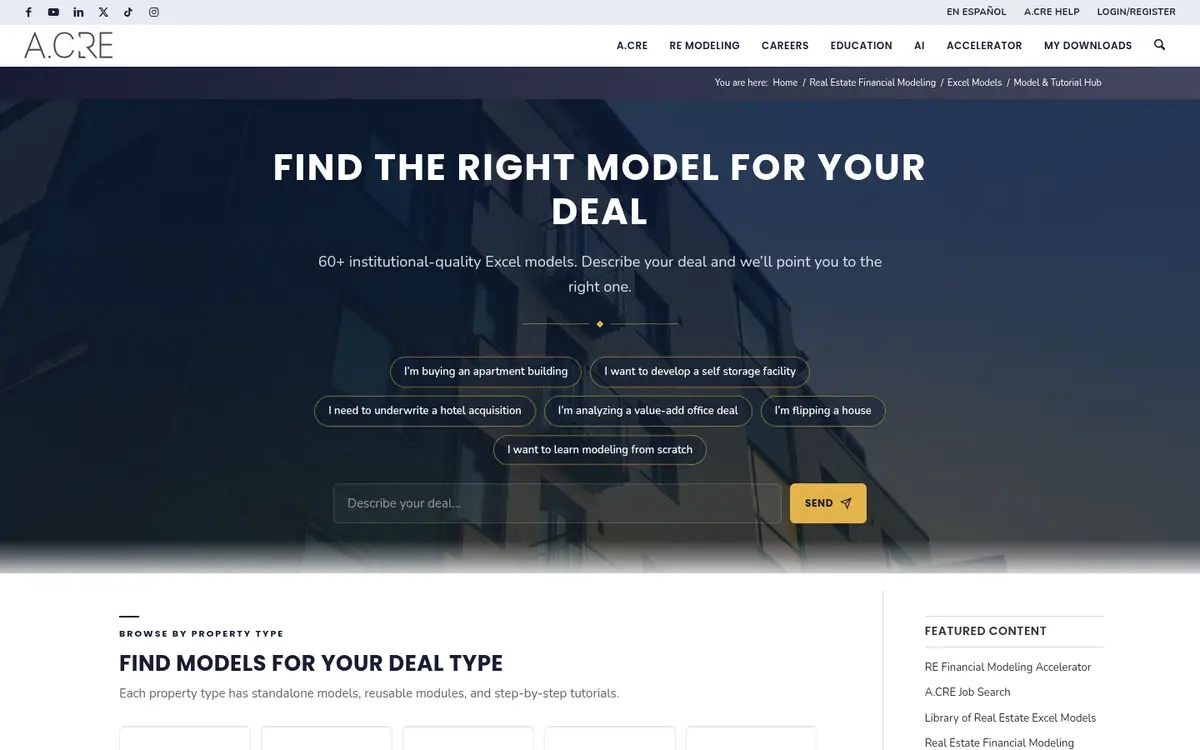
Adventures in CRE, or A.CRE, publishes a library of real estate Excel models offered free or on a pay-what-you're-able basis with no minimum. It also sells a 17-course modeling program, the Accelerator, and AI training.
You enter a price, which can be $0, and an email address, and A.CRE sends the download link. The models are built in Excel, a few come in Google Sheets, and they follow one rule: blue cells are inputs, black cells are outputs. Tutorials, case studies and Watch Me Build videos come with them. A.CRE also sells AI Skills: packaged instructions and files that teach an AI assistant how to operate one of its models.
Its users run from students and analysts to investors, developers and academics. For a Clik.ai user, it is a free source of standard underwriting models to compare with a custom one, or to use on smaller deals.
With A.CRE you trade automation for cost. The models can cost nothing and you own the file, but nothing spreads a T12 or a rent roll for you; you type the data in, or set up a separate AI assistant with an AI Skill. There are no lender workflows such as agency workbooks or servicing. The Accelerator costs $697 to $1,497 for one year if your team needs training. The site's model counts differ between pages, from 60+ to 157. Paying for a model adds unlimited downloads and lifetime updates, but the file is otherwise the same as the free one.
- Price
- Models free or pay what you're able. Accelerator $697 to $1,497, one year of access.
- Free option
- Every model can be downloaded free; the link is sent by email.
Pros
- Real estate models at no required cost
- A file you own, with formulas visible
- AI Skills for use with an AI assistant
Cons
- No AI spreading of statements
- No lender workflows
Pick it if you want free standard underwriting models in Excel.
Who should pick what
Clik.ai mixes AI input tools, a return platform and custom modeling, so first decide which part you need. If it is the input work, compare AI tools. If it is the valuation, compare engines. If it is a model to start from, compare libraries.
- AI that reads deal documents into your own templates: V7, or Shortcut for self-serve model building.
- Lease-by-lease software with a public price: PropertyMetrics. Institutional valuation: ARGUS Enterprise.
- Free standard underwriting models: A.CRE.
- A ready underwriting model changed for your deal by AI, self-serve: Finamodel.
When you compare AI underwriting tools, test them on your own documents: a messy rent roll and a scanned T12 tell you more than a clean demo file. Ask each vendor how it shows the source of each number. For the sales-led vendors, ask for a written price before the trial ends.
Frequently asked
How much does Clik.ai cost?+
Clik.ai showed no public pricing on its site on 19 Nov 2026. Access starts with a demo. The InvestAssist page says no credit card is required.
Is there a free version of Clik.ai?+
No free plan is listed. InvestAssist says no credit card is required to start, but the terms of any free access are not stated on the pages we read.
What are the main Clik.ai alternatives?+
For AI on deal documents: V7 and Shortcut. For real estate software: PropertyMetrics and ARGUS Enterprise. For free Excel models: A.CRE. For a ready model that AI changes for your deal: Finamodel.
What does Clik.ai spread?+
Clik.ai uses AI to spread T12s, rent rolls and operating statements into production-ready financial models. It also supports Fannie Mae and Freddie Mac workbooks, loan onboarding, lease abstraction and servicing.
Clik.ai vs Finamodel: which should I pick?+
Pick Clik.ai if you are a CRE lender or investor who needs statements spread into models at volume. Pick Finamodel for a ready model that AI changes for your deal, with no demo. Finamodel's Models plan is $20 a month or $120 a year.


