 By Alex Tapio
 V7 alternatives
People look for V7 alternatives for three reasons. V7 publishes no price list: each customer gets a custom annual agreement, scoped on a call, so a quick comparison is hard. Financial modeling is one use case of a broad document platform, and a team that only wants models may buy far more than it needs. And some buyers want a tool focused on finance alone, or a way to start without an annual contract.
What is V7?
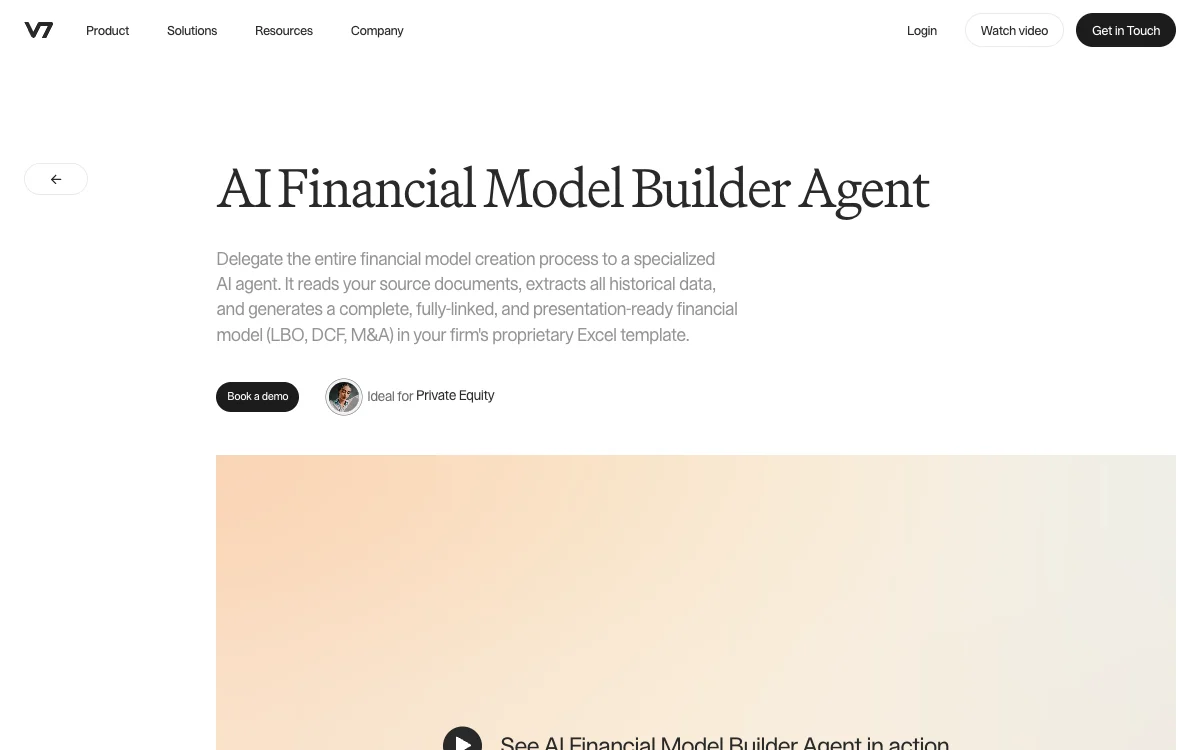
V7 Go is an enterprise AI agent platform from V7 for document-heavy work in private markets, insurance and real estate. V7 claims more than 280 prebuilt agents, plus custom builds, for jobs such as CIM screening, IC memos, DDQs, portfolio monitoring and underwriting. For modeling, its Financial Model Builder Agent reads CIMs, management presentations, financial statements and data-room files, then fills an LBO, DCF or M&A model into the firm's own Excel template, with each number visually linked to its source. Its users are deal teams, underwriters, analysts and reviewers, and the model builder page names private equity, investment banking and corporate development.
V7 at a glance
V7 has no public price list. Its pricing page describes a custom annual agreement scoped on a call, and no free plan or trial is listed; we checked on 10 Nov 2026. A contract gives you the agent platform on the web, output in your firm's Excel templates and in V7 Go Slides, an API, integrations with PitchBook and Affinity, a choice of AI model with replay of each run, and SOC 2 Type II with a private deployment option.
Quick picks
V7 sits in the first row as the reference point. Every option below uses AI on financial work, and most of them sell through a demo, so the price column is often blank. The columns that separate them are "Works in" and "Excel": some run on their own platform, some inside Office, and one gives you a template to start from.
| Tool | Best for | Type of tool | Price (entry plan) | Works in | Free option | Builds the model for you | Excel file you keep | AI edits your file | Templates library |
|---|---|---|---|---|---|---|---|---|---|
| Document workflows in private markets | AI agent platform | Custom annual agreement | Web, Excel, slides, API | No: None listed | Yes: LBO, DCF, M&A | Yes: Your firm's template | Yes: Agent fills the model | Not stated: Not stated |
 | Research across many documents | AI research | Demo only | Web, Excel, PowerPoint, Word | No: None listed | Yes: Max builds models | Yes: Cited models | Yes: Max builds models | Not stated: Not stated |
 | One agent across Office | AI agent | Demo only | Excel, PowerPoint, Word, Teams | No: None listed | Yes: Builds a DCF | Yes: Excel add-in | Yes: Builds a DCF | Not stated: Not stated |
 | Buy-side teams, self-serve start | AI agent workspace | Plus $60/mo, Pro from $150 | Web, Excel add-in, API | Yes: 14-day free trial | Yes: 3-statement, DCF, LBO | Yes: .xlsx with live formulas | Yes: Agents build models | Not stated: Not stated |
 | A ready model, no contract | Ready models + AI | $20/mo or $120/yr | Web app, Excel file | Yes: 30 models + free samples | Yes: Fina chat builds it | Yes: .xlsx, formulas visible | Yes: Fina chat edits it | Yes: 500+ models |
 | PE and credit deal mechanics | Deal modeling platform | Demo only | Web, Excel, PowerPoint, PDF | Yes: Free Academy articles | Yes: Model from a CIM | Yes: Export to Excel | Yes: Builds from a CIM | Yes: Pre-built deal structures |
 | Tasks assigned by email or Teams | AI office agents | Demo only | Excel, Word, PowerPoint, email | No: None listed | Yes: Builds and updates models | Yes: Works in your files | Yes: Builds and updates models | Not stated: Not stated |
yes · no · not stated in the vendor's sources. Hover a mark for details. From each vendor's own site; prices change, so check before you buy.
1.Hebbia
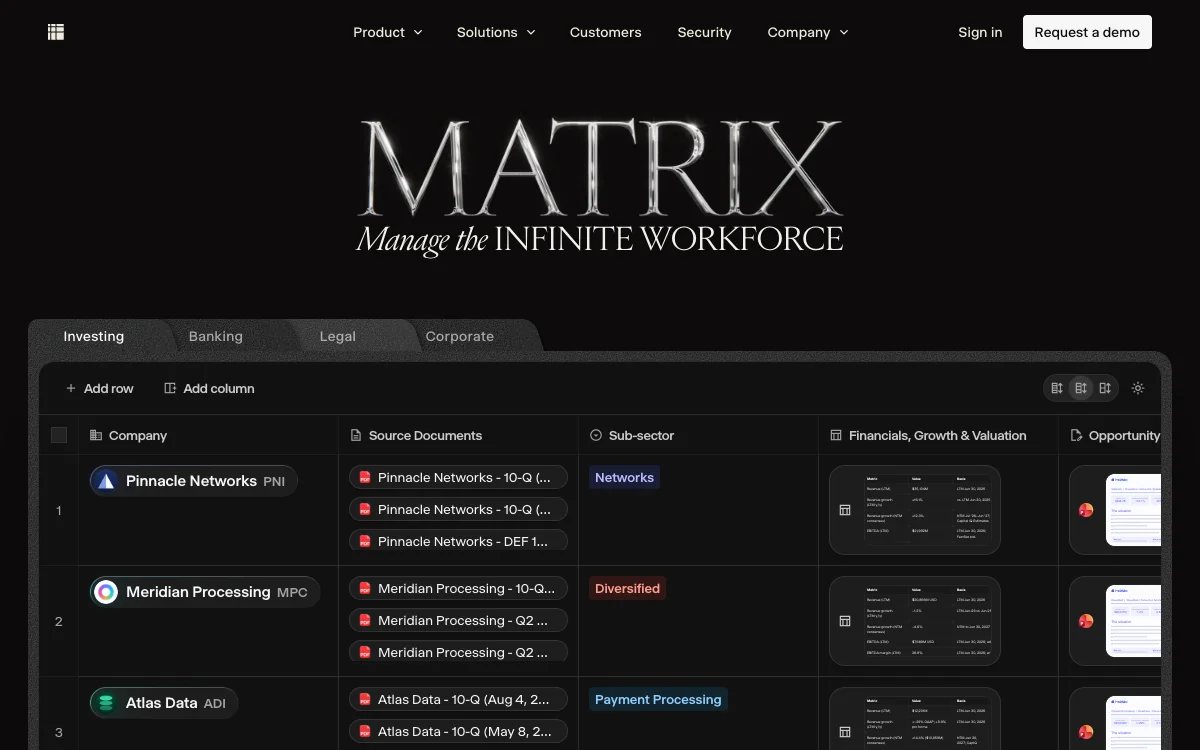
Hebbia is an AI research and diligence platform for investment firms, banks, law firms, consultancies and large companies. Matrix runs cited analysis across documents and companies, and Max is an agent that turns the work into spreadsheets, decks, Word documents, dashboards and reports.
The typical use is a stack of documents and a set of questions. Matrix extracts the same fields from every document, such as metrics from CIMs in a data room, and shows the citation behind each answer. Max then builds models with a citation in every cell, in the firm's style. Since June 2026 it can pull Capital IQ data to build a three-statement model, and since July 2026 it can refill a comps or LBO shell for a new target. Excel, Word and PowerPoint add-ins, scheduled agents, memory and email in and out round it out.
Its investing use cases, CIM and data-room screening, expert call synthesis, IC memo prep and financial modeling, overlap closely with V7's private equity workflows. Hebbia ships often, with near-daily changelog entries, so features in a demo may be newer than any review.
Hebbia is the nearest like-for-like rival to V7 for diligence: both read large document sets and cite what they find. V7 goes wider, into insurance and real estate underwriting, and fills your own Excel template. Hebbia connects to more licensed data, including FactSet, Capital IQ, PitchBook and Preqin, while V7 names PitchBook and Affinity. Both sell through demos with no public price; Hebbia's pricing page did not load when we checked in November 2026.
- Price
- No public price. Demo first.
- Free option
- None listed.
Pros
- Cited extraction across large document sets
- Max can build models from Capital IQ data
- Broad licensed data connections
Cons
- No public price
- Modeling is a smaller part than research
Pick it if your team's main work is diligence across many documents.
2.Model ML
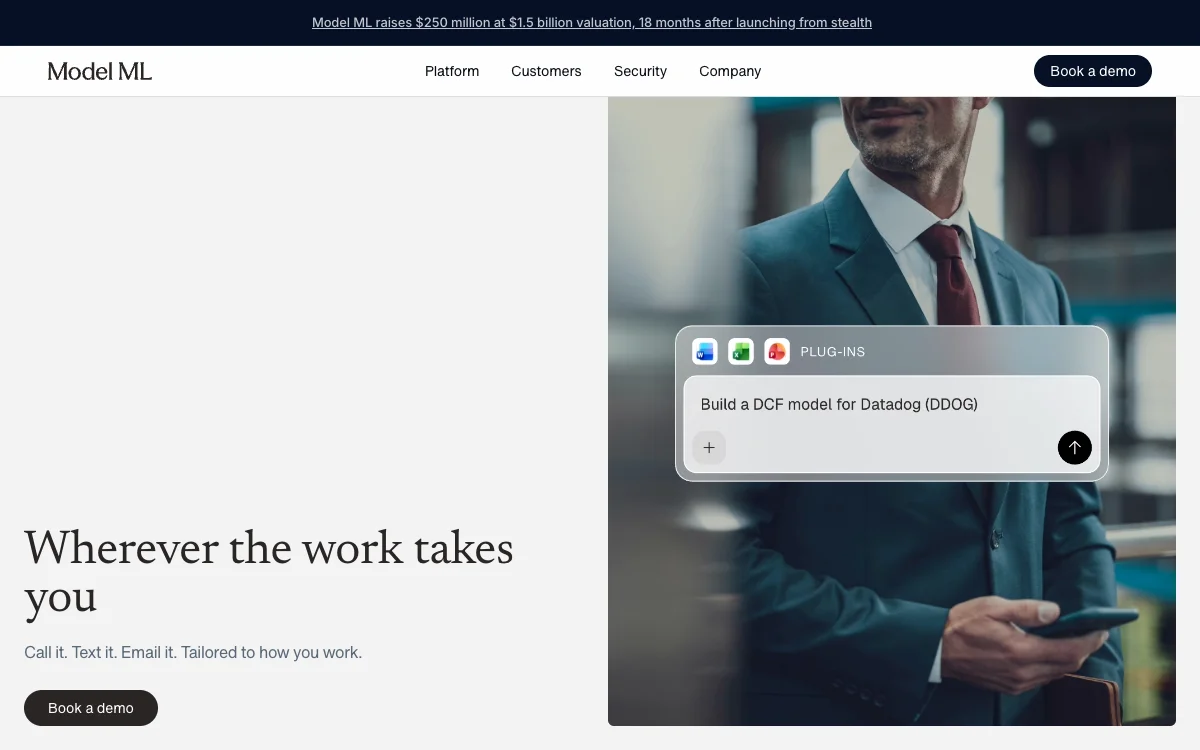
Model ML is an enterprise AI finance agent for investment banking, consulting, private equity and credit, and asset and wealth management. It works inside Excel, PowerPoint, Word, Outlook and Teams, and produces memos, tearsheets, comps, pitch books, diligence material, decks and models.
Teams give the agent tasks by voice, chat, email or automatic triggers. Its chat page describes handing over a whole workflow, such as a pitch deck in PowerPoint or a DCF in Excel built from scratch. Surfaces include Workflows, Grids, Document Review, Chat, a Notetaker and Sites. The Document Review agent checks documents for details and risks, and figures can carry source footnotes you hover over and click to check. Connectors reach mail, SharePoint and Drive, calendars, CRMs and licensed data such as Capital IQ, FactSet, PitchBook and Preqin.
It fits large firms that want one agent in the Office apps their people already use, and that will teach it the firm's business, communication style and delivery formats. Model ML calls itself a workflow and execution layer on top of licensed data.
Next to V7, Model ML is focused on finance and lives inside Office, while V7 runs document workflows on its own platform across private markets, insurance and real estate. Both put a source behind each figure, and both serve private equity and banking. The buying process is the same: no public price, no free trial listed, and access through a demo. If your shortlist is V7 and Model ML, give both the same CIM and template, and compare the models they return and the time your team spends checking them.
- Price
- No public price. Demo first.
- Free option
- None listed.
Pros
- One agent across Excel, PowerPoint, Word, Outlook and Teams
- Source footnotes on figures
- Connects to Capital IQ, FactSet and PitchBook
Cons
- No public price
- Built for large firms
Pick it if your firm wants the agent inside Office rather than on a separate platform.
3.Compound
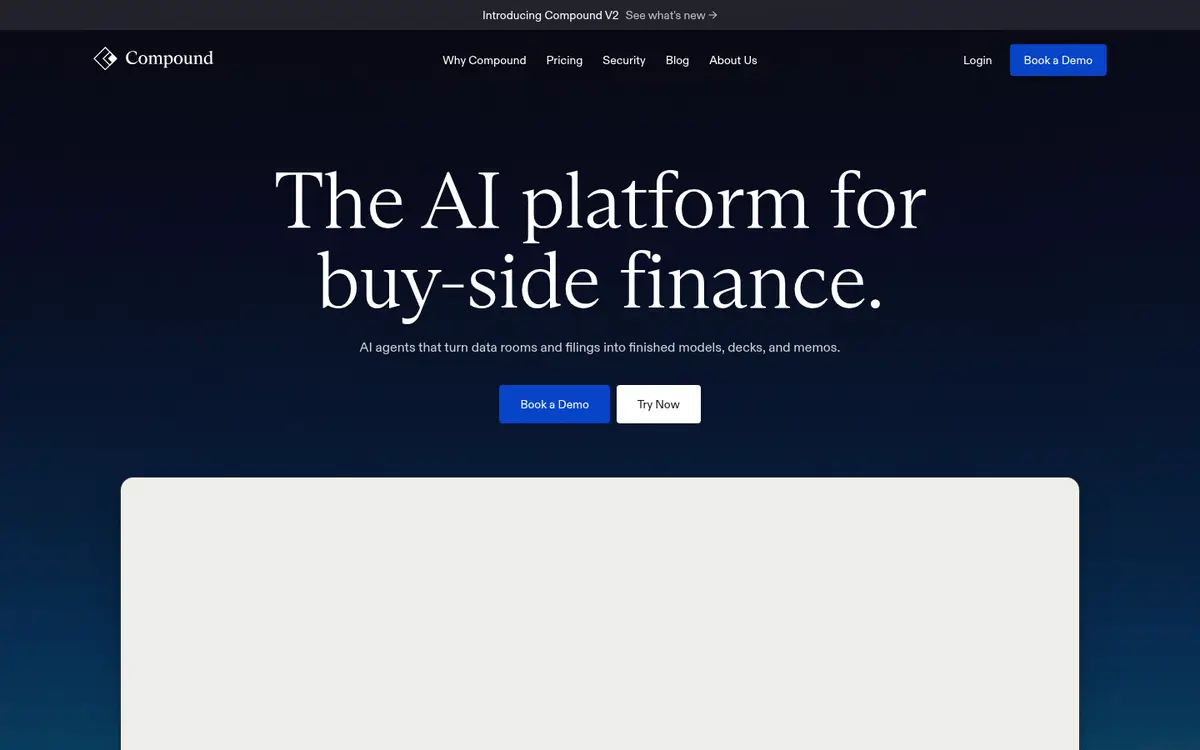
Compound is a cloud workspace of AI agents for buy-side deal teams in PE, VC, growth equity, real estate and hedge funds. It has its own Excel, PowerPoint and Word engines and turns data rooms and filings into finished models, decks and memos.
Its agents build three-statement, DCF and LBO models as Excel workbooks with live formulas. Each number in a deck links to a model cell and then to the filing passage, and those citations stay as cell notes in the download. It works in a firm's own templates with a default House Style. SEC filings, financials, transcripts, prices and macro data are built in, and you can upload a data room. Agents run in the background in parallel, team agents have their own email addresses, and a comment on a cell or slide becomes an edit.
For private companies, Compound models from the data room or management accounts you upload, because filings outside the SEC and private-company datasets are not built in. Its quality claims rest on PE Bench, a benchmark it runs itself.
Compound covers V7's core modeling job, documents in and a model in your template out, and adds decks and memos. What it does not cover is V7's breadth across insurance and real estate underwriting. The biggest difference is buying. Compound publishes individual prices, Plus at $60 a month and Pro from $150 a month, and on 22 Nov 2026 showed a 14-day free trial; on 10 Nov it listed a free plan instead. V7 needs a call and an annual agreement.
- Price
- Plus $60 a month; Pro from $150 a month. Teams and Enterprise through a demo.
- Free option
- A 14-day free trial on 22 Nov 2026; a free plan was listed on 10 Nov 2026.
Pros
- Published prices and a free start
- Live-formula .xlsx with citations
- Works in your firm's templates
Cons
- No private-company data built in
- Credit-based plans
Pick it if you want V7-style modeling from documents without an annual contract.
4.Finamodel

Finamodel is a library of ready Excel financial models with an AI assistant called Fina. Where V7 fills your template from documents, Finamodel gives you the template and lets Fina adapt it.
In practice you choose a model, such as an LBO, an M&A model or a DCF, and open it in Fina chat. You describe the deal in plain words, and Fina changes the assumptions, adds a case, explains how a number is calculated or fixes an error. A typical request is a downside case with slower revenue growth, and Fina updates the inputs that drive it. Version history lets you restore any earlier file. You download a normal .xlsx file with every formula visible; it works without Finamodel and opens in Excel, Google Sheets and Numbers.
It fits people who do not have a house template, or do not want an annual contract: an analyst at a small fund or corporate development team, a search fund, a student. 30 full models with live formulas and a sample of every other model without formulas are free, sent by email link, so you can check the structure before you pay. Fina can give a voice walkthrough of a model. Read-only links to QuickBooks, Google Sheets, Google Drive and 42 other apps help when a target's figures sit in those tools.
Finamodel does not read CIMs, statements or data rooms for you, and it has no agents for DDQs, portfolio monitoring or underwriting. There is no private deployment, no rollout team and no custom build; support is by email. You type in or paste the numbers yourself. If your firm needs documents turned into models at volume, V7 or one of the platforms above is the better fit. Finamodel suits one model at a time, at a listed price, with no sales call. The Models plan costs $20 a month or $120 a year, and you can cancel at any time.
How it works
- Pick a ready model, such as a DCF or a 3-statement model, from a library of more than 500.
- Ask Fina chat to change, explain or fix it for your case and your numbers.
- Download a real .xlsx file. Every formula is visible, and it works without Finamodel. It opens in Excel, Google Sheets and Numbers.
- Price
- Models plan: $20 a month or $120 a year. All Templates: $30 a month or $144 a year. You can cancel at any time.
- Free option
- 30 free models with live formulas, and a free sample of every other model, with values but no formulas. Both are sent by email link, one model email per email address per day. The library is free to browse.
Better than V7 at
- Listed price and no annual contract
- A free full model to try
- Ready templates if you have none
Worse than V7 at
- Does not read CIMs or data rooms for you
- No document agents, private deployment or rollout team
Models that fit: LBO Model, M&A Model, DCF Model.
Pick it if you need a deal model today and do not have a house template.
5.Mosaic.pe
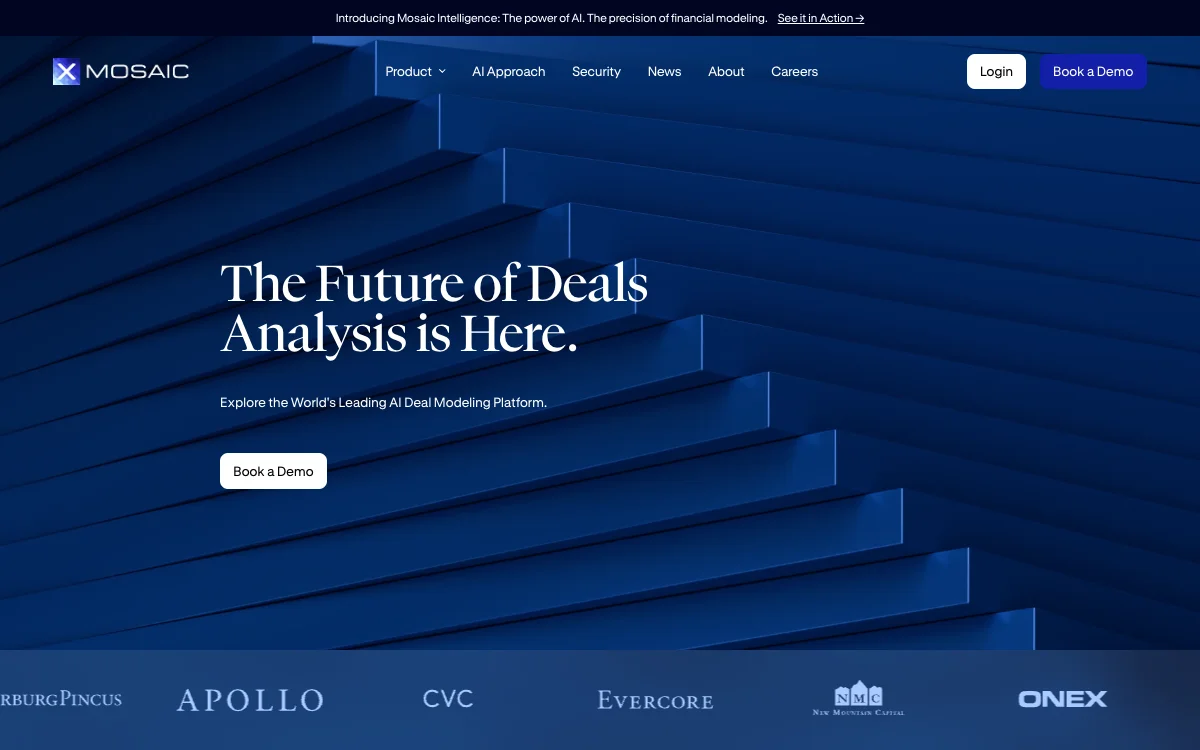
Mosaic, at mosaic.pe, is a cloud deal-modeling platform for private equity firms, private credit lenders and investment banks. A deterministic calculation engine does the arithmetic, and AI generates and updates models. It is not the HiBob FP&A product called Mosaic.
Mosaic Intelligence, launched around 4 Nov 2026, builds an integrated model from a CIM with one prompt, and follow-up prompts update it; Mosaic says you can go from CIM to a first view on returns in minutes. Mosaic Vision lifts data from workbooks, PDFs or screenshots. The models are fully linked LBOs, with sources and uses, debt schedules, returns, sensitivities and IRR and MOIC bridges, plus DCF, accretion and dilution, credit and refinancing models. Pre-built structures handle dividend recaps, M&A, earnouts, IPO exits and de novos.
More than 80 private equity firms use it, by Mosaic's count. Capital IQ and FactSet data, take-private screening and a deal library with benchmarking support the work, and exports to Excel, PowerPoint and PDF follow the firm's formats.
Mosaic and V7 both read a CIM and produce a deal model, but they do it differently. V7 writes the extracted data into your own Excel template. Mosaic runs the mechanics in its own engine and treats Excel as an export, so your template becomes an output format rather than the model itself. Mosaic is also limited to deal work, where V7 spans DDQs, portfolio monitoring and underwriting. Neither publishes a price. Mosaic's free Academy articles are a way to see how it thinks about deal mechanics before a demo.
- Price
- No public price. Demo first.
- Free option
- Free Academy articles. No free plan listed.
Pros
- A deterministic engine does the deal math
- Pre-built structures for recaps, earnouts and exits
- Capital IQ and FactSet data
Cons
- No public price
- Model mechanics live in its platform
Pick it if your PE or credit team wants deal mechanics on a fixed engine.
6.Endex
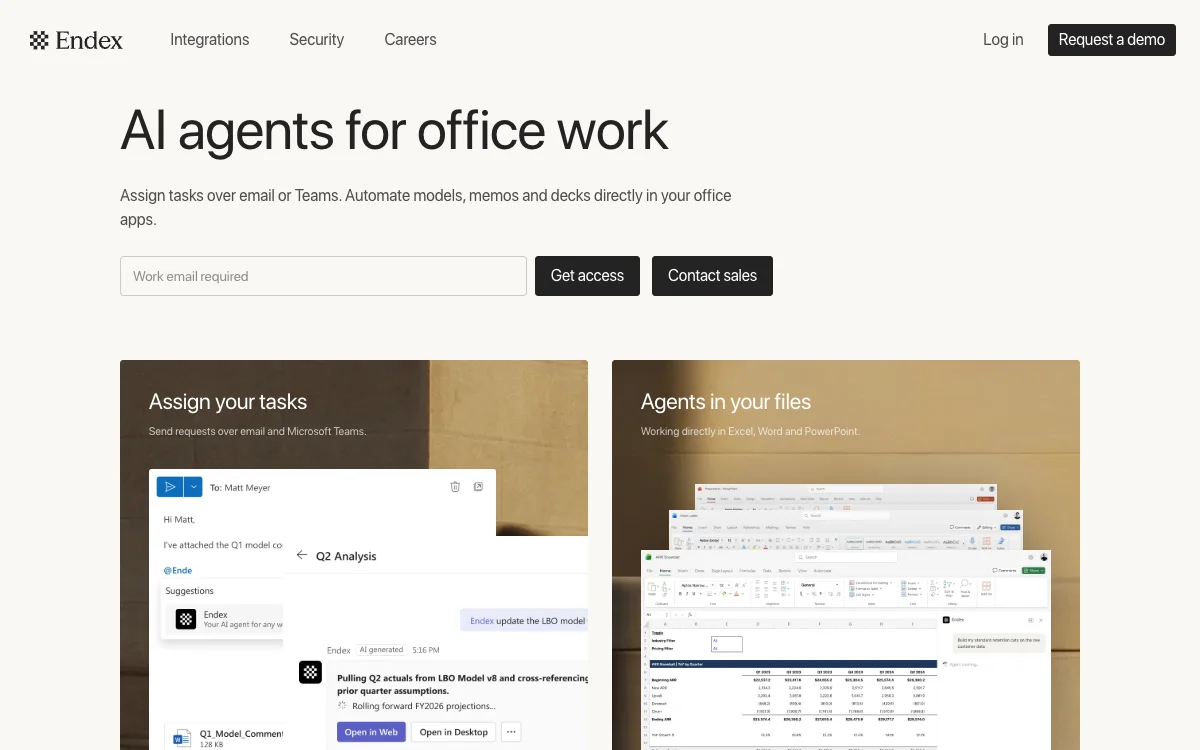
Endex provides AI agents that work in Excel, Word and PowerPoint and take tasks by email, Teams, Slack, mobile or API. It sells to enterprise teams in private equity, investment banking, public equity, real estate, corporate finance, accounting and consulting.
You tag Endex in an email or a Teams message to hand over research, a draft or an update. In Excel the agent builds and updates models; its site shows a consolidated income statement and an LBO update. In PowerPoint it builds and restyles slides to match the host deck, and in Word it drafts documents with every claim traced to its source. It ties schedules back to their sources and leaves an auditable trail through the workbook, and custom automations keep a memory between tasks.
Its connectors include FactSet, Capital IQ, Morningstar, Yardi, CoStar, Argus, MRI, Intralinks and DealCloud. The real estate systems stand out, so property teams, a group V7 also serves, get data from the tools they already run. Security includes SOC 2 Type II, ISO 27001 and customer-held encryption keys, and data is not used for training by default.
Against V7, Endex works in your own Office files and inbox, while V7 runs workflows on its platform and fills your Excel template from documents. Endex is closer to an assistant you delegate to; V7 is closer to a pipeline you configure. Both sell to enterprises through demos with no public price. Endex's public site is small, with no blog or changelog, so plan to learn most of the detail in the demo.
- Price
- No public price. Demo first.
- Free option
- None listed.
Pros
- Tasks assigned by email, Teams or Slack
- Works in Excel, Word and PowerPoint
- Real estate connectors such as Yardi and Argus
Cons
- No public price
- Little public product detail
Pick it if your team wants to delegate model updates by email or Teams.
Who should pick what
Most V7 alternatives are also enterprise platforms sold through demos, so the choice is less about price and more about shape. Decide whether you want a document platform, an agent inside Office, or a deal-modeling engine. If none of those fits a small team, a ready template is the low-cost route.
- Diligence across large document sets: Hebbia.
- An agent inside Office, or one you assign by email: Model ML or Endex.
- Deal models from documents with a self-serve start, or on a fixed engine: Compound or Mosaic.pe.
- A ready Excel model at a listed price, without a contract: Finamodel.
Bring the same deal to every demo: one CIM, your house template and a deadline. Ask each vendor to fill or build the model live, then check twenty numbers against the source. Ask how the contract is priced, whether by seat, usage or a fixed annual fee, because few of these vendors publish it.
Frequently asked
How much does V7 Go cost?+
V7 publishes no price list. Its pricing page describes a custom annual agreement, scoped on a call. We checked on 10 Nov 2026.
Is there a free version of V7 Go?+
No free plan or trial is listed. Compound offered a 14-day free trial on 22 Nov 2026, and Finamodel gives 30 free models with live formulas and a free sample of every other model.
What are the main V7 alternatives?+
For diligence across documents: Hebbia. For an AI agent inside Office: Model ML and Endex. For deal models from documents: Compound and Mosaic.pe. For a ready Excel model you adapt with AI: Finamodel.
V7 vs Finamodel: which should I pick?+
Pick V7 if your firm wants agents that read deal documents and fill your own Excel template, and can sign an annual agreement. Pick Finamodel if you need a ready model now; the Models plan is $20 a month or $120 a year.
Does V7 work with my firm's Excel template?+
Yes. The Financial Model Builder Agent populates LBO, DCF and M&A models into the firm's own Excel template, and every number is visually linked to its source document.
Sources for V7 (4), last checked 10 Nov 2026+
- v7labs.com · Pricing page (custom agreement) · 10 Nov 2026
- v7labs.com · Homepage positioning · 10 Nov 2026
- v7labs.com · AI for finance · 10 Nov 2026
- v7labs.com · Financial Model Builder Agent · 10 Nov 2026
Each alternative's own page lists its sources.


