 By Alex Tapio
 Datarails alternatives
People look for Datarails alternatives for three main reasons. There is no public price; you get a custom quote in tiers by users and integrations, so the cost of adding people is unclear up front. Its AI and connector pages give no dates for the agents or the Claude Code plugin, which makes the AI hard to judge before a demo. And some teams want something else: a platform with more approvals, a lighter QuickBooks tool, or a ready model with no rollout.
What is Datarails?
Datarails sells FinanceOS, a finance platform that connects to Excel and Google Sheets and consolidates data for FP&A, reporting, month-end close, cash forecasting and spend. Its pitch is that your Excel models stay unchanged: it pulls data from more than 600 sources, across systems, entities and spreadsheets, and refreshes it in one click or on a schedule. Datarails AI adds Strategy, Reporting and Planning agents, and Storyboards turn data into presentations. It is built for the office of the CFO at small and mid-market firms whose finance teams already work in Excel.
Datarails at a glance
Datarails quotes every plan. The pricing page shows three tiers by users and integrations: 2 users and 1 integration, 5 users and 2 integrations, or 15 users, 50 viewers and 3 integrations. Modules cover FP&A, month-end close, cash, with bank sync and a 13-week forecast, Desk and Spend. Free Excel templates and three free FinanceOS Academy courses are open to anyone. The FinanceOS AI Connector links Claude, ChatGPT, Copilot and other tools.
Quick picks
The table lists Datarails first, then each alternative in the order below. Cube, Vena and Aleph are the nearest rivals: platforms that keep finance in Excel, sold by quote. LiveFlow and Clockwork serve smaller, QuickBooks-based businesses and firms. The Excel column shows whether your own models stay in charge; the AI column shows whether AI changes them.
| Tool | Best for | Type of tool | Price (entry plan) | Works in | Free option | Builds the model for you | Excel file you keep | AI edits your file | Templates library |
|---|---|---|---|---|---|---|---|---|---|
| Excel-native FP&A plus close, cash | FP&A platform | Custom quote | Excel, Google Sheets, web | Yes: Free templates and courses | Not stated: Not stated | Yes: Your models, unchanged | Not stated: Excel edits not stated | Yes: Free Excel templates |
 | Governed FP&A in Excel and Sheets | FP&A platform | Custom quote | Excel, Sheets, web, Slides | Yes: Free trial, free templates | Not stated: Not stated | Yes: Two-way Excel sync | Yes: Agents propose changes | Yes: Free finance templates |
 | Microsoft 365 planning and close | FP&A and close platform | Demo only | Excel, Power BI, Teams | Yes: Free Excel templates | Yes: Budgets from natural language | Yes: Excel-native | Yes: Planning Agent in Excel | Yes: Free Excel templates |
 | Spreadsheet-native FP&A, backed companies | FP&A platform | Demo only | Excel, Google Sheets, web | Yes: Free trial link | Yes: Agents draft budgets | Yes: Keeps your models | Yes: Agents write, you confirm | Yes: Free guides and templates |
 | A ready cash flow model | Ready models + AI | $20/mo or $120/yr | Web app, Excel file | Yes: 30 models + free samples | Yes: Fina chat builds it | Yes: .xlsx, formulas visible | Yes: Fina chat edits it | Yes: 500+ models |
 | Live QuickBooks data in spreadsheets | Excel and Sheets add-in | Demo only | Excel, Google Sheets | Yes: Free reporting templates | No: You build the model | Yes: Works in your workbook | No: AI pulls reports only | Yes: 100+ reporting templates |
 | AI-built model from your books | AI FP&A web app | From $719/mo (business) | Web app | Yes: 14-day free trial | Yes: AI builds 3-statement model | No: Excel is an input | No: Builds in its app | Not stated: Not stated |
yes · no · not stated in the vendor's sources. Hover a mark for details. From each vendor's own site; prices change, so check before you buy.
1.Cube
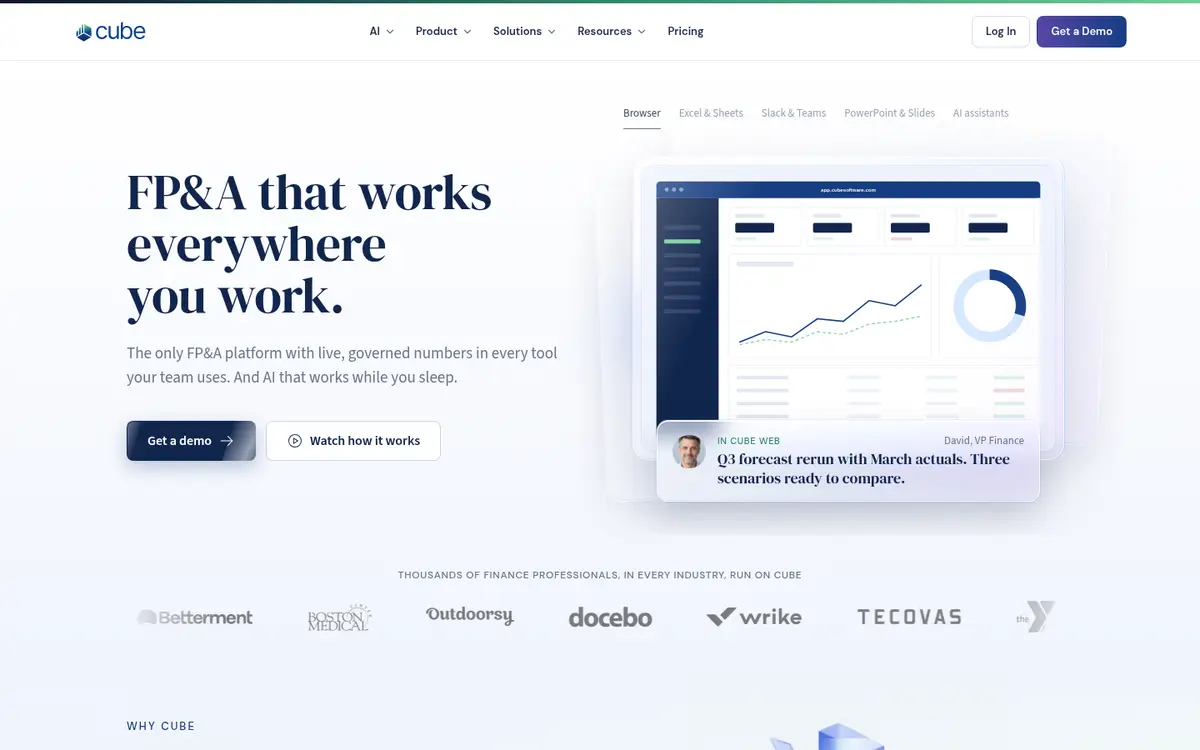
Cube is an FP&A platform that syncs both ways with Excel and Google Sheets and adds planning, reporting, consolidation and AI agents. It describes itself as an Agentic FP&A Platform for mid-market and enterprise finance teams.
With Cube, actuals sync into the Excel model and edits flow back from the spreadsheet. Planning modules cover revenue, headcount, expense, cash and scenarios; reporting covers variance analysis and multi-entity eliminations. ERP, CRM and HRIS connectors feed the data, and PowerPoint and Google Slides decks refresh from it. Every query, edit and approval sits in an audit trail.
Four FP&Agent teams, Data Managers, Analysts, Planners and Business Partners, run on schedules or triggers and propose changes that finance must approve. A Cube MCP Server gives Claude, ChatGPT, Copilot and Gemini governed reads and permissioned write-back proposals. Slack and Teams apps and free templates for Excel, Google Sheets, PowerPoint and Google Slides round it out.
Cube is Datarails' closest rival. Both keep Excel and Google Sheets at the centre, and both sell by quote. The difference is in the pricing model and the control layer. Cube prices by legal entities, Bronze for 1, Silver for up to 10 and Gold for up to 50, with unlimited users on every plan; Datarails prices by users and integrations. A team with many contributors may find Cube's unlimited users cheaper. Cube's agents propose and finance approves, while Datarails adds a cash module with bank sync and a spend module. Cube's homepage also offers a free trial, which Datarails does not list.
- Price
- Custom quote by plan: Bronze (1 entity), Silver (up to 10), Gold (up to 50).
- Free option
- Free trial and free finance templates.
Pros
- Unlimited users on every plan
- Agents propose, finance approves
- Free trial on the homepage
Cons
- No public price
- Its AI accuracy claim comes from its own study
Pick it if you have many contributors and want unlimited users with an approval layer.
2.Vena
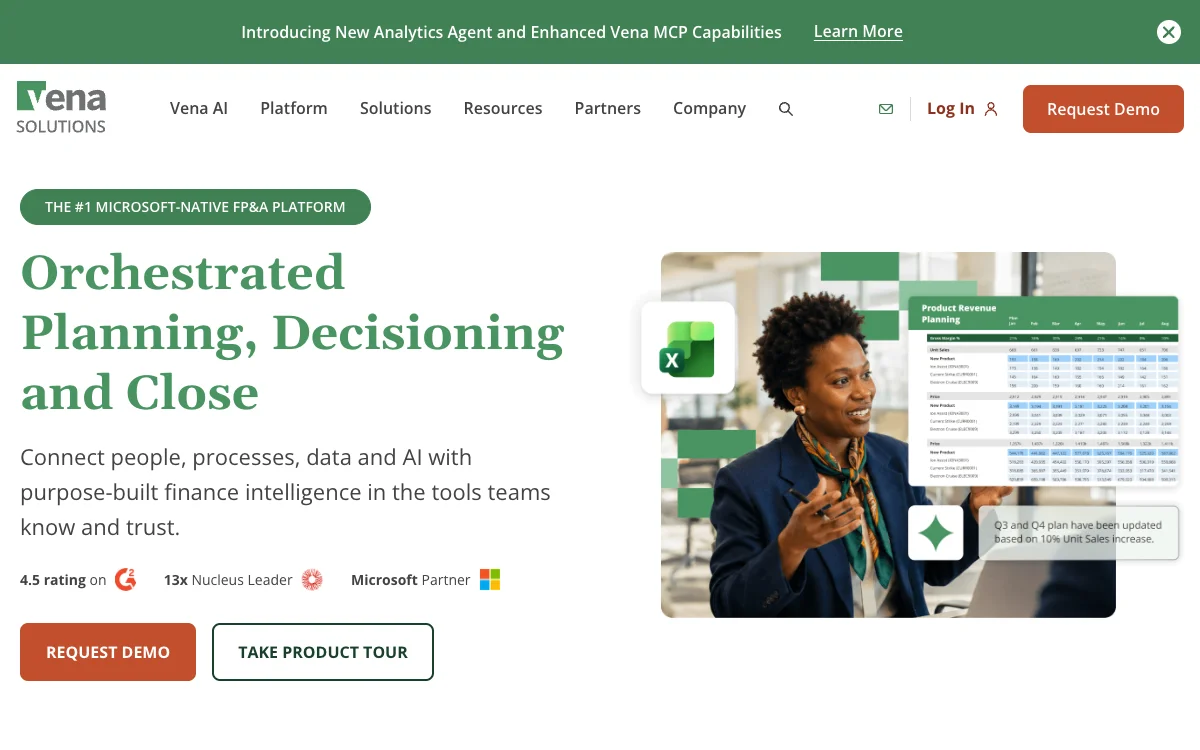
Vena is an Excel-native FP&A and close platform on its CubeFLEX database, with planning, reporting, consolidation and Vena AI agents across Excel, Power BI and Teams. It sells to mid-market and enterprise finance teams standardised on Microsoft 365.
Teams build models, templates, workflows and reports in Excel on top of CubeFLEX. ERP, CRM and HR integrations bring the data, and Vena Insights adds prebuilt Power BI dashboards. Vena Financial Consolidation became generally available on 26 Aug 2026, beside close, reconciliations and tax provisioning, and Acterys adds write-back planning in Power BI. Role-based access and audit trails cover budgeting.
Vena AI runs on Azure and the latest OpenAI models. The Planning Agent, live since May 2026, generates structured budgets and forecasts directly in Excel from natural language, and the Reporting Agent is also generally available. The Analytics Agent is in open beta and the Scenario Agent is coming soon. A Vena MCP Server links Claude, ChatGPT and Microsoft Copilot to Vena data.
Vena is the step up from Datarails for a larger company. It goes deeper into consolidation, tax provisioning and Power BI, and its Planning Agent works inside Excel with a stated release date, which Datarails' AI pages do not give. Datarails is lighter and supports Google Sheets natively, while Vena lists Excel, PowerPoint, Power BI and Teams. Neither publishes a price: Vena's pricing resources page describes roles but no figures, and Datarails quotes by users and integrations. Both give away free Excel templates. If your company is moving from small to mid-market, quote both on the same setup.
- Price
- No public price. Demo first.
- Free option
- Free Excel templates.
Pros
- Planning Agent builds budgets in Excel
- Consolidation, close and tax provisioning
- Power BI dashboards and write-back
Cons
- No public price
- Some agents in beta or coming soon
Pick it if your company is larger, runs on Microsoft 365 and needs consolidation and close.
3.Aleph
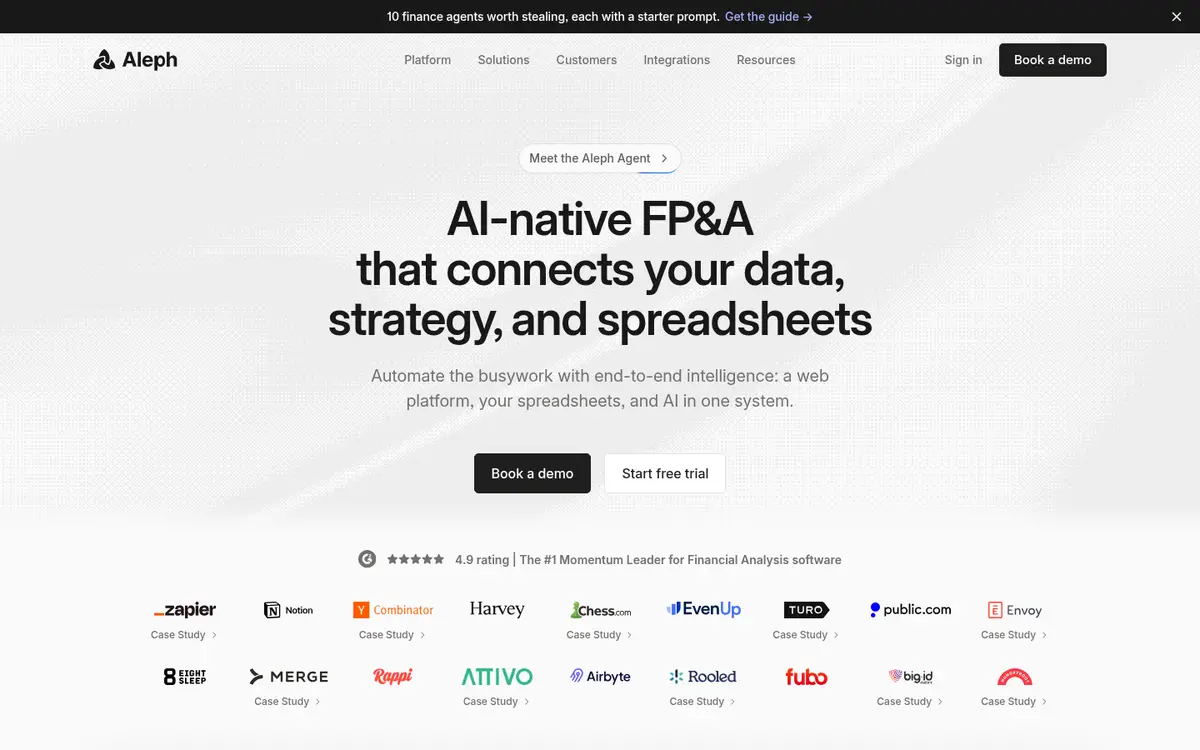
Aleph is a spreadsheet-native FP&A platform with two-way Excel and Google Sheets add-ins and AI agents. It serves finance teams at VC- and PE-backed mid-market companies, PE funds and fractional CFO firms.
Aleph consolidates data through more than 150 no-code connectors and writes it into your workbook with custom functions such as GETDATA. Refreshes run on a schedule or on event triggers, and you can drill down to the transaction behind a number. Headcount planning, a 13-week cash flow and portfolio rollups are built in. Aleph says you can keep your reporting packages, models and planning sheets as they are.
Its AI includes Scan for variance and flux analysis with plain-language drivers, the Aleph Agent in Slack, Teams and the web app, which inherits permissions and cites sources, and Agentic Budgeting, where agents build a starting point for each budget owner. Write actions have commit-level audit and rollback. Aleph MCP, launched on 6 May 2026, connects Claude, ChatGPT, Cursor and others, and each write is confirmed first.
Aleph and Datarails make the same core promise: keep your spreadsheets and connect them to live data. Aleph leans further into AI, with a dated MCP launch and audit and rollback on every write, and it adds portfolio rollups that suit PE funds. Datarails covers more of the finance back office, with close, a cash module with bank sync, and spend. Aleph has fewer connectors on paper: more than 150, against Datarails' 600 or more. Neither publishes a price; Aleph's pricing page returned a 404 in November 2026, but its homepage has a free trial link.
- Price
- No public price. Demo or trial link.
- Free option
- Free trial link on the homepage; free guides and templates.
Pros
- Audit and rollback on every write
- Portfolio rollups for PE funds
- Free trial link
Cons
- No public price
- No changelog or press page
Pick it if you want AI agents with audit and rollback on top of your existing spreadsheets.
4.Finamodel

Finamodel is a library of ready Excel financial models with an AI assistant called Fina. Datarails connects data to the models you already have; Finamodel gives you a model to start from, such as a cash flow model, and Fina changes it for your case. It is self-serve, with listed prices.
You open a model and ask Fina for what you need: a 13-week view of cash, a new revenue line, or an explanation of how working capital flows through the model. Fina builds, edits, explains and fixes the workbook, and version history lets you restore any earlier file. You download a real .xlsx file with every formula visible. It works without Finamodel and opens in Excel, Google Sheets and Numbers.
Read-only links to QuickBooks, Google Sheets, Google Drive and 42 other apps let Fina read your numbers. A voice walkthrough explains a model to a CEO or board member before a meeting. Because every formula is visible, your accountant can check the logic cell by cell before the model goes to the board. You can test it with one of 30 free models with live formulas, or a free sample of any other model without formulas, sent by email link.
Next to Datarails, Finamodel does far less. It does not consolidate data from hundreds of systems, refresh models on a schedule, run month-end close or sync bank accounts. It has no AI agents working in the background and no rollout team; support is by email. It is not an Excel add-in either: you work in the Finamodel app, then download. Where it helps is the step before a platform. A small team that does not yet have a solid cash flow or budget model can get one today at a listed price, keep using it in Excel, and later connect it to a platform such as Datarails.
How it works
- Pick a ready model, such as a DCF or a 3-statement model, from a library of more than 500.
- Ask Fina chat to change, explain or fix it for your case and your numbers.
- Download a real .xlsx file. Every formula is visible, and it works without Finamodel. It opens in Excel, Google Sheets and Numbers.
- Price
- Models plan: $20 a month or $120 a year. All Templates: $30 a month or $144 a year. You can cancel at any time.
- Free option
- 30 free models with live formulas, and a free sample of every other model, with values but no formulas. Both are sent by email link, one model email per email address per day. The library is free to browse.
Better than Datarails at
- Gives you the model, not only the data link
- Listed price, no demo or rollout
- A plain .xlsx file you keep
Worse than Datarails at
- No data consolidation or scheduled refresh
- No close, cash or spend modules
- Support is by email; no rollout team
Models that fit: Cash Flow Model, Budget vs Actuals Tracker, Board Reporting Pack.
Pick it if you need a solid cash flow or budget model before, or instead of, a platform.
5.LiveFlow
LiveFlow syncs QuickBooks Online data live into Excel and Google Sheets, with Xero also named on its product pages. It is built for accounting firms that report for many clients and for in-house teams with several entities.
After a one-time connection, reports refresh automatically and new general ledger accounts flow into your models. Multi-entity consolidation maps accounts, handles multiple currencies and rolls up departments. FinanceIQ adds departmental budgeting. A connector for AI assistants lets your AI agent pull any QuickBooks report live into a sheet, with the source and refresh time on every figure.
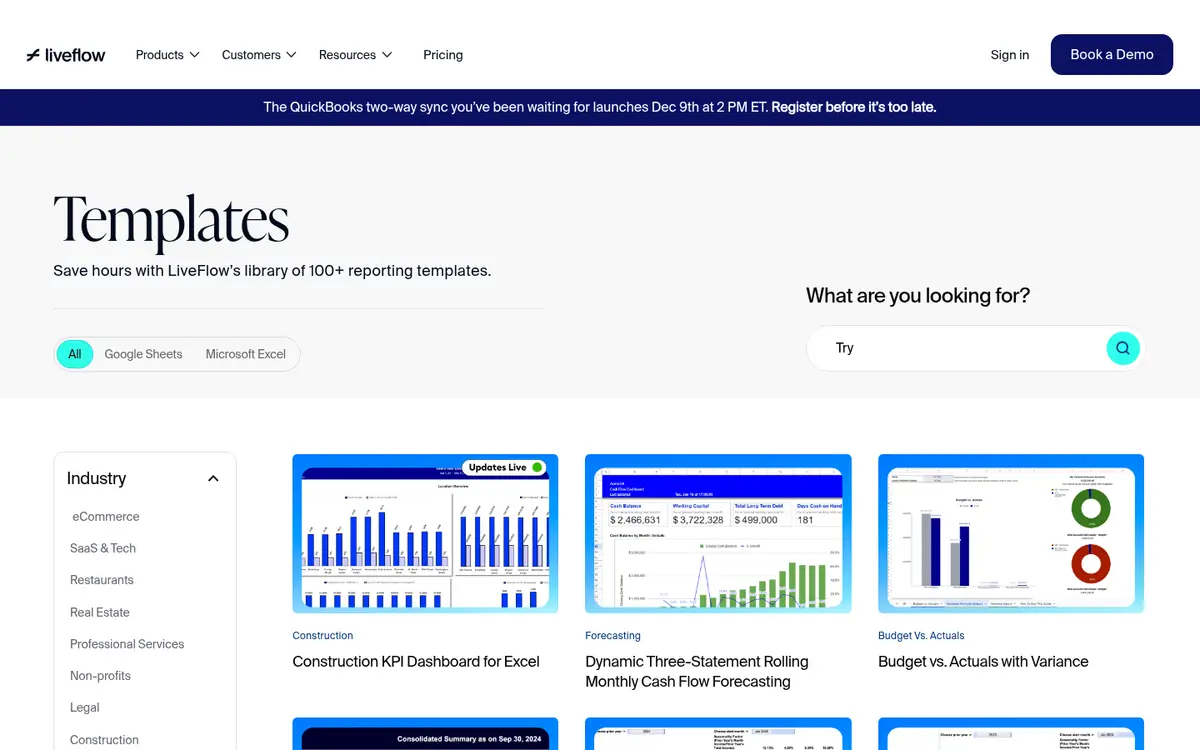
Its library of more than 100 reporting templates is free, with KPI dashboards, budget vs actuals with variance and a rolling three-statement cash flow forecast. That makes it easy for a CAS practice to standardise client reporting in spreadsheets, or for a multi-entity company on QuickBooks to stop pasting exports. Staff keep the formatting and formulas they already know, because the data lands in their own sheets.
LiveFlow is the smaller, more focused tool. Datarails pulls from more than 600 sources and adds close, cash and spend modules; LiveFlow is built around QuickBooks and Xero and concentrates on data sync and consolidation. If your books live in QuickBooks Online and your team works in spreadsheets, LiveFlow may be all you need. If you run an ERP, a CRM and an HR system, Datarails fits better. Neither publishes a price: LiveFlow's pricing page says pricing is tailored to what you need. Its Flow ERP was listed with limited availability on 8 Nov 2026.
- Price
- No public price. Demo first.
- Free option
- Free reporting templates for Excel and Google Sheets.
Pros
- Live QuickBooks data in Excel and Google Sheets
- 100+ free reporting templates
- Built for firms with many client files
Cons
- No public price
- Needs QuickBooks or Xero as the data source
Pick it if your books are in QuickBooks Online and you mainly need live data in spreadsheets.
6.Clockwork

Clockwork is AI-native FP&A software that builds a 5-year three-statement model, a 52-week cash flow forecast and dashboards from QuickBooks, Xero or a spreadsheet. It sells to businesses and to accounting, CPA and fractional CFO firms.
You connect QuickBooks or Xero, and the AI builds the model and the forecast; Clockwork's homepage says there is nothing to implement or maintain. Mira, its insights feature, answers questions against the model and flags issues to review, and advisory firms get a client portal. Excel and Google Sheets can be used as inputs.
It suits a business owner or a small finance team without the time to build a model, and an advisory firm that wants a ready model for each new client. Firm plans include unlimited users, and Clockwork offers firms a guarantee: sign your next advisory client, or Clockwork is free until you do. It calls itself an official Thomson Reuters FP&A partner with more than 1,000 users.
Clockwork takes the opposite approach to Datarails. Datarails keeps your own Excel models and feeds them data; Clockwork builds the model for you and keeps it in its web app, with Excel and Google Sheets as inputs only. That trade is worth it if you have no model to keep. Clockwork publishes prices: business plans start at $719 a month, and firm plans cost $1,499, $2,999 or $5,999 a month, billed yearly, which is 25% less than monthly. There is a 14-day free trial. Datarails, by contrast, needs a custom quote and covers close, cash and spend as well.
- Price
- Businesses from $719 a month. Firms from $1,499 a month, billed yearly.
- Free option
- 14-day free trial. Firms get a 90-day client guarantee.
Pros
- AI builds the model from your books
- Published prices and a 14-day trial
- Unlimited users on firm plans
Cons
- The model stays in the web app
- Business plans start at $719 a month
Pick it if you have no model to keep and want one built from your books.
Who should pick what
Datarails suits a small or mid-market finance team that already has Excel models worth keeping and wants live data, close and cash around them. If that is not you, the question is whether you need more control, less platform, or a model built for you.
- Excel-native FP&A with close, cash and spend for a small or mid-market team: Datarails.
- A similar platform with more approvals, Microsoft depth or AI agents: Cube, Vena or Aleph.
- QuickBooks-based teams: LiveFlow for live data in spreadsheets, Clockwork for a model built by AI.
- A ready cash flow, budget or reporting model in Excel at a listed price: Finamodel.
Get written quotes from Datarails, Cube and Vena for the same number of users, entities and integrations, since each prices on a different basis. Ask each one which AI agents are live and when they shipped. If the quotes come back higher than the problem is worth, test the lighter tools first: Clockwork has a free trial and Finamodel a free model.
Frequently asked
How much does Datarails cost?+
Datarails shows no public price. You get a custom quote in one of three tiers: 2 users and 1 integration, 5 users and 2 integrations, or 15 users, 50 viewers and 3 integrations. We last checked on 10 Nov 2026.
Is there a free version of Datarails?+
No free plan or trial is listed. Datarails offers free Excel templates and three free FinanceOS Academy courses. Among Datarails alternatives, Cube, Aleph and Clockwork offer free trials, and Finamodel gives 30 free models with live formulas and a free sample of every other model.
What are the main Datarails alternatives?+
For FP&A platforms that keep you in Excel: Cube, Vena and Aleph. For QuickBooks-based teams: LiveFlow for live data in spreadsheets and Clockwork for a model built by AI. For a ready Excel model that AI changes for your case: Finamodel.
Datarails vs Finamodel: which should I pick?+
Pick Datarails if your team has Excel models worth keeping and wants live data, close and cash around them. Pick Finamodel if you need a ready Excel model now, at $20 a month or $120 a year.
Does Datarails work with Google Sheets?+
Yes. Native Google Sheets support with Datarails formulas has been available since 1 Oct 2026, next to Excel.
Does Datarails have AI?+
Yes. Datarails AI includes Strategy, Reporting and Planning agents and scheduled AI Insights, and Storyboards turn data into presentations. The FinanceOS AI Connector links Claude, ChatGPT, Copilot and others. Its official pages give no release dates for the agents or the Claude Code plugin.
Sources for Datarails (7), last checked 10 Nov 2026+
- datarails.com · Pricing tiers (custom quote) · 10 Nov 2026
- datarails.com · Homepage positioning · 10 Nov 2026
- datarails.com · FP&A product · 10 Nov 2026
- datarails.com · Datarails AI · 8 Nov 2026
- datarails.com · AI Connector (MCP) · 8 Nov 2026
- datarails.com · Free Excel templates · 10 Nov 2026
- academy.financeos.com · FinanceOS Academy · 10 Nov 2026
Each alternative's own page lists its sources.


