 By Alex Tapio
 Vena alternatives
People look for Vena alternatives for a few reasons. There is no public price; even its pricing resources page describes roles without figures, so every buyer goes through a demo. Several Vena AI agents are still in beta or marked coming soon. Teams that use Google Sheets as well as Excel need a tool that supports both. And a smaller company may want something lighter than an enterprise planning and close platform.
What is Vena?
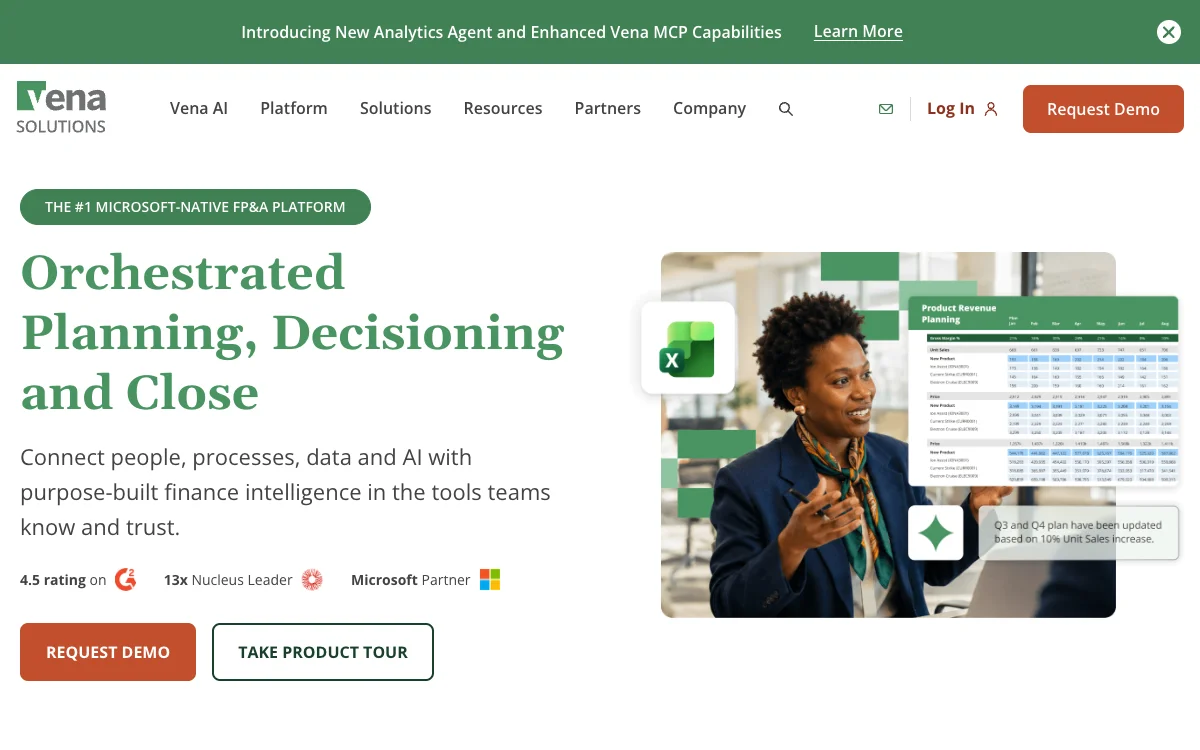
Vena is an Excel-native FP&A and close platform built on its own CubeFLEX database. Finance teams plan, model and report in Excel, with templates, workflows, ERP, CRM and HR integrations, and Power BI dashboards through Vena Insights. Vena also covers financial consolidation, close, reconciliations and tax provisioning. Vena AI adds agents for planning and reporting in Excel, Power BI and Teams. It sells to mid-market and enterprise finance teams that have standardised on Microsoft 365, and it calls itself Microsoft-native.
Vena at a glance
Vena publishes no dollar price. Its pricing resources page lists plan roles, such as Contributors who add to plans and budgets, without prices. What you get is Excel-native planning, reporting and dashboards on CubeFLEX, consolidation and close tools, role-based access and audit trails, and Vena AI. The Planning and Reporting agents are generally available, the Analytics Agent is in open beta and the Scenario Agent is coming soon. Free Excel templates need only a copy of Excel.
Quick picks
The table lists Vena first, then each alternative in the order below. Cube, Datarails and Aleph are FP&A platforms that also keep teams in their spreadsheets, and none of them publishes a price either. Copilot in Excel and Pluvo are AI tools rather than planning platforms. For a Vena buyer, the works column matters: only some tools support Google Sheets, Power BI or Teams.
| Tool | Best for | Type of tool | Price (entry plan) | Works in | Free option | Builds the model for you | Excel file you keep | AI edits your file | Templates library |
|---|---|---|---|---|---|---|---|---|---|
| Microsoft 365 planning and close | FP&A and close platform | Demo only | Excel, Power BI, Teams | Yes: Free Excel templates | Yes: Budgets from natural language | Yes: Excel-native | Yes: Planning Agent in Excel | Yes: Free Excel templates |
 | Mid-market FP&A in Excel and Sheets | FP&A platform | Custom quote | Excel, Sheets, web, Slides | Yes: Free trial, free templates | Not stated: Not stated | Yes: Two-way Excel sync | Yes: Agents propose changes | Yes: Free finance templates |
 | Excel-native FP&A for SMBs | FP&A platform | Custom quote | Excel, Google Sheets, web | Yes: Free templates and courses | Not stated: Not stated | Yes: Your models, unchanged | Not stated: Excel edits not stated | Yes: Free Excel templates |
 | AI inside your own workbooks | Built into Excel | Not checked | Excel, PowerPoint, Word | Not stated: Not stated | Yes: Three-statement completion skill | Yes: Your own workbook | Yes: Finance skills in Excel | Not stated: Not stated |
 | A ready Excel budget workbook | Ready models + AI | $20/mo or $120/yr | Web app, Excel file | Yes: 30 models + free samples | Yes: Fina chat builds it | Yes: .xlsx, formulas visible | Yes: Fina chat edits it | Yes: 500+ models |
 | Spreadsheet-native FP&A, backed companies | FP&A platform | Demo only | Excel, Google Sheets, web | Yes: Free trial link | Yes: Agents draft budgets | Yes: Keeps your models | Yes: Agents write, you confirm | Yes: Free guides and templates |
 | Traceable AI answers for finance | AI finance agents | Contact sales | Web app | No: None listed | Yes: Agents produce forecasts | Not stated: Excel export not stated | No: Reports in its app | Not stated: Not stated |
yes · no · not stated in the vendor's sources. Hover a mark for details. From each vendor's own site; prices change, so check before you buy.
1.Cube
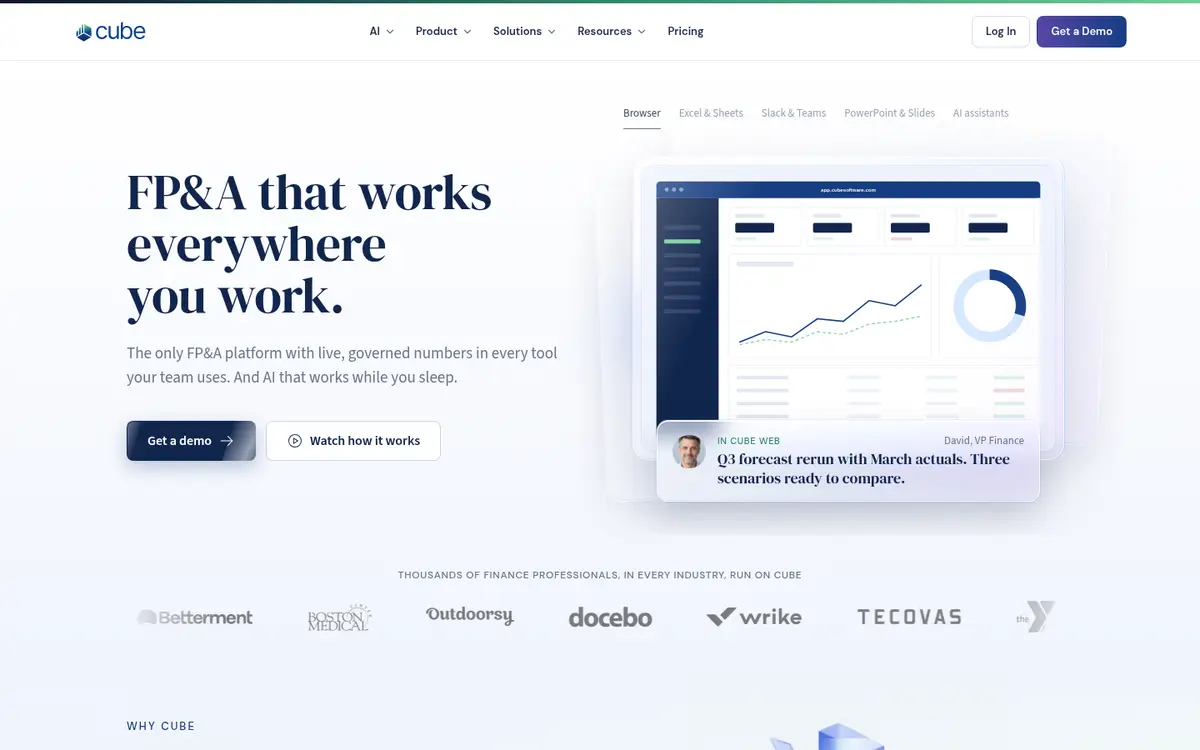
Cube is an FP&A platform with two-way sync to Excel and Google Sheets, and planning, reporting and consolidation modules with AI agents on top. It is built for mid-market and enterprise finance teams and calls itself an Agentic FP&A Platform.
Actuals land in your spreadsheet model, and edits you make there flow back to Cube. Planning covers revenue, headcount, expense, cash and scenarios. Reporting adds variance analysis and multi-entity eliminations, and PowerPoint and Google Slides decks refresh from the same numbers. ERP, CRM and HRIS connectors bring the data in, and every query, edit and approval is logged.
Four FP&Agent teams, Data Managers, Analysts, Planners and Business Partners, run on schedules or triggers and propose changes that finance must approve. The Cube MCP Server gives Claude, ChatGPT, Copilot and Gemini governed reads and permissioned write-back proposals, and Slack and Teams apps bring answers into chat. Free templates cover Excel, Google Sheets, PowerPoint and Google Slides.
Cube is the closest match to Vena for a team that wants to keep Excel. The key difference is the ecosystem. Vena is built around Microsoft, with Power BI and Teams, and adds close, reconciliations and tax provisioning. Cube works with Google Sheets and Google Slides as well as Excel and PowerPoint, and has unlimited users on every plan. Neither shows a price, but Cube at least explains its tiers: Bronze for 1 legal entity, Silver for up to 10 and Gold for up to 50. Cube also offers a free trial on its homepage, which Vena does not list. Its accuracy study for Claude with Cube is its own and unverified.
- Price
- Custom quote by plan: Bronze (1 entity), Silver (up to 10), Gold (up to 50).
- Free option
- Free trial and free finance templates.
Pros
- Works in Google Sheets as well as Excel
- Unlimited users on every plan
- Every query, edit and approval logged
Cons
- No public price
- Its AI accuracy claim comes from its own study
Pick it if your team uses Google Sheets as well as Excel and wants a governed FP&A platform.
2.Datarails
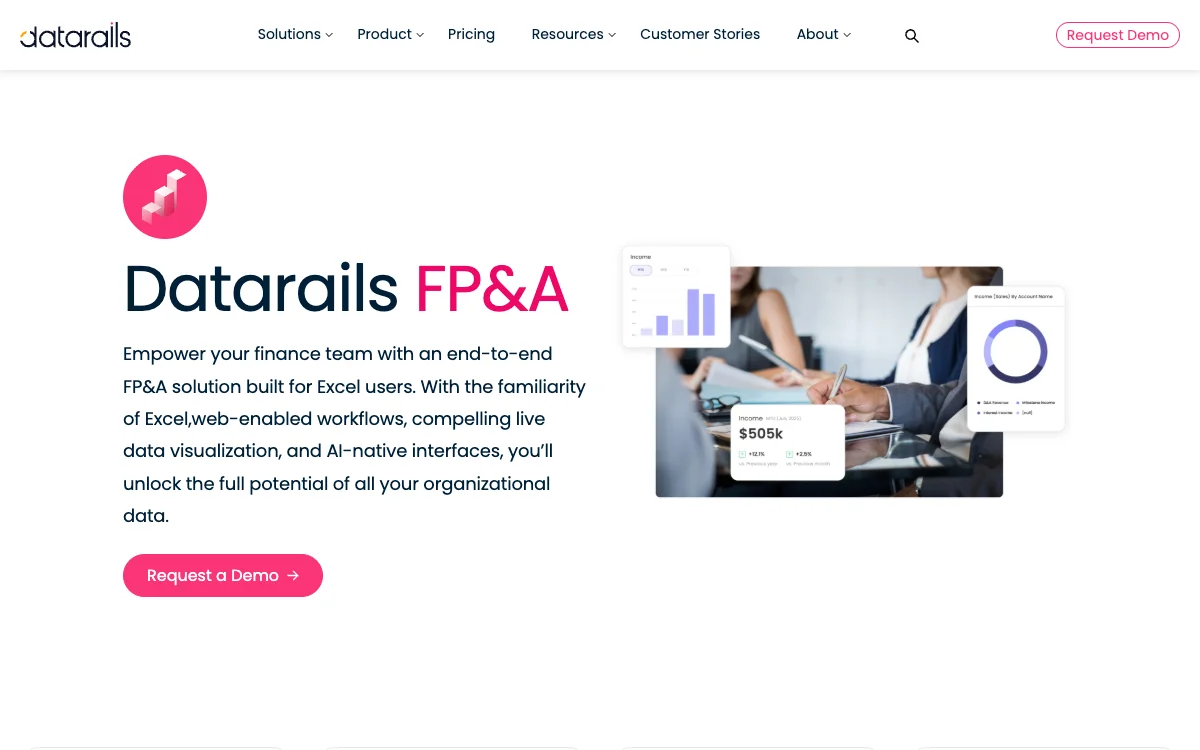
Datarails sells FinanceOS, a platform connected to Excel and Google Sheets that consolidates data for FP&A, reporting, month-end close, cash forecasting and spend. It is built for the office of the CFO at small and mid-market firms.
Teams keep their existing models: Datarails says it is 100% Excel-native, with your models unchanged. Data from more than 600 sources, across systems, entities and spreadsheets, refreshes in one click or on a schedule. Google Sheets got native support with Datarails formulas on 1 Oct 2026. Modules for close, for cash, with bank sync and a 13-week forecast, and for Desk and Spend sit beside FP&A.
Strategy, Reporting and Planning agents and scheduled AI Insights make up Datarails AI, and Storyboards turn data into presentations in two clicks. The FinanceOS AI Connector reaches Claude, ChatGPT, Copilot and others, with a Claude Code plugin that lists 37 FP&A skills. New users can take three free FinanceOS Academy courses and download free Excel templates.
Datarails covers similar ground to Vena: Excel-native FP&A plus close and cash. It aims at smaller firms, with tiers from 2 users and 1 integration up to 15 users, 50 viewers and 3 integrations, while Vena aims at mid-market and enterprise teams. Vena goes further on consolidation, tax provisioning and Power BI; Datarails adds Google Sheets, a cash module with bank sync, and spend. Both quote prices through sales. Datarails' AI and connector pages give no dates, and some Vena agents are still in beta, so in both demos ask what is live today.
- Price
- Custom quote, in three tiers by users and integrations.
- Free option
- Free Excel templates and three free FinanceOS Academy courses.
Pros
- Keeps your Excel models unchanged
- Google Sheets support
- Cash module with bank sync and a 13-week forecast
Cons
- No public price
- No dates given for its AI agents
Pick it if you run finance at a small or mid-market firm and want Excel-native FP&A with close and cash.
3.Microsoft Copilot
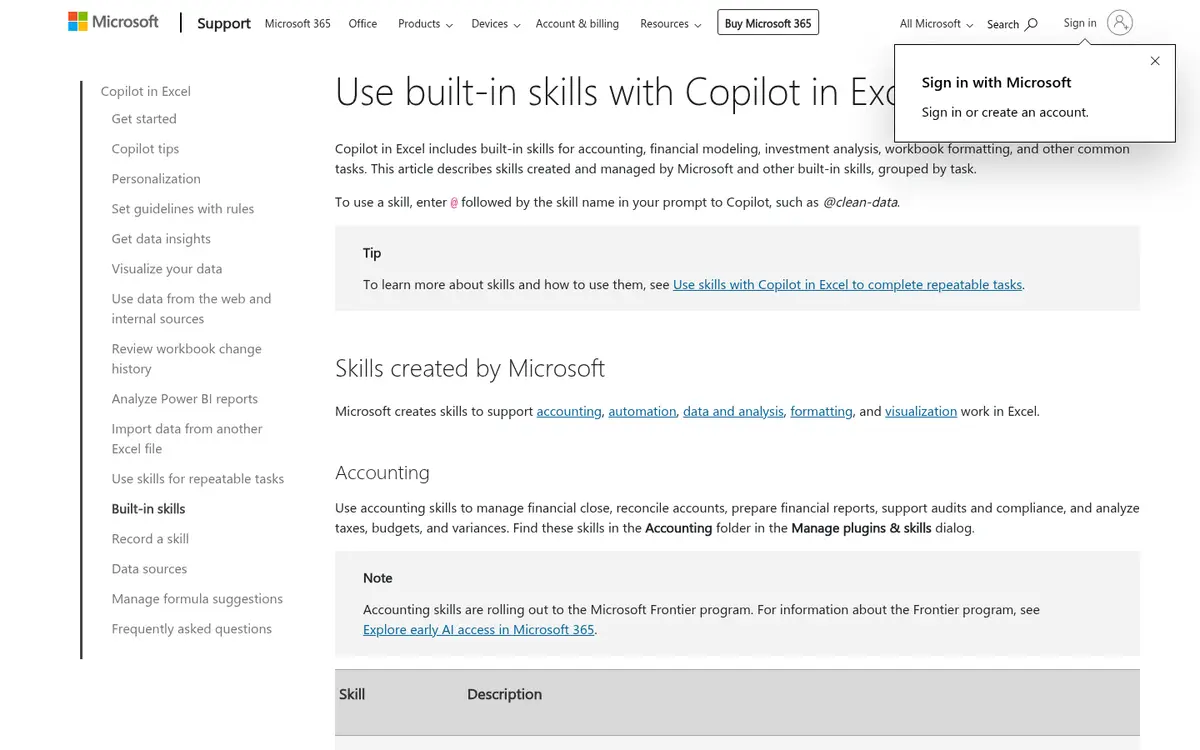
Copilot in Excel is Microsoft's AI assistant inside Microsoft 365. Its built-in finance skills, called with @, include three-statement completion, LBO, merger, comps, model check, returns, unit economics and data packs.
Copilot works on the workbook you have open. Its model check searches for circular references, broken formulas, hardcoded overrides, balance sheet imbalances, cash flow mismatches and logic gaps. It can explain a workbook's change history and reverse selected edits, and a skill recorder lets a team save its own repeat workflows. Agent Mode, generally available on Windows since 27 Jan 2026, plans steps, acts in the workbook and checks the results.
Agent Mode can also create workbooks, fix formulas and build charts and PivotTables. Accounting skills for reconciliation, close, statements, variances and tax are rolling out through the Frontier early-access program, not general release. Partner plugins include QuickBooks, Xero and Zoho Books, and Copilot in PowerPoint turns work into decks with the firm's existing themes and writes speaker notes.
For a Vena customer, Copilot is less a replacement than a test of whether you need a platform at all. Vena already connects Microsoft Copilot to Vena data through its MCP Server, and both live in the Microsoft world. What Copilot lacks is everything around the spreadsheet: a planning database, consolidation, budget workflows and role-based access. If your planning is a handful of workbooks owned by a small team, Copilot inside Excel may cover it. Microsoft states that Copilot does not give accounting, tax, audit or financial advice, and we did not check its plan prices for this page.
- Price
- Part of Microsoft 365 Copilot and some consumer plans. We did not check the price.
- Free option
- None listed.
Pros
- Already inside Excel
- Checks models for circular references and imbalances
- Explains and can reverse workbook edits
Cons
- Price not checked here
- No planning database, consolidation or workflows
Pick it if a small team owns your planning workbooks and already has Microsoft 365 Copilot.
4.Finamodel

Finamodel is a library of ready Excel financial models with an AI assistant called Fina. You start from a finished workbook, such as a budget and forecast submission tracker, and Fina changes it for your case. It is self-serve, with listed prices and no demo.
You open a model and tell Fina what to change: add cost centres, roll the forecast forward a quarter, or explain a formula a colleague wrote. Fina builds, edits, explains and fixes the workbook, and version history lets you restore any earlier file. You download a real .xlsx file with every formula visible. It works without Finamodel and opens in Excel, Google Sheets and Numbers, so it fits a Microsoft 365 team without any setup.
Read-only links to QuickBooks, Google Sheets, Google Drive and 42 other apps let Fina read your figures. A voice walkthrough explains a model to a budget owner who did not build it. A typical request is "add a 5% price rise from July and show the new margin". You can test it with one of 30 free models with live formulas, or a free sample of any other model without formulas, sent by email link.
Next to Vena, Finamodel covers a small part of the job. It has no planning database, no workflows for collecting budgets, no consolidation or close module, no Power BI dashboards and no role-based access. Support is by email, and there is no rollout team. It is also not an Excel add-in: you work in the Finamodel app, then download the file. An enterprise finance team that runs planning and close across many people should stay with Vena or look at Cube and Datarails. A smaller company, or a team that needs one budget workbook or a consolidation model now, can start in Finamodel at a listed price.
How it works
- Pick a ready model, such as a DCF or a 3-statement model, from a library of more than 500.
- Ask Fina chat to change, explain or fix it for your case and your numbers.
- Download a real .xlsx file. Every formula is visible, and it works without Finamodel. It opens in Excel, Google Sheets and Numbers.
- Price
- Models plan: $20 a month or $120 a year. All Templates: $30 a month or $144 a year. You can cancel at any time.
- Free option
- 30 free models with live formulas, and a free sample of every other model, with values but no formulas. Both are sent by email link, one model email per email address per day. The library is free to browse.
Better than Vena at
- Listed price, no demo
- A plain .xlsx file that works without Finamodel
- Fina chat builds the workbook for you
Worse than Vena at
- No planning database or budget workflows
- No consolidation module, close tools or Power BI dashboards
- Support is by email; no rollout team
Models that fit: Budget and Forecast Submission Tracker, Group Consolidation and Eliminations Excel Model, Budget vs Actuals Tracker.
Pick it if you need one budget workbook or consolidation model now, not a platform rollout.
5.Aleph
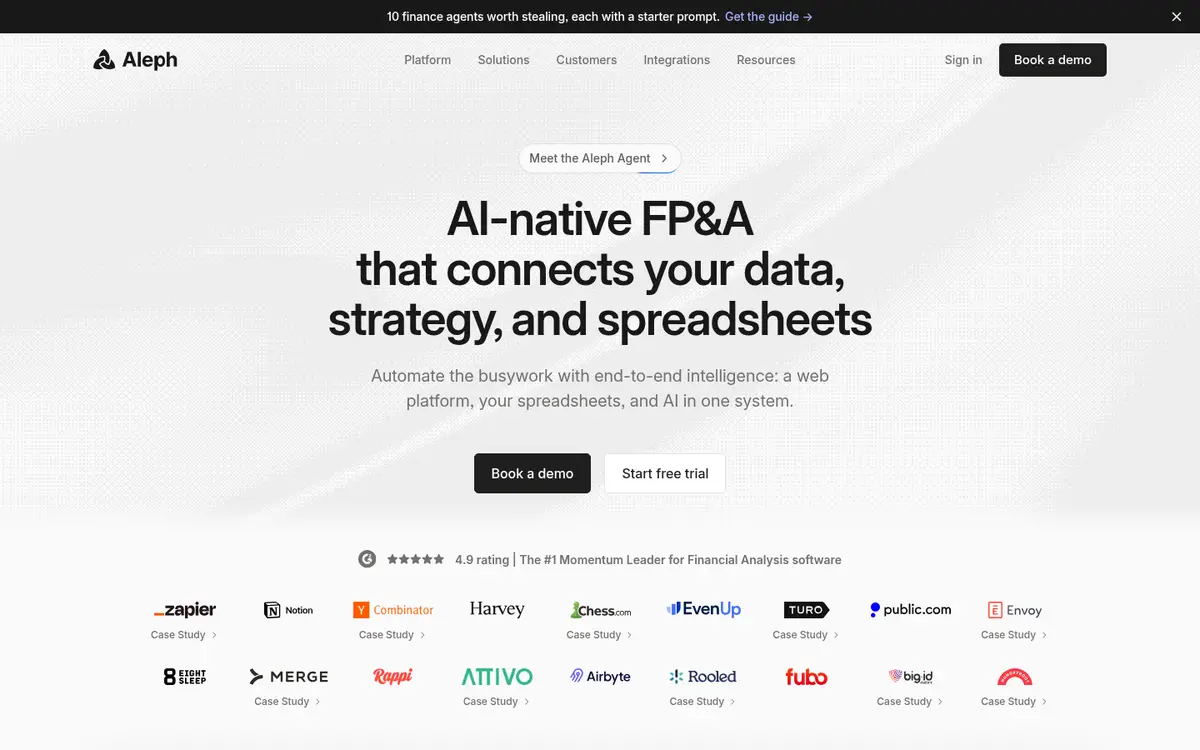
Aleph is a spreadsheet-native FP&A platform: a consolidation layer that feeds Excel and Google Sheets through two-way add-ins, with AI agents on top. Its buyers are CFOs and finance teams at VC- and PE-backed mid-market companies, PE funds and fractional CFO firms.
More than 150 no-code connectors pull in the data, and custom functions such as GETDATA place it in the workbook. Refreshes run on a schedule or an event trigger, with drill-down to transactions. Headcount planning, a 13-week cash flow and portfolio rollups are built in, and Aleph says reporting packages, models and planning sheets can stay as they are.
Scan explains variances in plain language. The Aleph Agent works in Slack, Teams and the web app, inherits each user's permissions and cites sources, and Agentic Budgeting gives each budget owner a starting point built by agents. Write actions carry commit-level audit and rollback. Aleph MCP, launched on 6 May 2026, opens the data to Claude, ChatGPT and Cursor, with each write confirmed before it runs.
Aleph suits a younger, investor-backed company better than Vena, which aims at larger Microsoft 365 organisations. It supports Google Sheets, which Vena does not list, and it puts its agents at the core of the product. It does not offer Vena's consolidation, close, reconciliation or tax provisioning tools, and our sources show no Power BI link. Pricing is just as closed: Aleph's pricing page returned a 404 in November 2026, and the homepage offers a free trial link and a demo. It had no changelog or press page when we checked.
- Price
- No public price. Demo or trial link.
- Free option
- Free trial link on the homepage; free guides and templates.
Pros
- Two-way Excel and Google Sheets add-ins
- Agents in Slack, Teams and the web app
- Audit and rollback on every write
Cons
- No public price
- No close, reconciliation or tax tools
Pick it if you are a VC- or PE-backed company, or a fund, that works in Excel and Google Sheets.
6.Pluvo
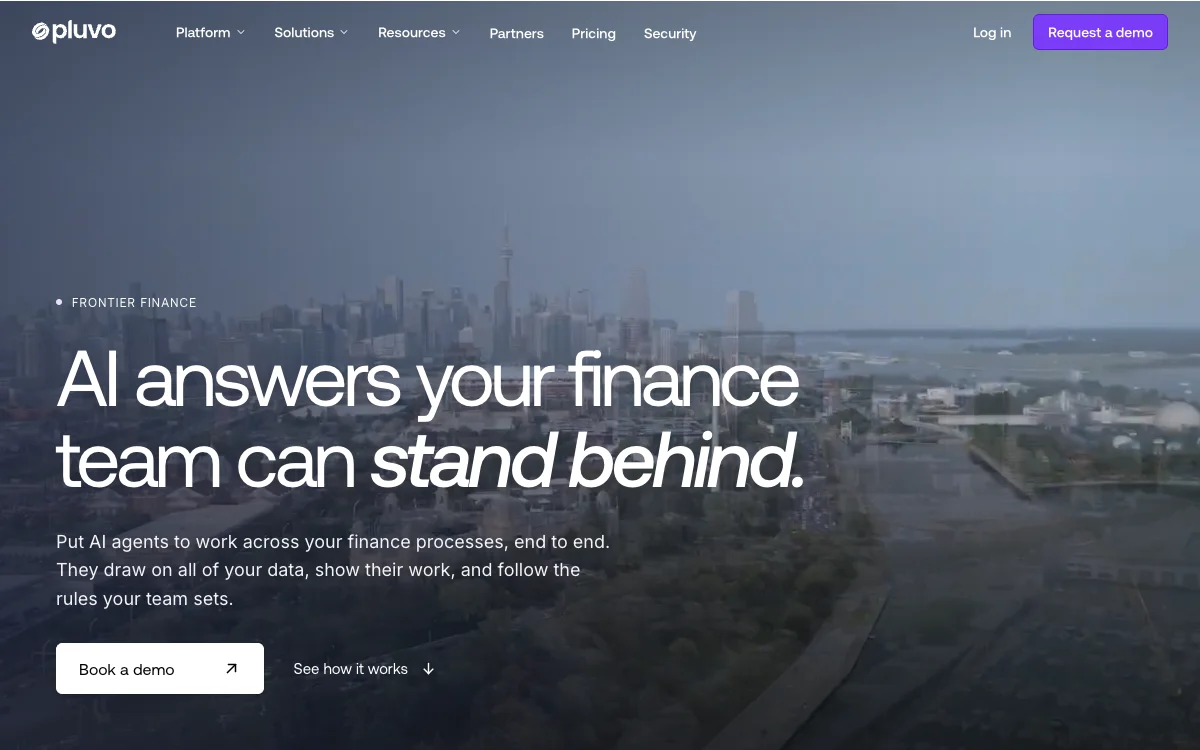
Pluvo provides AI agents for finance teams that connect finance systems and produce reports and forecasts where every number traces to source. It sells to the office of the CFO, and to fractional CFOs through a partner programme.
Its agents cover the monthly close, board narratives, variance drivers, runway scenarios and audit support. You ask in plain language and get a report in which you can trace any number back to its source. Integrations range from QuickBooks or Xero, CRM, billing and spreadsheets up to ERP, HRIS and data warehouses, and a plugin and an API let other AI tools answer from Pluvo's context.
Answers come with a policy and an audit trail. The Growth plan has unlimited users, reports and dashboards, and the Scale plan adds role-based access and SSO, for larger teams that sign in through their identity provider. A Proof of Value comes before a 12-month agreement, and the Proof of Value is credited toward year one.
Pluvo competes with the AI side of Vena, not with its Excel planning. Vena's agents build budgets and reports inside Excel and Power BI; Pluvo's agents answer questions and write reports in its own app, and Excel export is not stated. That suits a team whose main pain is explaining the numbers each month, more than building the plan. Buying is similar to Vena: Growth, Scale and Enterprise are all quoted by sales and billed yearly. Expect a formal process that starts with the Proof of Value, and plan for a full year once you sign.
- Price
- Quoted by sales, billed yearly. A Proof of Value comes before a 12-month agreement.
- Free option
- None listed. The Proof of Value is credited toward year one.
Pros
- Every number traces to its source
- Policy and audit trail on answers
- Unlimited users on Growth
Cons
- No public price; 12-month agreement
- Excel export not stated
Pick it if your team's main need is AI answers and reports it can defend, not an Excel plan.
Who should pick what
Vena makes most sense for a finance team that lives in Microsoft 365 and wants planning and close on one platform. The alternatives win when you need Google Sheets, a smaller platform, AI without a platform, or a single model. Decide which of those you are before you book demos.
- Microsoft-native planning, consolidation and close for a larger team: Vena.
- FP&A that keeps you in Excel and Google Sheets: Cube, Datarails or Aleph.
- AI in your own workbooks, or AI answers your team can trace: Copilot in Excel or Pluvo.
- A ready Excel budget or consolidation workbook at a listed price: Finamodel.
Ask every platform vendor the same three questions: what the plan costs for your users and entities, which AI agents are generally available today, and which spreadsheet tools are supported. Vena, Cube, Datarails, Aleph and Pluvo all quote prices through sales, so a written quote on one setup is the only fair way to compare them.
Frequently asked
How much does Vena cost?+
Vena shows no public price. Its pricing resources page describes plan roles, such as Contributors, without dollar figures, so you need a demo for a quote. We last checked on 10 Nov 2026.
Is there a free version of Vena?+
No free plan or trial is listed. Vena's Excel templates are free and need only a copy of Excel. Among Vena alternatives, Cube and Aleph offer free trials, and Finamodel gives 30 free models with live formulas and a free sample of every other model.
What are the main Vena alternatives?+
For FP&A platforms that keep you in your spreadsheets: Cube, Datarails and Aleph. For AI inside Excel: Copilot in Excel. For traceable AI answers and reports: Pluvo. For a ready Excel model that AI changes for your case: Finamodel.
Vena vs Finamodel: which should I pick?+
Pick Vena if your finance team runs on Microsoft 365 and needs planning, consolidation and close on one platform. Pick Finamodel if you need one ready Excel model now, at $20 a month or $120 a year.
Which Vena AI agents are available?+
As of November 2026, the Planning Agent, generally available since May 2026, and the Reporting Agent are live. The Analytics Agent is in open beta, and the Scenario Agent is marked coming soon. A Vena MCP Server, generally available since May 2026, connects Claude, ChatGPT and Microsoft Copilot to Vena data.
Does Vena work with Google Sheets?+
Vena's listed formats are Excel, a PowerPoint add-in, Power BI and Teams. Google Sheets is not listed in our sources. Cube, Datarails and Aleph all support Google Sheets.
Sources for Vena (7), last checked 15 Nov 2026+
- venasolutions.com · Homepage positioning · 10 Nov 2026
- venasolutions.com · Pricing resources page (no prices) · 10 Nov 2026
- venasolutions.com · Vena AI · 10 Nov 2026
- venasolutions.com · Agent statuses · 8 Nov 2026
- venasolutions.com · Free templates · 10 Nov 2026
- venasolutions.com · Consolidation GA · 8 Nov 2026
- venasolutions.com · Audit trails · 15 Nov 2026
Each alternative's own page lists its sources.


