 By Alex Tapio
 Finmark alternatives
People look for Finmark alternatives for three reasons. Many simply want the old product back: they used Finmark, or read an older review, and found that the standalone app is gone. Others cannot use the BILL module, because it needs a Teams, Corporate or Enterprise plan and an active QuickBooks Online sync. And some need more than a cash forecast: a full three-statement model, a budget by department or a model for investors.
What is Finmark?
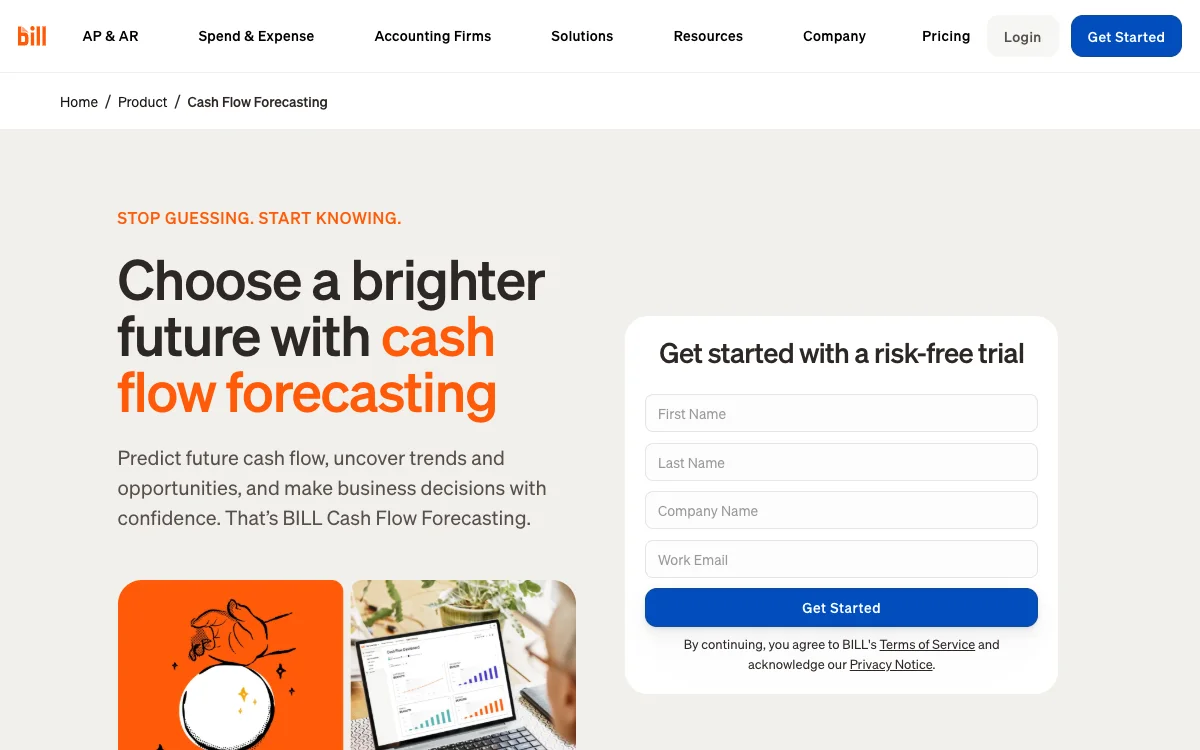
Finmark no longer exists as a brand. It was FP&A and cash flow software for small and midsize businesses, and BILL completed its purchase of the company on 16 Nov 2022. Today finmark.com redirects to bill.com, and Finmark's work lives on as BILL Cash Flow Forecasting, a module inside BILL's platform for payables, receivables and spend. The module builds cash forecasts of up to 13 months from QuickBooks Online data. Its users are businesses on BILL plans and accounting firms on BILL partner plans.
Finmark at a glance
There is no Finmark price any more. BILL Cash Flow Forecasting comes bundled with BILL plans: you need the Teams, Corporate or Enterprise plan and a QuickBooks Online sync. We did not capture BILL's plan prices. The module shows cash in, cash out, net cash flow and balance, forecasts up to 13 months from your ledger, lets you test decisions such as a new hire and tracks budget vs actual.
Quick picks
The first row is Finmark as it is today: a module inside BILL. The alternatives cover what former Finmark users miss most. Some are FP&A software that plans from your books, one is an Excel add-in, and one is a set of AI agents. Check "Works in" first: several of these need QuickBooks Online, just as BILL does.
| Tool | Best for | Type of tool | Price (entry plan) | Works in | Free option | Builds the model for you | Excel file you keep | AI edits your file | Templates library |
|---|---|---|---|---|---|---|---|---|---|
| Cash forecasts inside BILL | Module in BILL | Part of BILL plans | Web, QuickBooks Online | Not stated: Not stated | Yes: From your ledger | No: Web app only | No: Predictive forecasts only | No: Not a library |
 | Driver-based SMB planning | FP&A software | Firms from $50 a month | Web, QuickBooks, Xero, Excel | No: Demo only | No: You set drivers | No: Web app | No: Auto Forecast AI | Yes: Industry templates |
 | An AI CFO for founders | AI FP&A software | From $375 a month | Web, Slack, Excel export | Yes: 14-day trial | Yes: Ari builds it | Yes: Excel export | No: Edits its own model | No: Built from your data |
 | QuickBooks models inside Excel | Excel add-in | $150 or $300 a month | Excel, QuickBooks Online | Yes: First model free | Yes: From QuickBooks data | Yes: Excel files you own | No: No AI noted | Yes: 10+ dashboards |
 | A cash model in Excel | Ready models + AI | $20/mo or $120/yr | Web app, Excel file | Yes: 30 models + free samples | Yes: Fina chat builds it | Yes: .xlsx, formulas visible | Yes: Fina chat edits it | Yes: 500+ models |
 | Low-cost AI finance agents | AI finance agents | $30 or $50 a month | Web, QuickBooks, Xero | Yes: 14-day trial | Yes: Reads your books | No: No Excel output | No: Agents, not models | No: Not a library |
 | Accounting firms reporting for clients | Reporting + planning | From $149 a month | Web, QuickBooks, Xero, Excel | Yes: 30-day trial | No: You set it up | No: Web app | No: AI analytics feature | Not stated: Not stated |
yes · no · not stated in the vendor's sources. Hover a mark for details. From each vendor's own site; prices change, so check before you buy.
1.Jirav
Jirav is driver-based FP&A software for budgets, three-statement forecasts, reporting and dashboards. It sells to accounting and CFO advisory firms and directly to small, midsize and VC-funded companies.
You connect QuickBooks Online, Xero or Sage Intacct, and set drivers such as headcount or growth rates. Jirav then forecasts the profit and loss, balance sheet and cash flow, from 1 to 7 years out. It also handles annual and department budgets with budget vs actuals, cash and working capital forecasts, rolling forecasts and workforce planning. Its Auto Forecast AI gives you a baseline forecast to start from.
This is close to what Finmark did before BILL bought it: planning for small businesses from their accounting data. It also fits accounting firms that sell FP&A to clients, because firm plans include industry templates and white labelling. Firms can resell it under their own brand, and businesses can start from a ready industry template rather than a blank plan.
Where Jirav beats BILL Cash Flow Forecasting is scope. It covers the full three statements over up to 7 years, not 13 months of cash, and it does not tie you to BILL. Firm prices are public: Controller Essentials starts at $50 a month with 2 plans and a 1-year forecast, and CFO Enterprise at $150 a month with 5 active scenarios and a 7-year forecast. Businesses buying direct pay much more, with STARTER at $10,000 a year and PRO at $15,000 a year. There is no free trial, the pages are demo-led, and the model stays in Jirav's web app.
- Price
- Firm plans from $50 and $150 a month. Business plans $10,000 and $15,000 a year.
- Free option
- No free trial noted; demo only.
Pros
- Full three-statement forecasts up to 7 years
- White-label plans for accounting firms
- QuickBooks, Xero and Sage Intacct links
Cons
- Direct business plans from $10,000 a year
- Demo only, no free trial
Pick it if you want full SMB planning from your books, or you sell FP&A to clients.
2.cfo.ai
cfo.ai, formerly Runway, sells Ari, an AI agent that acts as a CFO. Ari builds a company's financial model from chat and keeps it current with data from accounting and business systems.
Ari connects to the ledger, bank and payroll, keeps one live model of the company and flags changes. Named integrations include NetSuite, QuickBooks, Rippling, ADP, Mercury, Brex, Stripe, HubSpot and Excel. You ask questions in plain words and Ari answers with upside, base and downside scenarios. It also prepares monthly packs, drafts board decks and runs scheduled tasks it calls Triggers. If you already keep a spreadsheet model, cfo.ai can import it and build a tie-out page that bridges the workbook to its own model.
cfo.ai targets founders, chiefs of staff, finance teams and fractional CFOs. Fractional CFO practices pay a partner rate from $262.50 per client per month, billed yearly, which makes it an option for firms that plan for several clients.
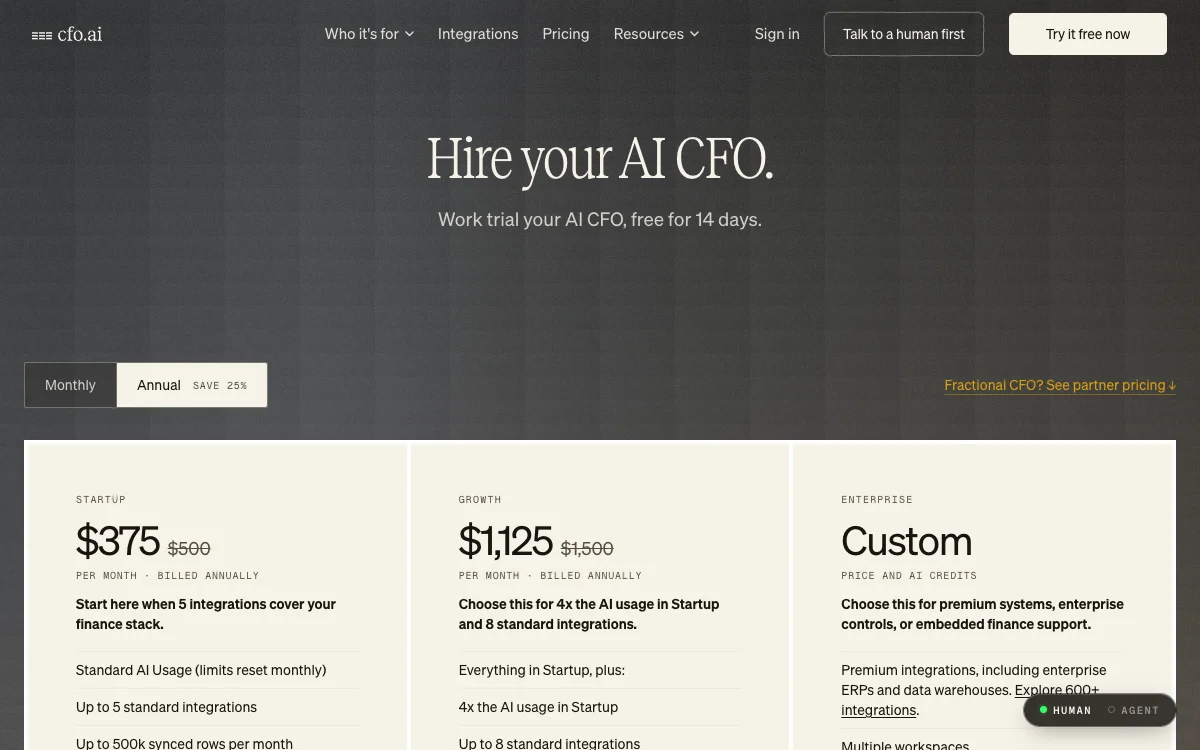
Unlike BILL's module, cfo.ai does not need a particular payments platform or QuickBooks Online alone, and it builds a full company model, not only a cash forecast. Its pricing page says the math runs on a deterministic engine and that every figure traces back to its inputs and source rows. The cost is the hurdle. Startup is $375 a month billed yearly, or $500 month to month, and Growth $1,125 a month billed yearly. If you only need a 13-month cash view and already pay for a qualifying BILL plan, the module costs less. cfo.ai has a 14-day free trial, and the model lives in its app, with an Excel export.
- Price
- Startup $375 a month billed yearly ($500 monthly). Growth $1,125 a month billed yearly.
- Free option
- A 14-day free trial.
Pros
- Full company model from many systems
- Plain-language scenarios
- Partner rate for fractional CFOs
Cons
- From $375 a month
- Model lives in its app
Pick it if you want an AI CFO that keeps a full model current from your systems.
3.ModelWiz
ModelWiz is an Excel add-in that builds financial models and dashboards from QuickBooks Online data. A one-click Roll Forward refreshes them each month.
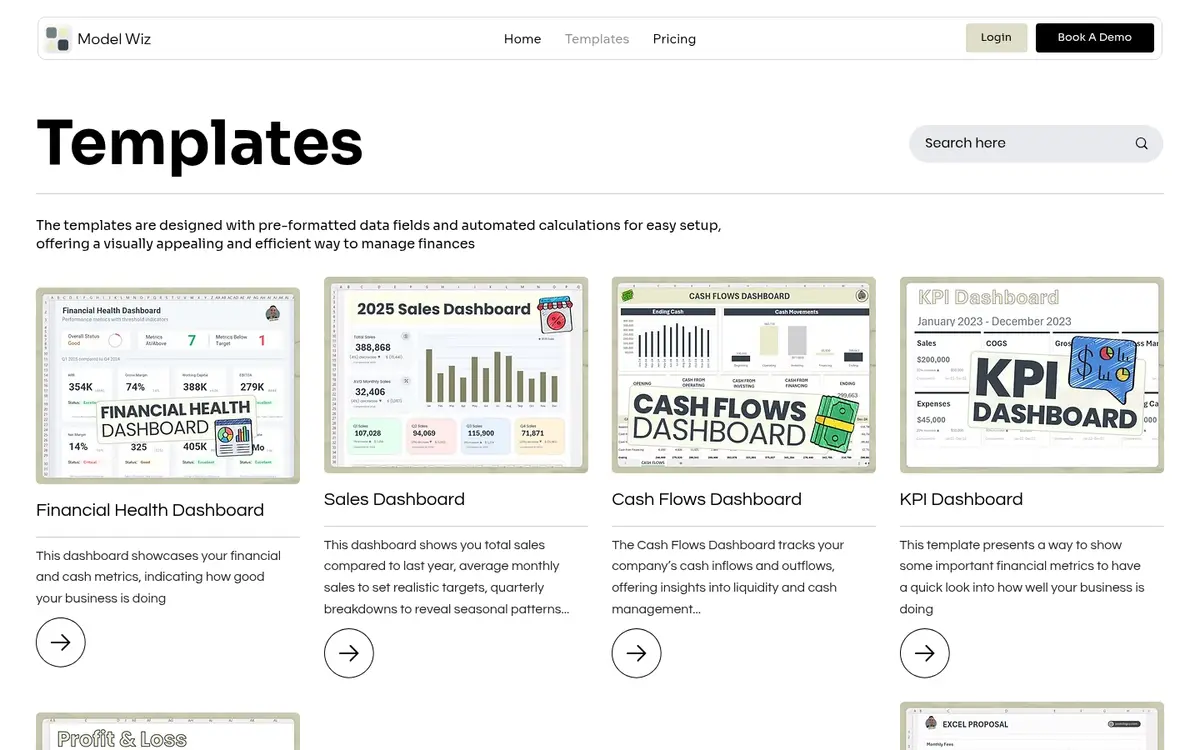
Setup takes 5 to 10 minutes, according to ModelWiz. You connect QuickBooks Online and it builds a three-statement model with projections, plus more than 10 dashboards: financial health, sales, cash flows, KPIs, hiring, SaaS metrics and budget vs actuals. Each month, Roll Forward adds new accounts while it keeps your custom formulas and projections. Red cells flag any discrepancy, and you can export a PDF in one click.
Its users are CFOs, finance leads, fractional CFOs, accounting firm owners and CEOs who live in Excel. If you liked Finmark's link to your books but want the numbers in a spreadsheet, it is a natural replacement. Unlimited users per company connection means an owner, an accountant and a bookkeeper can all use it without paying for extra seats.
The main gain over BILL Cash Flow Forecasting is the file. ModelWiz says its templates are simply Excel files that you completely own. Pricing is monthly with no annual contract, and you can cancel at any time. The FAQ lists a Dashboard plan at $150 a month and a Forecast plan at $300 a month, each for 3 companies with unlimited users, while the pricing page itself asks you to book a demo. The limits are clear. It works with QuickBooks Online only, with no QuickBooks Desktop, and Xero and NetSuite are still on the roadmap. You cannot bring your own templates yet, and the dashboards show fixed metrics.
- Price
- Dashboard plan $150 a month and Forecast plan $300 a month, each for 3 companies.
- Free option
- Your first Excel model is free.
Pros
- Excel files you own
- Roll Forward keeps your custom formulas
- Unlimited users per company
Cons
- QuickBooks Online only
- Cannot use your own templates yet
Pick it if your books are in QuickBooks Online and you want the model in Excel.
4.Finamodel

Finamodel is a library of ready Excel financial models with an AI assistant called Fina. It does not live inside a payments platform. You start from a finished cash flow, budget or three-statement model and ask Fina to fit it to your business.
Say you used Finmark for a 12-month cash plan. In Finamodel you would open a cash flow or runway model and give Fina your numbers: opening cash, monthly revenue, payroll, a planned hire. Fina updates the model, explains how a formula works and fixes errors. Version history lets you restore any earlier file, and a voice walkthrough explains how the parts connect. Finamodel also has read-only links to QuickBooks, Google Sheets, Google Drive and 42 other apps.
What you get is a normal .xlsx file. Every formula is visible, it opens in Excel, Google Sheets and Numbers, and it keeps working without Finamodel. You can send it to an accountant or an investor, and they do not need an account. Plans are self-serve, with no demo and no minimum term, and you can cancel at any time. The first paid plan has a 14-day money-back guarantee. 30 full models and a sample of every other model are free.
Against BILL Cash Flow Forecasting, the trade is automation for ownership. BILL refreshes the cash view from your ledger on its own. Finamodel does not: you or Fina update the model when your numbers change. There is no payables, receivables or spend platform, no predictive forecast from ledger history, and support is by email. Finamodel is also not an Excel add-in, so you work in its app and then download. If you want a model you own and can take beyond 13 months, Finamodel is a fit. If you want cash forecasting that runs itself next to your bill payments, stay with BILL.
How it works
- Pick a ready model, such as a DCF or a 3-statement model, from a library of more than 500.
- Ask Fina chat to change, explain or fix it for your case and your numbers.
- Download a real .xlsx file. Every formula is visible, and it works without Finamodel. It opens in Excel, Google Sheets and Numbers.
- Price
- Models plan: $20 a month or $120 a year. All Templates: $30 a month or $144 a year. You can cancel at any time.
- Free option
- 30 free models with live formulas, and a free sample of every other model, with values but no formulas. Both are sent by email link, one model email per email address per day. The library is free to browse.
Better than Finmark at
- No BILL plan or QuickBooks Online sync needed
- A full model in Excel, not only a cash view
- A file you own and can share
Worse than Finmark at
- No automatic refresh from your ledger
- No payables, receivables or spend tools
- Support is by email
Models that fit: Cash Flow Model, Budget vs Actuals Tracker, Runway Model.
Pick it if you want a cash or budget model you own, without a BILL plan.
5.Finoya
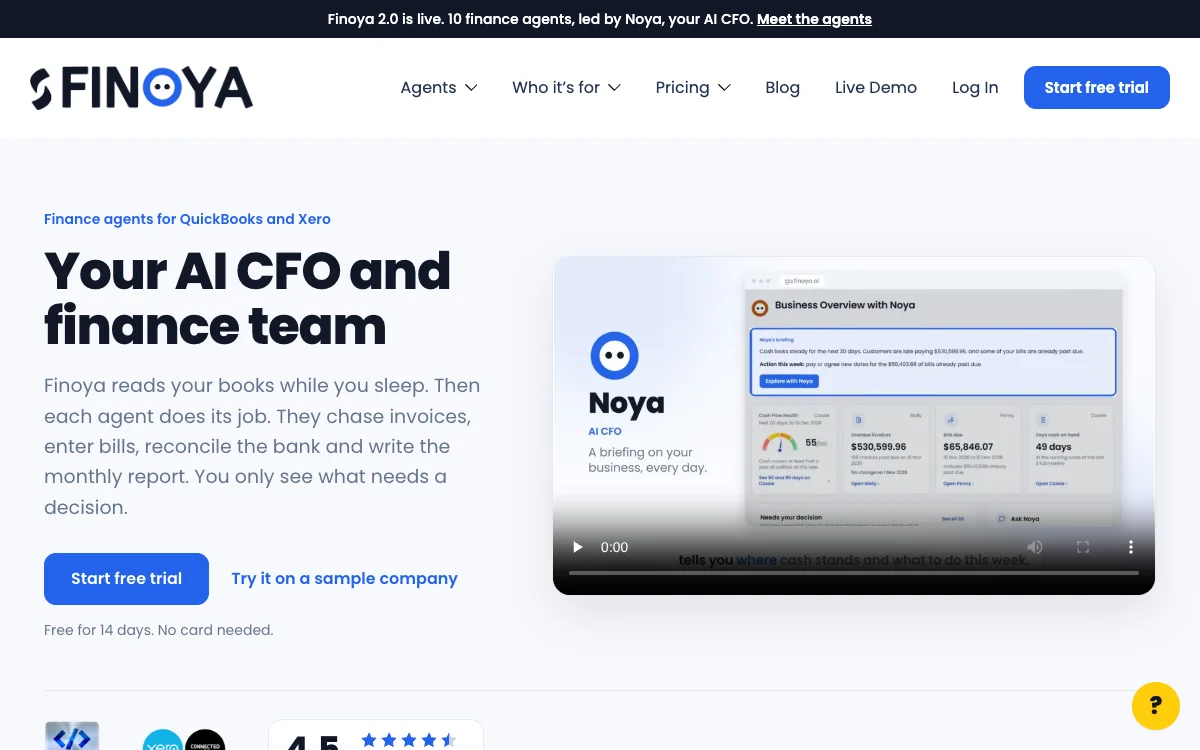
Finoya runs ten AI finance agents for small businesses on QuickBooks or Xero. Noya, the lead agent, acts as an AI CFO, and the others cover cash, reports, receivables, payables, reconciliation, anomalies, expenses, budgets and valuation.
Finoya reads your books every night. Then each agent does its task: it chases invoices, enters bills, reconciles the bank and writes the monthly report, so you only see what needs a decision. Noya also gives you a short briefing on the business every day. For planning, a 12-month cash projection comes with sliders you can drag to test a change. Finoya says the AI model only writes the words, while every figure comes from your books and is worked out in code.
Small businesses, accountants, bookkeepers and fractional CFOs are the stated audience. For a former Finmark user, it replaces the cash view and the monthly report, and adds bookkeeping help on top. A sample company lets you try the agents before you connect your own books.
The price is the clearest difference from BILL. Basic, with 5 agents, costs $30 a month, and Ideal, with all 10 agents, costs $50 a month. Yearly billing gives 2 months free, and there is a 14-day free trial with no card. You do not need a BILL plan, and Xero works as well as QuickBooks. The cash projection covers 12 months, close to BILL's 13. What Finoya does not offer is a full financial model: it describes no Excel output, no three-statement forecast and no long-range plan for investors.
- Price
- Basic $30 a month (5 agents), Ideal $50 a month (10 agents).
- Free option
- A 14-day free trial.
Pros
- Low monthly price
- Works with QuickBooks or Xero
- Figures worked out in code
Cons
- No Excel model output
- Cash projection, not a full forecast
Pick it if you want a cheap cash view and bookkeeping help without BILL.
6.Reach Reporting
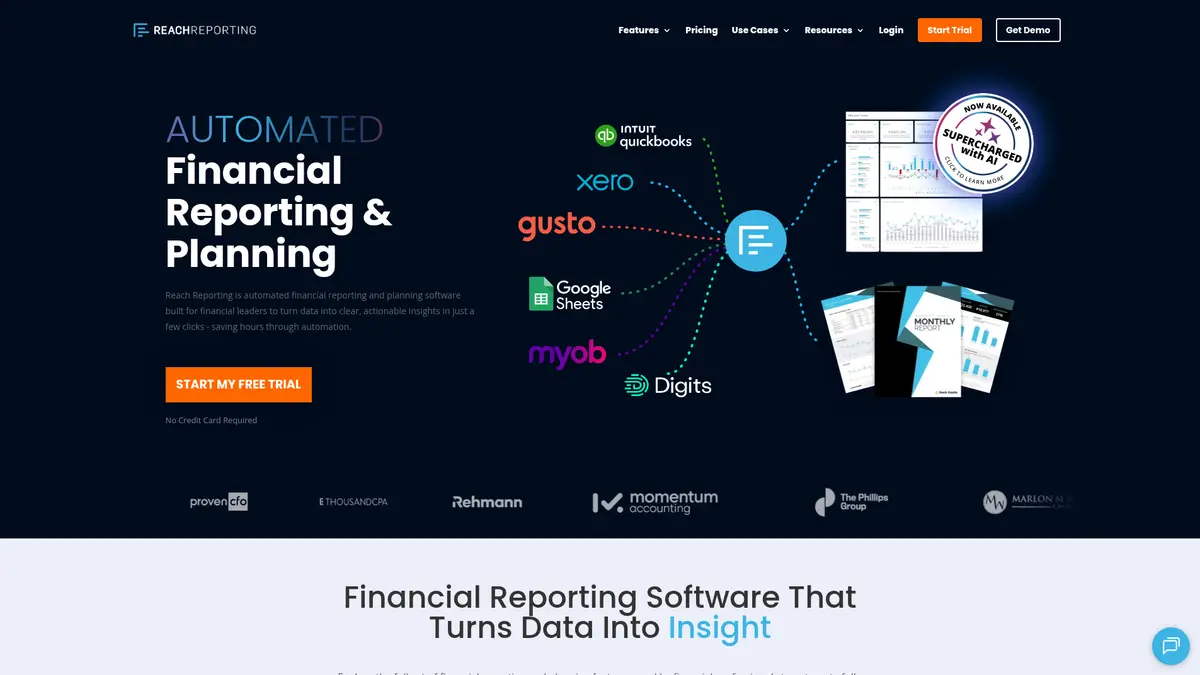
Reach Reporting is financial reporting and planning software for accounting firms and CAS teams. It combines financial statements, dashboards, budgets, forecasts, consolidation and a client portal.
You connect a client's books, from QuickBooks Online, Xero, Digits or MYOB, or a Google Sheets or Excel file. Reach then builds statements and dashboards, and lets you create three-way budgets and forecasts. Firms consolidate entities and share the results through a client portal. A named Automated AI Analytics feature adds some AI help. Reach says it turns the data into reports in a few clicks, and the same data feeds the budget, so a firm can report actuals and plan in one place.
Accounting leaders, advisers and CFOs are its audience, and it suits firms that report for several clients. Named firms such as ProvenCFO and Momentum Accounting appear in its case studies, which helps if you want to ask a peer how it works in practice.
Compared with BILL Cash Flow Forecasting, Reach offers more for a firm: full three-way forecasts, consolidation and a client portal, with no need to move payments into BILL. Pricing depends on the number of data connections and starts at $149 a month, with a 30-day free trial, but the tiers are not listed. Its AI depth is thin, with one named feature, and the reports live in Reach rather than in a file the client owns. Count the data connections your clients need before you compare it with BILL, since that sets the price. For a single business that only wants a cash forecast, it may be more than you need.
- Price
- From $149 a month, based on the number of data connections.
- Free option
- A 30-day free trial.
Pros
- Three-way forecasts and consolidation
- Client portal for firms
- Wide set of accounting data links
Cons
- Only a starting price is shown
- Little AI
Pick it if you run an accounting firm and report and plan for many clients.
Who should pick what
Since Finmark is gone, the first question is whether BILL's module already covers you. If you are on a qualifying BILL plan with QuickBooks Online, try it before you buy anything. If not, pick by what you miss most: full planning, an AI CFO, a model in Excel or a cheap cash view.
- Full planning from your books, or FP&A for clients: Jirav, or Reach Reporting for accounting firms.
- An AI CFO that keeps the model current: cfo.ai.
- QuickBooks data in Excel, or a cheap cash view: ModelWiz or Finoya.
- A cash or budget model in Excel, changed by AI: Finamodel.
If you still have old Finmark exports, keep them: they hold your past assumptions and are useful when you rebuild the plan. Note which accounting system you use before you shortlist. ModelWiz needs QuickBooks Online, Finoya needs QuickBooks or Xero, and BILL's module needs QuickBooks Online plus the right plan.
Frequently asked
What happened to Finmark?+
BILL completed its purchase of Finmark on 16 Nov 2022. The Finmark brand is gone, finmark.com redirects to bill.com, and its work continues as BILL Cash Flow Forecasting.
How much does Finmark cost?+
Finmark is no longer sold. BILL Cash Flow Forecasting is part of BILL's Teams, Corporate and Enterprise plans, and needs a QuickBooks Online sync. We did not capture BILL's plan prices.
Is there a free version of Finmark?+
No. The standalone product is gone, and its successor is bundled into paid BILL plans. BILL's page shows a sign-up form for a trial.
What are the main Finmark alternatives?+
For SMB planning: Jirav and Reach Reporting. For an AI CFO: cfo.ai. For QuickBooks data in Excel: ModelWiz. For low-cost AI agents: Finoya. For a ready Excel model changed by AI: Finamodel.
Finmark vs Finamodel: which should I pick?+
Finmark is now BILL Cash Flow Forecasting, which suits businesses already on a qualifying BILL plan. Pick Finamodel if you want an Excel cash or budget model you own and change with AI. Finamodel's Models plan is $20 a month or $120 a year.
Sources for Finmark (4), last checked 19 Nov 2026+
- bill.com · Cash Flow Forecasting module and plan requirement · 10 Nov 2026
- bill.com · BILL homepage · 10 Nov 2026
- bill.com · Pricing page · 10 Nov 2026
- finmark.com · Redirects to bill.com · 19 Nov 2026
Each alternative's own page lists its sources.


