 By Alex Tapio
 Macabacus alternatives
People look for Macabacus alternatives for three main reasons. Macabacus speeds up work you do yourself, but it does not build a model from a request, and many analysts now want AI that does. It is priced per licence per year, $200 for Basic and $360 for Professional, and some individuals would rather pay monthly. And some people do not want a tool at all: they want a finished model to start from. There is no free plan, only a 14-day trial.
What is Macabacus?
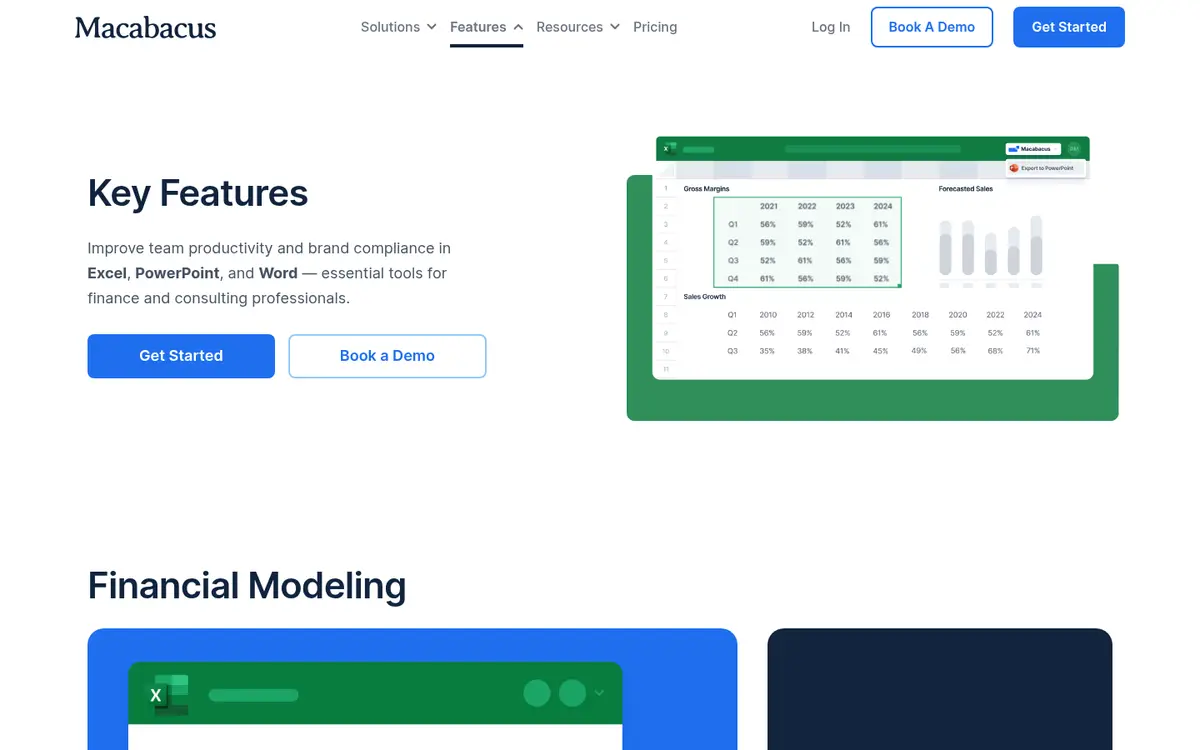
Macabacus is an add-in for Excel, PowerPoint and Word, made for investment banks, private equity, venture capital, FP&A teams and consulting firms. It adds modeling and formatting shortcuts, more than 50 automated model checks, links from Excel to PowerPoint and Word, and deck proofing with an AI mode. Teams get shared content libraries with versions. Macabacus also publishes free model templates, such as DCF, LBO, merger, cap table and IPO models. The templates are free because they bring users to the add-in; they are not the product.
Macabacus at a glance
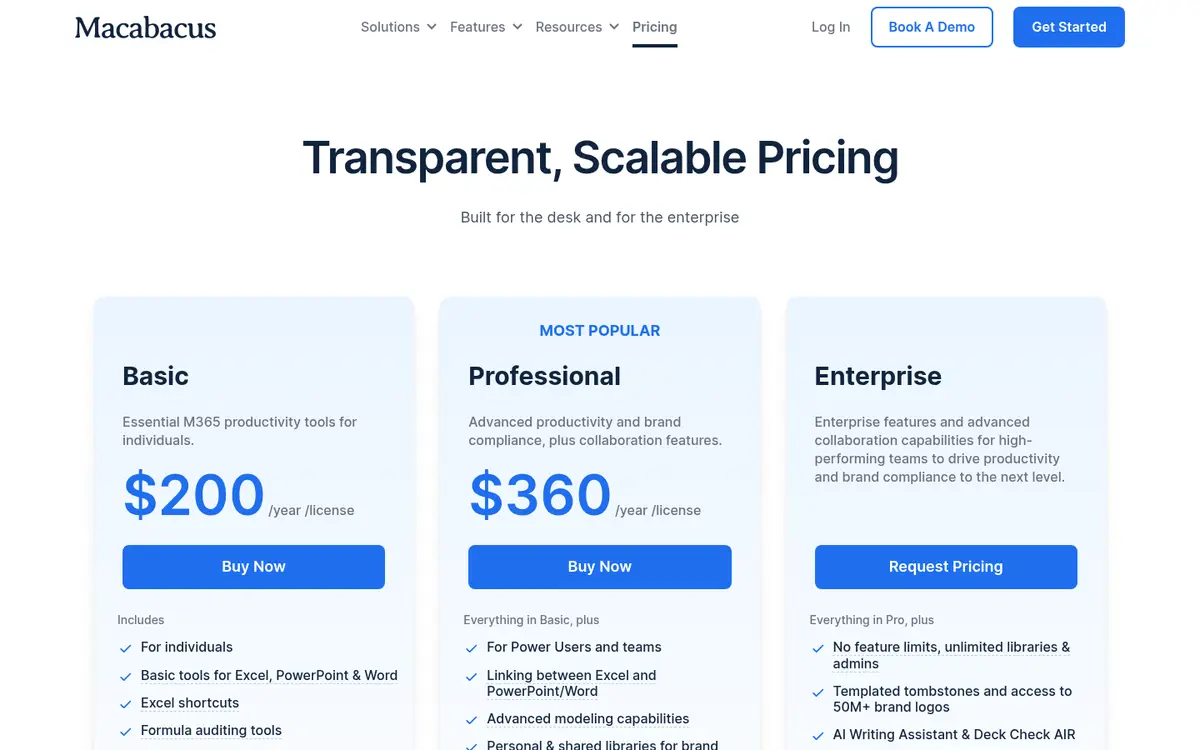
Macabacus sells three plans, priced per licence per year. Basic, at $200, is for individuals and covers the core tools for Excel, PowerPoint and Word, including Excel shortcuts and formula auditing. Professional, at $360, is for power users and teams and adds links between Excel and PowerPoint or Word. Enterprise is priced on request. A 14-day trial needs no credit card.
Quick picks
Macabacus is the first row, for reference. The "Excel file you keep" column shows that every option here works with a normal Excel file, so the real split is the last column: whether AI builds or edits the model for you. Prices are the vendors' list prices; trials and free plans are covered in each entry below.
| Tool | Best for | Type of tool | Price (entry plan) | Works in | Free option | Builds the model for you | Excel file you keep | AI edits your file | Templates library |
|---|---|---|---|---|---|---|---|---|---|
| Bankers building models and decks | Office add-in | $200 or $360 a year | Excel, PowerPoint, Word | Yes: 14-day trial | No: You build it | Yes: Your own files | No: Does not build models | Yes: Free templates |
 | Consulting and deal teams | AI add-ins | Pro $40/mo | Excel, PowerPoint, Word, web | Yes: Free trial | Yes: Builds in plain English | Yes: Your own workbook | Yes: Builds and audits | Not stated: Not stated |
 | Decks built from models | Office add-in | From $10/mo | Excel, PowerPoint, Word, web | Yes: 14-day trial | Yes: Excel agent | Yes: Your own workbook | Yes: Builds and audits | Not stated: Not stated |
 | Banking and PE analysts | AI add-in | Free; Pro not listed | Excel (web and desktop) | Yes: Free plan | Yes: Builds DCFs, LBOs | Yes: Edits you can undo | Yes: Builds DCFs, LBOs | Not stated: Not stated |
 | A ready model, changed by AI | Ready models + AI | $20/mo or $120/yr | Web app, Excel file | Yes: 30 models + free samples | Yes: Fina chat builds it | Yes: .xlsx, formulas visible | Yes: Fina chat edits it | Yes: 500+ models |
 | Full models built by AI | AI agent | Free, or $100/mo | Excel, web, desktop | Yes: 20 credits a week | Yes: Builds full models | Yes: Your own workbook | Yes: Builds and edits | Not stated: Not stated |
 | One industry model | Marketplace | $99 to $210 each | Excel, Google Sheets | Yes: Free samples | No: You edit it | Yes: Excel or Sheets | No: No AI | Yes: Industry templates |
yes · no · not stated in the vendor's sources. Hover a mark for details. From each vendor's own site; prices change, so check before you buy.
1.Tracelight
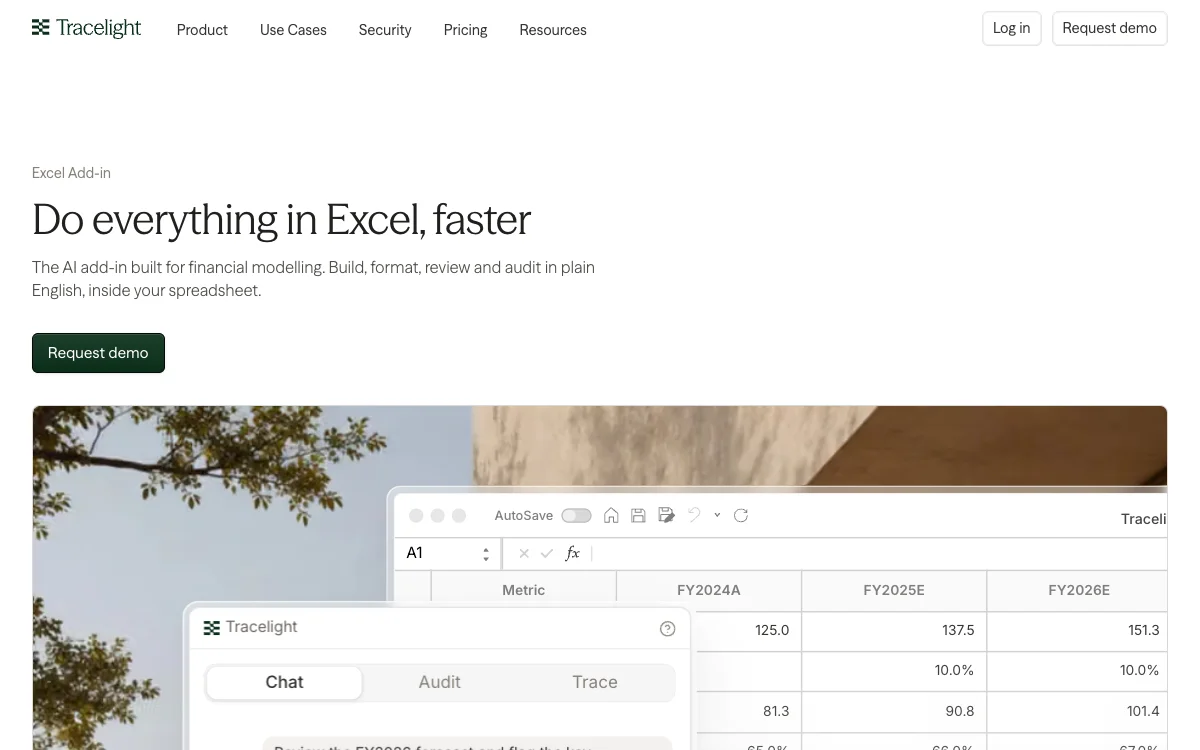
Tracelight is an AI platform for consulting and finance teams, with add-ins for Excel, PowerPoint and Word. In Excel, it builds, formats, reviews and audits models in plain English.
The Excel add-in has three tabs: Chat to build and format, Audit to check for formula issues, and Trace to explain how a number is calculated. Each edit is checked in Tracelight's own spreadsheet engine before it reaches your workbook, and values taken from a PDF carry a comment that links back to the source. The PowerPoint and Word add-ins build decks from the workbook in your firm's template and keep them live as the model changes. A web platform adds a project space per deal, version control, a spreadsheet compare tool and connectors to Capital IQ, FactSet, PitchBook and SharePoint.
It fits consultancies and deal teams doing due diligence, M&A, valuations and private equity work who want one tool across all three Office apps. Its use-case pages cover operating models, DCFs, LBOs, merger models, quality of earnings and databooks. A firm can set its formatting playbook once, and the AI follows it on every model.
Against Macabacus it is the closest match: the same Office reach and live deck links, plus AI that builds and reviews the model. It costs more, with Pro at $40 a month and Max at $200 a month against Macabacus's $200 or $360 a year, and Enterprise pricing is through sales. Tracelight can also turn a workbook into an interactive browser app. Pro and Max are self-serve, so you can start without a sales call.
- Price
- Pro $40 a month, Max $200 a month. Enterprise through sales.
- Free option
- A free trial with 3 Model Review runs.
Pros
- Checks each edit in its own engine before it reaches your workbook
- Follows your firm's formatting playbook
- Values taken from a PDF link back to the source
Cons
- Max costs $200 a month
- Enterprise price only through sales
Pick it if you want Macabacus-style formatting and checks, plus AI that builds.
2.Deckary
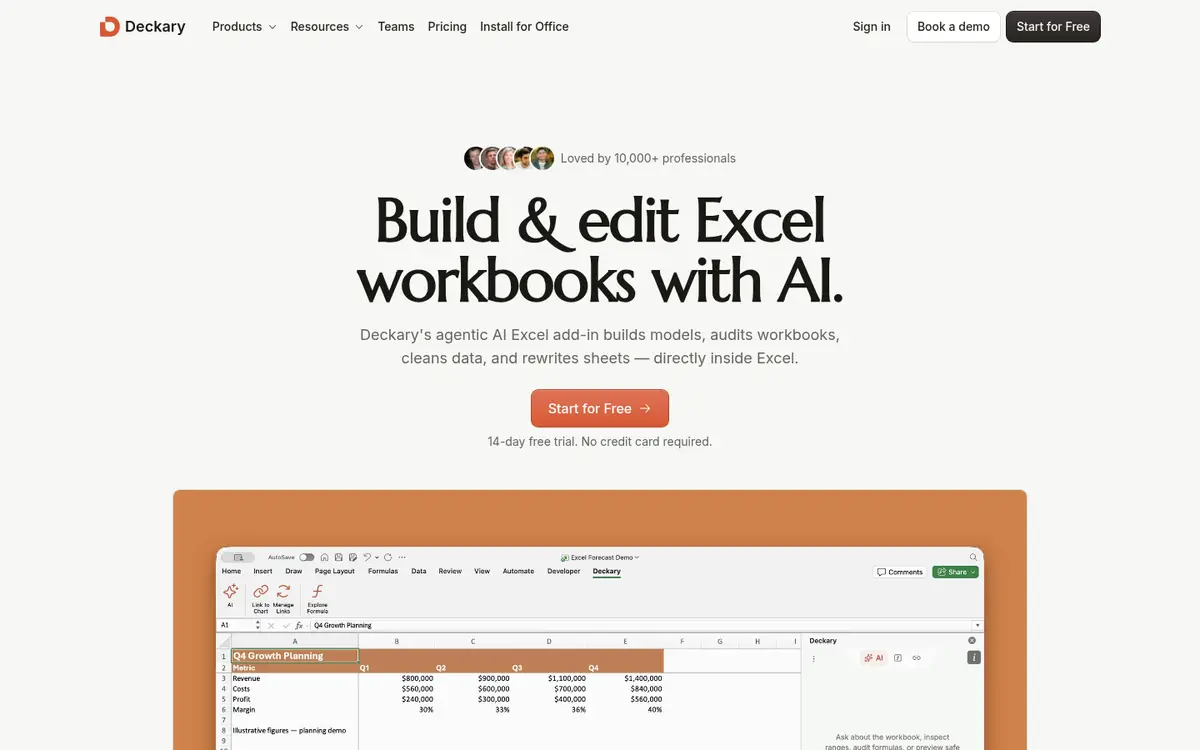
Deckary is an Office add-in for boutique consultancies, corporate strategy and finance teams, and programme offices. It has a slide agent, an Excel agent and a Word agent, and runs on Mac, Windows and the web.
The slide agent drafts on your open deck's master from briefs, Excel models, PDFs and notes, and makes native consulting exhibits such as waterfalls, Mekkos, football fields and Gantt charts, with charts linked to Excel. The Excel agent builds a model from a description, such as a three-statement, DCF, ROI, sensitivity or unit economics model, and keeps assumption cells separate from formulas. Its audit agent walks every sheet, flags broken formulas and hardcoded numbers inside formulas, and reconciles totals. Through Deckary's MCP server, Claude, ChatGPT, Codex and Cursor can also edit the live Office file.
Deckary makes most sense for people whose job is turning models into client slides and who want both halves of that job in one low-cost tool. A browser presentation builder exports editable PowerPoint files, so people without the add-in can still work on a deck.
Deckary undercuts Macabacus on price and adds AI agents. Starter is $10 a month; the Excel and Word agents need Premium, at $15 a month billed yearly or $19 monthly. Macabacus lists more than 50 model checks and brand formatting tools, while Deckary is built around slides first and publishes no changelog, so its release history is hard to date. Team pricing is $19 a seat per month, from 5 seats.
- Price
- Starter $10 a month. Premium, with the Excel and Word agents, $15 a month billed yearly or $19 monthly.
- Free option
- A 14-day free trial, no card.
Pros
- Starts at $10 a month
- Excel-linked charts in consulting-style slides
- Workbook audit that reconciles totals
Cons
- The Excel agent needs Premium
- Made for consulting-style slides first
Pick it if you turn models into client decks.
3.Optivise
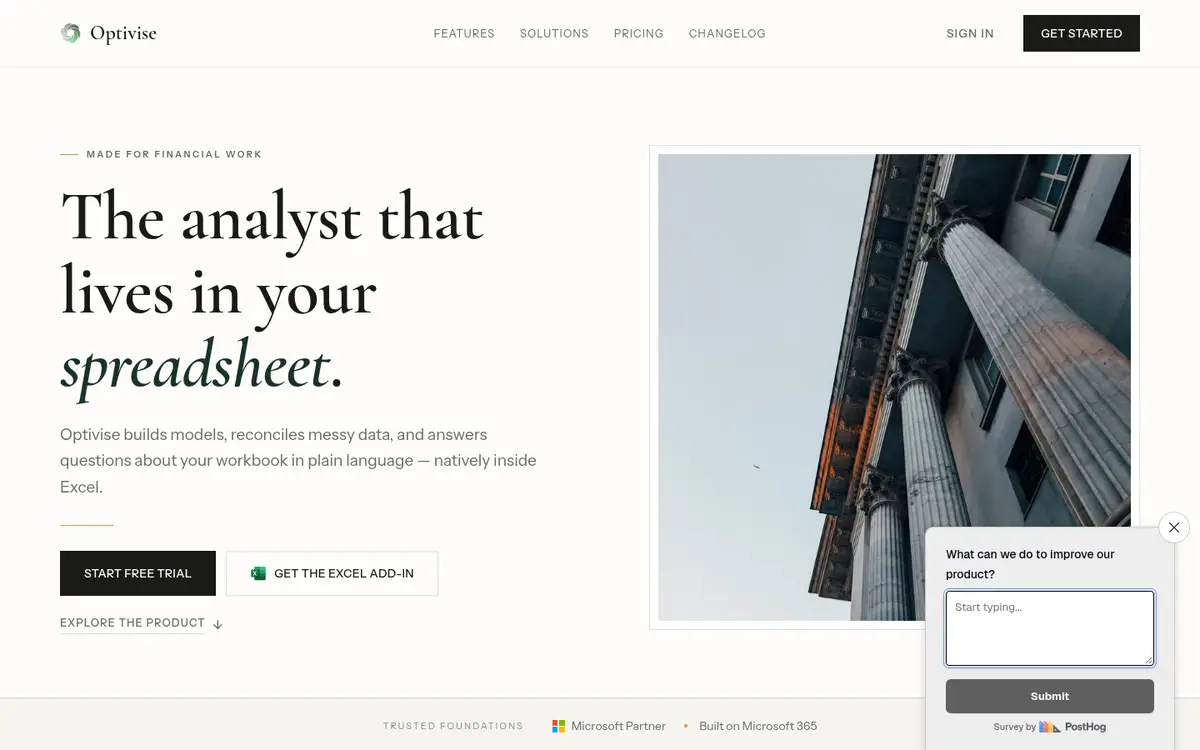
Optivise is an AI add-in for Excel, for analysts in investment banking, private equity and corporate finance. It builds three-statement models, DCFs, LBOs and operating cases, and works in Excel on the web and on desktop.
It extracts figures from filings, scanned PDFs and board decks with citations, and pulls data from SEC EDGAR, FRED, Yahoo Finance, FMP and the World Bank. If you have a Bloomberg, Capital IQ or FactSet subscription, it knows their formula syntax. Sub-agents clean data, reconcile workbooks, repair broken formulas and standardize tables, and a Formula Trace feature shows how a number is built. You can see, accept or roll back every edit, and you choose the AI model or connect your own ChatGPT subscription.
The target user is an individual analyst who wants an AI model builder inside Excel without a sales call. You install it from the Microsoft Marketplace and start on the free plan. Because every change can be rolled back, it is a lower-risk way to let AI touch a live model.
Unlike Macabacus, Optivise builds the model for you and costs nothing to start, with 5,000 credits a month on the free plan. It covers Excel only, with no PowerPoint or Word tools and no deck workflow. Its Pro price is not shown on its site, and the newest changelog entry we saw was from July 2026. We found no deck or data-room workflow on its site, so plan to use another tool for slides. Credits limit how much AI work you can do each month on every plan.
- Price
- Pro and Enterprise prices are not shown on its site.
- Free option
- A free plan with 5,000 credits a month.
Pros
- You can see, accept or roll back each edit
- A free plan
- Reads figures from filings and PDFs, with citations
Cons
- Pro price not shown
- Credit-based plans
Pick it if you want a free AI add-in that builds deal models in Excel.
4.Finamodel

Finamodel is a library of ready Excel financial models with an AI assistant called Fina. Macabacus helps you build faster; Finamodel gives you a finished model to start from. It is aimed at people who want the model done, not tools to do it faster.
In practice you open a ready DCF, LBO or M&A model in Fina chat and ask for what your case needs: new assumptions, an extra scenario, or an explanation of a formula you did not write. If you are not sure which model you need, Fina can explain what each one is for. Fina builds, edits, explains and fixes the model, and version history lets you restore any earlier file. The library covers the deal models Macabacus users work on most, from 3-statement and DCF models to LBO and M&A models.
The output is a plain .xlsx file with every formula visible. It works without Finamodel, so nothing stops you from opening it in Excel and formatting it with Macabacus afterwards. You can try it with one of 30 free models or a free sample of any other model. Read-only links to QuickBooks, Google Sheets, Google Drive and 42 other apps can bring in your numbers, and a voice walkthrough can explain the model to a colleague.
Next to Macabacus, Finamodel saves the build, not the formatting. It is not an Excel add-in, so it adds no shortcuts, model checks or brand tools to your own workbooks, and you work in the Finamodel app before you download. If most of your hours go into decks, tables and brand checks, Macabacus fits better. If most go into building the model in the first place, Finamodel removes that step. Support is by email. One practical setup is to draft in Finamodel and finish in Macabacus.
How it works
- Pick a ready model, such as a DCF or a 3-statement model, from a library of more than 500.
- Ask Fina chat to change, explain or fix it for your case and your numbers.
- Download a real .xlsx file. Every formula is visible, and it works without Finamodel. It opens in Excel, Google Sheets and Numbers.
- Price
- Models plan: $20 a month or $120 a year. All Templates: $30 a month or $144 a year. You can cancel at any time.
- Free option
- 30 free models with live formulas, and a free sample of every other model, with values but no formulas. Both are sent by email link, one model email per email address per day. The library is free to browse.
Better than Macabacus at
- Starts you from a finished model
- Fina chat builds and edits the model for you
- A monthly plan instead of a yearly licence
Worse than Macabacus at
- Not an Excel add-in: it adds no shortcuts or formatting tools to your own workbooks
- You work in the Finamodel app, then download the file
Models that fit: DCF Model, LBO Model, M&A Model.
Pick it if you want a ready model that AI changes for your case.
5.Shortcut
Shortcut, from Fundamental Research Labs, is an AI agent that builds and edits full Excel financial models. It works as an Excel add-in, a web app, a Windows desktop agent and a command-line tool.
You describe the model and the agent writes it, formulas included; its own example is a full LBO model with more than 400 linked formulas. It shows code changes before it alters a workbook's structure, so you approve each step, and a built-in audit skill reviews models by default. Reusable skills and scheduled workflows let you repeat a task, and you can trace outputs back to source files or share them as live web dashboards. You can pick third-party AI models or Shortcut's own model, Pivot.
Analysts who want AI to draft the whole model, then check and polish it themselves, get the most from it. Enterprise buyers get on-premises hosting, bring-your-own-key, single sign-on and customer-owned storage. Its July 2026 benchmark, run by Shortcut itself, covered 20 real tasks in finance, private equity and hedge funds.
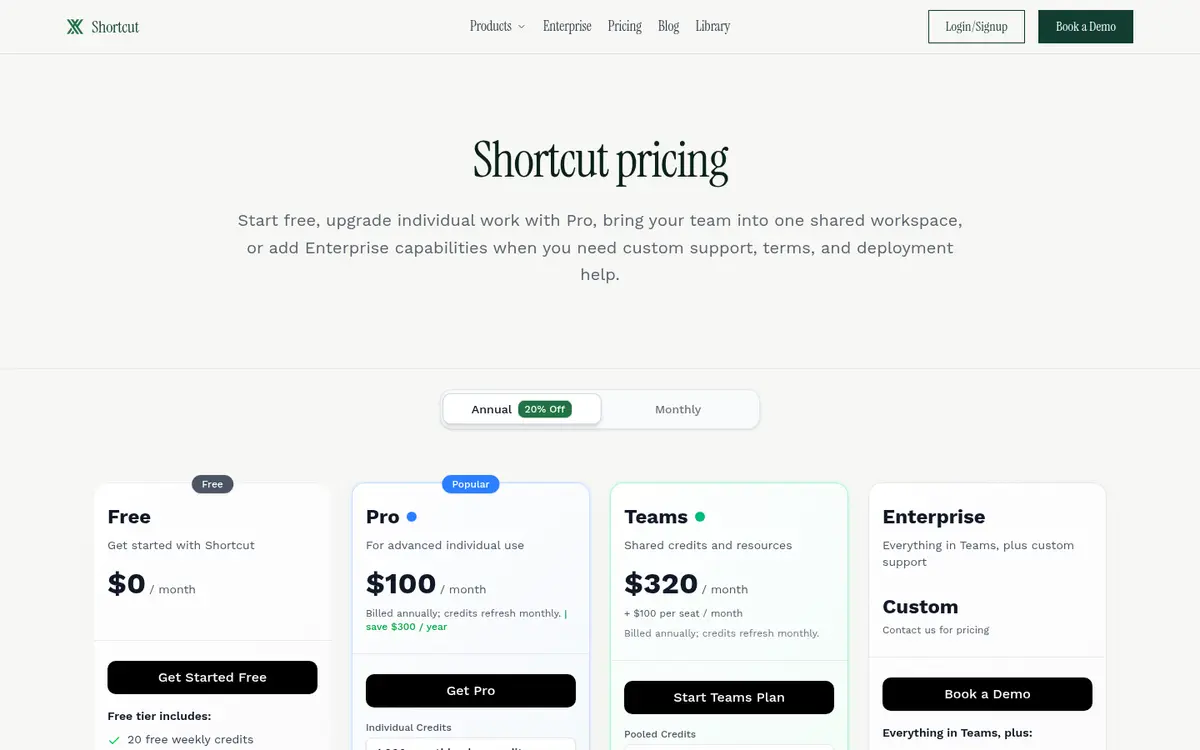
Macabacus and Shortcut solve different halves of the job. Shortcut builds; Macabacus formats, checks and links to decks, and Shortcut lists no PowerPoint or Word linking. Shortcut has a free plan with 20 credits a week, but Pro is $100 a month billed yearly, well above a Macabacus licence, and its accuracy claims rest on its own benchmark. Teams costs $320 a month plus $100 a seat. For a single analyst, the free plan is enough to see whether AI drafting saves time before paying.
- Price
- Pro $100 a month billed yearly. Teams $320 a month plus $100 a seat.
- Free option
- A free plan with 20 credits a week.
Pros
- Builds full models, such as an LBO with 400+ linked formulas
- Shows each change before it runs in Excel
- A free plan
Cons
- Every plan has credit limits
- Pro costs $1,200 a year
Pick it if you want AI to build the whole model, not only help you build it.
6.eFinancialModels
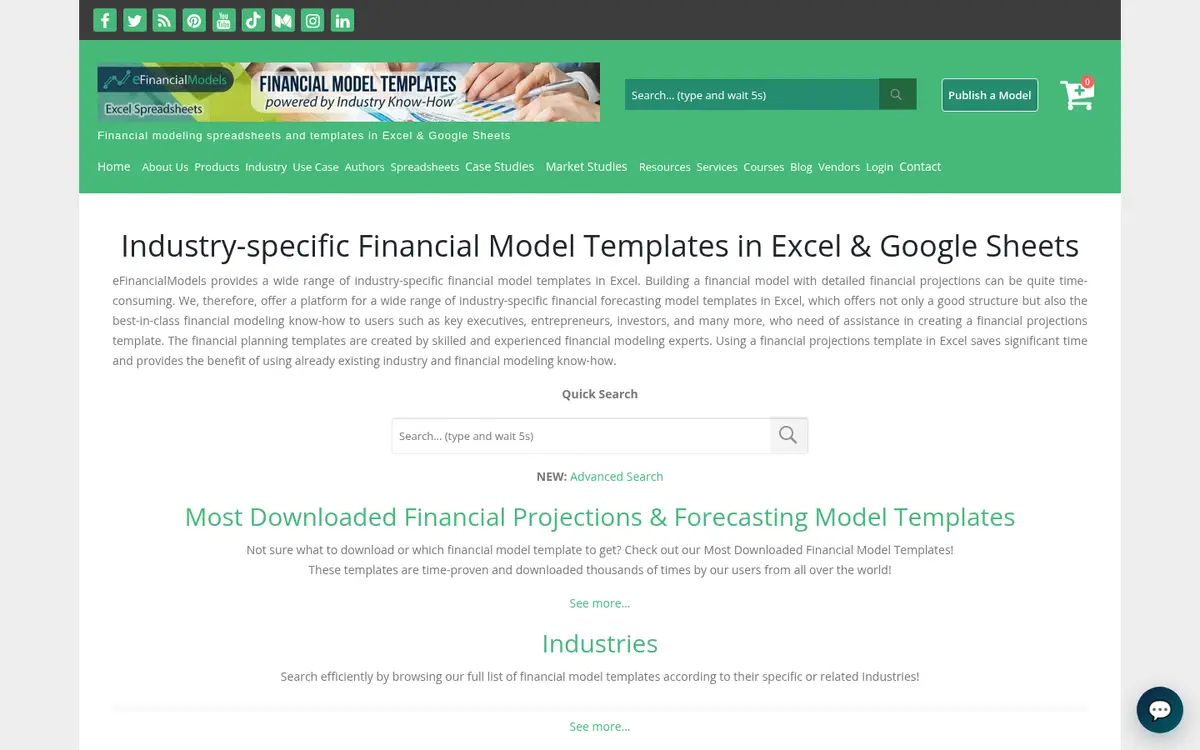
eFinancialModels is a marketplace of industry-specific financial model templates in Excel and Google Sheets, written by many independent authors. You buy each template once.
Listings cover business types such as EV charging stations, mobile apps and food trucks, and project-finance models for PPP, solar, wind, green hydrogen and battery storage. Many come in Basic, Pro and Premium versions, some with a free PDF demo, and bundles cost less than buying templates one by one. A free samples section lists templates you can download at no cost. If no template fits, you can contact an author for a custom model, with a quote and a timeline. The PDF demos let you see a model's layout before you buy.
The site names executives, entrepreneurs and investors as its users: people who need a model for one type of business and would rather edit a ready template than build from scratch. Because you can hire the author for changes, it also suits buyers who want a person, not an AI, to adapt the model. Macabacus users who mostly build LBOs and merger models will find the industry focus less relevant.
Where Macabacus gives you tools, eFinancialModels gives you a finished model. There is no AI, so all editing is manual, and because many authors sell there, prices and styles vary by listing. Sample prices run from about $99 to $210 per template. The catalogue size is not stated on the pages we read, so search for your industry before you count on a template being there.
- Price
- Priced per template. Sample prices run from $99 to $210.
- Free option
- Some free templates, and $0 PDF demo versions.
Pros
- Models for specific industries
- Buy once, no subscription
- Custom models from the authors
Cons
- No AI
- Prices vary by template and version
Pick it if you need one industry model and want to pay once.
Who should pick what
Macabacus is for people who build their own models and decks. So the choice comes down to one question: do you want to keep building, with AI doing more of the work, or start from a model that is already built?
- Shortcuts, formatting, model checks and live Excel to PowerPoint links: Macabacus.
- AI that builds and audits models inside Excel: Tracelight, Optivise or Shortcut.
- Decks built from models: Deckary.
- One industry template you buy once: eFinancialModels. A ready model that AI changes for you: Finamodel.
These tools also work together. An AI builder or a ready model gets you a first draft, and Macabacus can then format it, check it and link it to the deck. Try the combination on one real model before you change how your team works. If you only need one model for one business, a template or a ready model can cost less than a yearly add-in licence.
Frequently asked
How much does Macabacus cost?+
Basic is $200 per licence per year and Professional is $360 per licence per year. Enterprise pricing is on request. We last checked on 22 Nov 2026.
Is Macabacus free?+
No. Macabacus has a 14-day free trial with no credit card, but no free plan. Its Excel model templates (DCF, merger, LBO and others) are free to download.
What are the main Macabacus alternatives?+
For AI add-ins in Excel: Tracelight, Deckary, Optivise and Shortcut. For templates you buy one by one: eFinancialModels. For a ready model that AI changes for your case: Finamodel.
Is there a free alternative to Macabacus?+
Optivise and Shortcut have free plans. Tracelight has a free trial. Finamodel gives 30 free models with live formulas and a free sample of every other model.
Macabacus vs Finamodel: which should I pick?+
Pick Macabacus to work faster on models and decks you build. Pick Finamodel to start from a ready model. Macabacus starts at $200 a year. Finamodel's Models plan is $20 a month or $120 a year.
Does Macabacus use AI?+
Yes, in two places. Deck Check AIR finds logical and numerical contradictions in decks, and an AI Writing Assistant keeps your brand voice. Macabacus does not build models from a request.
Sources for Macabacus (5), last checked 22 Nov 2026+
- macabacus.com · Live check: $200/$360 per year, 14-day trial · 22 Nov 2026
- macabacus.com · Downloads: add-ins for Excel, PowerPoint & Word · 22 Nov 2026
- macabacus.com · Homepage: Model Check, audience · 10 Nov 2026
- macabacus.com · Free Excel templates · 15 Nov 2026
- macabacus.com · Formatting features · 15 Nov 2026
Each alternative's own page lists its sources.


