 By Alex Tapio
 Tracelight alternatives
People look for Tracelight alternatives for three reasons. The price climbs fast: Pro is $40 a month, but Max is $200 a month and Enterprise is priced through sales. The free trial is short, with 3 Model Review runs. And not everyone needs AI across three Office apps. Some people only want an Excel builder, some only want faster formatting and checks, and some want a finished model to start from.
What is Tracelight?
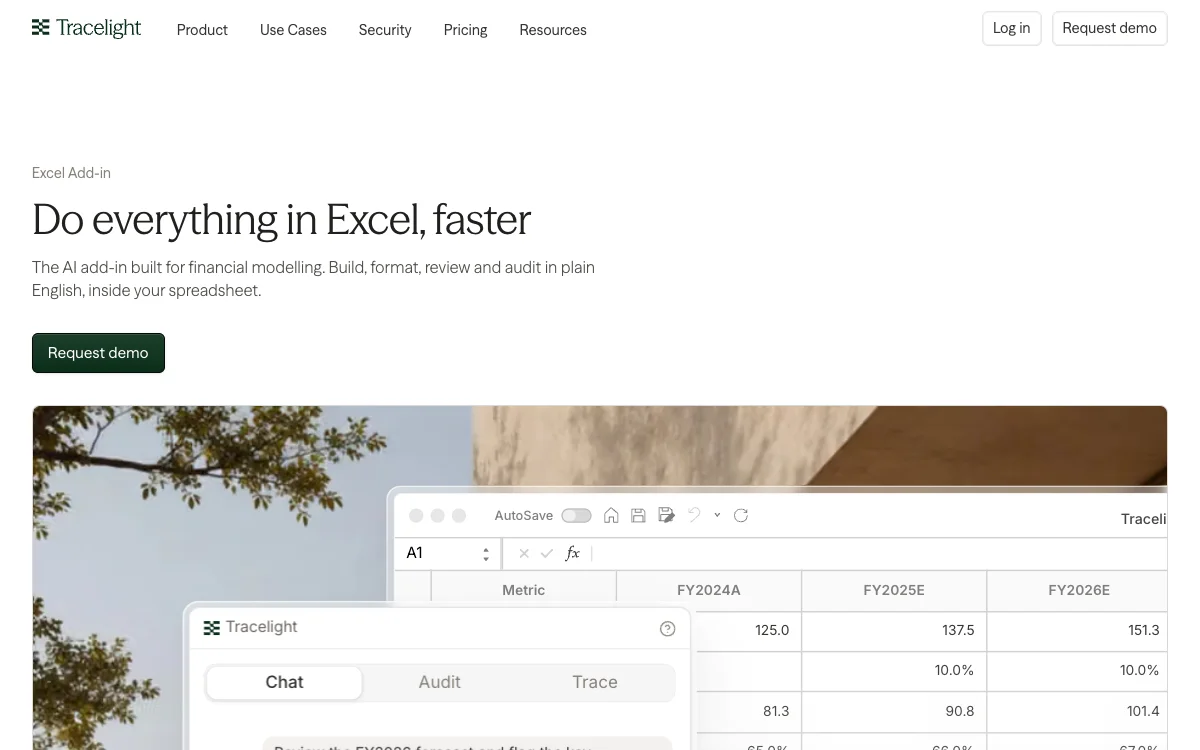
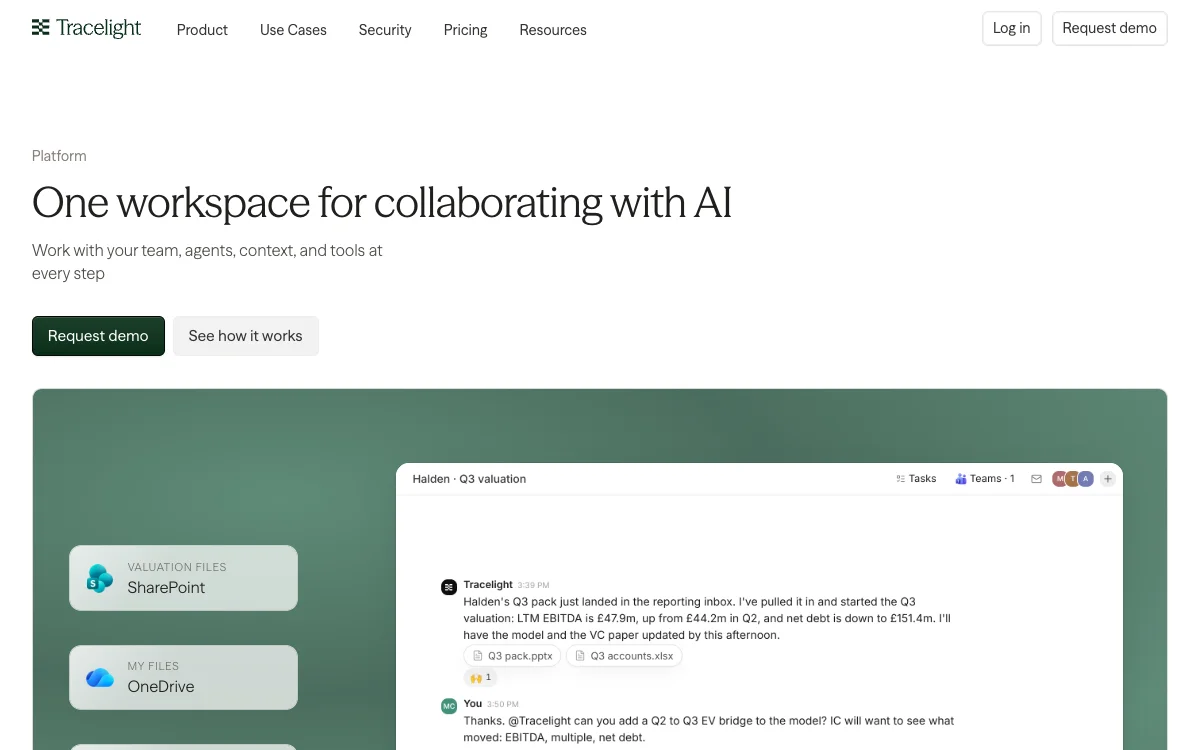
Tracelight is an AI platform for consulting and finance firms. Its Excel add-in has three tabs, Chat, Audit and Trace, that build, format, review and audit models in plain English. PowerPoint and Word add-ins build decks and documents from the workbook in the firm's template and keep them live as the model changes. Its users do due diligence, M&A, valuations, private equity and corporate development work. A web platform adds a project space for each deal, version control and connectors to Capital IQ, FactSet, PitchBook and SharePoint.
Tracelight at a glance
Tracelight has four tiers. Starter is a free trial that includes 3 Model Review runs. Pro costs $40 a month and Max costs $200 a month, and both are self-serve. Enterprise is sold through sales. We read these prices on 10 Nov 2026. Its newest feature, Sketches, was announced around 14 Nov 2026: you draw a layout, and it builds slides in the firm's templates.
Quick picks
Tracelight is the first row. Every tool here works with a normal Excel file, so the "Excel file you keep" column is yes across the board. The useful columns are "Works in", which shows which Office apps each tool covers, and "AI edits", which shows whether AI builds the model or you do. Prices are list prices from each vendor's site.
| Tool | Best for | Type of tool | Price (entry plan) | Works in | Free option | Builds the model for you | Excel file you keep | AI edits your file | Templates library |
|---|---|---|---|---|---|---|---|---|---|
| Consulting and deal teams in Office | AI add-ins | Pro $40/mo, Max $200/mo | Excel, PowerPoint, Word, web | Yes: 3 Model Review runs | Yes: In plain English | Yes: Your own workbook | Yes: Builds, formats, audits | Not stated: Not stated |
 | Advisory and audit firms | Custom AI agents | Access by request | Excel, PowerPoint, web | No: None listed | Yes: Excel agent | Yes: Your own workbook | Yes: Builds from source documents | Not stated: Not stated |
 | Consulting slides from models | Office add-in | From $10/mo | PowerPoint, Excel, Word, web | Yes: 14-day trial, no card | Yes: Excel agent | Yes: Your own workbook | Yes: Builds and audits | Not stated: Not stated |
 | Full models built by AI | AI agent | Free, or $100/mo | Excel, web, desktop | Yes: 20 credits a week | Yes: Builds full models | Yes: Your own workbook | Yes: Builds and edits | Not stated: Not stated |
 | A finished model to start | Ready models + AI | $20/mo or $120/yr | Web app, Excel file | Yes: 30 models + free samples | Yes: Fina chat builds it | Yes: .xlsx, formulas visible | Yes: Fina chat edits it | Yes: 500+ models |
 | Formatting, checks and deck links | Office add-in | $200 or $360 a year | Excel, PowerPoint, Word | Yes: 14-day trial | No: You build it | Yes: Your own files | No: Does not build models | Yes: Free templates |
 | Teams already paying for Claude | AI add-ins | From $17/mo, yearly | Excel, PowerPoint, Word, Outlook | No: Paid plan needed | Yes: From a description | Yes: Keeps your formulas | Yes: Builds and fixes | Not stated: Not stated |
yes · no · not stated in the vendor's sources. Hover a mark for details. From each vendor's own site; prices change, so check before you buy.
1.Crunched
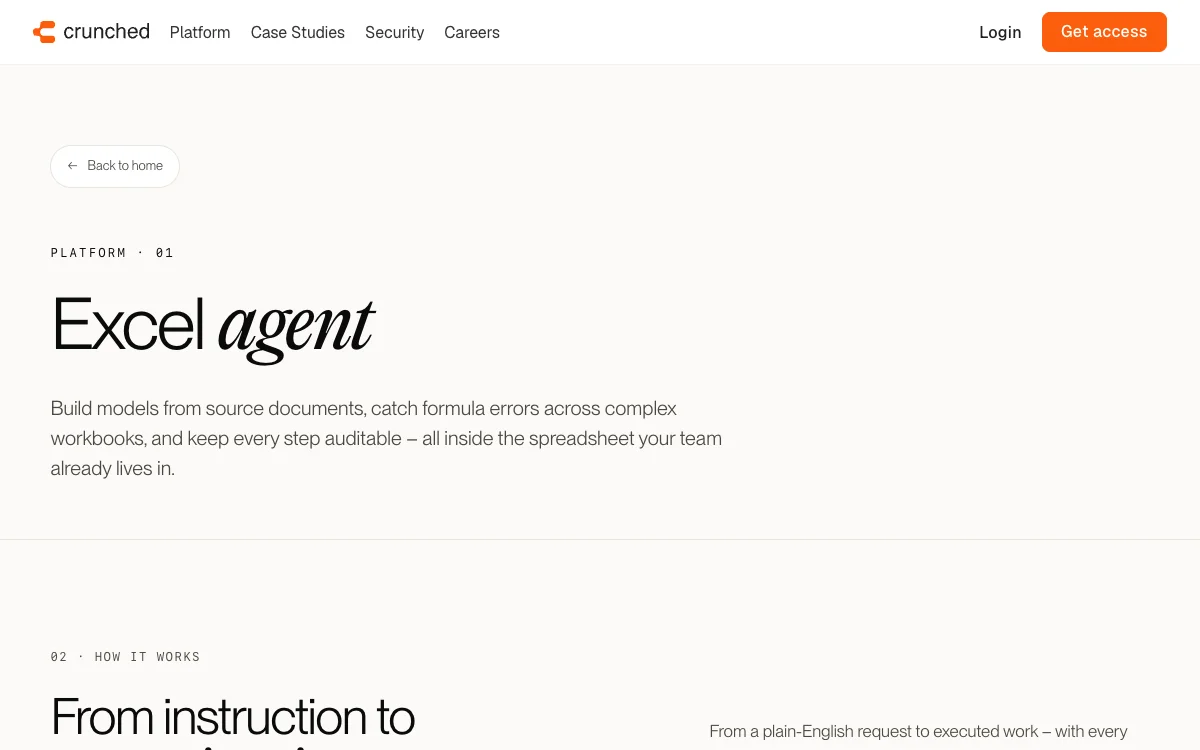
Crunched builds firm-specific AI agents for Excel and PowerPoint, aimed at advisory and audit firms, along with consulting, private equity and real estate teams. Its agents build models from source documents, review workbooks for errors and keep decks live-linked to the model.
The Excel agent builds a model from source documents and reviews workbooks for formula breaks, broken references, sign flips and hard-coded overrides. The PowerPoint agent is live-linked to the model and its sources, and the review system flags stale tickers, broken cross-references and figures that differ between deck and model. Projects carry context across the platform, Excel, PowerPoint and SharePoint, and a Command Center runs firm-tailored agents in parallel. Each task is routed across frontier and open-weight AI models.
Its central promise is an audit trail: every change, by an agent or a person, is logged, reviewable and reversible. That suits audit and advisory firms that must show how a number was produced. The agents are tailored to the firm's own methodology, so the set-up is closer to a project than an install. Plan for time with Crunched's team before the agents match how your firm works.
Crunched is the closest overlap with Tracelight on this page: Excel and PowerPoint agents, model review and live deck links. It lists no Word add-in, while Tracelight covers Word too. The bigger difference is buying. Tracelight Pro is self-serve at $40 a month, while Crunched shows no price and gives access by request. Its site has no blog, changelog or press page, so ask for customer references.
- Price
- No public price. Access by request.
- Free option
- None listed.
Pros
- Every change logged and reversible
- Deck figures checked against the model
- Agents tailored to your methodology
Cons
- No public price
- No blog, changelog or press page
Pick it if you work in audit or advisory and need a full audit trail.
2.Deckary
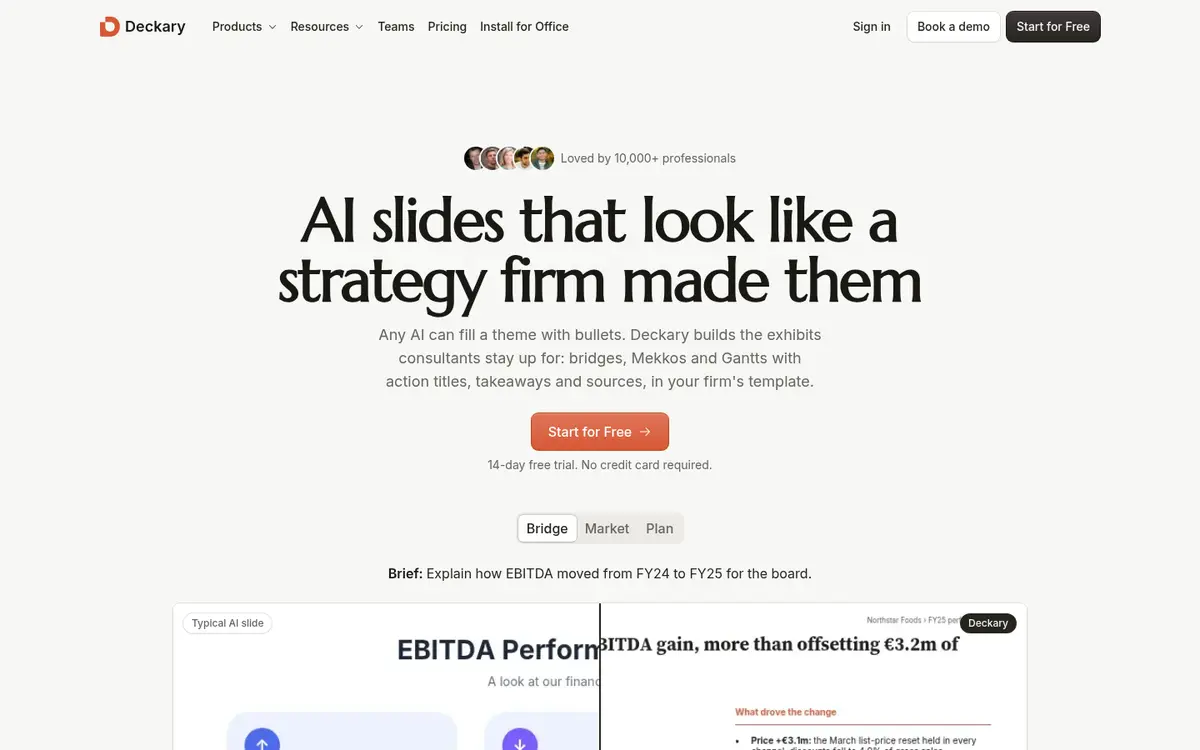
Deckary is an Office add-in with a PowerPoint slide agent, an Excel agent that builds and audits models, and a Word agent. It is used by boutique consultancies, corporate strategy and finance teams, and programme offices, on Mac, Windows and the web.
The slide agent drafts on the open deck's master from briefs, Excel models, PDFs and notes. It builds consulting exhibits such as waterfalls, Mekkos, football fields and Gantt charts, with charts linked to Excel. The Excel agent scaffolds a three-statement, DCF, ROI, sensitivity or unit economics model from a description and keeps assumption cells apart from formulas. Its audit agent walks every sheet, flags broken formulas and hardcoded numbers, and reconciles totals.
Consultants whose output is slides, and whose models feed those slides, are its main users. A browser presentation builder exports editable PowerPoint files for people without the add-in. Claude, ChatGPT, Codex and Cursor can also edit the live Office file through Deckary's MCP server.
Deckary costs far less than Tracelight. Starter is $10 a month, and Premium, which adds the Excel and Word agents, is $15 a month billed yearly or $19 monthly; Team is $19 a seat per month from 5 seats. Tracelight goes further on model work, with a platform for deal projects, data connectors and a spreadsheet compare tool. Deckary publishes no changelog, so its release history is hard to date. Its 14-day trial needs no card, so you can test the Excel agent on a real model before you pay.
- Price
- Starter $10 a month. Premium $15 a month billed yearly or $19 monthly. Team $19 a seat from 5 seats.
- Free option
- A 14-day free trial, no card.
Pros
- From $10 a month
- Excel-linked consulting charts
- Audit agent reconciles totals
Cons
- Excel and Word agents need Premium
- No changelog to date releases
Pick it if your job is mostly slides and you want help at a lower price.
3.Shortcut

Shortcut (shortcut.ai), from Fundamental Research Labs, is an AI agent that builds and edits Excel financial models. It runs as an Excel add-in, a browser app, a Windows desktop agent and a command-line tool.
Ask for a model and the agent writes it into the workbook; a case study on its site cites a full LBO with more than 400 linked formulas in 45 minutes. It previews code changes before it alters a workbook's structure, so you approve each step, and a model audit skill reviews models by default. Outputs trace back to source files. The Skill Factory saves reusable skills, workflows can run on a schedule, and results can be shared as live web dashboards.
Hedge funds, PE firms, banks, asset managers and FP&A teams make up its target users. Enterprise buyers get on-premises hosting, bring-your-own-key, single sign-on and customer-owned storage, plus SOC 2 Type II and zero-data-retention agreements with model providers. You can run third-party AI models or Shortcut's own model, Pivot, which has been at version 0.7 since October 2026.
Shortcut is built to draft whole models from a request, while Tracelight puts more weight on formatting, review and decks. Shortcut lists no PowerPoint or Word add-in and no firm formatting playbook. It has a free plan with 20 credits a week, where Tracelight offers 3 Model Review runs. Paid use costs more: Pro is $100 a month billed yearly, against Tracelight Pro at $40 a month. Its July 2026 benchmark scored it 76% on 20 finance tasks, but Shortcut ran that test itself.
- Price
- Pro $100 a month billed yearly. Teams $320 a month plus $100 a seat.
- Free option
- A free plan with 20 credits a week.
Pros
- Free plan with weekly credits
- Previews structural changes before they run
- On-premises option for enterprises
Cons
- No PowerPoint or Word add-in listed
- Pro costs more than Tracelight Pro
Pick it if you only need an Excel builder and want to start on a free plan.
4.Finamodel

Finamodel is a library of ready Excel financial models with an AI assistant called Fina. Tracelight helps you build, format and review models inside your own files; Finamodel starts you from a finished model.
You open a model, for example a DCF, a quality of earnings model or an M&A model, in Fina chat. You describe the deal in plain words, and Fina changes the assumptions, adds a scenario or explains a calculation. It builds, edits, explains and fixes the model, and version history restores any earlier file. When you are done, you download a real .xlsx file with every formula visible. It works without Finamodel, so you can format it in your firm's style afterwards.
You can try one of 30 free models with live formulas, or a free sample of any other model without formulas, sent by email link. The Models plan is $20 a month or $120 a year, and you can cancel at any time. Files open in Excel, Google Sheets and Numbers. Read-only links to QuickBooks, Google Sheets, Google Drive and 42 other apps, and a voice walkthrough of a model, help when you hand the work to a colleague.
Next to Tracelight, Finamodel covers less ground. It is not an Excel add-in, so it does not audit, trace or format your own workbooks, and you work in the Finamodel app before you download. It has no deal project space, data connectors or firm formatting playbook, and support is by email. If you spend your day reviewing and formatting live client models, Tracelight fits better. If you spend it building a standard model from a blank sheet, starting from a ready one saves that step.
How it works
- Pick a ready model, such as a DCF or a 3-statement model, from a library of more than 500.
- Ask Fina chat to change, explain or fix it for your case and your numbers.
- Download a real .xlsx file. Every formula is visible, and it works without Finamodel. It opens in Excel, Google Sheets and Numbers.
- Price
- Models plan: $20 a month or $120 a year. All Templates: $30 a month or $144 a year. You can cancel at any time.
- Free option
- 30 free models with live formulas, and a free sample of every other model, with values but no formulas. Both are sent by email link, one model email per email address per day. The library is free to browse.
Better than Tracelight at
- Starts from a finished model
- One free model to try, then a flat monthly price
- A plain .xlsx file you keep
Worse than Tracelight at
- Not an Excel add-in: no audit or trace in your own files
- No deal workspace or data connectors
- Support is by email
Models that fit: DCF Model, Quality Of Earnings Model, M&A Model.
Pick it if you want a finished model to start from, not tools to build one.
5.Macabacus
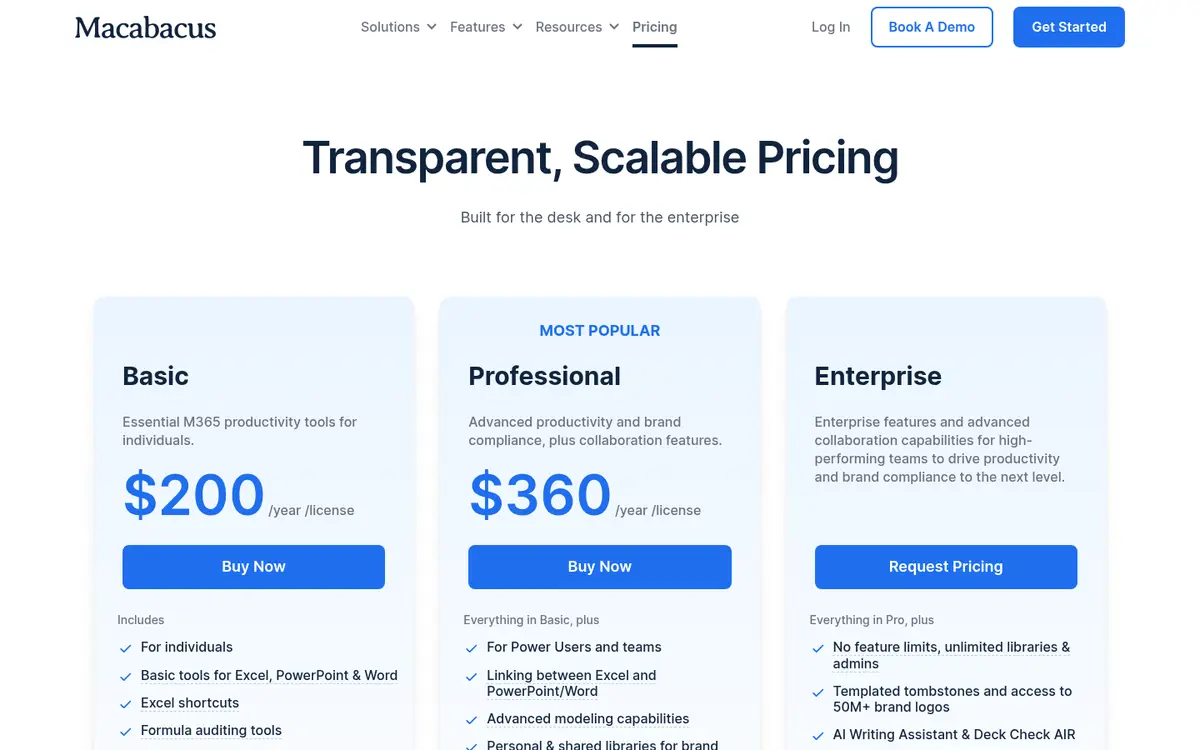
Macabacus is an add-in for Excel, PowerPoint and Word for investment banks, private equity, venture capital, FP&A and consulting firms. It adds modeling and formatting shortcuts, more than 50 model checks and links from Excel to PowerPoint and Word.
Day to day, analysts use its shortcuts to format and audit their own models, run Model Check to catch formula problems, and link tables and charts from Excel into decks and documents. Deck Check proofs presentations, and its AI mode, Deck Check AIR, looks for logical and numerical contradictions. An AI Writing Assistant keeps text in the brand voice, and shared libraries and a library of more than 50 million logos serve whole teams.
Bankers and consultants who build their own models and decks, and want them consistent and fast, are its core users. Macabacus also offers free banking model templates, such as DCF, LBO, merger, IPO and cap table models, which bring users to the add-in. Those templates are a starting point, but editing them is still manual work.
Macabacus covers the same three Office apps as Tracelight, but it does not build a model from a request; you build it, faster. In return it is cheaper and simpler to budget: Basic is $200 and Professional $360 per licence per year, and Excel-to-PowerPoint links start at Professional. Enterprise is priced on request. A 14-day trial needs no credit card. You could also pair it with an AI builder that drafts the model first.
- Price
- Basic $200 and Professional $360 per licence per year. Enterprise on request.
- Free option
- A 14-day trial, no credit card.
Pros
- More than 50 model checks
- Excel to PowerPoint and Word links
- A yearly price that is easy to budget
Cons
- Does not build models from a request
- Deck links need Professional
Pick it if you want formatting, checks and deck links without paying for AI building.
6.Claude
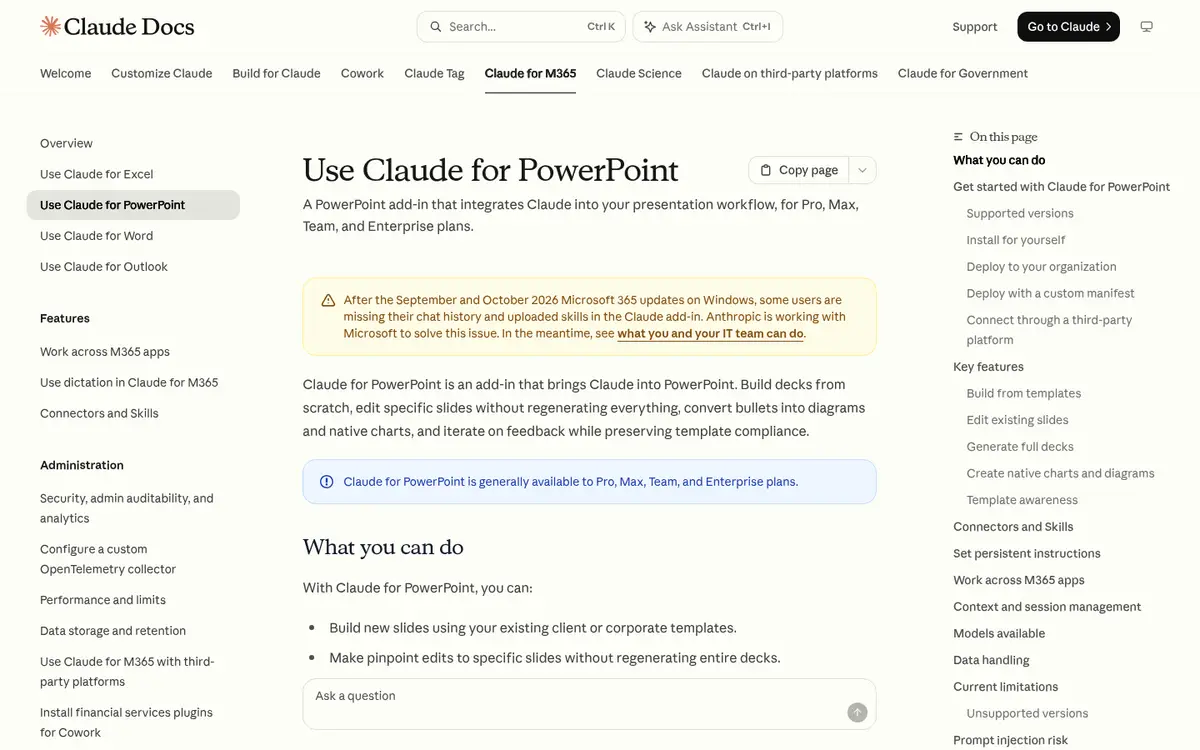
Claude for Excel and Claude for PowerPoint are Anthropic's add-ins that bring its Claude assistant into Office. In Excel it explains workbooks with cell-level citations, edits inputs while keeping formula links, and builds models or fills templates from a description.
In Excel, Claude traces how formulas and assumptions flow, finds the root cause of calculation errors and handles pivots, conditional formatting and data validation. It can build a three-statement model from a trial balance or fill an LBO template. In PowerPoint, it builds on the corporate template's master and layouts, edits single slides without rebuilding the deck, and turns bullets into native, editable charts and diagrams. The add-ins share context across Excel, PowerPoint, Word and Outlook.
Teams that already pay for Claude and want one assistant across the Office apps are the natural buyers. Licensed data connectors from S&P Global, LSEG, Daloopa, FactSet and Morningstar, and finance skills for comps, DCFs and due-diligence data packs, add deal features.
Claude covers much of Tracelight's ground, with Excel and PowerPoint help in one assistant, at a lower entry price: Claude Pro is $17 a month billed yearly or $20 monthly, against Tracelight Pro at $40 a month. It is a general assistant, though, with no deal project space or spreadsheet compare tool listed. It does not support data tables or macros, and Anthropic says client deliverables need human review. The free Claude plan does not include the add-ins.
- Price
- Needs a paid Claude plan: Pro $17 a month billed yearly or $20 monthly; Max $100 a month.
- Free option
- Not on the free Claude plan.
Pros
- Excel and PowerPoint help in one assistant
- Edits single slides in your template
- Licensed data connectors
Cons
- No data tables or macros
- Needs a paid Claude plan
Pick it if your team already pays for Claude and builds both models and decks.
Who should pick what
Tracelight sits between two kinds of tool: add-ins that make your own work faster, and AI that builds the model for you. Decide which half you need most, then check whether you need decks and documents as well. Those two answers narrow the list quickly.
- AI across Excel and PowerPoint with a full audit trail: Crunched. Consulting slides at a low price: Deckary.
- An Excel builder with a free plan: Shortcut. One assistant across Office on a plan you may already have: Claude.
- Formatting, model checks and deck links without AI building: Macabacus.
- A finished Excel model that AI changes for your case: Finamodel.
Run one real model through your shortlist: build or open it, change three assumptions, and push it into a deck. Note where each tool saves time and where you still fix things by hand. Prices here are list prices; Tracelight's come from a 10 Nov 2026 read, so confirm them on the vendor's site before you buy.
Frequently asked
How much does Tracelight cost?+
Tracelight Pro is $40 a month and Max is $200 a month. Enterprise is priced through sales. Starter is a free trial. We read these prices on 10 Nov 2026.
Is there a free version of Tracelight?+
There is a free trial, Starter, with 3 Model Review runs, but no free plan. Among the alternatives, Shortcut has a free plan, Deckary and Macabacus offer 14-day trials, and Finamodel gives 30 free models with live formulas and a free sample of every other model.
What are the main Tracelight alternatives?+
AI agents for Excel and PowerPoint: Crunched, Deckary and Claude. An AI builder for Excel: Shortcut. Formatting and checks without AI building: Macabacus. A ready model that AI changes for your case: Finamodel.
Tracelight vs Finamodel: which should I pick?+
Pick Tracelight if you build, format and review models and decks in your own Office files. Pick Finamodel if you want to start from a finished model, at $20 a month or $120 a year.
Does Tracelight work in PowerPoint?+
Yes. Tracelight's PowerPoint and Word add-ins build decks and documents from the workbook in your firm's template and keep them live as the model changes. Its Sketches feature, announced around 14 Nov 2026, builds slides from a drawn layout.
What are Tracelight's Chat, Audit and Trace tabs?+
They are the three tabs of its Excel add-in. Chat builds and formats models, Audit checks for formula issues, and Trace explains how a number is calculated, in plain language.
Sources for Tracelight (6), last checked 14 Nov 2026+
- tracelight.ai · Pricing tiers · 10 Nov 2026
- tracelight.ai · Homepage positioning · 10 Nov 2026
- tracelight.ai · Excel add-in page · 10 Nov 2026
- tracelight.ai · Platform page · 10 Nov 2026
- tracelight.ai · Valuations and modelling use case · 10 Nov 2026
- linkedin.com · Sketches announcement · 14 Nov 2026
Each alternative's own page lists its sources.


