 By Alex Tapio
 Someka alternatives
People look for Someka alternatives for three main reasons. The models are built to be filled in, not changed, and anything beyond the inputs means paid customization or a custom job. Financial models are mostly small-business verticals, so a lender package, an SBA loan or a model tied to your accounting data may need something else. And there is no AI to adapt a model to your case.
What is Someka?
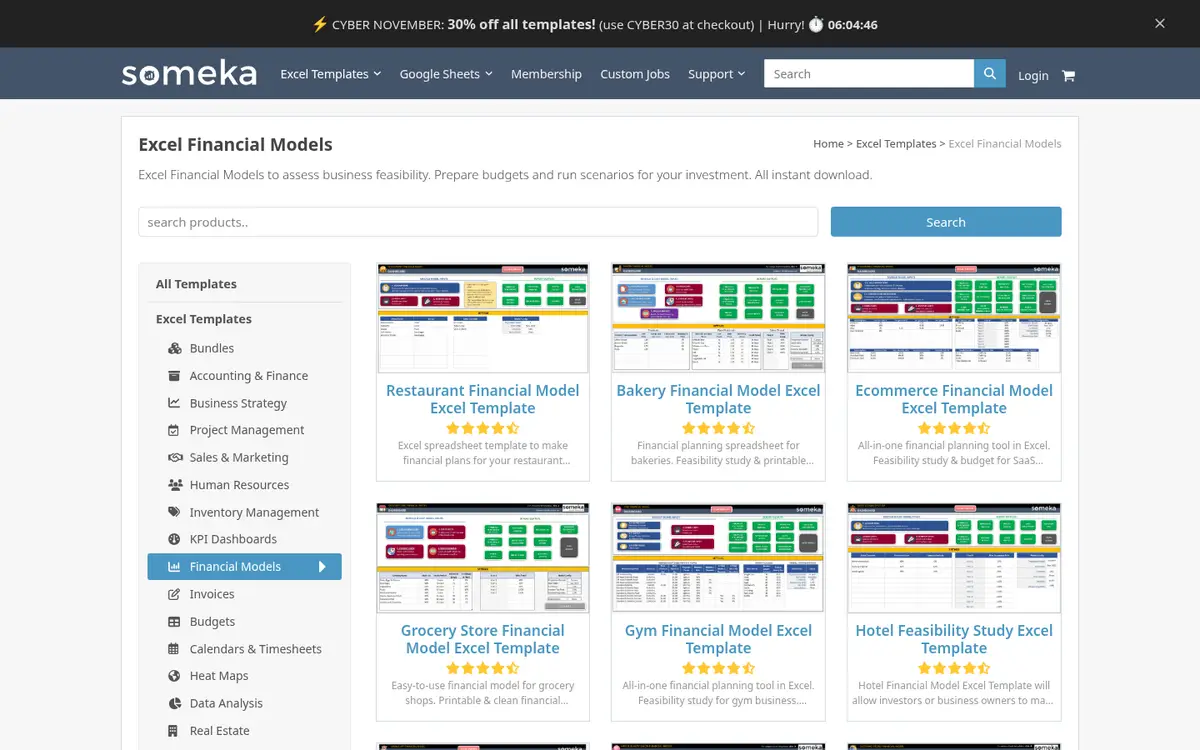
Someka is a single publisher of Excel and Google Sheets templates and dashboards. Its catalogue of more than 400 templates covers accounting, HR, project management, invoices and KPI dashboards, and one category is financial models for small businesses. Those models target owners of hotels, restaurants, bakeries, retail stores, gyms, salons and start-ups. Each one has an input sheet, a dashboard, pro-forma three statements, EBITDA, breakeven and inventory reports over 2 to 10 years. Someka says you need no Excel skill: you only enter your data. You buy templates one by one, in bundles or through a membership.
Someka at a glance
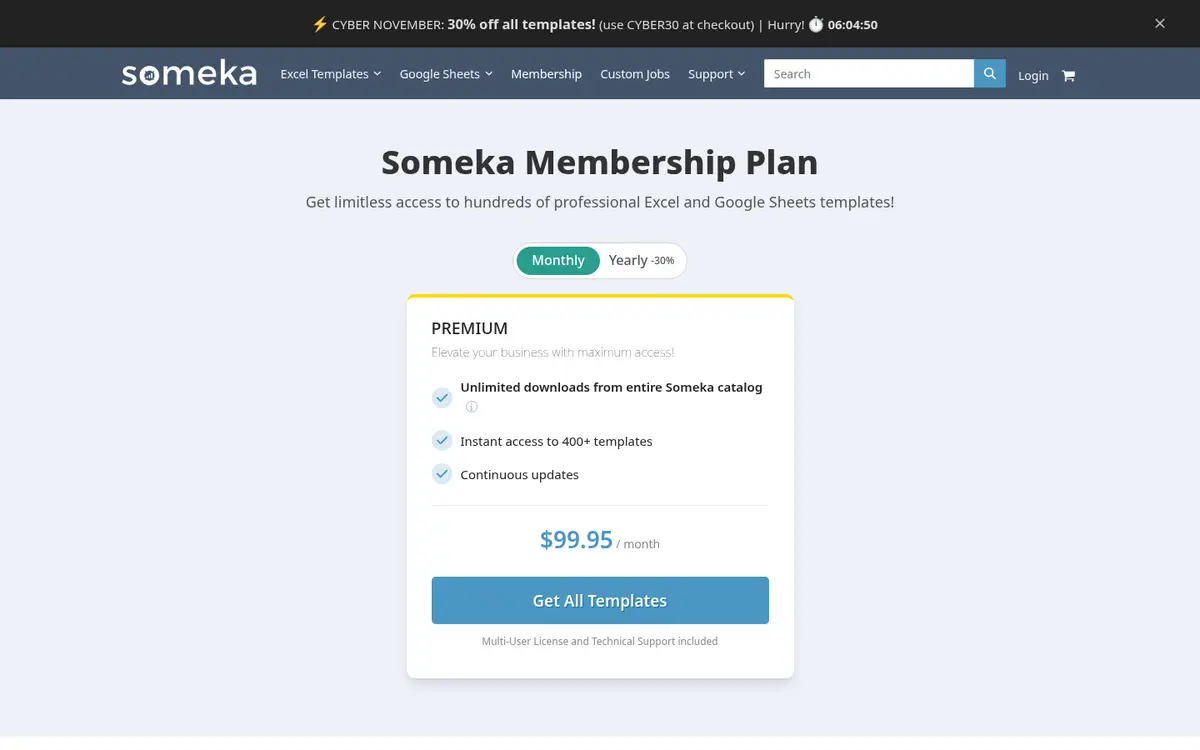
The membership gives unlimited downloads of all 400+ templates for $99.95 a month, or $69.95 a month billed yearly, with a multi-user licence and technical support. A single financial model we checked costs $99.95 single-user or $199.95 multi-user. Paid add-ons include technical support at $19.95 and basic customization at $250. Many templates have a free demo with limited access. On 22 Nov 2026 a Cyber November coupon gave 30% off.
Quick picks
Someka is the first row. The alternatives include other template sources, small-business projection specialists and two pieces of software. Read the "Builds" column with care: a fill-in template still leaves the structure to you, while software builds the forecast from your answers or your accounts. The Excel column shows which options leave you with a file you keep.
| Tool | Best for | Type of tool | Price (entry plan) | Works in | Free option | Builds the model for you | Excel file you keep | AI edits your file | Templates library |
|---|---|---|---|---|---|---|---|---|---|
| Fill-in small-business models | Template publisher | $99.95/mo or $69.95/mo yearly | Excel, Google Sheets | Yes: Limited free demos | No: You enter inputs | Yes: Excel or Sheets | No: No AI | Yes: 400+ templates |
 | SBA loan projections | Templates + services | Free or paid; $499 all | Excel, converts to Sheets | Yes: Listed as free | No: You fill it in | Yes: Excel file | No: No AI | Yes: 100+ templates |
 | Wider choice of industries | Template marketplace | About $99 to $210 each | Excel, Google Sheets | Yes: Free samples, PDF demos | No: You edit it | Yes: Excel or Sheets | No: No AI | Yes: Industry templates |
 | Cheap parts and niche items | Template marketplace | Per item, author-set | Excel, Sheets, PowerPoint | Yes: Some free items | No: You edit it | Yes: Varies by item | No: No AI | Yes: 2,000+ finance templates |
 | Business plan plus forecast | Planning software | $15 to $40 a month | Web app, PDF, PowerPoint | No: 35-day money-back only | Yes: Builds from your answers | No: Lives in web app | Not stated: AI forecast help | Yes: 550+ sample plans |
 | A model changed by AI | Ready models + AI | $20/mo or $120/yr | Web app, Excel file | Yes: 30 models + free samples | Yes: Fina chat builds it | Yes: .xlsx, formulas visible | Yes: Fina chat edits it | Yes: 500+ models |
 | Models from QuickBooks Online | Excel add-in | $150 or $300 a month | Excel add-in, PDF | Yes: First model free | Yes: From QuickBooks data | Yes: Excel files you own | No: No AI | Yes: 10+ dashboards |
yes · no · not stated in the vendor's sources. Hover a mark for details. From each vendor's own site; prices change, so check before you buy.
1.ProjectionHub
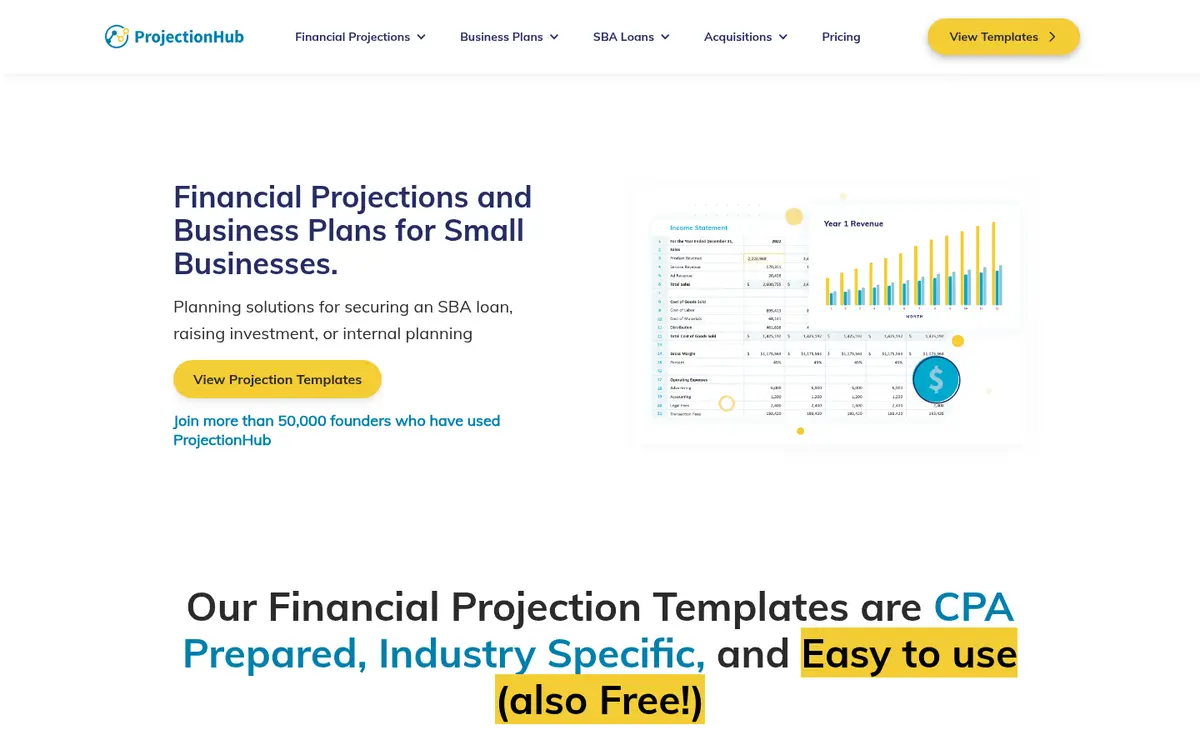
ProjectionHub sells industry-specific Excel projection templates, plus done-for-you projections and business plans for small businesses. The templates are CPA developed and built for SBA loans, investors and small-business acquisitions.
You choose a template for your type of business, enter your email, and get a download link. The files are designed in and for Excel, and ProjectionHub says you can convert them to Google Sheets. Like Someka, it promises that anyone who can type into a cell can use them. After you fill one in, you can upload it for a projection review, and the SBA concierge service helps with the loan itself.
This is the closest match for a Someka user whose goal is a bank or SBA loan. It also covers people buying an existing small business. ProjectionHub is clear about its limits: it says it does not provide FP&A services to larger companies. For a corner shop or a franchise unit, that focus is a strength rather than a gap.
Price is the main reason to switch. The pricing page lists individual templates as free, and ProjectionHub+ gives all 100+ templates for $499, paid once, while Someka's membership costs $99.95 a month. Be careful, though: the same pricing page's FAQ says individual templates are a one-time payment, so the site contradicts itself. If you get stuck, done-for-you Financial Projections cost $750, a Business Plan plus Projections $2,500 and the SBA concierge package $3,500; custom models are quoted individually. Someka's range is wider: ProjectionHub covers projections only, with no dashboards, invoices or HR tools, and it has no AI either.
- Price
- Individual templates listed as free (its FAQ says one-time payment). ProjectionHub+ $499 one-time. Services from $750.
- Free option
- Templates listed as free; the download link comes by email.
Pros
- Built for SBA loans and acquisitions
- All templates for one $499 payment
- Projection review and done-for-you help
Cons
- Pricing page contradicts itself
- Projections only, no other business templates
Pick it if your goal is an SBA loan or a lender-ready projection.
2.eFinancialModels
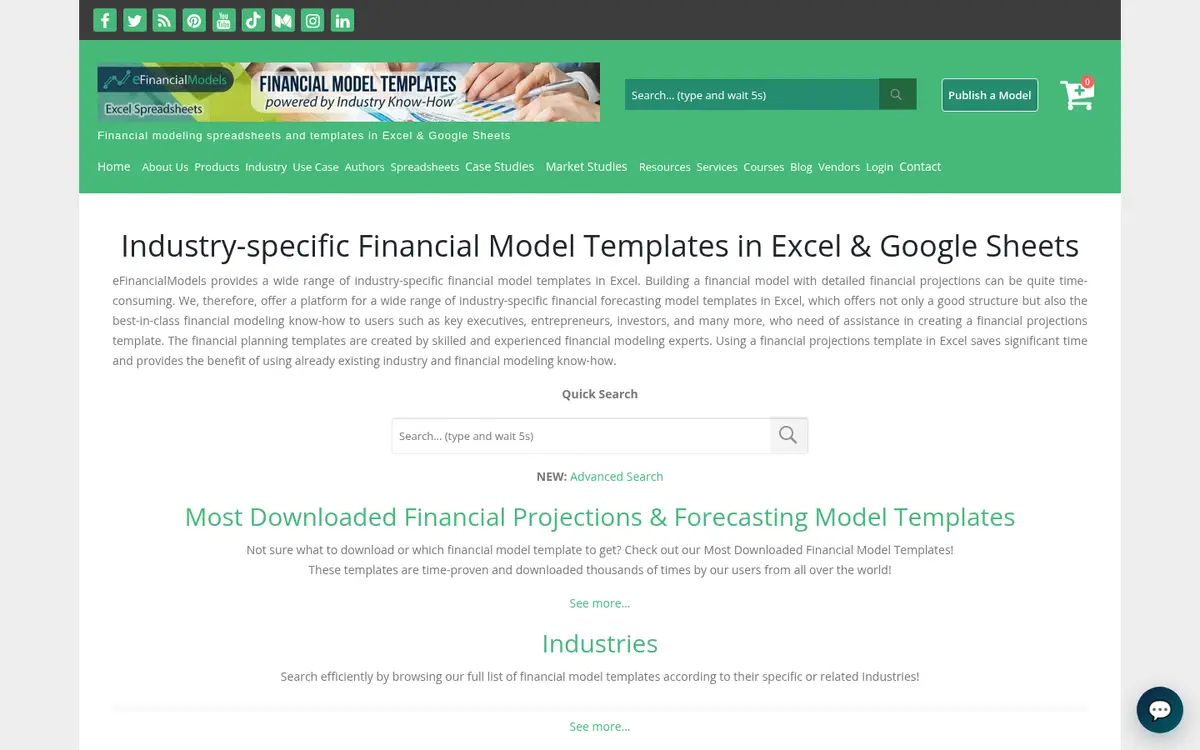
eFinancialModels is a marketplace where independent financial modeling experts sell industry-specific templates in Excel and Google Sheets. You buy each template once.
Listings cover businesses such as EV charging stations, mobile apps and food trucks, and a project finance section covers PPP, solar PV, wind, green hydrogen and battery storage. Many listings come in Basic, Pro and Premium versions, or with single- and multi-user licences. Many have a $0 PDF demo, and a free samples section lists templates you can download at no cost. Bundles cost less than buying templates one at a time.
It suits key executives, entrepreneurs and investors, the users the site names, who need a model for an industry Someka does not cover. If no template fits, you can contact an author and ask for a custom model, with a quote and a timeline, which is closer to hiring a modeler than buying a template. The quote depends on the author and the job, so ask before you commit. For a Someka user, this is the main extra: a person who can build the parts a fill-in template leaves out.
Compared with Someka, the range of industries is wider, and project finance is covered. The models are written by different authors, so you get more variety but less consistency: each listing has its own layout and depth. There is no membership. Sample prices ran from $99 to $209.95 per template on 22 Nov 2026, so two or three models cost more than a month of Someka's membership. There is no AI on either site, and eFinancialModels does not state how many templates it sells.
- Price
- Per template, set by the author. Sample listings from $99 to $209.95.
- Free option
- A free samples section, and $0 PDF demos of many listings.
Pros
- Wider range of industries, including project finance
- PDF demos before you buy
- Custom models from the author
Cons
- No membership; each model is paid separately
- Layout and depth vary by author
Pick it if Someka does not cover your industry and you want one model, paid once.
3.Eloquens
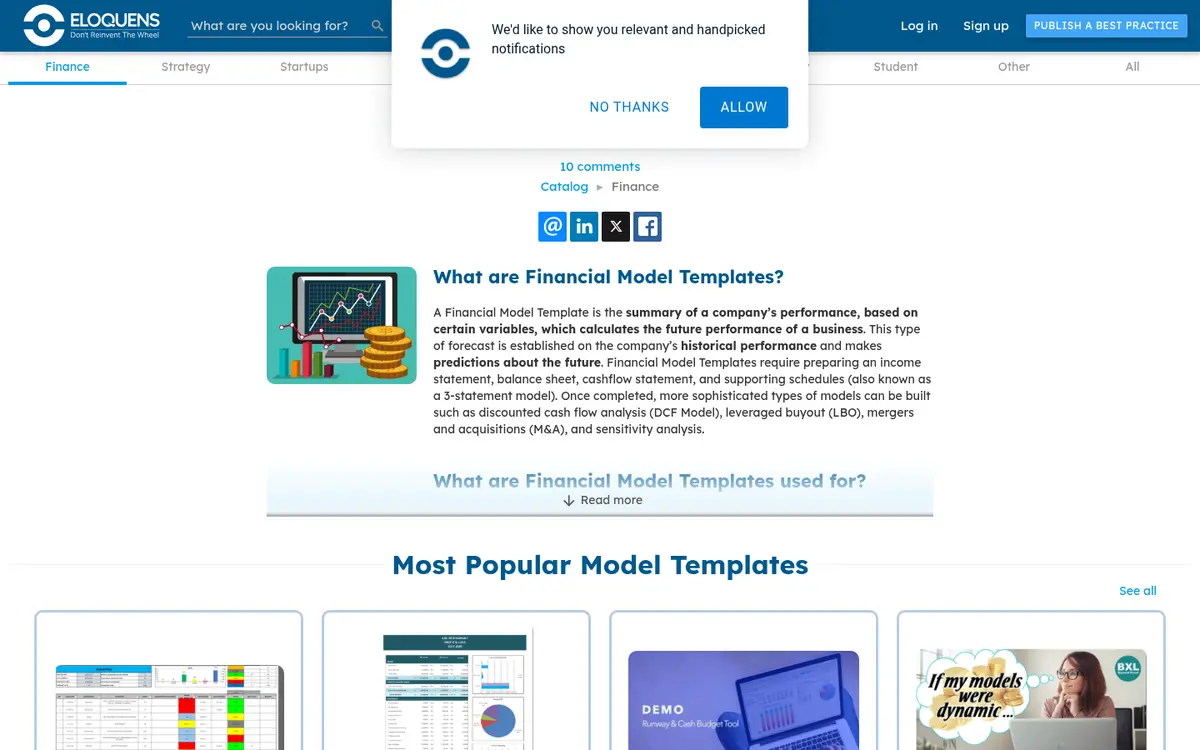
Eloquens is a marketplace where consultants and experts sell business templates, tools and methods for a one-time payment per item. Its finance category title promises over 2,000 Excel financial model templates.
Each listing belongs to an author's channel, with ratings and a discussion thread. Some items include a tutorial video, and some are free. Formats vary by item: Excel, Google Sheets, PowerPoint and Power BI all appear. Authors keep 85% of each sale and set their own prices.
The catalogue reaches well beyond finance into strategy, startups, legal, marketing and HR, with over 9 thousand best practices and guides counted on the homepage. That is a similar breadth to Someka's, but from many sellers rather than one. It suits buyers who want a specific item, or only part of a model, and are happy to check the author before paying. Free items go into your library just like paid ones, so you can test an author's work first. If you only need a breakeven sheet or a timing schedule, this saves buying a whole model.
Compared with Someka, Eloquens can be much cheaper for a small need. One project finance listing sells timing flags and a master sheet for $15, an inventory cash flow tool costs $45 with a business licence, and a 10-year 3PL model costs $129. There is no membership, so if you need many templates, Someka's plan may cost less. Quality is the main risk: with many authors there is no shared design, and no single company stands behind every file. Neither site has AI features.
- Price
- Per item, set by the author: examples from $15 to $129.
- Free option
- Some listings are free.
Pros
- Small items from $15
- Ratings and comments on listings
- No recurring fee
Cons
- Quality varies by author
- No membership covering everything
Pick it if you need one specific template or part of a model, and want to pay once.
4.LivePlan
LivePlan, made by Palo Alto Software, is browser-based software for a business plan and a linked three-statement forecast. It serves founders and small-business owners, and lenders, SBA partners, educators and accelerators who give it to clients or students.
You answer a few questions about how you will make money, and LivePlan builds the profit and loss, cash flow and balance sheet, all linked. AI helps test the idea, research the market, forecast and review the plan, and Help Me Forecast starts a forecast through questions and answers. The plan builder has more than 550 sample plans, and you can export a pitch to PDF or PowerPoint.
LivePlan fits a small-business owner who needs a written plan for funding as well as the numbers. Premium connects QuickBooks Online and Xero, so you can track budget versus actual after you launch. A lender-readiness review checks the plan and forecast, and a LivePlan Expert can give one-on-one video help as a paid add-on.
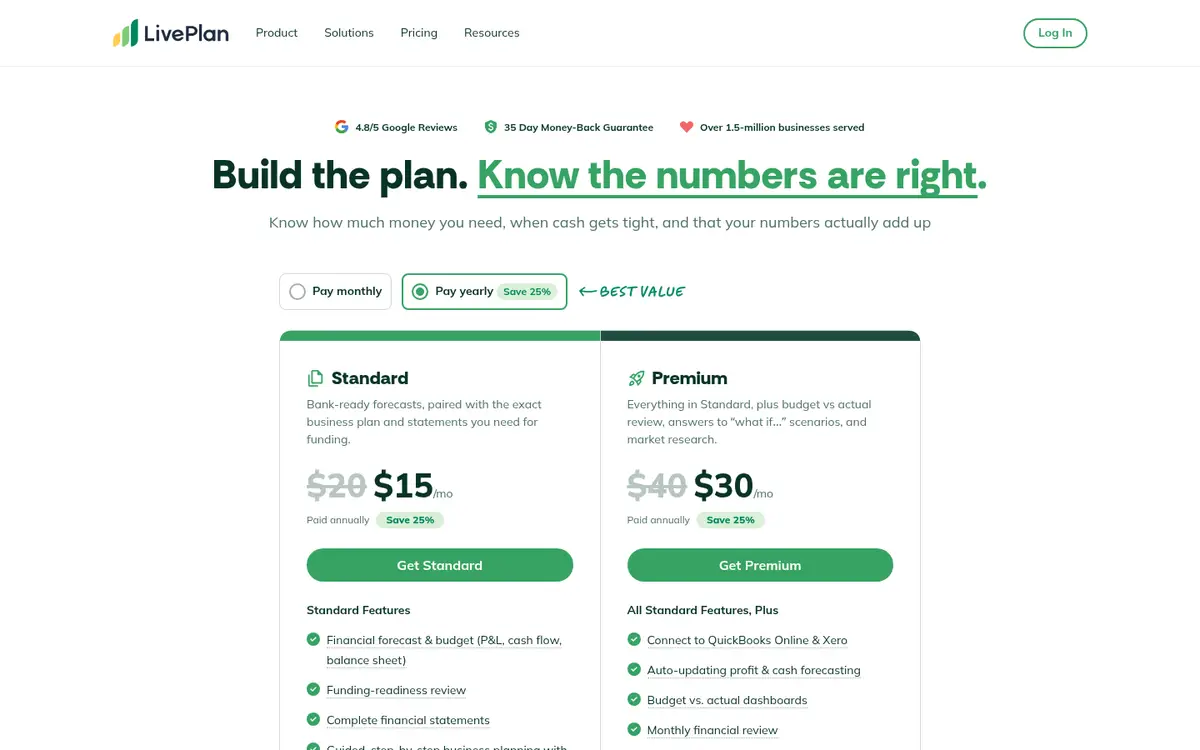
Next to Someka, LivePlan does more of the work for you and keeps plan, forecast and actuals in one app. The downside is the file. Your forecast lives in the LivePlan web app, not in an Excel workbook you own and can reshape. Standard costs $20 a month, or $15 a month paid yearly; Premium is $40, or $30 paid yearly. Instead of a free plan, there is a 35-day money-back guarantee. If you want to keep working in Excel, Someka or a template source fits better, because you can open, change and share the file without a login.
- Price
- Standard $20 a month or $15 paid yearly. Premium $40 or $30 paid yearly.
- Free option
- No free plan; a 35-day money-back guarantee.
Pros
- Builds a linked forecast from your answers
- Writes the business plan too
- Budget vs actual with QuickBooks and Xero
Cons
- No Excel file you own
- Human expert help costs extra
Pick it if you need a business plan and forecast for funding and do not want a spreadsheet.
5.Finamodel

Finamodel is a library of ready Excel financial models with an AI assistant called Fina. Like Someka, you start from a finished model. Unlike Someka, you are not limited to the inputs: Fina changes the structure of the model for your business.
In practice you search the library for a model, for example a restaurant, gym or salon model, and open it in Fina chat. Then you ask for what the template lacks, such as a second location, a delivery channel or a bank loan. Fina builds, edits, explains and fixes the model, and version history lets you restore any earlier file. You then download a normal .xlsx file with every formula visible. It works without Finamodel and opens in Excel, Google Sheets and Numbers.
It fits owners who like Someka's ready format but keep hitting the limits of a fill-in template, and who would rather not pay for each customization. Fina explains any formula you do not understand, and a voice walkthrough talks you through the whole model. Read-only links to QuickBooks, Google Sheets, Google Drive and 42 other apps can bring in your numbers. You can try one of 30 free models, or a free sample of any other model, sent by email link, and the library is free to browse.
Finamodel is weaker than Someka in some ways. It has financial models only, with no invoices, calendars, HR tools or project management sheets. Someka promises that you need no Excel skill; with Finamodel you still need to judge whether the model fits your business, because Fina changes what you ask for. There is no custom spreadsheet service, and support is by email. You also pay a subscription even if you only need one model, while Someka sells single templates. The upside is that each change costs nothing extra, so a plan that moves every month stays cheap to update. The Models plan costs $20 a month or $120 a year, and you can cancel at any time.
How it works
- Pick a ready model, such as a DCF or a 3-statement model, from a library of more than 500.
- Ask Fina chat to change, explain or fix it for your case and your numbers.
- Download a real .xlsx file. Every formula is visible, and it works without Finamodel. It opens in Excel, Google Sheets and Numbers.
- Price
- Models plan: $20 a month or $120 a year. All Templates: $30 a month or $144 a year. You can cancel at any time.
- Free option
- 30 free models with live formulas, and a free sample of every other model, with values but no formulas. Both are sent by email link, one model email per email address per day. The library is free to browse.
Better than Someka at
- Changes the structure, beyond the inputs
- No paid customization for each change
- Version history to undo any change
Worse than Someka at
- Financial models only, no other business templates
- No custom spreadsheet service
- You still need to judge whether the model fits
Models that fit: Restaurant Model, Gym Model, Salon & Spa Model.
Pick it if you like ready small-business models but need changes beyond the inputs.
6.ModelWiz
ModelWiz is an Excel add-in that builds financial models and dashboards from QuickBooks Online data. A one-click Roll Forward refreshes them each month.
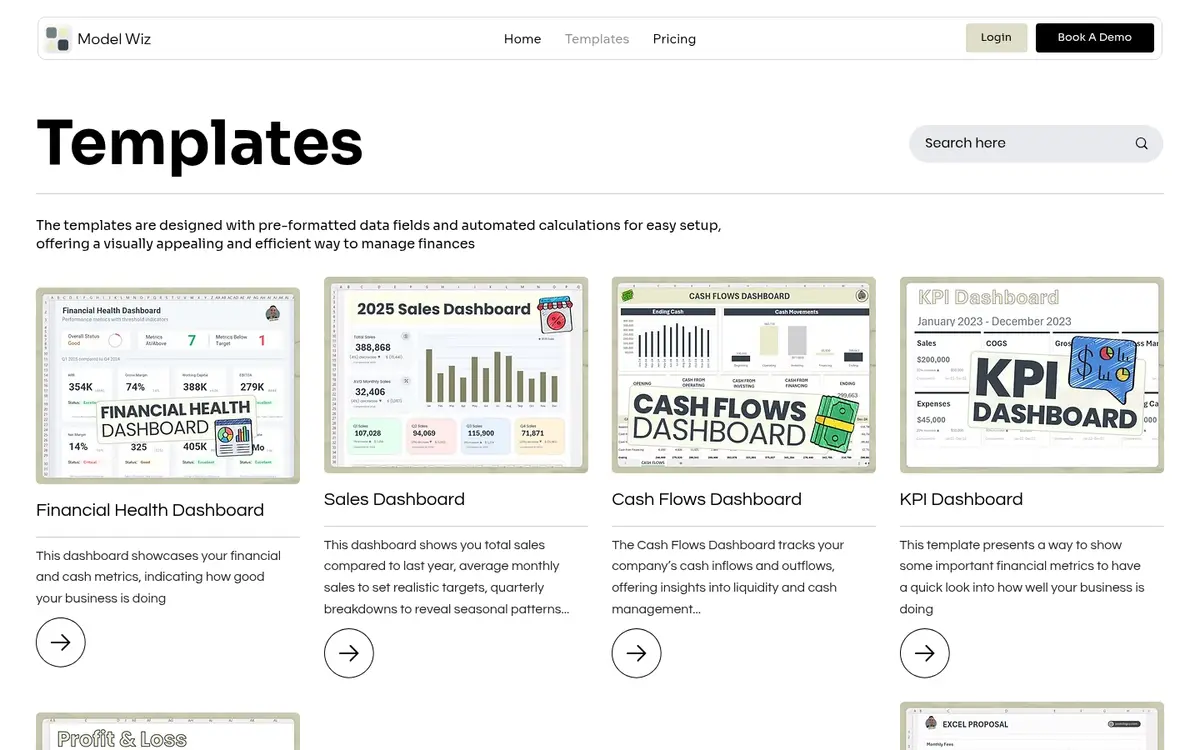
You connect QuickBooks Online, and ModelWiz builds a 3-statement model and projections inside Excel. More than 10 dashboards cover financial health, sales, cash flows, KPIs, hiring, SaaS metrics and budget versus actuals. Roll Forward adds new accounts while keeping your custom formulas and projections, red cells flag discrepancies, and one click exports a PDF. ModelWiz says setup takes 5 to 10 minutes, and downloaded templates are Excel files you completely own.
It suits CFOs, finance leaders, accounting firm owners, fractional CFOs and CEOs whose books are already in QuickBooks Online. Pricing is per company connection with unlimited users, which helps an accounting firm serving several clients.
Relative to Someka, ModelWiz removes the data entry: your actual numbers come from the accounts instead of being typed in. It costs more. Its FAQ lists a Dashboard Plan at $150 a month and a Forecast Plan at $300 a month, each for 3 companies, billed monthly with no annual contract, while the pricing page asks you to book a demo. It works with QuickBooks Online only, not QuickBooks Desktop, with Xero and NetSuite on the roadmap. You cannot yet bring your own templates, and the connected dashboards show fixed metrics. There is no AI. Your first Excel model is free, which is enough to test whether the QuickBooks link saves you time. If you do not use QuickBooks Online, ModelWiz is not an option at all, and a template like Someka's is still the simpler route.
- Price
- Dashboard Plan $150 a month and Forecast Plan $300 a month, each for 3 companies (FAQ). Pricing page asks for a demo.
- Free option
- Your first Excel model is free.
Pros
- Builds models from QuickBooks Online data
- Excel files you own
- Unlimited users per company
Cons
- QuickBooks Online only
- Fixed metrics on connected dashboards
Pick it if your books are in QuickBooks Online and you want models built from actuals.
Who should pick what
Someka is good at one thing: a ready small-business template you fill in. Pick an alternative based on what is missing. If it is a loan package, go to a projection specialist. If it is a wider choice, look at a marketplace. If it is less typing, connect your accounts. If it is changes, use AI.
- An SBA loan or lender-ready projection: ProjectionHub. A written plan with the forecast: LivePlan.
- A wider choice of industries or a single niche item: eFinancialModels or Eloquens.
- Models built from your QuickBooks Online data: ModelWiz.
- A ready model that AI changes for your business: Finamodel.
Before you switch, try the free version of each option: Someka's demo, a ProjectionHub template, an eFinancialModels PDF demo or ModelWiz's free first model. Fill in your own numbers in one of them. You will see quickly whether a fill-in template is enough, or whether you need something that changes with your plan.
Frequently asked
How much does Someka cost?+
The membership is $99.95 a month, or $69.95 a month billed yearly, for all 400+ templates. One financial model we checked costs $99.95 single-user or $199.95 multi-user. Support and customization cost extra.
Is there a free version of Someka?+
Many Someka templates have a free demo version with limited access, sent to your email. The full templates need a purchase or the membership.
What are the main Someka alternatives?+
For templates: ProjectionHub, eFinancialModels and Eloquens. For software: LivePlan and ModelWiz. For a ready model that AI changes for you: Finamodel.
Can I change a Someka template?+
You enter your data in the inputs. Changes beyond the inputs need Someka's paid help, for example technical support at $19.95 or basic customization at $250, or a custom job.
Someka vs Finamodel: which should I pick?+
Pick Someka for a fill-in small-business model, or for templates beyond finance. Pick Finamodel if you need the model itself changed for your case by AI. Finamodel's Models plan is $20 a month or $120 a year.
Sources for Someka (4), last checked 22 Nov 2026+
- someka.net · Live check: 400+ templates, membership prices · 22 Nov 2026
- someka.net · Live check: Cyber November 30% off banner · 22 Nov 2026
- someka.net · Single template prices and services · 10 Nov 2026
- someka.net · Financial models category · 15 Nov 2026
Each alternative's own page lists its sources.


