 By Alex Tapio
 Endex alternatives
People look for Endex alternatives for a few reasons. It has no public price and sells through demos, so you cannot compare cost up front. The website has four pages and no blog, changelog or news, which makes it hard to see what has shipped and when. And individuals or small teams may want a tool they can install and try today, or a ready model rather than an agent.
What is Endex?
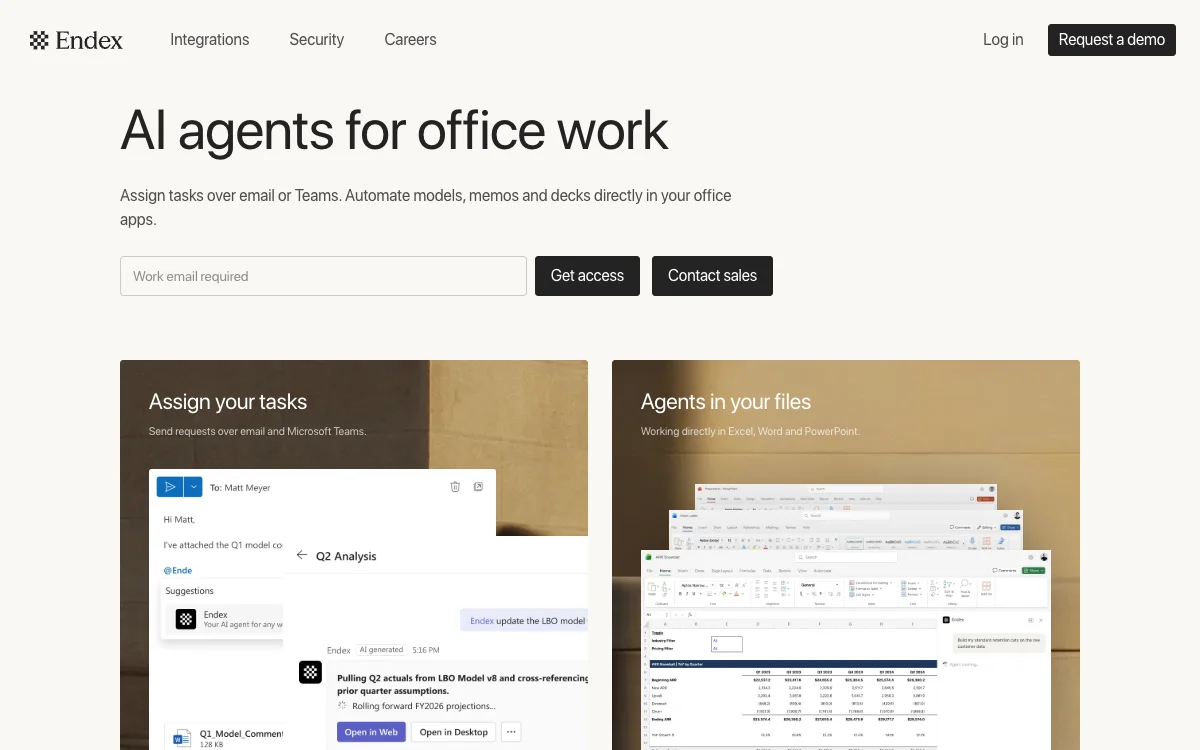
Endex sells AI agents for office work. The agents work inside Excel, Word and PowerPoint, and you give them tasks over email, Microsoft Teams, Slack, mobile or an API. In Excel the agent builds and updates models, in PowerPoint it builds slides and restyles them to match the deck, and in Word it drafts documents with each claim traced to its source. Buyers are enterprise teams in private equity, investment banking, public equity, real estate, corporate finance, accounting and consulting. Connectors include FactSet, Capital IQ, Morningstar, Yardi, CoStar and Argus.
Endex at a glance
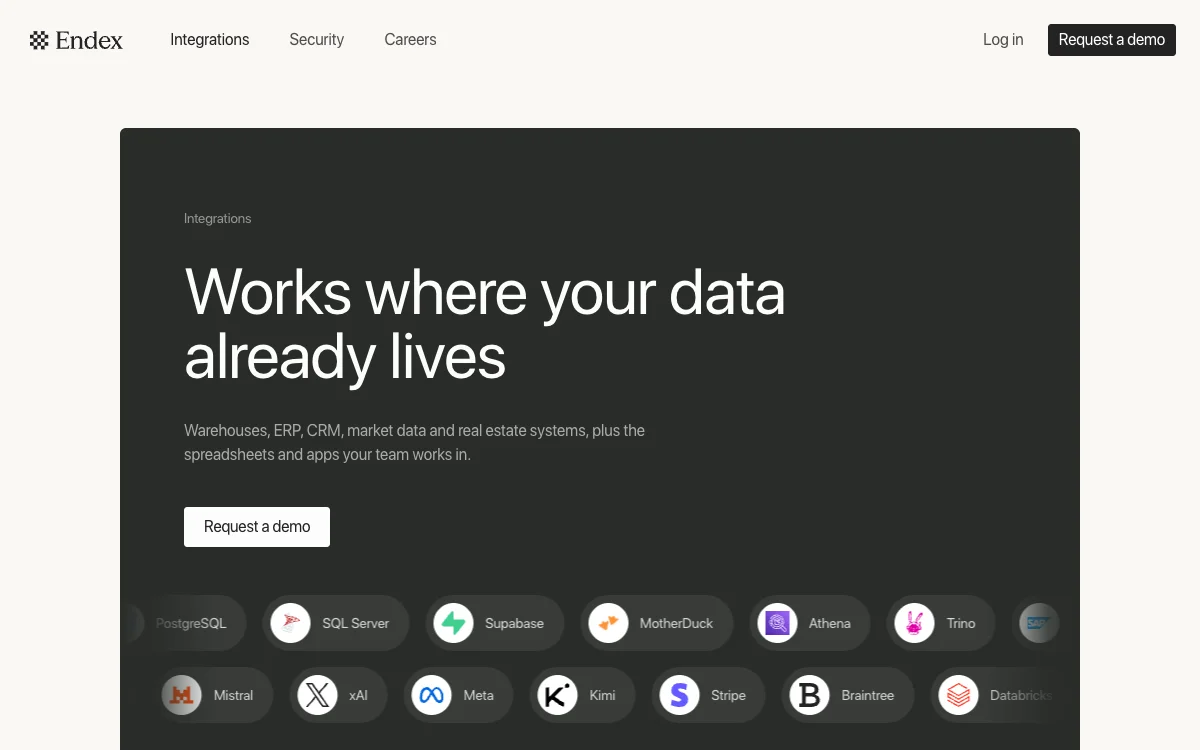
Endex publishes no price and lists no plans. The homepage asks for a work email to get access, or offers a sales contact. What the pages do describe is the product: agents in Excel, Word and PowerPoint, tasks sent by email or Teams, custom automations that keep a memory, SOC 2 Type II, ISO 27001 and customer-held encryption keys. Its security page says customer data is not used for training by default.
Quick picks
Endex is the first row, for reference. The tools below split into two groups: agents that work across Office and take tasks by email or chat, and tools focused on one job, such as a model. Read the "Works in" and "Price" columns together: wide coverage usually comes with a demo, while the narrower tools tend to publish prices.
| Tool | Best for | Type of tool | Price (entry plan) | Works in | Free option | Builds the model for you | Excel file you keep | AI edits your file | Templates library |
|---|---|---|---|---|---|---|---|---|---|
| Delegating office work to agents | AI agents | Demo only | Excel, Word, PowerPoint, email | No: None listed | Yes: Excel agent builds | Yes: Works in your workbook | Yes: Builds and updates models | Not stated: Not stated |
 | Banks and advisory firms | AI agent | Demo only | Excel, PowerPoint, Word, Teams | No: None listed | Yes: Models and decks | Yes: Excel add-in | Yes: Builds DCFs from scratch | Not stated: Not stated |
 | Work delegated by email | Email AI service | From $20; plans unclear | Email; Excel, PowerPoint, Word | Yes: First task free | Yes: DCF, LBO, comps | Yes: Excel files returned | Yes: Builds and updates | Not stated: Not stated |
 | Microsoft 365 Copilot firms | Built into Office | Not checked | Excel, PowerPoint, Word | Not stated: Not stated | Yes: LBO, merger, comps skills | Yes: Your own workbook | Yes: Finance skills | Not stated: Not stated |
 | Office AI at a listed price | AI add-ins | From $17/mo, yearly | Excel, PowerPoint, Word, Outlook | No: Paid plan needed | Yes: From a description | Yes: Keeps your formulas | Yes: Builds and fixes | Not stated: Not stated |
 | A ready model, no rollout | Ready models + AI | $20/mo or $120/yr | Web app, Excel file | Yes: 30 models + free samples | Yes: Fina chat builds it | Yes: .xlsx, formulas visible | Yes: Fina chat edits it | Yes: 500+ models |
 | Model review and linked decks | AI add-ins | Pro $40/mo | Excel, PowerPoint, Word, web | Yes: Free trial | Yes: In plain English | Yes: Your own workbook | Yes: Builds and audits | Not stated: Not stated |
yes · no · not stated in the vendor's sources. Hover a mark for details. From each vendor's own site; prices change, so check before you buy.
1.Model ML
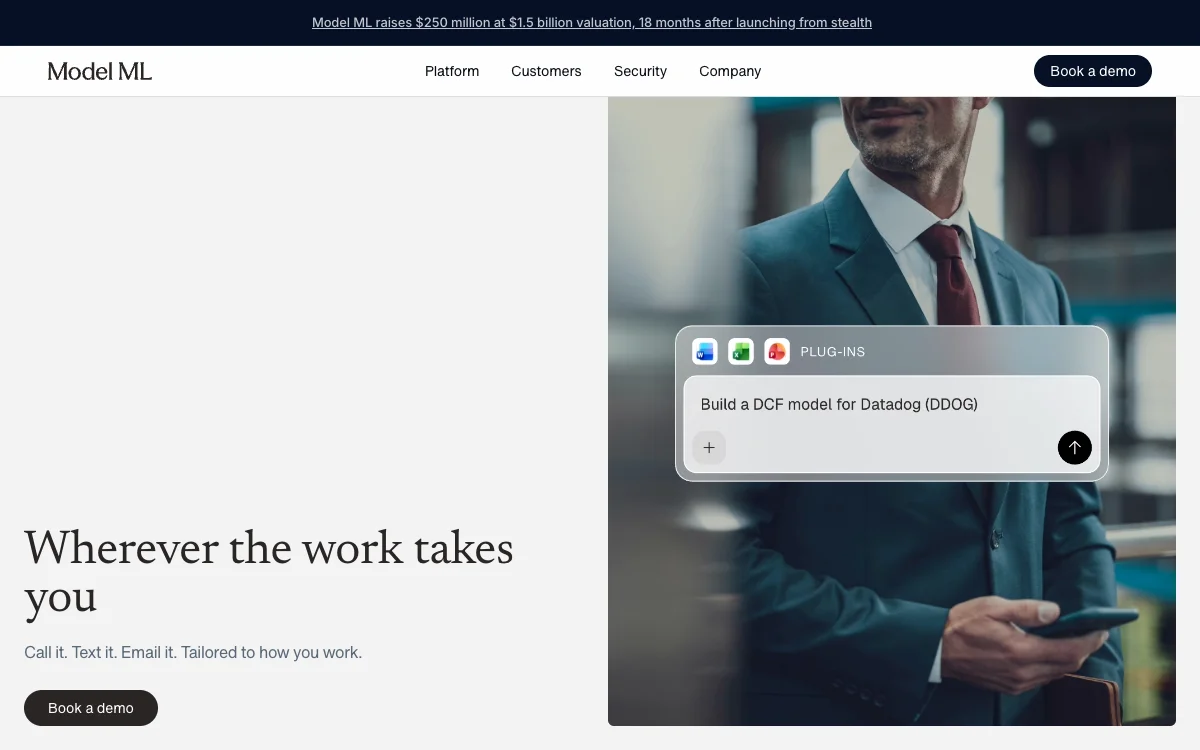
Model ML is an AI finance agent sold to large banks, consultancies, private equity and credit firms, and asset and wealth managers. It runs inside Excel, PowerPoint, Word, Outlook and Teams.
Like Endex, it takes tasks in many ways: voice, chat, email and automatic triggers. Its outputs include memos, tearsheets, comps, pitch books, diligence material, decks and models, and its chat page talks about building a DCF in Excel from scratch. A Document Review agent checks documents for details and risks. Figures can carry source footnotes you hover over and click to verify. Model ML's own docs call it a workflow and execution layer on top of licensed data.
Firms connect it to mail, SharePoint and Drive, calendars, CRMs and licensed data from Capital IQ, FactSet, PitchBook and Preqin. The agent can learn the firm's business, writing style and delivery formats, so output arrives in house format. That teaching takes effort up front and suits firms that plan a wide rollout across many teams and offices.
Of all the tools here, Model ML is the nearest twin to Endex. Both cover the Office apps, take tasks by email, connect to licensed data and sell through demos with no public price. Endex lists real estate systems such as Yardi, CoStar, Argus and MRI and states customer-held encryption keys; Model ML adds a Notetaker for meetings and a Teams plugin. Ask both vendors for a pilot on the same task, such as a quarterly model update, because the pages alone will not separate them.
- Price
- No public price. Demo first.
- Free option
- None listed.
Pros
- Tasks by voice, chat, email or trigger
- Licensed data from Capital IQ, FactSet and Preqin
- Learns the firm's style and formats
Cons
- No public price
- Built for large firms
Pick it if you want an Endex-style agent with a meeting notetaker and Teams in the same product.
2.Zibly
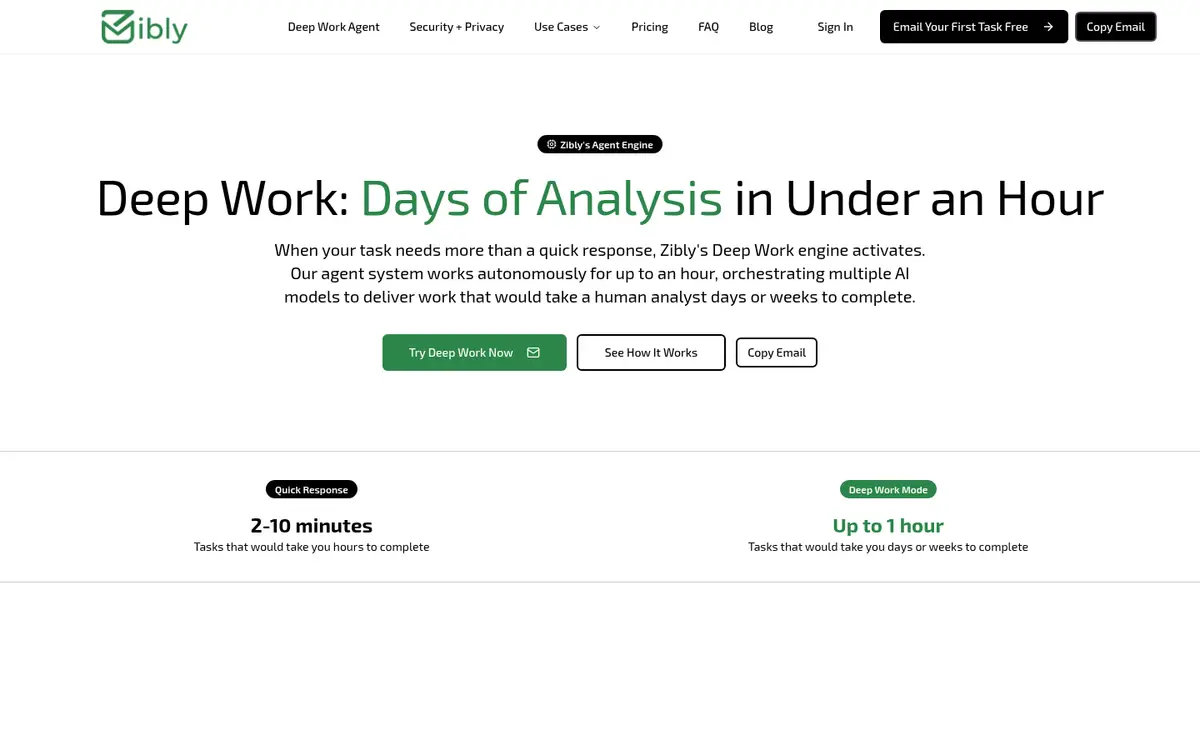
Zibly is an AI service you use by email. You send files and a request, and it sends back finished Excel models, PowerPoint decks, Word documents and analyses.
In Excel it builds, cleans or updates models, such as a DCF with sensitivities, an LBO with returns, or comps and precedents. On the deck side it makes 5 to 10 slide valuation decks in the firm's template, one-page profiles and football fields, plus memos and executive summaries. A Deep Work agent runs longer tasks for up to an hour and uses AI models from OpenAI, Anthropic, Gemini and Grok. Zibly says its output self-checks for quality and has traceable formulas and clear assumptions tabs.
Its use-case pages name consultants, investment bankers, private equity, accountants, attorneys, marketers and students. There is no software to learn, which suits people who would rather forward an email than install an add-in. Each task comes back as files you keep.
Zibly shares Endex's best idea, delegation by email, but sells to individuals rather than through enterprise demos. Your first task is free, and its solution pages say the same deliverable costs from $20. The pricing page showed only "Loading pricing..." when we checked on 19 Nov 2026, so plan prices are unclear. Turnaround is stated two ways: 6 to 24 hours on the banking page, minutes to an hour on the features page. Zibly lists no data connectors and no add-in, and its blog had no posts. Endex works inside your own files and links to FactSet and Capital IQ.
- Price
- From $20 per deliverable, per its solution pages. Plan prices were not readable.
- Free option
- Your first task is free.
Pros
- Delegate by email, nothing to install
- Returns Excel, PowerPoint and Word files
- First task free
Cons
- Plan prices not readable
- Turnaround stated inconsistently
Pick it if you like Endex's email delegation but want to pay per task as an individual.
3.Microsoft Copilot
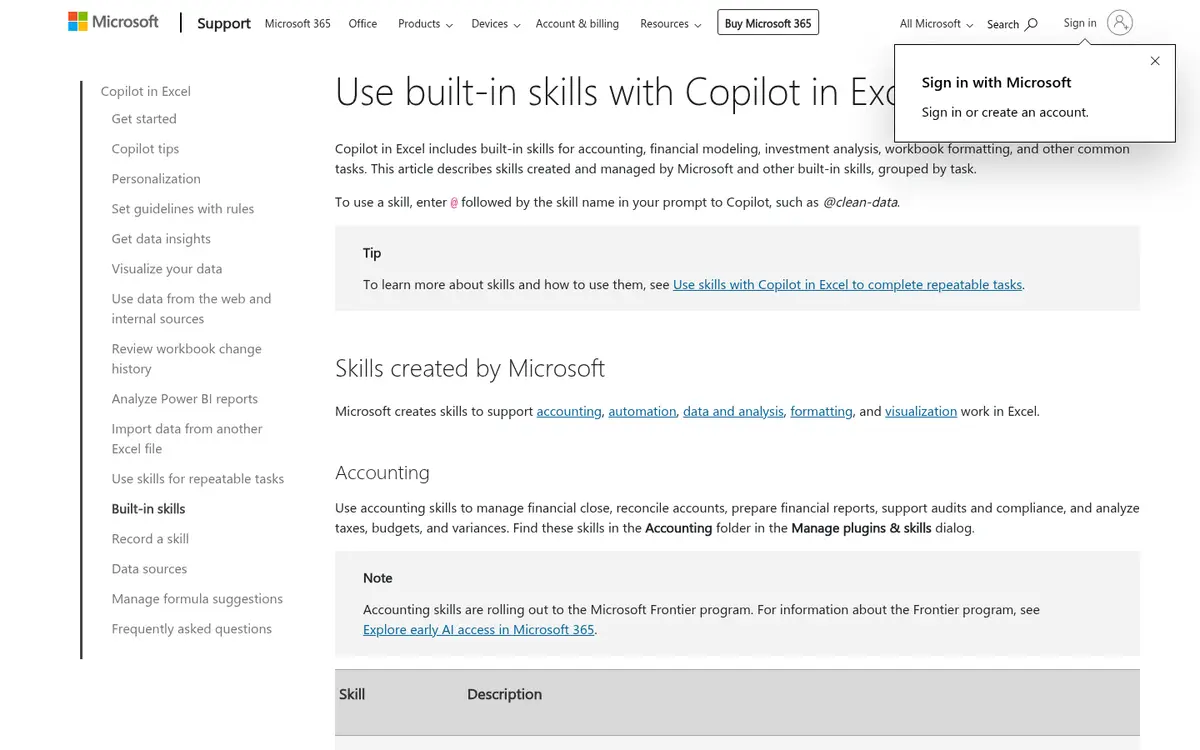
Copilot is Microsoft's AI assistant, built into Microsoft 365 apps. In Excel it has built-in finance skills you call with @, and in PowerPoint it drafts decks.
The Excel skills include three-statement completion, LBO, merger, comps, model check, returns, unit economics and data packs. The model check looks for circular references, broken formulas, hardcoded overrides, balance sheet imbalances, cash flow mismatches and logic gaps. Copilot can explain a workbook's change history and reverse chosen edits, and a skill recorder saves a firm's own workflows. In PowerPoint it turns a prompt into a deck using existing themes, rewrites slides and writes speaker notes.
Firms already on Microsoft 365 get it without adding a vendor. Finance staff in FP&A, accounting, tax, treasury, investment banking and private equity are the named audience. Accounting skills for reconciliation, close, statements, variance and tax are in the Frontier early-access program, not general release. Each skill has its own entry on Microsoft Support. Partner plugins include QuickBooks, Xero and Zoho Books.
Endex and Copilot both work across Excel, Word and PowerPoint. Endex adds delegation from email, Teams and Slack, custom automations with memory and connectors to real estate systems such as Yardi, CoStar and Argus. Copilot is already installed for many firms, so a trial costs little effort. Microsoft states that Copilot does not give accounting, tax, audit or financial advice. We did not check Copilot prices for this page, and Office in Copilot became generally available on 17 Nov 2026, so the product is moving fast.
- Price
- Part of Microsoft 365 Copilot and consumer plans. We did not check the price.
- Free option
- None listed.
Pros
- Already part of Microsoft 365
- Model check for circular references and imbalances
- Can reverse selected workbook edits
Cons
- Price not checked here
- Accounting skills still in early access
Pick it if your firm already pays for Microsoft 365 Copilot.
4.Claude
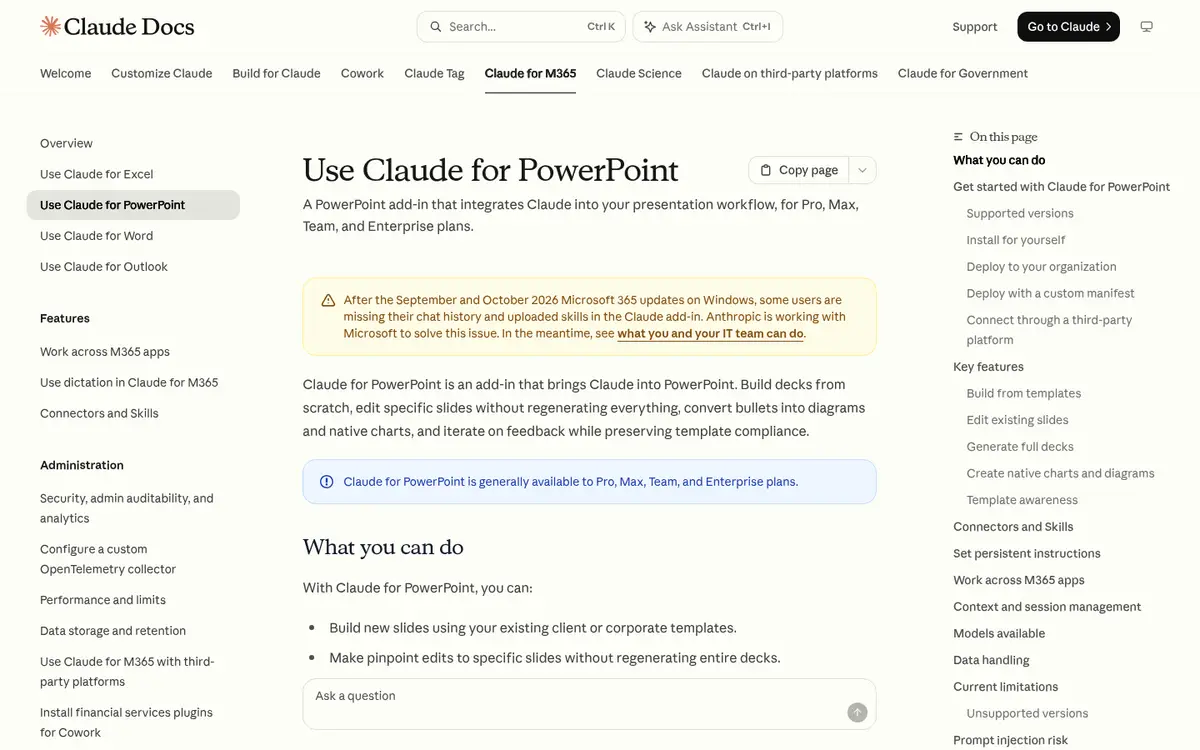
Claude is Anthropic's AI assistant, with add-ins for Excel, PowerPoint, Word and Outlook. Claude for Excel reads, edits and builds workbooks; Claude for PowerPoint builds and edits decks on the firm's template.
In Excel, it answers questions about a workbook with cell-level citations, traces how formulas and assumptions flow, edits inputs while keeping formulas, and finds the root cause of calculation errors. It can build a three-statement model from a trial balance or fill an LBO template. In PowerPoint it builds on the corporate master, edits single slides without rebuilding the deck and turns bullets into native, editable charts. Context is shared across the four add-ins.
Anthropic also offers licensed data connectors, including S&P Global, LSEG, Daloopa, FactSet and Morningstar, and finance skills for comps, DCFs, due-diligence data packs, teasers and earnings analyses. Its financial services pages target bankers, asset and wealth managers, insurers and fintechs. One person can install it alone, or IT can deploy it to the whole organisation.
This is the closest to Endex's Office reach that you can buy without a demo. The price is public: Pro is $17 a month billed yearly or $20 monthly, Max $100 a month, and Team seats $20 a month billed yearly. Enterprise seats are $20 a month billed yearly, with a 20-seat minimum plus usage. Claude for Excel needs a paid plan. What Claude lacks is Endex's task delegation from email, Teams or Slack. It also does not support data tables or macros in Excel, and Anthropic's docs say client deliverables need human review.
- Price
- Needs a paid Claude plan: Pro $17 a month billed yearly or $20 monthly; Max $100 a month; Team $20 a seat.
- Free option
- A free Claude plan exists, but Claude for Excel needs a paid plan.
Pros
- Public prices, no demo
- Excel, PowerPoint, Word and Outlook share context
- Licensed data connectors such as FactSet
Cons
- No data tables or macros in Excel
- No email or Teams task delegation
Pick it if you want AI across Office at a published price.
5.Finamodel

Finamodel is a library of ready Excel financial models with an AI assistant called Fina. Endex puts agents into your office apps; Finamodel starts you from a finished model and changes it for your case.
You pick a model, such as a 3-statement model, an LBO or a real estate model, and describe what you need in Fina chat: new assumptions, an added scenario, a fix for a formula that returns an error. A typical request is "add a second property and a refinance in year three". Fina builds, edits, explains and fixes the model, and version history lets you restore any earlier file. You then download a real .xlsx file. Every formula is visible, and the file works without Finamodel in Excel, Google Sheets and Numbers.
Read-only links to QuickBooks, Google Sheets, Google Drive and 42 other apps let Fina use your figures, and a voice walkthrough can talk a colleague through the model. You can try one of 30 free models with live formulas, or a free sample of any other model without formulas, sent by email link. Sign-up is self-serve, with prices on the pricing page. Because the file is plain Excel, you can open it later in any tool, including one with an agent.
Finamodel is not an agent platform. It does not take tasks by email or Teams, it does not write Word documents or build slides, and it is not an Excel add-in: you work in the Finamodel app, then download. There are no enterprise connectors such as FactSet or Yardi, no customer-held keys and no rollout team; support is by email. What it offers instead is a fast, low-cost start for one person or a small team who needs a model this week. A firm that wants office work delegated across teams should look at Endex, Model ML or Copilot.
How it works
- Pick a ready model, such as a DCF or a 3-statement model, from a library of more than 500.
- Ask Fina chat to change, explain or fix it for your case and your numbers.
- Download a real .xlsx file. Every formula is visible, and it works without Finamodel. It opens in Excel, Google Sheets and Numbers.
- Price
- Models plan: $20 a month or $120 a year. All Templates: $30 a month or $144 a year. You can cancel at any time.
- Free option
- 30 free models with live formulas, and a free sample of every other model, with values but no formulas. Both are sent by email link, one model email per email address per day. The library is free to browse.
Better than Endex at
- Listed prices, no demo
- A ready model to start from
- A plain .xlsx file you keep
Worse than Endex at
- No task delegation by email, Teams or Slack
- No Word documents or slides
- No enterprise connectors or rollout team
Models that fit: 3 Statement Model, LBO Model, Real Estate Model.
Pick it if you need one model now and do not need agents across your office apps.
6.Tracelight
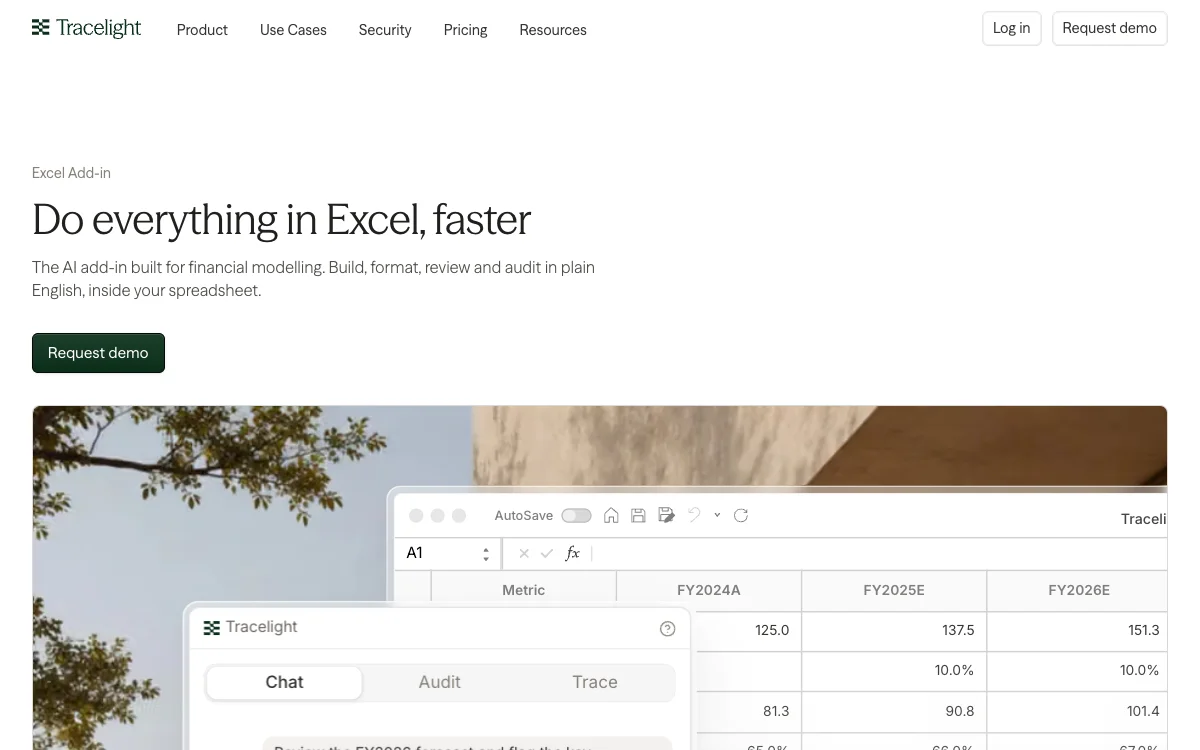
Tracelight is an AI platform for consulting and finance teams, with add-ins for Excel, PowerPoint and Word and a web workspace. It builds, formats, reviews and audits models in plain English.
The Excel add-in has Chat, Audit and Trace tabs. You ask for a change, the edit is checked in Tracelight's own spreadsheet engine, and only then is it written to your workbook. Audit checks for formula issues, Trace explains a calculation, and figures pulled from PDFs keep a comment pointing to the source page. Decks and Word documents are built from the workbook in your firm's template and stay live as the model changes.
It is aimed at consultancies and finance firms doing due diligence, M&A, valuations, private equity and corporate development. The web platform gives each deal a project space with version control and a spreadsheet compare tool, and connects to Capital IQ, FactSet, PitchBook and SharePoint. Firms can store a formatting playbook and reusable skills and workflows. Workbooks can also become interactive browser apps.
Endex and Tracelight overlap on Excel, Word and PowerPoint. Endex goes further on delegation, with tasks from email, Teams and Slack and a wider connector list; Tracelight goes deeper on model review and on keeping slides tied to the numbers. The bigger split is price. Tracelight Pro is $40 a month and Max $200 a month, self-serve, with a free trial that includes 3 Model Review runs, while Endex starts with a demo. Its prices come from a 10 Nov 2026 read, so confirm them before you buy.
- Price
- Pro $40 a month, Max $200 a month. Enterprise through sales.
- Free option
- A free trial with 3 Model Review runs.
Pros
- Every edit verified before it reaches the workbook
- Slides stay live as the model changes
- Self-serve prices
Cons
- No task delegation by email or Slack
- Enterprise price only through sales
Pick it if you care most about checked models and decks that stay tied to them.
Who should pick what
Endex is a bet on delegation: you hand work to agents across Office and they do it. Decide first whether you want that across a whole team, or whether you just need help with one model or one deck. The first points to enterprise agents, the second to simpler tools.
- Enterprise agents across Office, bought through a demo: Endex or Model ML.
- AI across Office at a published price: Claude, or Copilot if your firm already has Microsoft 365 Copilot.
- Work sent by email and paid per task: Zibly. Model review and linked decks: Tracelight.
- A ready Excel model that AI changes for your case: Finamodel.
Endex shares few public details, so a demo is the only way to see it work. Bring a real task, such as rolling a model forward a quarter, and ask the same of each tool you test. Ask too where data is processed and whether the vendor trains on your files; Endex says it does not by default.
Frequently asked
How much does Endex cost?+
Endex publishes no price. You request access with a work email or contact sales for a quote. We last checked on 10 Nov 2026.
Is there a free version of Endex?+
No free plan or trial is listed. Among the alternatives, Zibly does your first task free, Tracelight has a free trial, and Finamodel gives 30 free models with live formulas and a free sample of every other model.
What are the main Endex alternatives?+
For enterprise agents: Model ML. For AI built into Office: Microsoft Copilot and Claude. For work sent by email: Zibly. For model review with linked decks: Tracelight. For a ready Excel model that AI changes for your case: Finamodel.
Does Endex work in Excel?+
Yes. Endex agents work inside Excel, Word and PowerPoint. Its site shows the Excel agent building a consolidated income statement and updating an LBO model.
Endex vs Finamodel: which should I pick?+
Pick Endex if your firm wants agents that take tasks by email and work across Office, and can buy through a demo. Pick Finamodel if you need one ready model now, at $20 a month or $120 a year.
Is Endex secure?+
Endex states SOC 2 Type II and ISO 27001 and offers customer-held encryption keys. Its security page says customer data is not used for training by default.


