Scenarios Excel Template
Free Excel Financial Model Download
Base / bull / bear toggles driving the model via CHOOSE switches.
Other examples (11 models)
Used by professionals from






About this scenario schedule
A scenario schedule lets a model switch between base, upside, downside, bull, bear, or stress cases. It typically uses scenario selectors and linked assumptions so the entire workbook updates consistently from one control area.
Use this free Excel scenario schedule preview to compare how models structure case toggles, scenario summaries, and stress testing outputs. It is useful for investor materials, lender downside cases, strategic planning, and forecasts that need multiple operating views.
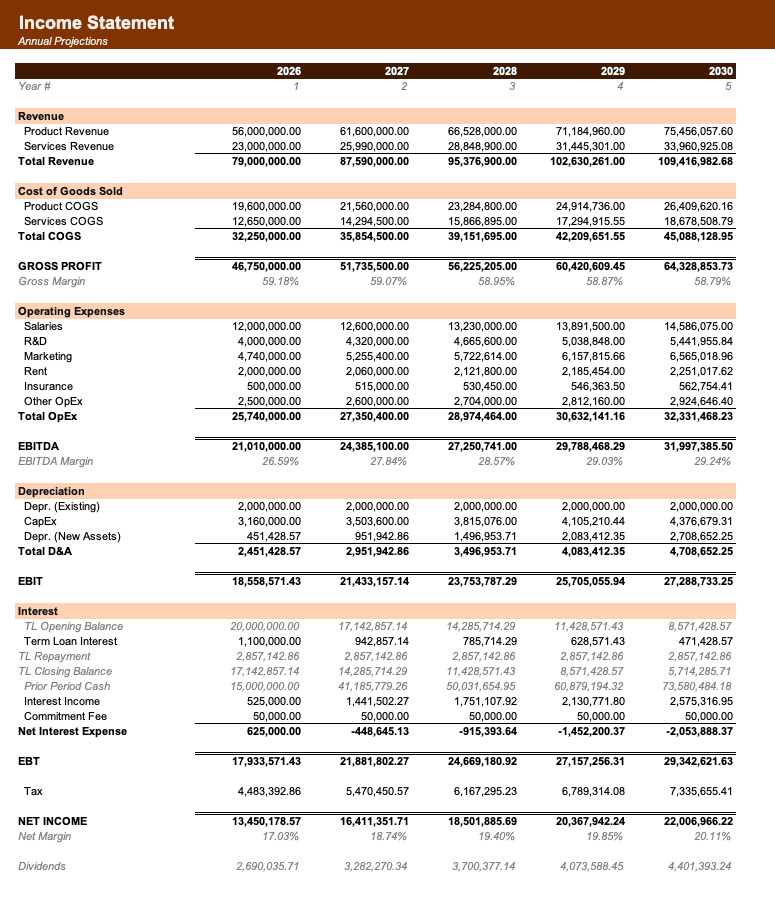
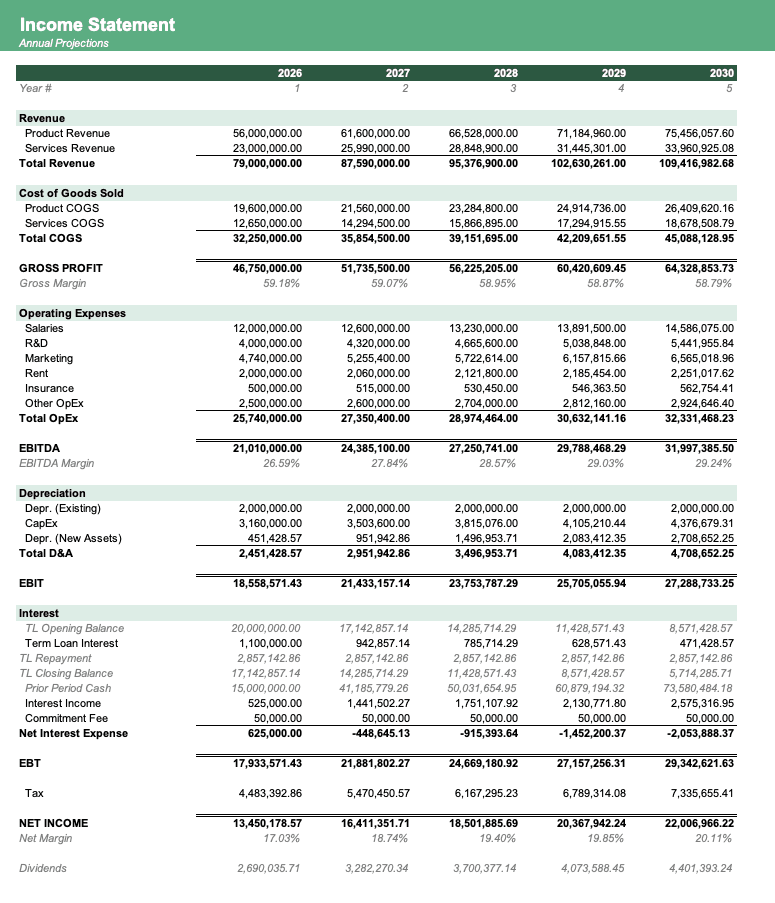
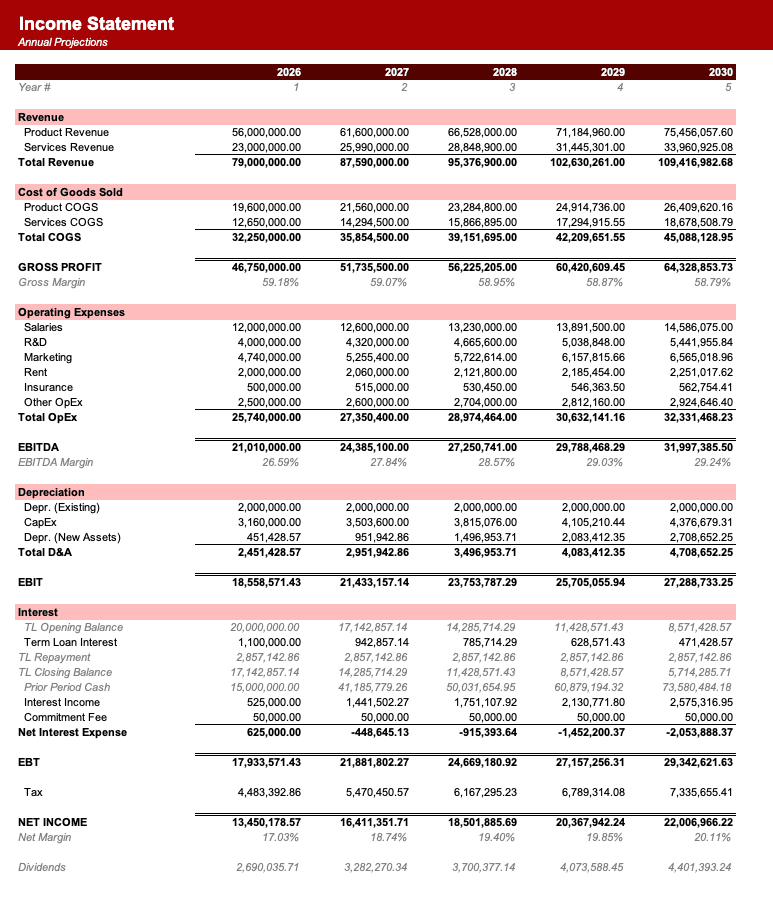
Formatted to IB standards
Named theme colors repaint the whole workbook in one click, on top of an investment-banking structure with clear input, output, and cross-sheet reference styling - brand-ready, institutional-grade, and fully auditable.
Frequently asked
What does the Scenarios schedule do?+
A scenario schedule lets a model switch between base, upside, downside, bull, bear, or stress cases. It typically uses scenario selectors and linked assumptions so the entire workbook updates consistently from one control area.
When should I use a Scenarios schedule?+
Use this free Excel scenario schedule preview to compare how models structure case toggles, scenario summaries, and stress testing outputs. It is useful for investor materials, lender downside cases, strategic planning, and forecasts that need multiple operating views.
What is included on this Scenarios schedule page?+
The page includes a live Excel preview, source model examples, sheet-name variants, and related schedules for the scenarios workflow.
Can I download the workbook behind this Scenarios example?+
Yes. Use the download button or open one of the linked source models to download the full Excel workbook that contains this schedule.
Have more financial modelling questions? Contact us


