Sources & Uses Excel Template
Free Excel Financial Model Download
Transaction funding bridge balancing sources against uses of capital.
Other examples (10 models)
Used by professionals from






About this sources and uses schedule
A sources and uses schedule shows how a transaction is funded and where that funding goes. It balances debt, equity, cash, seller rollover, and other sources against purchase price, fees, refinancing, working capital, and other uses of capital.
Use this free Excel sources and uses schedule preview to compare transaction funding bridge formats across real models. It is useful for M&A, LBO, recapitalization, project finance, and capital raising models where every dollar of funding must be accounted for.
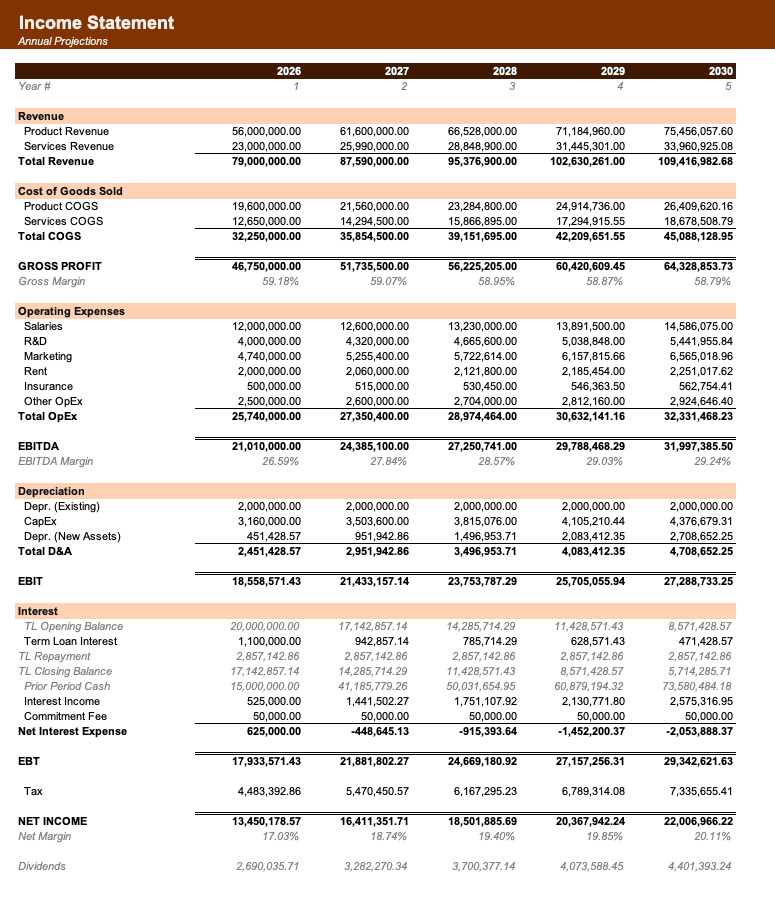
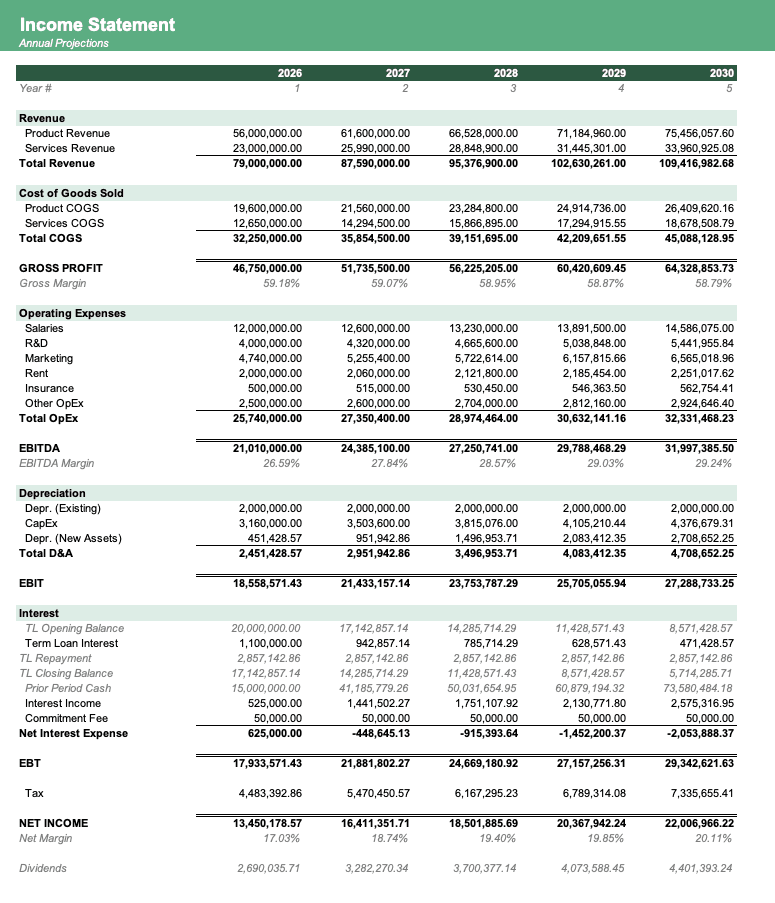
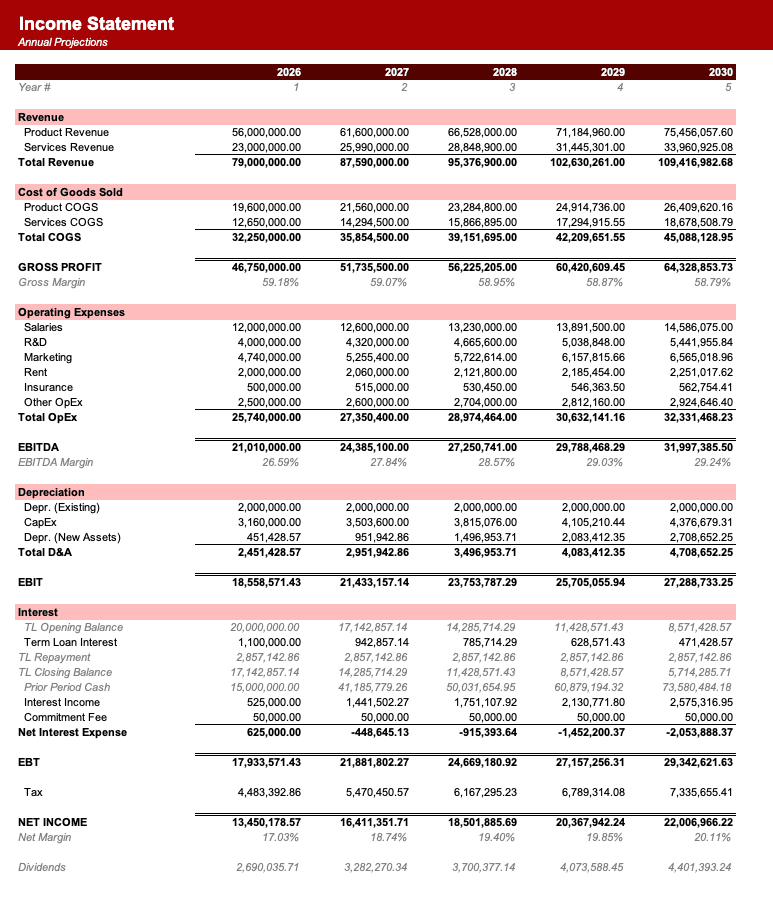
Formatted to IB standards
Named theme colors repaint the whole workbook in one click, on top of an investment-banking structure with clear input, output, and cross-sheet reference styling - brand-ready, institutional-grade, and fully auditable.
Frequently asked
What does the Sources & Uses schedule do?+
A sources and uses schedule shows how a transaction is funded and where that funding goes. It balances debt, equity, cash, seller rollover, and other sources against purchase price, fees, refinancing, working capital, and other uses of capital.
When should I use a Sources & Uses schedule?+
Use this free Excel sources and uses schedule preview to compare transaction funding bridge formats across real models. It is useful for M&A, LBO, recapitalization, project finance, and capital raising models where every dollar of funding must be accounted for.
What is included on this Sources & Uses schedule page?+
The page includes a live Excel preview, source model examples, sheet-name variants, and related schedules for the sources & uses workflow.
Can I download the workbook behind this Sources & Uses example?+
Yes. Use the download button or open one of the linked source models to download the full Excel workbook that contains this schedule.
Have more financial modelling questions? Contact us


