Brand Valuation Relief from Royalty Excel Model
Valuation Financial Model (Excel Download)
Value a brand from the royalties the owner avoids by not licensing it. Test royalty and discount rates, compare base, downside and upside cases, and check a license buyout quote.



professionals from Deloitte






About this model
A brand valuation model using the relief-from-royalty method. The shipped case is a fictional food company with two branded revenue streams, beverages and pantry goods. All royalty indications and license cases are fictional judgments, not market evidence.
Each stream grows at its own rate and only the branded share counts. Brand survival falls each year with attrition, and eligible sales stop after the useful life. Royalty savings are eligible sales times the royalty rate, less tax, discounted at year end. There is no terminal value and no tax amortization benefit. Scenario drivers move royalty, discount, life, attrition and growth together.
On the shipped case, a 3% royalty, 12% discount rate and ten-year life give a brand value of about USD 7.75 million. The downside and upside cases range from about USD 4.69 million to USD 12.52 million. Against a USD 8 million buyout quote, the base value is about USD 0.25 million below, and the break-even royalty is about 3.1%. Checks confirm the present value sum, tax bridge and life cutoff.
What every model includes
Live formulas, no hardcoded values
Outputs are driven by live formulas, so the workbook updates from its assumptions instead of relying on hardcoded results.
All assumptions in one tab
Inputs are clearly marked in the Assumptions tab and separated from calculations, making it clear what to change and what to leave intact.
Statements always balancing
For integrated-statement models, the balance sheet, cash flow, and supporting schedules tie through properly.
Distinct schedules for clarity
Debt, working capital, taxes, and cash flow can get messy quickly. We group calculations in clear schedules, not across disconnected tabs.
No hidden macros or external links
There are no unexplained external workbook links or macros to undermine auditability or portability.
Changes flow through the model
Update a key driver and see the impact carry through the forecast, financing, and return outputs. We never use hardcoded numbers in formulas.
What's inside the Brand Valuation Relief from Royalty Excel Model
- Relief-from-royalty valuation over a finite useful life
- Two revenue streams with their own growth and branded share
- Annual brand attrition through a survival factor
- After-tax royalty savings discounted at year end
- Two-way sensitivity of brand value to royalty and discount rates
- Base, downside and upside cases with linked drivers
- Value range and base case reconciliation
- License cases with royalty indications and evidence notes
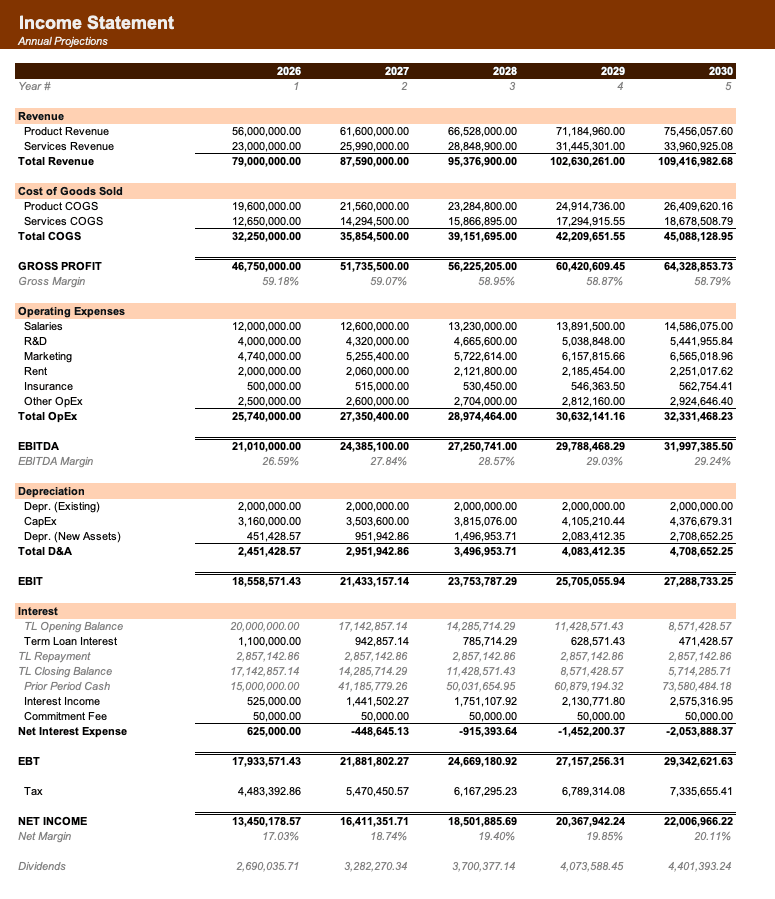
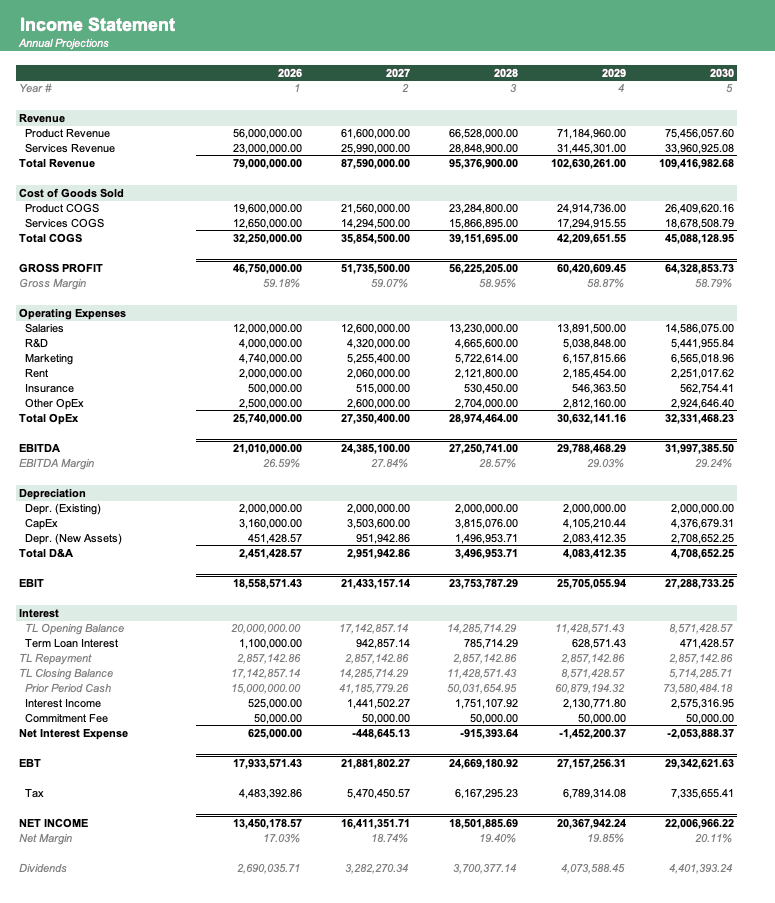
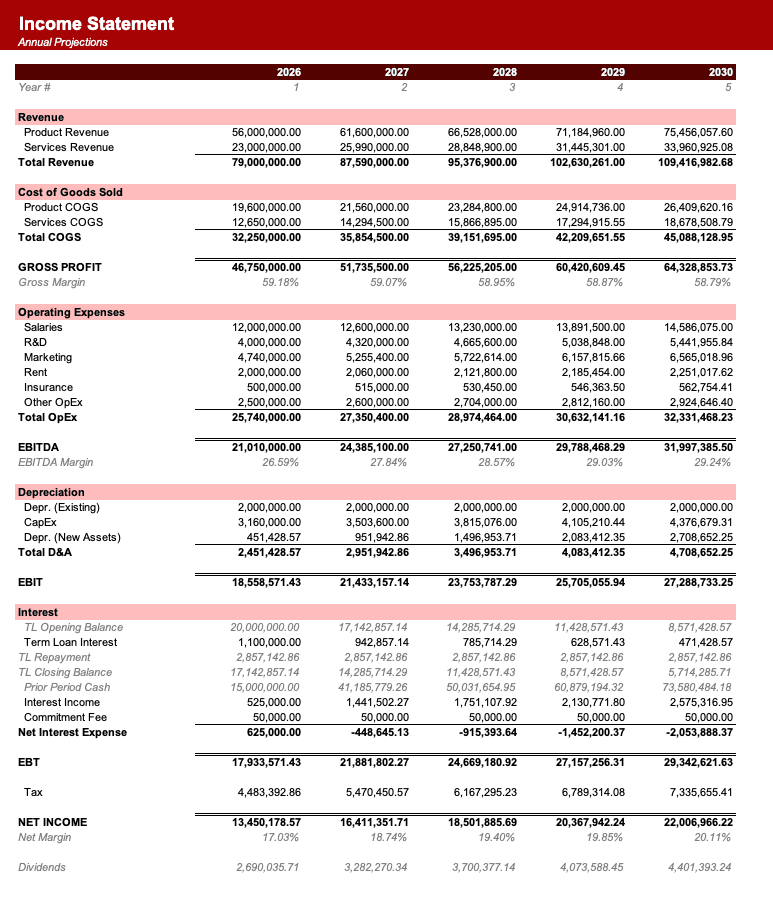
Formatted to IB standards
Named theme colors repaint the whole workbook in one click, on top of an investment-banking structure with clear input, output, and cross-sheet reference styling - brand-ready, institutional-grade, and fully auditable.

Created by ex-finance professionals
Hey, I’m Alex and I created Finamodel.
Over my years in the finance industry I kept building the same models over and over again. Same structure, same assumptions, different logo. So I started building frameworks to turn them into clean, reusable templates.
Every model here is one I’d actually use for a client, and I personally vet each one before it goes up.
I’m not an expert in every industry, but I’ve built enough models to know what belongs in one. And when something is completely foreign to me, I reach out to my network for experts to work on our models with us.
Having a template library on hand cuts a first build from hours to minutes.
Frequently asked
What is the relief-from-royalty method?+
It values a brand by asking what the owner would pay to license it if it did not own it. The royalties saved each year, after tax, are discounted back to today. Their total is the brand value.
How does brand attrition work?+
Attrition reduces the share of sales that still benefit from the brand each year. With 4% attrition, survival is 96% in year two, about 92% in year three, and so on until the useful life ends.
Why is there no terminal value?+
The model assumes the brand has a finite economic life. Savings stop after the useful life, so no value is added beyond it. Tax amortization benefit is also left out.
What is not included?+
The result is brand value, not enterprise value. It excludes tax amortization benefit, transaction costs and brand maintenance costs. The royalty rates in the case are fictional, not market data.
How do I value my own brand?+
Replace the revenue streams, branded shares and growth rates with your own. Support the royalty rate with real license evidence, and set the discount rate, tax rate, life and attrition for your case.
Have more financial modelling questions? Contact us
Related templates
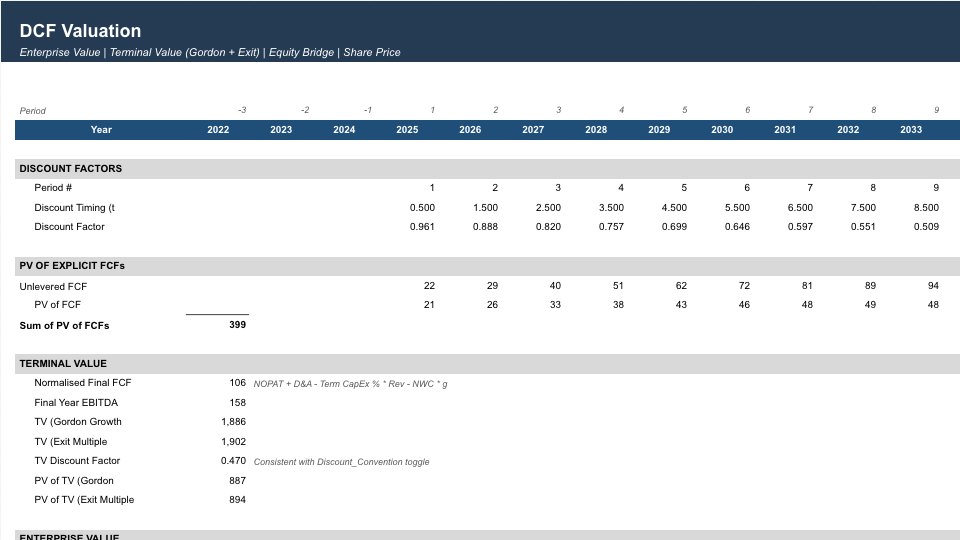
DCF Model
Discounted cash flow valuation model with explicit forecast, terminal value, and WACC.
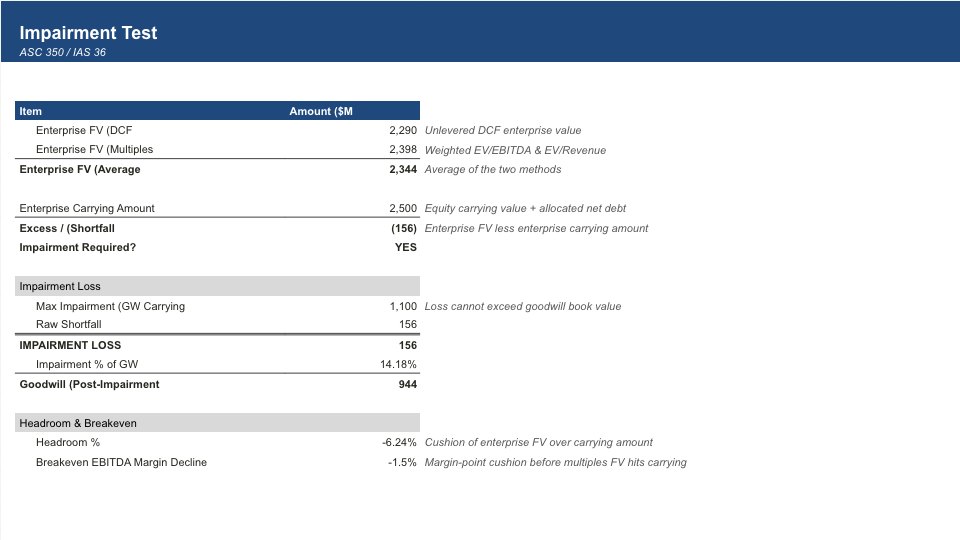
Goodwill Impairment Testing Model
Annual impairment test model for purchased goodwill and intangibles under ASC 350, comparing fair value to book value.
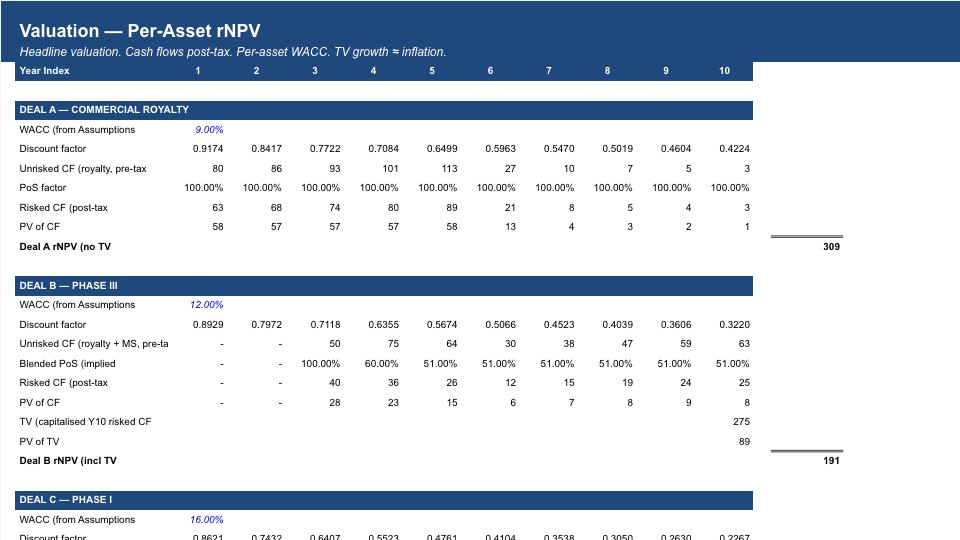
Biotech IP Licensing Model
Pharmaceutical and biotech licensing deal valuation.
Adjusted Present Value (APV) Model
Compare two financing offers with adjusted present value: tax shields, fees, risk costs, liquidity and coverage tests.