Supplier Rebate Receivable Tracker
Operating Businesses Financial Model (Excel Download)
Work out the supplier rebates you have earned and make sure you collect them. The workbook applies tiered contract rules, matches claims to payments and proposes the accrual adjustment.



professionals from Deloitte






About this model
A supplier rebate receivable workpaper for finance and procurement teams. It calculates rebates earned under supplier contracts and tracks them through claim, payment and booking. The shipped case is a fictional buyer with two supplier rebate agreements for one quarter.
Qualifying purchases exclude freight, tax and out-of-period items, and same-period returns are netted. One contract pays a retroactive rate on total spend; the other pays marginal rates per qualifying unit. Rebates are capped at the contract limit. Claims and amendments are stored with due dates, and each cash receipt or credit note is applied only to its own claim, in value-date order.
On the shipped case earned rebates are $29,165 and $15,500 has been settled, leaving $13,665 receivable. The ledger shows $13,000, so the accrual adjustment is $665. Of the open amount, $3,165 is not yet claimed and $2,500 is overdue. Checks confirm the claim, settlement and GL bridges.
What every model includes
Live formulas, no hardcoded values
Outputs are driven by live formulas, so the workbook updates from its assumptions instead of relying on hardcoded results.
All assumptions in one tab
Inputs are clearly marked in the Assumptions tab and separated from calculations, making it clear what to change and what to leave intact.
Statements always balancing
For integrated-statement models, the balance sheet, cash flow, and supporting schedules tie through properly.
Distinct schedules for clarity
Debt, working capital, taxes, and cash flow can get messy quickly. We group calculations in clear schedules, not across disconnected tabs.
No hidden macros or external links
There are no unexplained external workbook links or macros to undermine auditability or portability.
Changes flow through the model
Update a key driver and see the impact carry through the forecast, financing, and return outputs. We never use hardcoded numbers in formulas.
What's inside the Supplier Rebate Receivable Tracker
- Contract terms with tier method, cap, settlement days and evidence
- Qualifying purchase and return ledger with freight and tax excluded
- Retroactive spend tiers and marginal unit tiers with open-ended top tiers
- Worked tier boundary examples
- Earned rebate capped at the contract limit
- Claims with amendments, due dates and days overdue
- Cash and credit note settlements applied to their own claim in date order
- Exceptions for excess receipts, missing dates and duplicate references
Formatted to IB standards
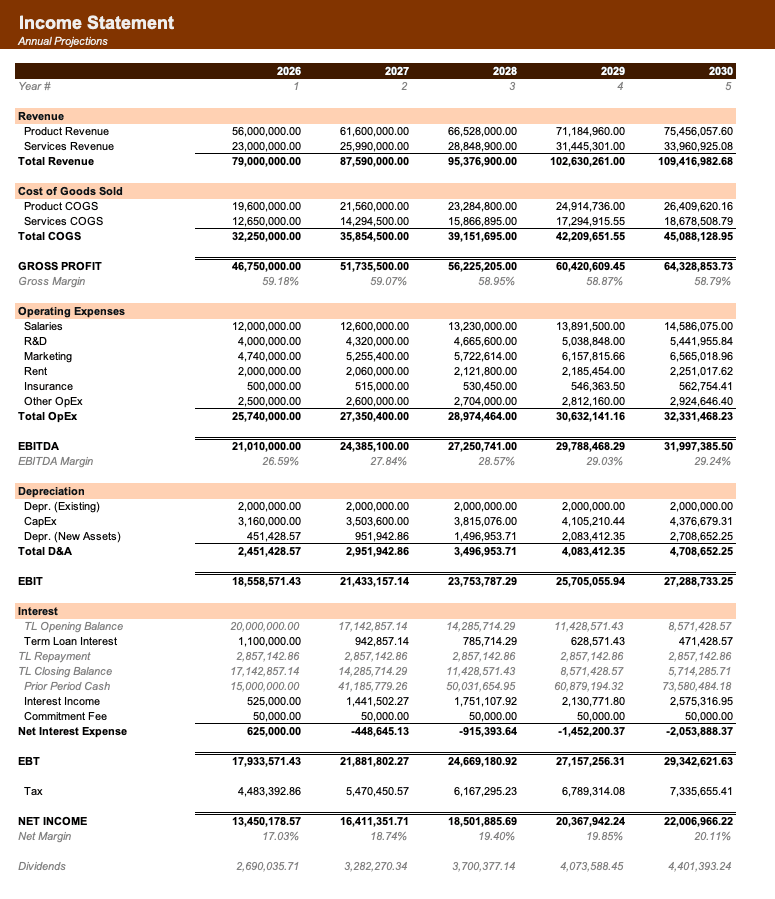
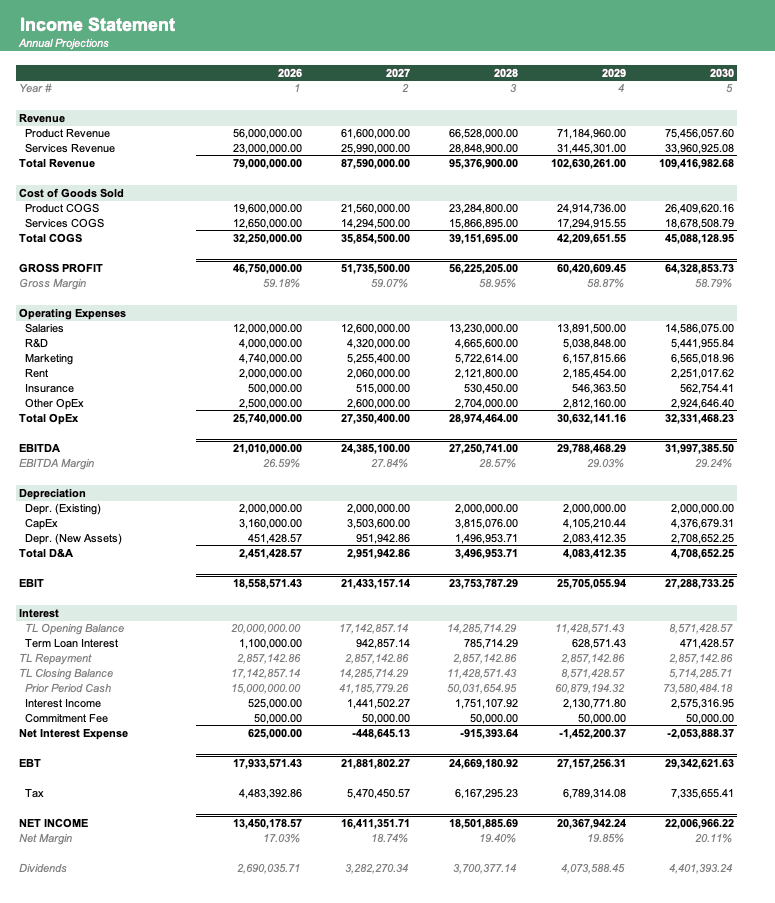
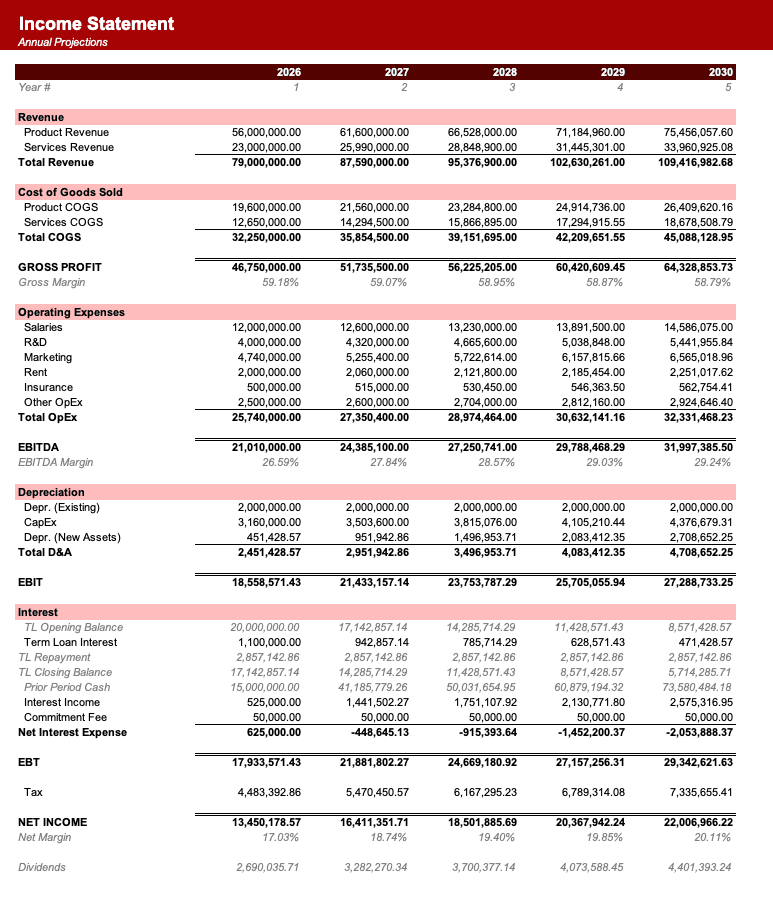
Named theme colors repaint the whole workbook in one click, on top of an investment-banking structure with clear input, output, and cross-sheet reference styling - brand-ready, institutional-grade, and fully auditable.

Created by ex-finance professionals
Hey, I’m Alex and I created Finamodel.
Over my years in the finance industry I kept building the same models over and over again. Same structure, same assumptions, different logo. So I started building frameworks to turn them into clean, reusable templates.
Every model here is one I’d actually use for a client, and I personally vet each one before it goes up.
I’m not an expert in every industry, but I’ve built enough models to know what belongs in one. And when something is completely foreign to me, I reach out to my network for experts to work on our models with us.
Having a template library on hand cuts a first build from hours to minutes.
Frequently asked
What is a supplier rebate receivable?+
A supplier rebate is money a supplier pays back once you reach agreed purchase levels. The amount earned but not yet received is a receivable, and it is usually accrued against purchase cost at period end.
What is the difference between retroactive and marginal tiers?+
A retroactive tier applies the reached rate to all qualifying spend from the first dollar. A marginal tier applies each rate only to the volume inside its band. The workbook supports both and shows worked boundary cases.
How are settlements applied?+
Each cash receipt or credit note is applied only to its own claim, in value-date order. Excess receipts, missing dates and duplicate references are held as exceptions and never reduce other claims.
Does the workbook post journals?+
No. It proposes the accrual adjustment. A ledger posting reference and source evidence are needed, and posting needs independent approval. All data and accounting assumptions are illustrative.
How do I adapt it to my contracts?+
Enter your contract terms, tier schedules and purchase ledger, then record claims, settlements and GL postings. Set the period and cutoff date on Inputs.
Have more financial modelling questions? Contact us
Related templates
Customer and Product Rebate Accrual Settlement
Apply volume rebate tiers to eligible sales and purchases, true up accruals and settle approved claims by contract.
Supplier Credit Recovery Register
Track supplier claims for returns, price errors and poor service from acceptance to credit note and actual cash or AP offset.
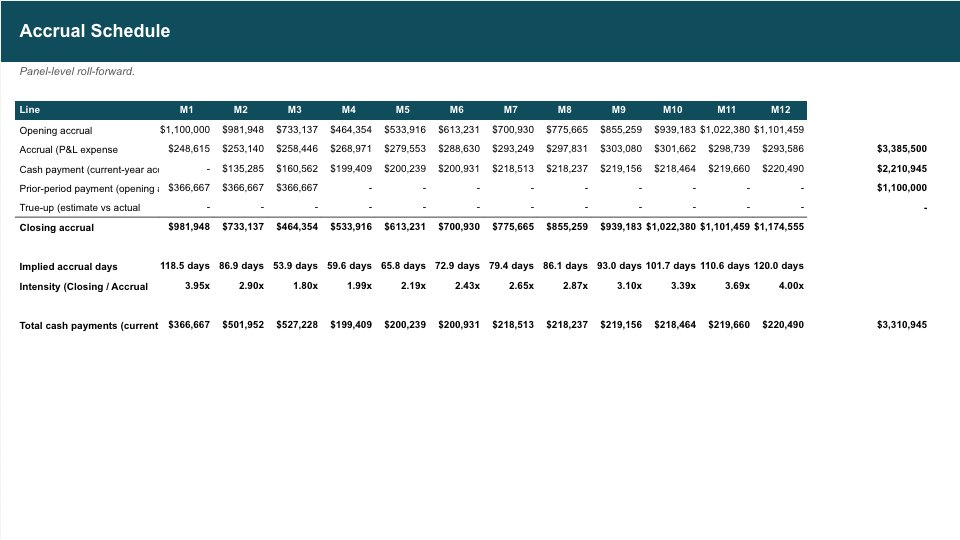
Accrued Expenses
12-month accrued-liability roll-forward with reversal timing across an accrual panel.
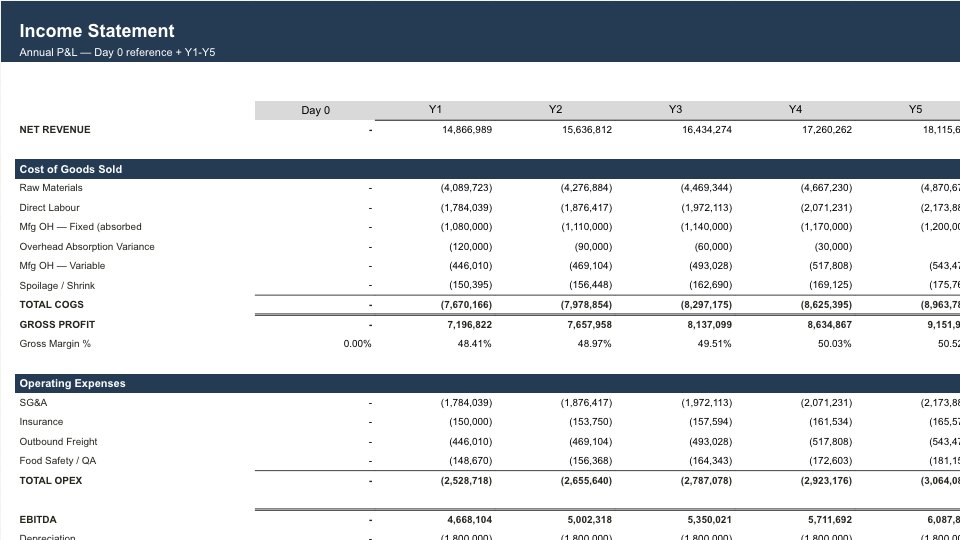
Food Manufacturing Model
Operating model for food production and processing businesses with ingredient sourcing, production scheduling, and margin analysis.