 By Alex Tapio
 Decky alternatives
People look for Decky alternatives for three main reasons. Decky works only inside desktop PowerPoint, with no web or mobile version, and some teams want to draft in a browser or inside an AI assistant. Plans are in euros and metered in credits, which makes the monthly cost harder to predict. And Decky makes slides only: if the slow part of your week is the Excel model behind the deck, it does not help with that.
What is Decky?
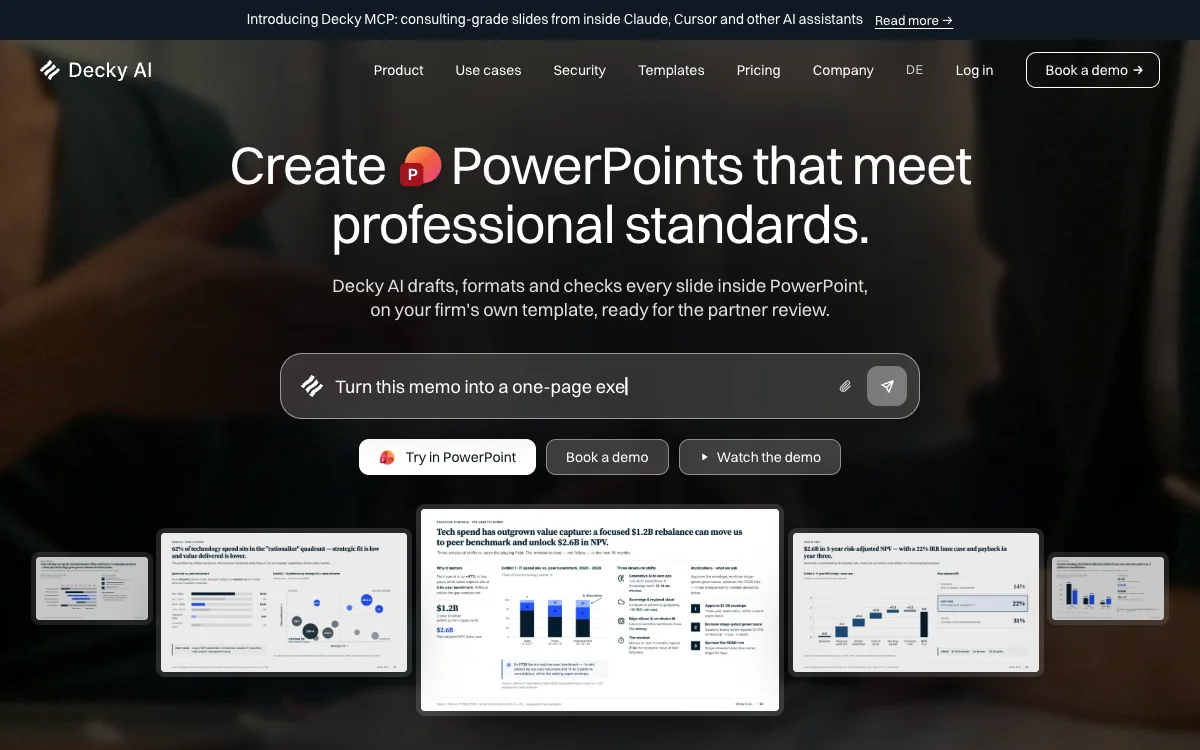
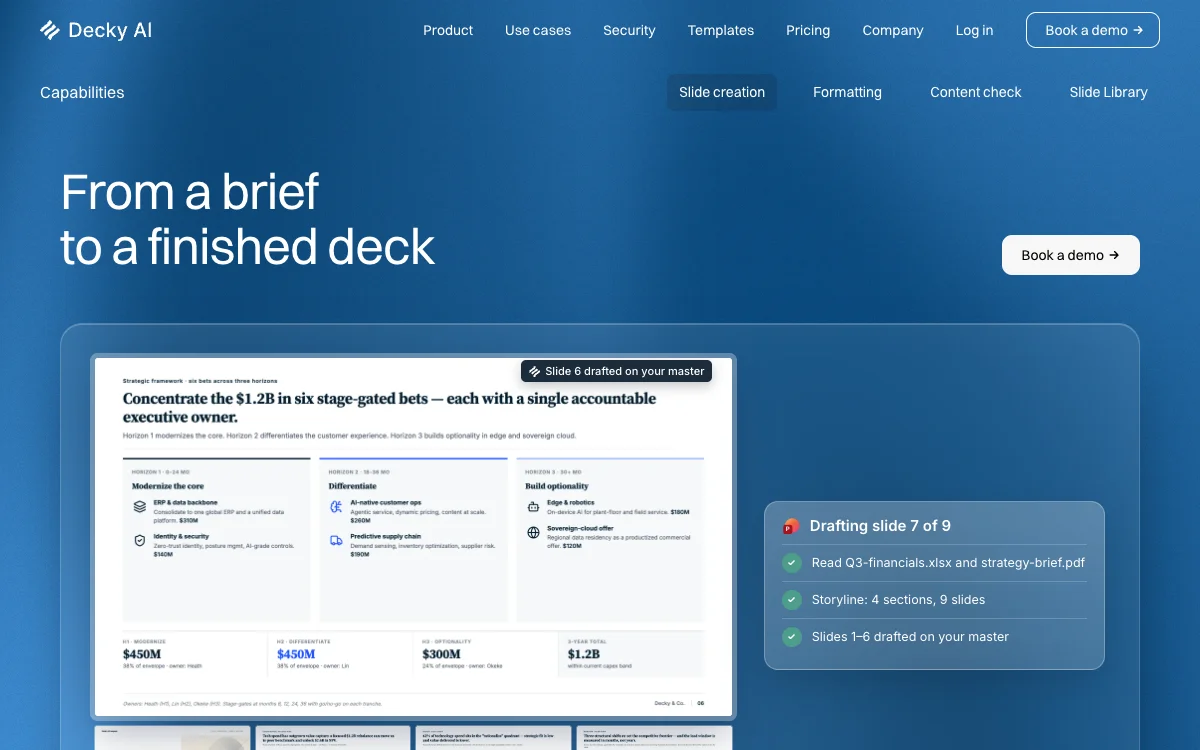
Decky, sold as Decky AI, is a PowerPoint add-in for Windows and Mac that calls itself the PowerPoint agent for consulting and finance. It drafts slides on your firm's own master, starting with a storyline and action titles, and reads Word, PDF and Excel files down to the tab, the cell and the page. It also snaps shapes to the grid, checks typos, number formats and units, and holds every edit in a change panel until you accept it. Its buyers are management consultants, investment banking and M&A teams, private equity and corporate strategy teams.
Decky at a glance
Decky has a free plan with 200 credits. Paid individual plans cost €25, €50 or €100 a month for Starter, Pro and Max, with 2,000, 5,000 or 10,000 credits. Business and Enterprise plans are priced on request. The pricing page was marked last updated 28 July 2026. Recent additions include Versions, which shows two or three takes of a slide side by side, and sketch-to-slide drafting, both added in September 2026.
Quick picks
Decky is the first row, for reference. Most tools here make slides, so the "Excel file you keep" and "AI edits the model" columns mostly read no; they only matter if you also build the numbers. Start with the "Works in" column, since some tools run inside PowerPoint and others on the web. Prices are shown in the currency each vendor uses.
| Tool | Best for | Type of tool | Price (entry plan) | Works in | Free option | Builds the model for you | Excel file you keep | AI edits your file | Templates library |
|---|---|---|---|---|---|---|---|---|---|
| Consulting decks on your master | PowerPoint add-in | Free; €25 to €100/mo | PowerPoint (Windows, Mac) | Yes: 200 credits free | No: Slides only | No: Reads Excel, makes slides | No: Edits slides, not models | No: No model templates |
 | Native slides in your style | PowerPoint add-in | $19 to $399/mo | PowerPoint, Claude, ChatGPT | Yes: 7-day trial | No: Slides only | No: Slides only | No: Edits slides, not models | No: No model templates |
 | Storyline-first decks with sources | AI deck generator | Free; $29 to $390/mo | Web, PowerPoint add-in (beta) | Yes: 10 slides a month | No: Slides only | No: Exports .pptx | No: Edits decks, not models | No: No model templates |
 | Slides and Excel in one | Office add-in | From $10/mo | PowerPoint, Excel, Word, web | Yes: 14-day trial | Yes: Excel agent | Yes: Your own workbook | Yes: Excel agent builds, audits | Not stated: Not stated |
 | The model behind the deck | Ready models + AI | $20/mo or $120/yr | Web app, Excel file | Yes: 30 models + free samples | Yes: Fina chat builds it | Yes: .xlsx, formulas visible | Yes: Fina chat edits it | Yes: 500+ models |
 | Formatting and proofing decks | Office add-in | $200 or $360 a year | Excel, PowerPoint, Word | Yes: 14-day trial | No: You build it | Yes: Your own files | No: Does not build models | Yes: Free model templates |
 | Quick general decks | AI design tool | Paid prices not stated | Web, PowerPoint export | Yes: Free plan | No: Slides only | No: Slides and documents | No: No modeling | Not stated: Not stated |
yes · no · not stated in the vendor's sources. Hover a mark for details. From each vendor's own site; prices change, so check before you buy.
1.Oria
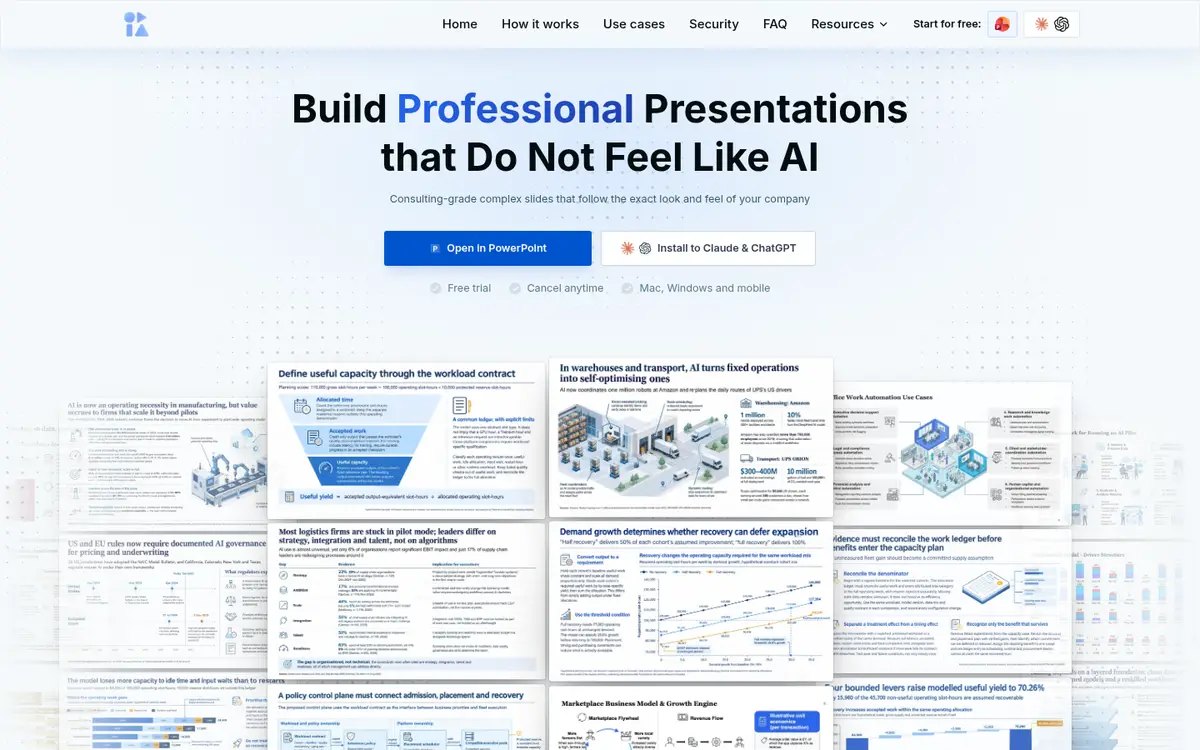
Oria is a PowerPoint add-in for Mac and Windows that makes complex consulting-style slides in your company's own look. It also runs as an app inside Claude and ChatGPT. Oria says it is made for consultants, bankers and strategy teams.
Every slide comes out as native PowerPoint shapes you can edit, never as images. You can start from audio notes, text pasted from another AI tool, an existing slide or a photo of a sketch, and ask for an alternative design in one click. A custom corporate style keeps the output on brand, and slides you upload can be redesigned. The resources library adds free Claude skill packs for consulting, banking and finance work.
The Claude and ChatGPT apps run on desktop and mobile on every plan. That suits people who already think through a problem in an AI assistant and want the answer as a real slide. Team buyers share one pool of usage across up to 50 accounts.
Of all the tools here, Oria is the nearest match to Decky: both stay inside PowerPoint and both aim at consulting and banking decks. Oria prices in dollars, excluding VAT: Starter $19 a month, Professional $59 and Team $399, with Enterprise through a call. There is a 7-day trial but no free plan, while Decky gives 200 credits for free. Decky has more checking tools, such as its content check and change panel, and Oria's agentic mode is still marked coming soon. We found no product changelog, so its release pace is hard to judge.
- Price
- Starter $19 a month, Professional $59 a month, Team $399 a month, excluding VAT. Enterprise through a call.
- Free option
- A 7-day trial, plus free Claude skill packs.
Pros
- Native, editable PowerPoint shapes
- Works inside Claude and ChatGPT, also on mobile
- Clear dollar prices
Cons
- No free plan
- Agentic mode not shipped yet
Pick it if you want Decky-style consulting slides and also draft inside Claude or ChatGPT.
2.Perceptis
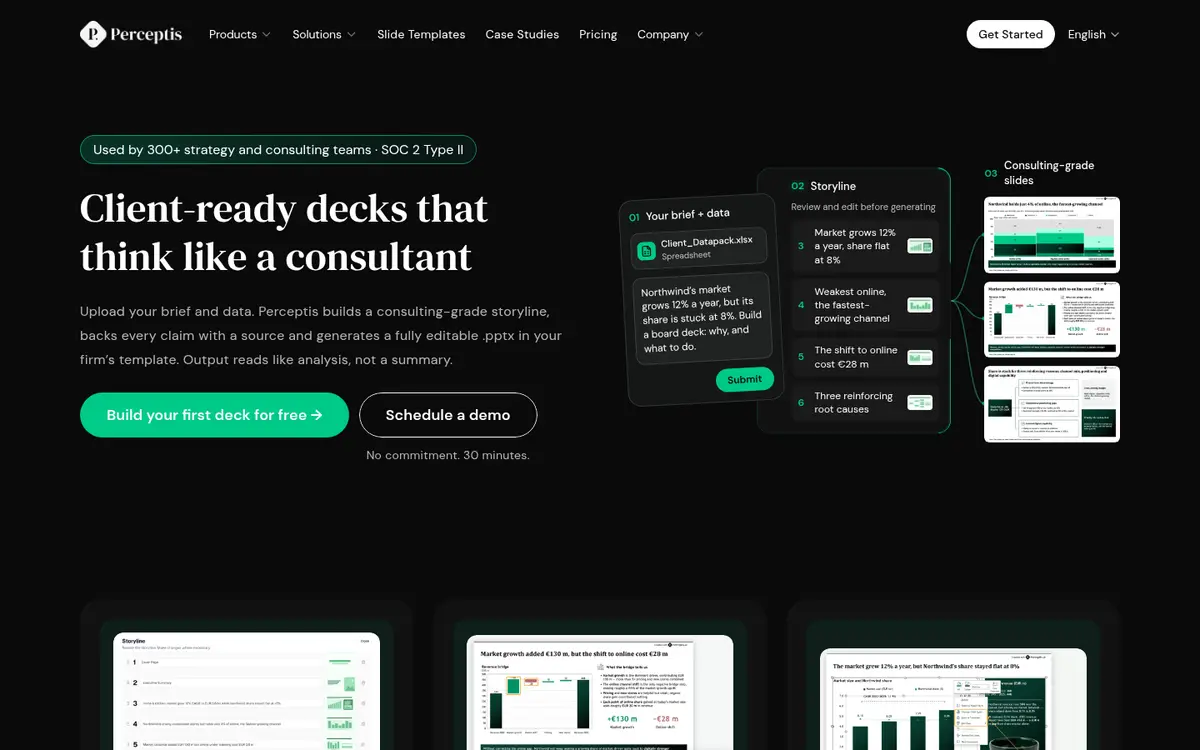
Perceptis is an AI deck generator with a web app called Slidekick and a PowerPoint add-in. It builds consulting-style storylines and exports editable .pptx files in your firm's template, with citations. Its homepage says more than 300 strategy and consulting teams use it.
You upload a brief and your data. Perceptis writes the storyline first, using the situation, complication and resolution pattern with insight headlines, then turns it into slides with editable charts, tables, maps, Gantts, roadmaps and funnels. Factual statements get a source. Since September 2026 it can also edit a .pptx you upload, and it can draw on past decks and research through a knowledge base.
Its named buyers are strategy, consulting and advisory firms and private equity teams, each with a solution page. Business and Enterprise plans add a REST API, and Enterprise adds a document service with human quality checks. Business covers up to 20 seats, which suits a small advisory team.
Decky works in the deck already open in PowerPoint. Perceptis is web-first, and its add-in is labelled Now in Beta. Both start free: Perceptis allows 10 slides a month, Decky gives 200 credits. Paid plans are in dollars: Starter $29 a month, Pro $129 a month and Business $390 a month for up to 20 seats, so a heavy user pays more than on Decky's €50 Pro plan. The storyline step is the main reason to switch, since you can review the argument before any slide exists. Its benchmark results are its own claims about third-party tests, so try it on one real brief first.
- Price
- Starter $29 a month, Pro $129 a month. Business $390 a month for up to 20 seats. Enterprise custom.
- Free option
- A free plan with up to 10 slides a month.
Pros
- Storyline you can review before slides are made
- Sources on factual claims
- Free plan
Cons
- PowerPoint add-in still in beta
- Pro costs $129 a month
Pick it if you want the argument planned and sourced before the slides are drawn.
3.Deckary
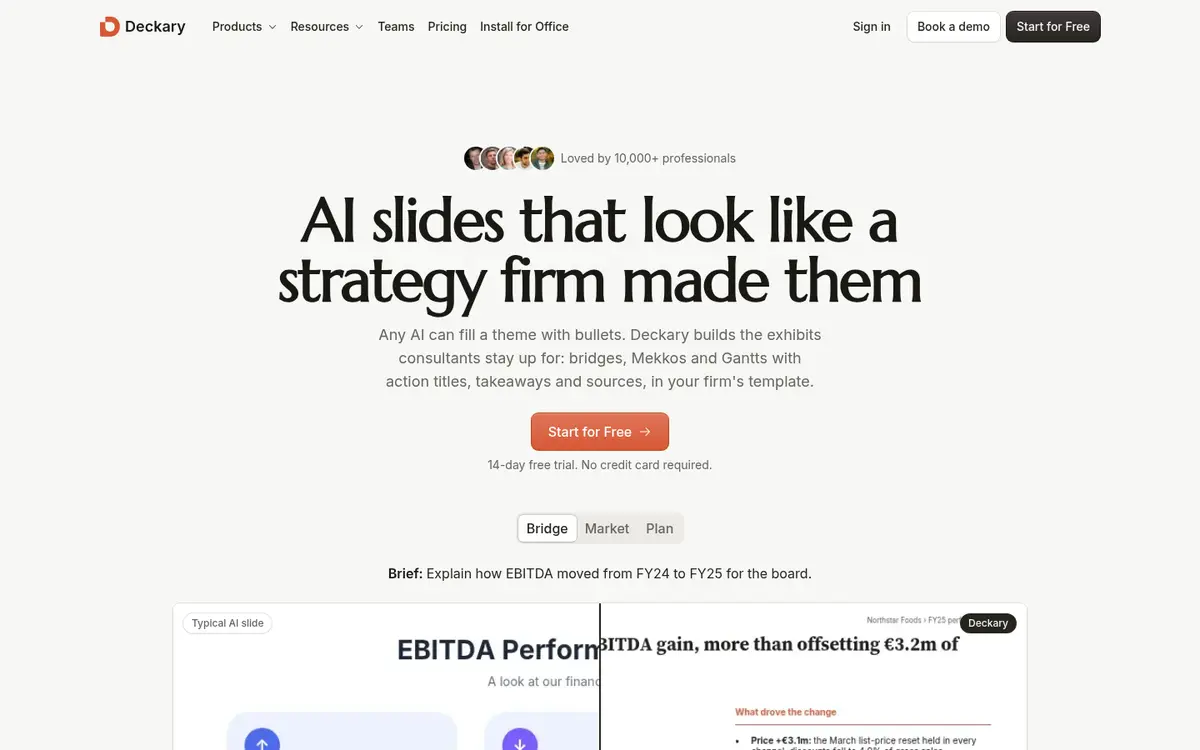
Deckary is an Office add-in with three agents: one for PowerPoint slides, one for Excel models and one for Word. It runs on Mac, Windows and the web. Boutique consultancies, corporate strategy and finance teams, and programme offices use it.
The slide agent drafts on your open deck's master from briefs, Excel models, PDFs and notes. It makes native consulting exhibits, such as waterfalls, Mekkos, football fields and Gantt charts, with charts linked to Excel. A browser presentation builder exports editable PowerPoint files for people without the add-in.
The Excel agent is what sets it apart in this group. You describe a three-statement, DCF, ROI, sensitivity or unit economics model, and it scaffolds the assumption cells, schedules and formulas. An audit agent walks every sheet, flags broken formulas and hardcoded numbers inside formulas, and reconciles totals. Generated models keep assumption cells apart from formulas, so inputs are easy to find and change. Someone who builds both the model and the deck can do both in one tool.
Compared with Decky, Deckary covers Excel and Word too, and it has a web version. It is also cheap: Starter is $10 a month, and Premium, which adds the Excel and Word agents, is $15 a month billed yearly or $19 monthly. Team costs $19 a seat per month from 5 seats. There is a 14-day trial with no card, but no free plan. Decky goes further on slide checks, with its content check and change panel. Deckary publishes no changelog, so its release history cannot be dated.
- Price
- Starter $10 a month. Premium $15 a month billed yearly or $19 monthly. Team $19 a seat per month, from 5 seats.
- Free option
- A 14-day free trial, no card.
Pros
- Slides, Excel and Word in one add-in
- Starts at $10 a month
- Web version as well as Mac and Windows
Cons
- Excel and Word agents need Premium
- No free plan
Pick it if you build the model and the deck yourself and want one cheap add-in for both.
4.Finamodel

Finamodel is a library of ready Excel financial models with an AI assistant called Fina. It does not make slides. It covers the step before the deck: the model that produces the numbers the slides show.
In practice you pick a DCF, M&A or comparable company model from the library and ask Fina chat for what your case needs. If you are not sure which model fits, Fina explains what each one is for. Fina builds, edits, explains and fixes the model, and version history lets you restore any earlier file. You then download a real .xlsx file with every formula visible. It works without Finamodel and opens in Excel, Google Sheets and Numbers. Because Decky reads Excel files down to the tab and the cell, that file can go straight into a Decky brief.
It fits the consultant or analyst whose deck depends on a model nobody has time to build. Read-only links to QuickBooks, Google Sheets, Google Drive and 42 other apps can bring in the figures, and a voice walkthrough explains the model to a partner or client who did not build it. The library is free to browse, and you can get one of 30 free models or a free sample of any other model. The Models plan costs $20 a month or $120 a year, and you can cancel any time.
Be clear about what you give up next to Decky. Finamodel makes no slides or decks, applies no firm master and runs no slide checks for typos, units or tone. It is not a PowerPoint or Excel add-in, so you work in the Finamodel app and then download the file. Support is by email. Treat the model as a starting point and check the numbers before they reach a client. If your bottleneck is the slides, keep Decky or pick one of the slide tools above. If it is the model behind the slides, Finamodel removes that step, and the two work well side by side.
How it works
- Pick a ready model, such as a DCF or a 3-statement model, from a library of more than 500.
- Ask Fina chat to change, explain or fix it for your case and your numbers.
- Download a real .xlsx file. Every formula is visible, and it works without Finamodel. It opens in Excel, Google Sheets and Numbers.
- Price
- Models plan: $20 a month or $120 a year. All Templates: $30 a month or $144 a year. You can cancel at any time.
- Free option
- 30 free models with live formulas, and a free sample of every other model, with values but no formulas. Both are sent by email link, one model email per email address per day. The library is free to browse.
Better than Decky at
- Builds and edits the Excel model behind the deck
- You keep a real .xlsx file with every formula visible
- Explains formulas in a model you did not build
Worse than Decky at
- Makes no slides or decks
- Not a PowerPoint or Excel add-in: you work in the Finamodel app
- No slide formatting or content checks
Models that fit: DCF Model, M&A Model, Comparable Company Analysis.
Pick it if the slow part is the Excel model behind your slides, not the slides.
5.Macabacus
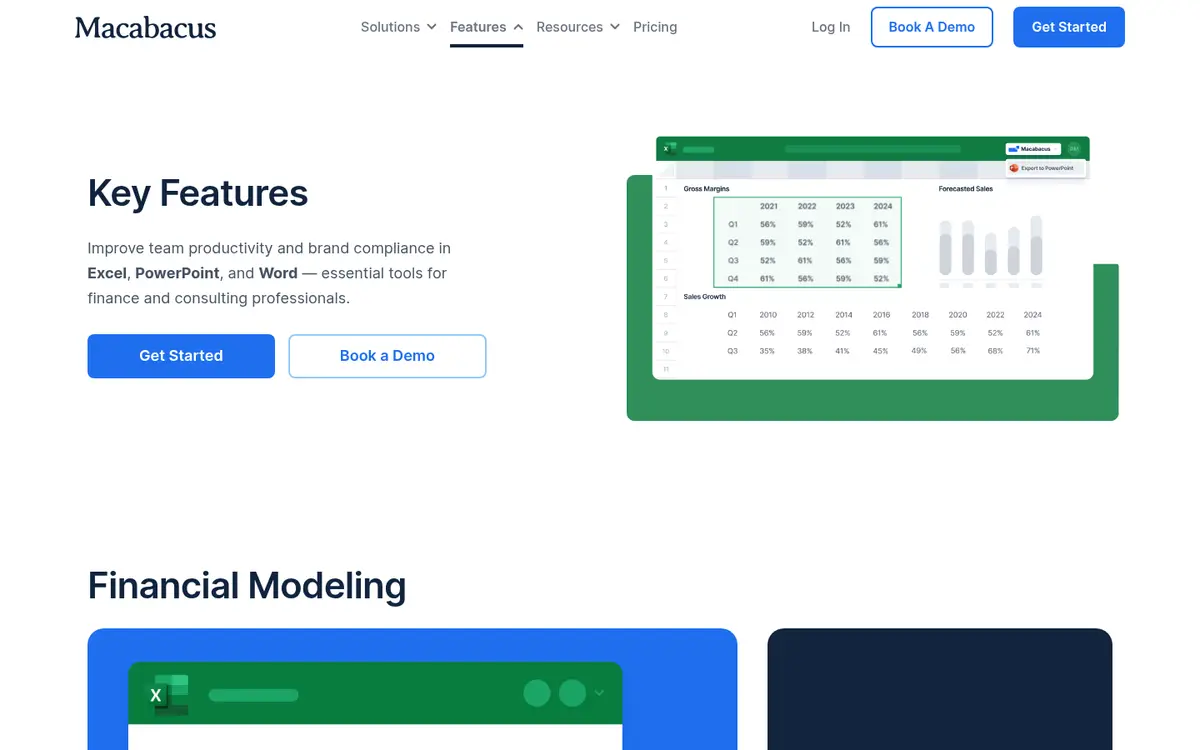
Macabacus is an add-in for Excel, PowerPoint and Word with formatting, proofing, model-checking and linking tools. It is made for investment banks, private equity, venture capital, FP&A teams and consulting firms.
In PowerPoint, Deck Check proofs a deck, and its AI mode, Deck Check AIR, flags logical and numerical contradictions. An AI Writing Assistant keeps text in your brand voice, and formatting shortcuts produce brand-compliant tables and charts. From the Professional plan, Macabacus links Excel to PowerPoint and Word, so slide numbers follow the model. In Excel, Model Check runs more than 50 checks for formula risks and hardcodes. Teams get shared content libraries with versions.
It suits bankers and consultants who write their own slides and want them consistent, checked and tied to the model. It is a productivity tool, so the drafting stays with you. A shared library with versions also helps a large team keep the same charts and tables across many decks.
Decky drafts slides from a brief; Macabacus does not. What Macabacus adds is the link between the workbook and the deck, plus checks across all three Office apps. It is sold per licence per year: Basic $200 and Professional $360, with Enterprise on request. That works out cheaper than Decky's Pro plan over a year, but you pay up front. There is a 14-day trial and no free plan. Macabacus also gives away Excel model templates, such as DCF, LBO and merger models. The trial lets you test the links on a live deal deck before you pay. Some teams use both: Decky to draft, Macabacus to proof and link.
- Price
- Basic $200 and Professional $360 per licence per year. Enterprise on request.
- Free option
- A 14-day trial, plus free Excel model templates.
Pros
- Live links from Excel to PowerPoint and Word
- Deck proofing with an AI mode
- More than 50 model checks in Excel
Cons
- Does not draft slides from a brief
- Yearly licence only
Pick it if you write your own slides and want them proofed and linked to the model.
6.Gamma
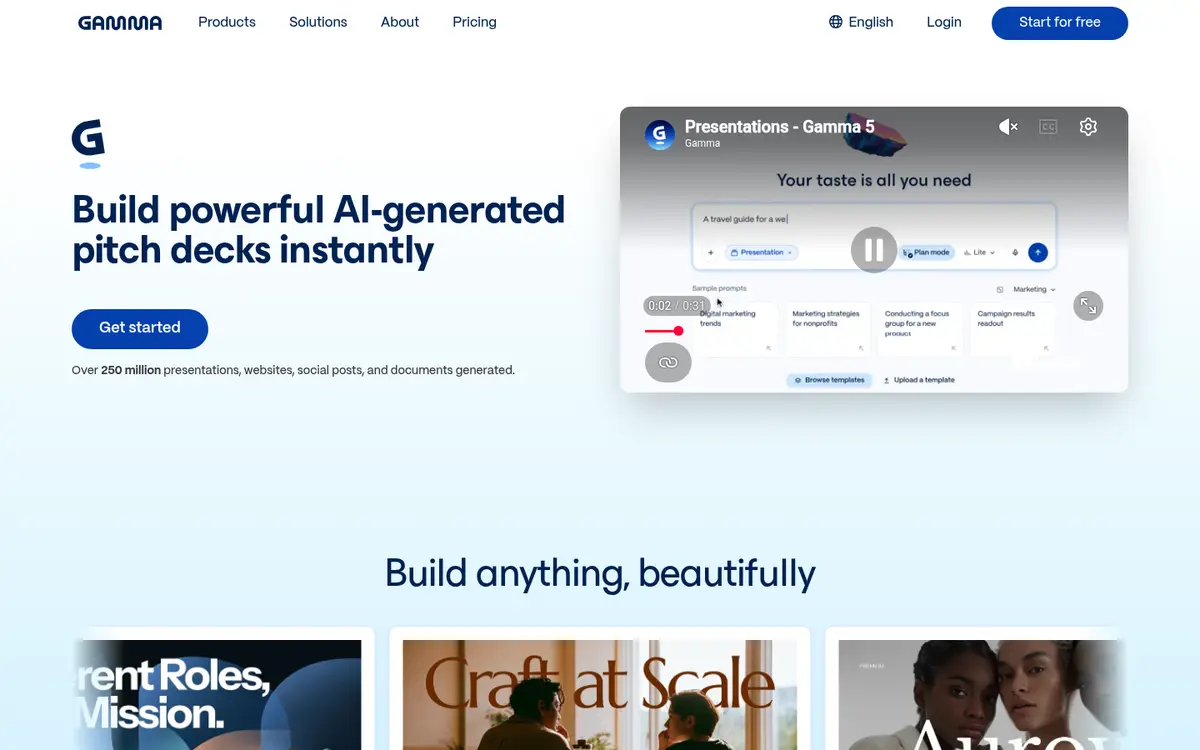
Gamma is a general AI design tool for presentations, documents, webpages and social posts. You work on its own web canvas and export to PowerPoint, PDF, Google Slides or PNG.
Gamma 5, live since 6 Oct 2026, is an agent that works through the story before it designs and keeps the context while you edit. You can prompt it or edit freely on the canvas. Connectors pull Slack threads and Granola meeting transcripts into a deck, and a public API lets developers generate, edit and export branded content. Gamma also has apps for Claude, ChatGPT and Slack; a ChatGPT plugin from about 18 Nov 2026 builds a deck in a side panel, one slide at a time.
The audience is broad: individuals and businesses of every kind, not finance teams in particular. Its careers page claims more than 1 million gammas are created each day. It works well for quick internal or pitch decks when nobody asks for the firm's master. Developers can also build it into their own products through the API.
Gamma has a free plan with up to 10 slides per prompt, PDF and PowerPoint import, and PDF, PowerPoint, PNG and Google Slides export. The paid plans are called Plus, Pro and Ultra, but we could not see their prices on its pricing page. Decky is the better fit for client work in finance: it drafts on your firm's master inside PowerPoint and checks number formats and units. Gamma is not framed around finance or modeling, and you build on its canvas, then export.
- Price
- Plans named Free, Plus, Pro and Ultra. Paid prices not stated in our sources.
- Free option
- A free plan: up to 10 slides per prompt, with PowerPoint and PDF export.
Pros
- Free plan with PowerPoint export
- Apps for Claude, ChatGPT and Slack
- Public API
Cons
- Not made for finance or consulting work
- Paid prices not confirmed
Pick it if you need quick general decks and do not need your firm's master.
Who should pick what
Decky is a slide tool for teams that work on a firm template. The right alternative depends on where your hours go: drafting slides, formatting and checking them, or building the model that feeds them. One tool below starts from ready Excel models; the others work on slides, with Deckary also building models.
- Consulting slides inside PowerPoint, Claude or ChatGPT: Oria. Storyline-first decks with sources: Perceptis.
- Slides and an Excel agent in one cheap add-in: Deckary. Proofing and Excel to PowerPoint links: Macabacus.
- Quick general decks with a free plan: Gamma.
- The Excel model behind the deck, built and changed by AI: Finamodel.
Most of these tools offer a free plan or a trial, so give two of them the same real brief and compare the slides, not the demos. Check how fast credits or slide limits run out in a normal week. If the numbers are the slow part, sort out the model first; any of the slide tools can then turn it into a deck.
Frequently asked
How much does Decky cost?+
Decky prices in euros. Individual plans are Free with 200 credits, Starter €25, Pro €50 and Max €100 a month, with 2,000, 5,000 and 10,000 credits. Business and Enterprise prices are on request. We read the pricing page on 10 Nov 2026.
Is there a free version of Decky?+
Yes. Decky's free plan costs €0 and includes 200 credits. Paid plans add more credits each month.
What are the main Decky alternatives?+
For slides inside PowerPoint: Oria and Macabacus. For decks built on the web: Perceptis and Gamma. For slides plus an Excel agent: Deckary. For the Excel model behind the deck: Finamodel.
Decky vs Finamodel: which should I pick?+
They do different jobs. Pick Decky to draft and check slides on your firm's master. Pick Finamodel for a ready Excel model that Fina chat changes for your case; it does not make slides. Finamodel's Models plan is $20 a month or $120 a year.
Does Decky work in a browser?+
No. Decky is a PowerPoint add-in for Windows and Mac, and we found no web or mobile version. Deckary, Perceptis and Gamma have web versions, and Oria runs inside Claude and ChatGPT.
Can Decky build Excel models?+
No. Decky reads Excel, Word and PDF files to draft slides, but it makes slides only. Deckary's Excel agent builds models from a description, and Finamodel starts from a ready model that Fina chat changes for you.
Sources for Decky (5), last checked 10 Nov 2026+
- decky-ai.com · Pricing (EUR, credit-metered) · 10 Nov 2026
- decky-ai.com · Homepage title and positioning · 10 Nov 2026
- decky-ai.com · Consulting use case · 10 Nov 2026
- decky-ai.com · Investment banking use case · 10 Nov 2026
- decky-ai.com · Dated product posts · 8 Nov 2026
Each alternative's own page lists its sources.


