 By Alex Tapio
 Microsoft Copilot alternatives
People look for Copilot alternatives for a few reasons. Microsoft names no finance data feed, such as comps or precedents, so market data has to come from elsewhere. Its accounting skills are still in the Frontier early-access program, and Agent Mode was not available in the EU or UK when it launched. Copilot completes templates or workbooks you already have, so it does not give you a model to start from. And some teams want a finance-only tool, or one that works outside Microsoft 365.
What is Microsoft Copilot?
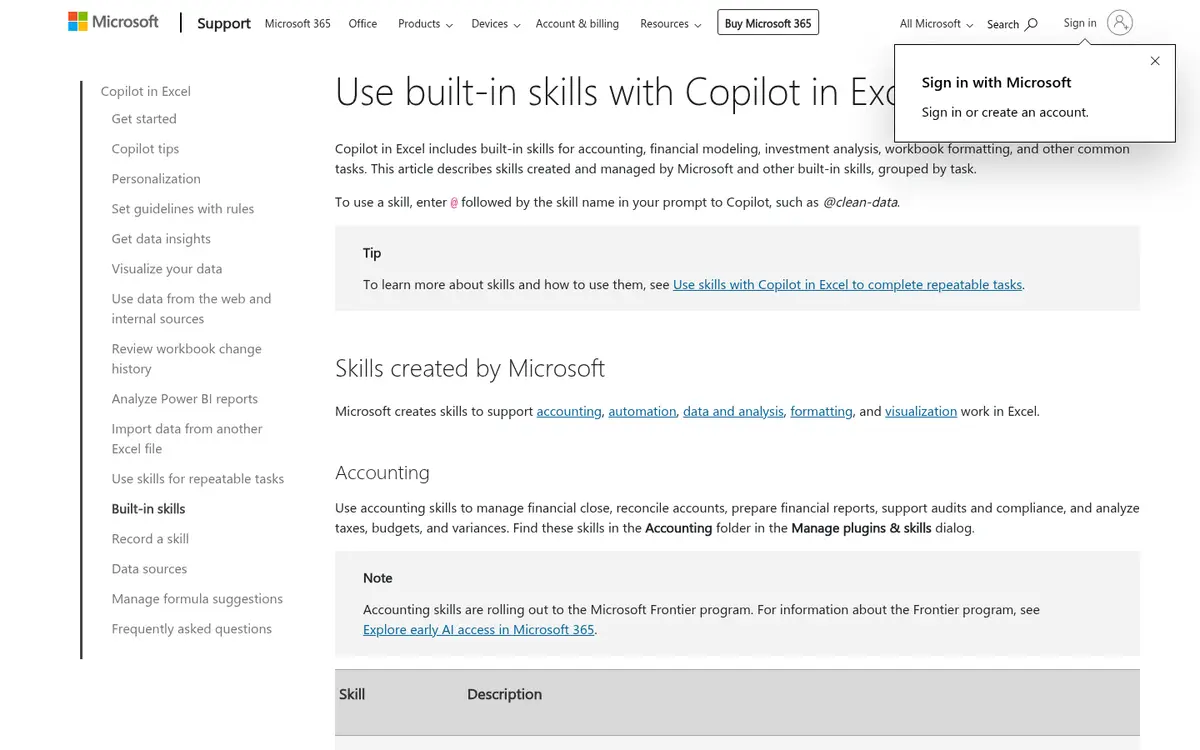
Microsoft Copilot is the AI assistant built into Microsoft 365 apps. In Excel it ships built-in finance skills that you call with @: three-statement completion, LBO, merger, comps, model check, returns, unit economics and data packs. Agent Mode in Excel plans steps, acts in the workbook and checks its results. In PowerPoint, Copilot turns a prompt into a deck using your existing themes, rewrites slides and writes speaker notes. It is sold to organisations on Microsoft 365 Copilot and to individuals on consumer plans, and its Excel skills target FP&A, accounting, tax, treasury, banking and private equity staff.
Microsoft Copilot at a glance
Copilot comes with Microsoft 365 Copilot licences for organisations. Agent Mode in Excel is also on Microsoft 365 Personal, Family and Premium, where Personal and Family use AI credits. We did not check Copilot's plan prices for this page, so check Microsoft's pricing page or ask your IT team. No free plan or trial is listed. Office in Copilot and the Home view with Chat and Cowork became generally available on 17 Nov 2026.
Quick picks
Copilot is the first row, then each alternative in the order below. All of these tools use AI to build or edit spreadsheets, so the AI columns look similar. The useful differences are where each tool runs, whether it has finance data or review features, and how you buy it: a plan you may already have, a published price or a demo.
| Tool | Best for | Type of tool | Price (entry plan) | Works in | Free option | Builds the model for you | Excel file you keep | AI edits your file | Templates library |
|---|---|---|---|---|---|---|---|---|---|
| Firms already on Microsoft 365 | Built into Office | Not checked | Excel, PowerPoint, Word | Not stated: Not stated | Yes: Agent Mode, finance skills | Yes: Your own workbook | Yes: Finance skills with @ | No: Completes your templates |
 | Licensed data in Excel | AI assistant + add-ins | From $17/mo, yearly | Excel, PowerPoint, Word, Outlook | No: Excel add-in needs paid plan | Yes: From a description | Yes: Works in your workbook | Yes: Builds and fixes models | No: Fills templates you bring |
 | Free AI in Excel | AI assistant + add-ins | Not checked | Excel, Google Sheets, PowerPoint | Yes: Free plan, limited use | Yes: From a description | Yes: Live models in workbook | Yes: Builds, updates, explains | Not stated: Not stated |
 | A ready model to edit | Ready models + AI | $20/mo or $120/yr | Web app, Excel file | Yes: 30 models + free samples | Yes: Fina chat builds it | Yes: .xlsx, formulas visible | Yes: Fina chat edits it | Yes: 500+ models |
 | Full models built by agent | AI agent | Free, or $100/mo | Excel, web, desktop | Yes: 20 credits a week | Yes: Builds full models | Yes: Your own workbook | Yes: Builds and edits | Not stated: Not stated |
 | Advisory and audit firms | AI agents for firms | Access by request | Excel, PowerPoint, web | No: None listed | Yes: From source documents | Yes: Excel agent | Yes: Builds and reviews | Not stated: Not stated |
 | Google Workspace teams | AI in Workspace apps | Not checked | Sheets, Slides, Docs | Yes: Free for education | Not stated: Shown in a demo | No: Google Sheets, not Excel | Yes: Fixes formulas in Sheets | Not stated: Not stated |
yes · no · not stated in the vendor's sources. Hover a mark for details. From each vendor's own site; prices change, so check before you buy.
1.Claude
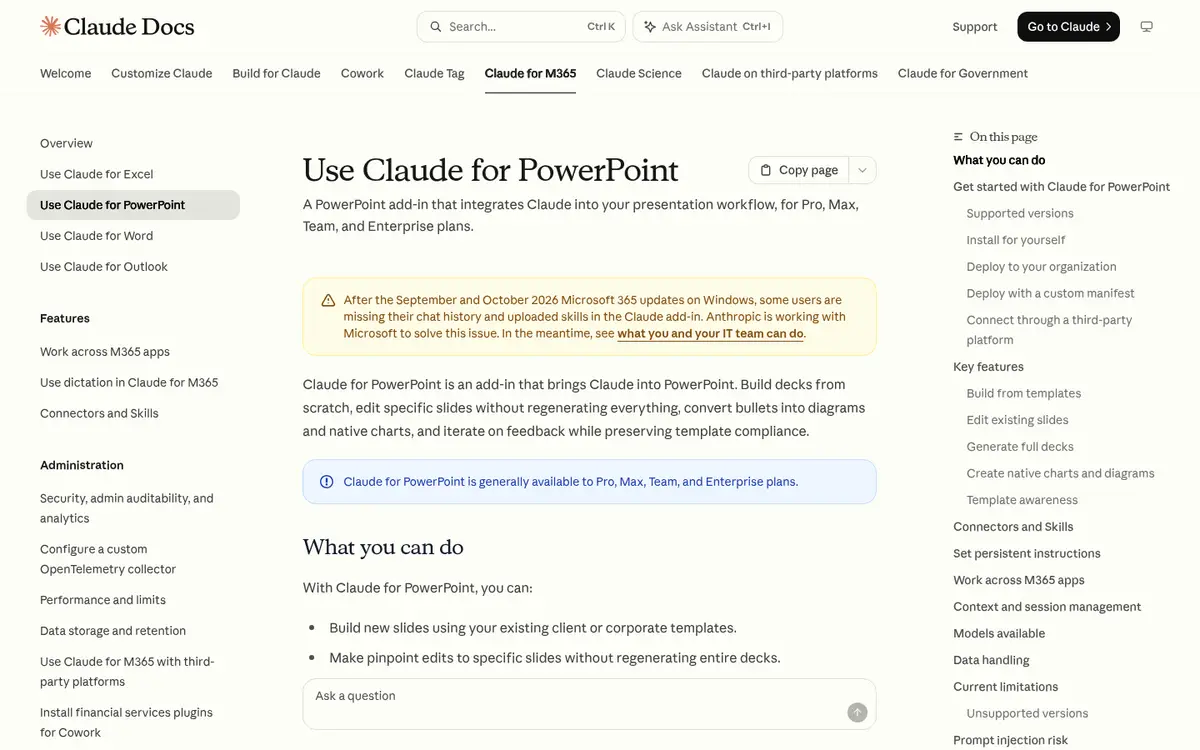
Claude is Anthropic's AI assistant, with add-ins for Excel, PowerPoint, Word and Outlook that share context. Claude for Excel reads, explains and builds workbooks, with answers that cite specific cells.
In Excel, it traces how formulas and assumptions flow, edits inputs while keeping formula links and finds the root cause of calculation errors. It can build a three-statement model from a trial balance, fill an LBO template or start a model from a description. Finance skills cover comps, DCFs, due-diligence data packs, teasers and initiating coverage, and since May 2026 agent templates include a pitch builder, a model builder and a valuation reviewer. In PowerPoint it builds on the corporate template's master and edits single slides without rebuilding the deck.
Bankers, asset and wealth managers, insurers and fintechs are the target, and Anthropic names Citadel, BNY, Carlyle and Citi among its users. It runs alongside Microsoft 365 rather than replacing it, so a firm can add it for the people who need it.
Data is the main reason to choose Claude over Copilot. Claude connects to S&P Global, LSEG, FactSet, Morningstar, PitchBook and Daloopa; Microsoft names no finance data feed for Copilot. Copilot's Agent Mode can run on Anthropic's Claude Opus 4.5, but without those connectors. On the other side, Claude for Excel does not support data tables or macros, and it is a separate subscription: Pro is $17 a month billed yearly or $20 monthly, and Team seats are $20 a month billed yearly or $25 monthly. Enterprise needs at least 20 seats.
- Price
- Needs a paid plan: Pro $17 a month billed yearly; Team $20 a seat a month billed yearly.
- Free option
- A free Claude plan exists, but Claude for Excel needs a paid plan.
Pros
- Licensed data from S&P Global, FactSet and LSEG
- Answers cite specific cells
- Works across Excel, PowerPoint, Word and Outlook
Cons
- A separate subscription from Microsoft 365
- No data tables or macros
Pick it if you need market data inside Excel that Copilot does not provide.
2.ChatGPT
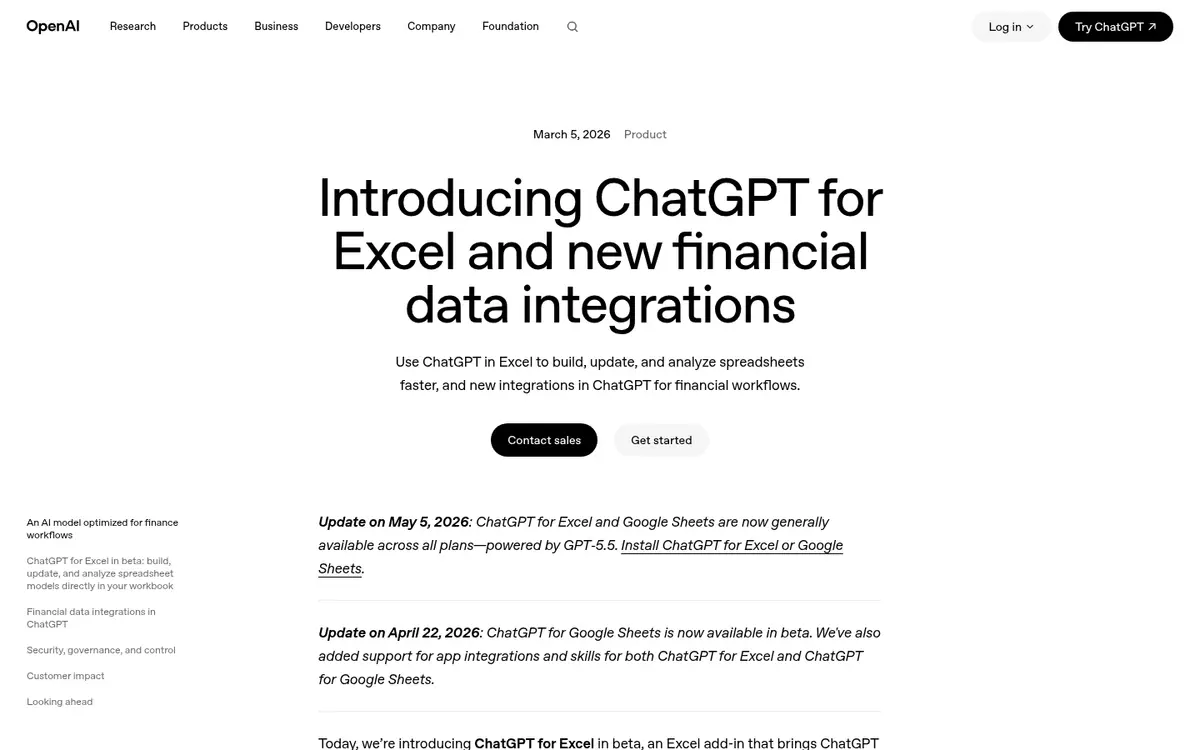
ChatGPT is OpenAI's general AI assistant. ChatGPT for Excel and Google Sheets builds and edits spreadsheets from a sidebar, and ChatGPT for PowerPoint creates and polishes decks.
In the workbook, ChatGPT creates or updates live models, explains why an output changed, traces and fixes errors, shows how assumptions flow through a model, and runs scenarios and sensitivity tables. It ships default skills for financial modeling and corporate-finance formatting. Because calculations run in Excel, you can audit every formula it writes. Apps connect it to data sources your company has approved, and Codex in the ChatGPT desktop app can drive an open Excel workbook.
It suits individuals and small teams who are not on Microsoft 365 Copilot, or who also use Google Sheets. It is on every plan, including Free and Go with limited usage, while Business, Enterprise and Edu plans use plan credits. ChatGPT Business adds shared team workspaces, and Teachers and K-12 plans cover schools. OpenAI made the add-in generally available on 5 May 2026.
Copilot and ChatGPT overlap more than it seems: Copilot's Agent Mode lets you pick OpenAI's GPT 5.2 as its model. The difference is packaging. Copilot comes with Microsoft 365 and has named finance skills such as LBO and model check; ChatGPT is a separate account with a free plan and works in Google Sheets too. Neither names a finance data vendor. OpenAI's help article notes limits on template adherence in PowerPoint, an area where Copilot builds on your existing themes. We did not check ChatGPT's dollar prices for this page.
- Price
- Free plan, then Go, Plus, Pro, Business and Enterprise. We did not check the prices.
- Free option
- Yes, with limited usage on the Free plan.
Pros
- Free plan includes the Excel add-in
- Works in Google Sheets too
- Default financial modeling skills
Cons
- Separate from Microsoft 365
- No finance data vendor named
Pick it if you are not on Microsoft 365 Copilot and want AI in Excel now.
3.Finamodel

Finamodel is a library of ready Excel financial models with an AI assistant called Fina. Copilot completes the templates and workbooks you already have; Finamodel supplies the model.
You open a model from the library, which is free to browse: a three-statement model, a budget vs actuals report or an LBO, for example. Then you tell Fina about your case, and it builds, edits, explains and fixes the model. Change the growth rate or add a new cost line, and the linked formulas carry it through every statement. Fina can also explain any cell you do not follow. You download a real .xlsx file with every formula visible; it works without Finamodel and opens in Excel, Google Sheets and Numbers. Version history lets you restore any earlier file.
This suits people who have Copilot but no model to point it at: founders, finance managers at small companies, and analysts who need a working file fast. Read-only links to QuickBooks, Google Sheets, Google Drive and 42 other apps bring in your figures, and a voice walkthrough explains a model to a manager or lender. Prices are published and sign-up is self-serve, with no demo. You can try one of 30 free models with live formulas, or a free sample of any other model without formulas, sent by email link.
Copilot is in Excel itself, and Finamodel is not an Excel add-in: you work in the Finamodel app and then download the file. It offers none of Copilot's close and reconciliation skills, no data feeds and no rollout support; help is by email. It also does only financial models, while Copilot helps across all of Microsoft 365. The two fit together. Start from a Finamodel workbook, download it, and run Copilot's model check or other skills on it in Excel. If your firm cannot add new vendors easily, the free model lets you test the fit first.
How it works
- Pick a ready model, such as a DCF or a 3-statement model, from a library of more than 500.
- Ask Fina chat to change, explain or fix it for your case and your numbers.
- Download a real .xlsx file. Every formula is visible, and it works without Finamodel. It opens in Excel, Google Sheets and Numbers.
- Price
- Models plan: $20 a month or $120 a year. All Templates: $30 a month or $144 a year. You can cancel at any time.
- Free option
- 30 free models with live formulas, and a free sample of every other model, with values but no formulas. Both are sent by email link, one model email per email address per day. The library is free to browse.
Better than Microsoft Copilot at
- A ready model, not a template to complete
- Works outside Microsoft 365 too
- Published prices, no demo
Worse than Microsoft Copilot at
- Not inside Excel
- No accounting skills or data feeds
- Only financial models
Models that fit: 3 Statement Model, Budget vs Actuals Tracker, LBO Model.
Pick it if you have Copilot or Excel but no model to start from.
4.Shortcut
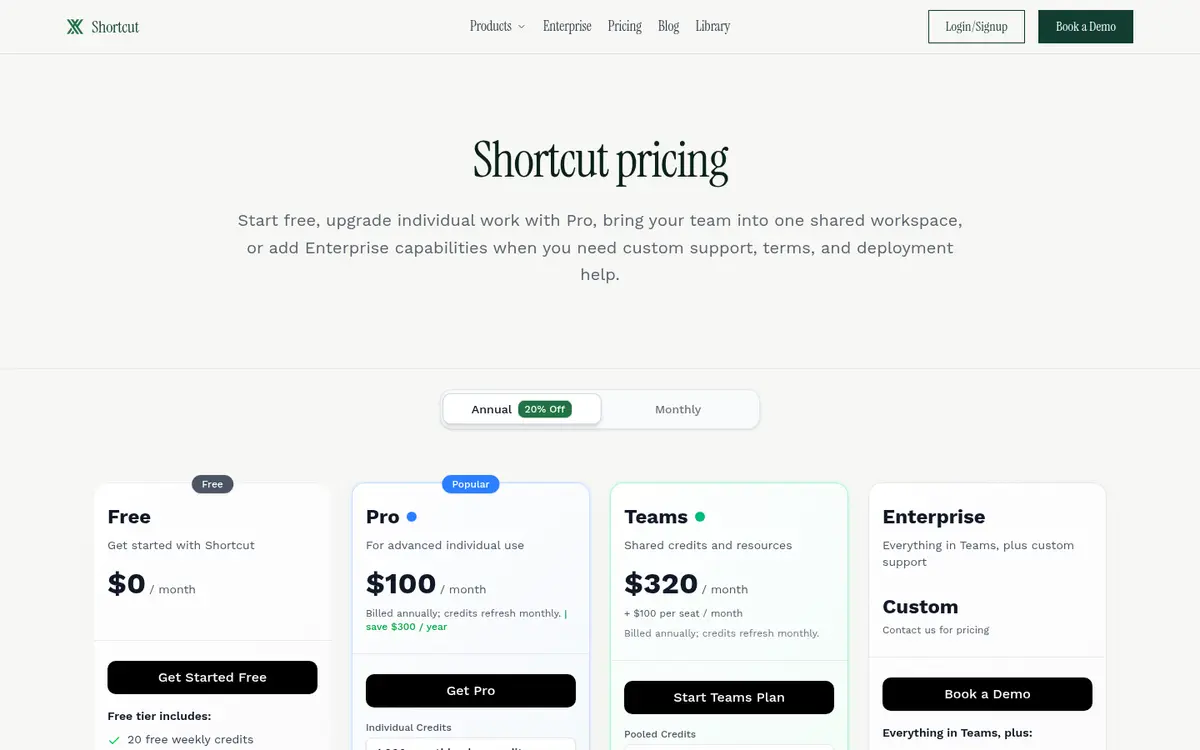
Shortcut, made by Fundamental Research Labs, is an AI agent that builds and edits Excel financial models. It ships as an Excel add-in, a browser app, a Windows desktop agent and a command-line tool.
You give it a task in plain language, and it builds the model in your workbook; Shortcut's own example is a full LBO with more than 400 linked formulas. It shows code changes before structural edits run, so you approve them first. A model audit skill reviews workbooks by default, outputs trace back to source files, and Skill Factory stores reusable skills. Workflows can run on a schedule, and finished work can become a live web dashboard to share.
Hedge funds, private equity firms, banks, asset managers, FP&A teams and advisory and accounting firms are its stated market. You can choose third-party AI models or Shortcut's own model, Pivot. Enterprise adds on-premises hosting, bring-your-own-key, single sign-on and customer-owned storage, with SOC 2 Type II and zero-data-retention agreements with model providers.
Shortcut goes deeper than Copilot on model building. In its own July 2026 benchmark of 20 finance tasks it scored 76% against 59% for Microsoft Copilot; Shortcut ran that test, so treat it as a claim. Copilot is already in Excel for Microsoft 365 firms, while Shortcut is an extra tool to approve and pay for. The free plan has 20 credits a week. Pro is $100 a month billed yearly, and Teams is $320 a month plus $100 a seat. Enterprise has custom pricing, agreed through a sales call.
- Price
- Free plan. Pro $100 a month billed yearly. Teams $320 a month plus $100 a seat.
- Free option
- A free plan with 20 credits a week.
Pros
- Builds full models from a prompt
- Approve code before structural edits
- Free plan with 20 weekly credits
Cons
- Another vendor on top of Microsoft 365
- Benchmark run by Shortcut itself
Pick it if you want an agent that builds whole models, not single steps.
5.Crunched
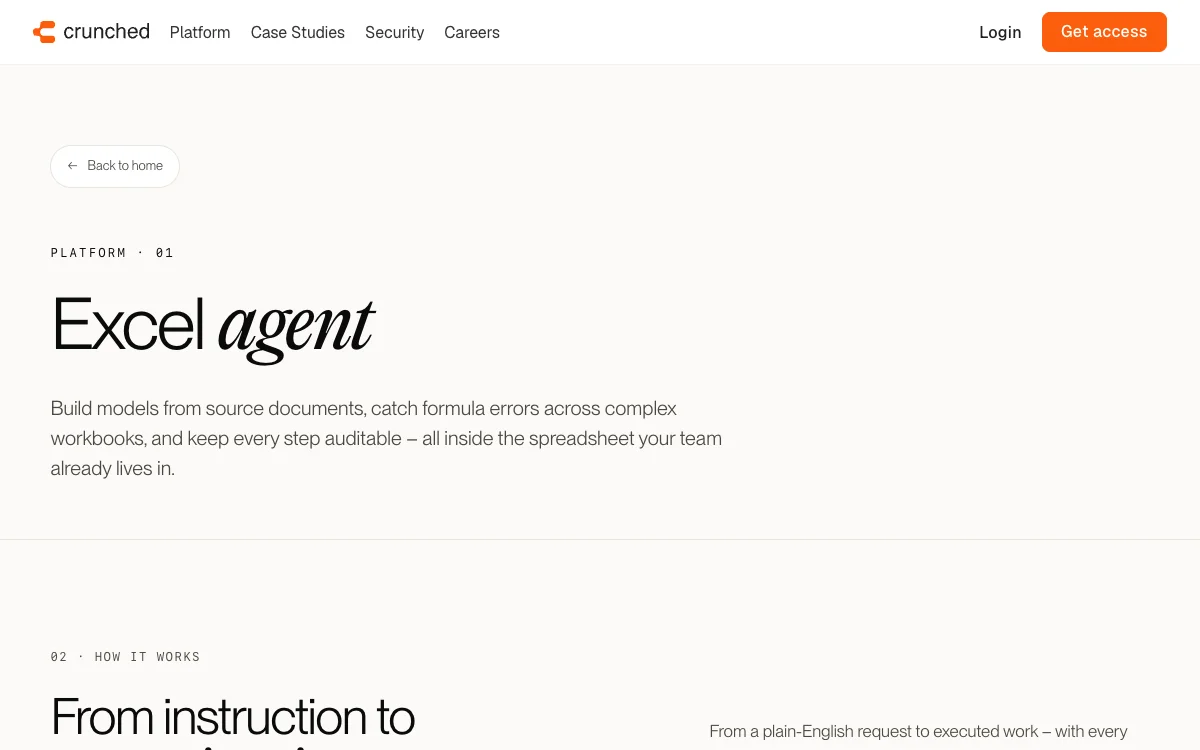
Crunched builds AI agents for Excel and PowerPoint, tailored to each firm. They build models from source documents, review workbooks for errors and keep decks live-linked to the model.
The Excel agent turns source documents into a model and reviews workbooks for formula breaks, broken references, sign flips and hard-coded overrides. Every change, by the agent or a person, is logged, reviewable and reversible. The PowerPoint agent stays linked to the Excel model and its sources, and the review system flags stale tickers, broken cross-references and figures that differ between deck and model. Projects keep context across the platform, Excel, PowerPoint and SharePoint, and a Command Center runs firm-tailored agents in parallel.
Crunched describes itself as auditable AI for advisory and audit. Advisory and audit firms are the core, with consulting, private equity and real estate teams too. Agents are tailored to the firm's methodology, and Crunched routes each task across frontier and open-weight models.
Copilot also checks models and can reverse edits, but Crunched goes further on the audit trail: a log of every change and live links between deck and model, both of which matter when a reviewer has to sign off. The cost is access. There is no public price, entry is by request, and the website has no blog, changelog or press page, so you rely on the vendor's own demo. For a small team, that sales process may outweigh the benefit of the extra checks. Copilot, by contrast, is already in Excel for any firm on Microsoft 365 Copilot.
- Price
- No public price. Access by request.
- Free option
- None listed.
Pros
- Every change logged and reversible
- Deck stays linked to the model
- Agents tailored to your firm
Cons
- No public price
- Little public documentation
Pick it if your firm needs an audit trail on every model change.
6.Gemini
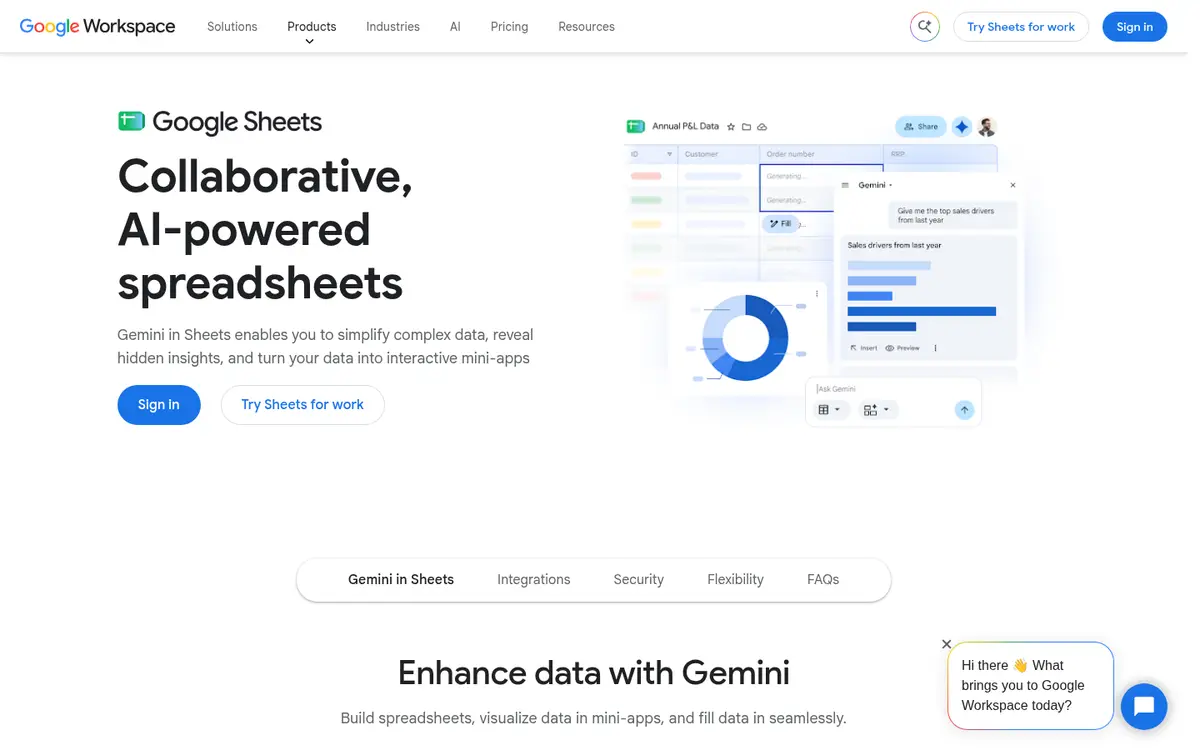
Gemini is Google's AI assistant and the Google Workspace counterpart to Copilot. It works in the Gemini app and inside Sheets, Slides and Docs.
In Sheets, a Gemini side panel analyses data, makes charts, fills columns with Fill with Gemini and works with BigQuery through Connected Sheets. If a formula breaks, Google says Gemini explains the problem in plain language and fixes it. On 12 Nov 2026 Google showed Gemini 4 Hydrogen turning financial data into interactive models that adjust to forecasting scenarios. In Slides, Gemini proposes an outline and then builds an editable, on-brand deck from a prompt and reference files such as Docs, Sheets, PDFs and older decks.
Workspace Business and Enterprise Standard and Plus plans include it, as do Google AI Pro and AI Ultra subscriptions. Schools can use Gemini for Education at no cost. The Gemini app adds Canvas, Deep Research, skills and Guided Learning, and Gemini Notebook makes slide decks and video overviews from your sources. Google has also announced integrations for regulated financial institutions on Workspace.
The choice between Gemini and Copilot usually follows the office suite your company already pays for. Copilot works in Excel, with named finance skills such as LBO, comps and model check. Gemini works in Google Sheets, and its finance features are spread across apps rather than packaged as skills. If you share models with clients who use Excel, Copilot fits better. If your team already collaborates in Sheets, switching suites just for AI rarely makes sense. We did not check either vendor's plan prices for this page.
- Price
- Part of Google Workspace and Google AI Pro or Ultra. We did not check the prices.
- Free option
- Gemini for Education is free for schools.
Pros
- Built into Sheets, Slides and Docs
- Explains and fixes formula errors
- Decks from your own reference files
Cons
- Google Sheets, not Excel
- No named finance skills
Pick it if your company runs on Google Workspace instead of Microsoft 365.
Who should pick what
If your firm already pays for Microsoft 365 Copilot, try it on real work first; you may not need anything else. Look elsewhere when you need something Copilot lacks: licensed market data, a deeper model-building agent, an audit trail for reviewers, a different office suite or a finished model.
- Market data in Excel, or AI in Excel without Microsoft 365 Copilot: Claude or ChatGPT.
- Full model builds or a strict audit trail: Shortcut or Crunched.
- A company on Google Workspace: Gemini.
- A ready Excel model that AI changes for your case: Finamodel.
Microsoft states that Copilot is not a substitute for a qualified accounting or tax professional, and the same caution applies to every tool here. Check outputs against a model you trust, and keep a person in charge of anything that reaches a client. Copilot changed a lot at Ignite on 17 Nov 2026, so recheck its features before you decide.
Frequently asked
How much does Microsoft Copilot cost?+
We did not check Copilot's prices for this page. Agent Mode in Excel comes with commercial Microsoft 365 Copilot licences and with Microsoft 365 Personal, Family and Premium, where Personal and Family use AI credits. Check Microsoft's pricing page for current figures.
Is there a free version of Microsoft Copilot?+
No free plan or trial for Copilot in Excel is listed in our sources. Among the alternatives, ChatGPT and Shortcut have free plans, and Finamodel gives 30 free models with live formulas and a free sample of every other model.
What are the main Microsoft Copilot alternatives?+
For AI in Excel with market data or a free plan: Claude and ChatGPT. For finance-only agents: Shortcut and Crunched. For Google Workspace: Gemini. For a ready Excel model that AI changes for your case: Finamodel.
Microsoft Copilot vs Finamodel: which should I pick?+
Pick Copilot if your firm runs on Microsoft 365 and you already have the workbook to work on. Pick Finamodel if you need a ready Excel model that Fina changes for your case, at $20 a month or $120 a year.
What finance skills does Copilot in Excel have?+
Microsoft lists built-in skills for three-statement completion, LBO, merger, comps, model check, returns, unit economics and data packs, called with @. Accounting skills for reconciliation, close, statements, variance and tax are rolling out through the Frontier program.
Which AI model does Copilot in Excel use?+
Agent Mode lets you choose Auto, OpenAI GPT 5.2 or Anthropic Claude Opus 4.5.
Sources for Microsoft Copilot (5), last checked 17 Nov 2026+
- support.microsoft.com · Copilot in Excel built-in skills and disclaimer · 15 Nov 2026
- microsoft.com · Copilot positioning · 10 Nov 2026
- microsoft.com · Copilot for Finance blog · 10 Nov 2026
- microsoft.com · Ignite: Office in Copilot GA · 17 Nov 2026
- microsoft.com · Pricing page · 10 Nov 2026
Each alternative's own page lists its sources.


