 By Alex Tapio
 Gemini alternatives
People look for Gemini alternatives for a few reasons. It works in Google Sheets, so teams whose models, clients or lenders expect Excel files need a tool that lives in Excel. Its finance features are spread across the Gemini app, Sheets and Slides; there is no single modelling product with named finance skills. It names no licensed market data for spreadsheet work. And because Gemini comes inside Workspace and Google AI plans, its cost is bundled, which makes a like-for-like price comparison harder.
What is Gemini?
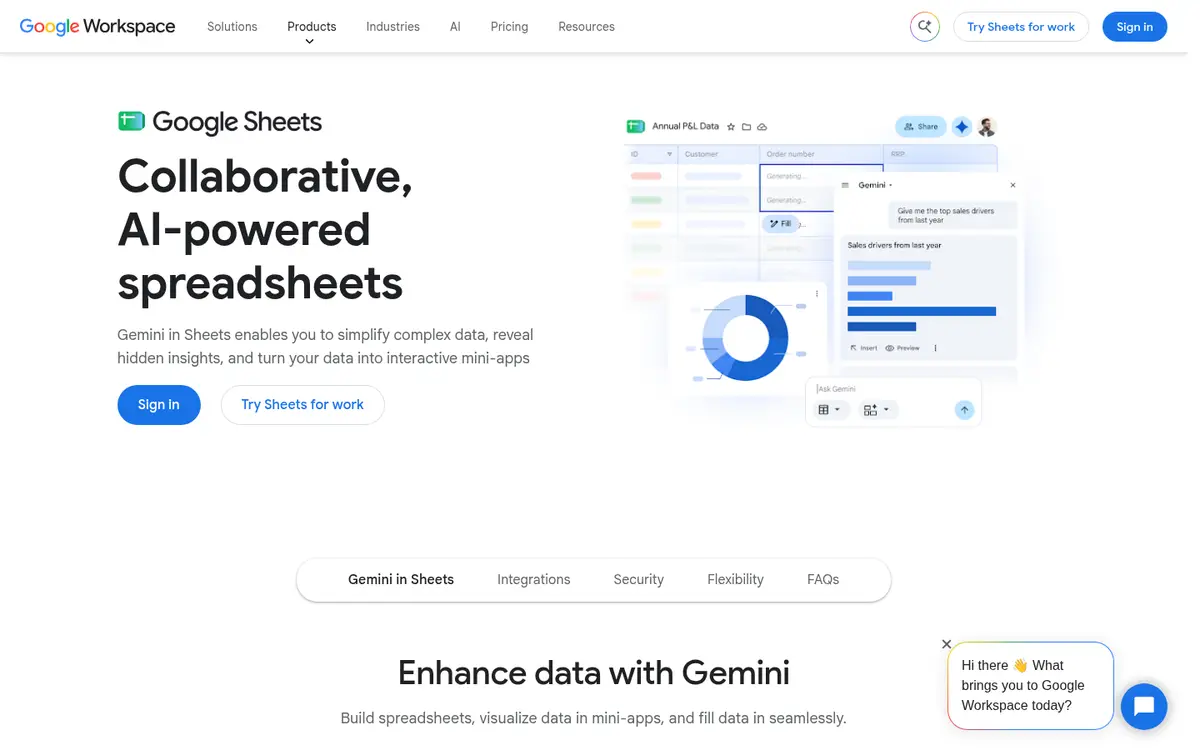
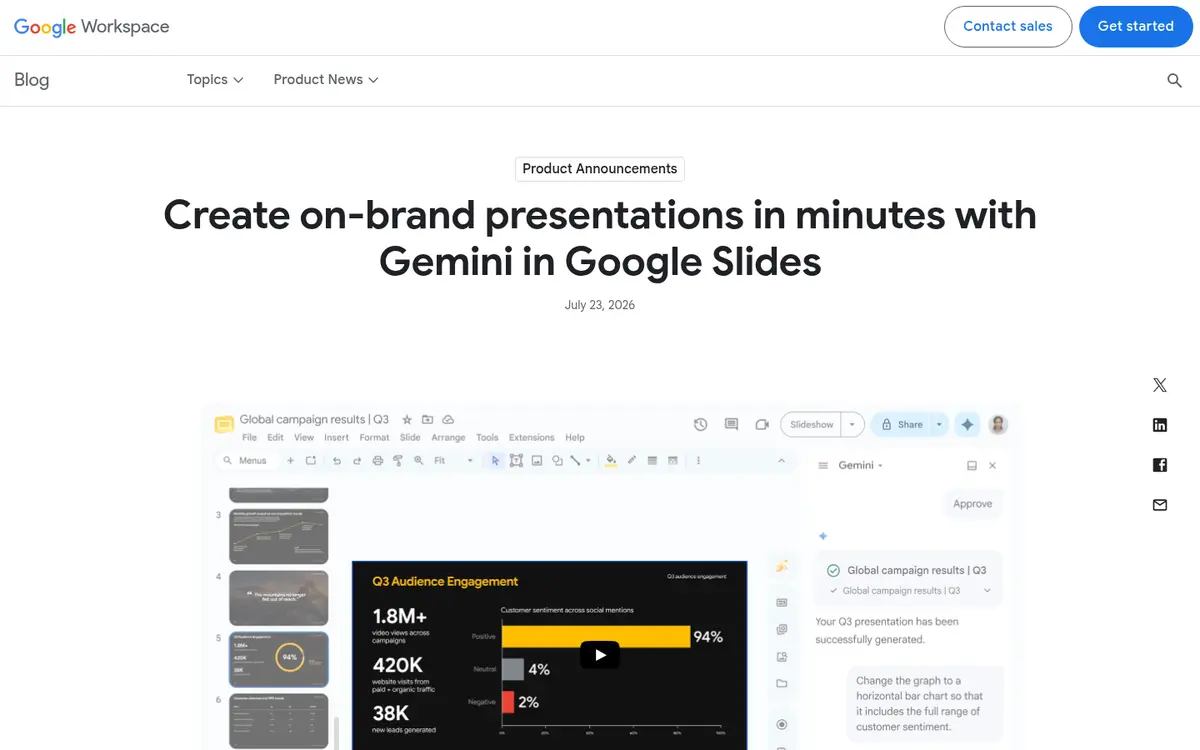
Gemini is Google's AI assistant. It runs as the Gemini app, with Canvas, Deep Research, skills and Guided Learning, and inside Google Workspace apps such as Sheets, Slides and Docs. In Sheets it analyses data, builds charts, fills columns and explains and fixes formula errors. In Slides it builds on-brand decks from a prompt plus reference files. Consumers get it through Google AI Pro and Ultra, businesses through Workspace Business and Enterprise plans, and schools through Gemini for Education. Google has also announced Gemini in Sheets features for regulated financial institutions.
Gemini at a glance
Gemini is not sold on its own for business use; it comes with plans. Gemini in Slides is on Google Workspace Business and Enterprise Standard and Plus plans, or comes with a Google AI Pro or AI Ultra subscription. Gemini for Education is offered at no cost through Google for Education Fundamentals. We did not check the dollar prices of these plans. What you get is AI in Sheets, Slides and Docs, plus the Gemini app with Canvas and Deep Research.
Quick picks
Gemini is the first row, then each alternative in the order below. The first question for Gemini users is Excel or Google Sheets, so check the "Works in" column; only some tools here work in both. The suite assistants, Gemini, ChatGPT and Copilot, come with plans whose prices we did not check. The specialist tools either publish prices or sell through a demo.
| Tool | Best for | Type of tool | Price (entry plan) | Works in | Free option | Builds the model for you | Excel file you keep | AI edits your file | Templates library |
|---|---|---|---|---|---|---|---|---|---|
| AI in Google Workspace | AI in Workspace apps | Not checked | Sheets, Slides, Docs | Yes: Free for education | Not stated: Shown in a demo | No: Google Sheets, not Excel | Yes: Fixes formulas in Sheets | Not stated: Not stated |
 | Excel and Google Sheets both | AI assistant + add-ins | Not checked | Excel, Google Sheets, PowerPoint | Yes: Free plan, limited use | Yes: From a description | Yes: Live models in workbook | Yes: Builds, updates, explains | Not stated: Not stated |
 | Firms on Microsoft 365 | Built into Office | Not checked | Excel, PowerPoint, Word | Not stated: Not stated | Yes: Agent Mode, finance skills | Yes: Your own workbook | Yes: Finance skills with @ | Not stated: Not stated |
 | A ready model, Sheets or Excel | Ready models + AI | $20/mo or $120/yr | Web app, Excel file | Yes: 30 models + free samples | Yes: Fina chat builds it | Yes: .xlsx, formulas visible | Yes: Fina chat edits it | Yes: 500+ models |
 | Finance data in Excel | AI assistant + add-ins | From $17/mo, yearly | Excel, PowerPoint, Word, Outlook | No: Excel add-in needs paid plan | Yes: From a description | Yes: Works in your workbook | Yes: Builds and fixes models | No: Fills templates you bring |
 | Live QuickBooks data in Sheets | Accounting data sync | Demo only | Excel, Google Sheets | Yes: Free template library | No: You build reports | Yes: Excel and Sheets add-ons | No: Data sync, not edits | Yes: 100+ reporting templates |
 | Decks from a prompt | AI design tool | Not checked | Web; Slides, PowerPoint export | Yes: 10 slides per prompt | No: Builds decks, not models | No: Decks, not spreadsheets | No: Not for spreadsheets | Not stated: Not stated |
yes · no · not stated in the vendor's sources. Hover a mark for details. From each vendor's own site; prices change, so check before you buy.
1.ChatGPT
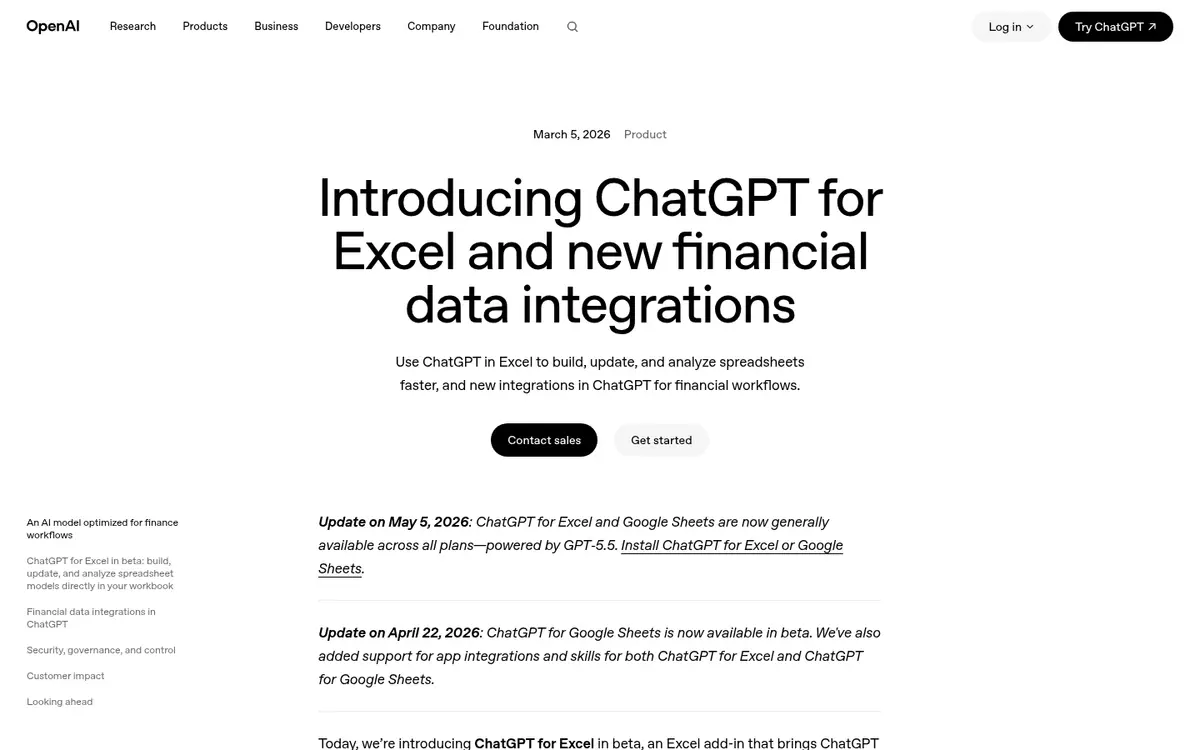
ChatGPT is OpenAI's general AI assistant. Its official add-in, ChatGPT for Excel and Google Sheets, builds, updates and explains spreadsheets in either app, and ChatGPT for PowerPoint edits decks.
The add-in runs in a sidebar next to your sheet. It creates or updates live models, explains why outputs changed, traces and fixes errors, shows how assumptions flow, and runs scenarios and sensitivity tables. Default skills cover financial modeling and corporate-finance formatting, and Apps connect it to data sources your company approves. Google Sheets support arrived in beta on 22 Apr 2026, and the add-in became generally available on 5 May 2026. Codex in the ChatGPT desktop app can also drive an open Excel workbook.
It suits people who split their time between Google Sheets and Excel, or who share files with clients on the other platform. It is on every ChatGPT plan, from Free and Go up to Business, Enterprise, Edu and K-12, with limited usage on Free and Go. ChatGPT Business adds shared workspaces for teams, including finance teams.
Compared with Gemini, ChatGPT's big advantage is reach: one assistant for Excel and Google Sheets, while Gemini stays inside Google's apps. Gemini's advantage is that it is already in Workspace, with nothing to install and one Google account to manage. Neither names a licensed financial data feed for its spreadsheet tools. ChatGPT's PowerPoint add-in has known limits on template adherence, while Gemini in Slides works from your own reference files. We did not check the dollar prices of either product's plans for this page.
- Price
- Free plan, then Go, Plus, Pro, Business and Enterprise. We did not check the prices.
- Free option
- Yes. The add-in works on the Free plan, with limited usage.
Pros
- Works in Excel and Google Sheets
- On every plan, including Free
- Runs scenarios and sensitivity tables
Cons
- Another subscription next to Workspace
- No financial data vendors named
Pick it if you work in both Google Sheets and Excel.
2.Microsoft Copilot
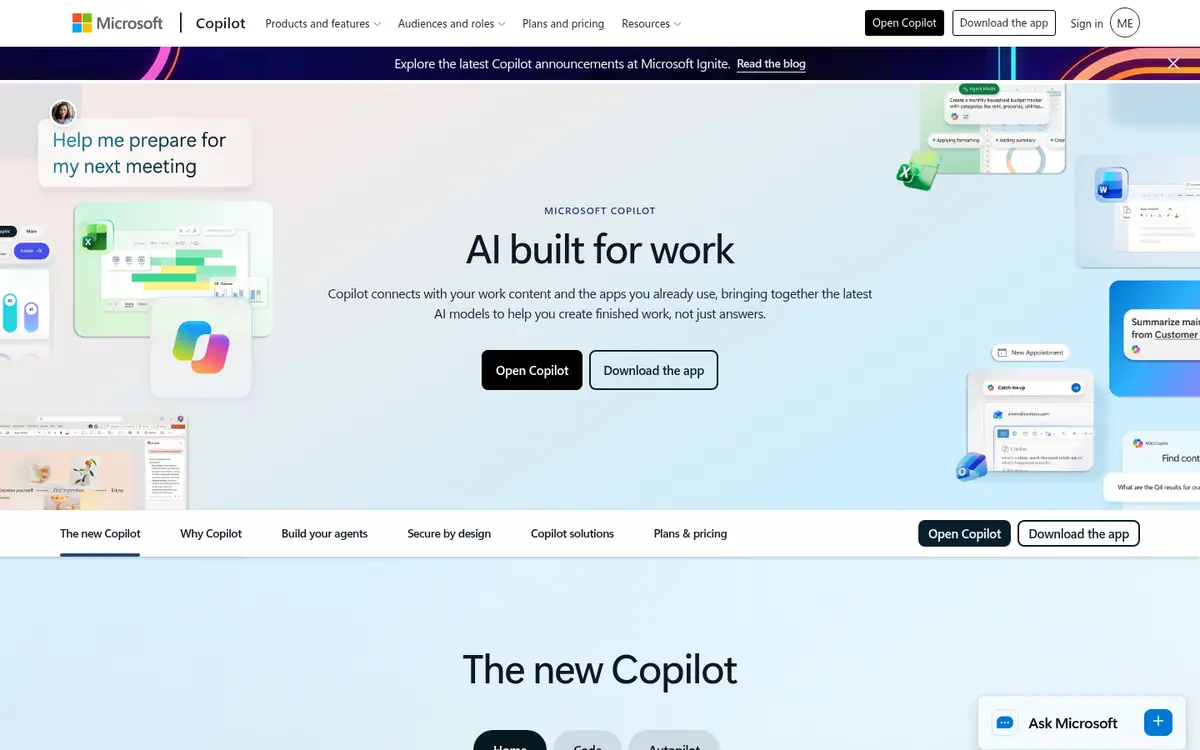
Microsoft Copilot is the AI assistant built into Microsoft 365, the closest match to Gemini on the Microsoft side. In Excel it adds finance skills called with @, and in PowerPoint it drafts decks from a prompt.
Copilot's Excel skills cover three-statement completion, LBO, merger, comps, model check, returns, unit economics and data packs. Agent Mode plans steps, acts in the workbook and checks the result, creating workbooks, fixing formulas and building charts and PivotTables with cited web search. The model check flags circular references, broken formulas, hardcoded overrides and balance sheet imbalances. Copilot can explain a workbook's change history and reverse selected edits. In PowerPoint it builds decks in your existing themes and writes speaker notes.
It is the natural choice for a company that runs on Microsoft 365 rather than Workspace. Commercial Microsoft 365 Copilot licences include it, and so do Microsoft 365 Personal, Family and Premium, with AI credits on Personal and Family. Firms can record their own skills, and partner plugins include QuickBooks, Xero and Zoho Books.
Next to Gemini, Copilot is more specific about finance: its Excel skills are named and documented on Microsoft Support, while Gemini's finance features are spread across apps. It also works in Excel, which matters if your models go to people who use Excel. Gemini wins if your team already collaborates in Sheets. Copilot's accounting skills are still in the Frontier early-access program, and Agent Mode was not available in the EU or UK at launch. Like Gemini, Copilot comes inside a bundle, and we did not check its price.
- Price
- Part of Microsoft 365 Copilot and some consumer plans. We did not check the price.
- Free option
- None listed.
Pros
- Named finance skills in Excel
- Model check finds broken formulas
- Decks in your existing themes
Cons
- Needs Microsoft 365, not Workspace
- Price not checked here
Pick it if your company runs on Microsoft 365, not Google Workspace.
3.Finamodel

Finamodel is a library of ready Excel financial models with an AI assistant called Fina. Gemini helps with the sheet in front of you; Finamodel gives you a finished financial model to start from.
You pick a model from the library, which is free to browse: for example a startup model, a SaaS forecast or a three-statement model. Then you describe your business to Fina, which builds, edits, explains and fixes the model for your case. Ask Fina to add a hiring plan, and the costs flow through to cash. Version history lets you restore any earlier file. When it is ready, you download a real .xlsx file with every formula visible. The file works without Finamodel and opens in Google Sheets as well as Excel and Numbers, so a Workspace team can keep using Sheets.
Read-only links to Google Sheets, Google Drive, QuickBooks and 42 other apps let Fina use the figures you already keep in Google's tools. A voice walkthrough explains a model to a co-founder or investor. Typical users are founders, small-business owners and analysts who need a proper model this week rather than a chart of last year's data. You can try one of 30 free models with live formulas, or a free sample of any other model without formulas, sent by email link.
Finamodel is much narrower than Gemini. It does not write documents or run inside Sheets as a side panel; you work in the Finamodel app and download the file. It is not an Excel add-in either, it has no licensed market data, and support is by email. What it adds is structure: the statements, links and assumptions are already built, so Fina changes a working model instead of starting from an empty sheet. If your team lives in Workspace, you can open the file in Google Sheets and keep using Gemini on it there.
How it works
- Pick a ready model, such as a DCF or a 3-statement model, from a library of more than 500.
- Ask Fina chat to change, explain or fix it for your case and your numbers.
- Download a real .xlsx file. Every formula is visible, and it works without Finamodel. It opens in Excel, Google Sheets and Numbers.
- Price
- Models plan: $20 a month or $120 a year. All Templates: $30 a month or $144 a year. You can cancel at any time.
- Free option
- 30 free models with live formulas, and a free sample of every other model, with values but no formulas. Both are sent by email link, one model email per email address per day. The library is free to browse.
Better than Gemini at
- A ready financial model to start from
- Files open in Sheets, Excel and Numbers
- Fina explains each formula
Worse than Gemini at
- Not built into Google Sheets
- Only financial models
- No licensed market data
Models that fit: Startup Financial Model, SaaS MRR/ARR Forecast Model, 3 Statement Model.
Pick it if you need a full financial model you can still open in Google Sheets.
4.Claude
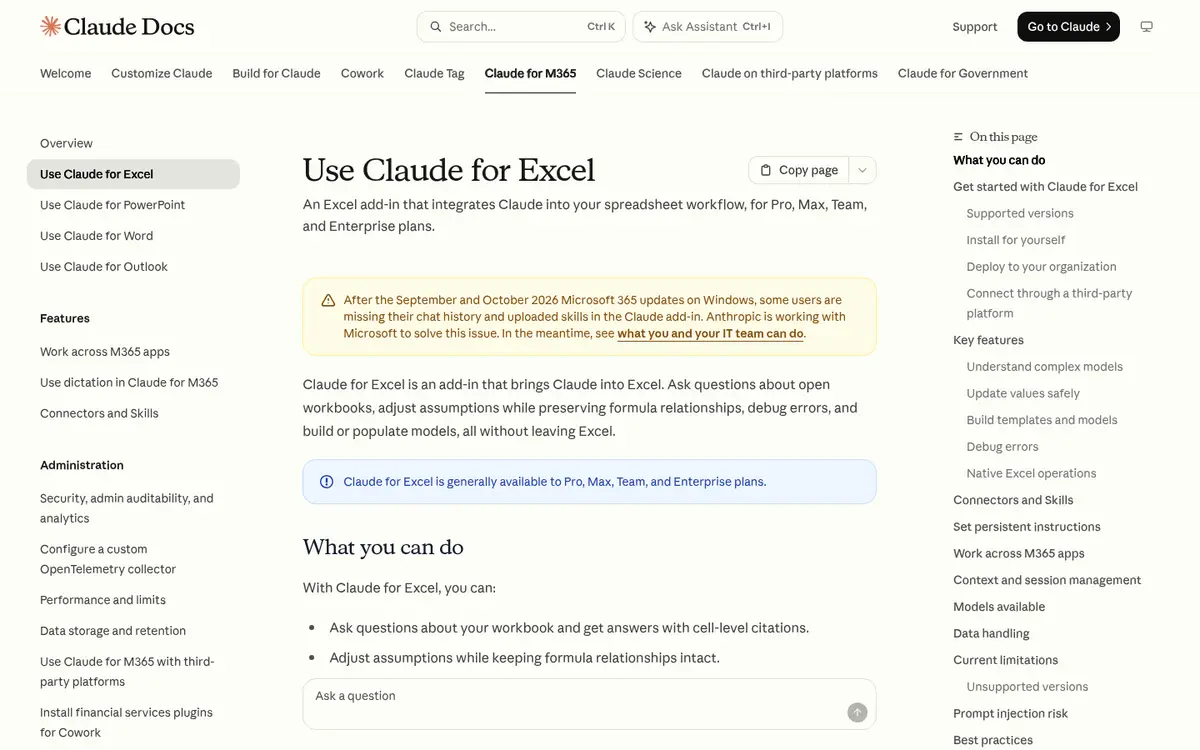
Claude is Anthropic's AI assistant. Claude for Excel is its add-in for workbooks, and further add-ins cover PowerPoint, Word and Outlook with shared context.
In Excel, Claude reads a workbook and answers with cell-level citations, so you can see where each number comes from. It updates assumptions while keeping formula links, finds the root cause of calculation errors and suggests fixes, and handles pivots, conditional formatting and data validation. It can build a three-statement model from a trial balance, fill an LBO template or create a new model from a plain-language description. Finance skills cover comps, DCFs, due-diligence data packs and earnings analyses.
Bankers, asset and wealth managers, insurers and fintechs are the audience for Anthropic's finance pages, and named users include Citadel, BNY, Carlyle, Citi and RBC Capital Markets. Licensed data connectors include S&P Global, LSEG, FactSet, Morningstar, PitchBook, Moody's and Daloopa, plus Box, Databricks and Snowflake, and Anthropic says Team and Enterprise data is not used for training by default.
For a Gemini user, Claude is the move if your work has to live in Excel and draw on market data; Gemini works in Google Sheets and names no finance data connectors. The cost is a separate subscription: Claude for Excel needs a paid plan, from $17 a month billed yearly or $20 monthly on Pro. Team seats are $20 a month billed yearly or $25 monthly. The add-in does not support data tables or macros, and Anthropic says client deliverables need human review. These prices are from 10 Nov 2026.
- Price
- Needs a paid plan: Pro $17 a month billed yearly or $20 monthly; Team $20 a seat a month billed yearly.
- Free option
- A free Claude plan exists, but Claude for Excel needs a paid plan.
Pros
- Answers cite specific cells
- Licensed connectors such as FactSet and LSEG
- Builds or fills finance models
Cons
- Excel add-in needs a paid plan
- No Google Sheets add-in listed
Pick it if your models live in Excel and need market data.
5.LiveFlow
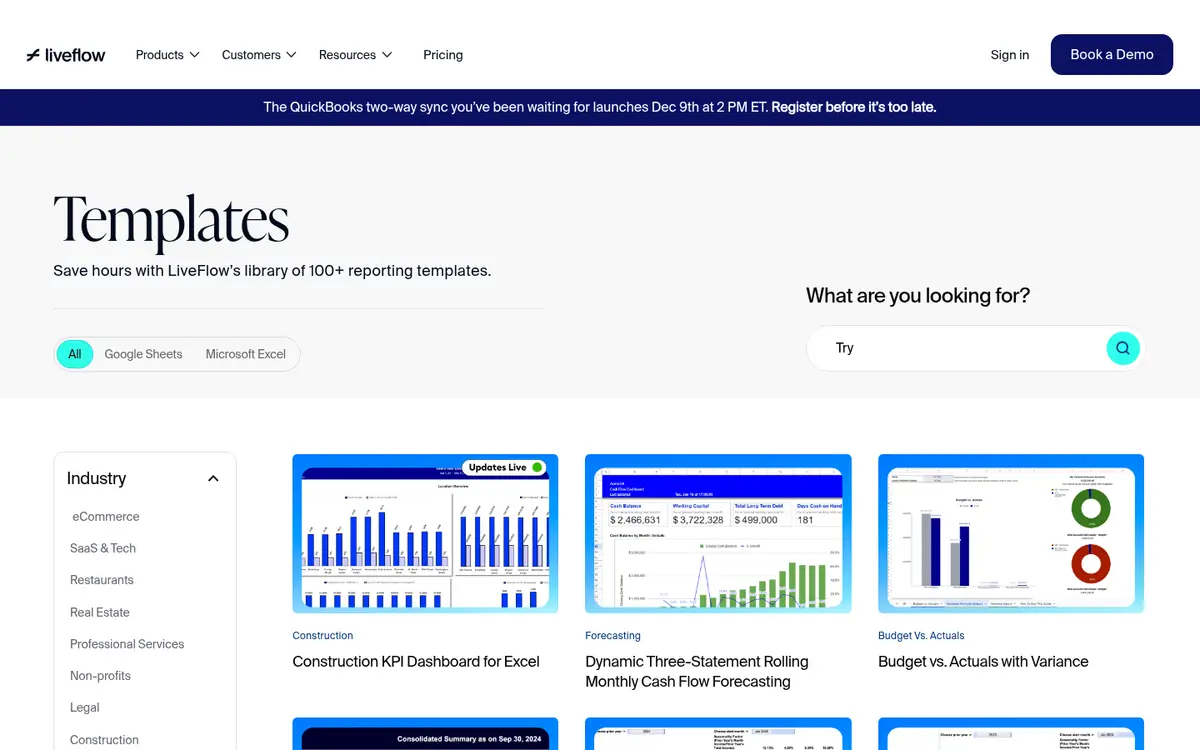
LiveFlow syncs QuickBooks Online and Xero data live into Google Sheets and Excel. It adds multi-entity consolidation, departmental budgeting and a library of more than 100 reporting templates.
You connect your QuickBooks files once, and the figures refresh automatically in your sheets. When a new general ledger account appears, it flows into your models through what LiveFlow calls a dynamic chart of accounts. Consolidation handles account mapping, multiple currencies and department roll-ups, and FinanceIQ adds departmental budgeting. A connector also lets your AI assistant pull any QuickBooks report live into Excel or Google Sheets, with the source and refresh time on every figure.
Accounting firms that report for many clients, such as client advisory and outsourced accounting practices, are its core users, along with in-house finance teams that manage several entities. Because it works in both Google Sheets and Excel, a firm can serve clients on either platform. The free template library includes a three-statement rolling cash flow forecast and a budget vs actual report.
LiveFlow is not an AI assistant like Gemini; it solves a different problem. Gemini can analyse what is in a sheet, but it does not keep your accounting data current. LiveFlow does, and you could use the two together in Google Sheets. It needs QuickBooks or Xero as the source, and availability for Flow ERP was limited in November 2026. Pricing is tailored and needs a demo, so you cannot compare it with a Workspace plan up front. The templates are free, so you can start there before you talk to sales.
- Price
- No public price. Pricing is tailored; demo first.
- Free option
- A free library of Excel and Google Sheets reporting templates.
Pros
- Live QuickBooks and Xero data in Sheets
- Multi-entity consolidation
- Free reporting templates
Cons
- No public price
- Needs QuickBooks or Xero data
Pick it if you report from QuickBooks or Xero in Google Sheets.
6.Gamma
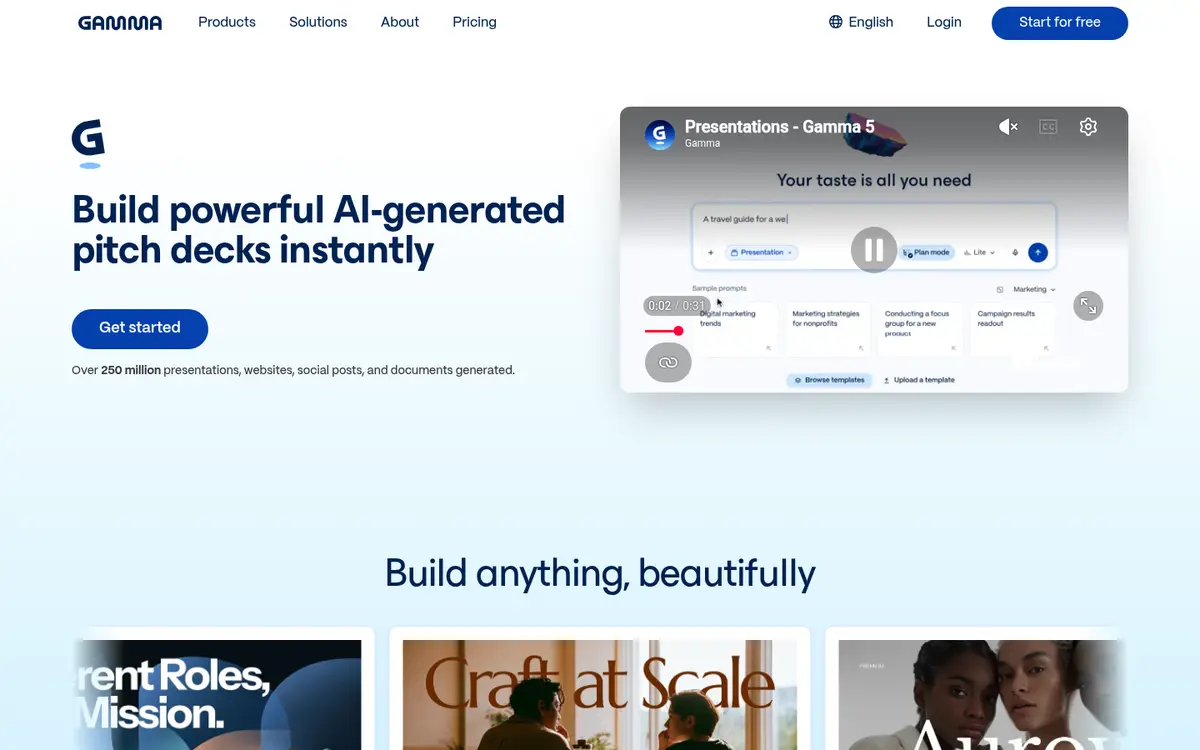
Gamma is an AI design tool for presentations, documents, webpages and social posts. You build on its web canvas and export to Google Slides, PowerPoint, PDF or PNG.
Since 6 Oct 2026, Gamma 5 has used an agent that works through the story before it designs the slides, and keeps that context while you edit. You can prompt for changes or edit freely on the canvas. Connectors bring in Slack threads and Granola meeting transcripts, and PowerPoint and PDF files can be imported. Developers can use the public API to generate, edit and export branded presentations and documents, and Gamma has apps for Claude, ChatGPT and Slack. A ChatGPT plugin, added around 18 Nov 2026, builds a deck in a side panel one slide at a time.
It is aimed at individuals and businesses of all kinds, not finance teams in particular. Its homepage claims more than 250 million presentations, websites, social posts and documents generated. The free plan allows up to 10 slides per prompt and exports to Google Slides, PowerPoint, PDF and PNG.
If you mostly use Gemini in Slides, Gamma is the dedicated alternative. Gemini builds decks from your Drive files inside the Slides you already use; Gamma gives you its own canvas, freeform editing and a free plan for people outside Workspace. It does nothing for spreadsheets, so it cannot replace Gemini in Sheets. For the numbers behind the slides, you need a separate spreadsheet tool. Gamma names Plus, Pro and Ultra paid plans, but we did not check their prices for this page.
- Price
- Free plan; Plus, Pro and Ultra. We did not check the prices.
- Free option
- A free plan with up to 10 slides per prompt and Google Slides export.
Pros
- Free plan with Google Slides export
- Freeform canvas plus prompting
- Imports PowerPoint and PDF
Cons
- No spreadsheet features
- Paid plan prices not checked
Pick it if you mostly used Gemini to make slides.
Who should pick what
For Gemini users, the deciding question is usually Excel or Google Sheets. If your work must end up in Excel, move to a tool that lives there. If you are happy in Sheets, ask what Gemini is missing for you: live accounting data, slide design or a finished model.
- One AI assistant for both Excel and Google Sheets: ChatGPT.
- Excel with finance skills or market data: Microsoft Copilot or Claude.
- Live QuickBooks data in Sheets, or a dedicated deck tool: LiveFlow or Gamma.
- A ready financial model that AI changes for your case: Finamodel.
If your company already pays for Google Workspace, you may already have Gemini, so try it on a real task before you buy anything new. Check which plan your admin has, since some Gemini features are only on certain plans. For any tool that touches client or company data, ask where it is processed and whether it is used for training.
Frequently asked
How much does Gemini cost?+
Gemini comes with Google Workspace Business and Enterprise Standard and Plus plans, or with a Google AI Pro or AI Ultra subscription. We did not check the dollar prices of these plans. Gemini for Education is offered at no cost through Google for Education Fundamentals.
Is there a free version of Gemini?+
Schools get Gemini for Education at no cost. For business use, Gemini in Sheets and Slides comes with paid Workspace or Google AI plans. Among the alternatives, ChatGPT and Gamma have free plans, LiveFlow offers free templates, and Finamodel gives 30 free models with live formulas and a free sample of every other model.
What are the main Gemini alternatives?+
For AI in Excel and Google Sheets: ChatGPT. For AI in Excel with finance skills or data: Microsoft Copilot and Claude. For live accounting data in Sheets: LiveFlow. For decks: Gamma. For a ready financial model that AI changes for your case: Finamodel.
Gemini vs Finamodel: which should I pick?+
Pick Gemini if your team works in Google Workspace and wants AI help across Sheets, Slides and Docs. Pick Finamodel if you need a ready financial model that Fina changes for your case, at $20 a month or $120 a year.
Does Gemini work in Excel?+
Google's pages describe Gemini in Google Sheets, Slides and Docs, not in Excel. If you need AI inside Excel, ChatGPT for Excel, Claude for Excel and Copilot in Excel all work there.
Can Gemini fix formulas in Google Sheets?+
Yes. Google says that when you hit a formula error, Gemini explains the issue in plain language and fixes the formula.
Sources for Gemini (5), last checked 15 Nov 2026+
- workspace.google.com · Gemini in Slides availability and features · 10 Nov 2026
- edu.google.com · Gemini for Education at no cost · 10 Nov 2026
- workspace.google.com · Sheets formula-error quote · 15 Nov 2026
- workspace.google.com · Gemini in Sheets for regulated finance · 10 Nov 2026
- blog.google · Gemini 4 Hydrogen in Sheets · 12 Nov 2026
Each alternative's own page lists its sources.


