 By Alex Tapio
 ChatGPT alternatives
People look for ChatGPT alternatives for a few reasons. OpenAI names no financial data vendors for the Excel add-in, so market data has to come from your own sources. The Free and Go plans have limited usage, and business plans now pay with plan credits. OpenAI's help article admits the PowerPoint add-in has limits on template adherence and some advanced chart edits. And some people want a finance-specific tool, or a finished model to start from, rather than a general assistant that builds each model from a description.
What is ChatGPT?
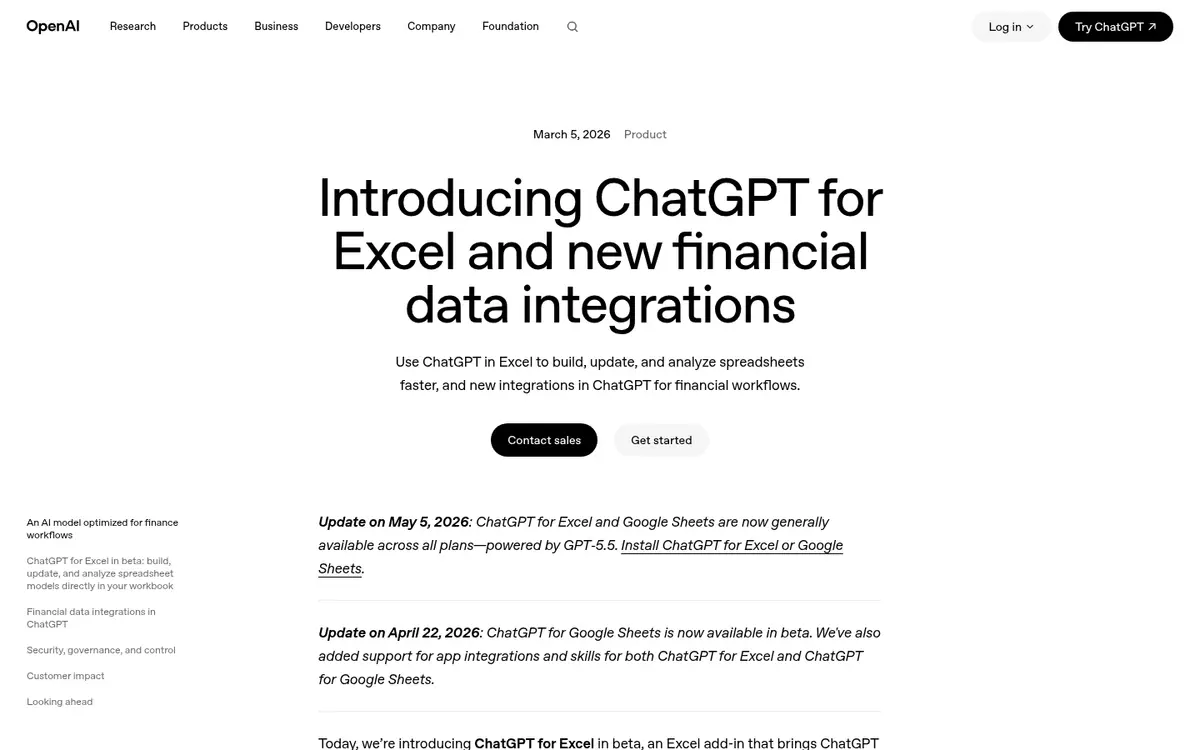
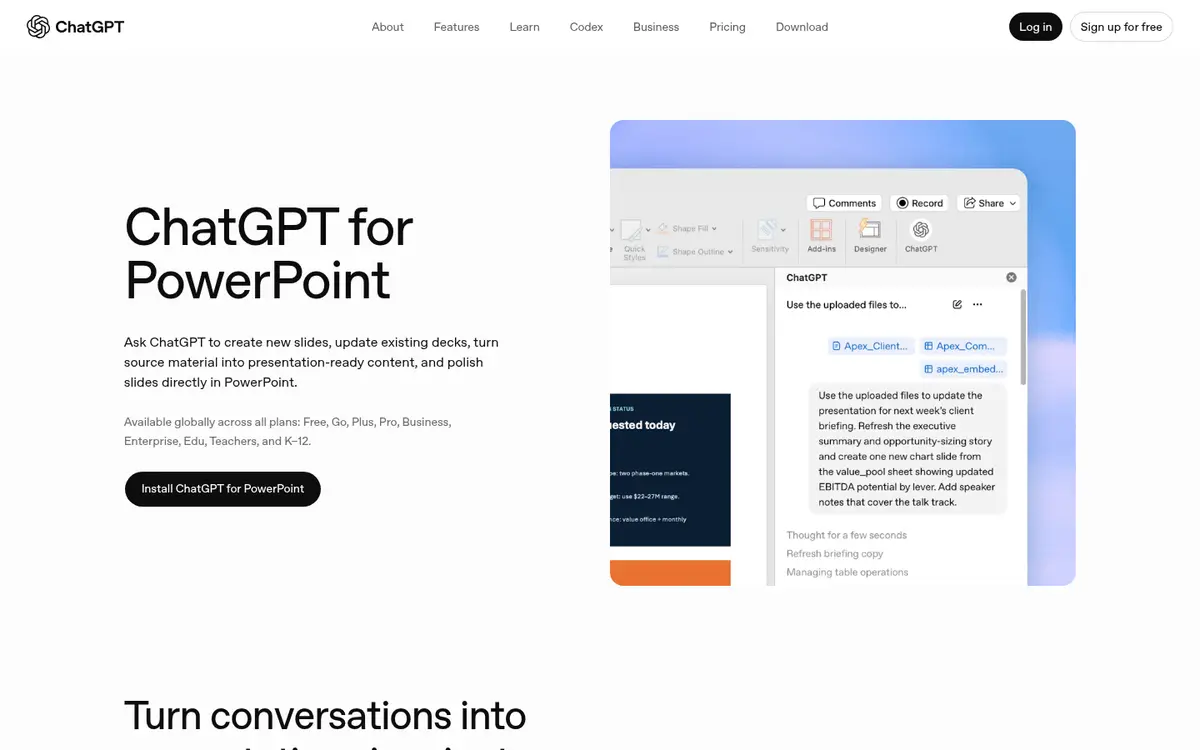
ChatGPT is OpenAI's general AI assistant, used by consumers, companies and schools. For spreadsheet work, the key piece is ChatGPT for Excel and Google Sheets, an add-in that builds, updates and explains live models inside the workbook, with default skills for financial modeling. ChatGPT for PowerPoint adds a sidebar for creating and editing decks, and Chat with Spreadsheets helps people learn and fix formulas. Plans run from Free and Go to Plus, Pro, Business and Enterprise, plus Edu, Teachers and K-12 for schools. ChatGPT Business adds shared workspaces for teams, including finance teams.
ChatGPT at a glance
OpenAI names the plans, but we did not check their dollar prices: Free, Go, Plus, Pro, Business and Enterprise, plus Edu, Teachers and K-12. ChatGPT for Excel and Google Sheets became generally available on all plans on 5 May 2026, with limited usage on Free and Go. Business, Enterprise, Edu and K-12 plans could use it at no extra cost until 2 June 2026; plan credits apply after that. The PowerPoint add-in is on every plan, including Free.
Quick picks
ChatGPT is the first row, then each alternative in the order below. Most tools here are AI assistants, so check where they run and what they cost. The big suites, ChatGPT, Gemini and Copilot, come with plans whose prices we did not check, so those cells say "Not checked". The specialist tools vary: some publish prices, and some do not.
| Tool | Best for | Type of tool | Price (entry plan) | Works in | Free option | Builds the model for you | Excel file you keep | AI edits your file | Templates library |
|---|---|---|---|---|---|---|---|---|---|
| General AI with Excel add-in | AI assistant + add-ins | Not checked | Excel, Google Sheets, PowerPoint | Yes: Free plan, limited use | Yes: From a description | Yes: Live models in workbook | Yes: Builds, updates, explains | Not stated: Not stated |
 | Finance data inside Excel | AI assistant + add-ins | From $17/mo, yearly | Excel, PowerPoint, Word, Outlook | No: Excel add-in needs paid plan | Yes: From a description | Yes: Works in your workbook | Yes: Builds and fixes models | No: Fills templates you bring |
 | Google Workspace teams | AI in Workspace apps | Not checked | Sheets, Slides, Docs | Yes: Free for education | Not stated: Shown in a demo | No: Google Sheets, not Excel | Yes: Fixes formulas in Sheets | Not stated: Not stated |
 | A ready model to start from | Ready models + AI | $20/mo or $120/yr | Web app, Excel file | Yes: 30 models + free samples | Yes: Fina chat builds it | Yes: .xlsx, formulas visible | Yes: Fina chat edits it | Yes: 500+ models |
 | Free AI modeling add-in | AI add-in | Free; Pro not shown | Excel web and desktop | Yes: 5,000 credits a month | Yes: From a sentence | Yes: Excel add-in | Yes: Builds DCFs, LBOs | Not stated: Not stated |
 | Microsoft 365 Copilot firms | Built into Excel | Not checked | Excel, PowerPoint, Word | Not stated: Not stated | Yes: Agent Mode, finance skills | Yes: Your own workbook | Yes: Finance skills with @ | Not stated: Not stated |
 | Delegating work by email | Email AI service | Plans not readable | Email; Excel, PowerPoint, Word | Yes: First task free | Yes: From your email | Yes: Excel files emailed back | Yes: Builds DCFs and LBOs | Not stated: Not stated |
yes · no · not stated in the vendor's sources. Hover a mark for details. From each vendor's own site; prices change, so check before you buy.
1.Claude
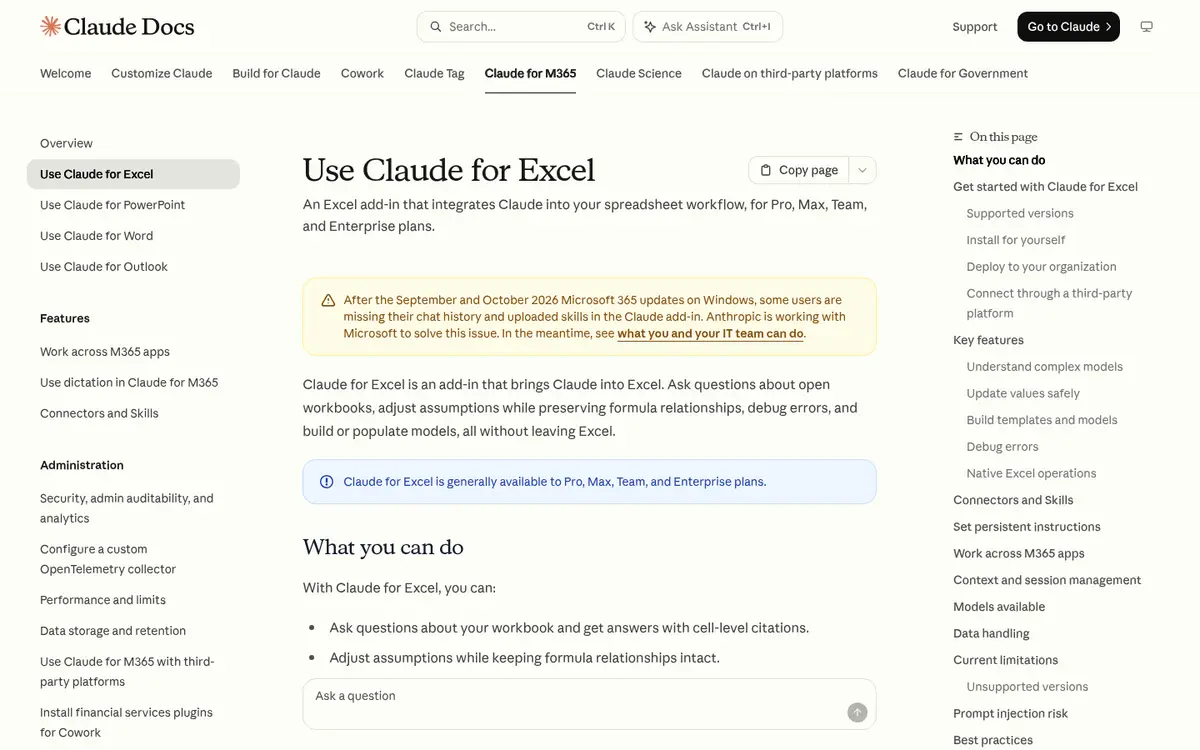
Claude is Anthropic's AI assistant, and Claude for Excel is its add-in for workbooks. It answers questions with cell-level citations, traces how formulas and assumptions flow, and builds models or fills templates from a description.
In a workbook it edits inputs while keeping formulas intact, finds the root cause of calculation errors and handles pivots, conditional formatting and data validation. It can build a three-statement model from a trial balance or fill an LBO template. Finance skills cover comps, DCFs, due-diligence data packs, teasers and initiating coverage. Since May 2026 Anthropic also offers agent templates such as a pitch builder and a valuation reviewer. The same context carries across Claude's PowerPoint, Word and Outlook add-ins.
Its finance pages are aimed at investment and commercial bankers, asset and wealth managers, insurers and fintechs, and name Citadel, BNY, Carlyle, Citi and RBC Capital Markets as users. Security is SOC 2 Type II, and Team and Enterprise data is not used for training by default. It does not support data tables or macros, and Anthropic says client deliverables need a human review.
The clearest difference from ChatGPT is data. Claude connects to licensed sources such as S&P Global, LSEG, FactSet, Morningstar, PitchBook and Daloopa, while OpenAI names no financial data vendors for its add-in. The trade-off is entry cost: Claude for Excel needs a paid plan, from $17 a month billed yearly on Pro or $20 monthly, while ChatGPT for Excel works on the free plan with limited usage. Max is $100 a month, and Team seats are $20 a month billed yearly.
- Price
- Needs a paid plan: Pro $17 a month billed yearly or $20 monthly; Max $100 a month.
- Free option
- A free Claude plan exists, but Claude for Excel needs a paid plan.
Pros
- Licensed data connectors such as FactSet and LSEG
- Answers cite specific cells
- Shared context across Office add-ins
Cons
- Excel add-in not on the free plan
- No data tables or macros
Pick it if you need licensed market data inside your Excel work.
2.Gemini
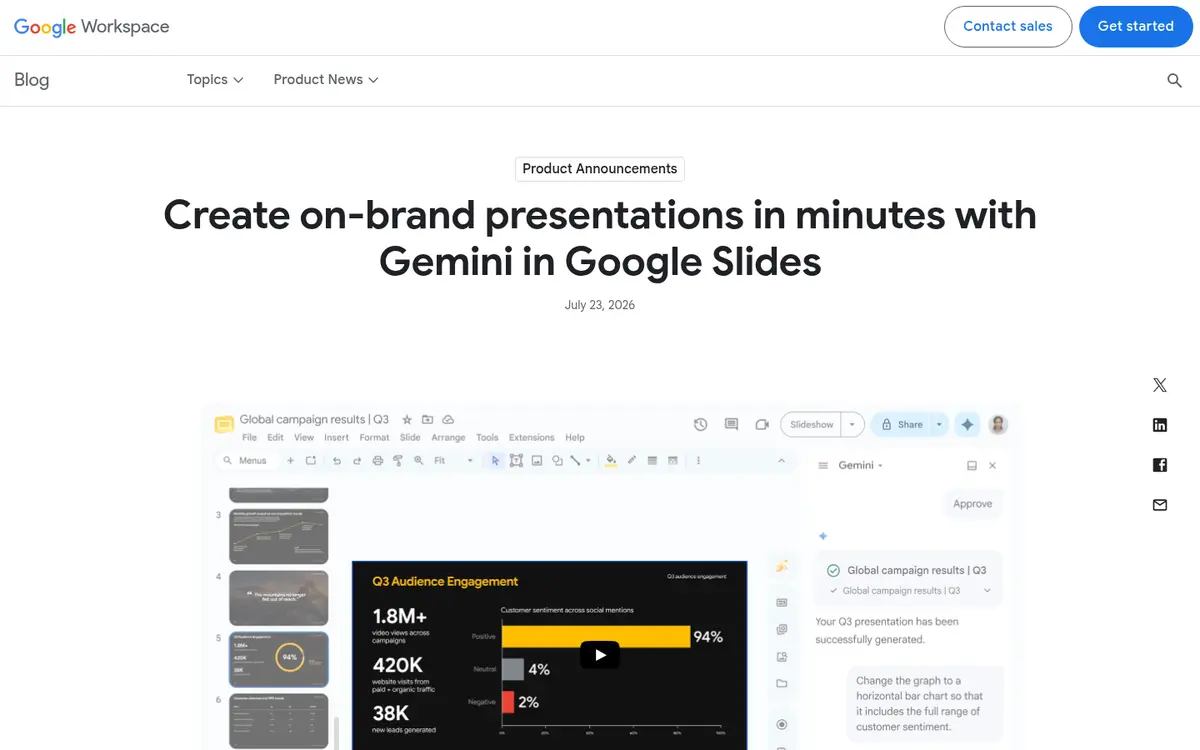
Gemini is Google's AI assistant, available as the Gemini app and inside Google Workspace. In Sheets it analyses data, builds charts and fixes formulas; in Slides it drafts decks from your files.
Day to day, Gemini sits in a Sheets side panel. It answers questions about the data, makes charts, fills columns with Fill with Gemini and queries BigQuery through Connected Sheets. Google says that when you hit a formula error, Gemini explains it in plain language and fixes the formula. In Slides it proposes an outline, then builds an on-brand deck from a prompt plus reference files such as Docs, Sheets, PDFs and older decks. Google calls the result completely editable.
It suits organisations that already live in Google Workspace: Gemini is included with the Business and Enterprise Standard and Plus plans, and individuals get it with Google AI Pro or AI Ultra. Schools get Gemini for Education at no cost through Google for Education Fundamentals. Google has announced integrations for regulated financial institutions too, and on 12 Nov 2026 showed Gemini 4 Hydrogen turning financial data into interactive forecast models in Sheets.
ChatGPT now works in Google Sheets as well as Excel, so the choice comes down to where your team works and pays. Gemini is already inside Workspace, with no add-in to install. ChatGPT reaches Excel, which Gemini does not, and has a free plan for individuals. Gemini's finance features are spread across the app, Sheets and Slides rather than built as one modelling product. We did not check Google's plan prices, so confirm what your Workspace plan includes.
- Price
- Part of Google Workspace and Google AI Pro or Ultra. We did not check the prices.
- Free option
- Gemini for Education is free for schools.
Pros
- Built into Sheets, Slides and Docs
- Fixes formula errors in plain language
- Decks built from your own files
Cons
- No Excel add-in
- Finance features spread across apps
Pick it if your team works in Google Workspace every day.
3.Finamodel

Finamodel is a library of ready Excel financial models with an AI assistant called Fina. ChatGPT builds a model from your description; Finamodel gives you a finished one and has Fina change it for your case.
You start by picking a model from the library, which is free to browse: a startup model, a DCF or a three-statement model, for example. Then you tell Fina what is different about your business, and it builds, edits, explains or fixes the model to match. Ask why the cash balance turns negative in year two, and Fina walks you through the formulas behind it. When you are done, you download a real .xlsx file with every formula visible. It works without Finamodel and opens in Excel, Google Sheets and Numbers.
Typical users are founders preparing for investors, small-business owners planning a loan, and students or analysts who want a model with a proven structure. Version history means you can restore any earlier file. Read-only links to QuickBooks, Google Sheets, Google Drive and 42 other apps bring your actual figures in, and a voice walkthrough explains a model to someone who did not build it. 30 full models with live formulas and a sample of every other model without formulas are free, sent by email link.
ChatGPT is a general assistant that can do almost anything you ask, and its Excel add-in works on a free plan. Finamodel is narrower. It only does financial models, it is not an Excel add-in, so you work in the Finamodel app and then download, and support is by email. It has no licensed data feeds. The benefit is that you do not start from a blank sheet or a long prompt; the structure and links are already in the model, and Fina adapts them. If you already pay for ChatGPT, you can still open the downloaded file in Excel and keep working with its add-in.
How it works
- Pick a ready model, such as a DCF or a 3-statement model, from a library of more than 500.
- Ask Fina chat to change, explain or fix it for your case and your numbers.
- Download a real .xlsx file. Every formula is visible, and it works without Finamodel. It opens in Excel, Google Sheets and Numbers.
- Price
- Models plan: $20 a month or $120 a year. All Templates: $30 a month or $144 a year. You can cancel at any time.
- Free option
- 30 free models with live formulas, and a free sample of every other model, with values but no formulas. Both are sent by email link, one model email per email address per day. The library is free to browse.
Better than ChatGPT at
- Starts from a ready model
- Fina explains each formula in your file
- Published monthly and yearly prices
Worse than ChatGPT at
- Not a general AI assistant
- Not an Excel add-in
- No licensed data feeds
Models that fit: Startup Financial Model, DCF Model, 3 Statement Model.
Pick it if you want a finished model shaped to your numbers, not a model built from a prompt.
4.Optivise
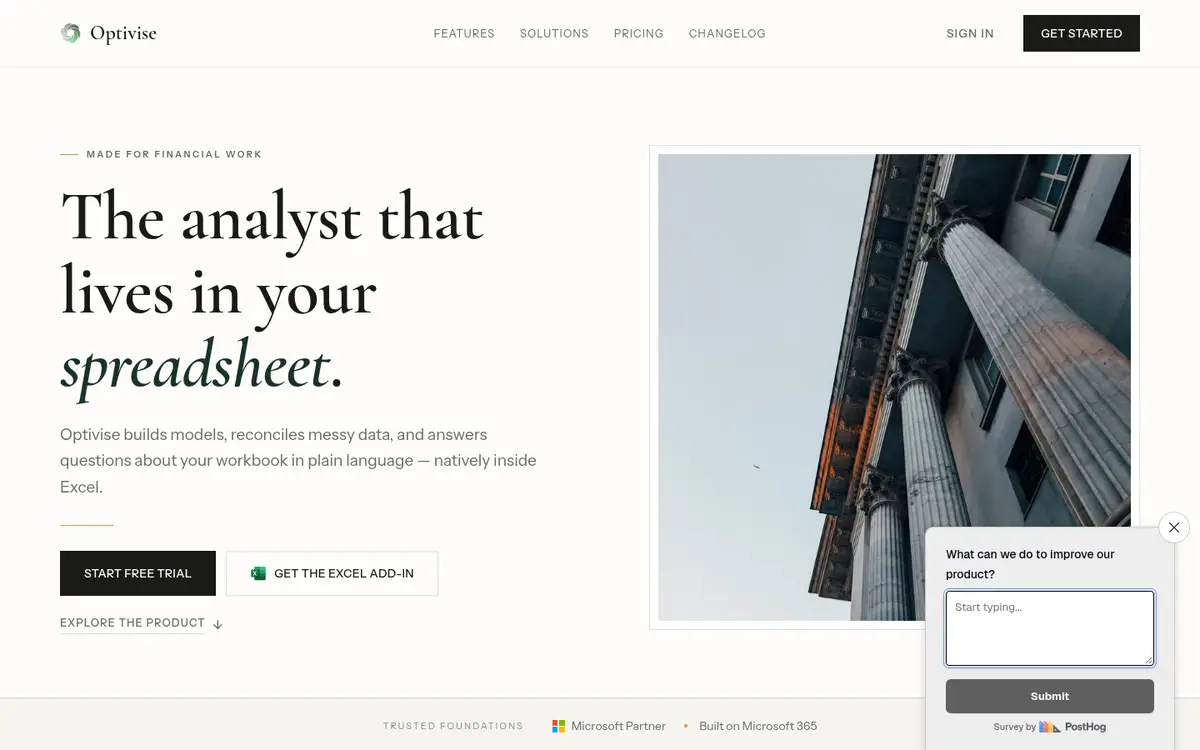
Optivise is an AI add-in for Excel aimed at finance analysts. It builds three-statement models, DCFs, LBOs and operating cases from a sentence, and pulls cited figures from filings and PDFs.
You install it from the Microsoft Marketplace, and it works in Excel on the web and desktop. Ask for a model and it builds one in the workbook. It extracts figures from filings, scanned PDFs and board decks with citations, and pulls public data from SEC EDGAR, FRED, Yahoo Finance, FMP and the World Bank. Sub-agents clean data, reconcile workbooks, repair broken formulas and standardise tables. Every edit can be reviewed: you see it, accept it or roll it back.
The target user is an analyst in investment banking, private equity or corporate finance. It is free to install; individuals sign up themselves, and teams buy Enterprise. If you already have a Bloomberg, Capital IQ or FactSet terminal, Optivise knows their formula syntax, though you need your own subscription. A Formula Trace feature arrived in July 2026.
Against ChatGPT, Optivise is the narrower, finance-only choice, with public data sources built in. You can pick the AI model or connect your own ChatGPT subscription, so the two can work together. The free plan gives 5,000 credits a month, the Pro price is not shown on the pricing page, and Enterprise is custom. It is Excel only, with no verified deck or data-room workflow. Its newest changelog entry was dated 16 Jul 2026 when we checked in November, so ask how actively it is updated.
- Price
- Free plan. Pro price not shown. Enterprise custom.
- Free option
- A free plan with 5,000 credits a month.
Pros
- Builds DCFs, LBOs and 3-statement models
- Pulls public data from EDGAR and FRED
- Every edit can be rolled back
Cons
- Pro price not shown
- Excel only
Pick it if you want a finance-only Excel add-in with a free plan.
5.Microsoft Copilot
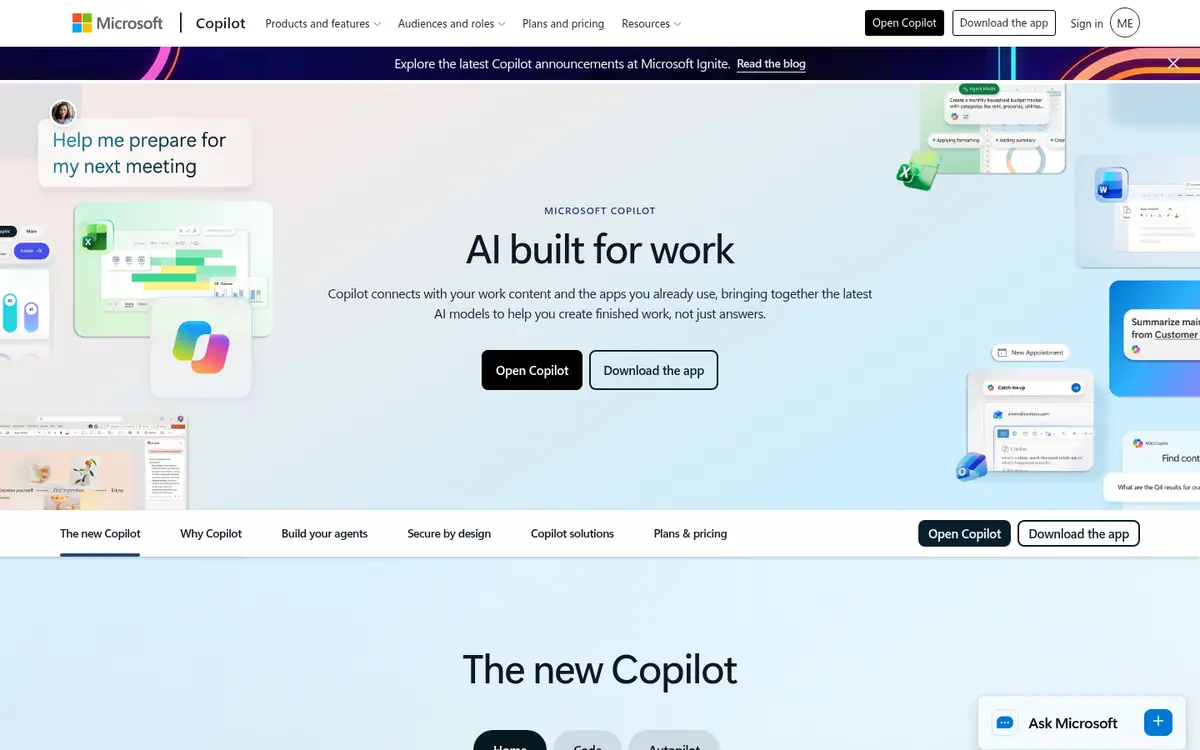
Copilot is Microsoft's AI assistant, built into Microsoft 365. In Excel it has named finance skills, called with @, for three-statement completion, LBO, merger, comps, model check, returns, unit economics and data packs.
Agent Mode in Excel plans steps, acts in the workbook and then checks its results. It creates workbooks, fixes formulas, builds charts and PivotTables, and searches the web with citations. The model check skill flags circular references, broken formulas, hardcoded overrides, balance sheet imbalances and cash flow mismatches. Copilot explains a workbook's change history and can reverse selected edits, and firms can record skills for their own repeat tasks. Copilot in PowerPoint turns prompts into decks with your existing themes and writes speaker notes.
Finance staff in FP&A, accounting, tax, treasury, banking and private equity are the audience for the Excel skills. Commercial Microsoft 365 Copilot licences qualify, as do Microsoft 365 Personal, Family and Premium, where AI credits apply. Accounting skills for reconciliation, close and variance are in the Frontier early-access program. Partner plugins include QuickBooks, Xero and Zoho Books.
One detail links it to ChatGPT: Agent Mode lets you choose OpenAI's GPT 5.2 as the model, or Anthropic's Claude Opus 4.5, or leave it on Auto. So the real difference is the wrapper. Copilot sits inside Microsoft 365, with finance skills documented on Microsoft Support; ChatGPT is a separate subscription that also works in Google Sheets. At launch, Agent Mode was not yet available in the EU or UK. Microsoft states that Copilot does not give financial advice. We did not check Copilot's price for this page.
- Price
- Part of Microsoft 365 Copilot and some consumer plans. We did not check the price.
- Free option
- None listed.
Pros
- Finance skills documented by Microsoft
- Can run on GPT 5.2 or Claude
- No extra vendor for Microsoft 365 firms
Cons
- Price not checked here
- Not in the EU or UK at launch
Pick it if your company already pays for Microsoft 365 Copilot.
6.Zibly
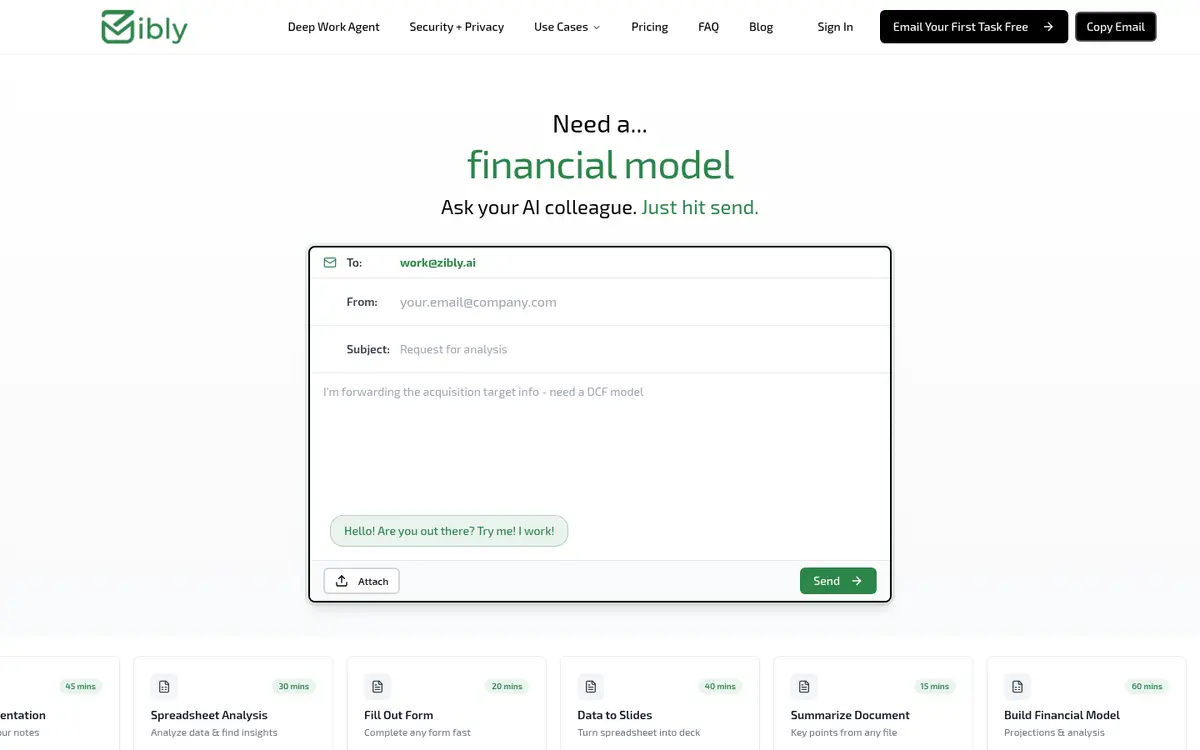
Zibly is an AI service you use by email. You send files and a request, and it sends back finished Excel models, PowerPoint decks, Word documents and analyses.
There is no software to learn: you write to Zibly the way you would brief a colleague. On the finance side it builds, cleans or updates Excel models, such as a DCF with sensitivities, an LBO with returns, and comps and precedents. It also makes 5 to 10 slide valuation decks in your firm's template, one-page profiles, football fields and supporting memos. Its Deep Work agent runs tasks of up to an hour and uses models from OpenAI, Anthropic, Gemini and Grok. Zibly says it checks its own work and keeps formulas traceable, with clear assumptions tabs.
Its use-case pages cover consultants, investment bankers, private equity, accountants, attorneys and marketers, plus MBA, law and undergraduate students. It suits people who would rather hand off a whole task than sit in a chat window. The first task is free.
Compared with ChatGPT, Zibly gives you finished files instead of a conversation, and it uses OpenAI's models among others. You lose the live back-and-forth inside Excel, and the turnaround is stated inconsistently: 6 to 24 hours on its banking page, minutes to an hour on its features page. The pricing page only showed "Loading pricing..." when we checked on 19 Nov 2026, but solution pages claim the same deliverable from $20. The blog had no posts. Test it on one real task before you rely on it.
- Price
- Plans not readable. Solution pages say deliverables from $20.
- Free option
- The first task is free.
Pros
- No software to learn
- Returns Excel, PowerPoint and Word files
- First task free
Cons
- Pricing page did not load
- Turnaround stated inconsistently
Pick it if you would rather email a task than work in a chat window.
Who should pick what
ChatGPT is a sensible default if you want one assistant for everything. The alternatives win when you need something specific: licensed data, a tool your company already pays for, a finance-only add-in or a finished model. Decide which of those matters most, then try that tool on one real piece of work.
- Licensed market data inside Excel: Claude.
- An assistant already in your office suite: Gemini for Google Workspace, Microsoft Copilot for Microsoft 365.
- A finance-only Excel add-in, or an email service that returns files: Optivise or Zibly.
- A ready Excel model that AI changes for your case: Finamodel.
The AI assistants in this list change every few weeks, so a comparison like this one dates quickly. Before you pay, check which plan includes the Excel features, how usage limits work and whether the vendor trains on your data. Then run the same task, such as a simple three-statement model, through two tools and compare the files.
Frequently asked
How much does ChatGPT cost?+
We did not check ChatGPT's dollar prices for this page. OpenAI lists Free, Go, Plus, Pro, Business and Enterprise plans, plus Edu, Teachers and K-12. ChatGPT for Excel is available on all of them, with limited usage on Free and Go.
Is there a free version of ChatGPT?+
Yes. ChatGPT has a Free plan, and both the Excel and PowerPoint add-ins work on it, with limited usage. Among the alternatives, Optivise has a free plan, Zibly's first task is free, and Finamodel gives 30 free models with live formulas and a free sample of every other model.
What are the main ChatGPT alternatives?+
For licensed data in Excel: Claude. For AI already in your office suite: Gemini and Microsoft Copilot. For finance-only help: Optivise in Excel, or Zibly by email. For a ready Excel model that AI changes for your case: Finamodel.
ChatGPT vs Finamodel: which should I pick?+
Pick ChatGPT if you want a general AI assistant that also builds spreadsheets from a description. Pick Finamodel if you want a ready Excel model that Fina changes for your case, at $20 a month or $120 a year.
Does ChatGPT work in Excel?+
Yes. ChatGPT for Excel and Google Sheets is an official OpenAI add-in. It runs in a sidebar, builds and updates live models in the workbook, explains why outputs changed and runs scenarios and sensitivity tables. It became generally available on 5 May 2026.
Which financial data does ChatGPT for Excel use?+
OpenAI names no specific financial data vendors. The add-in connects to data sources your company approves through Apps. Claude, by contrast, names connectors such as S&P Global, FactSet and LSEG.
Sources for ChatGPT (5), last checked 15 Nov 2026+
- chatgpt.com · PowerPoint app page: plans list · 10 Nov 2026
- openai.com · ChatGPT for Excel quotes · 15 Nov 2026
- chatgpt.com · Chat with Spreadsheets formula help · 15 Nov 2026
- chatgpt.com · ChatGPT Business for finance · 10 Nov 2026
- help.openai.com · PowerPoint add-in help · 7 Nov 2026
Each alternative's own page lists its sources.


