Balance Sheet Pro Forma
Corporate Finance Excel Template (Free Download)
Project assets, liabilities and equity from operating, working capital, capex and financing assumptions with a clear balance check.



professionals from Deloitte






About this pro forma
The full balance sheet Excel model rolls cash, receivables, inventory, fixed assets, payables, debt and equity from explicit assumptions. The pro forma makes the projected funding position and invested capital visible without an unexplained plug.
Use it for liquidity planning, covenant review, lender discussions, acquisition analysis and management reporting. Link projected working capital, capex, depreciation and financing movements to the balance sheet.
What every model includes
Live formulas, no hardcoded values
Outputs are driven by live formulas, so the workbook updates from its assumptions instead of relying on hardcoded results.
All assumptions in one tab
Inputs are clearly marked in the Assumptions tab and separated from calculations, making it clear what to change and what to leave intact.
Statements always balancing
For integrated-statement models, the balance sheet, cash flow, and supporting schedules tie through properly.
Distinct schedules for clarity
Debt, working capital, taxes, and cash flow can get messy quickly. We group calculations in clear schedules, not across disconnected tabs.
No hidden macros or external links
There are no unexplained external workbook links or macros to undermine auditability or portability.
Changes flow through the model
Update a key driver and see the impact carry through the forecast, financing, and return outputs. We never use hardcoded numbers in formulas.
What's inside the Balance Sheet Pro Forma
- Cash, receivables and inventory projections
- Payables, accruals and current-liability outputs
- Fixed-asset, capex and depreciation roll-forward
- Debt balances, repayments and interest
- Equity and retained-earnings outputs
- Balance check and liquidity KPI dashboard
Formatted to IB standards
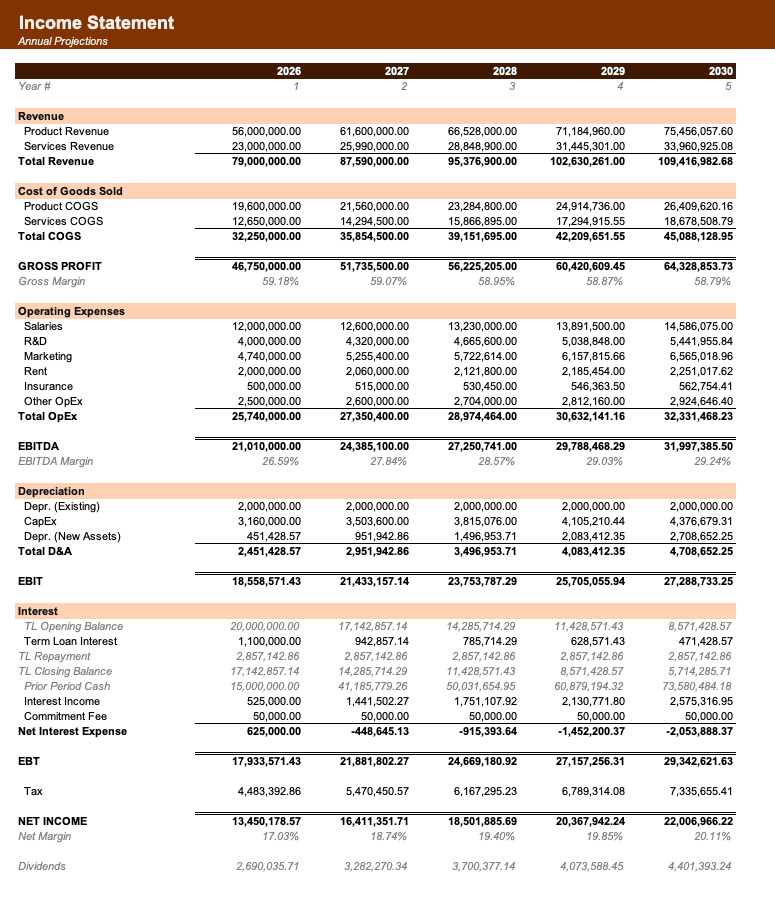
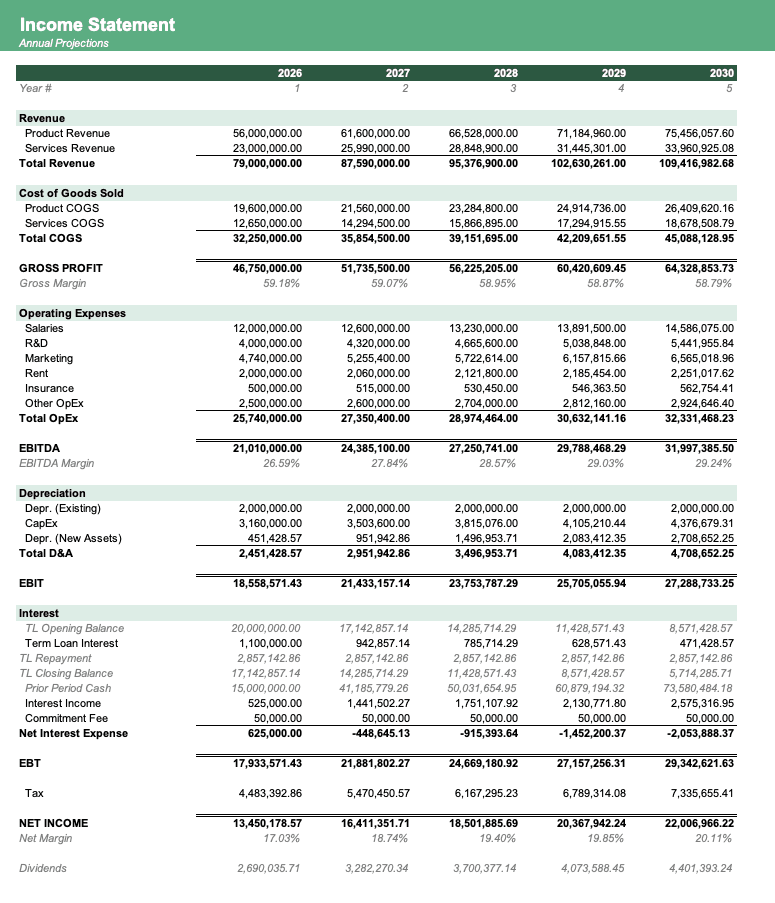
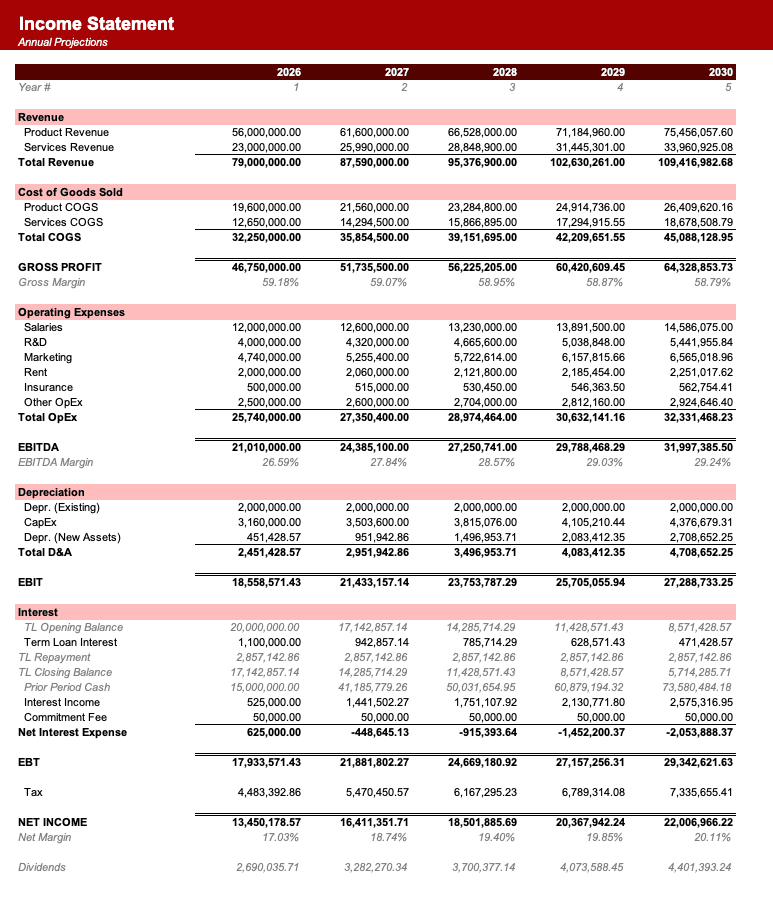
Named theme colors repaint the whole workbook in one click, on top of an investment-banking structure with clear input, output, and cross-sheet reference styling - brand-ready, institutional-grade, and fully auditable.

Created by ex-finance professionals
Hey, I’m Alex and I created Finamodel.
Over my years in the finance industry I kept building the same models over and over again. Same structure, same assumptions, different logo. So I started building frameworks to turn them into clean, reusable templates.
Every model here is one I’d actually use for a client, and I personally vet each one before it goes up.
I’m not an expert in every industry, but I’ve built enough models to know what belongs in one. And when something is completely foreign to me, I reach out to my network for experts to work on our models with us.
Having a template library on hand cuts a first build from hours to minutes.
Need help finding your model? You’ll find me in the Finamodel app!
Frequently asked
What does it show?+
It projects assets, liabilities and equity, including cash, working capital, fixed assets, debt and retained earnings.
How is cash calculated?+
Cash is driven by operating, investing and financing movements rather than an independent balancing plug.
Can I test working capital?+
Yes. Change receivable, inventory, payable and accrual assumptions to see projected liquidity and funding needs.
Does it include a check?+
Yes. The projected balance sheet confirms that assets equal liabilities plus equity.
Have more financial modelling questions? Contact us
Related pro formas
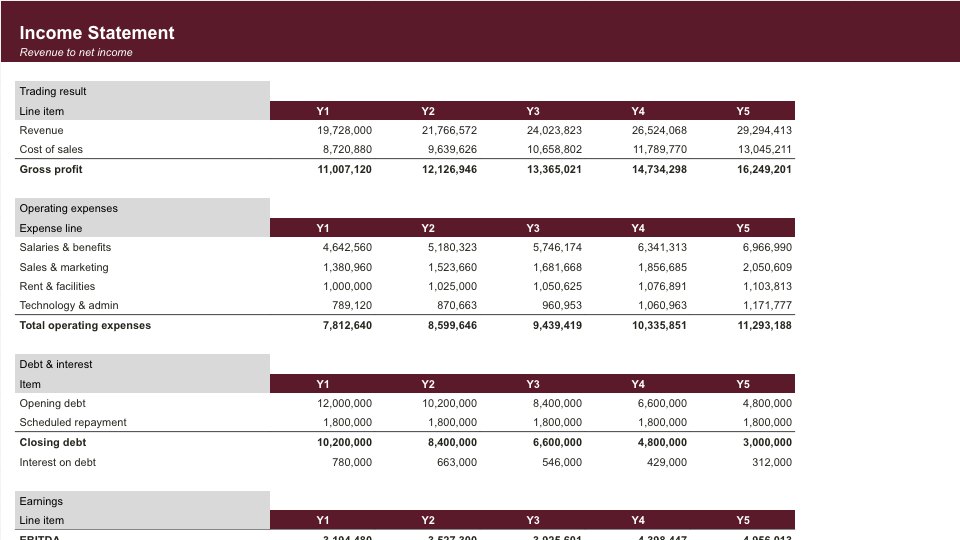
Income Statement Pro Forma
Five-year P&L forecast with revenue, costs, operating expenses and margins.
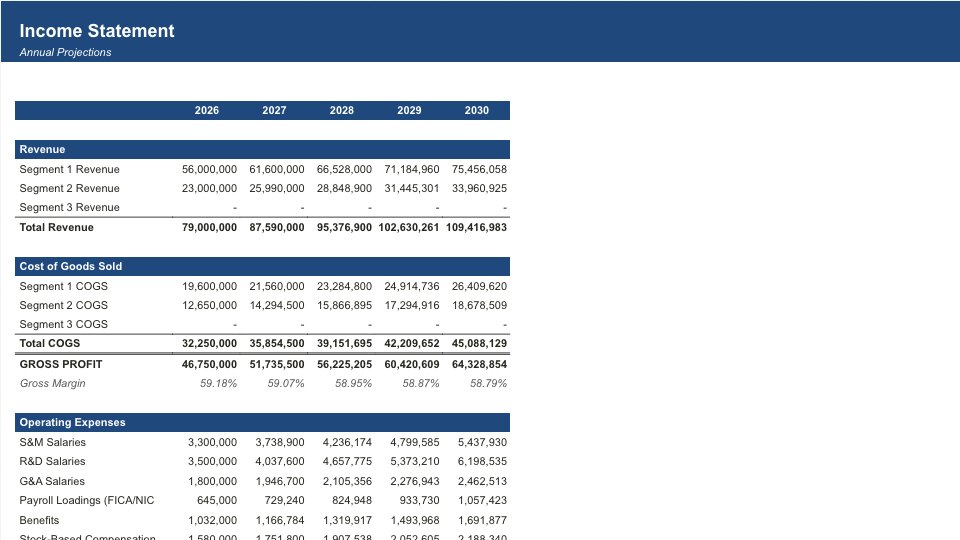
3 Statement Pro Forma
Integrated income statement, balance sheet, and cash flow forecasts.
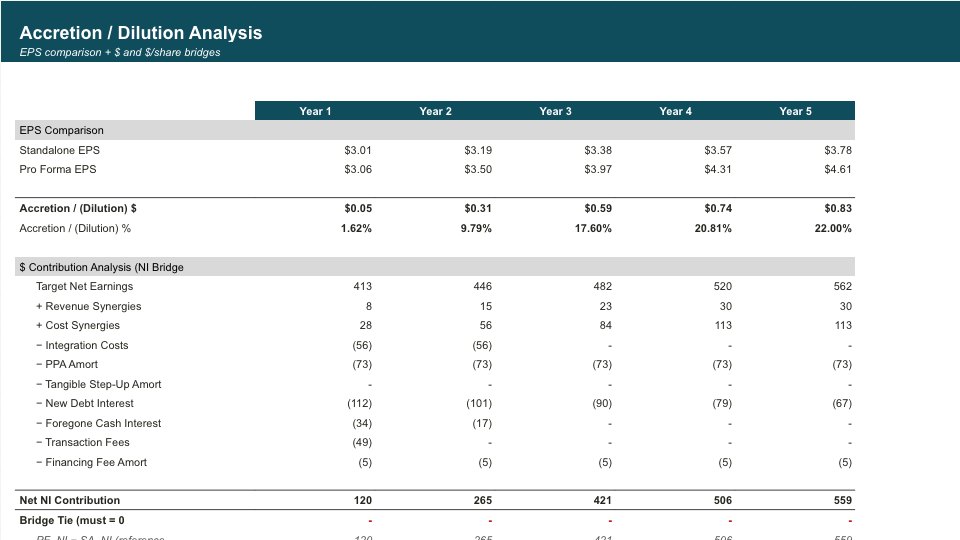
M&A Pro Forma
Comprehensive M&A valuation with DCF, comparable companies, and precedent transactions analysis.
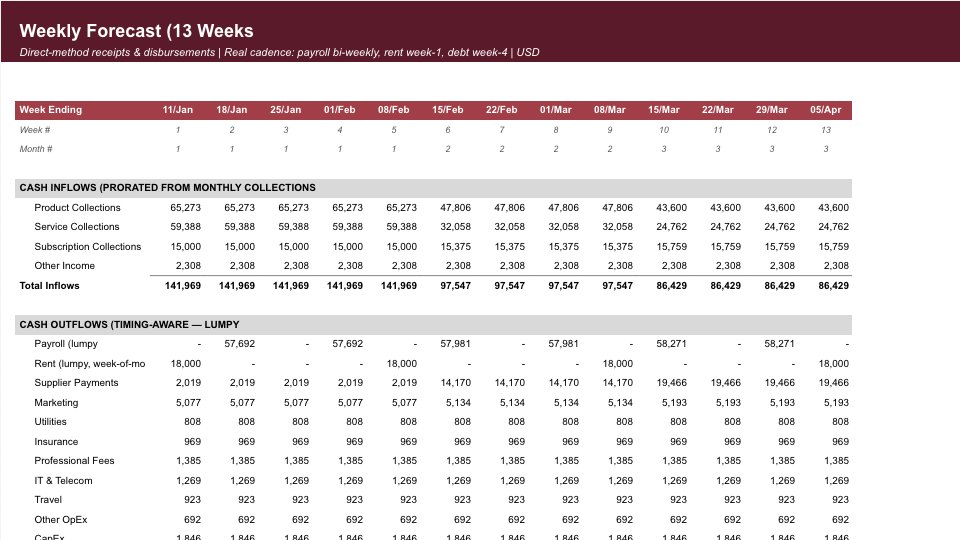
Cashflow Pro Forma
Detailed monthly and annual cash flow projections with sweep and liquidity mechanics.