Construction Draw Pro Forma
Real Estate Excel Template (Free Download)
Project monthly development funding, construction progress, lease-up, permanent debt, and levered returns for a multifamily project.



professionals from Deloitte






About this pro forma
The pro forma follows a 200-unit apartment development from groundbreaking through stabilised operations, with roughly $48–50 million of total development cost across land, hard costs, soft costs, contingency, fees, capitalised interest, and reserves. Equity is used first before construction debt draws, and interest during construction is capitalised into the loan balance.
Monthly progress, retainage, change orders, lease-up, and permanent financing convert the detailed draw schedule into projected project cash needs and equity outcomes. Developers, lenders, and project managers can see budget variance and loan-to-cost implications at every stage.
What every model includes
Live formulas, no hardcoded values
Outputs are driven by live formulas, so the workbook updates from its assumptions instead of relying on hardcoded results.
All assumptions in one tab
Inputs are clearly marked in the Assumptions tab and separated from calculations, making it clear what to change and what to leave intact.
Statements always balancing
For integrated-statement models, the balance sheet, cash flow, and supporting schedules tie through properly.
Distinct schedules for clarity
Debt, working capital, taxes, and cash flow can get messy quickly. We group calculations in clear schedules, not across disconnected tabs.
No hidden macros or external links
There are no unexplained external workbook links or macros to undermine auditability or portability.
Changes flow through the model
Update a key driver and see the impact carry through the forecast, financing, and return outputs. We never use hardcoded numbers in formulas.
What's inside the Construction Draw Pro Forma
- Monthly hard-cost S-curve and soft-cost draw projection
- Equity-first funding and construction-loan draw schedule
- Retainage holdback and certified-release waterfall
- Contingency burn and approved versus pending change orders
- Capitalised interest and total project cost output
- Lease-up absorption and permanent debt conversion
- Loan balance, loan-to-cost, and levered equity return metrics
Formatted to IB standards
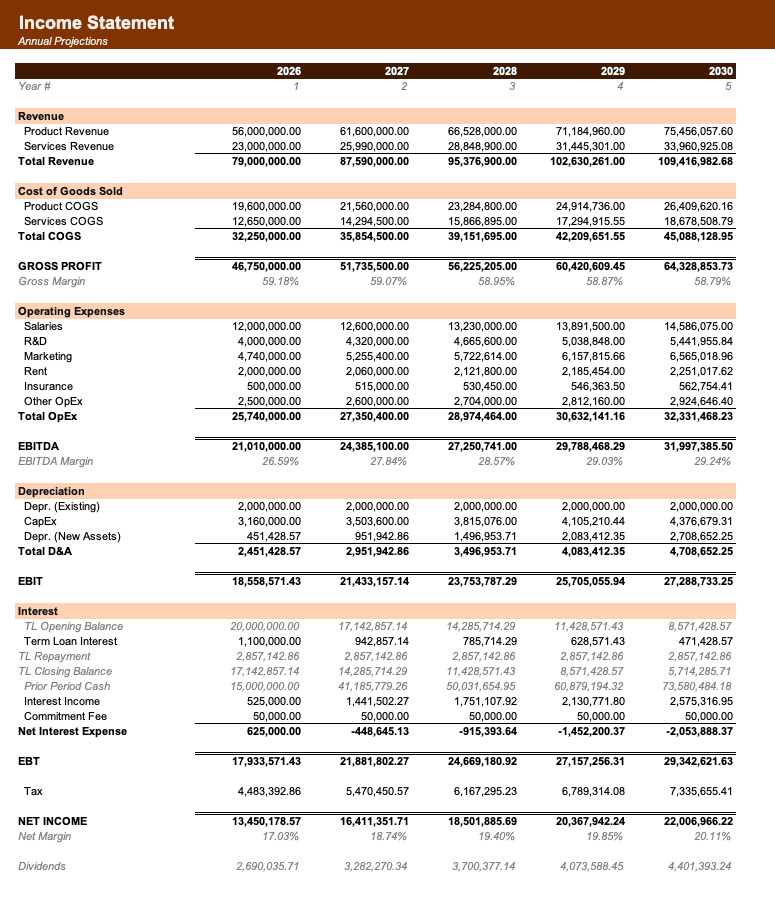
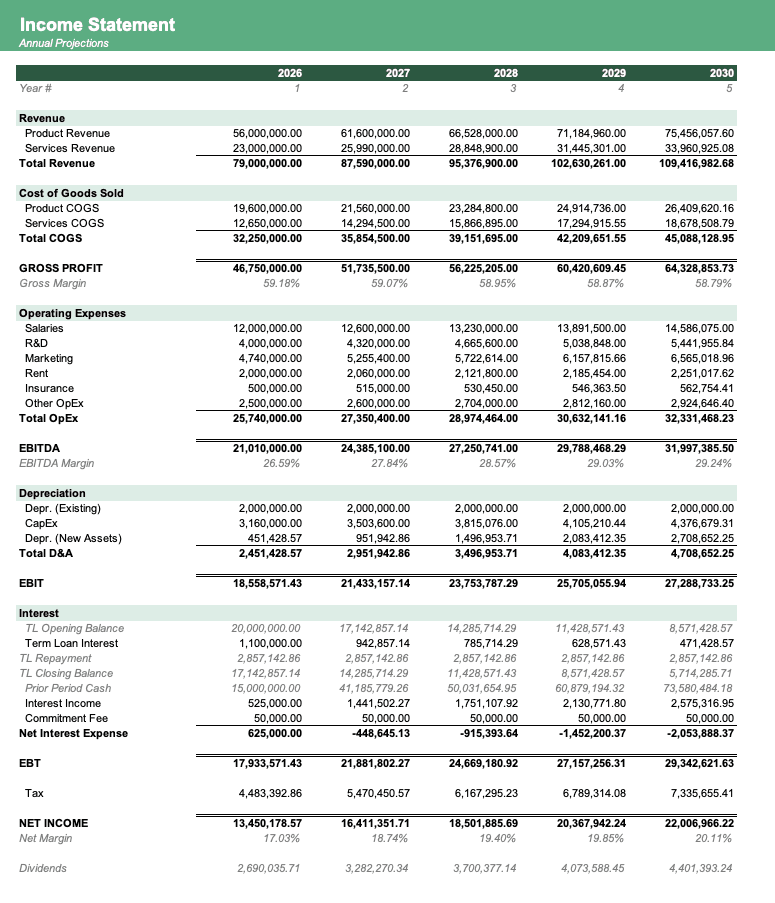
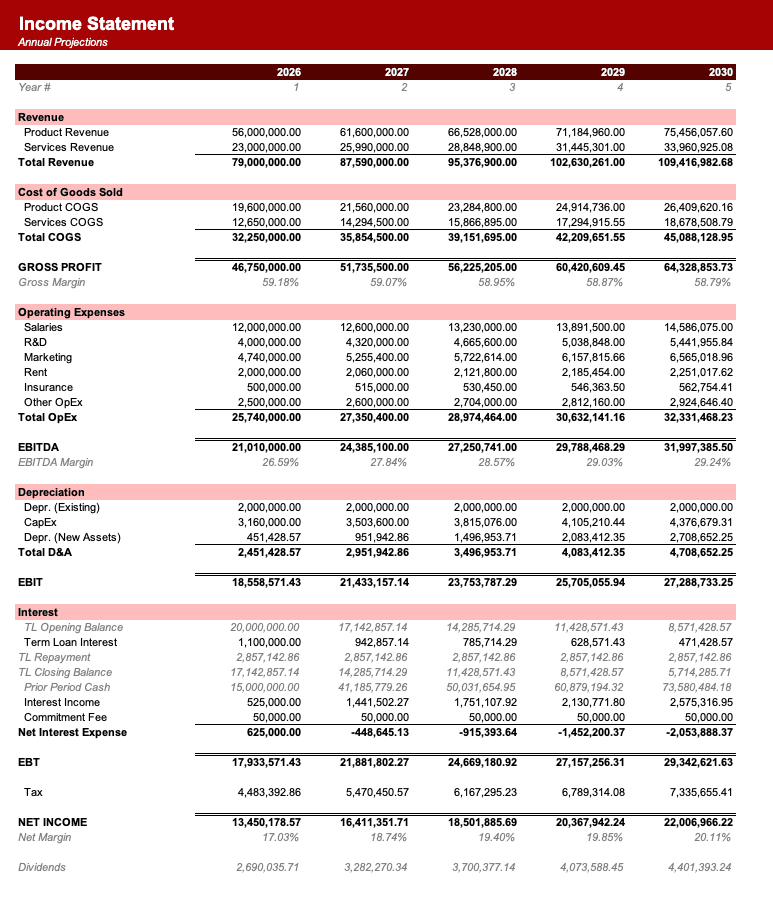
Named theme colors repaint the whole workbook in one click, on top of an investment-banking structure with clear input, output, and cross-sheet reference styling - brand-ready, institutional-grade, and fully auditable.

Created by ex-finance professionals
Hey, I’m Alex and I created Finamodel.
Over my years in the finance industry I kept building the same models over and over again. Same structure, same assumptions, different logo. So I started building frameworks to turn them into clean, reusable templates.
Every model here is one I’d actually use for a client, and I personally vet each one before it goes up.
I’m not an expert in every industry, but I’ve built enough models to know what belongs in one. And when something is completely foreign to me, I reach out to my network for experts to work on our models with us.
Having a template library on hand cuts a first build from hours to minutes.
Need help finding your model? You’ll find me in the Finamodel app!
Frequently asked
What is projected in the construction draw?+
The schedule projects monthly disbursements against verified progress, budget categories, retainage, and approved changes.
How is retainage shown?+
A 5–10% holdback is retained from draws and released through a completion-based waterfall.
Does it include construction interest?+
Yes. Interest accrues on the outstanding construction balance and is capitalised into total project cost.
Who uses this pro forma?+
Developers, construction lenders, project managers, and finance teams use it for funding and feasibility decisions.
Have more financial modelling questions? Contact us
Related pro formas
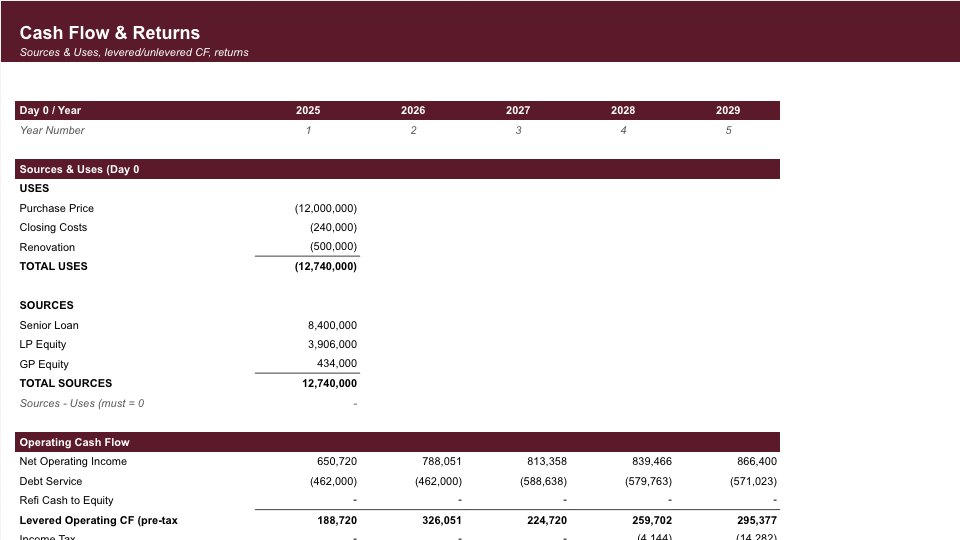
Real Estate Pro Forma
Land cost, construction budget, lease assumptions, and project IRR for commercial and residential development.
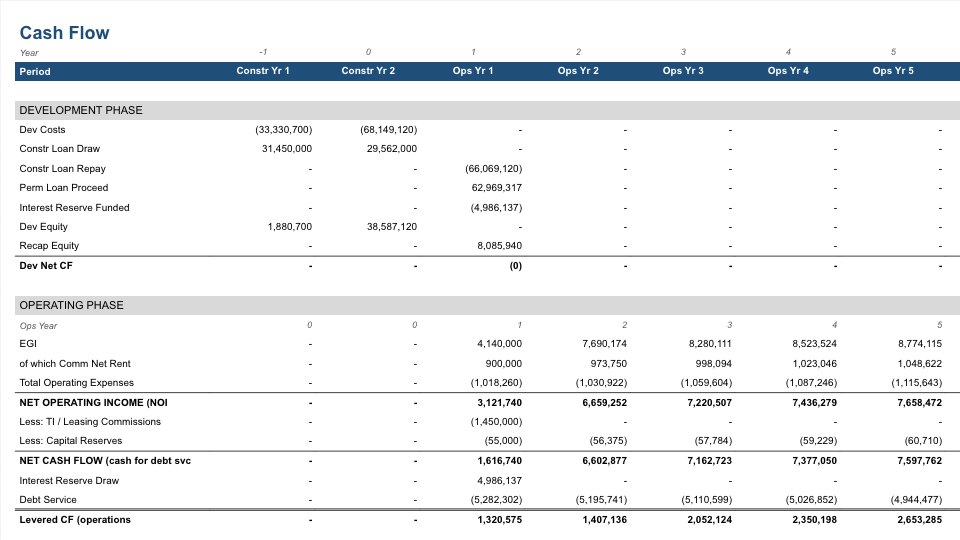
Mixed-Use Pro Forma
Financial model for mixed-use projects combining residential, commercial, and retail with phased development.
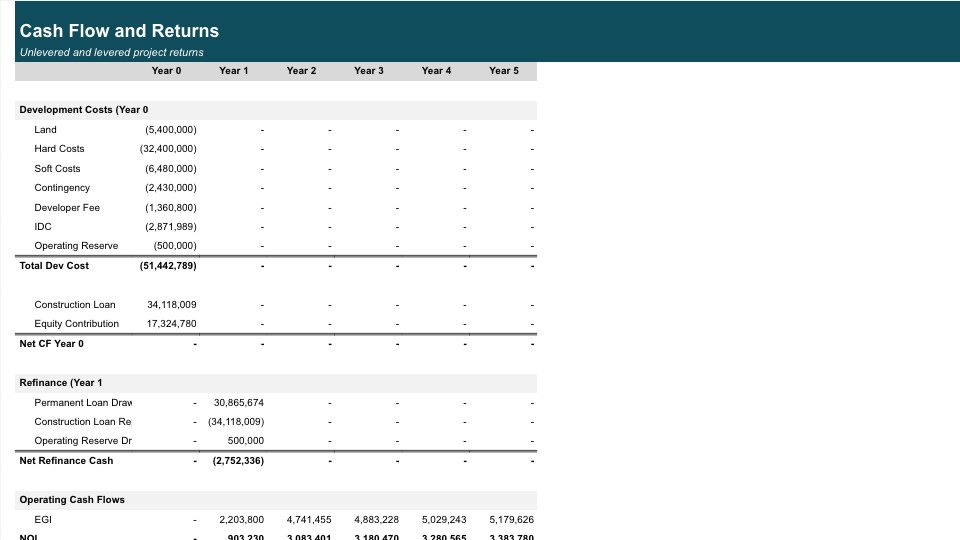
Development Pro Forma
Real estate development underwriting model with lot acquisition, construction, presales, and cash flow timing.
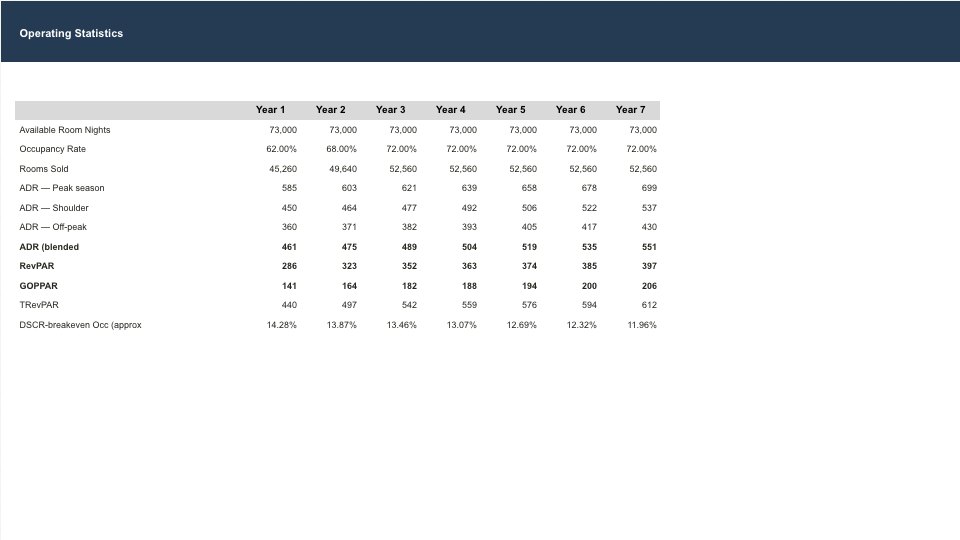
Hotel Pro Forma
Operating model for hotel properties including occupancy rates, average daily rate (ADR), RevPAR optimization, and facility-level profitability.