How to Build a Depreciation Schedule in Excel
Key Takeaways
- A depreciation schedule is an asset register, not a single formula - track opening balance, additions, disposals, and closing balance for both gross cost and accumulated depreciation, every period.
- Straight-line depreciates evenly:
(Cost − Salvage) / Useful Life, and total depreciation should always tie back to cost minus salvage as a sanity check. - Declining balance front-loads expense using a rate applied to opening net book value each period, and must be capped so it never depreciates below salvage value.
- MACRS is the tax-only method - no salvage value, half-year convention by default, and it will diverge from your book (GAAP) schedule by design, creating a deferred tax difference to track separately.
- Timing conventions matter: use a half-year or half-month convention for assets purchased mid-period so you don't over- or under-state first-year expense.
- The schedule must tie to all three statements: expense on the income statement, net book value on the balance sheet, and a non-cash addback on the cash flow statement. If any one of these breaks, the model stops balancing.
For the full mechanics of how this schedule fits into a complete model, see our guides to building a 3-statement financial model and pro forma financial statements.
A depreciation schedule spreads the cost of a fixed asset over its useful life, translating a one-time capex outlay into a systematic non-cash expense on the income statement, a shrinking net book value on the balance sheet, and a non-cash addback on the cash flow statement. This guide walks through the two dominant methods - straight-line and declining balance (plus MACRS for tax purposes) - with worked Excel formulas, a full asset register example, and the mistakes that break the link to your three-statement model.
Every fixed asset a company buys - equipment, vehicles, computers, leasehold improvements - loses economic value over time. Rather than expensing the full purchase price in the month of purchase (which would distort that month's profitability), accounting rules require you to depreciate the cost over the asset's useful life. A depreciation schedule is the mechanism that does this: it tracks each asset's gross cost, accumulated depreciation, and net book value (NBV) period by period, and it feeds three different lines across your three financial statements simultaneously.
Get the schedule wrong and the damage isn't contained to one line. Overstate depreciation and you understate net income and PP&E. Get the timing convention wrong on a mid-year purchase and your first-year expense is off by weeks. Mix up book depreciation (straight-line, for GAAP reporting) with tax depreciation (MACRS, for your tax return) and your deferred tax line won't reconcile. This is a small schedule with an outsized number of ways to get it wrong.
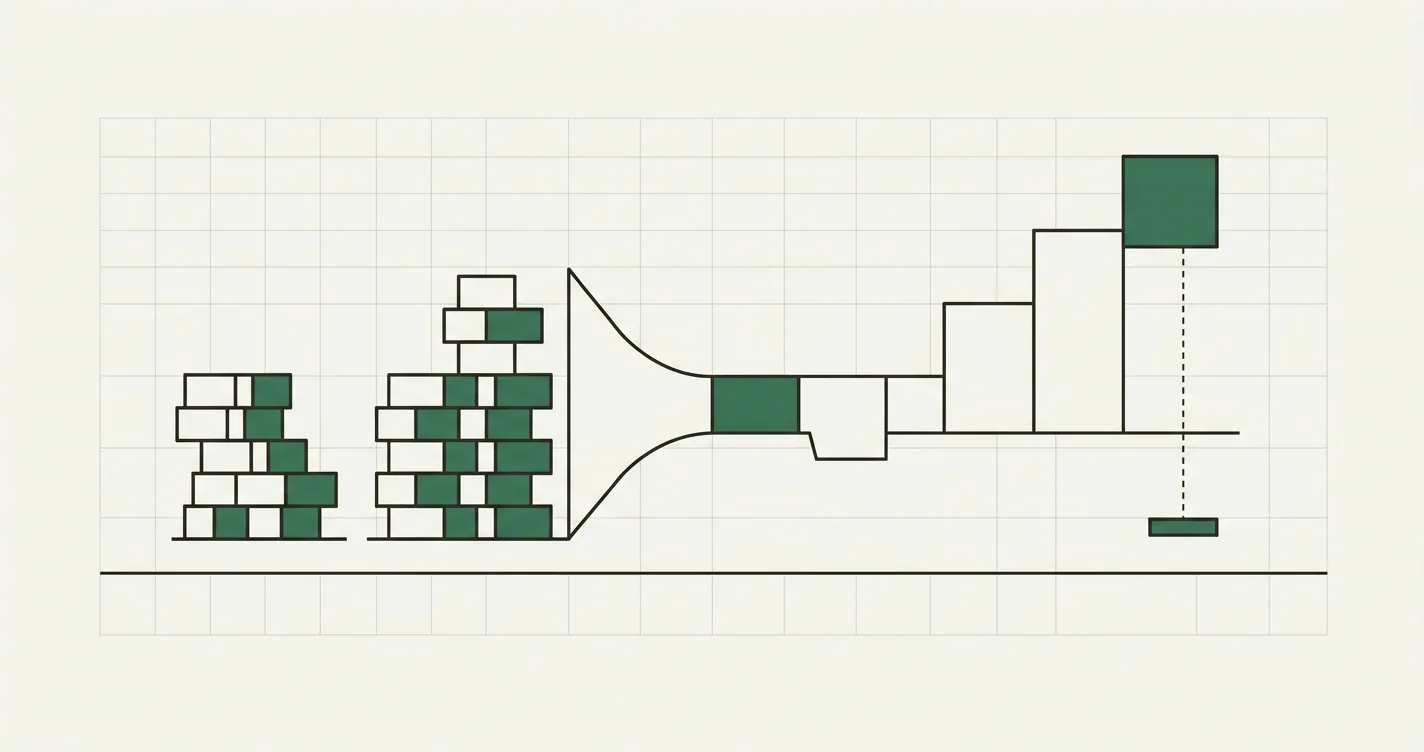
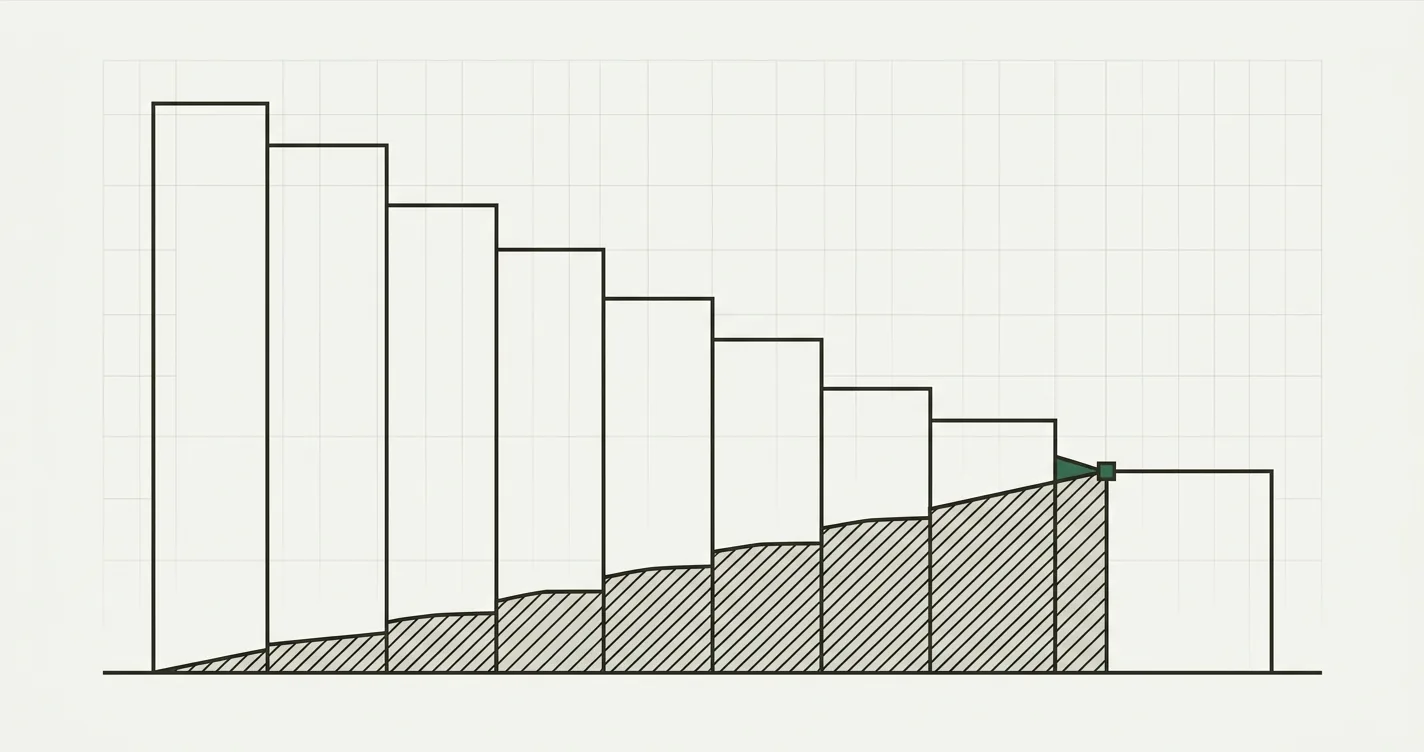
From a capex outlay to a fixed-asset register that feeds all three financial statements
Why a Depreciation Schedule Matters
A depreciation schedule isn't a side calculation - it's a load-bearing part of your three-statement model. Three things happen simultaneously every period:
- Income Statement: Depreciation expense reduces operating profit (usually embedded in COGS or opex, depending on the asset's use).
- Balance Sheet: Accumulated depreciation grows, and net PP&E (gross cost minus accumulated depreciation) shrinks toward salvage value.
- Cash Flow Statement: Because depreciation is non-cash, it's added back in the operating section, while the actual cash outlay for the asset appears once, in the investing section, as capex.
If your depreciation schedule doesn't tie to all three, your model doesn't balance. This is the same mechanical link covered in our guide to building a 3-statement financial model - the depreciation schedule is one of the supporting schedules (alongside the debt schedule and working capital schedule) that make the three statements actually connect.
Structuring the Schedule in Excel
A clean depreciation schedule is built as an asset register, not a single formula. For each asset (or asset category), track:
- Opening gross book value (cost)
- Additions (capex) during the period
- Disposals during the period
- Closing gross book value
- Opening accumulated depreciation
- Depreciation expense for the period
- Closing accumulated depreciation
- Net book value (closing gross − closing accumulated)
// Closing gross book value
= Opening_Gross + Additions - Disposals

// Closing accumulated depreciation
= Opening_Accum_Depreciation + Depreciation_Expense - Accum_Depreciation_On_Disposals

// Net book value
= Closing_Gross - Closing_Accum_Depreciation
Every asset category gets its own row (or block of rows) driven from an Assumptions sheet holding useful life, salvage value, and depreciation method per category. Never hardcode a useful-life assumption inside a formula - if you need to change equipment from a 5-year to a 7-year life, you should be able to do it in one cell.
Method 1: Straight-Line Depreciation
Straight-line is the default method for GAAP financial reporting because it's simple and predictable - the same dollar amount is expensed every period.
Annual Depreciation = (Cost - Salvage Value) / Useful Life (Years)
// Manual formula
= (Cost - Salvage_Value) / Useful_Life_Years

// Excel's built-in function
= SLN(Cost, Salvage, Life)
Worked example: A company buys a piece of equipment for $120,000, expects to sell it for $12,000 (10% salvage value) at the end of its useful life, and depreciates it over 5 years.
Annual Depreciation = ($120,000 - $12,000) / 5 = $21,600 per year
| Year | Opening NBV | Depreciation | Closing NBV |
|---|---|---|---|
| 1 | $120,000 | $21,600 | $98,400 |
| 2 | $98,400 | $21,600 | $76,800 |
| 3 | $76,800 | $21,600 | $55,200 |
| 4 | $55,200 | $21,600 | $33,600 |
| 5 | $33,600 | $21,600 | $12,000 |
| Total | - | $108,000 | - |
Total depreciation over the five years equals $108,000 - exactly the depreciable base (cost minus salvage) - and the asset lands precisely at its $12,000 salvage value in Year 5. That identity check (total depreciation = cost − salvage) is the fastest way to sanity-check any straight-line schedule.
Method 2: Declining Balance (and MACRS)
Declining balance methods front-load depreciation, expensing more in early years and less in later years. This better matches assets that lose more value (or utility) early - vehicles and technology being the classic examples. The most common variant is double-declining balance (DDB), which applies twice the straight-line rate to the opening net book value each year (not the original cost).
DDB Rate = 2 / Useful Life (Years)
Year N Depreciation = Opening NBV × DDB Rate
// DDB rate
= 2 / Useful_Life_Years

// Year N depreciation, capped so NBV never drops below salvage value
= MIN(Opening_NBV * DDB_Rate, Opening_NBV - Salvage_Value)

// Excel's built-in function
= DDB(Cost, Salvage, Life, Period)
Using the same $120,000 asset, $12,000 salvage, 5-year life (DDB rate = 2/5 = 40%):
| Year | Opening NBV | DDB Depreciation | Closing NBV |
|---|---|---|---|
| 1 | $120,000 | $48,000 | $72,000 |
| 2 | $72,000 | $28,800 | $43,200 |
| 3 | $43,200 | $17,280 | $25,920 |
| 4 | $25,920 | $10,368 | $15,552 |
| 5 | $15,552 | $3,552* | $12,000 |
| Total | - | $108,000 | - |
*Year 5 is capped at $3,552 (not the full $6,221 that 40% would imply) because depreciation can never take net book value below the $12,000 salvage value. This cap is the single most commonly missed step when building DDB in Excel - the MIN() guard above exists specifically to enforce it.
MACRS: The Tax Version
MACRS (Modified Accelerated Cost Recovery System) is the depreciation method the IRS requires for U.S. tax returns. It's conceptually similar to declining balance (accelerated in early years) but uses fixed IRS percentage tables and, critically, does not subtract salvage value - the full cost basis is depreciated to zero. MACRS also uses a half-year convention by default, which is why a 5-year MACRS asset actually spans 6 tax years (a half-year of depreciation in Year 1, and the other half in Year 6).
For 5-year MACRS property, the IRS percentages are: 20.00%, 32.00%, 19.20%, 11.52%, 11.52%, 5.76%.
| Year | Straight-Line (Book) | DDB (Book) | MACRS 5-Year (Tax) |
|---|---|---|---|
| 1 | $21,600 | $48,000 | $24,000 |
| 2 | $21,600 | $28,800 | $38,400 |
| 3 | $21,600 | $17,280 | $23,040 |
| 4 | $21,600 | $10,368 | $13,824 |
| 5 | $21,600 | $3,552 | $13,824 |
| 6 | - | - | $6,912 |
| Total | $108,000 | $108,000 | $120,000 |
Notice the MACRS total is $120,000 - the full cost, no salvage subtracted - while the two book methods total $108,000 (cost minus salvage). This is exactly why companies keep two parallel depreciation schedules: one for book/GAAP reporting (straight-line, usually) and one for tax filing (MACRS). The difference between the two creates a temporary book-tax difference that flows into your deferred tax liability - a mismatch here is one of the most common reconciliation headaches in FP&A and tax accounting.
Handling Mid-Year Purchases and Disposals
Assets are rarely purchased on January 1st, so a schedule that assumes a full year of depreciation in the purchase year will overstate expense. Two common conventions handle this:
- Half-year convention: The asset gets exactly half a year of depreciation in the year it's purchased, regardless of the actual purchase date, with the "missing" half picked up in the final year (this is what pushes 5-year MACRS into a 6th tax year, above).
- Half-month (or mid-month) convention: More granular - an asset purchased in month t gets half a month of depreciation in month t and a full month in every month thereafter, until its useful life is exhausted.
// Half-month convention, monthly asset register
= IF(Month = Addition_Month, Monthly_Depreciation / 2, Monthly_Depreciation)
For monthly-granularity models (an asset register built for a rolling 12-month FP&A view, for instance), the half-month convention is the more accurate choice, because it doesn't let a purchase on December 30th get a full month of expense.
Disposals work in reverse: when an asset is sold or scrapped, remove its gross cost and its accumulated depreciation from the register in the same period, and recognize a gain or loss on disposal equal to sale proceeds minus remaining net book value.
// Gain / (loss) on disposal
= Sale_Proceeds - (Gross_Cost_Disposed - Accum_Depreciation_Disposed)
Common Mistakes
- Depreciating land. Land does not depreciate - it has an indefinite useful life. Only the building or improvements on it should be in the depreciation schedule; strip land value out of the cost basis first.
- Forgetting to subtract salvage value (book methods only). Straight-line and declining balance both depreciate to salvage value, not to zero. MACRS is the exception - it depreciates the full cost basis. Mixing these up overstates or understates expense.
- Letting declining balance drop below salvage value. Without a cap (the
MIN()guard above), DDB will keep compounding past the point where net book value should stop shrinking. Always floor the calculation at salvage value. - Ignoring the mid-year/mid-month convention. Assuming a full year (or month) of depreciation in the period of purchase front-loads expense and throws off both the income statement and the PP&E roll-forward.
- Hardcoding useful life or depreciation method inside formulas. If useful life and method live on an Assumptions sheet as named inputs, changing a policy (or correcting an error) takes one edit instead of hunting through every row of the register.
- Not reconciling book vs. tax depreciation. Running only one schedule (usually straight-line) and applying it to your tax provision as well understates or overstates the deferred tax line. Book and tax depreciation diverge by design - the gap is a temporary difference, not an error, but it needs its own line.
- Breaking the tie to the three statements. The depreciation expense on the income statement, the accumulated depreciation on the balance sheet, and the non-cash addback on the cash flow statement must always move together. If you update the schedule but forget to re-link one of the three, your model stops balancing silently.

Alex Tapio
Founder of Finamodel • Professional Financial Modeller • Ex-Deloitte