Auto Repair Pro Forma
Consumer Excel Template (Free Download)
Project an auto repair shop’s revenue, technician capacity, parts margin, labour utilisation, cash generation and value from operating assumptions.



professionals from Deloitte






About this pro forma
The full auto repair Excel model links bays, repair orders, average tickets, technician hours, labour rates and parts sales to a shop forecast. Staffing, utilisation, rent, supplies, marketing and overhead flow through EBITDA, working capital and cash flow.
The pro forma helps owners, buyers, lenders and operators evaluate capacity expansion, hiring, pricing and location economics. Flex service demand, labour productivity, parts mix and wage costs.
What every model includes
Live formulas, no hardcoded values
Outputs are driven by live formulas, so the workbook updates from its assumptions instead of relying on hardcoded results.
All assumptions in one tab
Inputs are clearly marked in the Assumptions tab and separated from calculations, making it clear what to change and what to leave intact.
Statements always balancing
For integrated-statement models, the balance sheet, cash flow, and supporting schedules tie through properly.
Distinct schedules for clarity
Debt, working capital, taxes, and cash flow can get messy quickly. We group calculations in clear schedules, not across disconnected tabs.
No hidden macros or external links
There are no unexplained external workbook links or macros to undermine auditability or portability.
Changes flow through the model
Update a key driver and see the impact carry through the forecast, financing, and return outputs. We never use hardcoded numbers in formulas.
What's inside the Auto Repair Pro Forma
- Bays, repair orders and average-ticket revenue projections
- Technician capacity, hours, utilisation and wages
- Parts sales, parts cost and labour-margin projections
- Rent, supplies, marketing and overhead forecast
- EBITDA, working capital, capex and free cash flow
- DCF, enterprise value, equity value and KPI dashboard
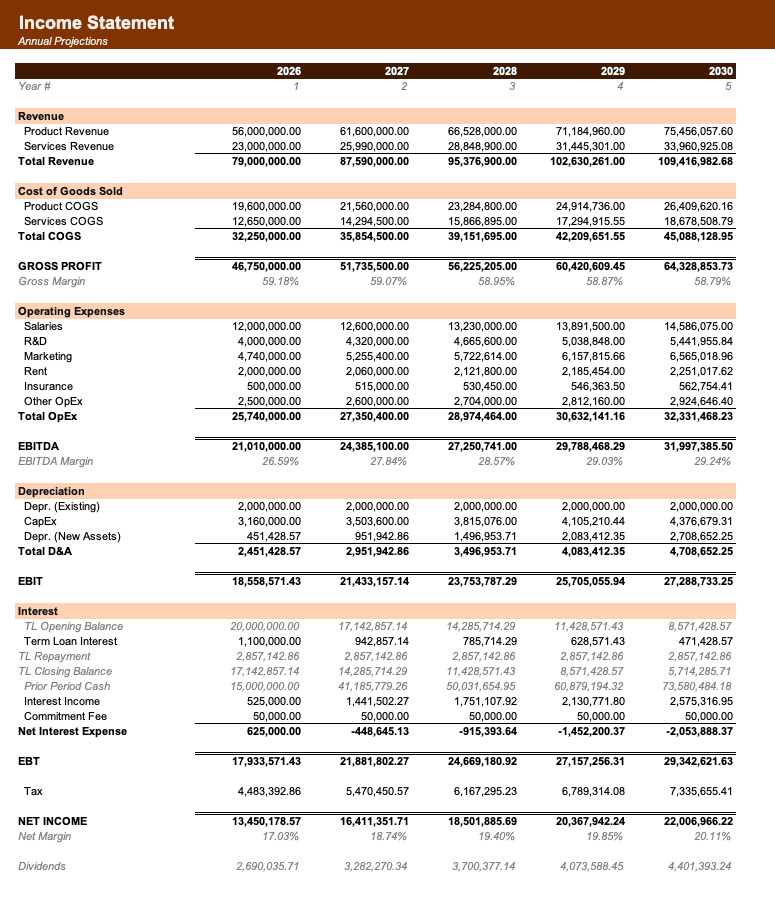
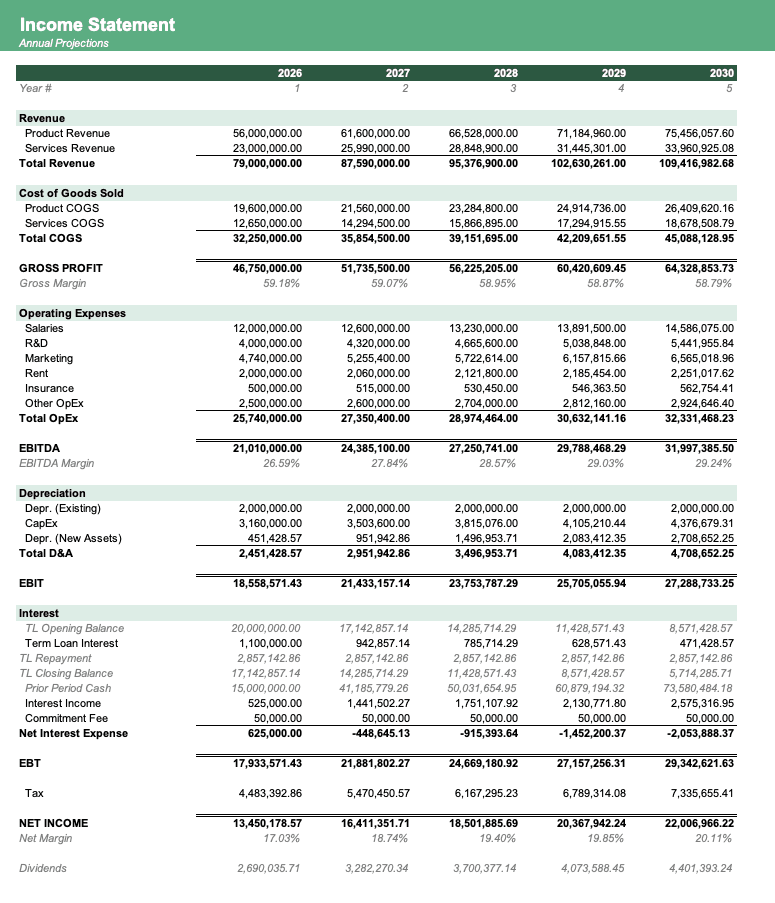
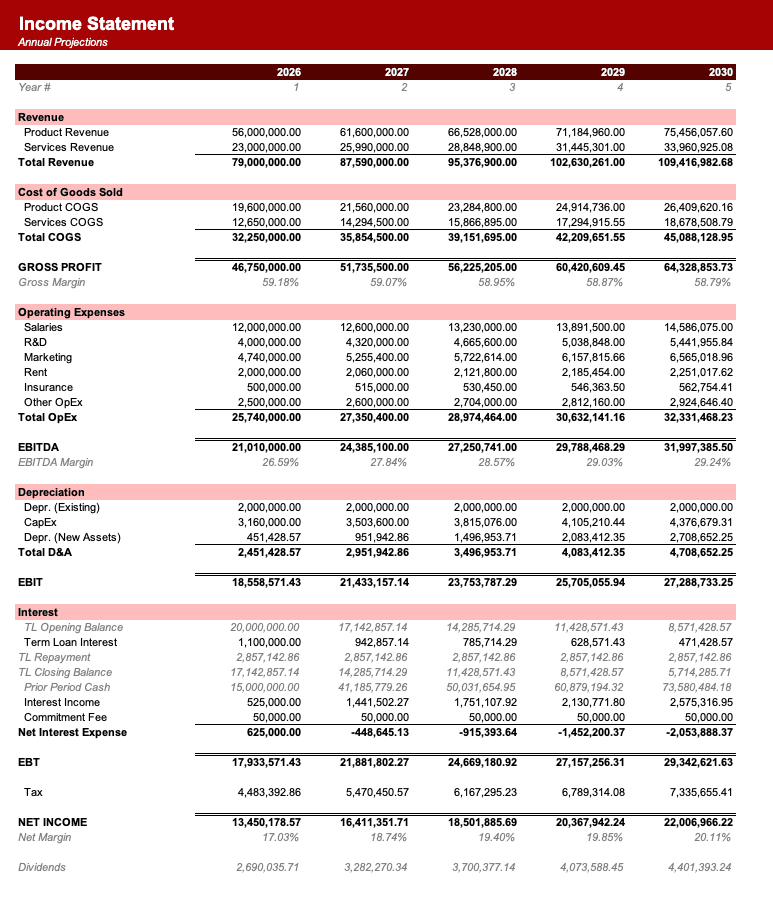
Formatted to IB standards
Named theme colors repaint the whole workbook in one click, on top of an investment-banking structure with clear input, output, and cross-sheet reference styling - brand-ready, institutional-grade, and fully auditable.

Created by ex-finance professionals
Hey, I’m Alex and I created Finamodel.
Over my years in the finance industry I kept building the same models over and over again. Same structure, same assumptions, different logo. So I started building frameworks to turn them into clean, reusable templates.
Every model here is one I’d actually use for a client, and I personally vet each one before it goes up.
I’m not an expert in every industry, but I’ve built enough models to know what belongs in one. And when something is completely foreign to me, I reach out to my network for experts to work on our models with us.
Having a template library on hand cuts a first build from hours to minutes.
Need help finding your model? You’ll find me in the Finamodel app!
Frequently asked
What capacity is projected?+
Bays, technician hours, repair orders and utilisation show projected service capacity and unserved demand.
Are parts and labour separated?+
Yes. Parts revenue and cost are projected separately from labour revenue and technician expense.
Can I evaluate a new bay?+
Yes. Change bay count, staffing, utilisation and capex to see the projected revenue and cash-return effect.
Who uses it?+
Shop owners, operators, buyers, lenders and analysts use it for planning, diligence and expansion.
Have more financial modelling questions? Contact us
Related pro formas
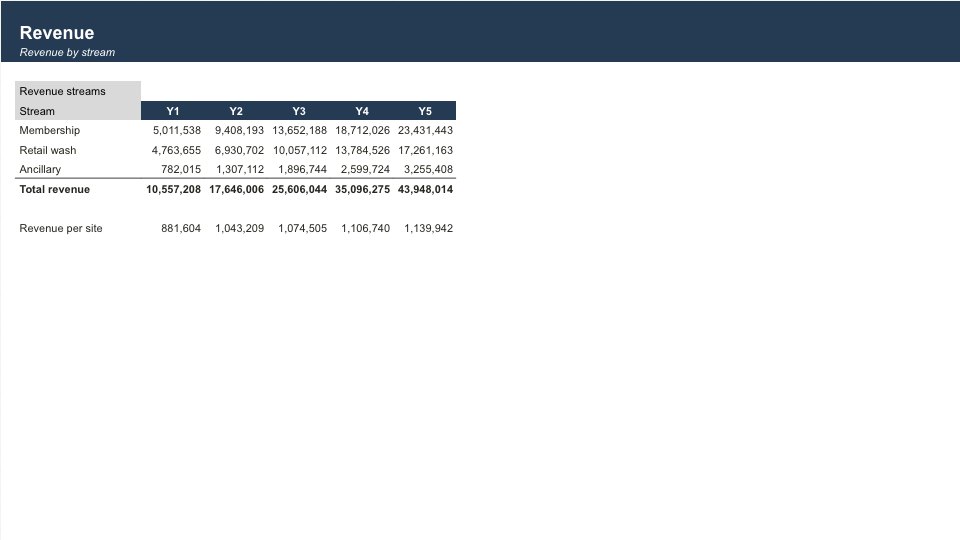
Car Wash Pro Forma
5-year express car-wash roll-up: membership economics, multi-site EBITDA, sponsor IRR and exit multiple arbitrage.
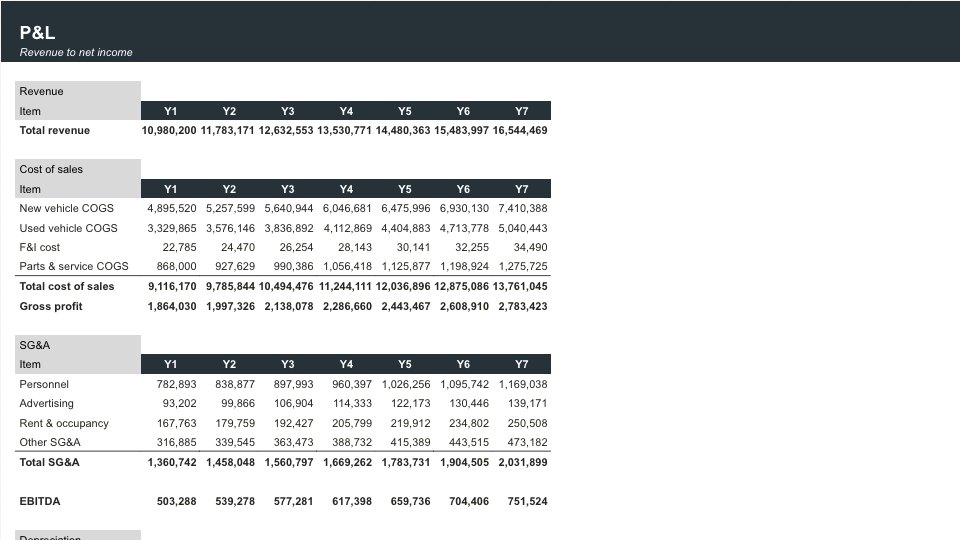
Car Dealership Pro Forma
Plan and value an auto dealership across new and used vehicle sales, F&I, service parts, inventory floorplan, and a DCF.
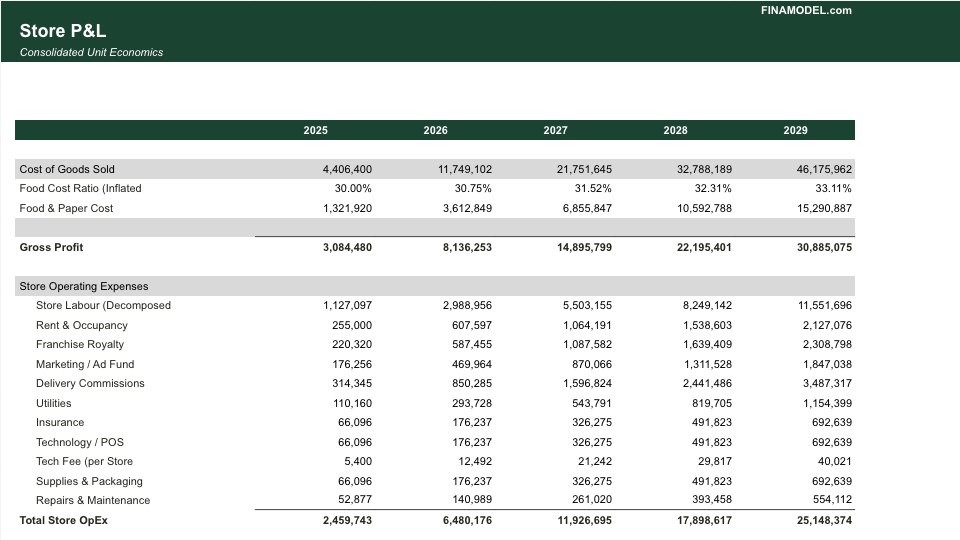
Franchise Pro Forma
Economics template for franchise systems modeling unit-level P&L, franchise fees, royalties, and multi-unit growth scenarios.
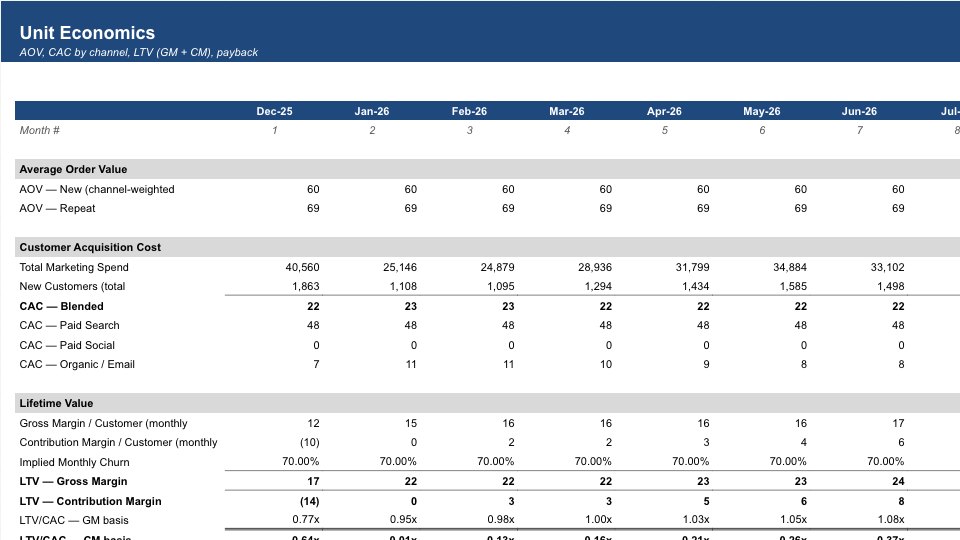
Ecommerce Pro Forma
P&L model for e-commerce business with CAC, LTV, gross margin, and unit economics.