 By Alex Tapio
 Grok alternatives
People look for Grok Bot alternatives for a few reasons. It is built for general office work, and its spreadsheet support is limited to viewing and handling data, with selectable ranges of up to 10,000 rows. We found no official page that describes building or explaining Excel models, formulas or .xlsx files. No free plan is listed, and Teams and Enterprise plans go through sales. And because the product changes almost weekly, some buyers want a tool with a steadier, documented feature set for financial work.
What is Grok?
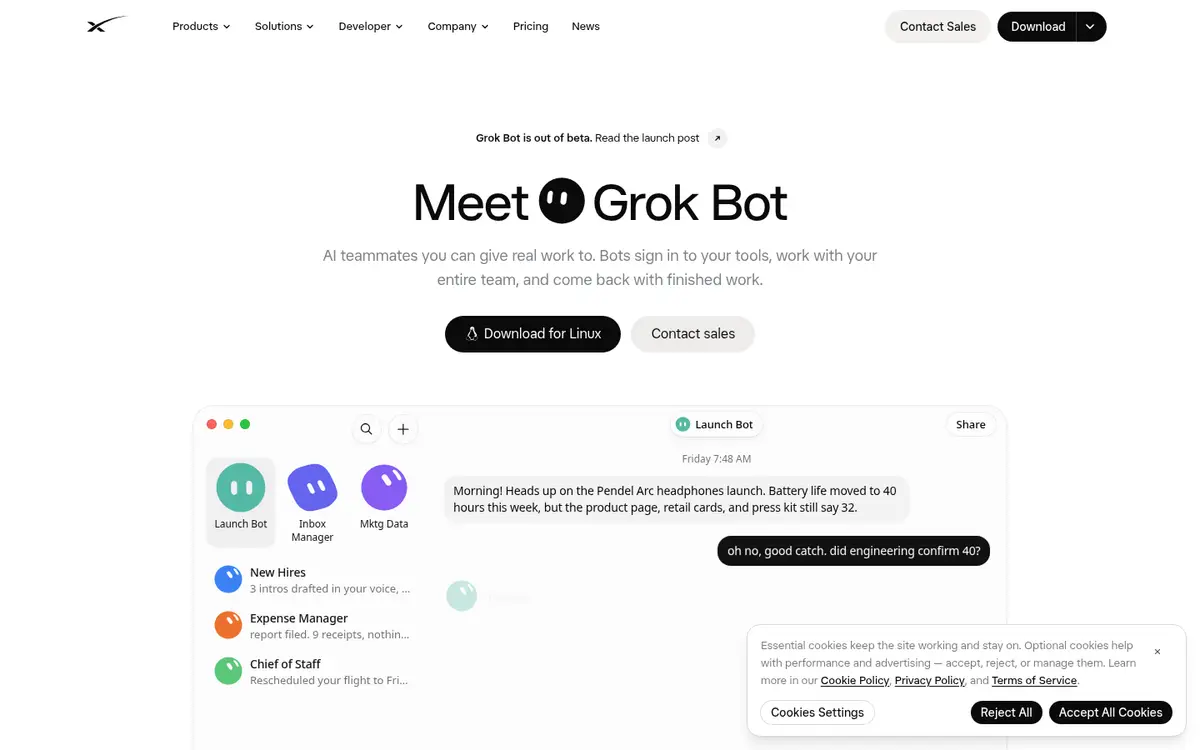
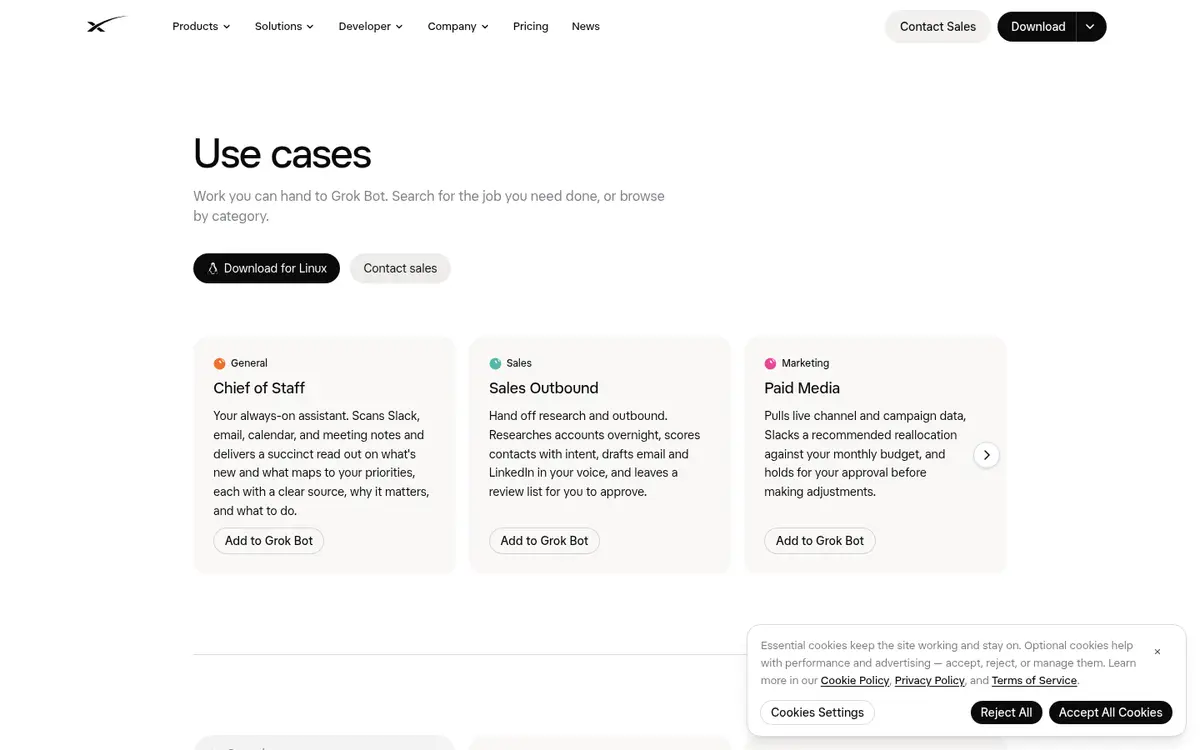
Grok Bot is xAI's workspace product, now branded SpaceXSI. It gives business teams AI agents, called Bots, that each have their own cloud computer and browser. A Bot signs in to your apps, uses them the way you do and comes back with finished work: reports, memos, dashboards and slide decks delivered as PowerPoint files or Google Slides. Bots run scheduled routines in parallel and in Slack, and use-case templates include an Expense Manager, a Pipeline Analyst and a Deck Updater. The audience is sales, marketing, support, recruiting, operations, finance, product and engineering teams.
Grok at a glance
Grok Bot has three self-serve plans, all billed monthly: Premium at $30 a month, Super at $100 a month and Ultra at $200 a month, each with a weekly usage allowance. Teams and Enterprise plans are priced through sales, and no free plan or trial is listed. You get Bots on desktop and iOS, slide decks in PowerPoint or Google Slides, Pages for reports with PDF download, and a QuickBooks Online connector. We read these prices on 10 Nov 2026.
Quick picks
Grok Bot is the first row, then each alternative in the order below. This group mixes general AI agents with tools built for Excel and decks, so read the "Excel file" and "Builds" columns first: they show which tools give you a working spreadsheet. Some prices say "Demo only" or "Not checked", because those vendors sell through sales or we did not check them.
| Tool | Best for | Type of tool | Price (entry plan) | Works in | Free option | Builds the model for you | Excel file you keep | AI edits your file | Templates library |
|---|---|---|---|---|---|---|---|---|---|
| Agents that use your apps | AI agents | From $30/mo | Desktop, iOS, Slack | No: None listed | No: Not for Excel models | No: No Excel model output | No: Views spreadsheets only | Yes: Use-case templates |
 | Firms delegating office tasks | AI agents | Demo only | Excel, Word, PowerPoint, email | No: None listed | Yes: LBO update shown | Yes: Excel agent | Yes: Builds and updates models | Not stated: Not stated |
 | One assistant, Excel included | AI assistant + add-ins | Not checked | Excel, Google Sheets, PowerPoint | Yes: Free plan, limited use | Yes: From a description | Yes: Live models in workbook | Yes: Builds, updates, explains | Not stated: Not stated |
 | Finished files by email | Email AI service | Plans not readable | Email; Excel, PowerPoint, Word | Yes: First task free | Yes: From your email | Yes: Excel files emailed back | Yes: Builds DCFs and LBOs | Not stated: Not stated |
 | A ready Excel model | Ready models + AI | $20/mo or $120/yr | Web app, Excel file | Yes: 30 models + free samples | Yes: Fina chat builds it | Yes: .xlsx, formulas visible | Yes: Fina chat edits it | Yes: 500+ models |
 | Microsoft 365 Copilot firms | Built into Office | Not checked | Excel, PowerPoint, Word | Not stated: Not stated | Yes: Agent Mode, finance skills | Yes: Your own workbook | Yes: Finance skills with @ | Not stated: Not stated |
 | Fast AI slide decks | AI design tool | Not checked | Web; PowerPoint, PDF export | Yes: 10 slides per prompt | No: Builds decks, not models | No: Decks, not spreadsheets | No: Not for Excel | Not stated: Not stated |
yes · no · not stated in the vendor's sources. Hover a mark for details. From each vendor's own site; prices change, so check before you buy.
1.Endex
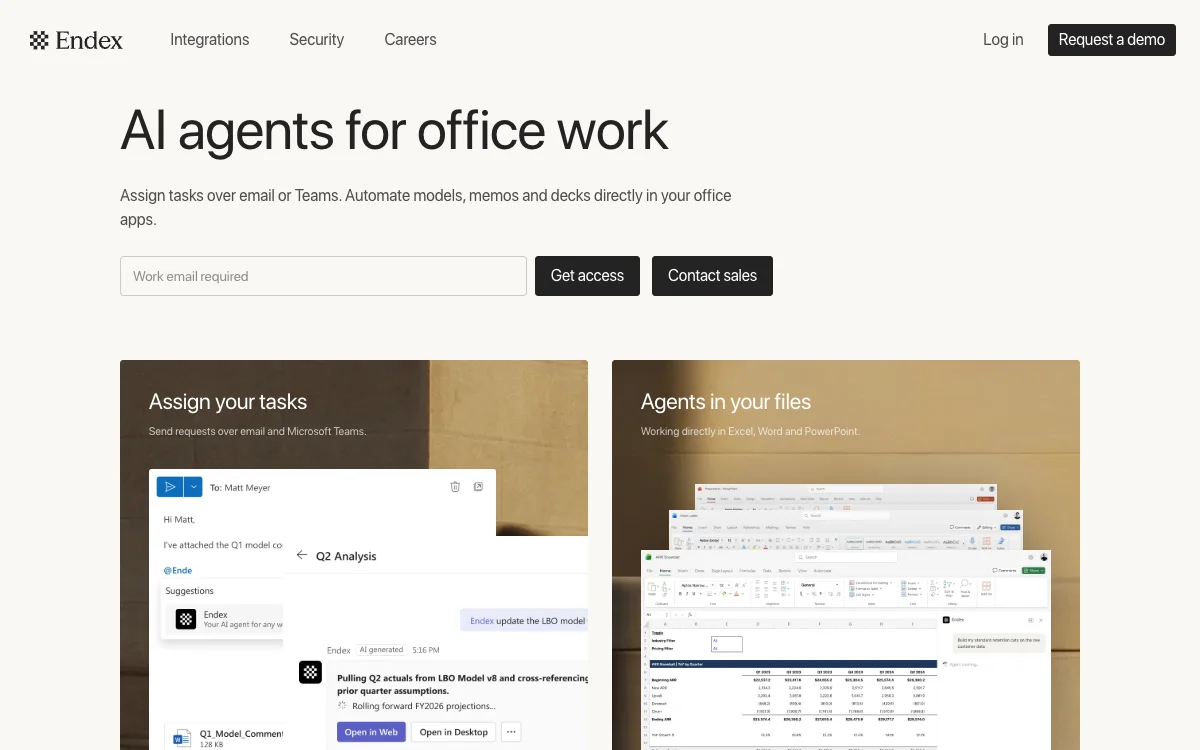
Endex makes AI agents for office work. They work inside Excel, Word and PowerPoint and take tasks assigned over email, Teams, Slack, mobile or an API.
You tag Endex in an email or a Teams message, attach the file and say what you need. Its Excel agent builds and updates models; the site shows a consolidated income statement and an LBO update. The PowerPoint agent builds and restyles slides to match the host deck, and the Word agent drafts documents with every claim traced to its source. Custom automations keep a memory, and the agent ties schedules back to source, leaving an audit trail through the workbook. Connectors include FactSet, Capital IQ, Morningstar, Yardi, CoStar, Argus, MRI, Intralinks and DealCloud.
Endex sells to enterprise teams in private equity, investment banking, public equity, real estate, corporate finance, accounting, consulting and large companies, through demos. Security covers SOC 2 Type II, ISO 27001 and customer-held encryption keys, and data is not used for training by default.
Endex is the closest match to Grok Bot's idea of handing work to an AI teammate, but it works in the files themselves. Where a Bot treats a spreadsheet as data to view, Endex's agent edits models in Excel. The trade-off is buying: Endex has no public price, no free plan and a sales process, while Grok Bot starts at $30 a month. Its website is small, with four pages and no blog or changelog, so you will learn most of what it does in the demo.
- Price
- No public price. Demo first.
- Free option
- None listed.
Pros
- Assign tasks by email, Teams or Slack
- Builds and updates models in Excel
- Connectors to FactSet, Capital IQ and CoStar
Cons
- No public price
- Little public documentation
Pick it if your firm wants Grok Bot-style delegation for Excel models and decks.
2.ChatGPT
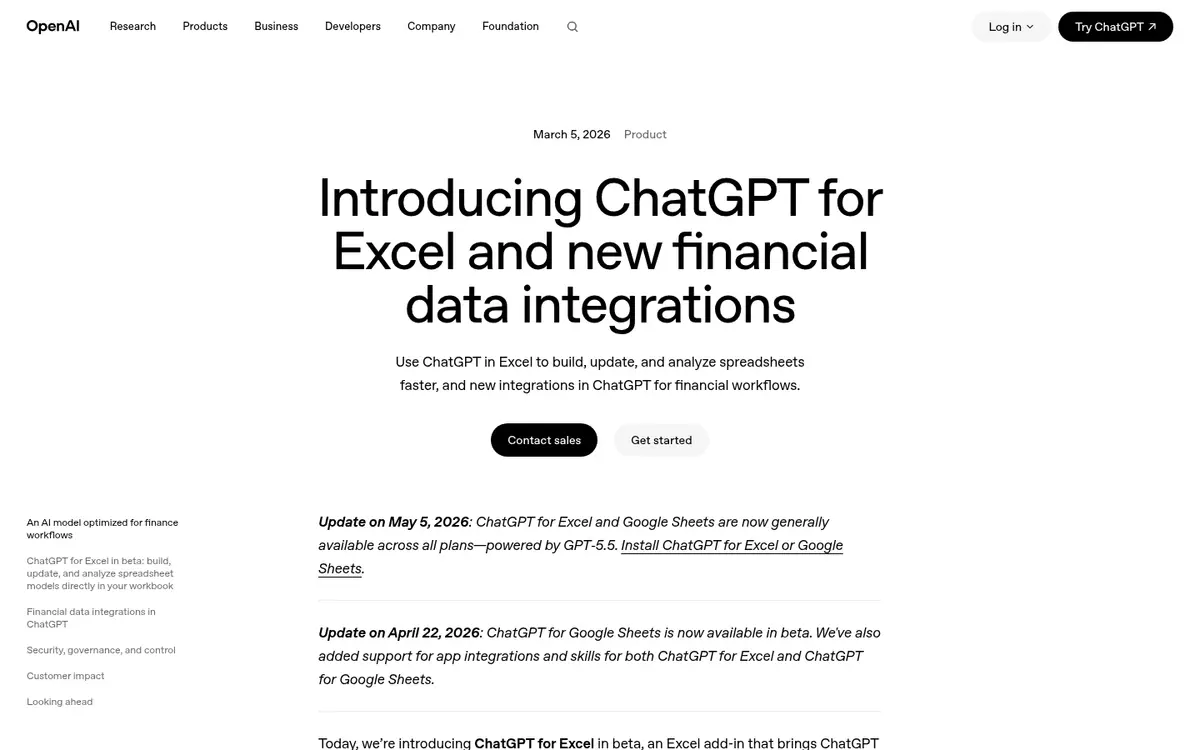
ChatGPT is OpenAI's AI assistant. Its official add-ins, ChatGPT for Excel and Google Sheets and ChatGPT for PowerPoint, work inside the files you already use.
In Excel, the add-in sits in a sidebar and creates or updates live models directly in the workbook. It explains why outputs changed, traces and fixes errors, shows how assumptions flow and runs scenarios and sensitivity tables. Because the calculations run in Excel, you can audit each formula yourself. In PowerPoint, the sidebar creates new slides, updates existing decks and turns source material into presentation content while keeping the slide structure editable. Codex in the ChatGPT desktop app can also drive an open Excel workbook.
The add-ins are on every ChatGPT plan, from Free and Go to Plus, Pro, Business and Enterprise, plus Edu and K-12. Free and Go have limited usage. Default skills cover financial modeling and corporate-finance formatting, and ChatGPT Business adds shared workspaces for teams, including finance.
Grok Bot works through your apps like a person would, which suits portals and tools with no API. ChatGPT works inside the document, which suits financial models: you get a real workbook with formulas, not a report about one. Grok Bot has no free plan; ChatGPT does. ChatGPT will not log in to your CRM or run a routine in Slack the way a Bot does, and OpenAI names no financial data vendors for the Excel add-in. Its help article also notes limits on template adherence in PowerPoint. We did not check ChatGPT's dollar prices for this page.
- Price
- Free plan, then paid plans. We did not check the prices.
- Free option
- Yes. The Excel and PowerPoint add-ins work on the Free plan, with limited usage.
Pros
- Builds live models in Excel
- Add-ins on every plan, including Free
- Also works in Google Sheets
Cons
- Does not operate your other apps
- No financial data vendors named
Pick it if you need working spreadsheets more than an agent that uses your apps.
3.Zibly
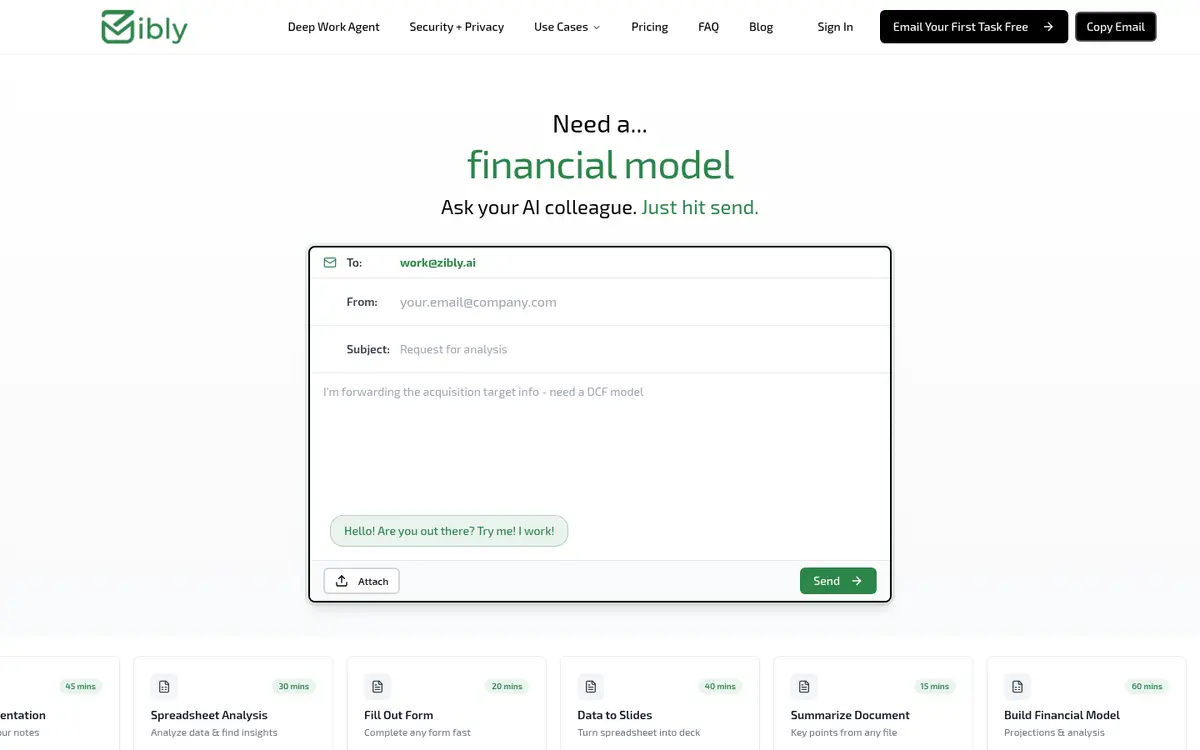
Zibly is an AI colleague you reach by email. You send a request and your files, and it returns finished Excel models, PowerPoint decks, Word documents or analyses.
Work starts with an email to Zibly, such as a forwarded target pack with a request for a DCF. It builds, cleans or updates Excel models, including DCFs with sensitivities, LBOs with returns, comps and precedents. Decks come as 5 to 10 slide valuation decks in your firm's template, one-page profiles and football fields, with memos and executive summaries alongside. A Deep Work agent takes on tasks of up to an hour, using models from OpenAI, Anthropic, Gemini and Grok. Zibly says it checks its own output and leaves traceable formulas and clear assumptions tabs.
Its pages are written for consultants, bankers, private equity staff, accountants, attorneys and marketers, as well as MBA, law and undergraduate students. The first task is free, so you can judge a real result before paying.
Like Grok Bot, Zibly takes a task and hands back finished work, so the habit is the same. The difference is the output: Zibly delivers Excel, PowerPoint and Word files, including financial models, while Grok Bot's pages describe decks and reports but not Excel models. Zibly does not sign in to your apps or run scheduled routines. Its pricing page only showed "Loading pricing..." on 19 Nov 2026, though solution pages say the same deliverable from $20. Turnaround is stated as 6 to 24 hours on one page and minutes to an hour on another.
- Price
- Plans not readable. Solution pages say deliverables from $20.
- Free option
- The first task is free.
Pros
- Returns real Excel models by email
- Also makes decks and memos
- First task free
Cons
- Plan prices not readable
- Does not use your other apps
Pick it if you want finished models and decks without learning new software.
4.Finamodel

Finamodel is a library of ready Excel financial models with an AI assistant called Fina. Grok Bot hands back reports and decks; Finamodel hands back a working Excel model.
You choose a model from the library, which is free to browse, such as a cash flow model, a startup model or a three-statement model. Then you tell Fina about your business in plain words. Fina builds, edits, explains and fixes the model for that case: it changes the assumptions, adds the lines you need and tells you how any number is worked out. You download a real .xlsx file with every formula visible, and it works without Finamodel in Excel, Google Sheets and Numbers. Version history lets you go back to any earlier file.
This suits the finance and operations people in a team who need a model, not a summary: a forecast for the board, a cash flow plan or a model for a loan. Read-only links to QuickBooks, Google Sheets, Google Drive and 42 other apps bring in your figures, and a voice walkthrough explains a model to colleagues. Because the file is ordinary Excel, anyone on the team can open and check it. You can try one of 30 free models with live formulas, or a free sample of any other model without formulas, sent by email link.
Finamodel does far less than Grok Bot in breadth. It does not sign in to your tools, run scheduled routines, post in Slack or work for your sales or support team. It is not an Excel add-in, so you work in the Finamodel app and download the file, and support is by email. What it does is the one job Grok Bot's pages leave out: building and changing financial models in Excel, with formulas you can check. A team could keep Grok Bot for office tasks and use Finamodel for the models.
How it works
- Pick a ready model, such as a DCF or a 3-statement model, from a library of more than 500.
- Ask Fina chat to change, explain or fix it for your case and your numbers.
- Download a real .xlsx file. Every formula is visible, and it works without Finamodel. It opens in Excel, Google Sheets and Numbers.
- Price
- Models plan: $20 a month or $120 a year. All Templates: $30 a month or $144 a year. You can cancel at any time.
- Free option
- 30 free models with live formulas, and a free sample of every other model, with values but no formulas. Both are sent by email link, one model email per email address per day. The library is free to browse.
Better than Grok at
- Builds real Excel financial models
- Every formula visible in the file
- 30 full models free, plus samples of the rest
Worse than Grok at
- Does not operate your other apps
- No scheduled routines or Slack work
- Only financial models
Models that fit: Cash Flow Model, Startup Financial Model, 3 Statement Model.
Pick it if you need a financial model in Excel, not a report about one.
5.Microsoft Copilot
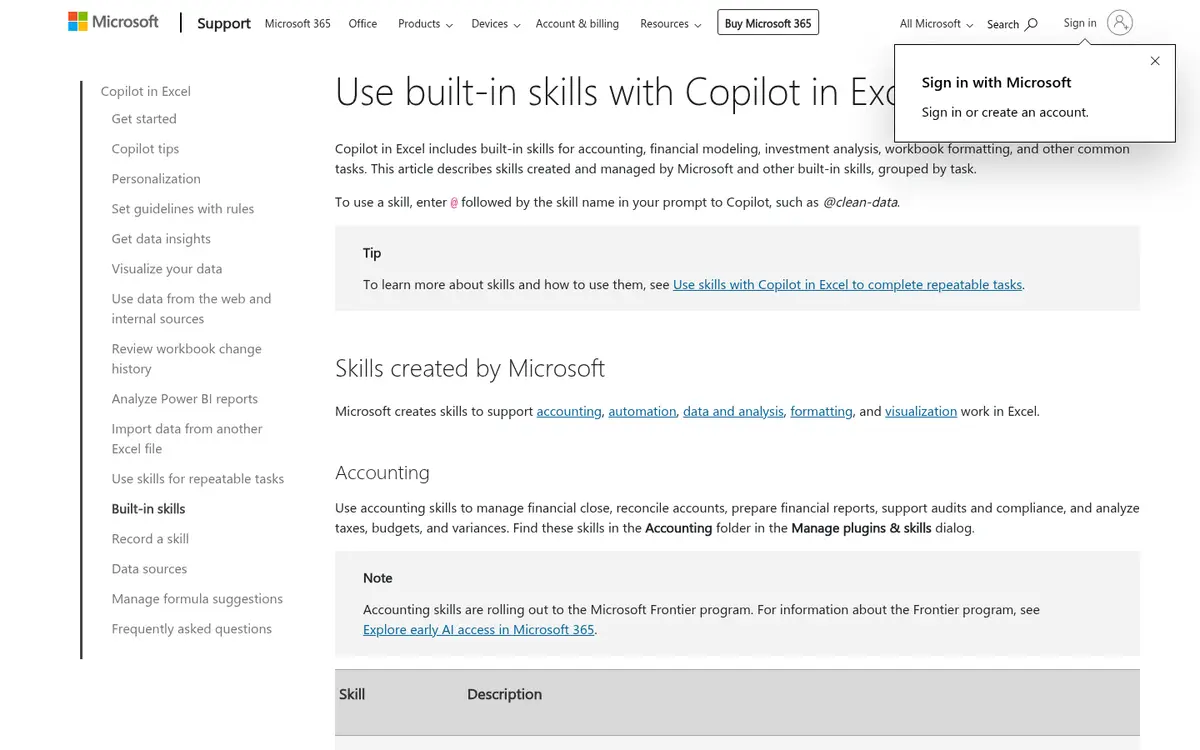
Microsoft Copilot is the AI assistant built into Microsoft 365. Copilot in Excel has finance skills you call with @, and Copilot in PowerPoint drafts decks from a prompt.
Since 17 Nov 2026, Office in Copilot and a Home view with Chat and Cowork are generally available, which moves Copilot closer to an assistant that does tasks for you. In Excel, Agent Mode plans steps, acts in the workbook and checks the result: it creates workbooks, fixes formulas and builds charts and PivotTables. Named skills cover three-statement completion, LBO, merger, comps, returns and a model check that flags circular references and broken formulas. It can also explain a workbook's change history and reverse selected edits. In PowerPoint it builds decks with your existing themes, rewrites slides and adds speaker notes.
Firms on Microsoft 365 Copilot get it with no new vendor, and Personal, Family and Premium plans qualify too. Firms can record their own skills for repeat work, and partner plugins include QuickBooks, Xero and Zoho Books.
Grok Bot reaches beyond Office: a Bot signs in to web portals, CRMs and Slack and runs routines on a schedule. Copilot stays mostly inside Microsoft 365, but there it does the finance work Grok Bot's pages do not describe, such as building and checking Excel models. Accounting skills are still in the Frontier early-access program, and at launch Agent Mode was not available in the EU or UK. Microsoft states that Copilot gives no accounting, tax or financial advice. We did not check Copilot's price for this page.
- Price
- Part of Microsoft 365 Copilot and some consumer plans. We did not check the price.
- Free option
- None listed.
Pros
- Finance skills inside Excel
- Decks in your existing themes
- No new vendor for Microsoft 365 firms
Cons
- Mostly limited to Microsoft 365
- Price not checked here
Pick it if your company runs on Microsoft 365 and needs Excel work done.
6.Gamma
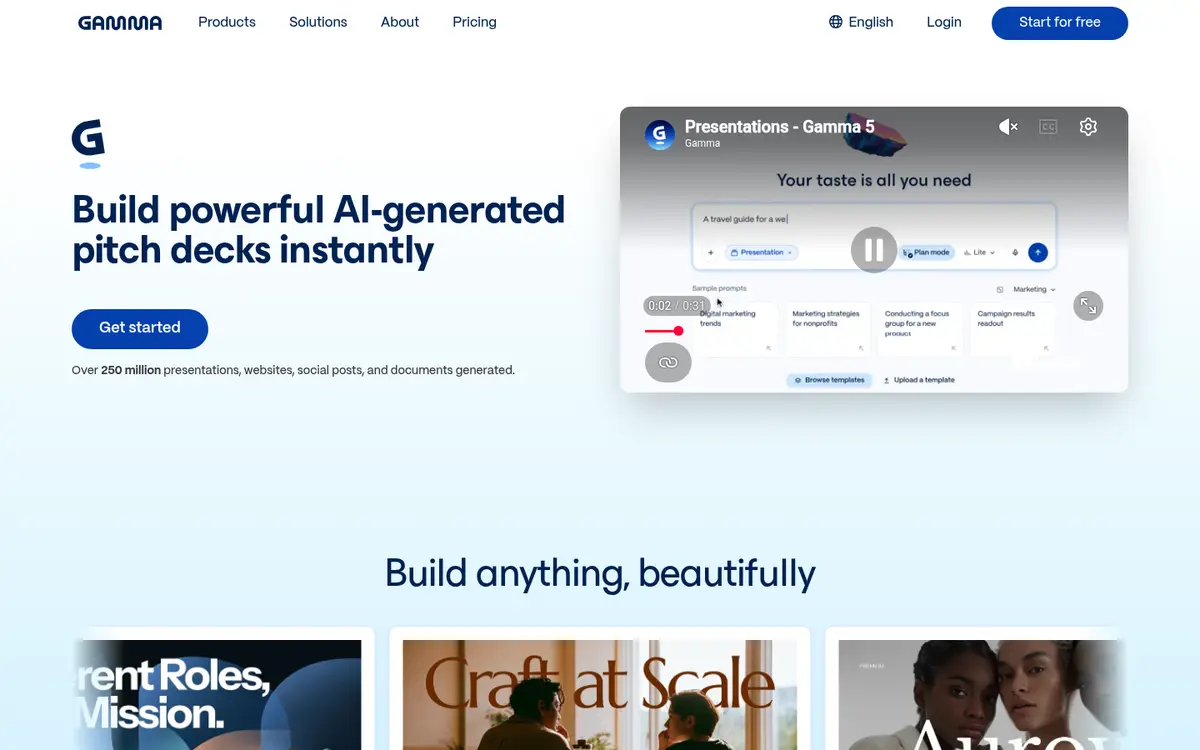
Gamma is a general AI design tool for presentations, documents, webpages and social posts. It builds on its own web canvas and exports to PowerPoint, PDF, Google Slides and PNG.
You describe the deck, and Gamma 5, live since 6 Oct 2026, works through the story before it designs the slides. You can then edit freely on the canvas or keep prompting, and the agent keeps the context while you change things. Connectors pull Slack threads and Granola meeting transcripts into a deck. PowerPoint and PDF files can be imported as well as exported. A public API and apps for Claude, ChatGPT and Slack let other tools create and edit Gamma decks, and a ChatGPT plugin builds a deck in a side panel one slide at a time.
Gamma is used by individuals and businesses, and its homepage says more than 250 million presentations, websites, social posts and documents have been generated. The free plan covers up to 10 slides per prompt, with PowerPoint, PDF, PNG and Google Slides export.
If you mainly use Grok Bot for decks, Gamma is a focused alternative with a free plan, where Grok Bot starts at $30 a month. It will not sign in to your tools, run routines or update a deck from live data, and it is not built for finance or modelling at all. For the model behind the slides you need a separate tool. Gamma names its Plus, Pro and Ultra plans, but we did not check their prices for this page.
- Price
- Free plan; Plus, Pro and Ultra. We did not check the prices.
- Free option
- A free plan with up to 10 slides per prompt and PowerPoint export.
Pros
- Free plan with PowerPoint export
- Imports and exports PowerPoint and PDF
- API and apps for Claude, ChatGPT and Slack
Cons
- Not built for finance or models
- Paid plan prices not checked
Pick it if you mainly used Grok Bot to make slide decks.
Who should pick what
First decide what you want the AI to hand back. If it is finished office work across many apps, stay with an agent product. If it is a spreadsheet you can check and edit, pick a tool that works in Excel. If it is slides, a deck tool may be enough.
- Agents that take tasks by email and work in Office files: Endex or Zibly.
- An assistant inside Excel and PowerPoint: ChatGPT or Microsoft Copilot.
- Slide decks from a prompt, with a free plan: Gamma.
- A ready Excel financial model that AI changes for your case: Finamodel.
Grok Bot ships changes almost every week; its changelog went from version 0.17 in August 2026 to 0.78 by late October. Check its current pages before you switch, since features change quickly. Whatever you choose, give the tool one real task with a known answer and compare the result before you hand it more.
Frequently asked
How much does Grok Bot cost?+
Premium is $30 a month, Super $100 a month and Ultra $200 a month, all billed monthly, each with weekly usage included. Teams and Enterprise plans are priced through sales. We read these prices on 10 Nov 2026.
Is there a free version of Grok Bot?+
No free plan or trial is listed. Among the alternatives, ChatGPT and Gamma have free plans, Zibly's first task is free, and Finamodel gives 30 free models with live formulas and a free sample of every other model.
What are the main Grok Bot alternatives?+
For agents that take tasks and work in Office files: Endex and Zibly. For AI inside Excel and PowerPoint: ChatGPT and Microsoft Copilot. For decks: Gamma. For a ready Excel model that AI changes for your case: Finamodel.
Grok vs Finamodel: which should I pick?+
Pick Grok Bot if you want AI agents that sign in to your apps and return reports and decks. Pick Finamodel if you need a ready Excel financial model that Fina changes for your case, at $20 a month or $120 a year.
Can Grok Bot build Excel models?+
We found no official page that describes Grok Bot building or explaining Excel models, formulas or .xlsx files. Its spreadsheet support covers viewing and handling data, with selectable cell ranges of up to 10,000 rows. It does build slide decks, delivered as PowerPoint files or Google Slides.
Sources for Grok (4), last checked 10 Nov 2026+
- x.ai · Grok Bot page: positioning and plan prices · 10 Nov 2026
- x.ai · Use-case templates · 10 Nov 2026
- x.ai · Changelog: slide decks, spreadsheet preview · 10 Nov 2026
- x.ai · Data Bot announcement · 10 Nov 2026
Each alternative's own page lists its sources.


