EBITDA Bridge: How to Build One in Excel
Key Takeaways
- An EBITDA bridge explains why EBITDA changed, not just that it changed - it's the difference between reporting a number and telling a story a board or investment committee can act on.
- The eight-driver framework (Volume, Price, Variable Cost, SG&A, R&D, Other Opex, Restructuring, FX) covers most operating businesses; simplify or extend it based on how granular the underlying data supports.
- Volume uses prior-year margin; price and variable cost use current-year volume. Getting these two conventions right is what keeps the bridge from double-counting or under-counting the interaction between price and volume.
- Flip the sign on every cost driver so the entire bridge reads on one consistent "positive equals favorable" scale.
- FX and restructuring should always be isolated - they represent real dollars but not real, repeatable operating performance, and blending them into the operating drivers hides the true run-rate trend.
- Reconcile before you present. The sum of the driver effects must tie exactly (or within a tiny tolerance) to the actual CY-minus-PY EBITDA change. If it doesn't, there's a sign or double-counting error to find before the bridge goes in front of anyone.
For the full income statement, balance sheet, and cash flow build this bridge typically sits alongside, see our guide to pro forma financial statements. To understand how the EBITDA line flows into the rest of the model, read how the three financial statements link together, or start from the EBITDA bridge template used for the worked example above.
An EBITDA bridge decomposes the year-over-year change in EBITDA into the individual drivers that caused it - volume, price, cost, and FX - so a reader can see exactly why EBITDA moved instead of just that it moved. This guide walks through the standard eight-driver framework, the exact formulas for each effect, how to build the waterfall chart in Excel, and a fully worked, reconciling example.
A single EBITDA number tells you almost nothing about why performance changed. A company can grow EBITDA by raising prices while volume collapses, or it can grow EBITDA purely from a currency tailwind while the underlying business deteriorates. The EBITDA bridge - also called an EBITDA walk - exists to answer the "why" question, and it's one of the most requested exhibits in board decks, quarterly investor updates, and private equity investment committee memos. A partner reviewing a portfolio company doesn't want to hear "EBITDA is up 42% year over year" - they want to see how much of that came from real operating improvement versus a one-time item or a favorable FX rate.
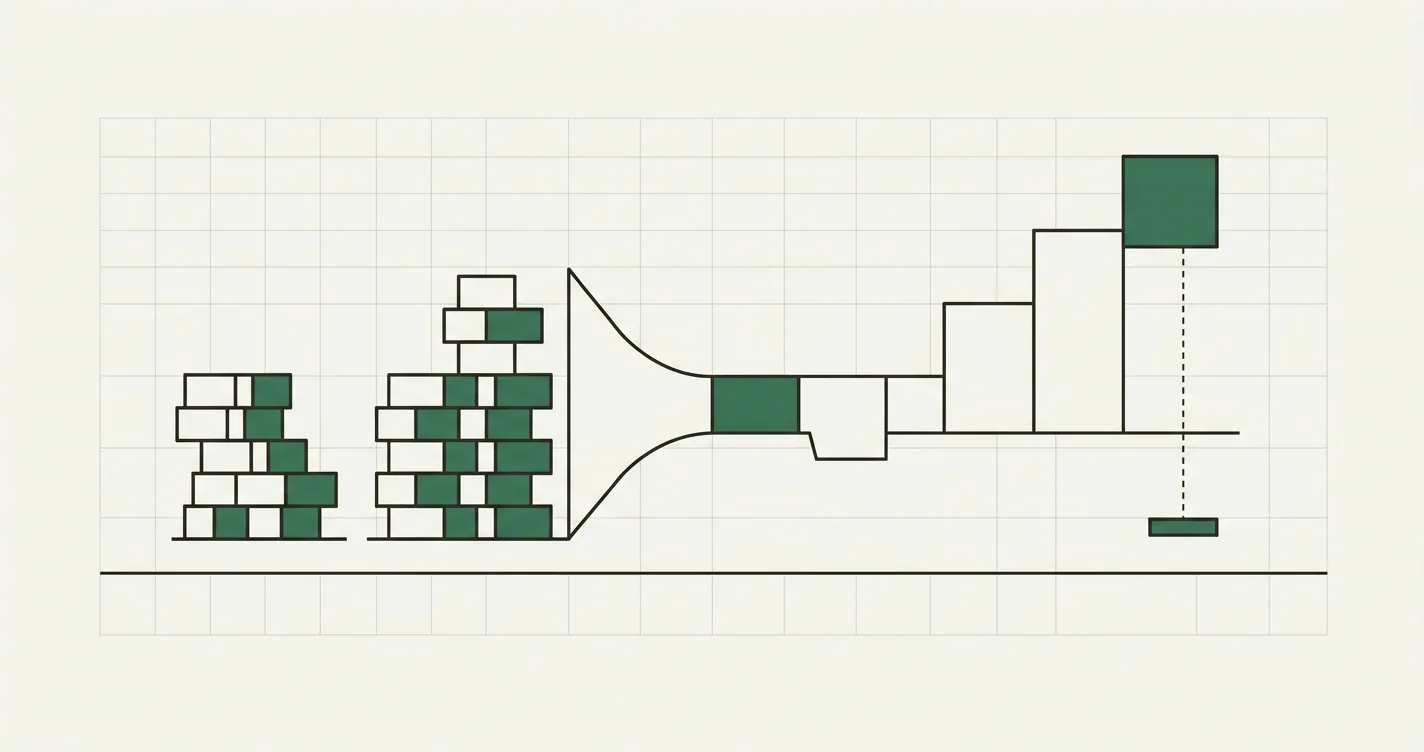
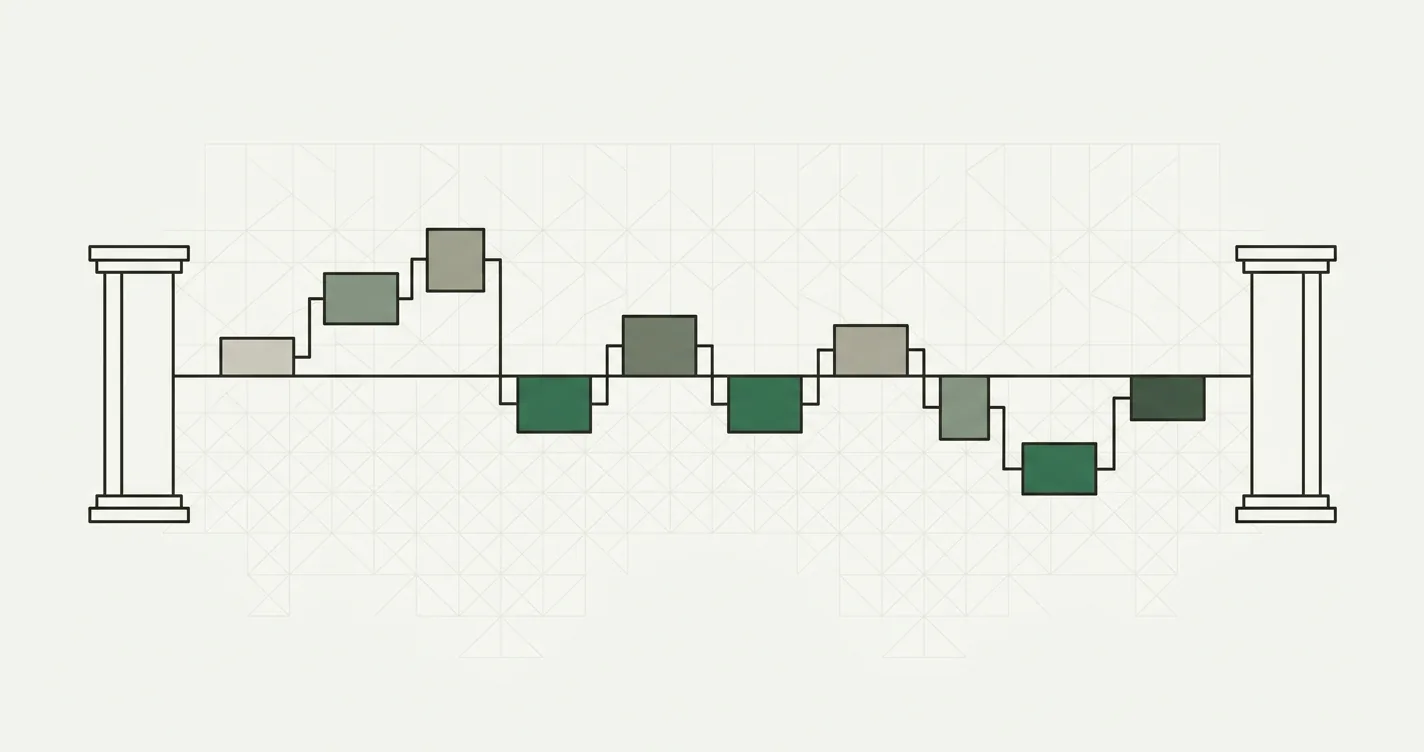
The eight-driver EBITDA bridge: each bar isolates one cause of the year-over-year change, and the bars sum exactly to the total move.
The Eight Standard Drivers
There's no universal law dictating how many drivers a bridge must have, but a robust EBITDA bridge for an operating business typically covers eight:
- Volume - the EBITDA effect of selling more or fewer units, holding price and cost constant.
- Price - the effect of charging more or less per unit, holding volume constant.
- Variable Cost - the effect of a change in cost per unit (materials, direct labor, logistics).
- SG&A - the change in selling, general, and administrative expense.
- R&D - the change in research and development spend.
- Other Opex - any other operating cost line not captured above.
- Restructuring - one-time or non-recurring costs, kept separate so they don't distort the read on run-rate performance.
- FX - the effect of currency translation, isolated from real operating performance.
The first two drivers isolate the revenue side of the walk; the next four isolate the cost side; the last two separate out items that aren't "real" operating performance in the current period. Every cost-side effect is signed so that positive always means favorable to EBITDA - a cost that went down shows up as a positive number, exactly like a revenue increase. That single convention is what lets a reader scan the bridge top to bottom without mentally flipping signs.
The Formulas
Each driver effect is calculated by holding every other variable constant and isolating the change in just one. Assume your Assumptions sheet has prior-year (PY) and current-year (CY) values for units sold, average selling price, variable cost per unit, and the fixed-cost lines, plus a CY FX factor (PY is anchored at 1.000).
Volume Effect
Volume is valued at the prior-year contribution margin per unit - you're asking "what would the extra units have been worth at last year's economics?"
// PY contribution margin per unit
= PY_Price - PY_VariableCost

// Volume effect
= (CY_Units - PY_Units) * PY_CM_Per_Unit
Price Effect
Price is valued at the current-year unit volume, since the price change applies to however many units you actually sold this year.
= (CY_Price - PY_Price) * CY_Units
Variable Cost Effect
Variable cost also uses current-year volume, and the sign is flipped so a cost decrease reads as favorable.
= (PY_VariableCost - CY_VariableCost) * CY_Units
Fixed-Cost Effects (SG&A, R&D, Other Opex, Restructuring)
Fixed costs aren't volume-driven, so each effect is simply PY minus CY - again, a cost decrease is positive.
= PY_SGA - CY_SGA
= PY_RandD - CY_RandD
= PY_OtherOpex - CY_OtherOpex
= PY_Restructuring - CY_Restructuring
FX Effect
FX is applied to revenue only - cost lines stay in the entity's functional currency, since most cost bases don't reprice with FX in the same period. The effect is the current-year revenue at the current FX rate minus the same revenue at a rate of 1.000 (the PY anchor).
= CY_Units * CY_Price * (CY_FX - 1)
Reconciliation Check
The eight effects should sum exactly to the actual change in EBITDA. Build this as a visible check row, not an afterthought - it's the only thing standing between a credible bridge and a silently wrong one.
= ABS(SUM(Volume, Price, VariableCost, SGA, RandD, OtherOpex, Restructuring, FX) - (CY_EBITDA - PY_EBITDA)) <= Tolerance
Worked Example
Assume a manufacturing business with the following prior-year (PY) and current-year (CY) figures:
| Assumption | Prior Year | Current Year |
|---|---|---|
| Units sold | 100,000 | 110,000 |
| Average selling price | $50.00 | $52.00 |
| Variable cost per unit | $30.00 | $31.00 |
| SG&A | $800,000 | $850,000 |
| R&D | $300,000 | $320,000 |
| Other opex | $150,000 | $140,000 |
| Restructuring | $0 | $50,000 |
| FX factor | 1.000 | 1.02 |
Step 1 - Build the P&L to EBITDA for each period. FX applies to revenue only; variable cost stays in domestic currency.
| Line | Prior Year | Current Year |
|---|---|---|
| Revenue (Units x Price x FX) | $5,000,000 | $5,834,400 |
| Variable cost (COGS) | $3,000,000 | $3,410,000 |
| Gross profit | $2,000,000 | $2,424,400 |
| SG&A | $800,000 | $850,000 |
| R&D | $300,000 | $320,000 |
| Other opex | $150,000 | $140,000 |
| Restructuring | $0 | $50,000 |
| EBITDA | $750,000 | $1,064,400 |
| EBITDA margin | 15.0% | 18.2% |
Current-year revenue: 110,000 x $52.00 x 1.02 = $5,834,400. Current-year variable cost: 110,000 x $31.00 = $3,410,000 (no FX applied). The EBITDA change to explain is $1,064,400 - $750,000 = $314,400.
Step 2 - Compute each driver effect.
| Driver | Formula | Effect |
|---|---|---|
| PY contribution margin/unit | $50.00 - $30.00 | $20.00 |
| Volume | (110,000 - 100,000) x $20.00 | +$200,000 |
| Price | ($52.00 - $50.00) x 110,000 | +$220,000 |
| Variable Cost | ($30.00 - $31.00) x 110,000 | -$110,000 |
| SG&A | $800,000 - $850,000 | -$50,000 |
| R&D | $300,000 - $320,000 | -$20,000 |
| Other Opex | $150,000 - $140,000 | +$10,000 |
| Restructuring | $0 - $50,000 | -$50,000 |
| FX | 110,000 x $52.00 x (1.02 - 1) | +$114,400 |
| Total (should equal EBITDA change) | $314,400 |
Step 3 - Reconcile. $200,000 + $220,000 - $110,000 - $50,000 - $20,000 + $10,000 - $50,000 + $114,400 = $314,400, which exactly matches the $1,064,400 - $750,000 EBITDA change computed in Step 1. The bridge reconciles with zero residual.
Reading the walk: volume and price together added $420,000 (the real commercial growth story), variable cost inflation and the SG&A/R&D step-ups ate $180,000 of that, a one-time restructuring charge cost another $50,000, and a favorable FX rate contributed $114,400 that had nothing to do with operating performance. A reader who only saw "+42% EBITDA growth" would have missed that roughly a third of the improvement came from currency, not the business.
Building the Waterfall Chart
Native Excel Waterfall (2016+)
Select your driver labels (PY EBITDA, Volume, Price, Variable Cost, SG&A, R&D, Other Opex, Restructuring, FX, CY EBITDA) alongside their dollar values, then go to Insert > Charts > Waterfall. Right-click the first and last bars and mark them as "Set as Total" - this anchors PY EBITDA and CY EBITDA to zero instead of stacking them on the running total like the driver bars in between. Excel colors increases and decreases automatically.
The Invisible-Base Technique (older Excel or Google Sheets)
If you're on a version without the native Waterfall chart type, build the same visual with a stacked bar chart and a hidden helper series:
// Running cumulative total after this driver's effect
= Previous_Cumulative + Driver_Effect

// Invisible base bar - the lower of the two cumulative points
= MIN(Previous_Cumulative, Current_Cumulative)

// Visible bar height - the size of the move
= ABS(Driver_Effect)
Stack the invisible base series (formatted with no fill) beneath the visible effect series, and each bar will appear to float at the correct height, rising or falling from the previous bar's endpoint - the classic waterfall look, built entirely from a standard stacked column chart.
Common Mistakes
- Applying FX to both revenue and costs. This double-counts the currency effect and breaks the reconciliation. Pick one basis - revenue-only is standard - and hold costs in the functional currency.
- Valuing volume at current-year margin instead of prior-year margin. This blends the volume and price effects together and makes the bridge non-reconciling. Volume should always be measured at the prior-year contribution margin per unit.
- Forgetting to flip the sign on cost effects. If a cost decrease shows up as a negative number, the reader will misread it as unfavorable. Every driver, revenue or cost, should follow the same "positive = favorable to EBITDA" convention.
- Burying restructuring inside SG&A or Other Opex. One-time items belong in their own bar. Blending them into a recurring cost line makes the underlying run-rate change unreadable.
- Skipping the reconciliation check. A bridge that doesn't visibly tie the sum of its drivers to the actual EBITDA change is not trustworthy - build the check row and treat any material residual as a bug to find, not a rounding footnote to ignore.
- Too many drivers. A 15-line bridge is unreadable in a boardroom. If a line contributes less than a few percent of the total swing, fold it into "Other."

Alex Tapio
Founder of Finamodel • Professional Financial Modeller • Ex-Deloitte